Skip to content

Pika Labs AI

  • Home
  • Text To Video
  • Pika Prompt Generator
  • Pika 2.5
  • Pikaffects
  • Discord

Higgsfield

Discover the New Higgsfield Shots Feature: Complete Tutorial
28 March 2026 by pikalabsai.org
Discover the New Higgsfield Shots Feature: Complete Tutorial - Featured Image

If you tell stories, you need coverage. Getting the right angles from AI usually means a ton of prompting. I drop in one image and it gives me nine cinematic shots instantly. Wide, over the shoulder, closeup. Then I pick the best frame, upscale it, and I have a clean shot list in seconds. I … Read more
Categories Higgsfield Leave a comment

Master Consistent Character Creation in Higgsfield AI Quickly

28 March 2026 by pikalabsai.org
Master Consistent Character Creation in Higgsfield AI Quickly - Featured Image

I’m going to show you how to create a consistent character in Higgsfield AI. Follow these steps for best results. Getting started with Higgsfield AI Character Consistency Step 1: Go to higsfield.ai and sign in to your account. Step 2: On the Visual Effects page, select Consistent Characters at the top and click Create Character. … Read more

Categories Higgsfield Leave a comment

Master Higgsfield Speak: Quick and Easy Guide

28 March 2026 by pikalabsai.org
Master Higgsfield Speak: Quick and Easy Guide - Featured Image

I’m going to show you how to use Higgsfield Speak. It can make an avatar speak, so you can make videos like this, which is quite nice. Getting Started – Higgsfield Speak Tutorial Step 1: Go to higgsfield.ai and sign in to your account, or create one if you don’t have it yet. Once you’re … Read more

Categories Higgsfield Leave a comment

Quick and Easy Guide to Editing Higgsfield Videos

28 March 202627 March 2026 by pikalabsai.org
Quick and Easy Guide to Editing Higgsfield Videos screenshot 1

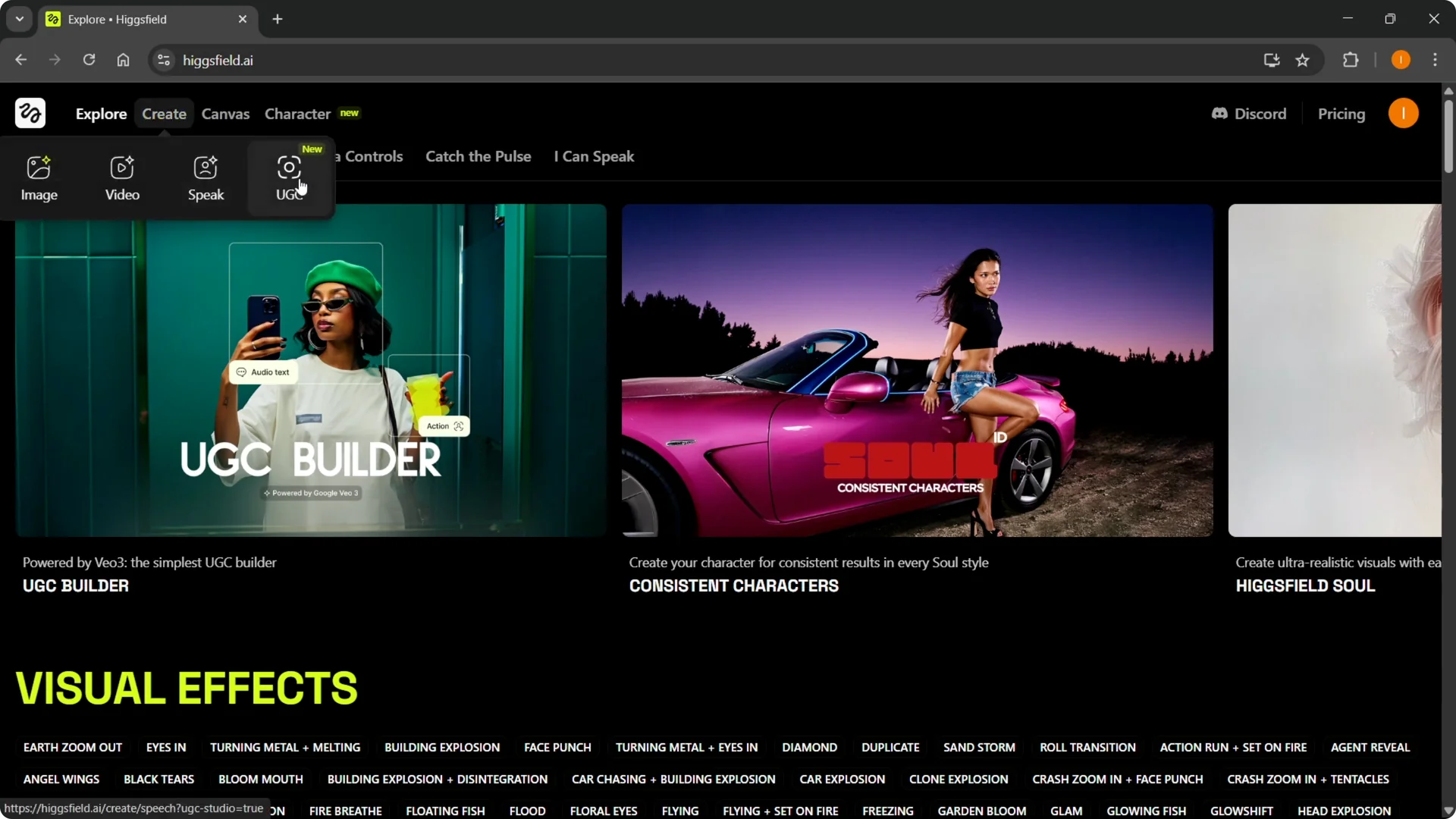
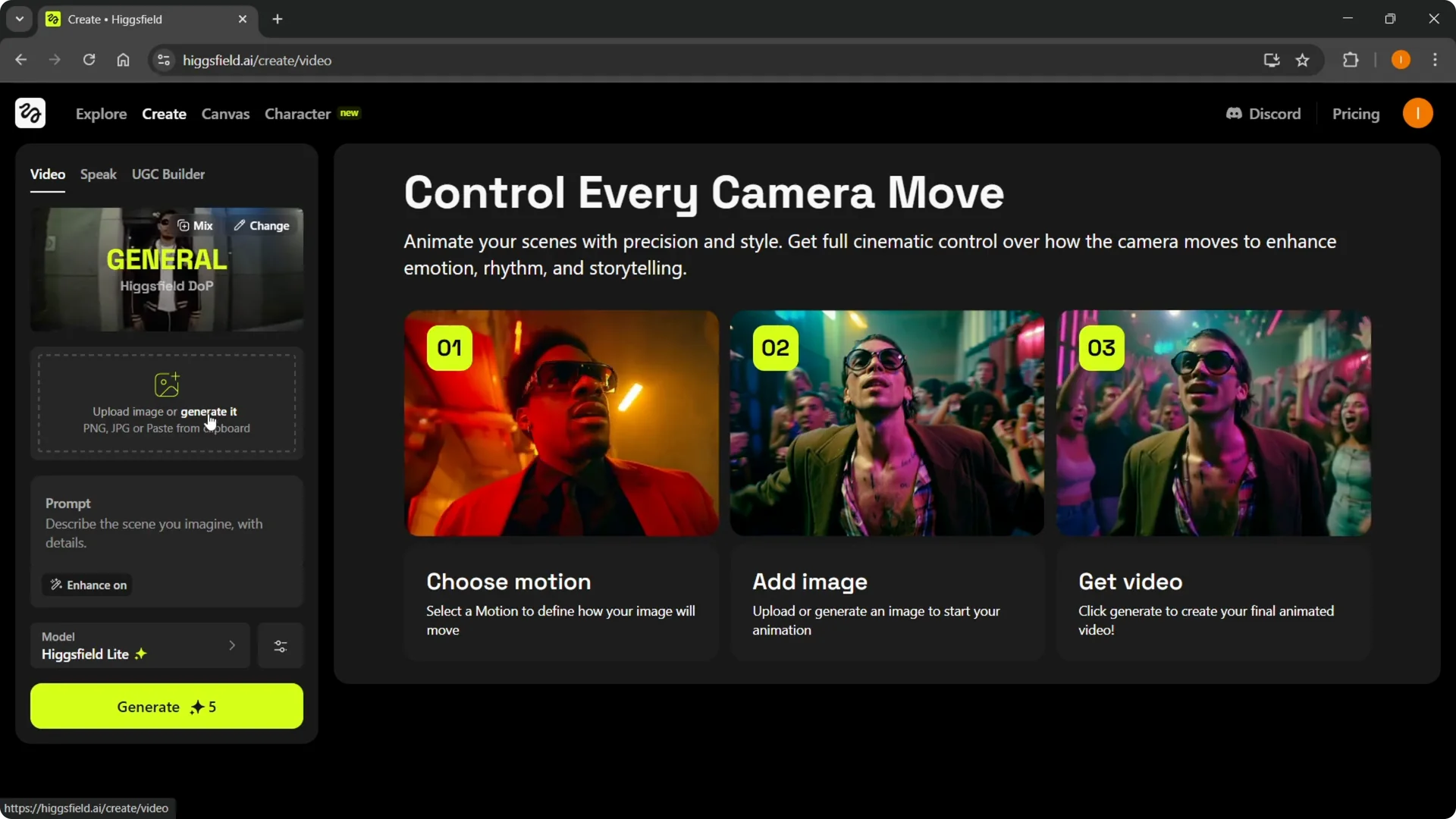
I’m going to show you how to edit a Higgsfield video. Go to higsfield.ai and sign into your account or create one if you don’t have one yet. Hover over Create and choose image video, a speaker video, or UGC content. To actually edit a video, go into Video. Getting Started with Higgsfield AI Video … Read more

Categories Higgsfield Leave a comment

Quick and Easy Editing Tips in Higgsfield Explained

27 March 2026 by pikalabsai.org
Quick and Easy Editing Tips in Higgsfield Explained - Featured Image

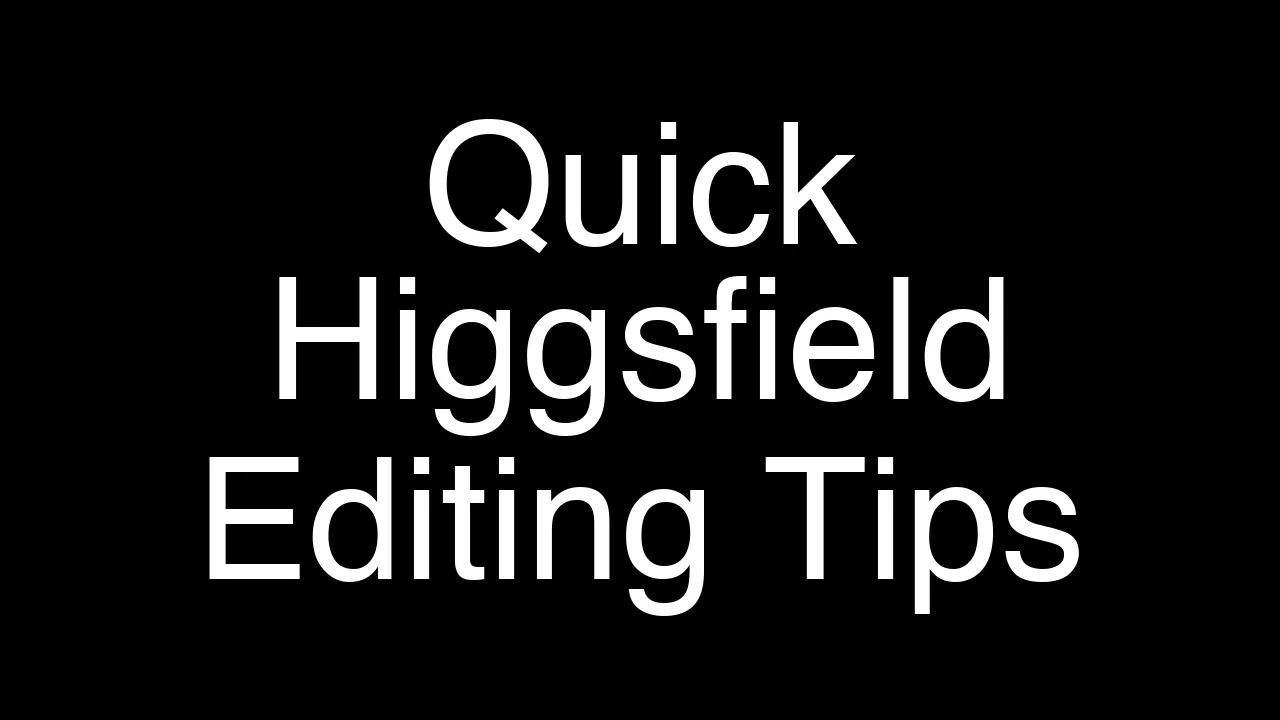
Here is how I edit in Higsfield AI. Go to higsfield.ai and sign into your account or create one if you do not have one yet. Click Create, then pick Video, UGC content, Speak content, or Image. For this walkthrough I am using a video as the example. Getting Started With Higgsfield AI Video Editing … Read more

Categories Higgsfield Leave a comment

Creating VFX with Higgsfield AI: A Quick and Easy Guide

27 March 202627 March 2026 by pikalabsai.org
Creating VFX with Higgsfield AI: A Quick and Easy Guide - Featured Image

Creating VFX with AI in Higgsfield AI is straightforward and fast. Go to higgsfield.ai, sign into your account, or create one if you do not have it yet. Then move into the video creation flow. Getting started with Higgsfield AI VFX Creation Step 1: Go to higgsfield.ai and sign into your account or create one … Read more

Categories Higgsfield Leave a comment

How to Quickly Create a Higgsfield Video with Ease?

26 March 2026 by pikalabsai.org
How to Quickly Create a Higgsfield Video with Ease screenshot 1

I’m going to show you how to make a Higgsfield video. To create a video, it’s very simple. Getting started with Higgsfield Video Generation Step 1: Go to higgsfield.ai and sign in to your account, or create one if you don’t have it yet. Step 2: Hover over the Create tab, which is the second … Read more

Categories Higgsfield Leave a comment

Quick and Easy Ways to Earn Credits in Higgsfield

26 March 202626 March 2026 by pikalabsai.org
Quick and Easy Ways to Earn Credits in Higgsfield - Featured Image

Getting credits in Higgsfield is straightforward once you know where to look. Start on higgsfield.ai, create your account, or sign in if you already have one. From there you can access your credit balance and purchase options. Getting started – Higgsfield Credits Purchase Step 1: Hover over your profile picture in the top right. Click … Read more

Categories Higgsfield Leave a comment

Higgsfield Sora 2 Pro: Explore All New Features

26 March 202626 March 2026 by pikalabsai.org
Higgsfield Sora 2 Pro: Explore All New Features Uncovered screenshot 3

This is a full guide to all the new features in the new Higgsfield Sora 2 Pro update. It is very easy to see what is new because Higgsfield marked them with ribbons. Some show a best ribbon and others show a new ribbon. You can go through the menus and you will see a … Read more

Categories Higgsfield Leave a comment

Using the New Nano Banana Pro on Higgsfield

25 March 2026 by pikalabsai.org
Using the New Nano Banana Pro on Higgsfield: Quick Guide screenshot 1

Here is how to use the new Nano Banana Pro on Higsfield. Sign into your account, hover over Image, and select the new Nano Banana Pro. It is labeled as the best 4K image model. If you subscribe through Monday, November 24, Higsfield is offering unlimited Nano Banana Pro generations for one year. That is … Read more

Categories Higgsfield Leave a comment
Older posts
Newer posts
← Previous Page1 … Page3 Page4 Page5 … Page7 Next →
  • How to Properly Delete Images from Your Higgsfield AI Account - Featured Image
    How to Properly Delete Images from Your Higgsfield AI Account
  • Master Consistent Characters & Storyboards with Higgsfield AI - Featured Image
    Master Consistent Characters & Storyboards with Higgsfield AI
  • How Higgs Field AI Brings Your Stories to Life - Featured Image
    How Higgs Field AI Brings Your Stories to Life
  • Creating an AI Product Presenter: A Complete Video Workflow Guide - Featured Image
    Creating an AI Product Presenter: A Complete Video Workflow Guide
  • How Higgsfield Soul Ensures Consistent AI Characters & Outfits - Featured Image
    How Higgsfield Soul Ensures Consistent AI Characters & Outfits
  • Home
  • Text To Video
  • Pikaffects
  • PikaFrames
  • Pikadditions
  • Pikamemes
  • PikaTwists
  • Pika Social App

Latest Posts:

  • How to Properly Delete Images from Your Higgsfield AI Account
  • Master Consistent Characters & Storyboards with Higgsfield AI
  • How Higgs Field AI Brings Your Stories to Life
  • Creating an AI Product Presenter: A Complete Video Workflow Guide

Pika Labs Model

  • Pika 1.0
  • Pika 1.5
  • Pika 2.0
  • Pika 2.1
  • Pika 2.2
  • Pika 2.5
  • Official Discord
  • Privacy Policy
Disclaimer: Pikalabsai.org is an unofficial educational blog. We're not affiliated with Pika.art, don't request any payments, and give full copyright credit to Pika.art. Our goal is to promote and share information only. | 7789 Broadway #202, San Francisco, CA 94111, United States