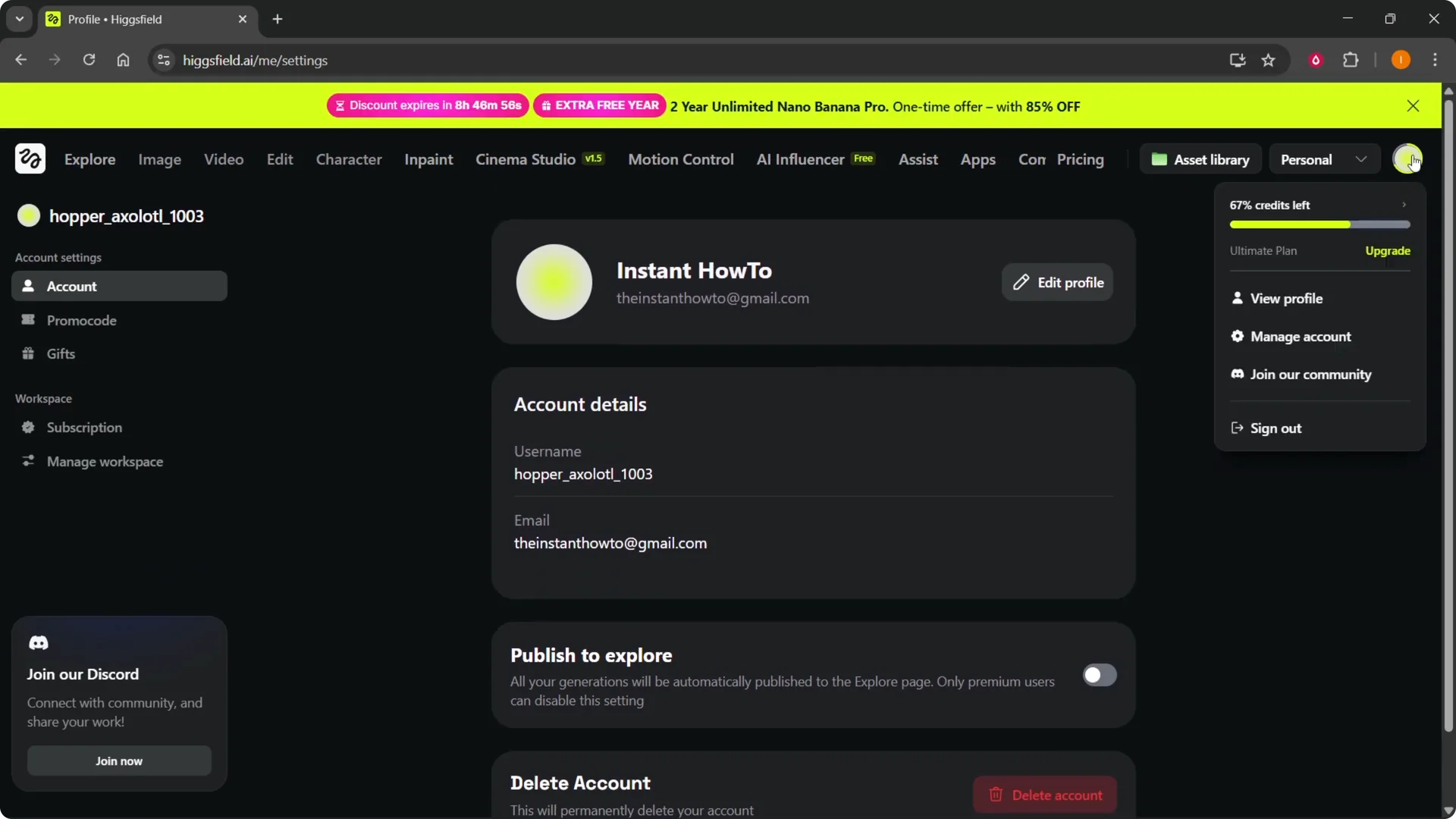
I wasn’t able to find a password reset button inside the settings on Higgsfield. If you hover over the top right profile icon and go into Manage Account, there’s no button to do this. You have to use an alternative method.
Higgsfield Password Reset: Step-by-Step
Sign out and open login
Step 1: Hover over the top right and click Sign out.
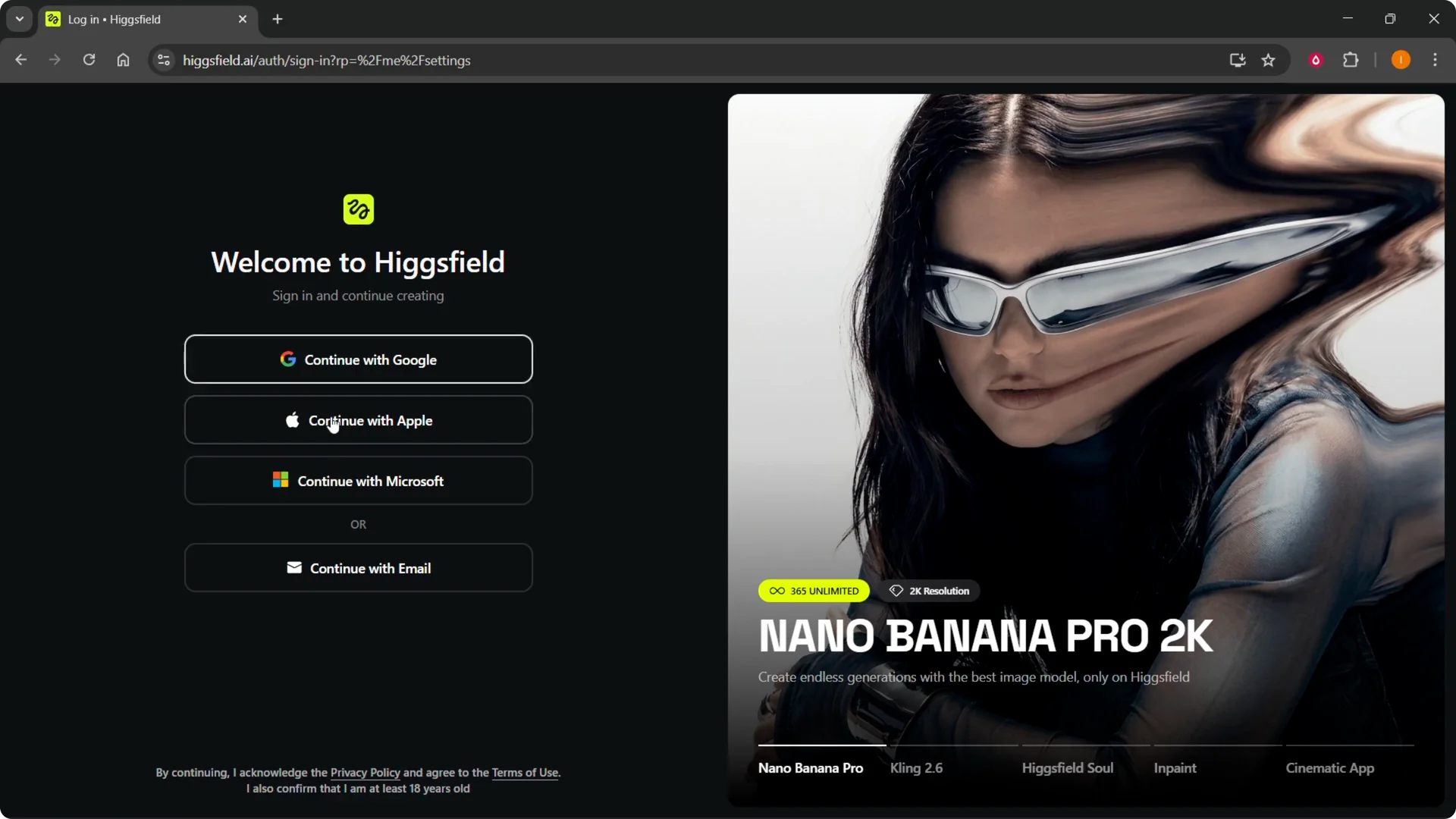
Step 2: From there you will see the login page. Select how you want to sign in. For example, Continue with email.
Read More: How To Record Your Own Voice In Filmora And Enhance It With Ai
Higgsfield Password Reset: Request the code
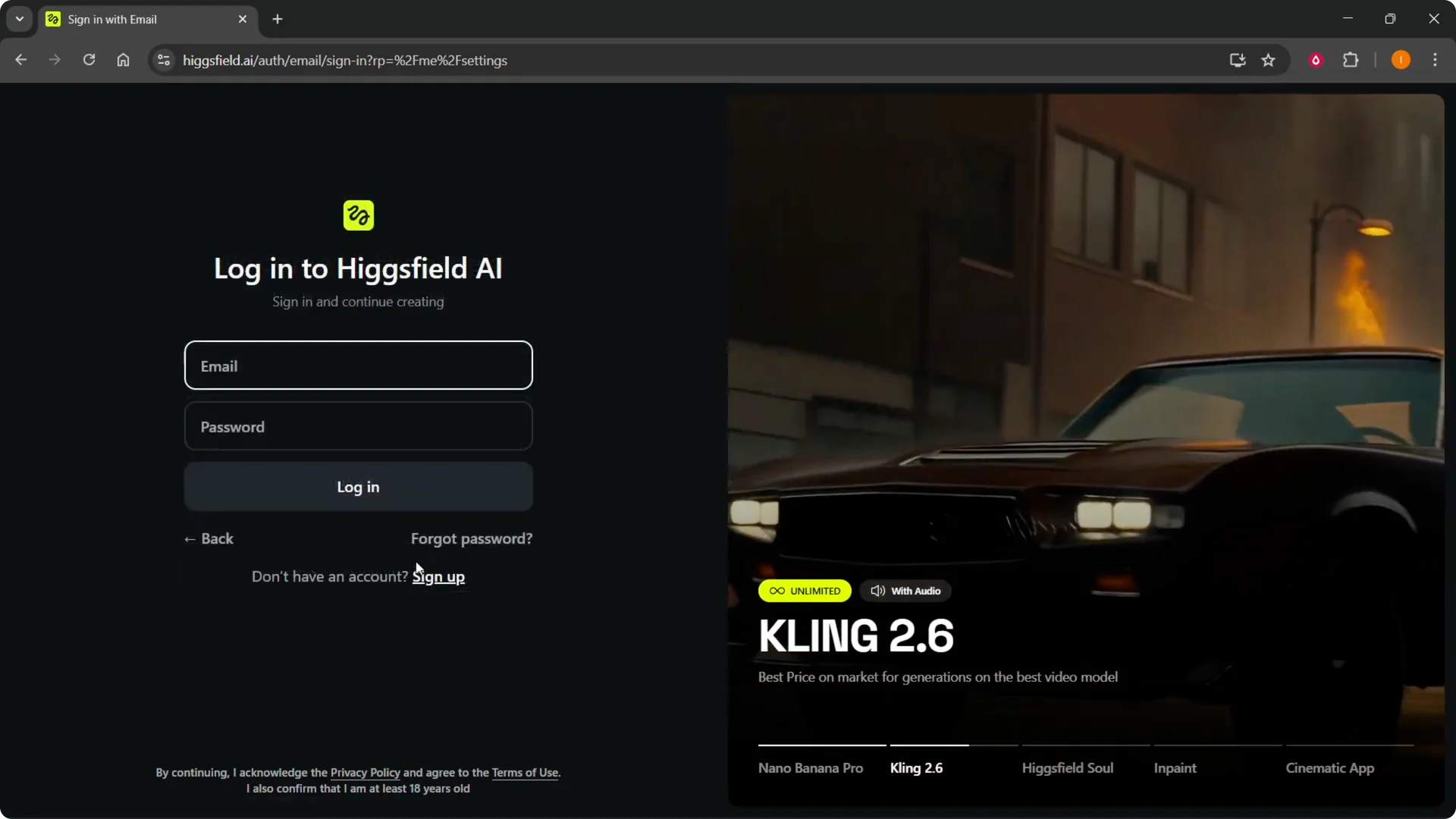
Step 3: Click Forgot password.
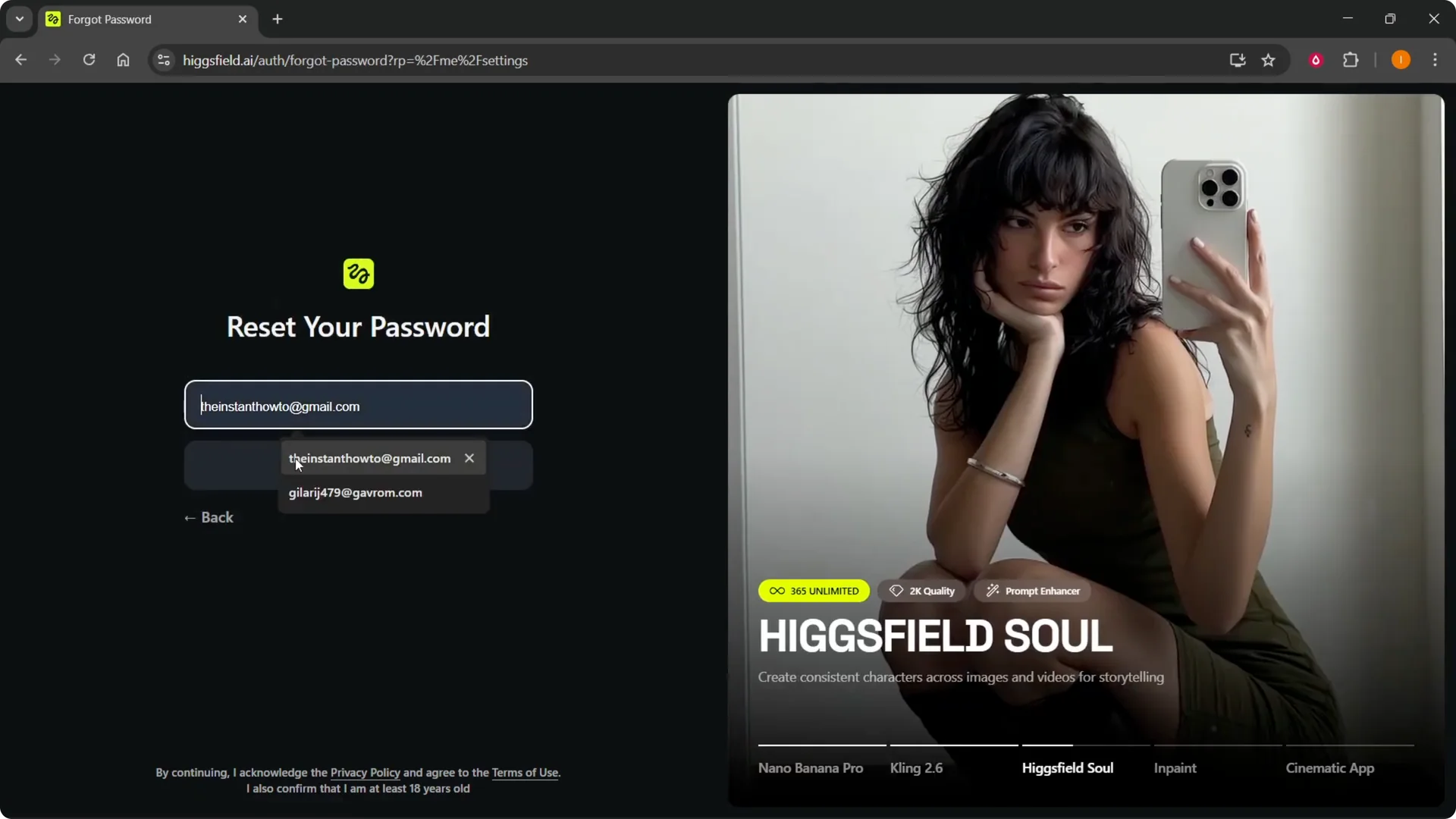
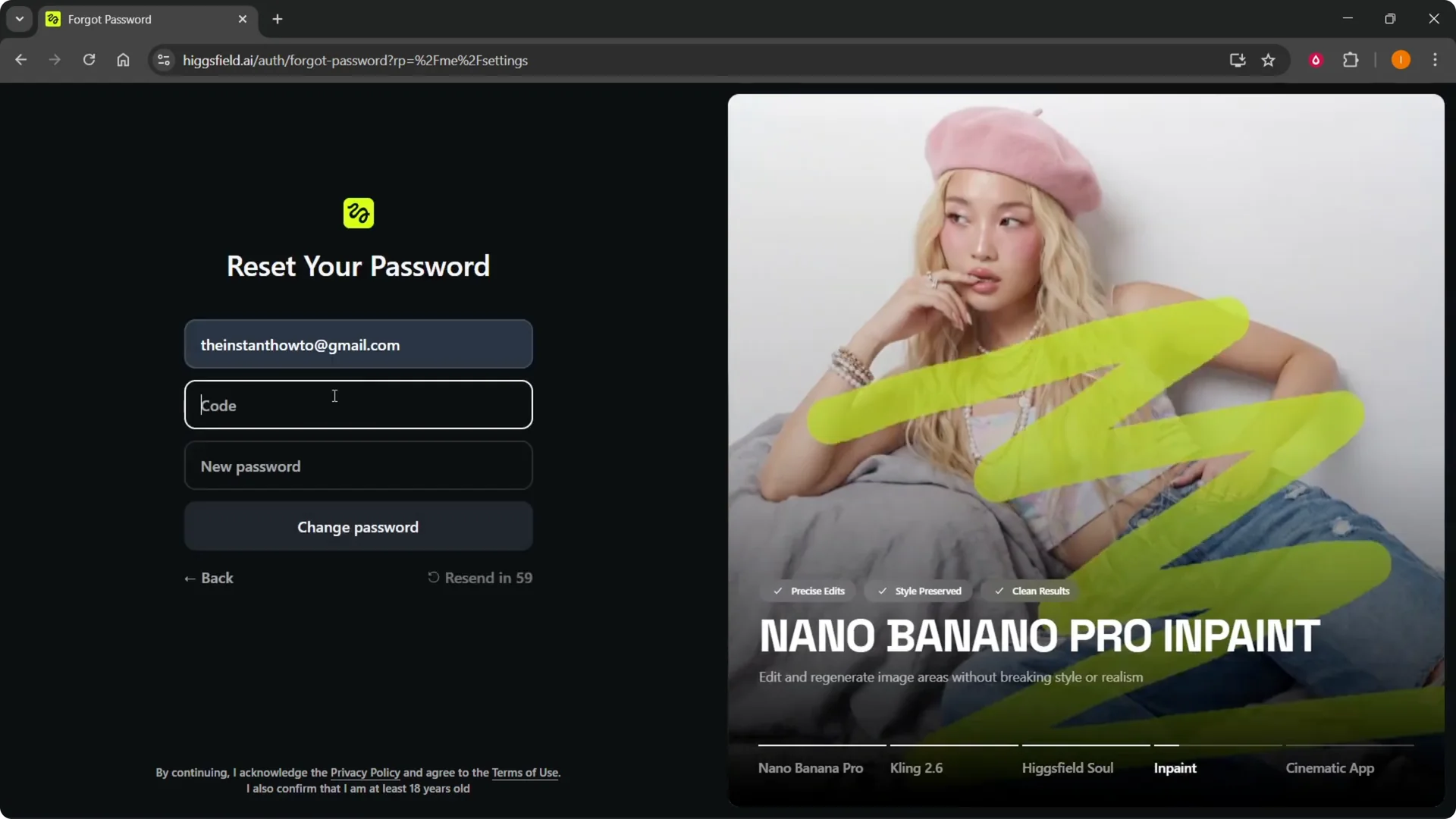
Step 4: Type in your email. Click Send code.
Step 5: A code is going to be sent to your email. Go to your email and type in that code.
Read More: How To Clone Your Voice In Filmora Ai
Set your new password
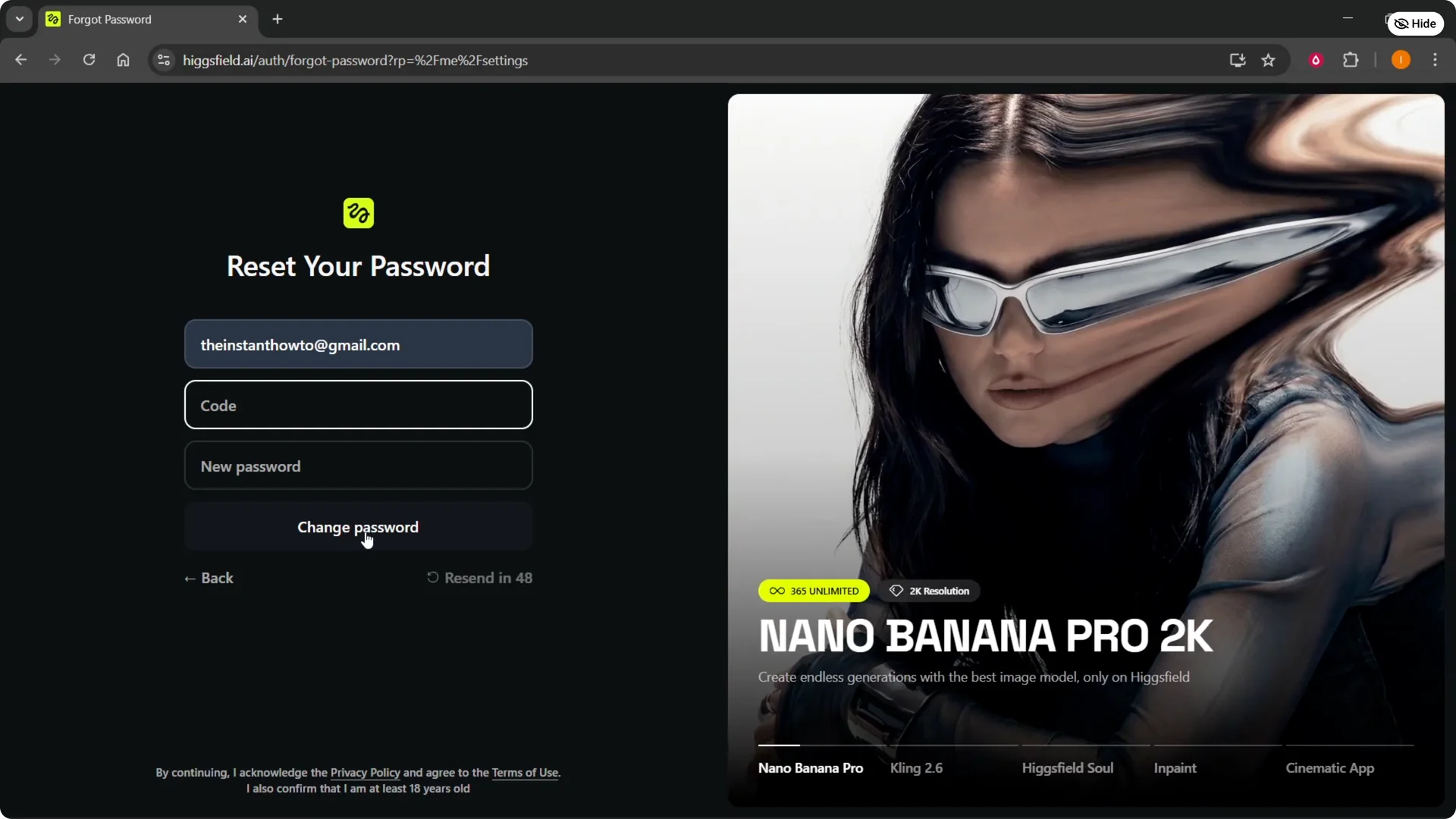
Step 6: Enter the new password you want to use. Click Change password.
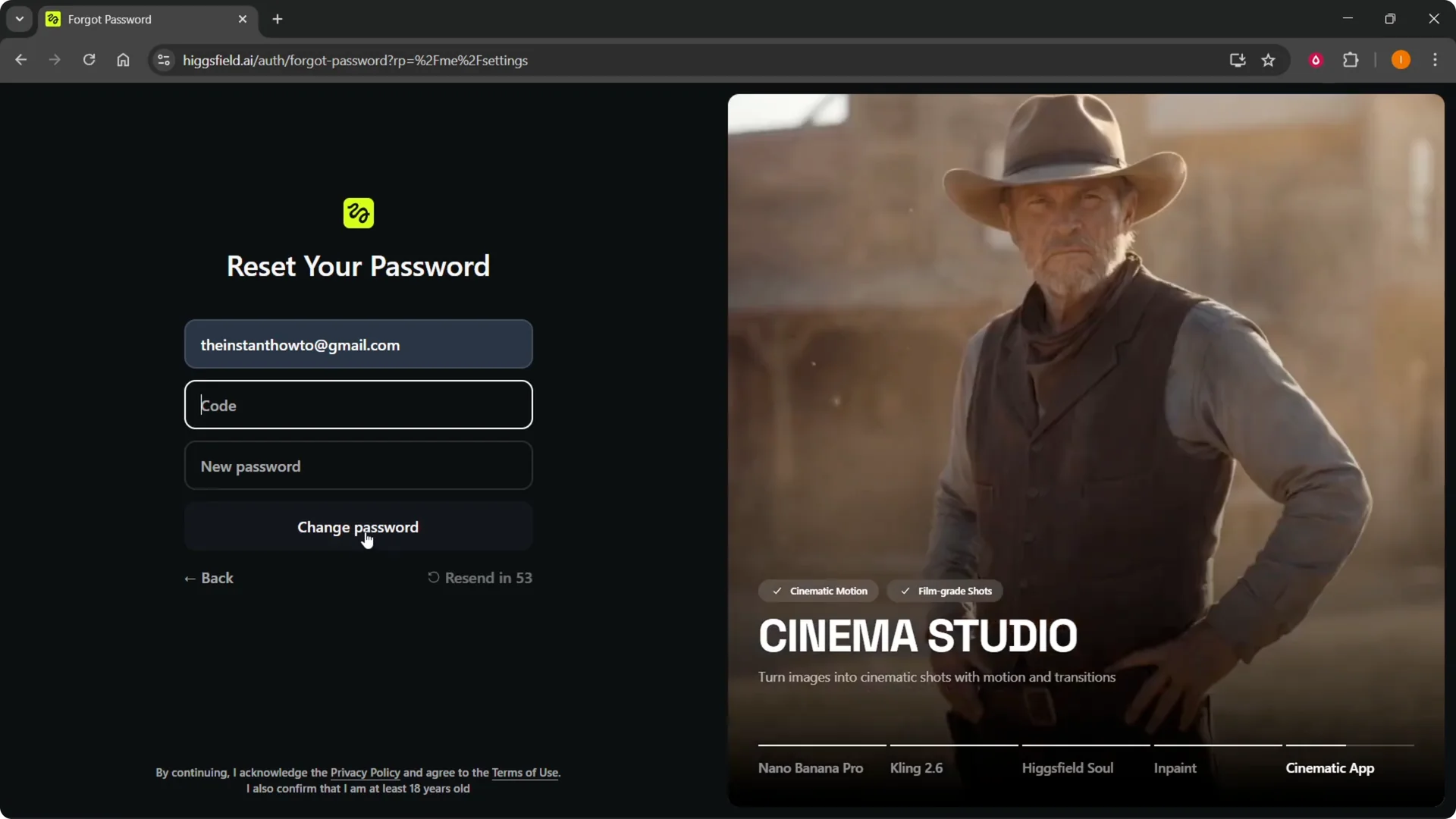
Step 7: You can then change your Higgsfield password and sign in with your new password.
Read More: Contact Higgsfield Ai
Final Thoughts
This method works when there is no reset button in settings. Sign out, use Forgot password from the login page, confirm the code, and set a new password. That’s the only way to do it.