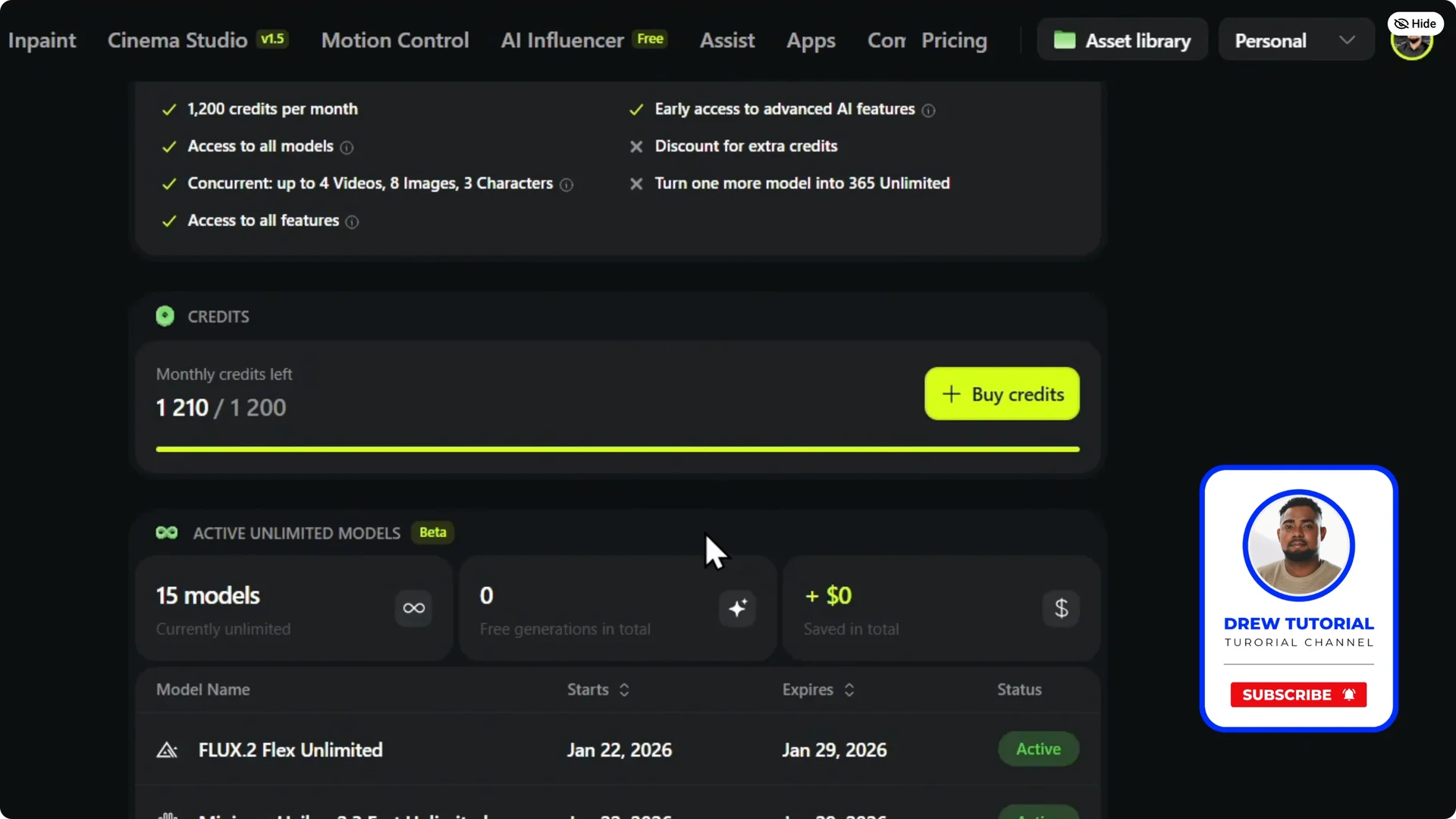
Here is how you can check or see your remaining credits on Xfield.
Higgsfield AI Credit Management
Quick check
Step 1: Hover over your account on the upper right.
Here you can find the available credits.


If you want a walkthrough of the quick view, see this credit check guide.
Detailed view
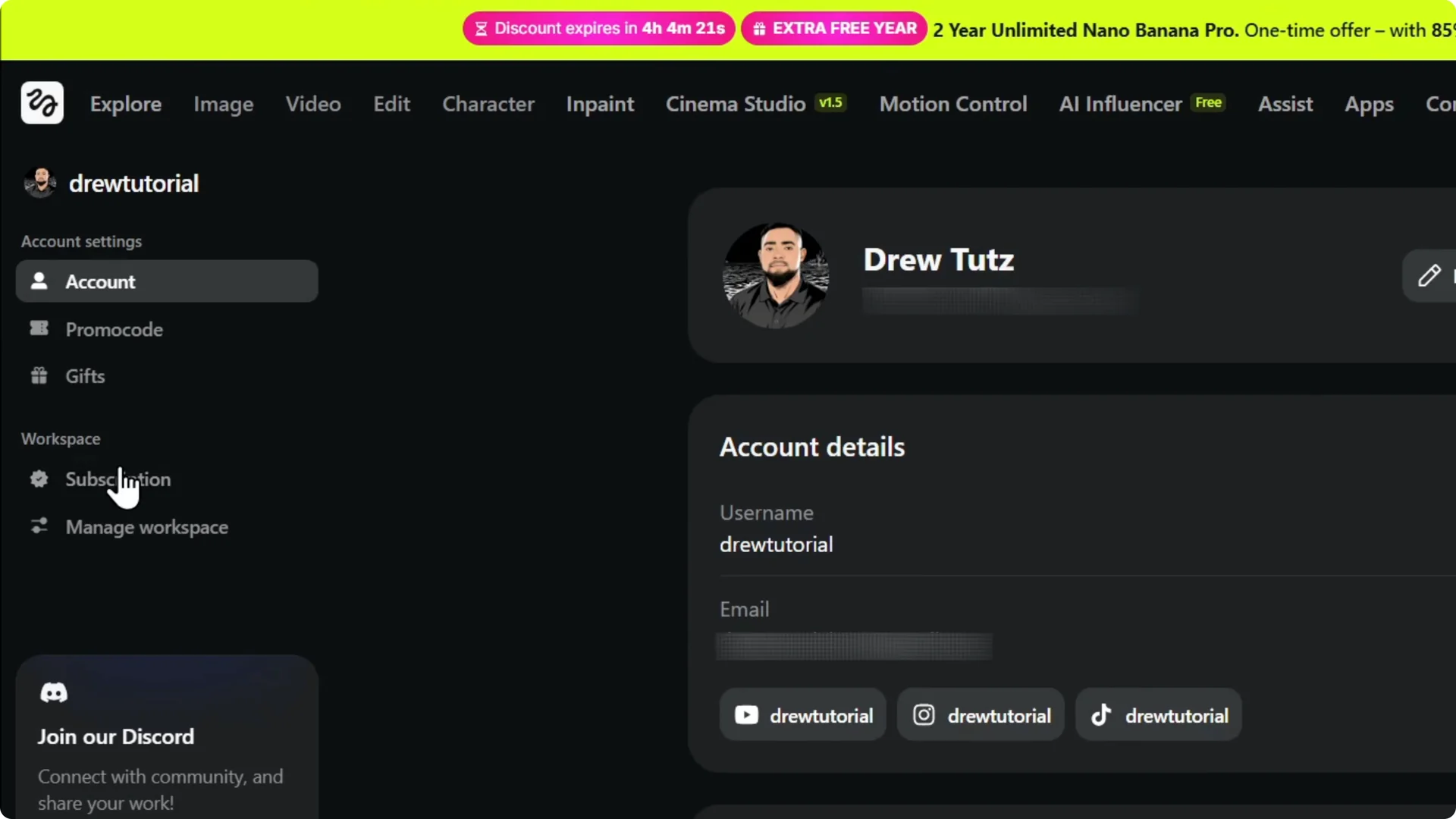
Step 1: Click Manage Account.
Click Subscription on the left under the workspace.
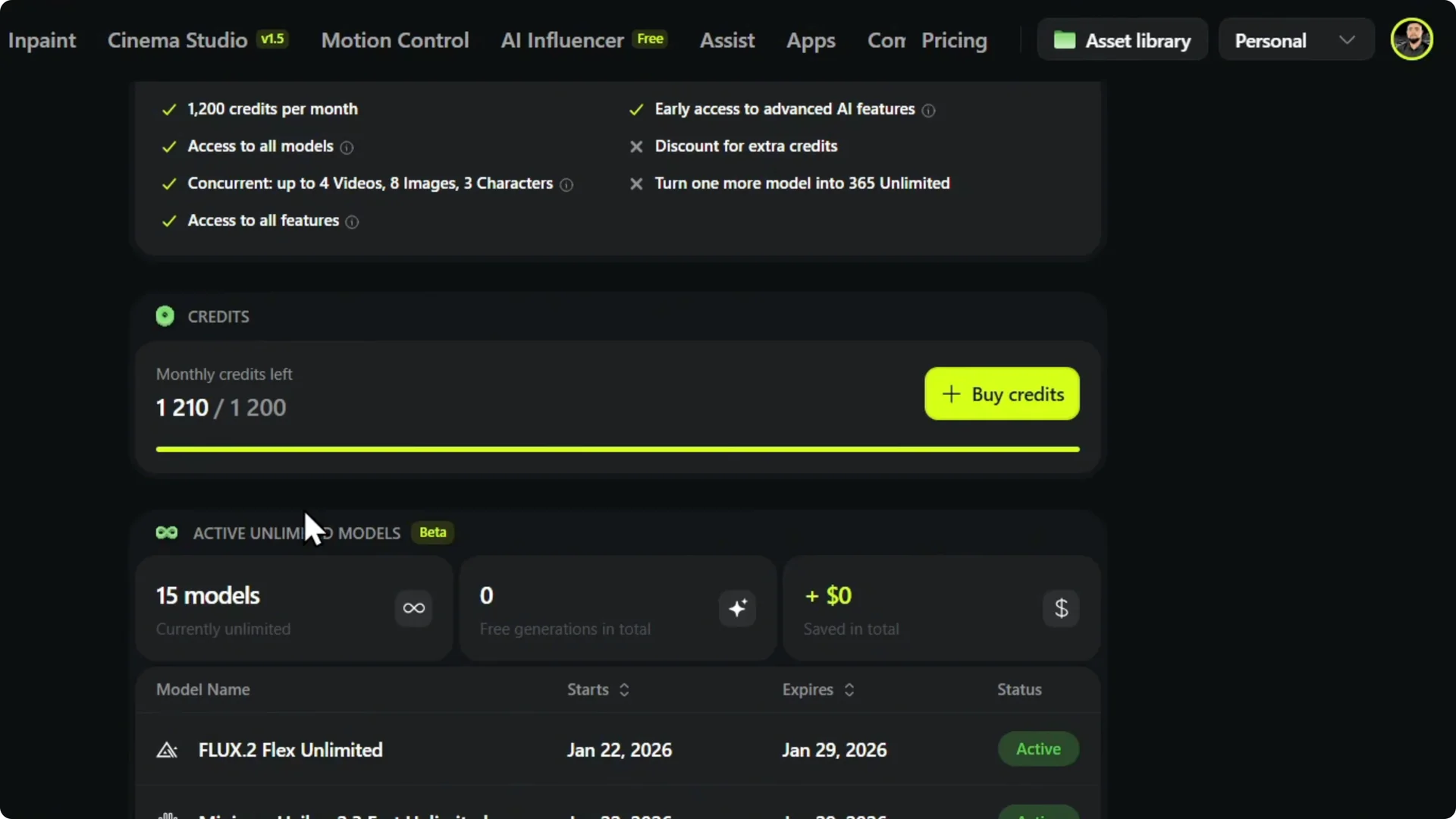
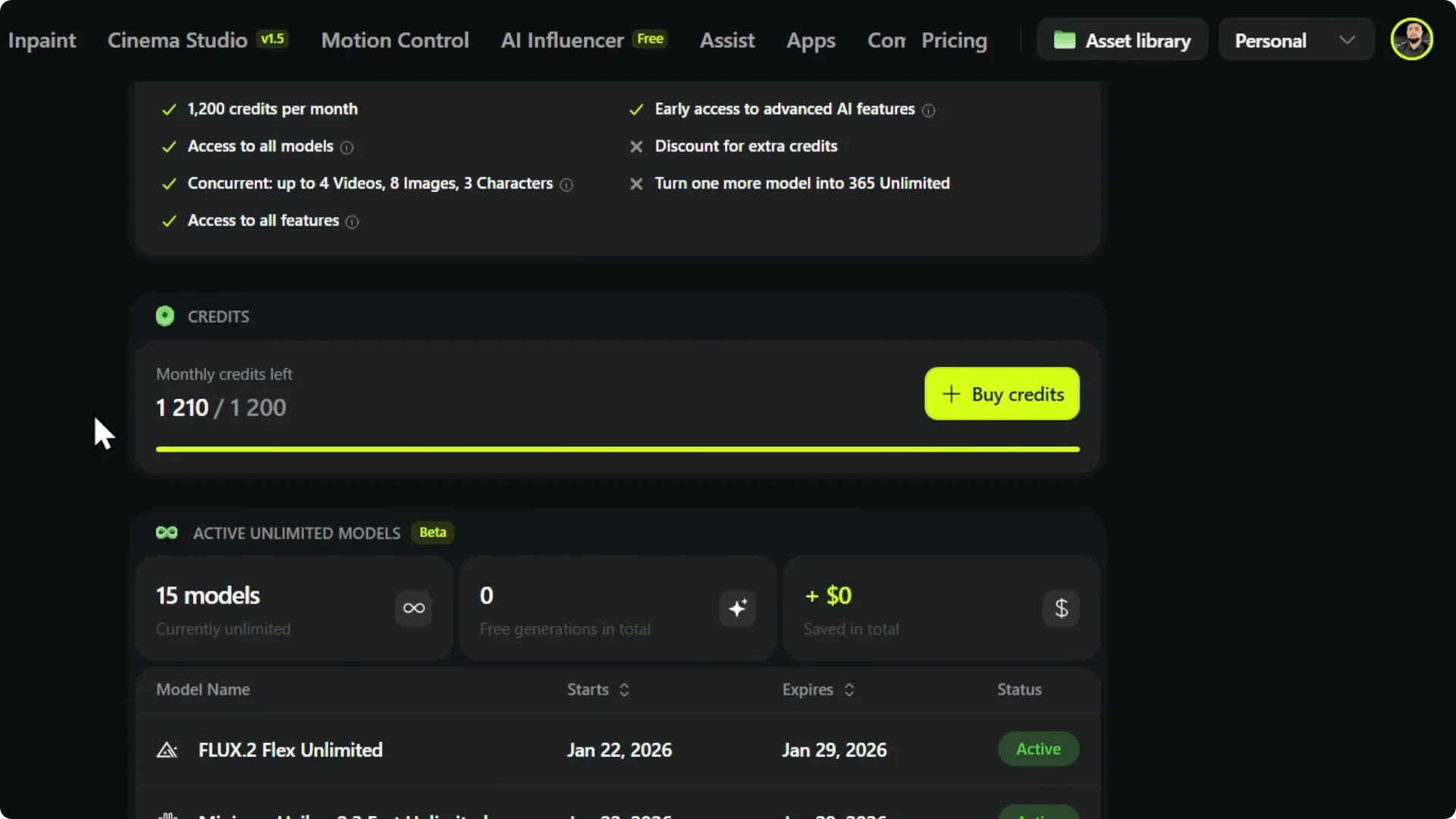
Step 2: Scroll down to view your current monthly credits.
You can see what you get within your account.
If you are planning to upscale images, see how to upscale in Higgsfield without quality loss.
Buy or upgrade
Step 1: Purchase more credits from the Subscription page.
You can buy credits from there.
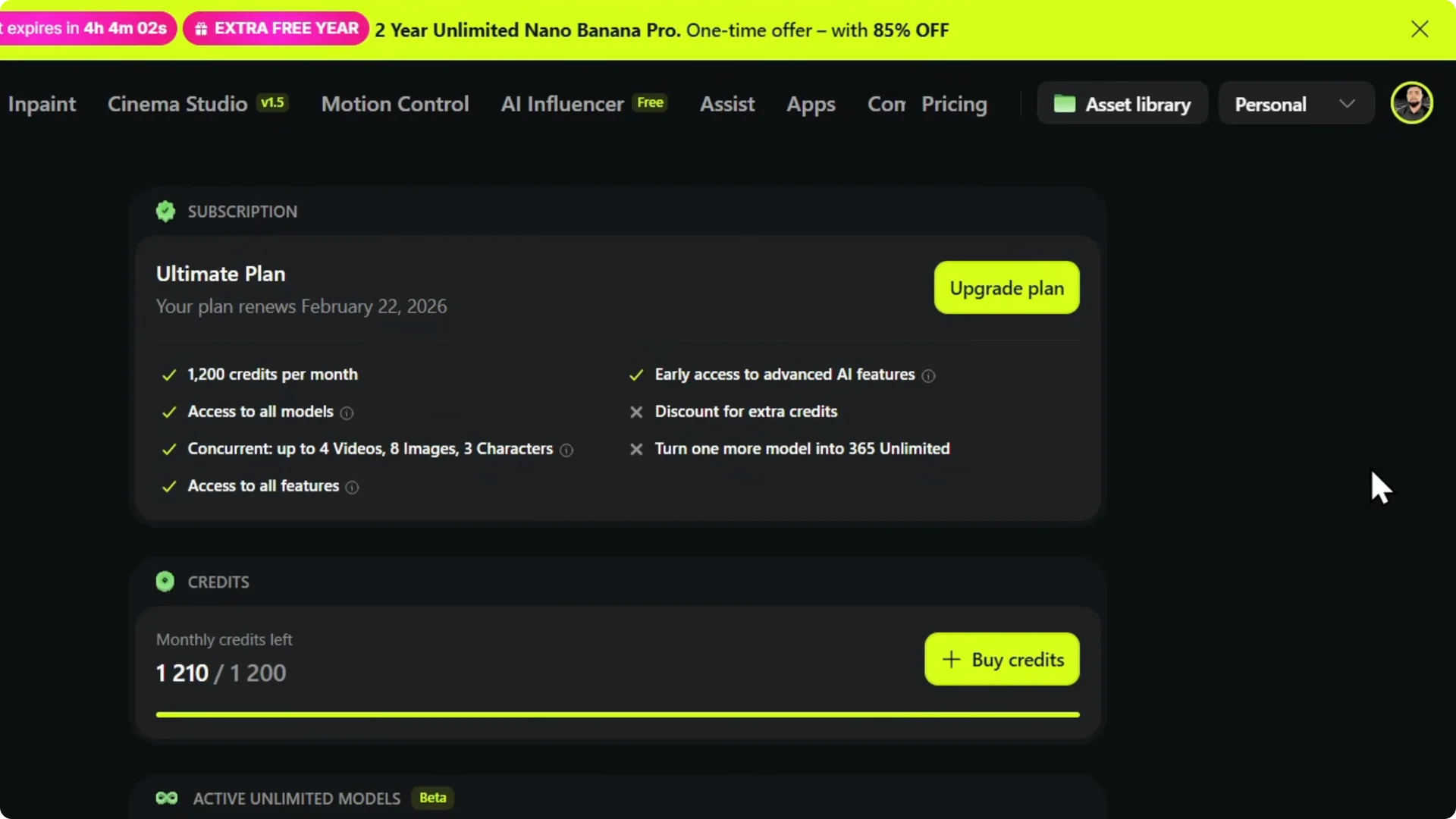
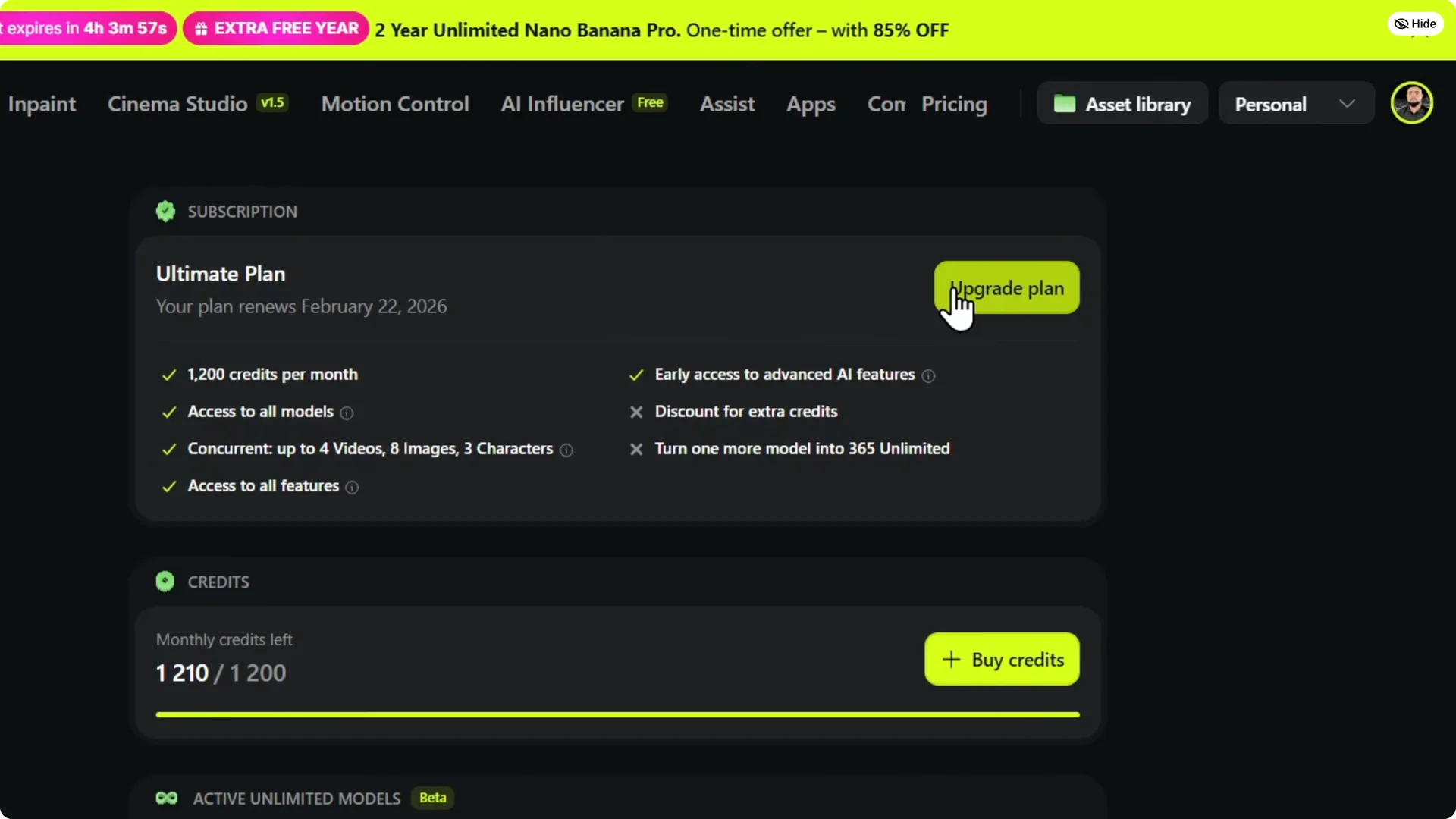
Step 2: Or upgrade your account if you want to take that route.
Choose the option that fits your needs.
If you need to add a payment option before buying, follow this payment method setup.
Final thoughts
Hover over your account to see available credits at a glance.
Use Manage Account and Subscription for a deeper look at your monthly credits.
From the same area, you can purchase more credits or upgrade your account.