Here’s how to check credits on Higgsfield. Follow these quick steps to see your plan details and current balance.
Check Higgsfield Credit Balance
Step 1: Sign in to your account and go to the top right. That is where the credit indicator sits. Make sure you’re logged in first.

Step 2: Hover your profile icon and click the loading bar that shows how many credits you have left. That bar is clickable. Open it to view your balance details.

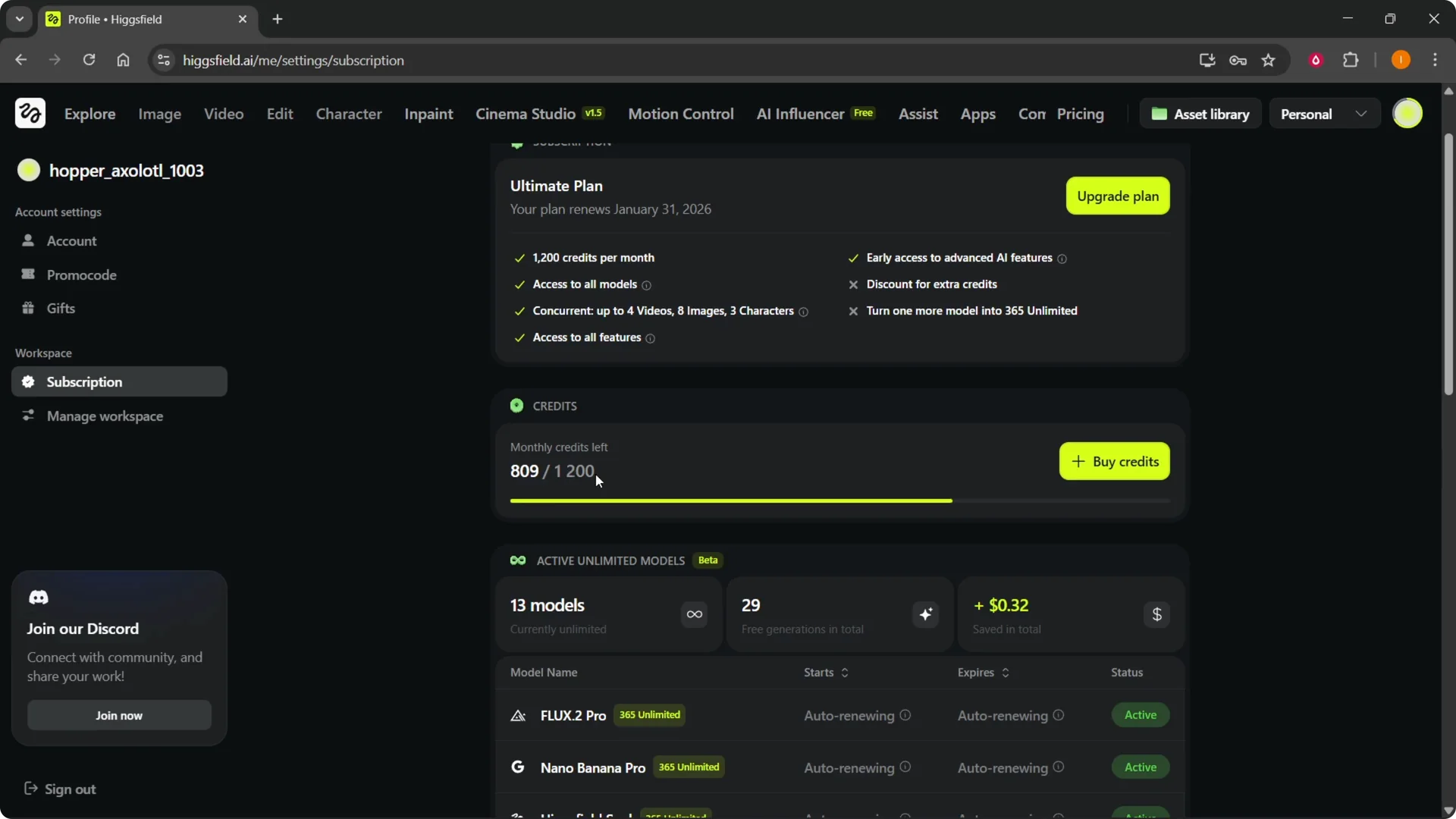
Step 3: Review the page showing your current plan, how many credits you get per month, and your current monthly credits left.
You will see your numbers clearly, for example, “809 credits left” out of your monthly total. This is the quickest way to confirm usage and remaining balance.
Read More: Runway Gen 3
What appears on the Higgsfield Credit Balance page
You can see your active unlimited models. You can also see your generation details in the same place.
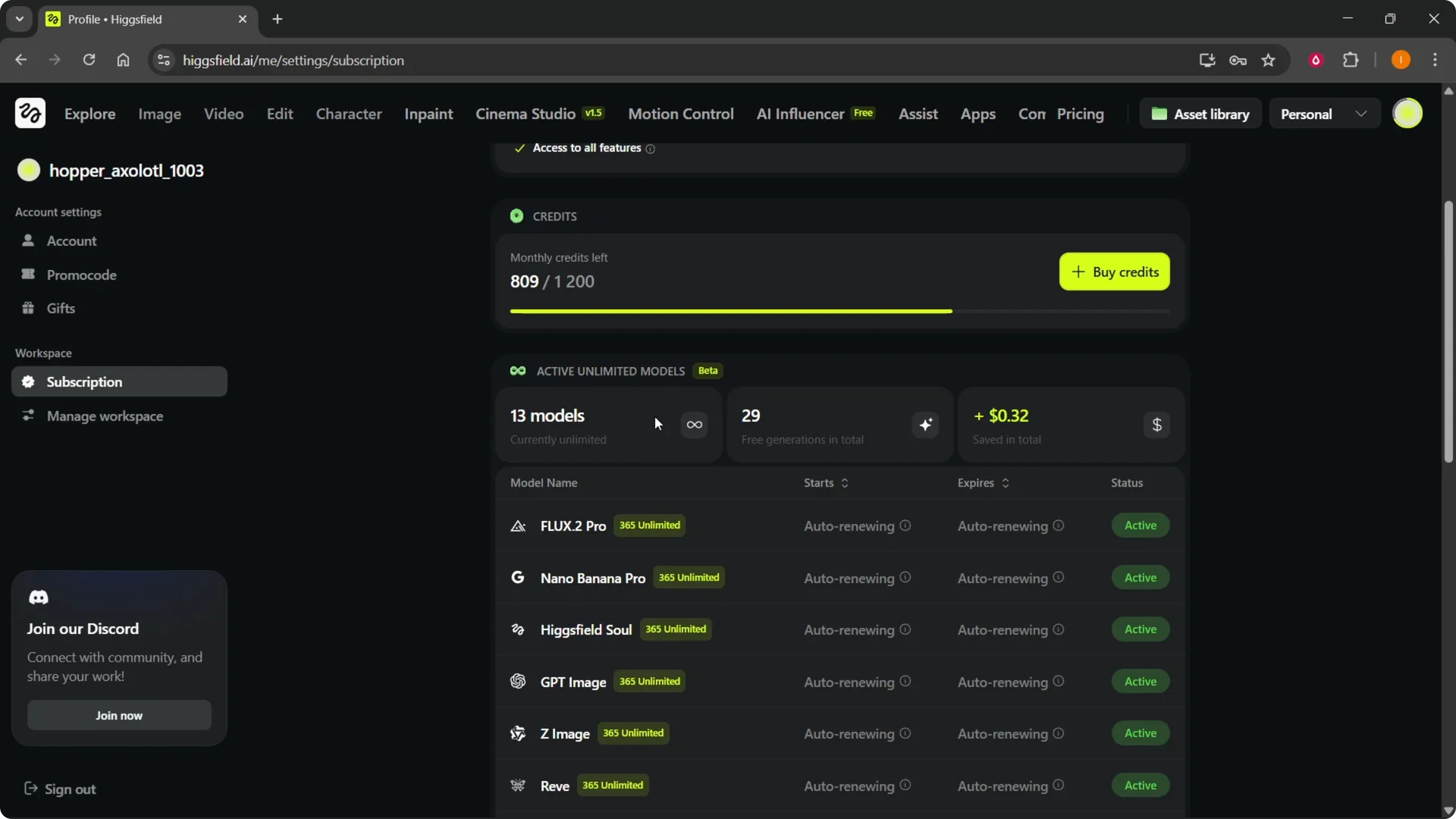
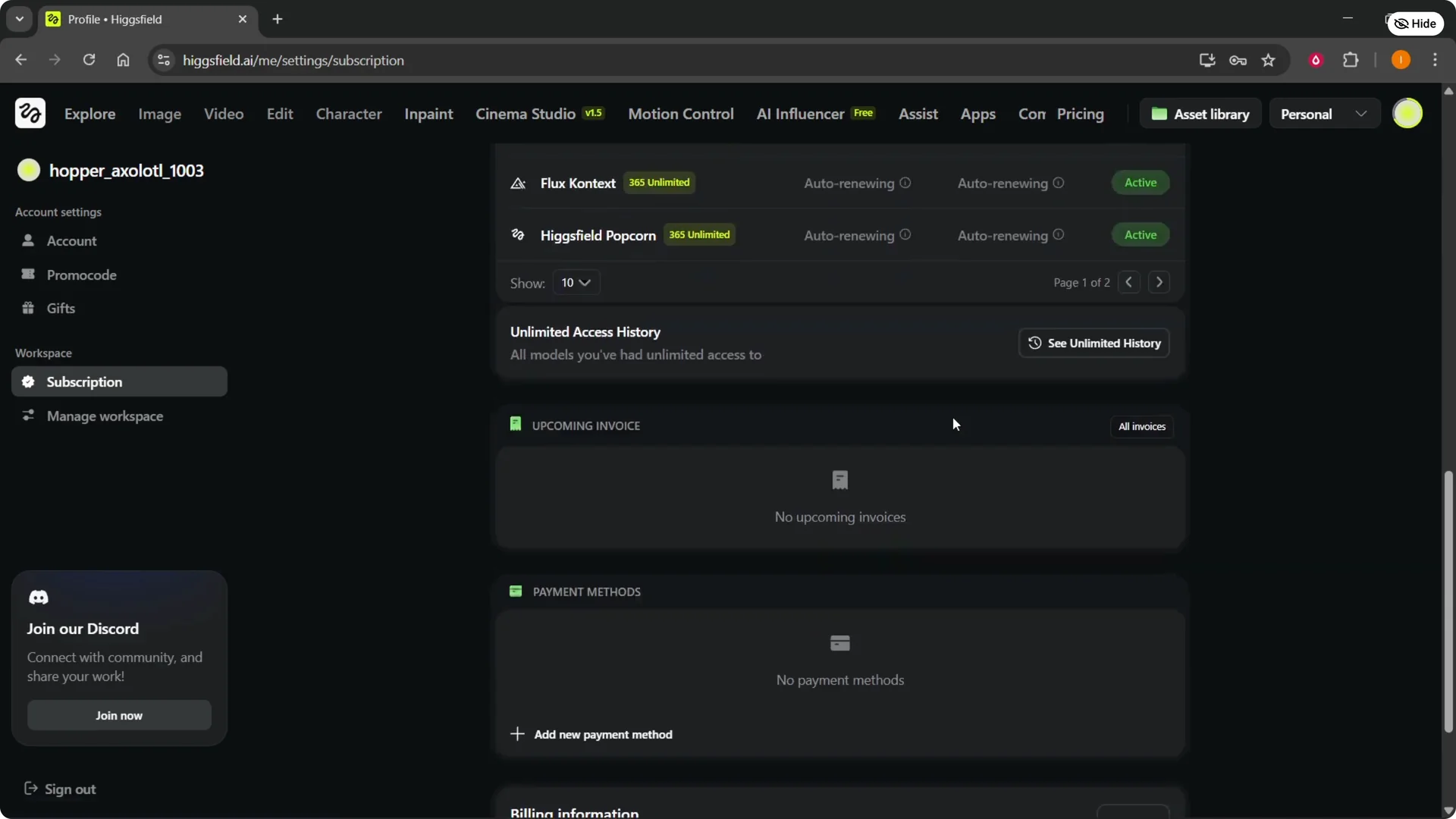
Your unlimited history is available there too. Everything related to credits and usage is grouped on this page. It’s all in one spot for quick reference.
Higgsfield Credit Balance troubleshooting
If you can’t sign in or forgot your password, you can change your Higgsfield password and try again. This resolves most access issues. Update your password and then repeat the steps above.
If your balance looks off or the plan details don’t match, reach support through Contact Higgsfield Ai. Share a screenshot of your credit page to speed things up. They can verify your allocation and fix billing or display issues.
Final thoughts
Click the loading bar by your profile to open the Higgsfield Credit Balance page. From there, check your plan, monthly allocation, remaining credits, active unlimited models, and usage history. That’s all you need to keep track of your credits quickly.