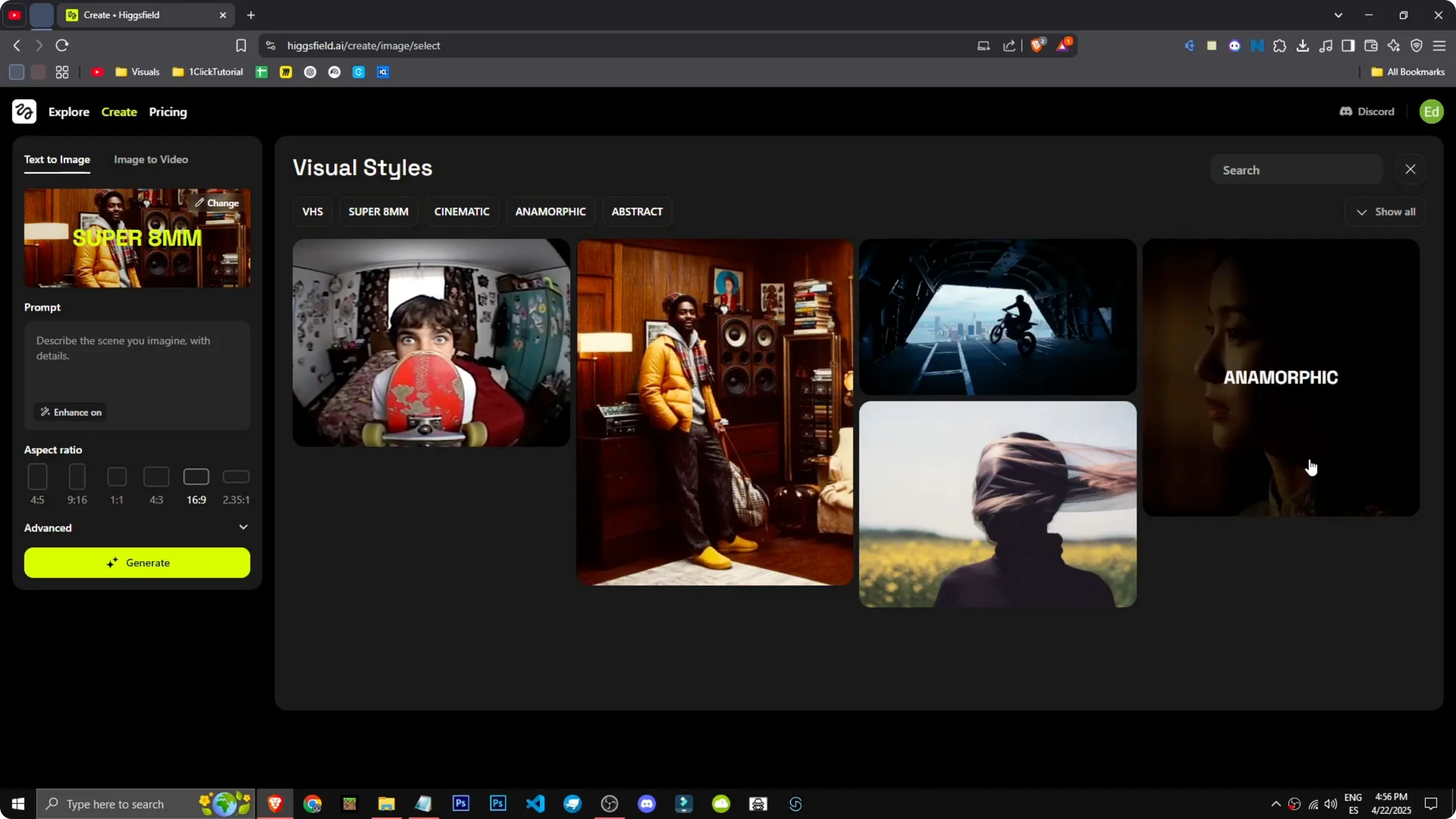
How can we generate images with Higgsfield? First we have the change section where we can choose the style. Higgsfield has unique styles like VHS, Super 8, MM, cinematic, abstract, and anamorphic.
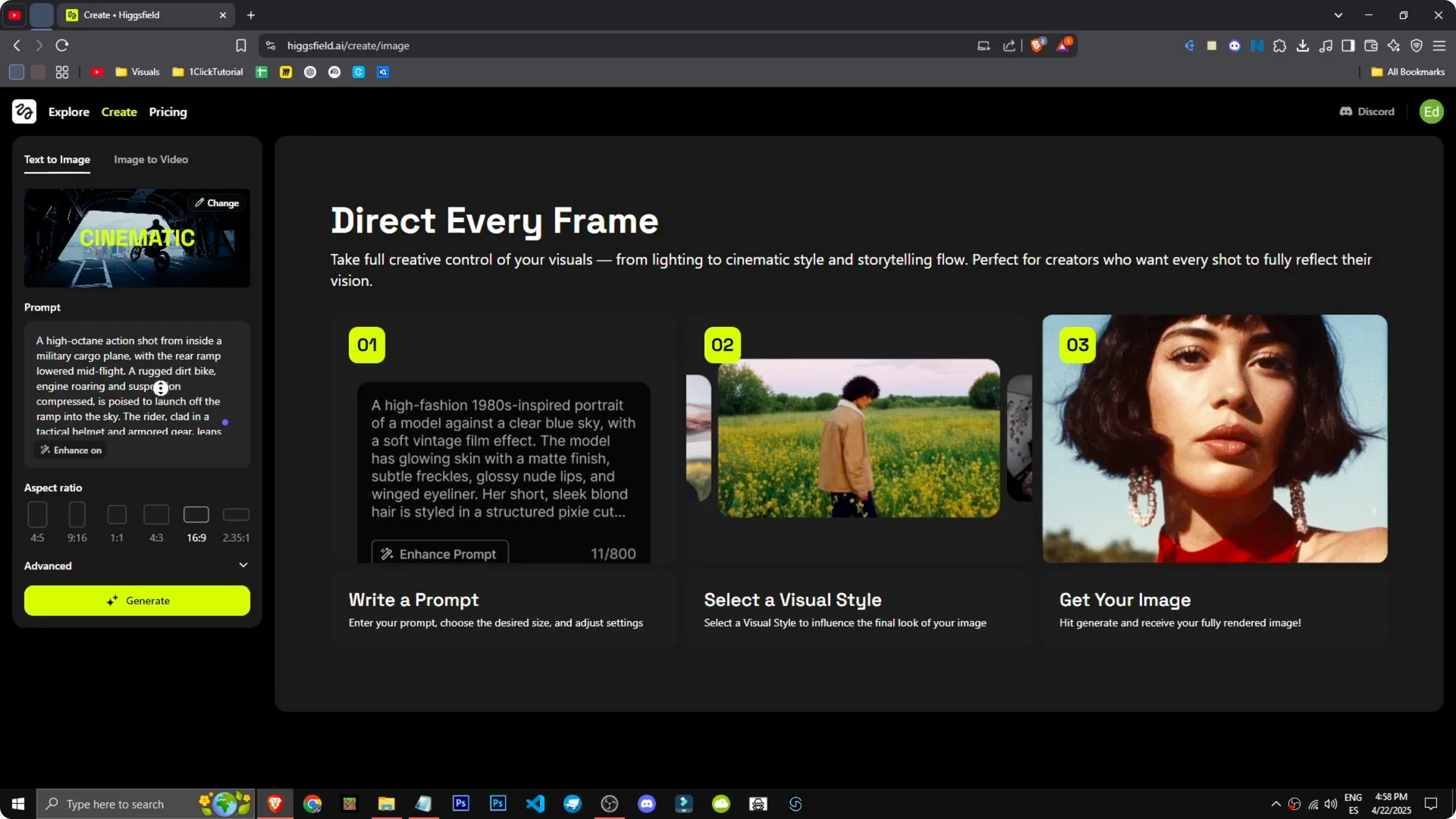
Let’s pick cinematic and describe the scene we want. I like this scene of a motorcycle jumping out of a plane. Great, we have the prompt there.
Higgsfield Image and Video Generation – Image setup
Styles and prompt
Step 1: Choose a style in the change section – VHS, Super 8, MM, cinematic, abstract, or anamorphic. I’m going with cinematic for this example.
Step 2: Describe the scene you want. I like this scene of a motorcycle jumping out of a plane.
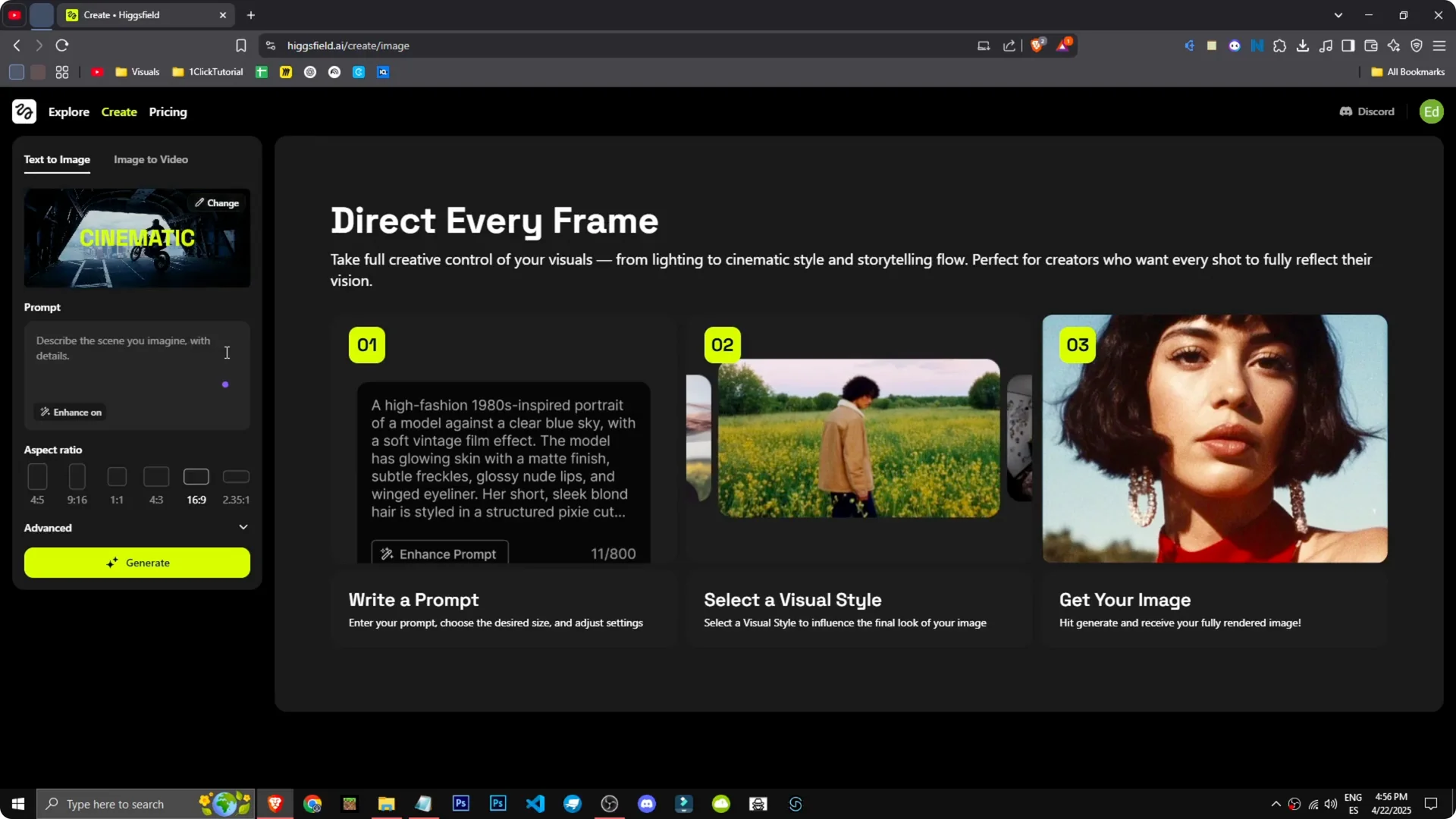
Step 3: Improve the prompt with Enhance. I’m basically saying I want a cargo plane, these military planes with an open ramp, and an enduro bike, a dirt bike, jumping out of there.
Advanced settings and result review
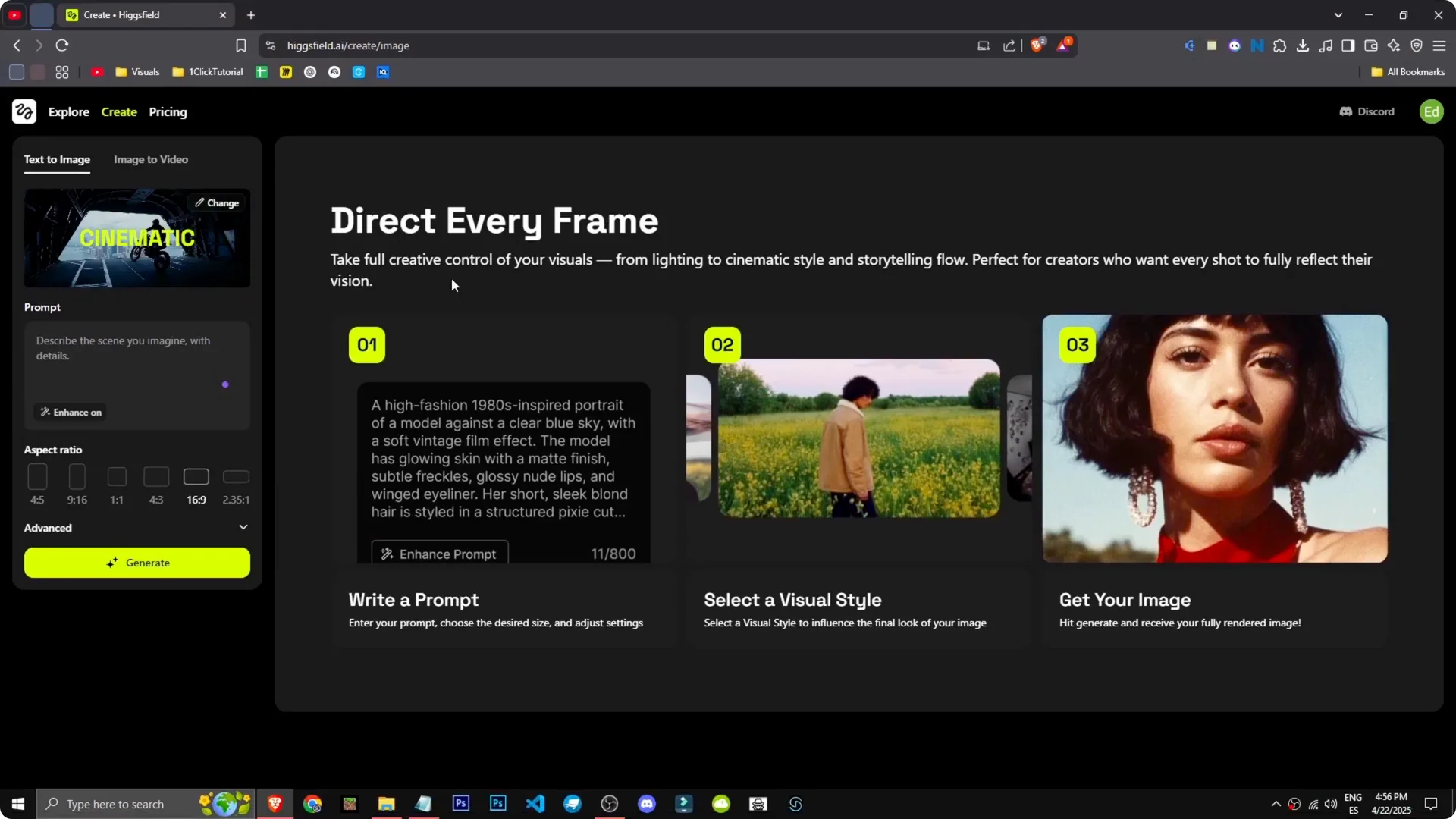
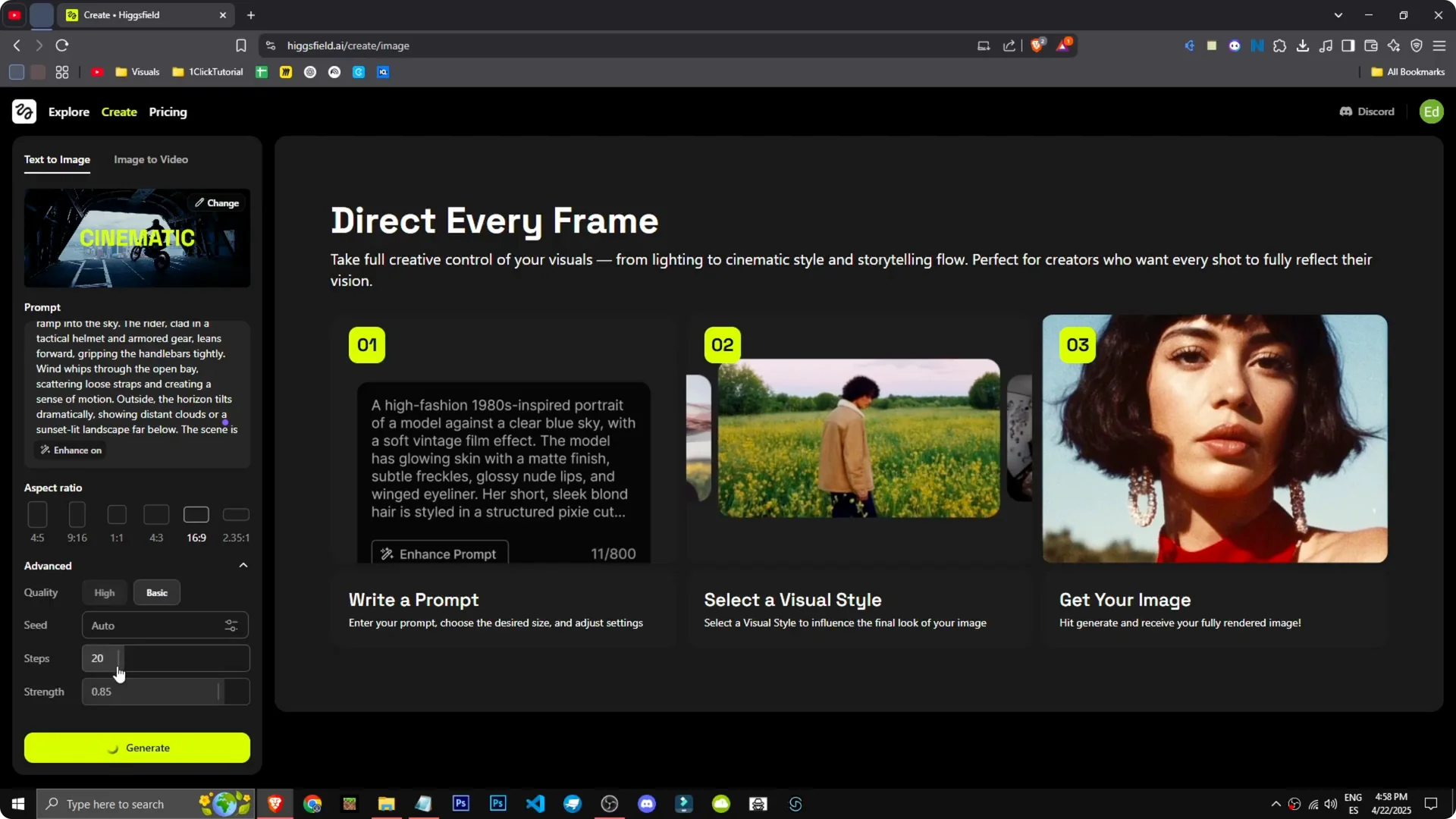
Step 4: Hit Generate. We have more settings in Advanced where we can adjust quality steps and so on.
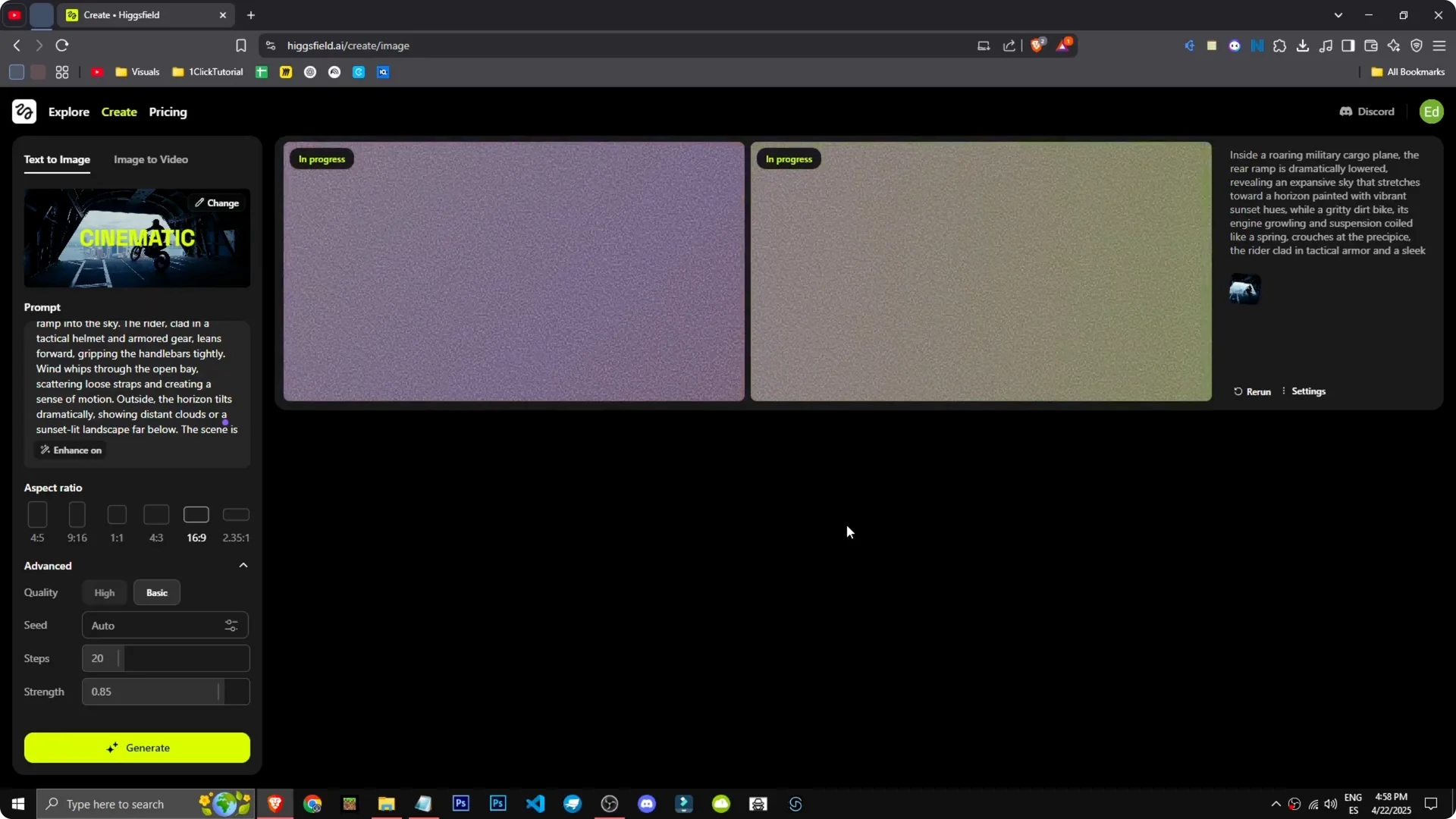
Step 5: Wait for the cinematographic style to render. There we have the images.
Look, you can tell the top is a cargo plane or at least a plane, but it hasn’t quite nailed the exit. It looks like it’s on the ground. I didn’t specify it should be in the air either.
If the output looks good but you want higher resolution, check our guide on how to upscale images with Higgsfield to clean up details after generation.
Read More: Seedream 4 0 Outsmart Nano Banana Higgsfield Ai
Higgsfield Image and Video Generation – Image to video
Effect choice
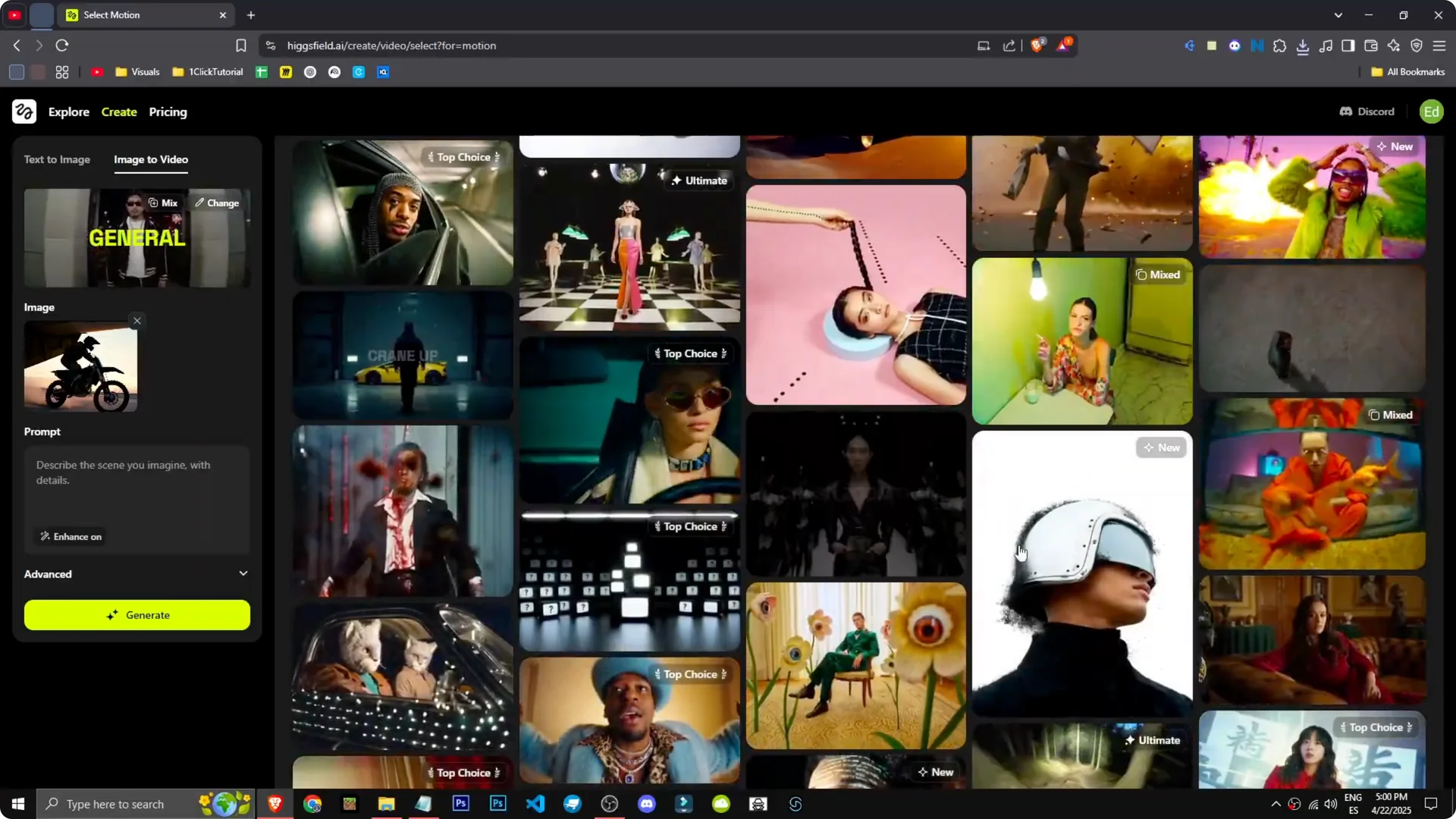
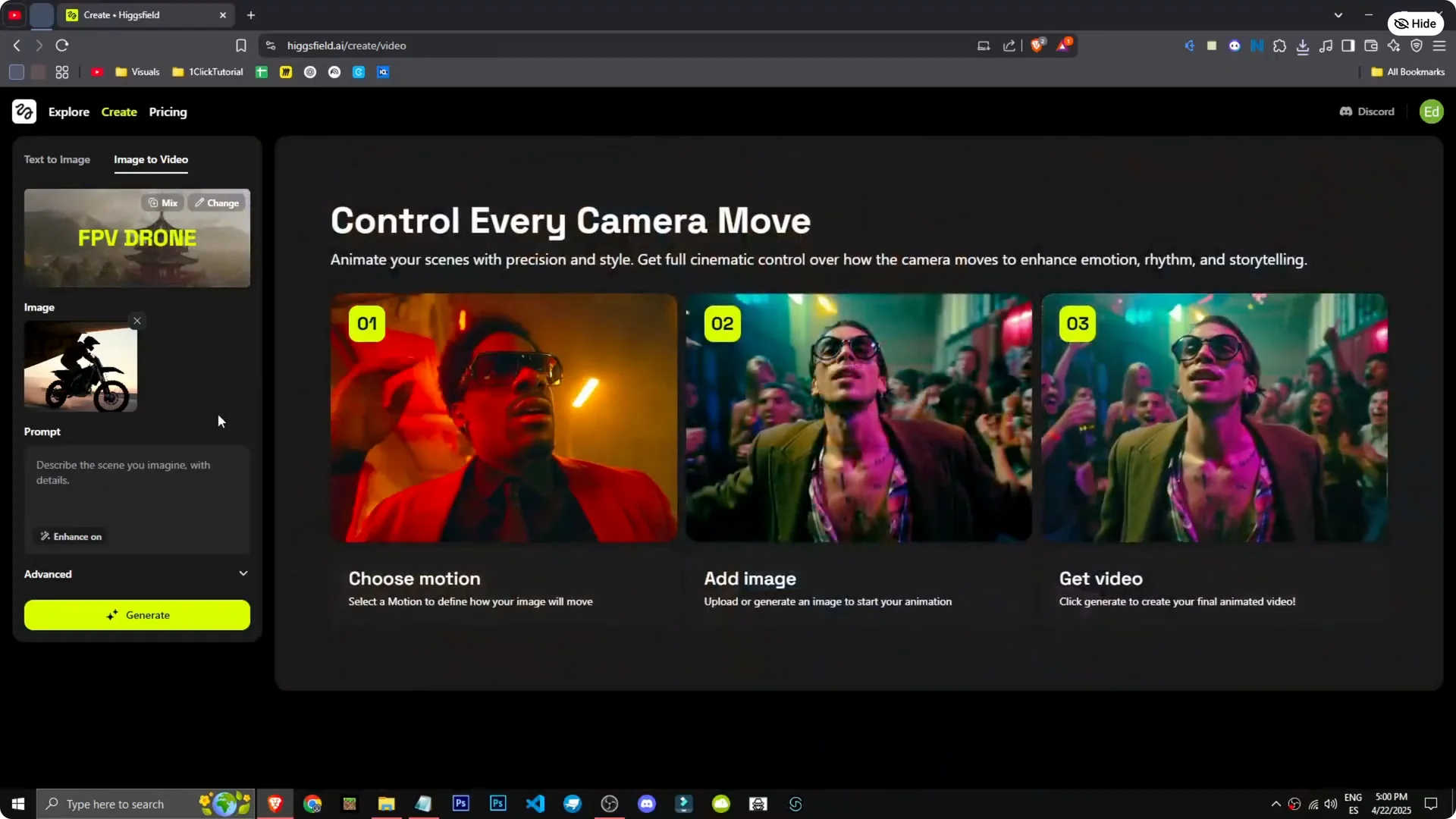
Step 1: Go to Image to Video. I’ll upload an image I made with the tool of a motorcycle coming down an airplane ramp.
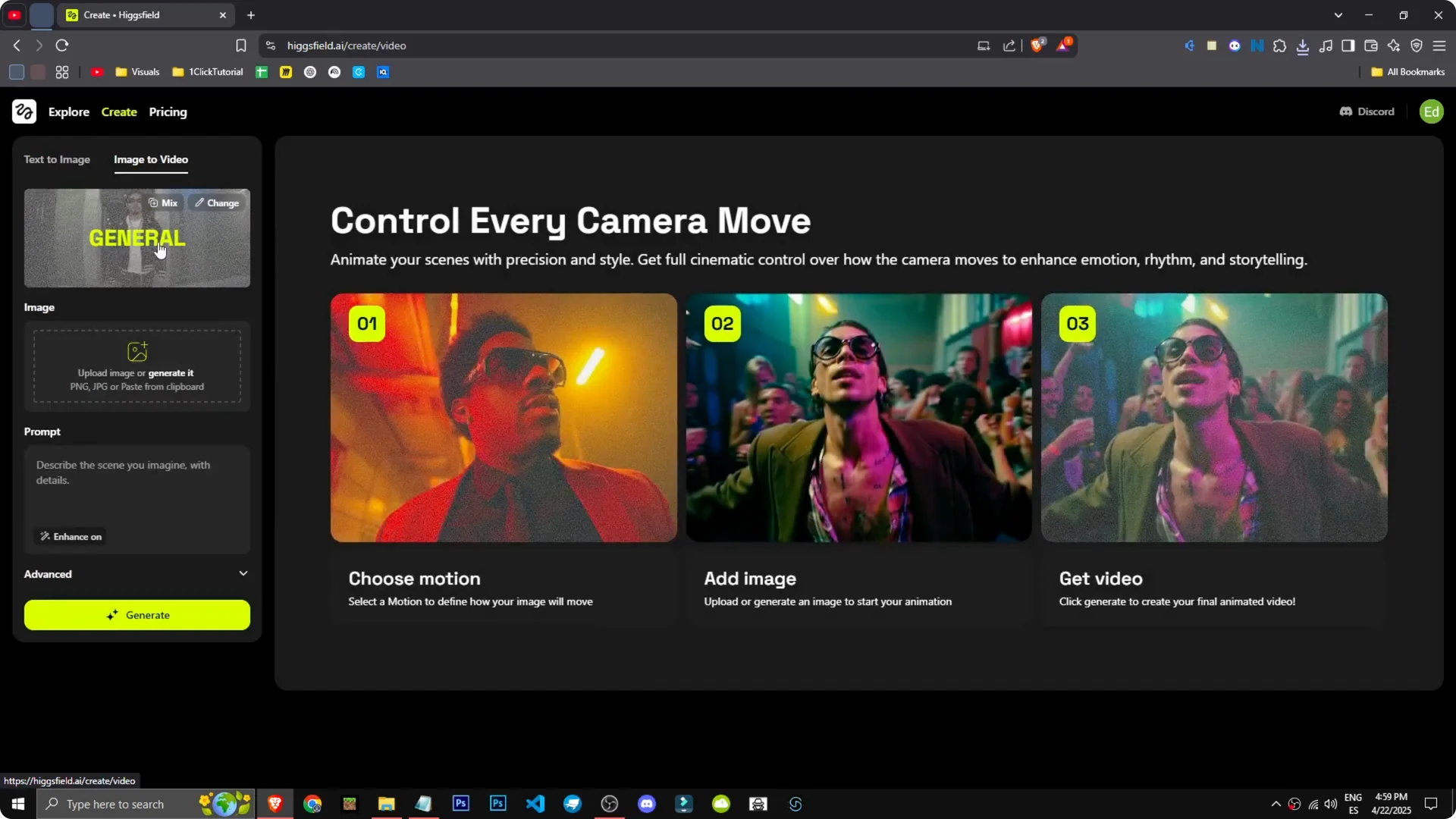
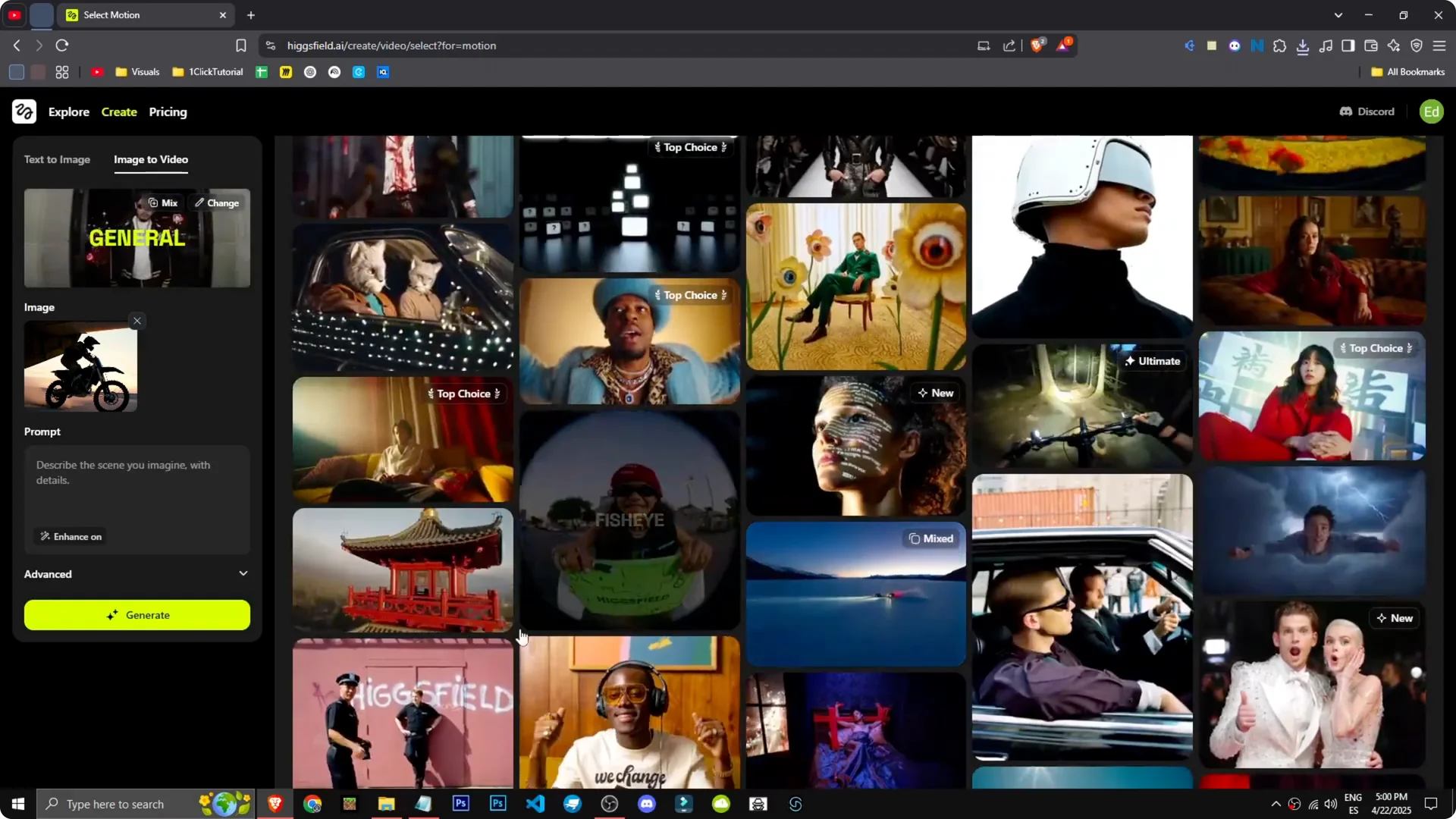
Step 2: Set up one of the effects. Let’s choose the FPV drone and see what it does.
Generation and results
Step 3: Select the FPV drone effect, choose the image, and generate. Honestly, I have no idea what will happen. Simple, direct, no prompt, just pure creativity.
Step 4: We’re in the queue. To speed up generation, we’d need a paid version.
This is the result. There’s the motorcycle coming out of the plane, even skidding. It looks incredible.
The effect is mind-blowing. This AI isn’t just good, it’s phenomenal. For planning styles and effects across different projects, see these strategy tips for visual creators using Higgsfield.
Final thoughts on Higgsfield Image and Video Generation
Pick a style, describe your scene, and refine the prompt details for the best image results. Use Image to Video with an effect like FPV drone to add motion without extra prompting. If timing or sharpness needs a boost, adjust Advanced settings, consider a faster plan for queues, and upscale the final frames for polish.