I’m going to show you how to use the Higgsfield Earth Zoom Out to create a clean zoom from a single image. This effect pulls back from your first frame and builds out the scene automatically.
If you’re just getting set up and need to apply a discount, see this quick guide on applying a promo code in Higgsfield.
Open Higgsfield Earth Zoom Out
Step 1: Go to Video, then click Create Video in the top left. This opens a fresh project where you can pick the model and settings.
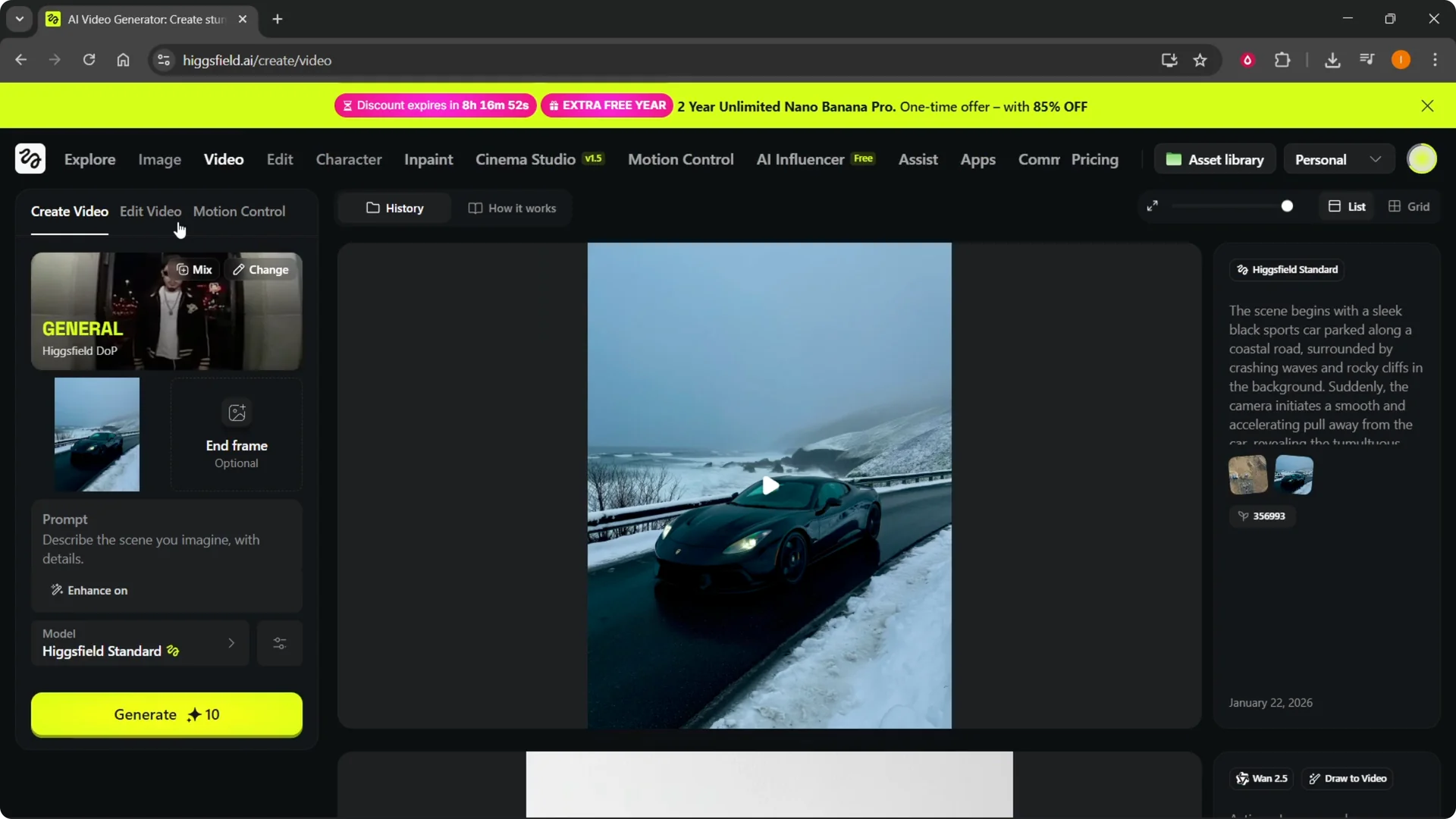
Step 2: In General, click Change to switch the model. You might be on the last model you used, so make sure to change it here.
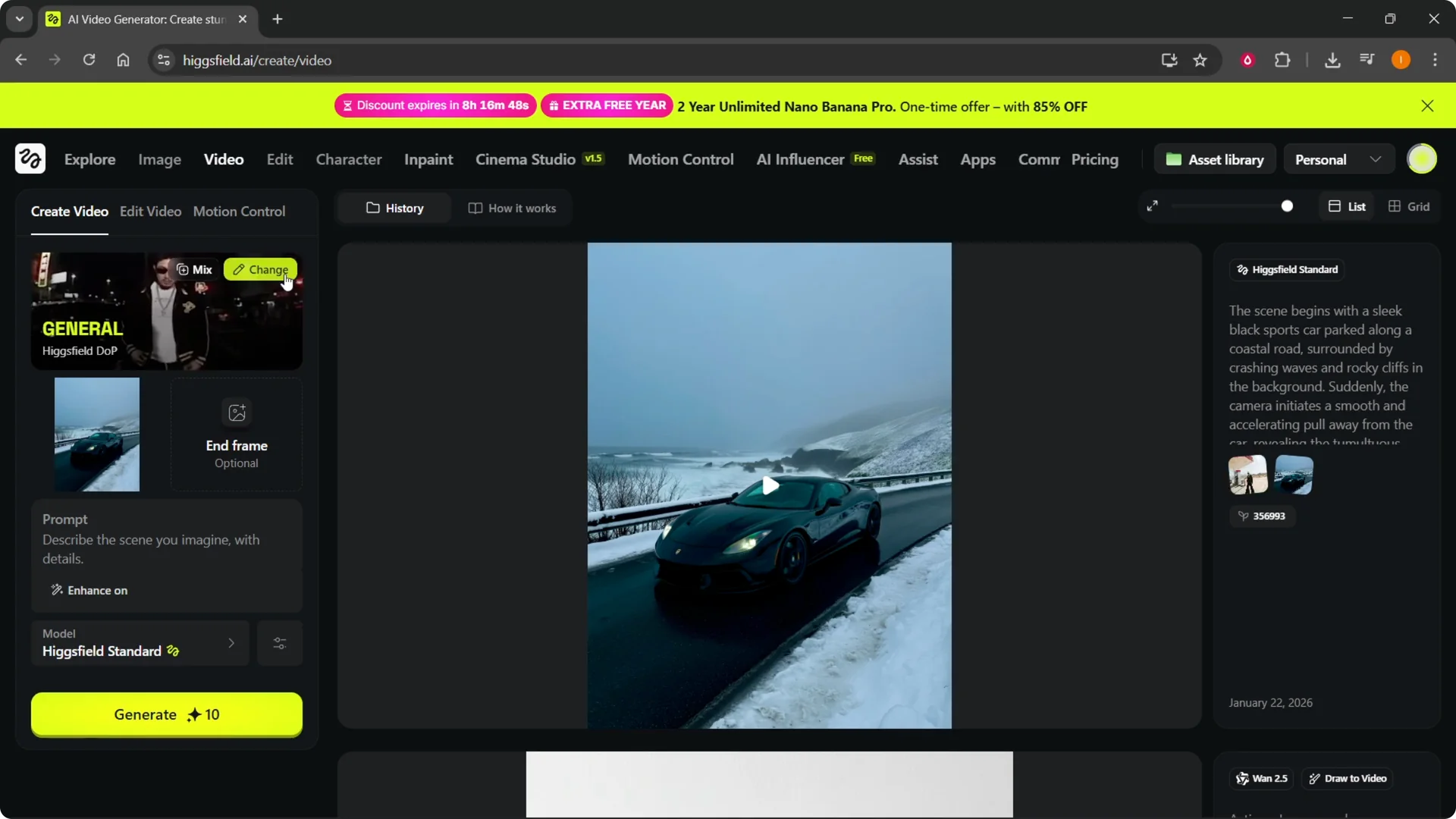
Step 3: Select Higgsfield DOP from the top left of the model browser. Inside Higgsfield DOP, find Earth Zoom Out and select it.
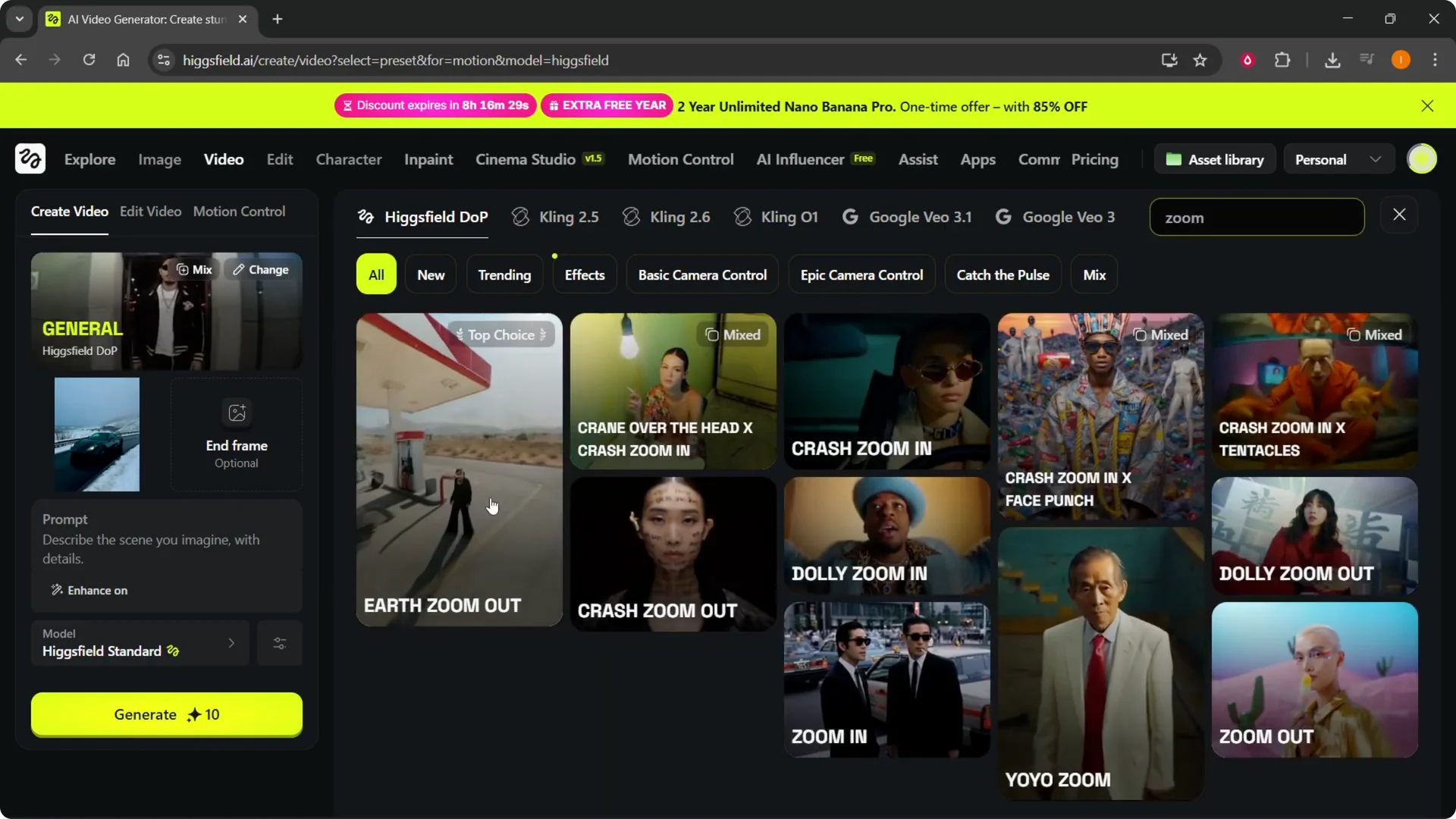
Step 4: If you can’t see it, use the search in the top right. Type “zoom” and pick Earth Zoom when it appears. If it still doesn’t show for your account, you can contact Higgsfield support for help.
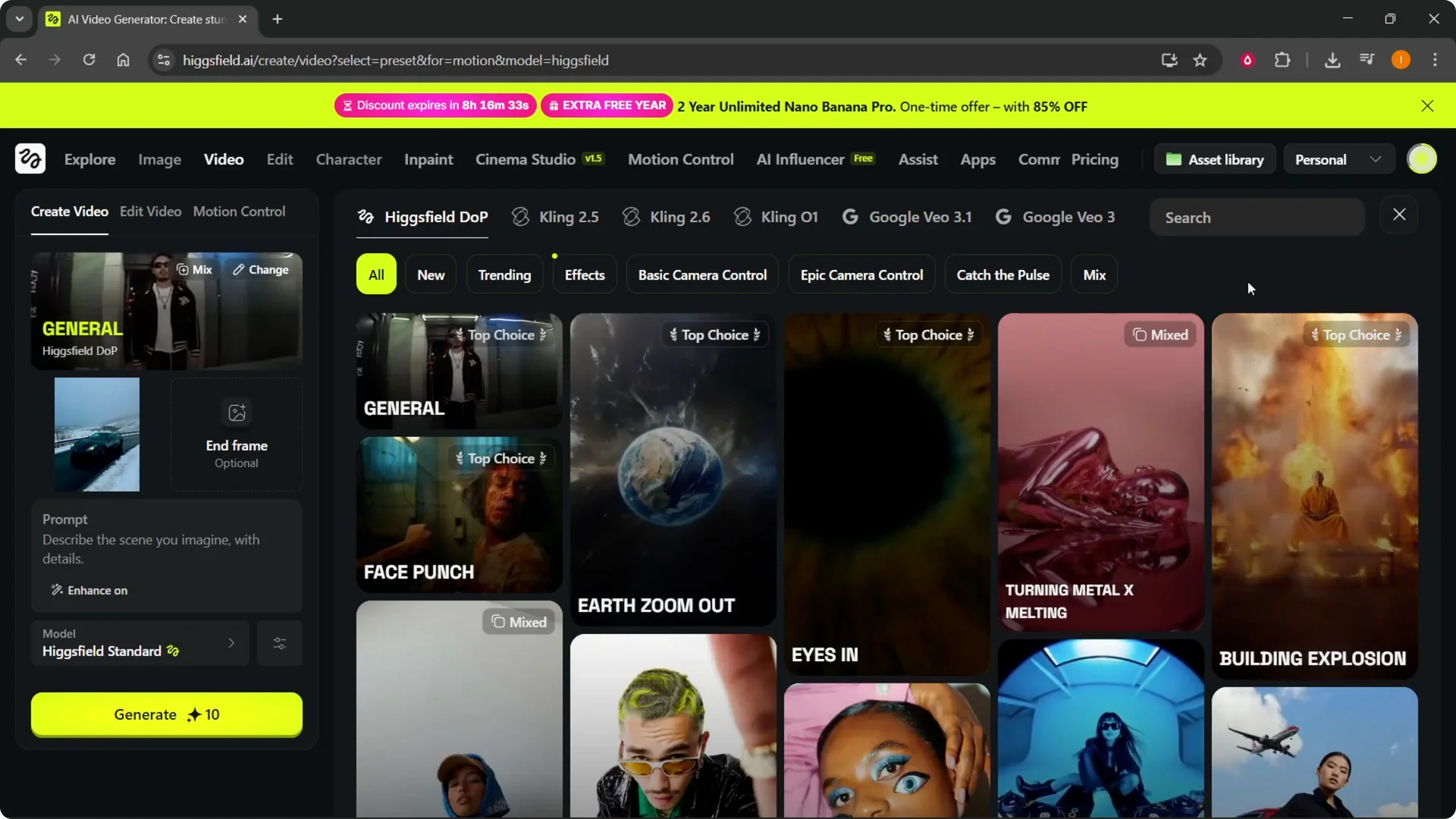
Higgsfield Earth Zoom Out options
They also offer other zoom presets like Dolly Zoom Out and a standard Zoom Out. You can try those to see how their motion feels. For this walkthrough, I’m using the Earth option.
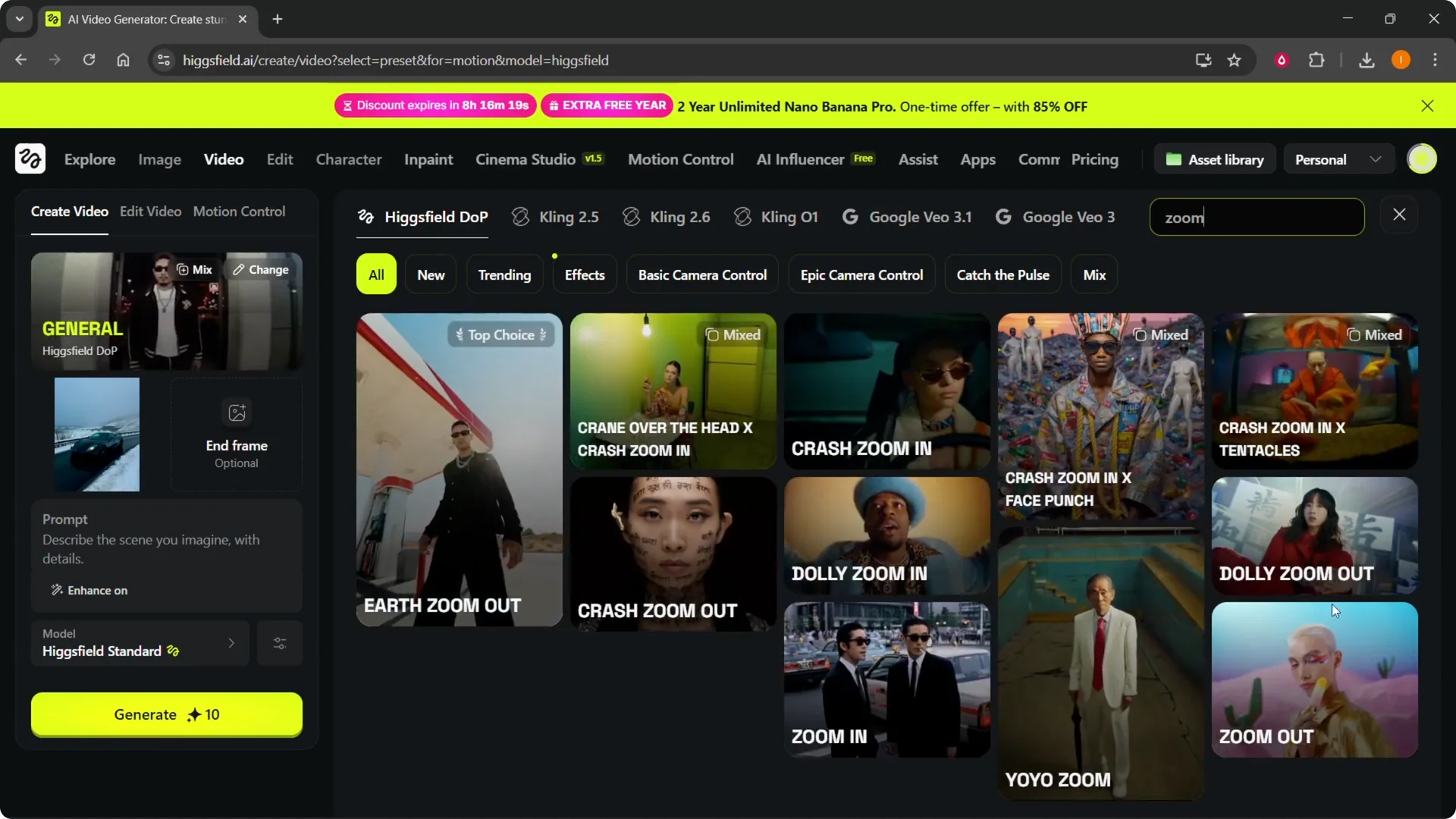
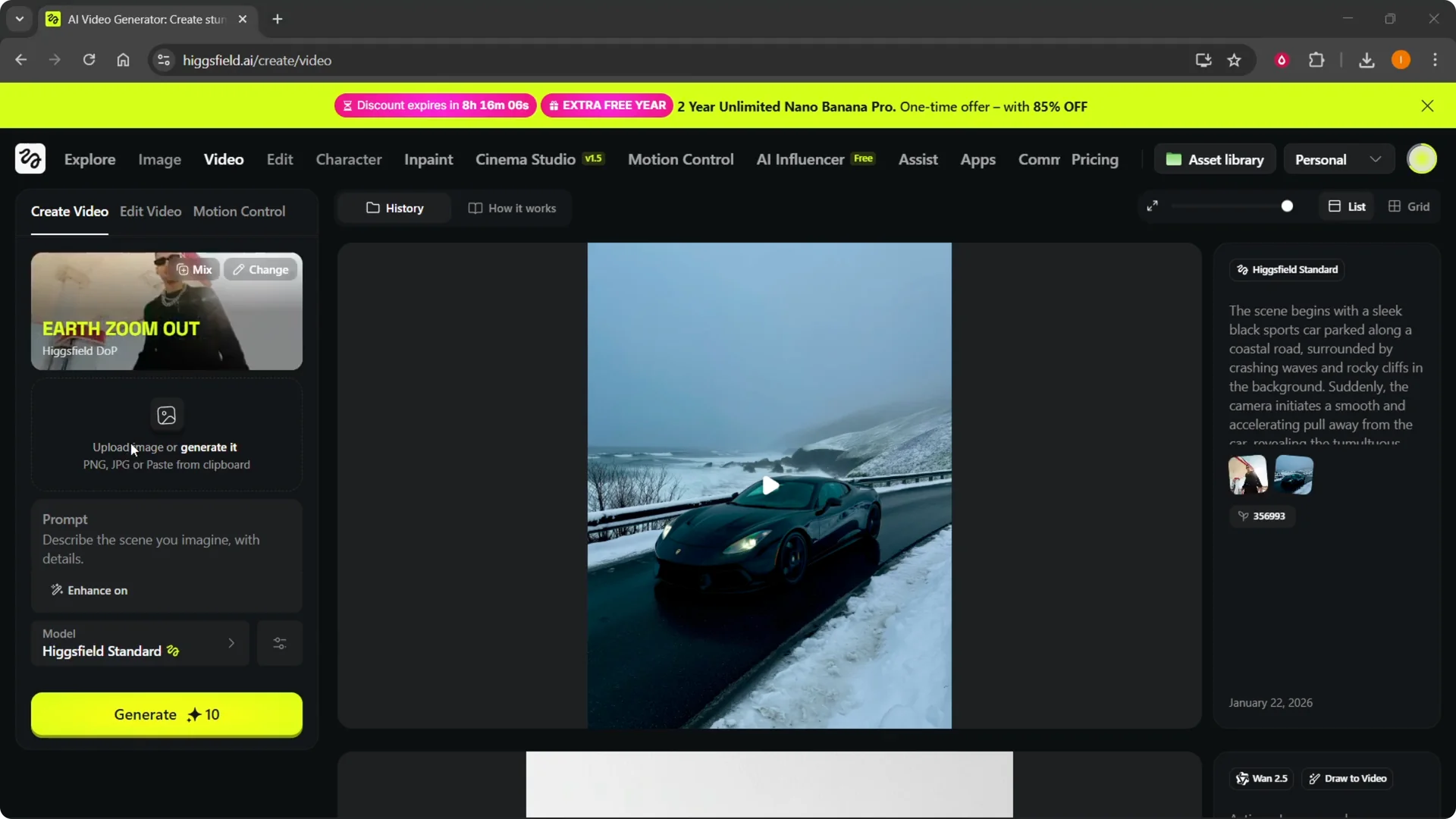
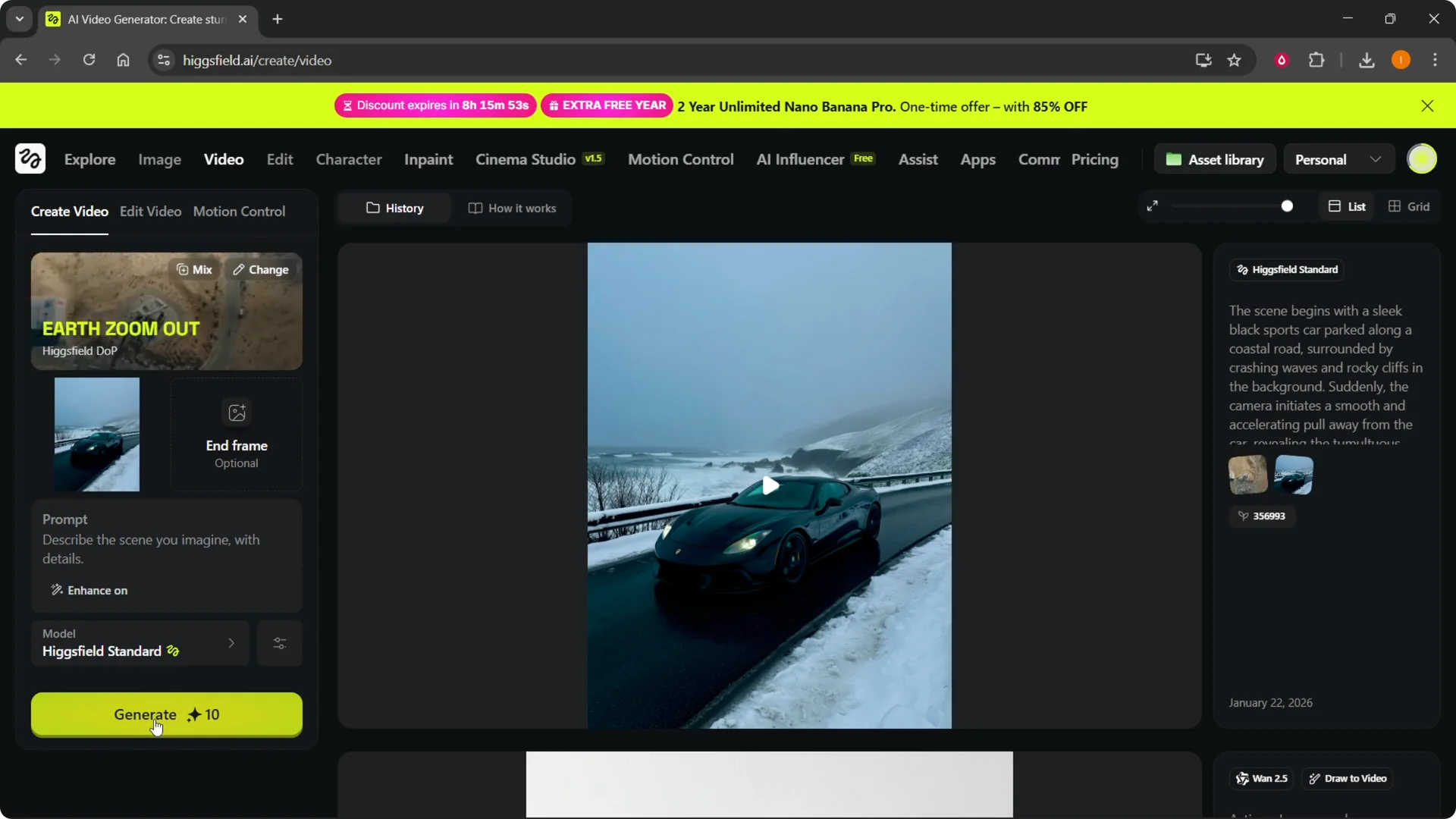
Higgsfield Earth Zoom Out setup
Step 5: Add your first frame. Click Upload image, pick your file, and click Open.
Step 6: Optionally set an end frame. This lets you define a target frame to finish on, but it’s not required.
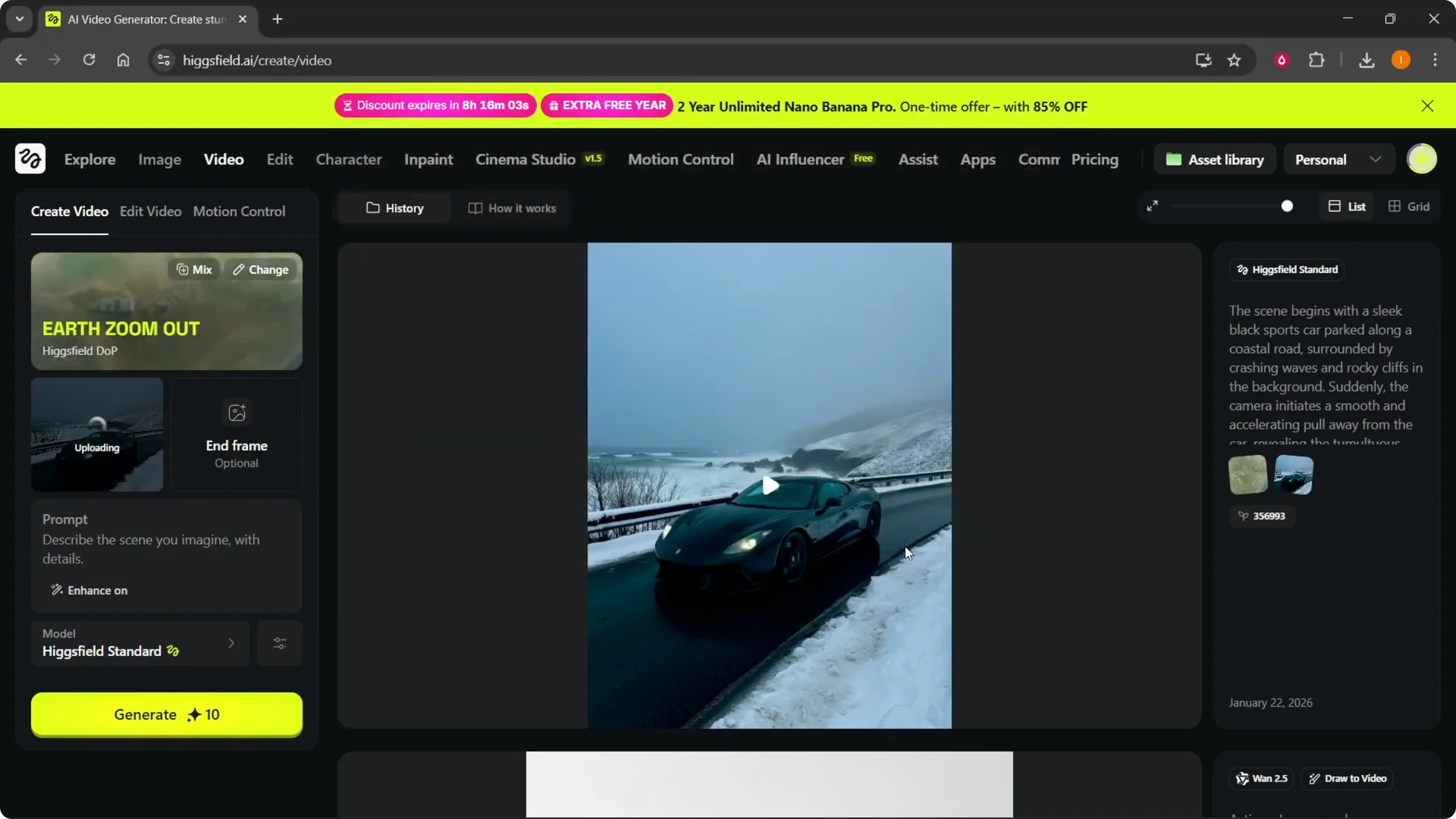
Step 7: You can also enter a prompt, though it’s not necessary for this effect. If you skip it, the tool still builds the zoom from your first frame.
Step 8: Click Generate to create the video. Wait for the render to finish, then preview the result.
If you plan to add narration in post, here’s an easy way to do it in Filmora with synthetic voice: use AI text to speech in Filmora.
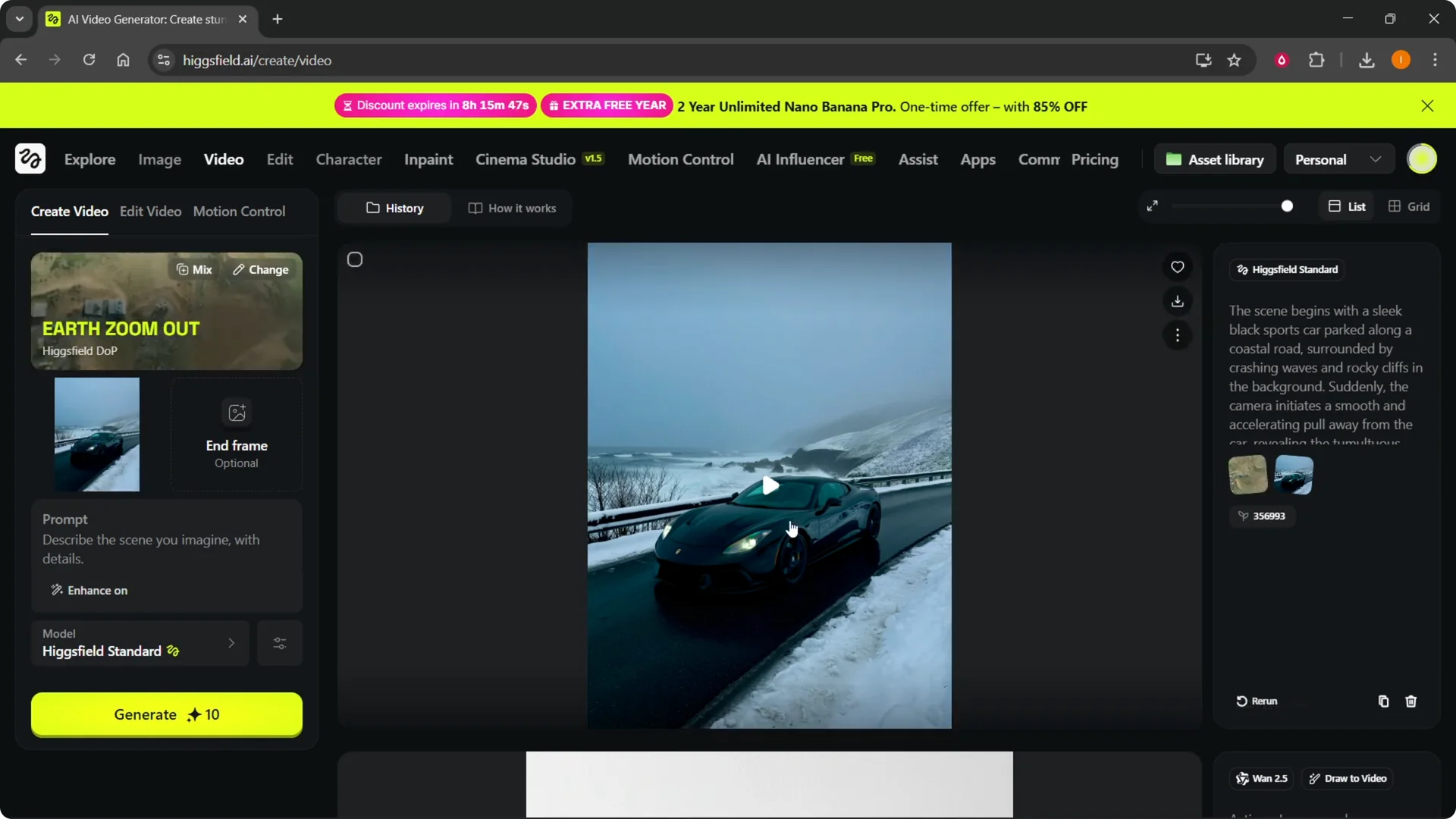
Higgsfield Earth Zoom Out results
I used a single photo as my first frame and let it process. When I played the output, it produced a very cool zoom out effect from that image. If I switched to one of the other zoom presets, I’d get that style of motion instead.
Higgsfield Earth Zoom Out final thoughts
Pick Earth Zoom Out inside Higgsfield DOP, upload your first frame, and generate to get the pullback effect. Optional end frames and prompts can refine the motion, but they aren’t required. If the preset is missing or you run into access issues, reach out through Higgsfield support.