Is Seedream 4.0 the Nano Banana killer? I tested the five best features of the new AI model from Bite Dance, now available on Higsfield AI. Seedream 4.0 is currently topping benchmarks for aesthetics and realism.
The easiest way to access Seedream 4.0 is from the Higsfield AI platform. Higsfield hosts several elite models, but 4.0 is the one you want for peak realism. Here is how to get unlimited generations using Seedream 4.0.
Seedream 4.0 Evaluation: Access and Unlimited Use
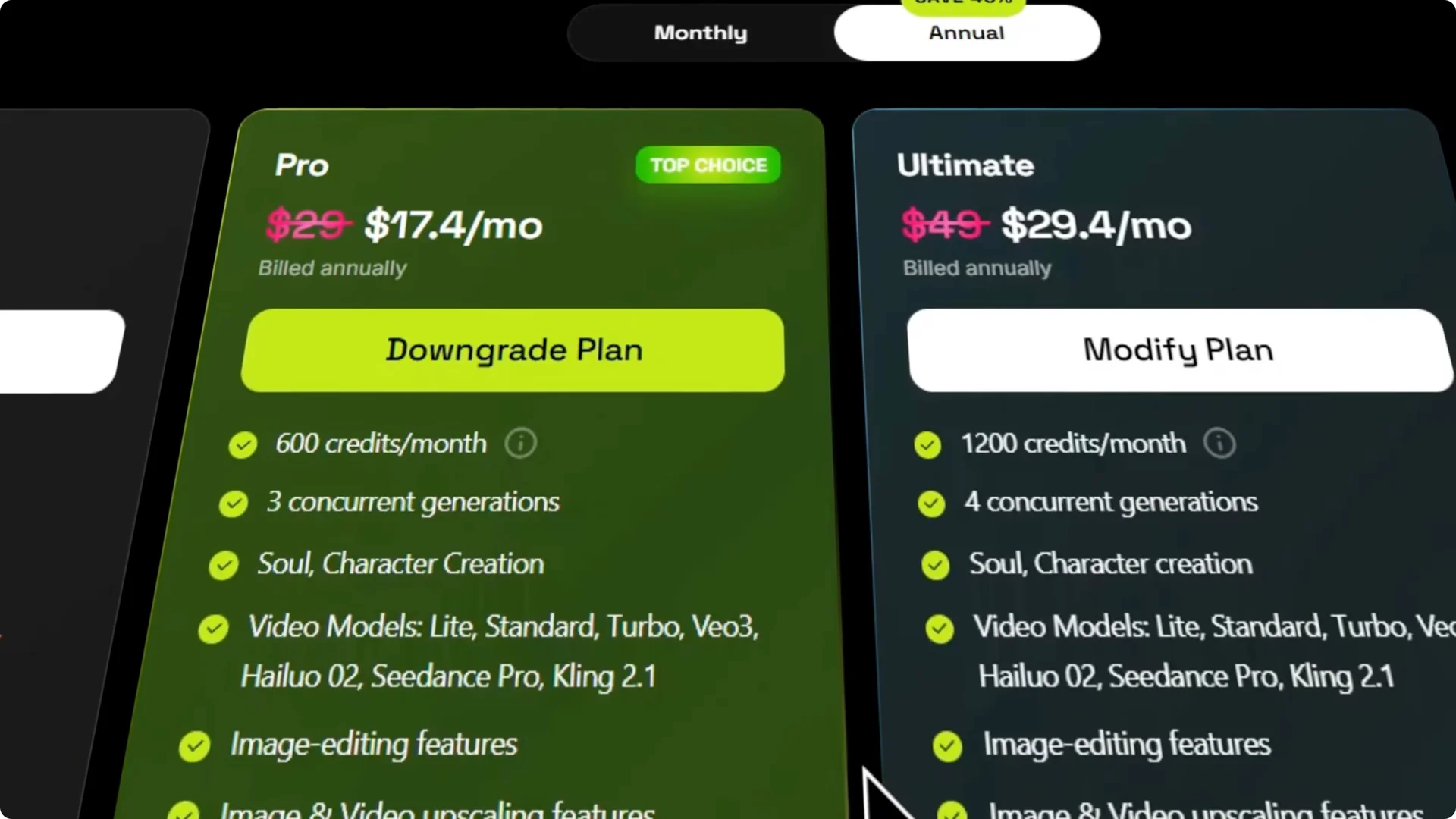
Higsfield’s pro and ultimate plans currently offer Seedream 4.0 unlimited for 1 year. For a flat monthly fee around $17 a month on the annual pro plan, you can generate infinite images without worrying about burning credits. That is a major advantage for high volume creators.
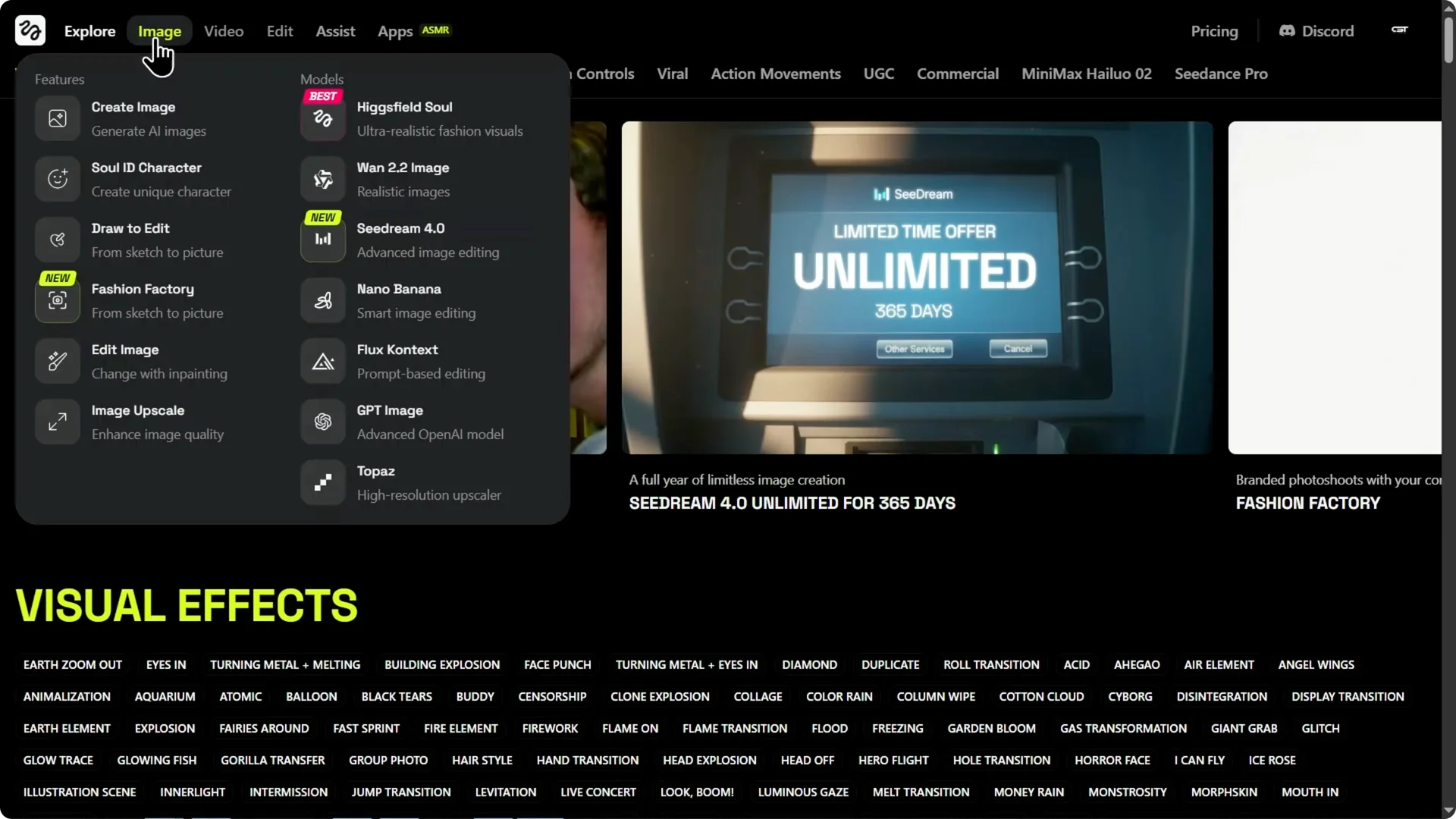
Step 1: Open Higsfield and go to the image tab.
Step 2: Click on Seedream 4.0.
Step 3: Choose a plan that includes unlimited Seedream 4.0 generations and start creating.
If you work across both models, see our overview of Nano Banana on Higsfield to compare strengths and pricing structure: Nano Banana Pro on Higgsfield.
Seedream 4.0 Evaluation: Five Standout Features
Seedream 4.0 Evaluation: Native 4K Resolution and Speed
Seedream 4.0 is incredibly fast. It can output 2K resolution images in under 2 seconds and supports native generation up to 4K. This quality at this speed makes it a serious contender.
I tested detail retention with a prompt focused on complex textures and lighting. The lighting is realistic with no plastic sheen and no weird artifacts. When I zoom in, the detail holds.
Seedream 4.0 Evaluation: Precision Aspect Ratio Control
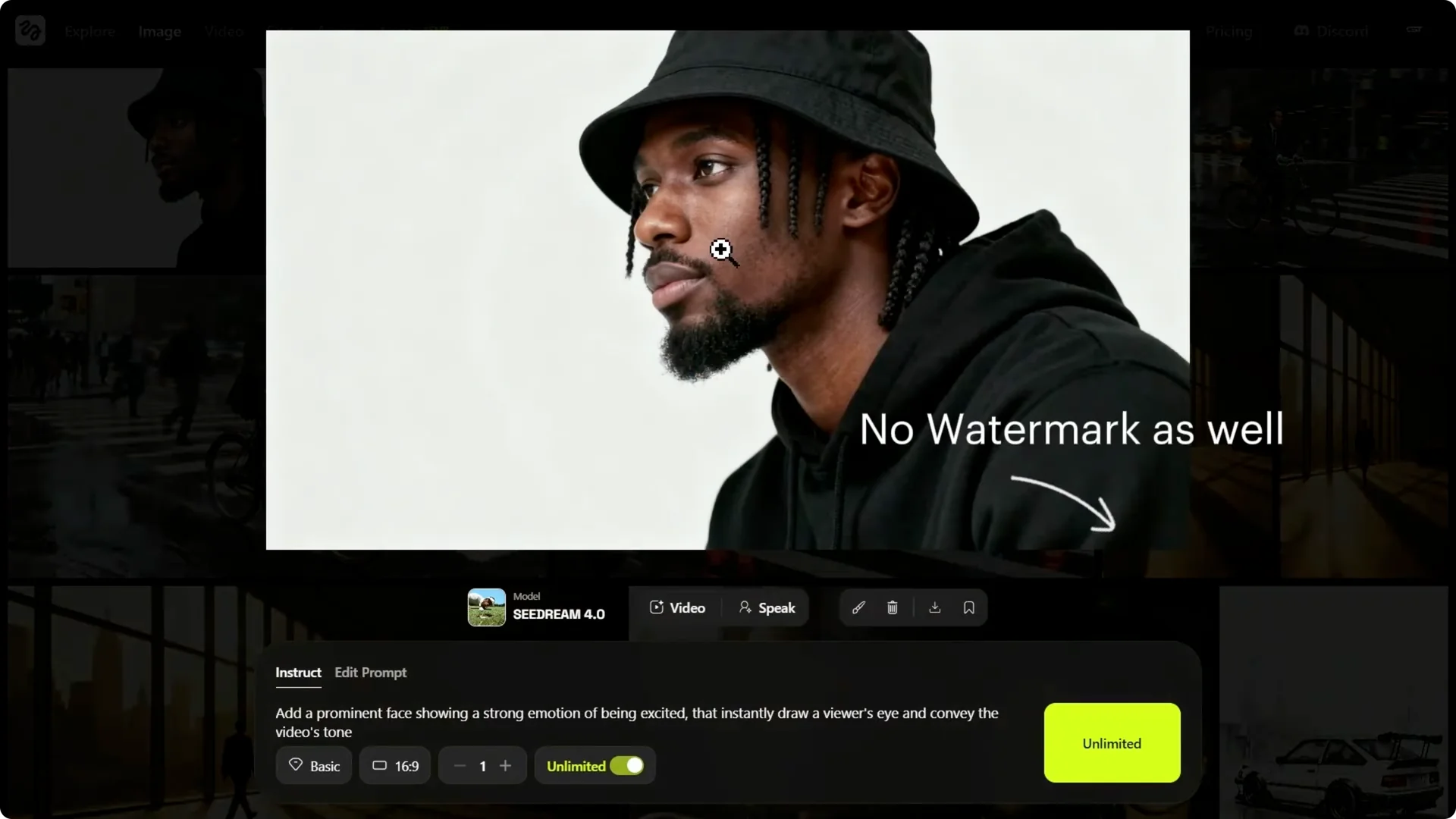
Square images are useless if you’re making an Instagram story or a YouTube header. In Higsfield, you can force the AI to compose the scene specifically for the format you need. It does not just crop, it understands the frame.
I tested a wide cinematic scene, perfect for a 16×9 background, and then switched it to a 9×6. The 16×9 came out with balanced composition using the full width. From the instruct tab, I gave it a new aspect ratio and it recomposed the shot, emphasizing the height of the windows.
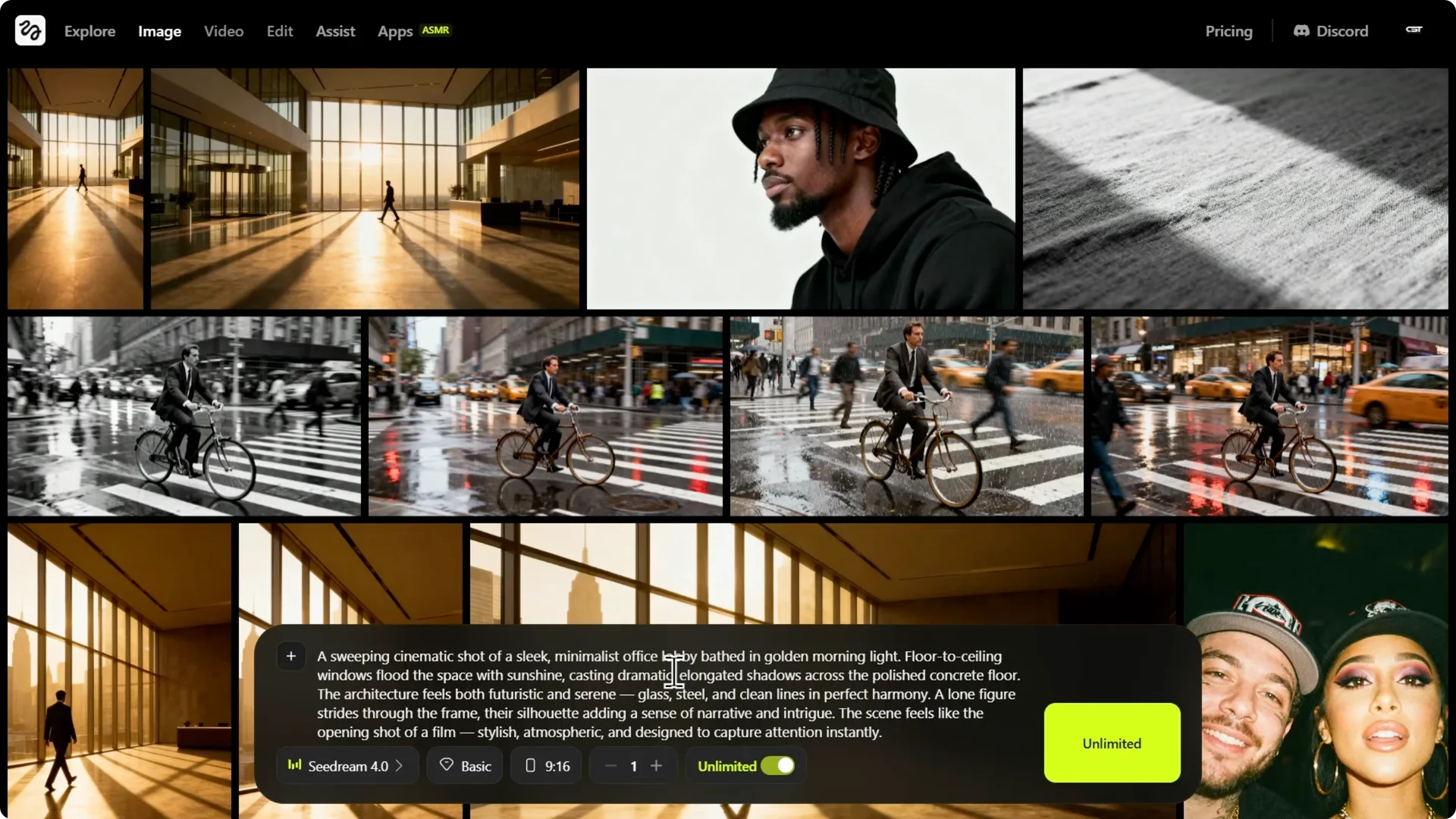
This saves hours of editing. It understands how to reframe without losing intent. The output feels purpose-built for each format.
Seedream 4.0 Evaluation: Batch Generation
Why generate one image when you can generate four or even nine? In Higsfield, you can generate up to four images with one prompt and it will cost one credit per image in batch generation. If you do not want to spend credits, you can use single image generation.
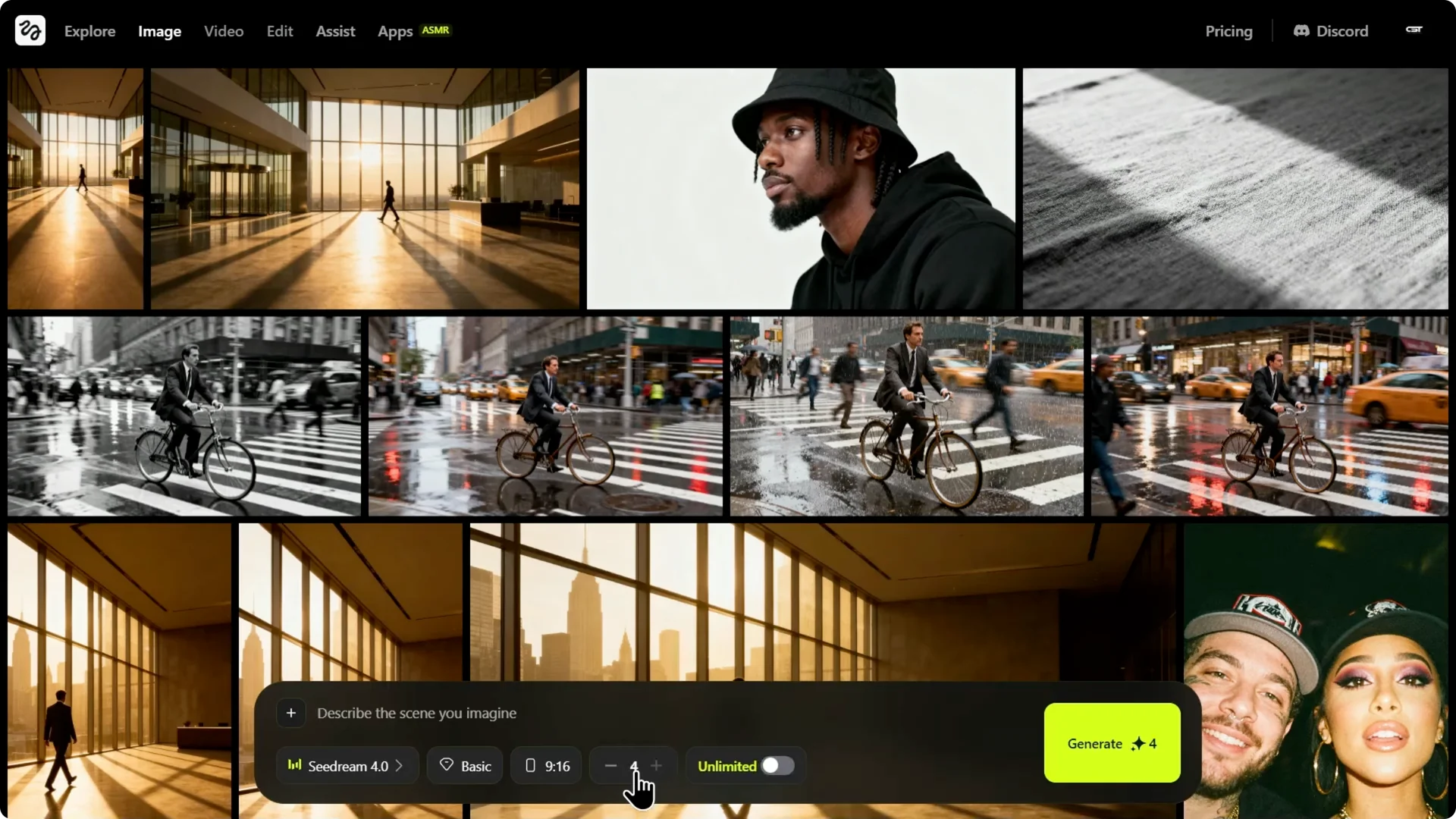
I tried a dynamic street photography prompt, which is hard for AI to get right on the first try. Four options arrived with one click. Image one was good, but image three nailed the motion blur and the reflection, and I found the perfect shot in seconds.
For another take on workflow and editing precision with Nano Banana, see this updated guide: Nano Banana Pro updates.
Seedream 4.0 Evaluation: Advanced Compositing
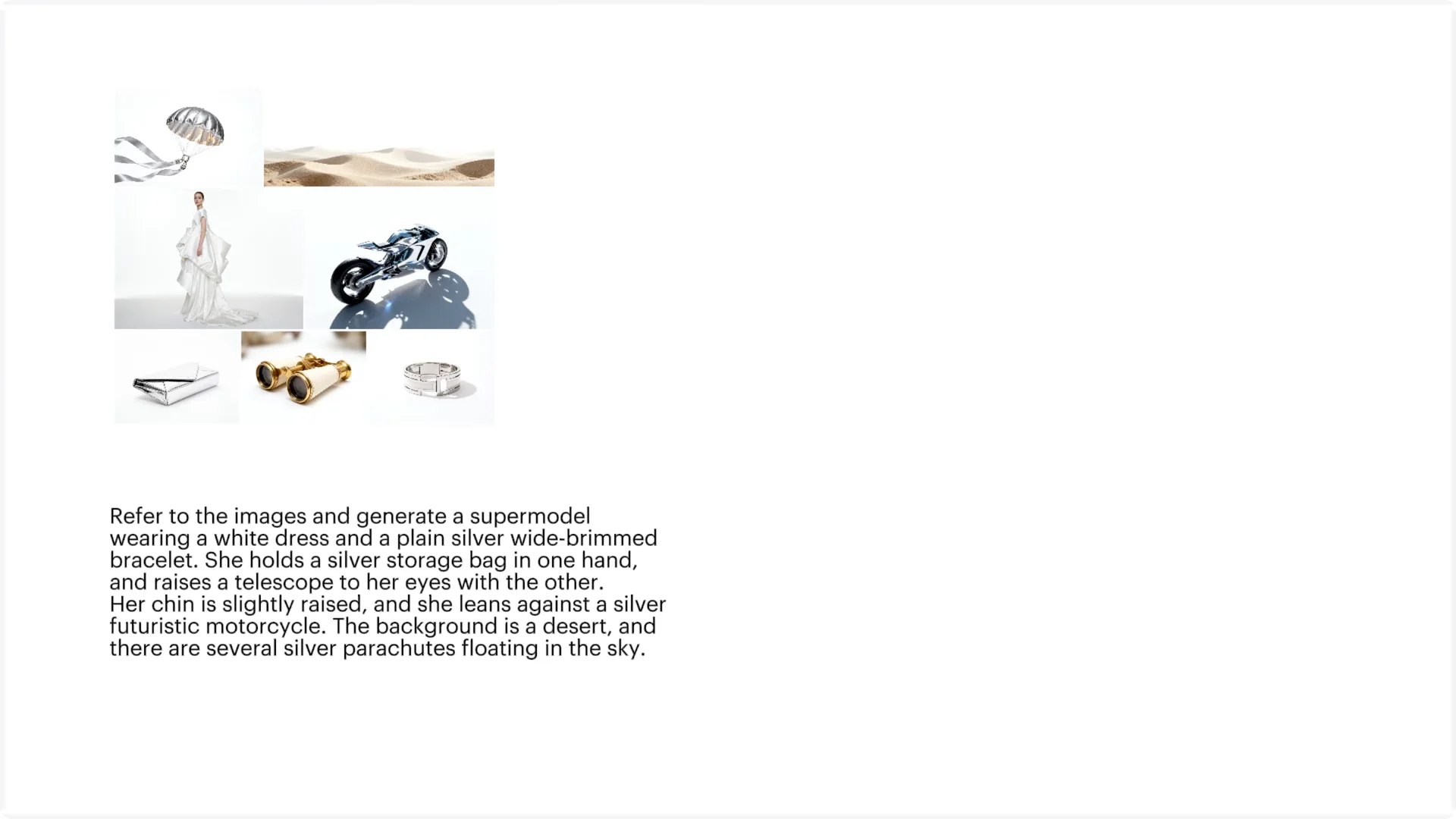
This is the big one, the comparison to Nano Banana. Seedream 4.0 supports up to six reference images simultaneously. You can combine a product, a background, and a style reference all at once.
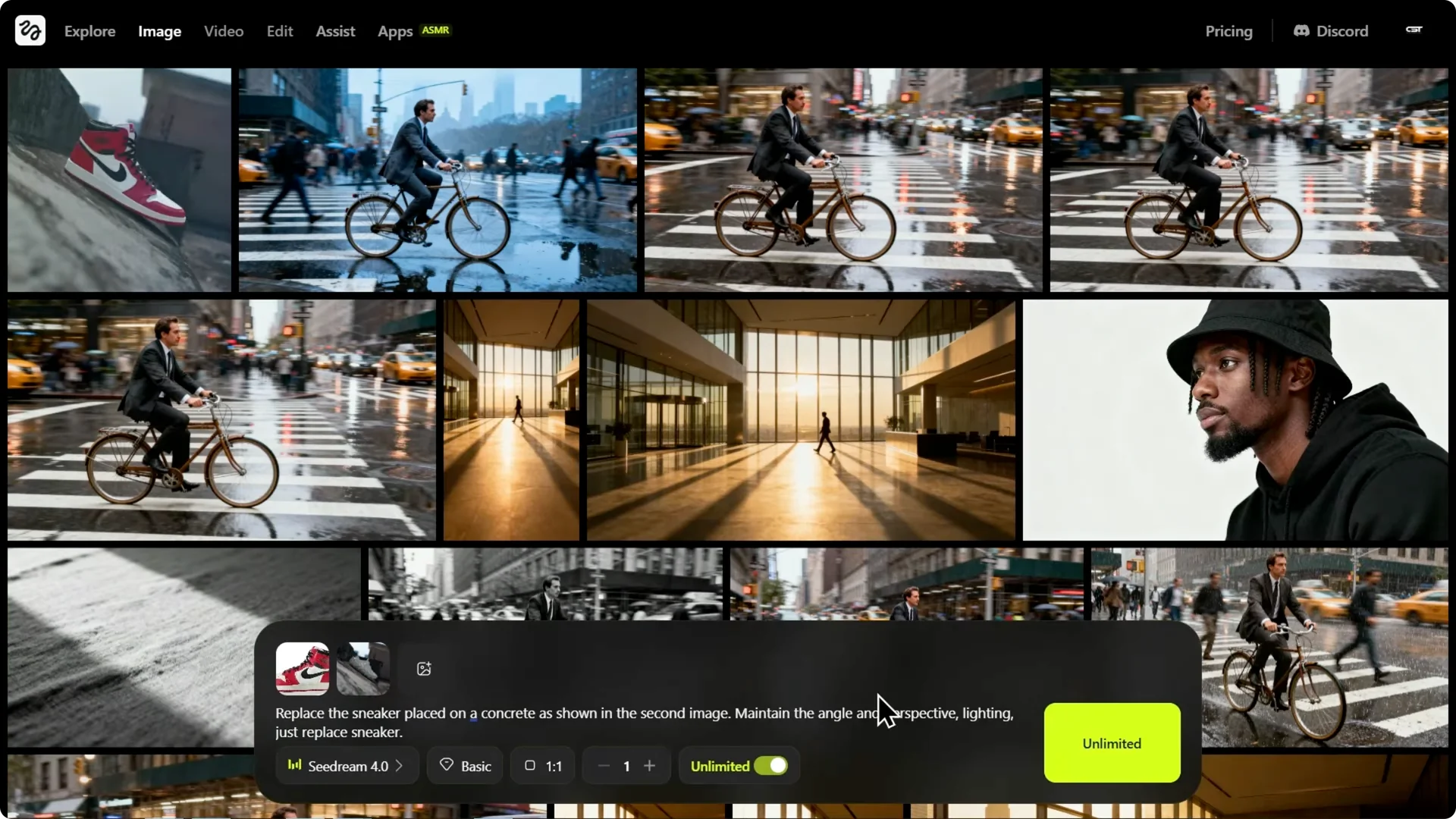
I tested product placement with a photo of a specific sneaker that I wanted placed on a gritty urban rooftop. The integration is strong: the shadows match the sunset lighting and the perspective is correct. It did not just copy and paste, it rendered the sneaker in the scene for a more believable and aesthetically pleasing final image.
If your workflow includes face swaps or precision cutouts with Nano Banana, check out this tutorial for fast Photoshop integrations: Photoshop face swaps with Nano Banana. You can pair that precision with Seedream’s compositing to cover both realism and control.
Seedream 4.0 Evaluation: Hyper Realism and Prompt Adherence
This is where Seedream 4.0 truly shines. Reddit users have noted that Seedream images look more true to life and have less of that plastic AI sheen. It understands natural language and complex realistic scenarios exceptionally well.
I threw a complicated real world scene at it, focusing on human interaction, something AI often struggles with. The atmosphere is captured and the interaction, handing the bag, is natural and anatomically correct. The lighting is soft and ambient, and it understood the nuances of the scene.
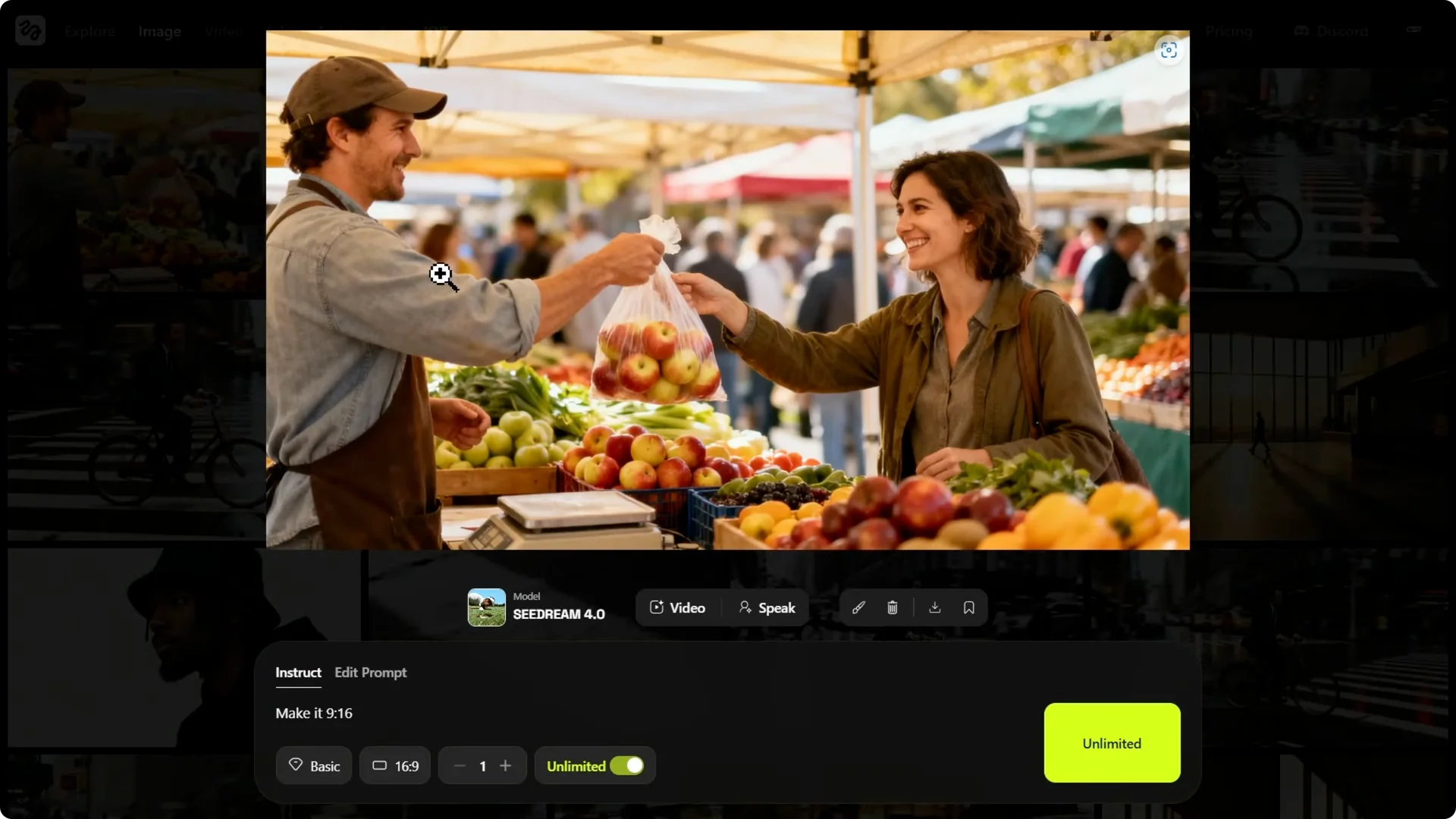
This is B-roll quality generated instantly. It reads context without over-smoothing details. The result feels ready for production use.
Seedream 4.0 Evaluation: Bonus Use Case for Designers
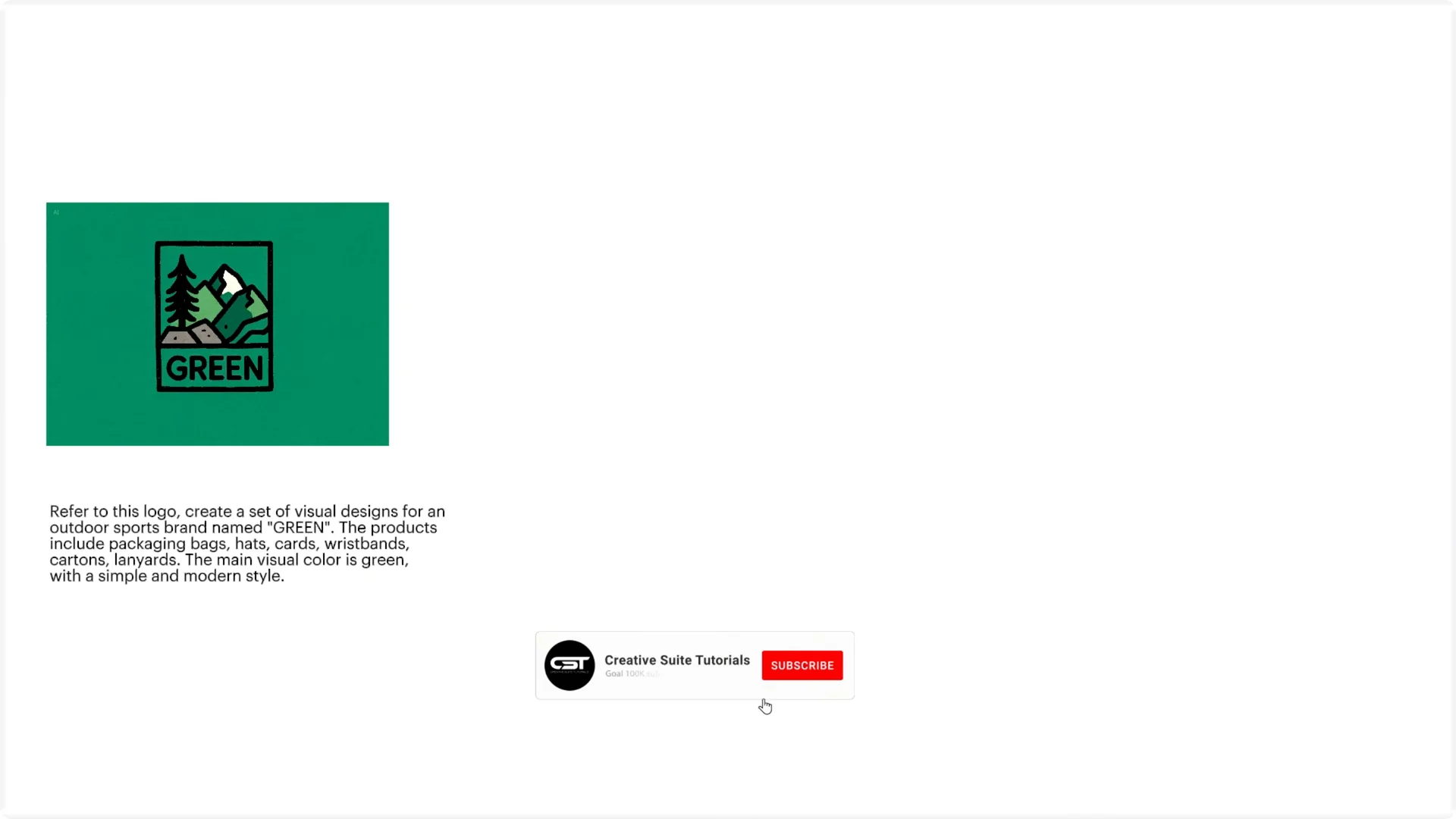
You can take the logo of any brand and ask it to create branded mock-ups like this. This removes the long process to visualize the concept and gets straight to the point. It is a quick way to pitch design directions without full manual comping.
Seedream 4.0 Evaluation: Final Thoughts
Nano Banana is still excellent for precise editing and preserving input details. If you prioritize aesthetic quality, 4K resolution, speed, and hyper realism, Seedream 4.0 is the tool to beat. The fact that it is available unlimited on Higsfield AI makes it a strong pick for creators.