Here is how to cancel a Higgsfield AI subscription. Start from your signed-in account on the website.
Higgsfield AI Subscription Cancellation Steps
Open Higgsfield AI Subscription Cancellation settings
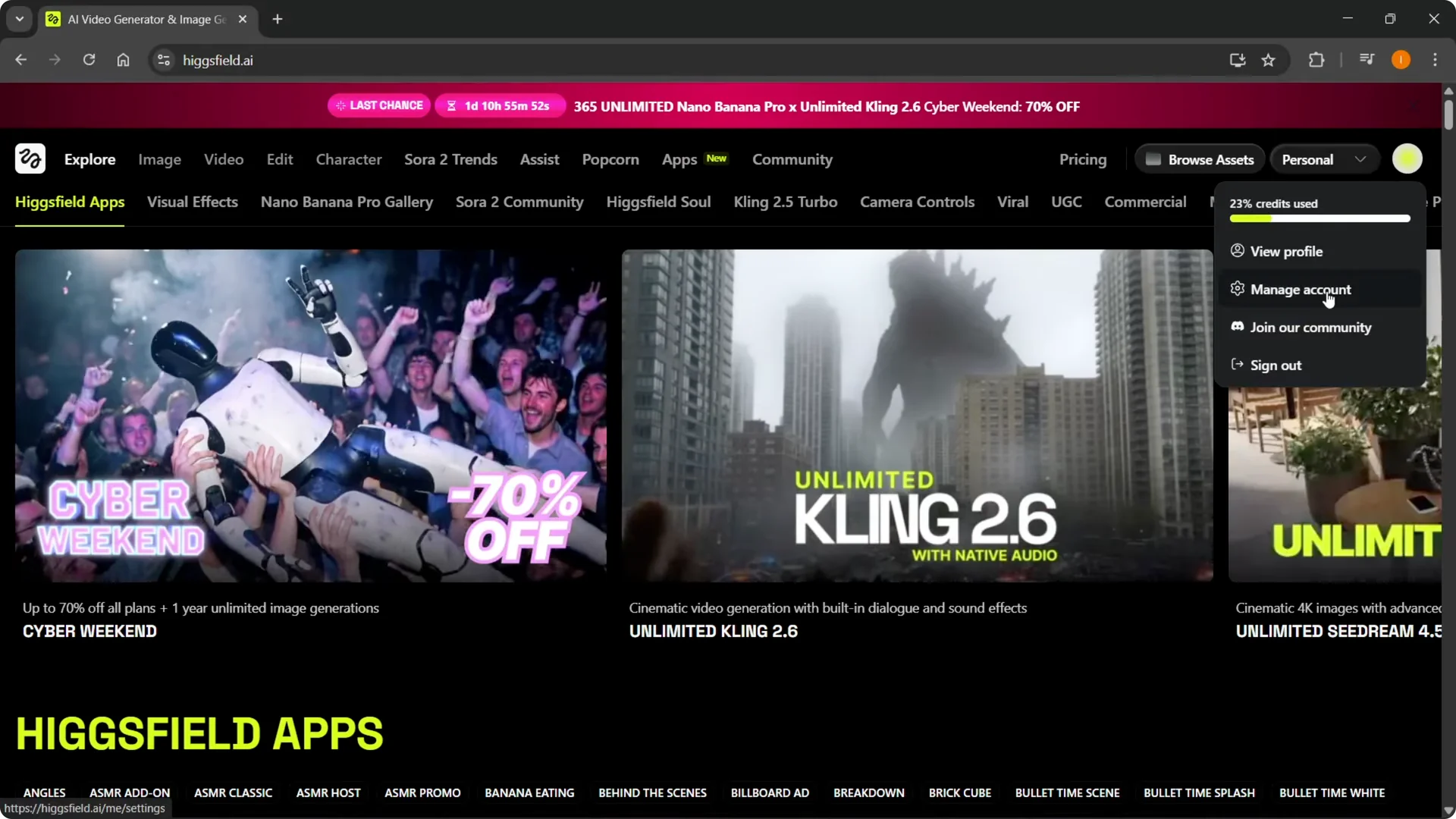
Step 1: Click your profile icon at the top right, then click Manage Account.
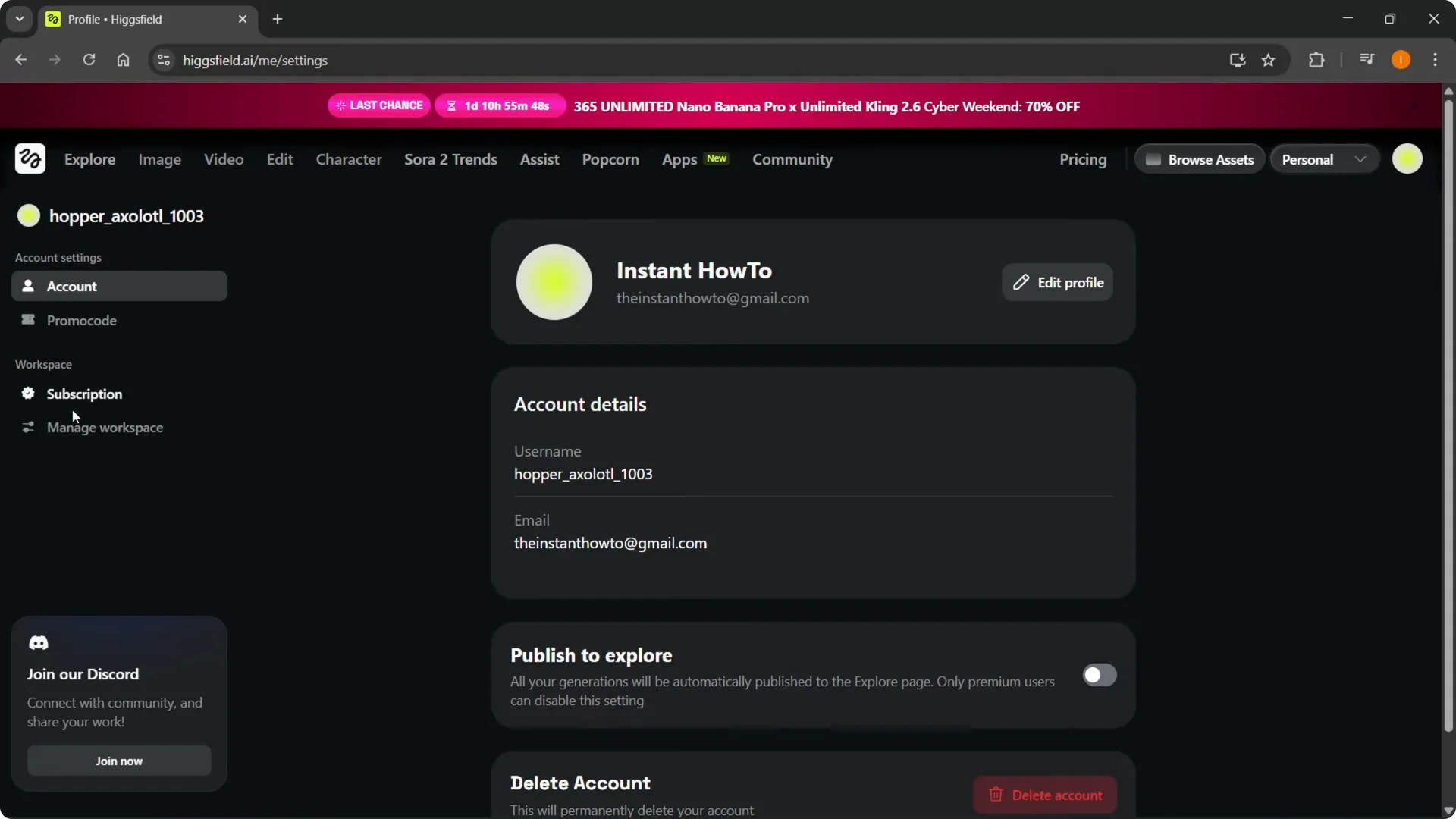
Step 2: Inside Manage Account, go to Workspace, then Subscription. Click the Subscription tab.
Read More: Higgsfield Ai Lip Sync
Navigate to the Higgsfield AI Subscription Cancellation section
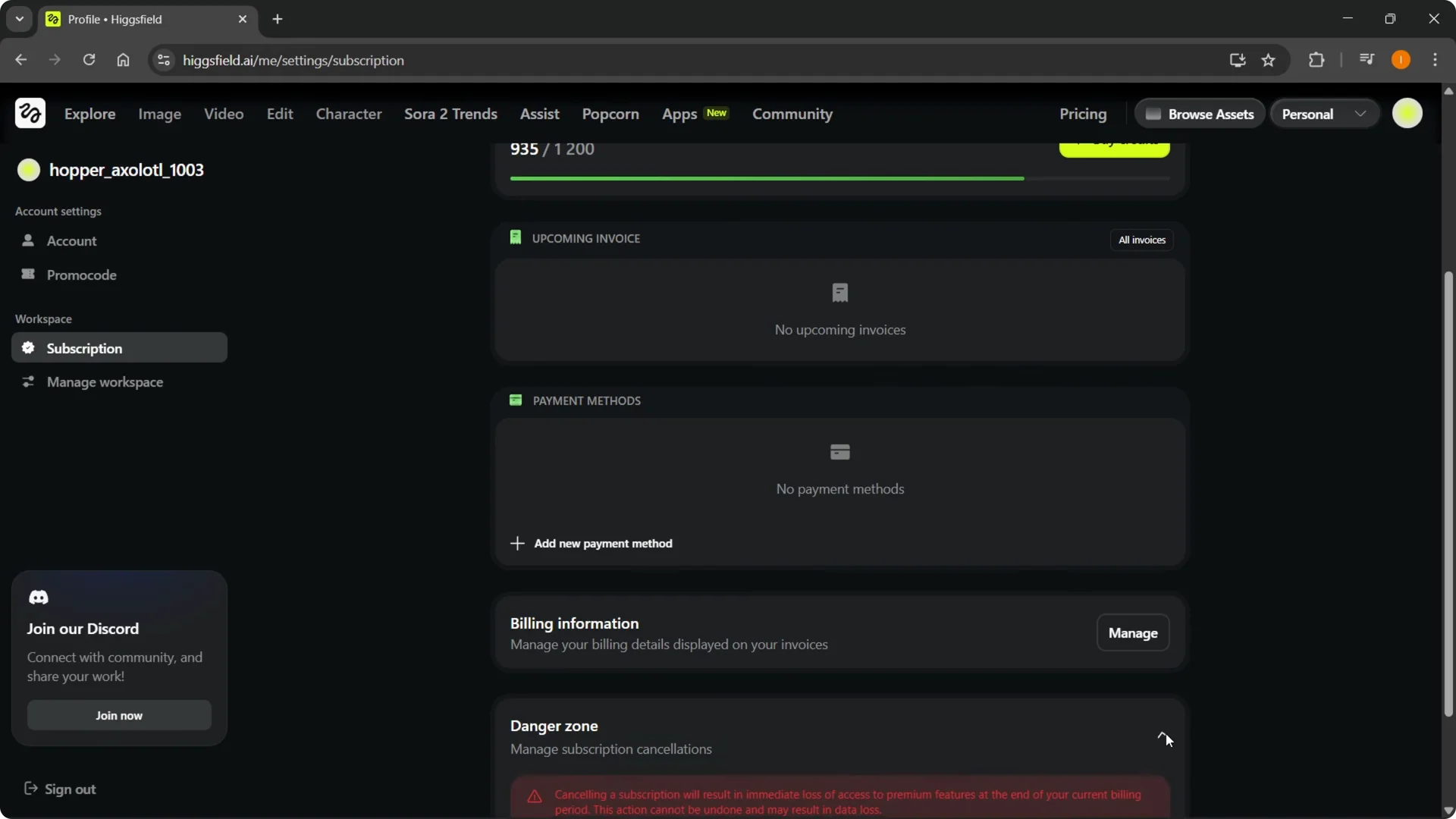
Step 3: In Subscription, you will see your current plan. Scroll down to the very bottom.
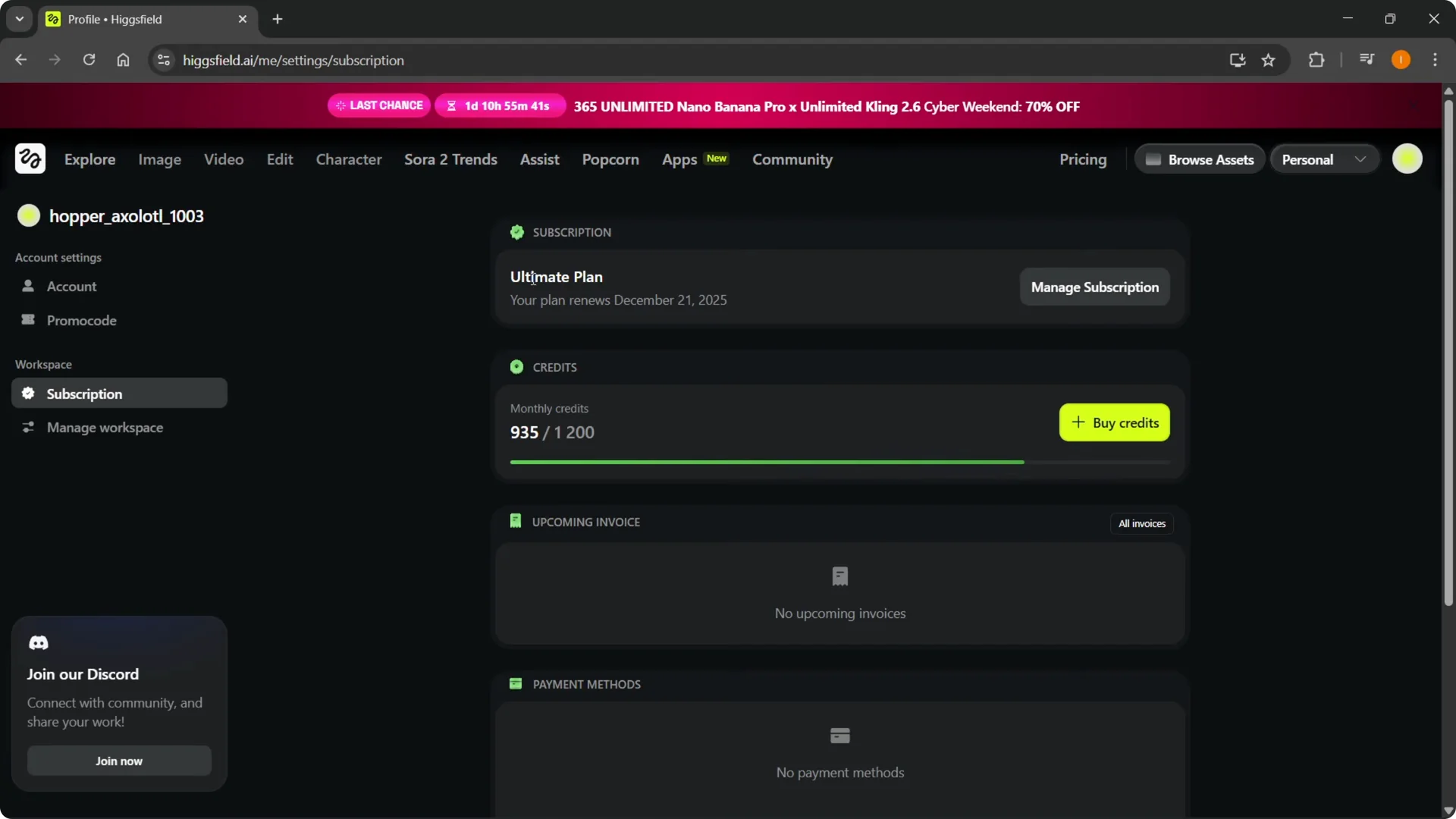
Step 4: Find the section labeled Danger zone – Manage subscription cancellations. Click the arrow to expand it.
Read More: Higgsfield Ai Smooth Transitions
Review the Higgsfield AI Subscription Cancellation warning
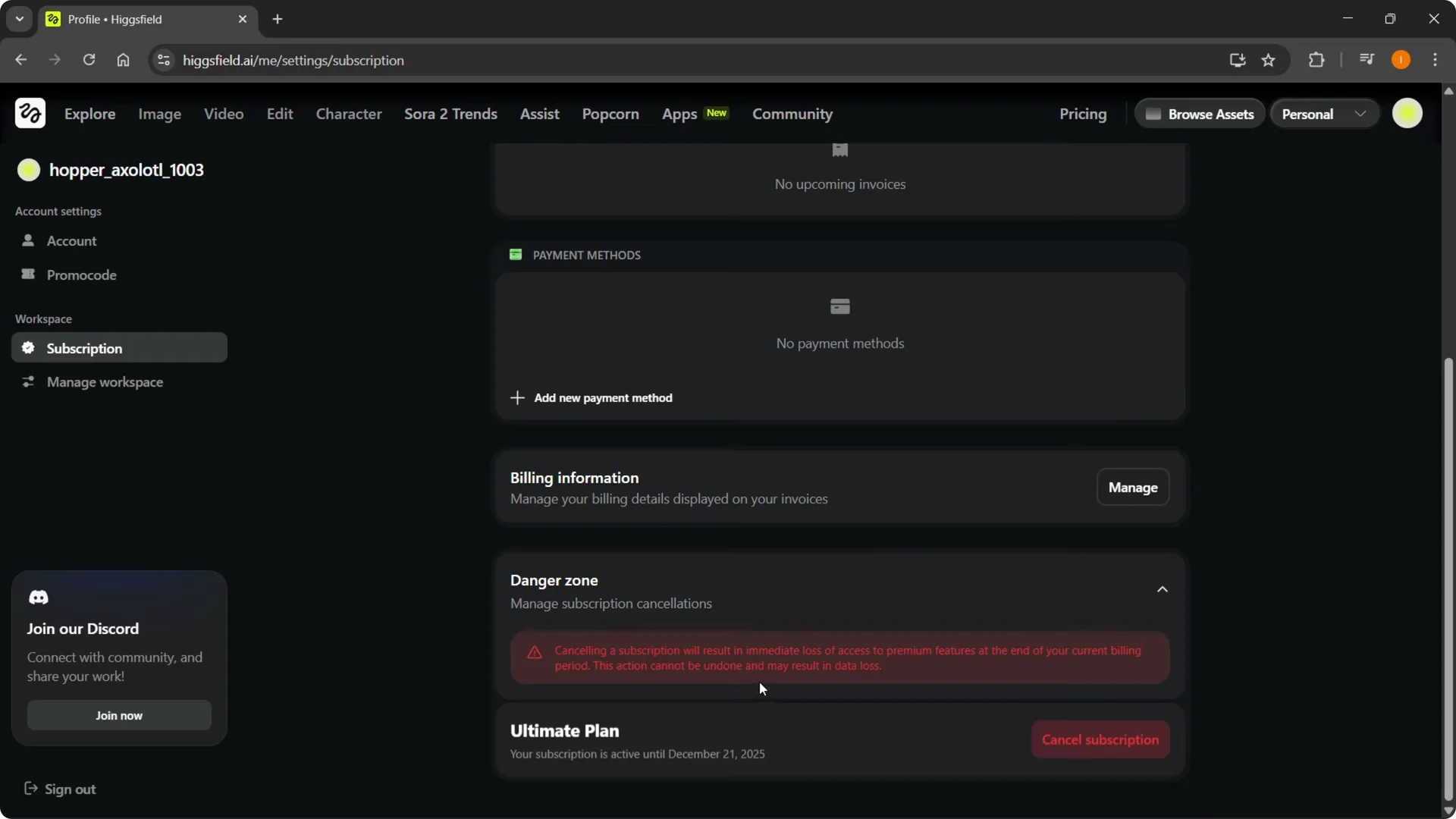
Step 5: A warning will appear stating that canceling a subscription will result in immediate loss of access to premium features at the end of your current billing period.
It also states that this action cannot be undone and may result in data loss.
Confirm Higgsfield AI Subscription Cancellation
Step 6: If you agree and you are okay with canceling the subscription, you will see your plan name. Click Cancel subscription.
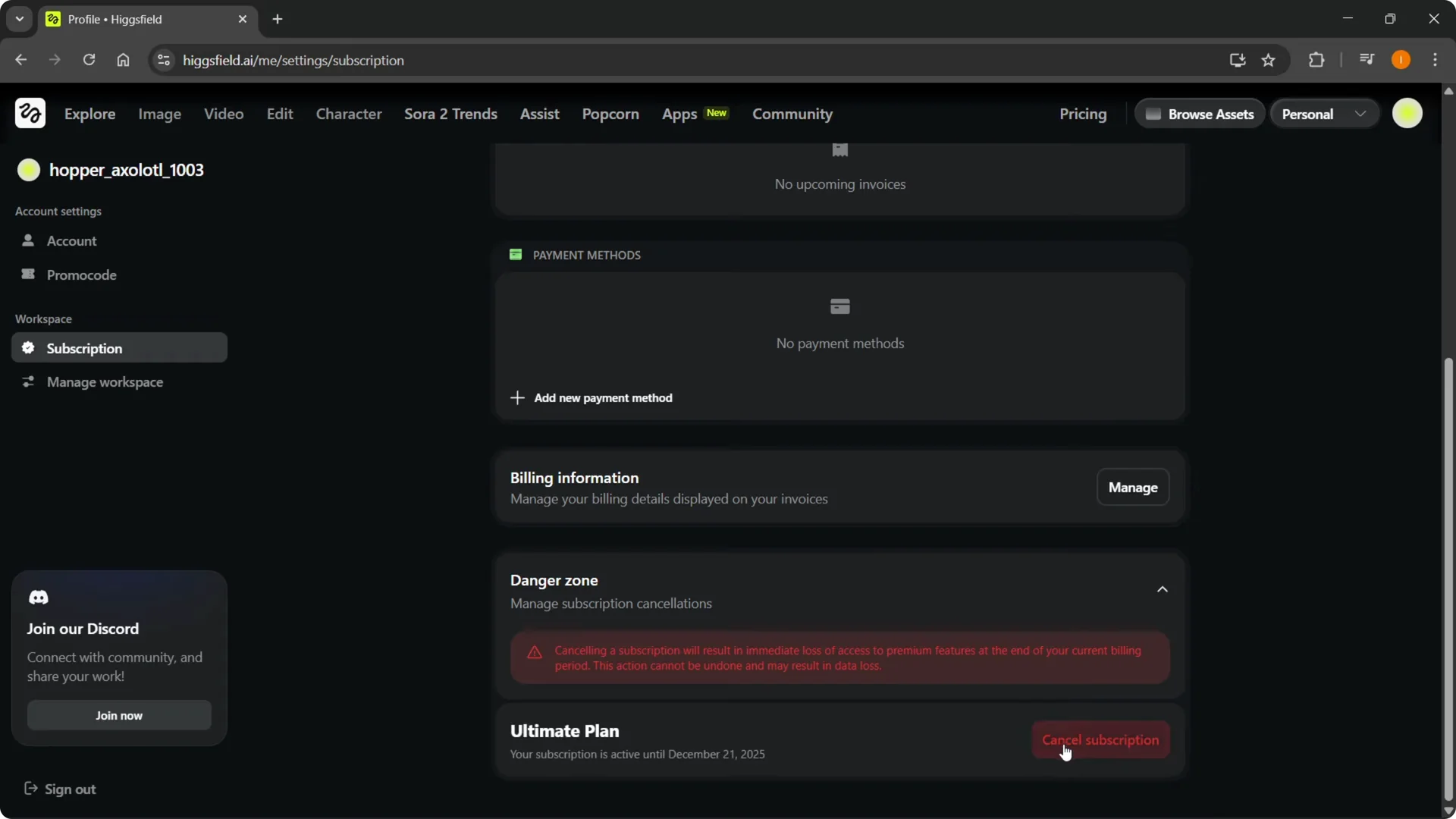
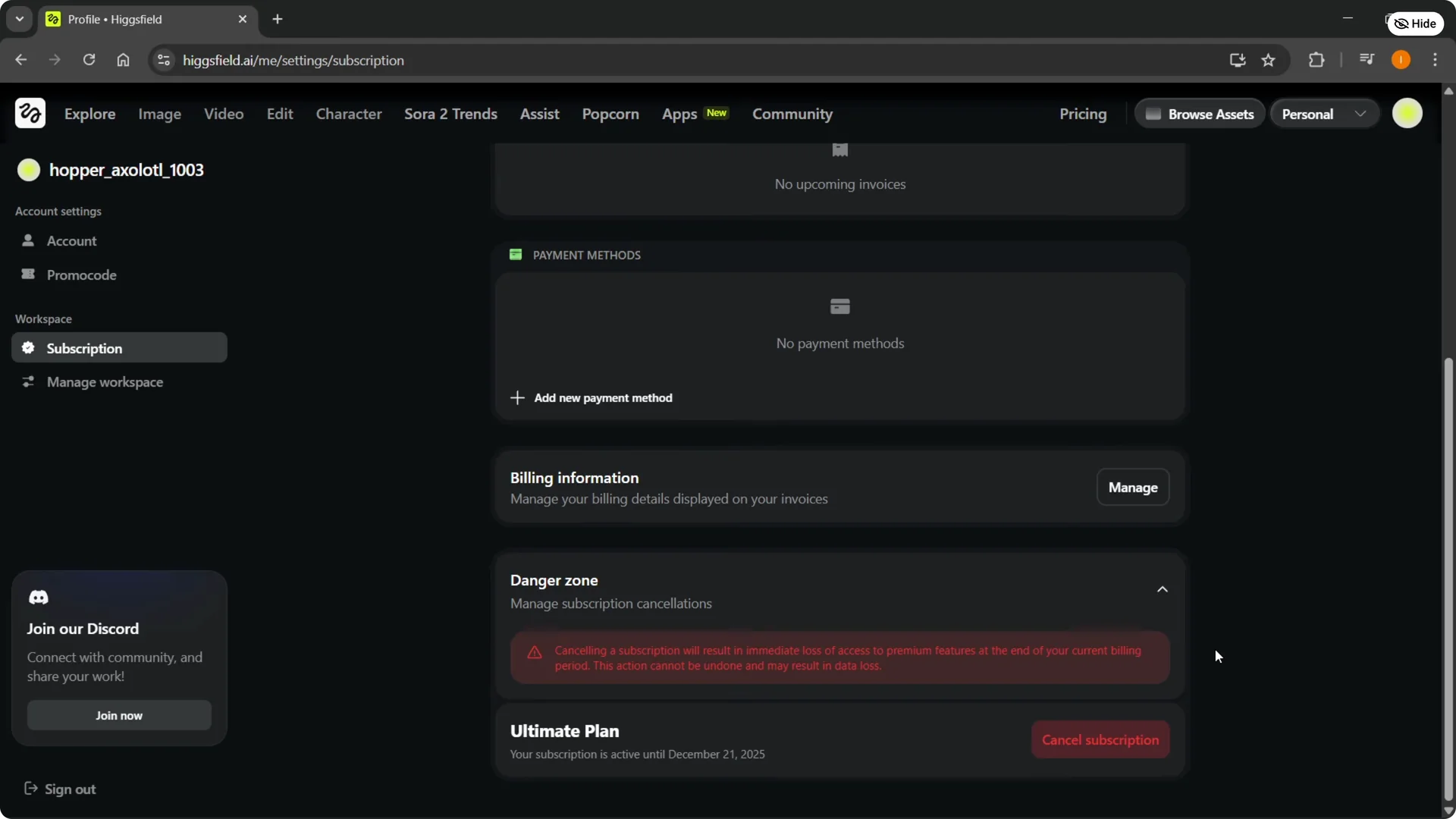
Step 7: Confirm the cancellation. You are good to go, and the subscription will be canceled.
Read More: Delete Higgsfield Account Quickly
Final thoughts
Follow the steps from your account settings to locate the subscription tab, open the danger zone, review the warning, and confirm. Once you accept the notice and confirm, your plan will be set to end at the close of the current billing period. You will lose premium access after that point.