Here’s how to create the trending baby dance content that’s blowing up on TikTok. This was requested by someone from my community who asked me to break it down. I want you to take advantage of this, especially if you’ve been wondering what to do online or what kind of content to create in this faceless content era.
If you’re looking for a simple beginner friendly content idea that works and has real monetization potential on TikTok, this is for you. Let’s get straight into it.
AI Dancing Baby Videos: Find a Reference and Capture a Clean Screenshot
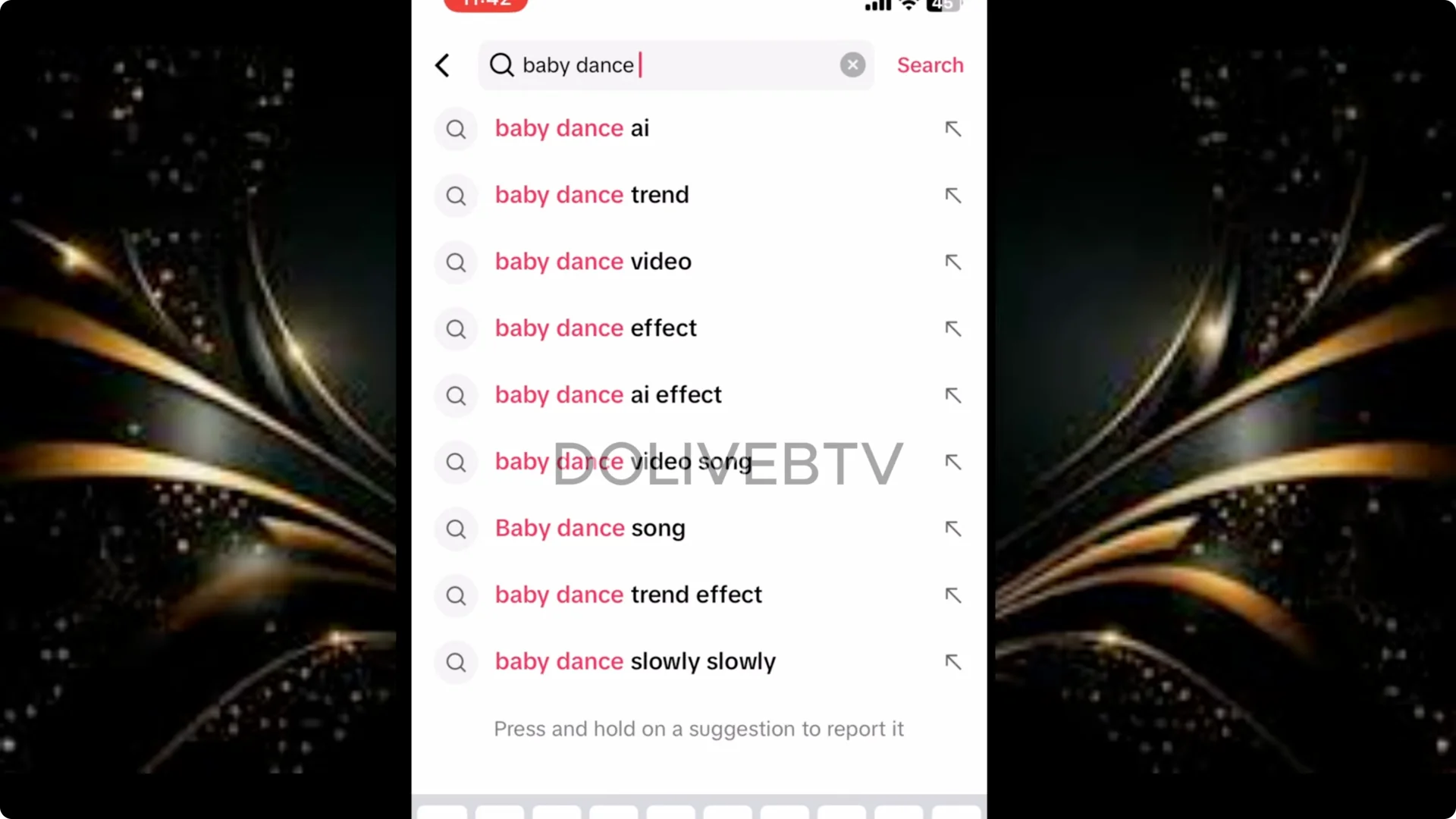
- Open TikTok, click search, and type “baby dance video.”
- Go through the results and choose the best.
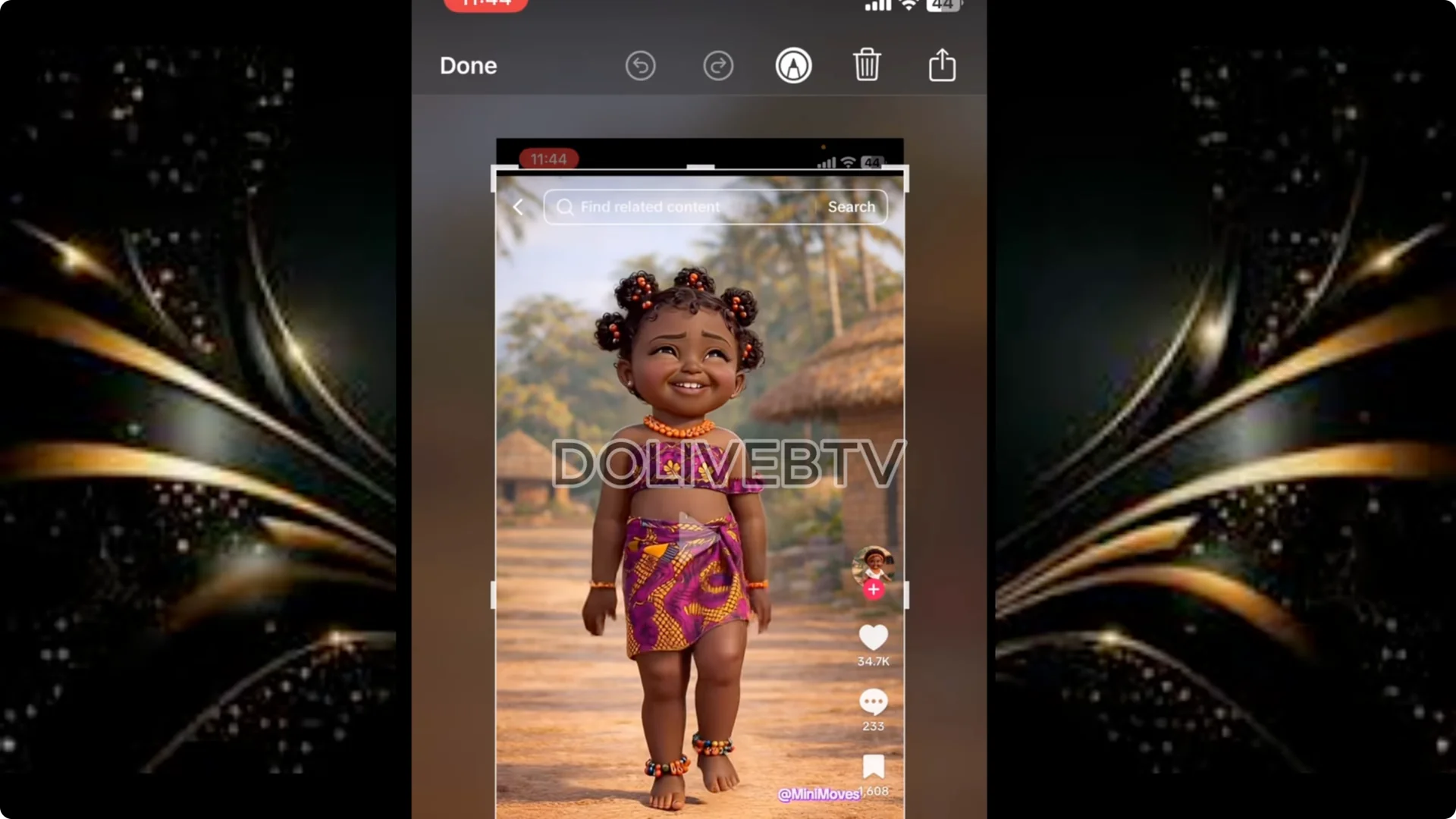
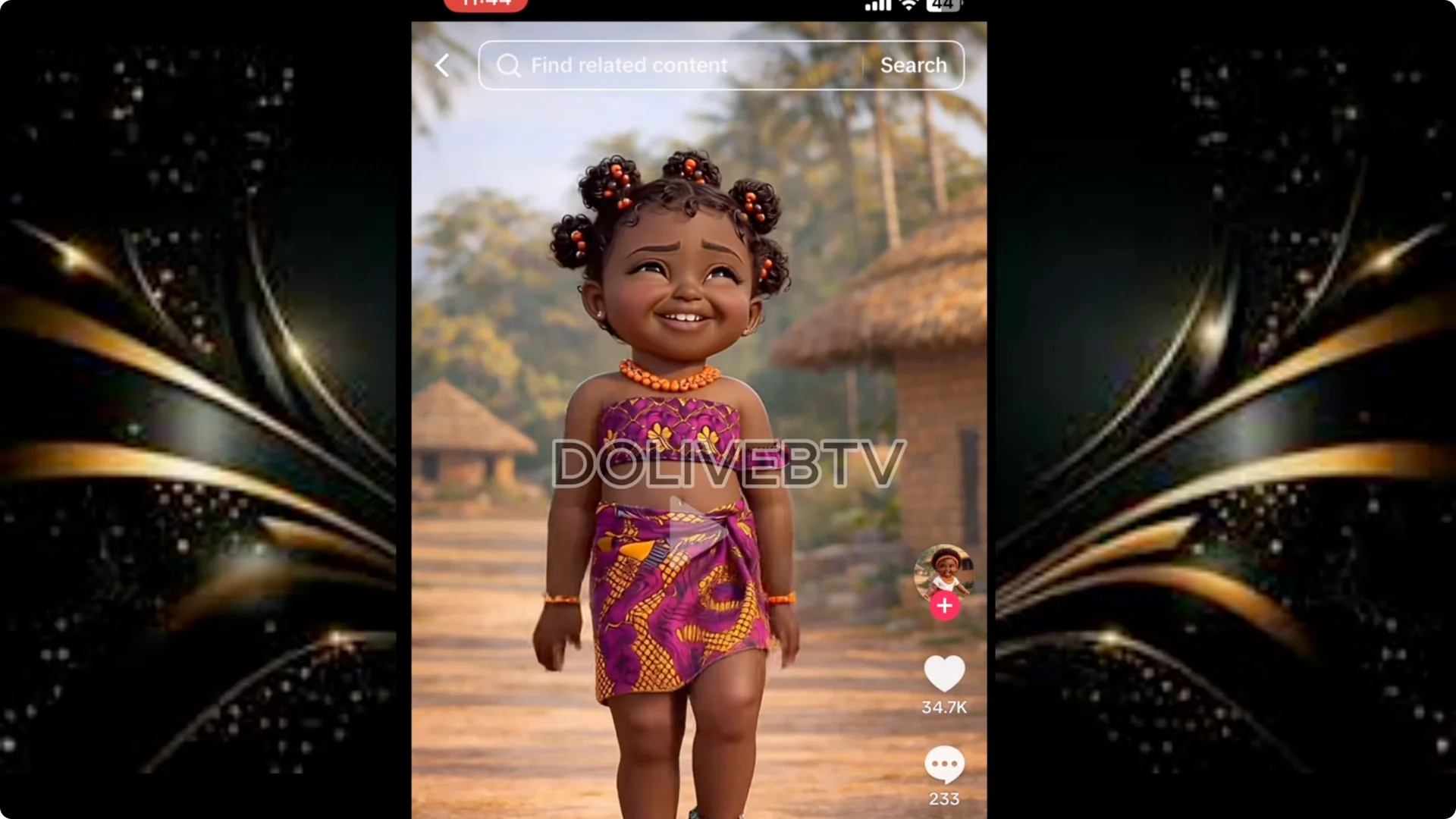
- Take a screenshot of the baby while it is standing upright and facing the camera properly.
- Crop off the extra parts and save it to your device. I give credit to Minimals as being the owner of this image.
AI Dancing Baby Videos: Generate a New Baby Character
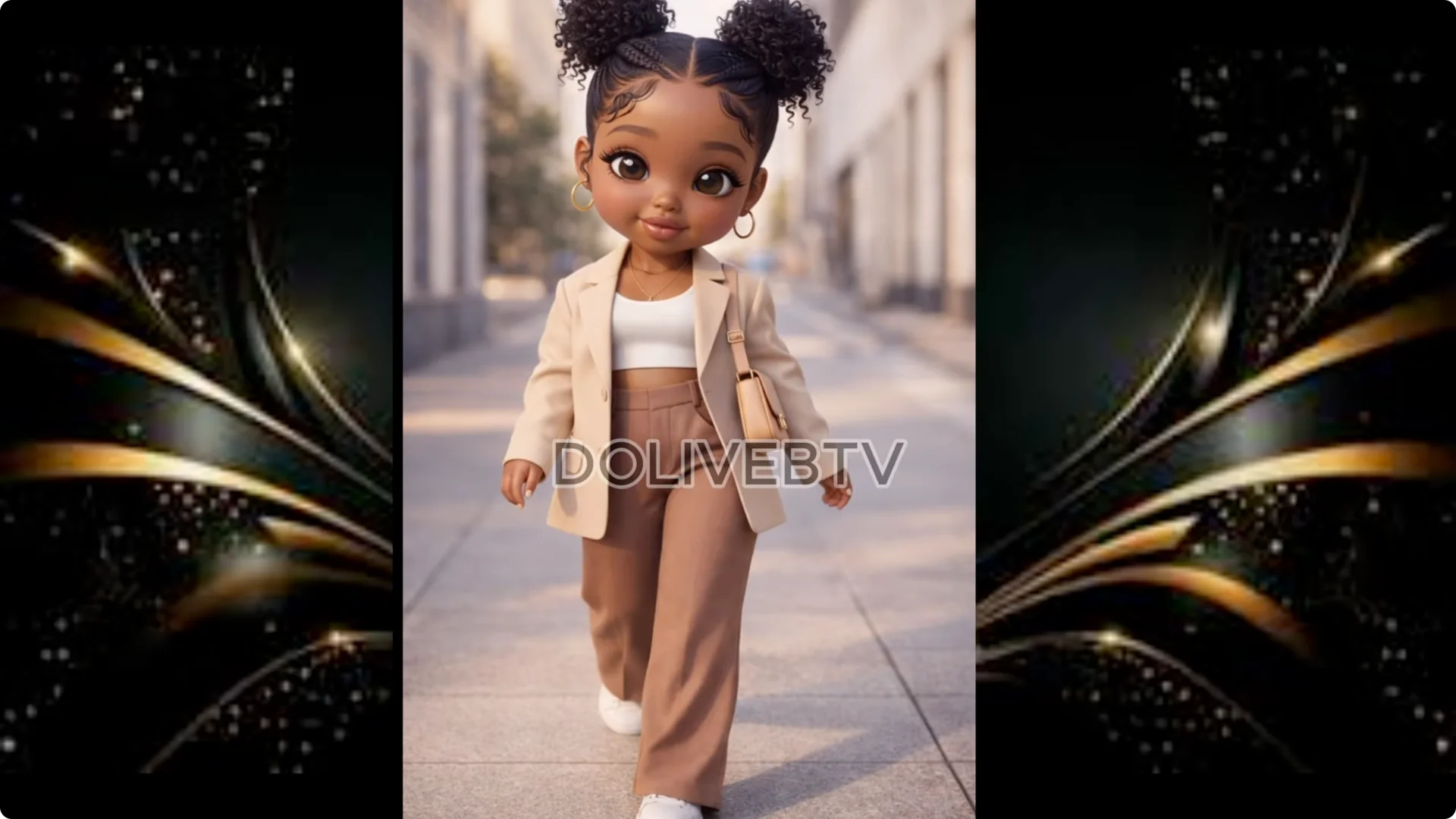
There are two ways to handle image generation. You can ask ChatGPT to help you generate the image, or you can go to Google Whisk and generate the image.
Option 1: ChatGPT
1. Head over to ChatGPT.
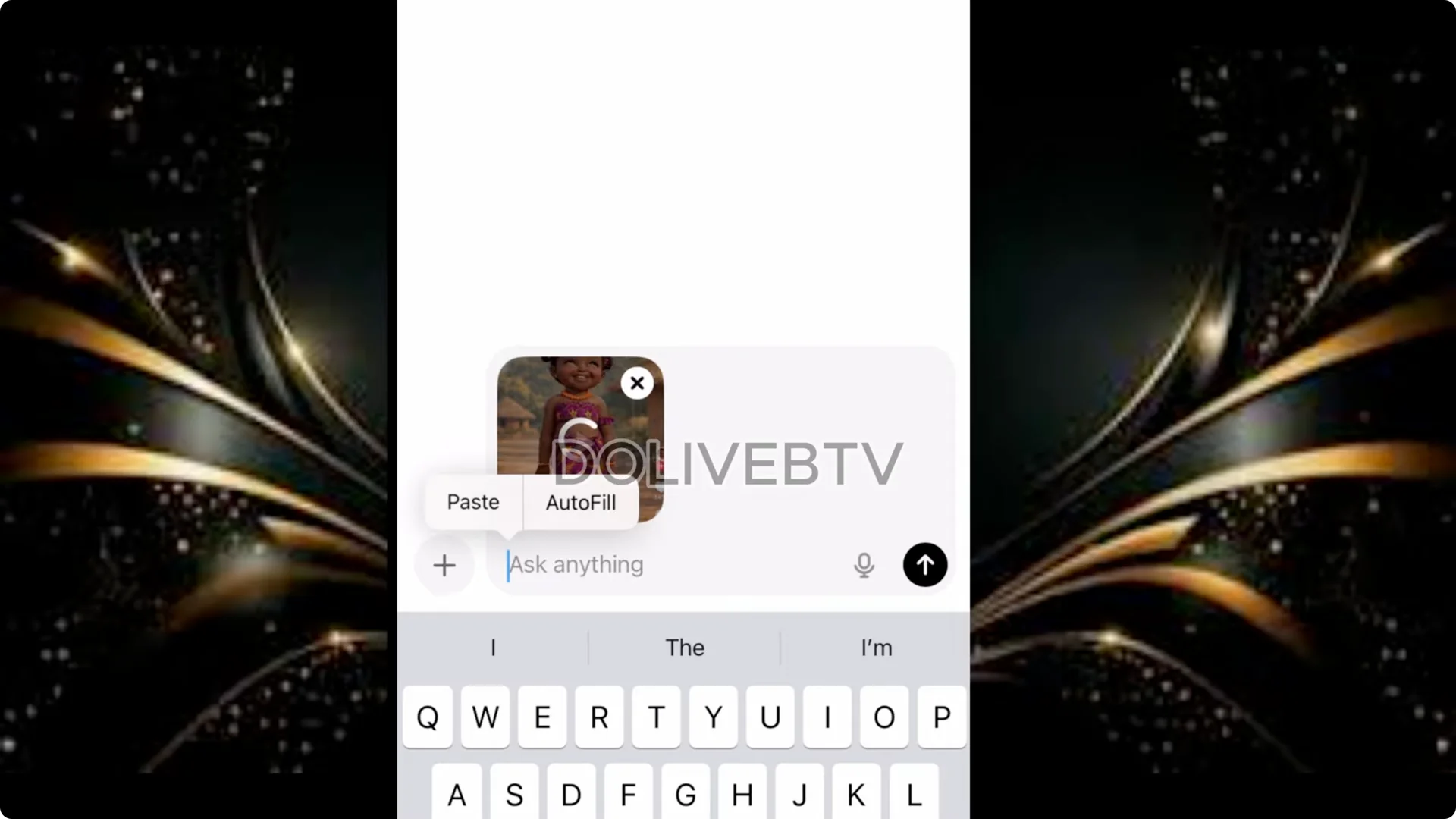
2. Click the plus sign and upload the baby’s image you captured.
3. Paste this prompt:
– Give me prompt to create a different version of this baby.
– Change the hairstyle and clothes.
– I want my one baby version different from the uploaded version.
– A cute stylized 3D animated African baby girl with all these features like this, like this and like this.
4. Using the prompt above, generate the image in 9 by6 aspect ratio. 9 by6 is for TikTok and you’re creating this type of videos for TikTok for now.
5. Click to generate and save the result you like.
Note: These dance videos could get copyright issues if you do it on YouTube. As at the time of this recording it is safer to do on TikTok.
Option 2: Google Whisk
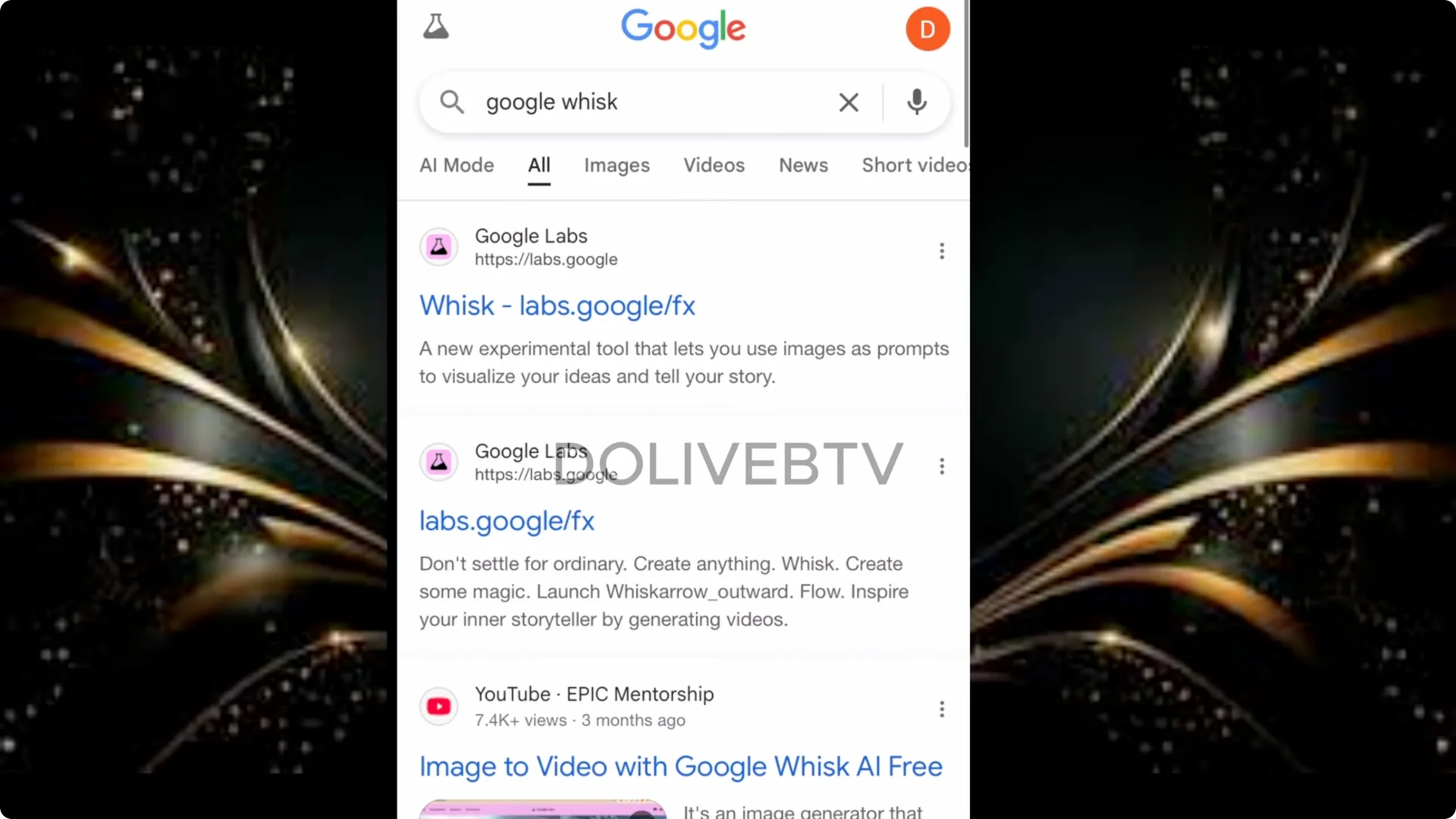
1. Go to your browser and type Google Whisk. Add Google in front like this: Google Whisk.
2. Click the first result (Google Labs).
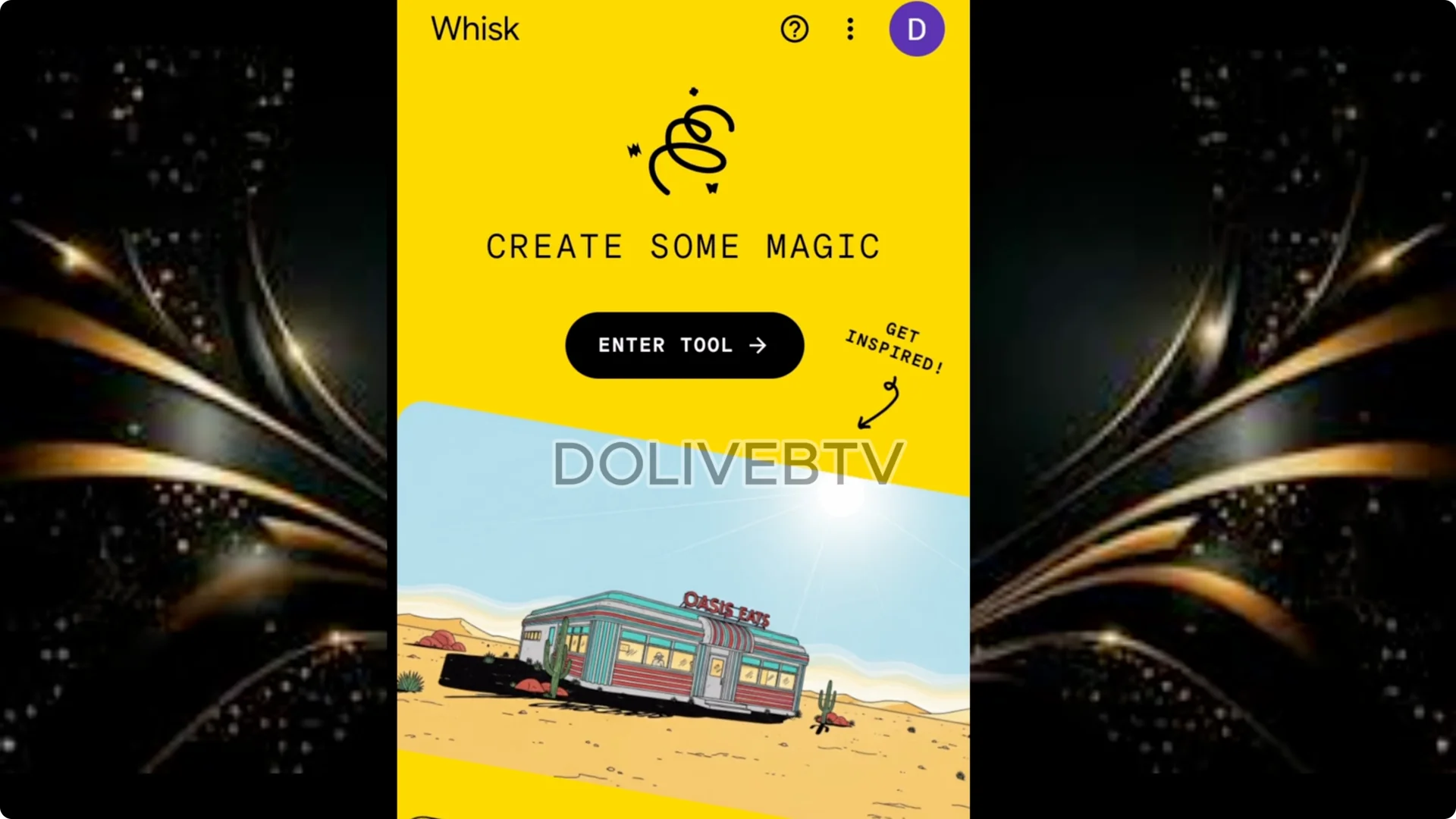
3. Sign in with your Google account. The background color is yellow.
4. Click Enter Tool, paste the prompt you got from ChatGPT, and set the aspect ratio to 9 by6 using the icon beside the dice.
5. Send, review the versions, and download the one you like. If you don’t like it, go back to ChatGPT to reprint for you. You can give the description of the dress and all of that.

That’s the same way I did this particular baby. Although our baby has some kind of breast, I’m going to be using this particular image anyway.
AI Dancing Baby Videos: Get a Viral Dance Motion Clip
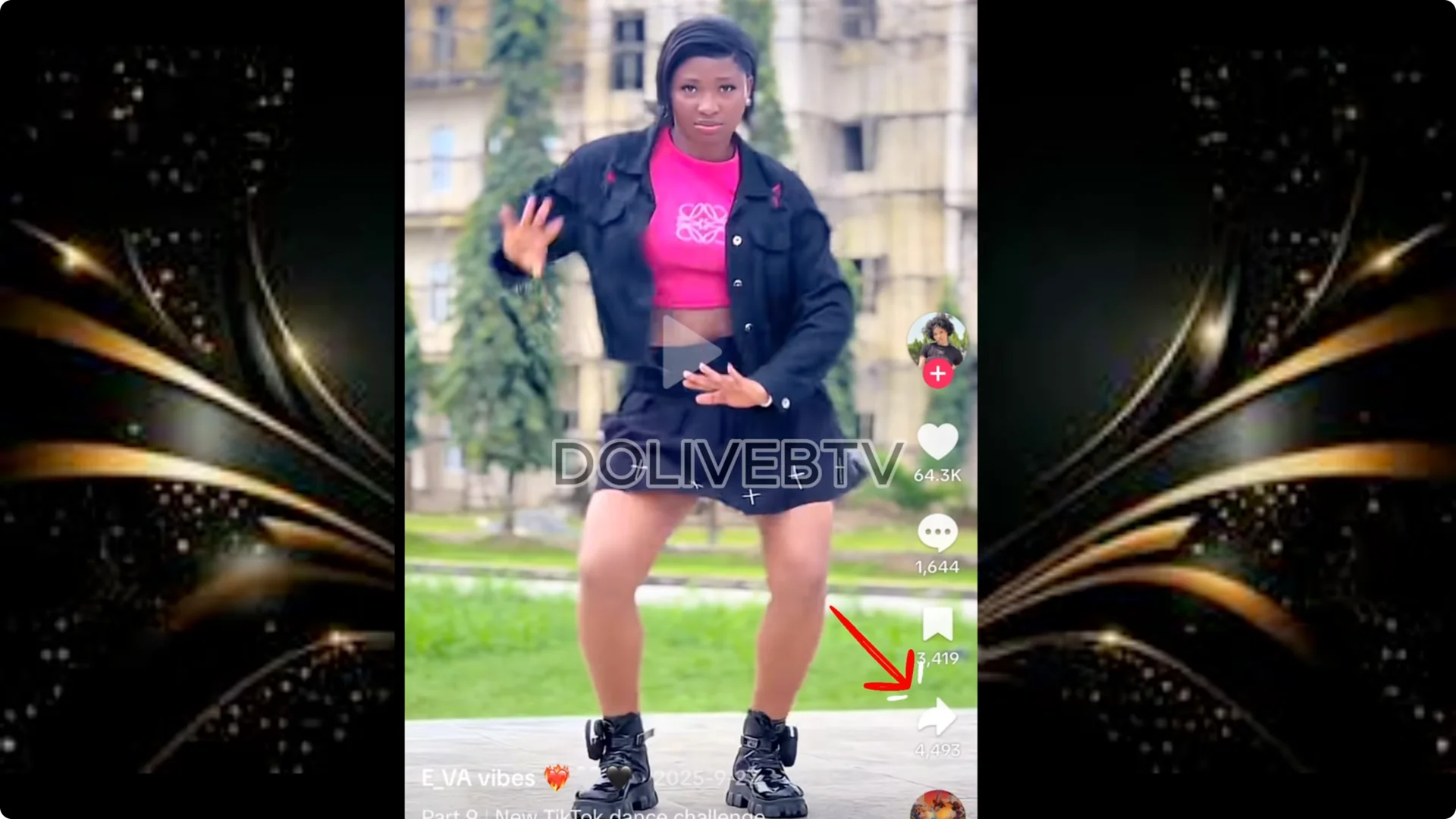
- On TikTok, search for a popular dancer or type “viral dances.” For example, we have Purple Speedy.
- Pick any viral dance you like.
- Tap the Share button and download it to your device.
AI Dancing Baby Videos: Animate the Baby in Kling
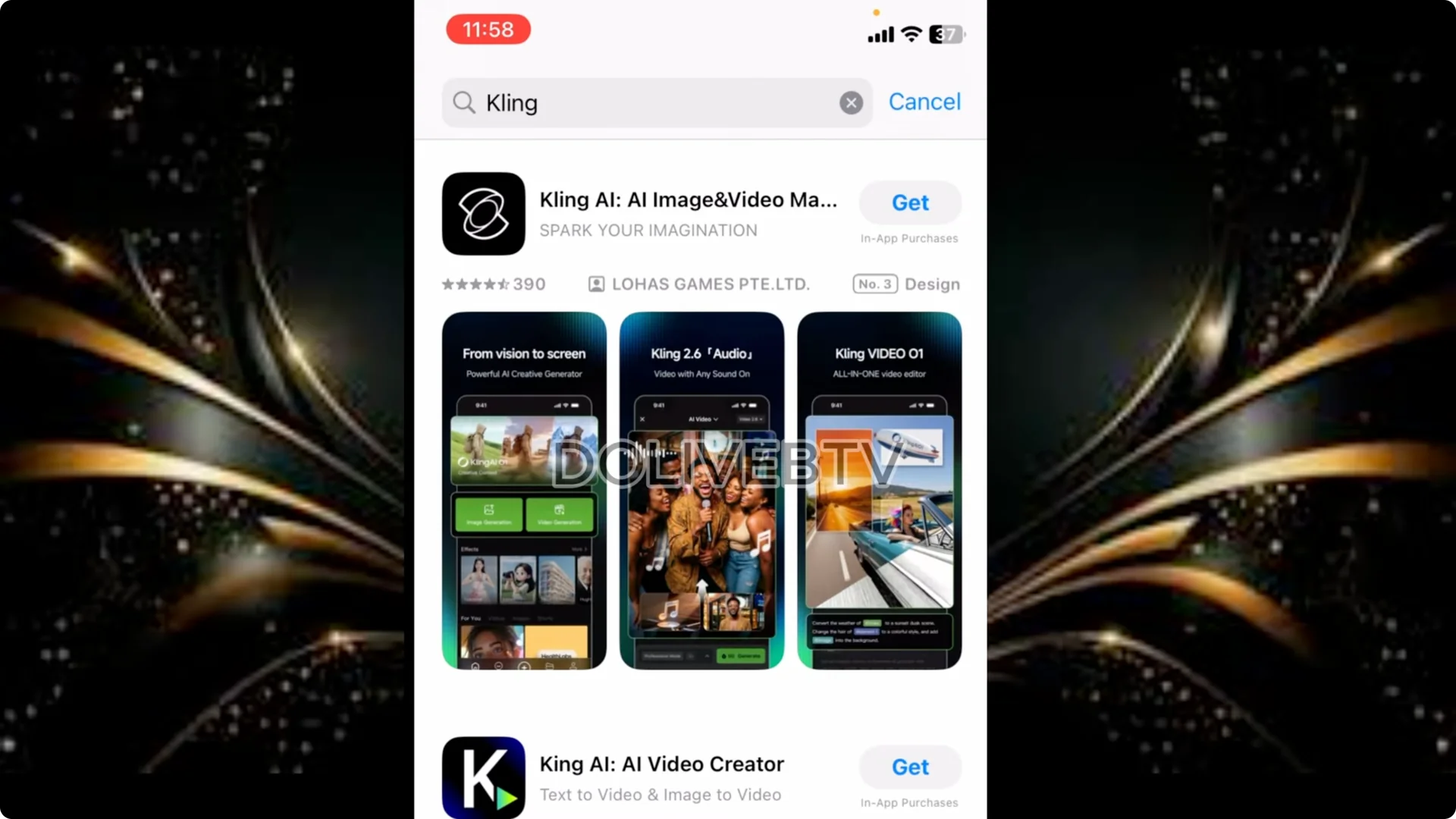
Install and Set Up Kling AI
1. Go to your App Store or Play Store.
2. Search “Kling AI” and download the first one you see.
3. Open it, agree to the terms, allow the rights, and sign in with Google.
Motion Control Workflow
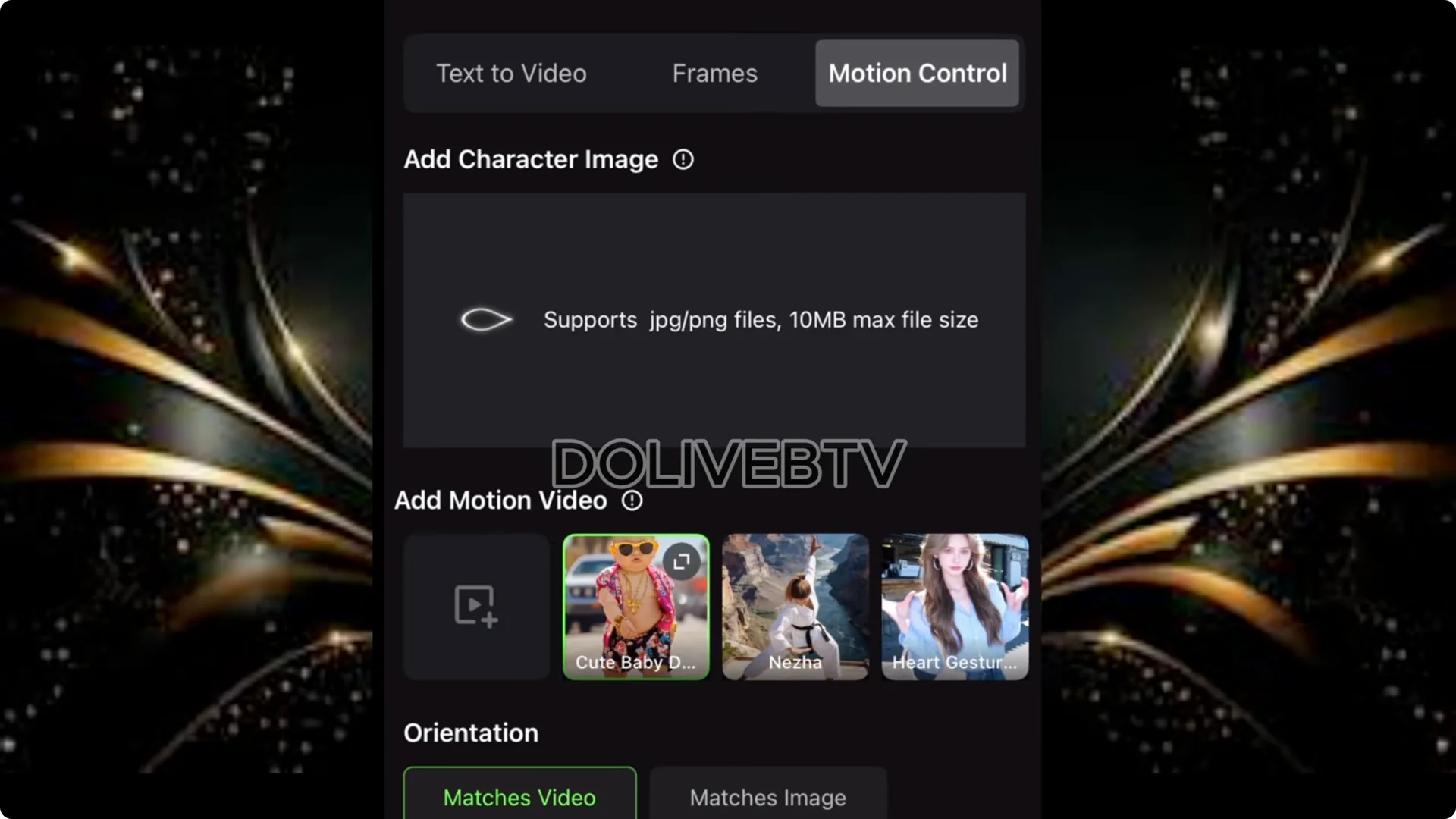
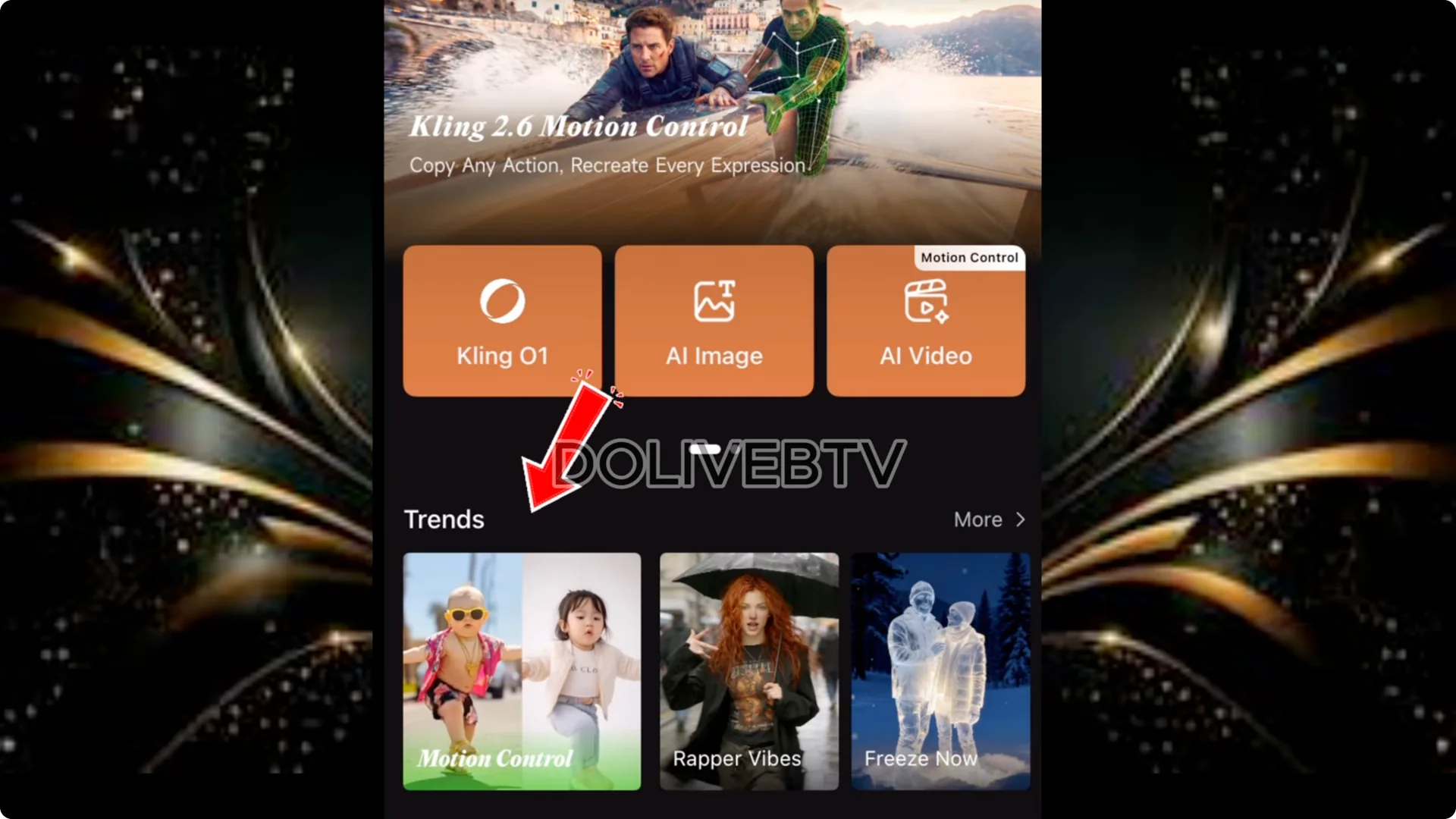
1. In Kling, tap Trend, then tap Motion Control.
2. Tap Add Character and select the baby image you generated earlier.
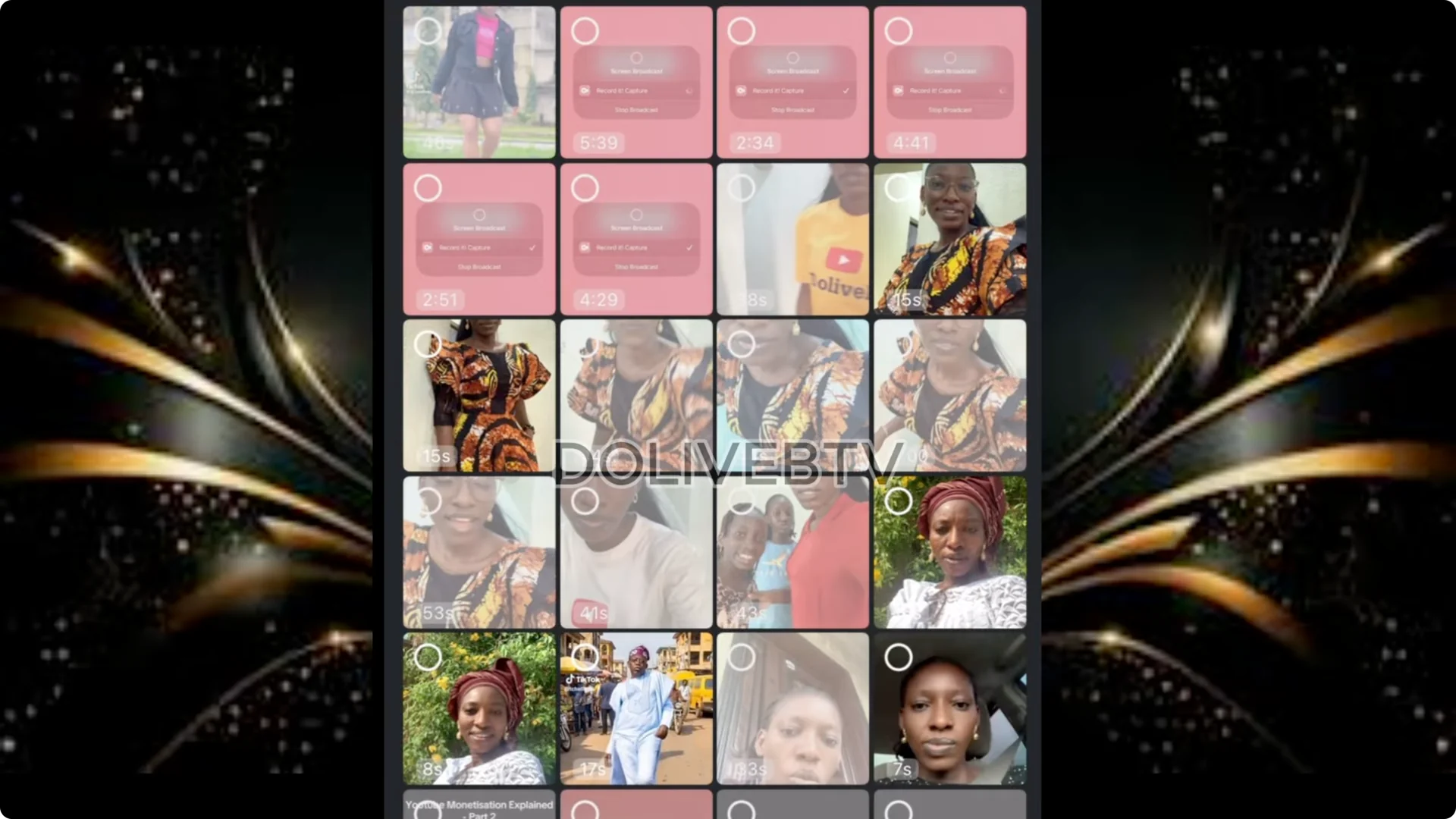
3. Tap Add Motion Video and select the dance you downloaded from TikTok.
4. Important: The motion video has to be 30 seconds. Make sure you get a video that is 30 seconds or trim it in your video editor. If it’s more than 30 seconds it won’t take it.
5. Click Generate and wait a few seconds for it to render.
You get some free credits which you can use, but it may not be enough to create enough videos. You may need to subscribe. When you subscribe, you have access to some credit which you can use to create some videos to start your page. You can just start with a certain amount maybe like 20,000 NRA to start this online business.
AI Dancing Baby Videos: Map the Dance to the Audio on TikTok
1. Go back to TikTok and search for that particular dance.
2. Tap the sound circle and tap Use Sound.
3. Upload the baby video you generated.
4. Tap Next, write your description, and post.
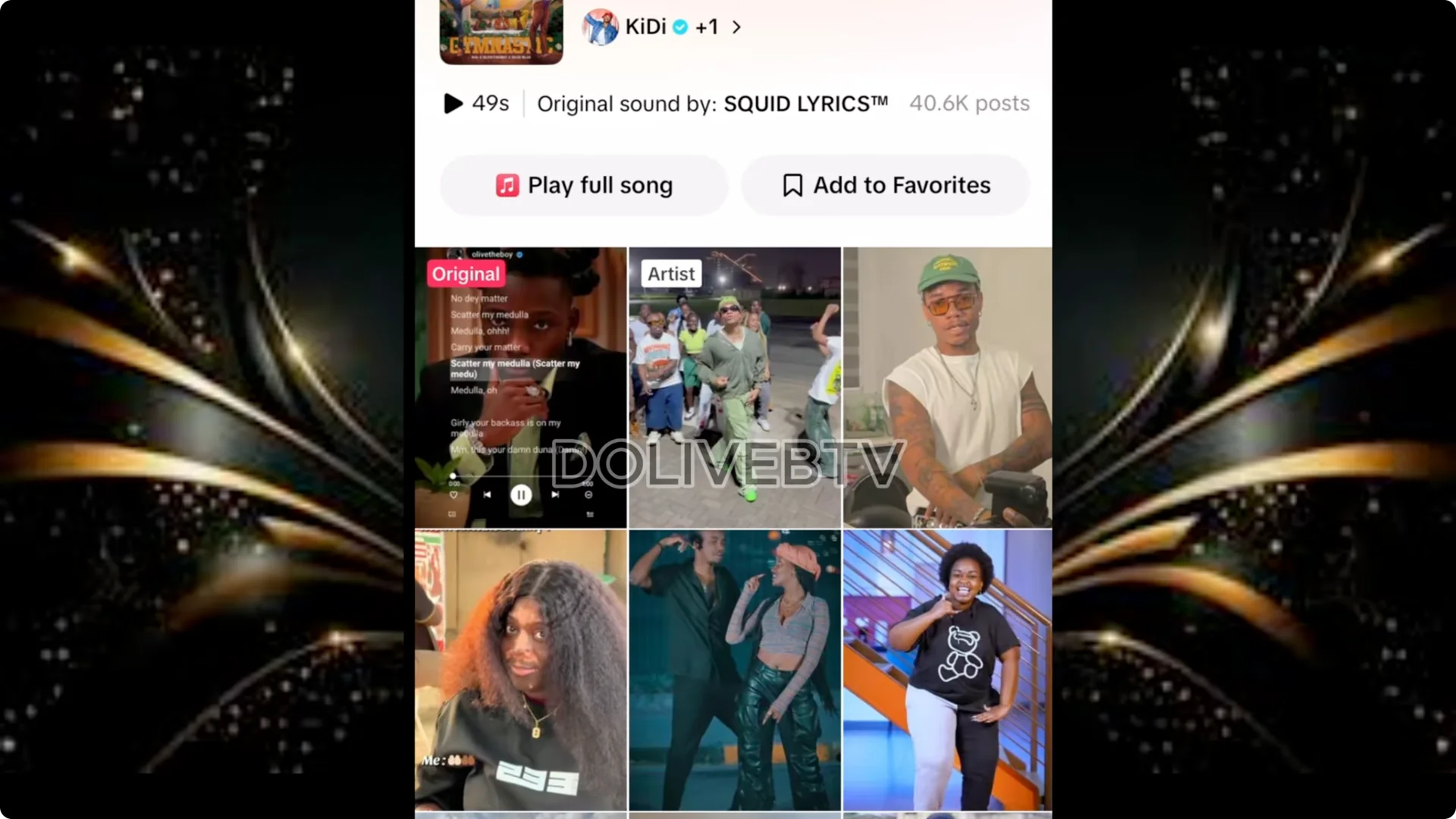
That way you’ll post your video on TikTok with the baby’s dance mapped to that particular dance you used in creating the dance. It has to go in line with the music as well.
Final Thoughts
This is a simple, beginner friendly workflow to create AI dancing baby videos for TikTok with real monetization potential. Find a clean reference, generate a fresh baby character in ChatGPT or Google Whisk, grab a viral dance, animate in Kling AI’s Motion Control, keep your motion clip to 30 seconds, then map to the original sound on TikTok and post.