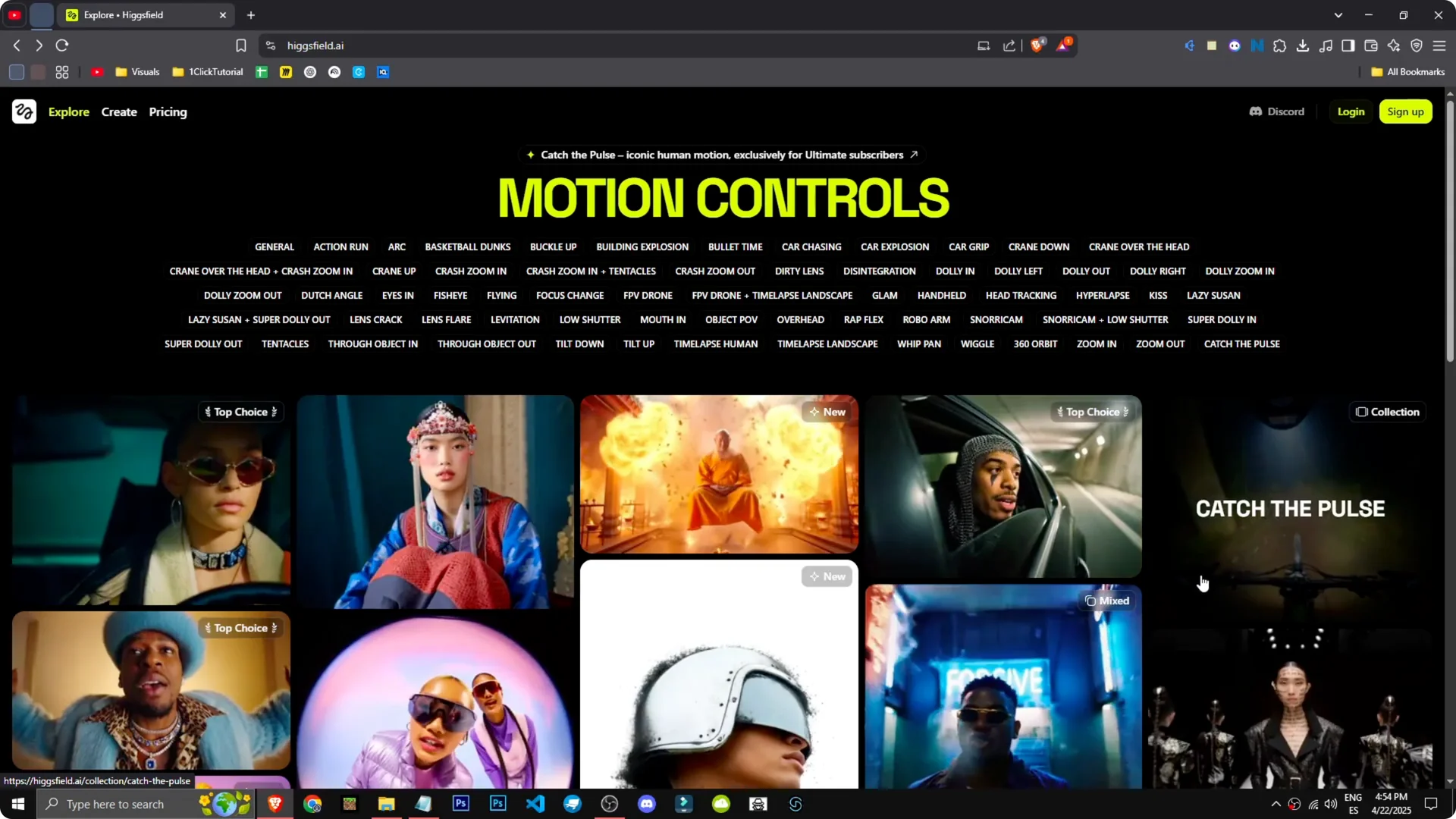
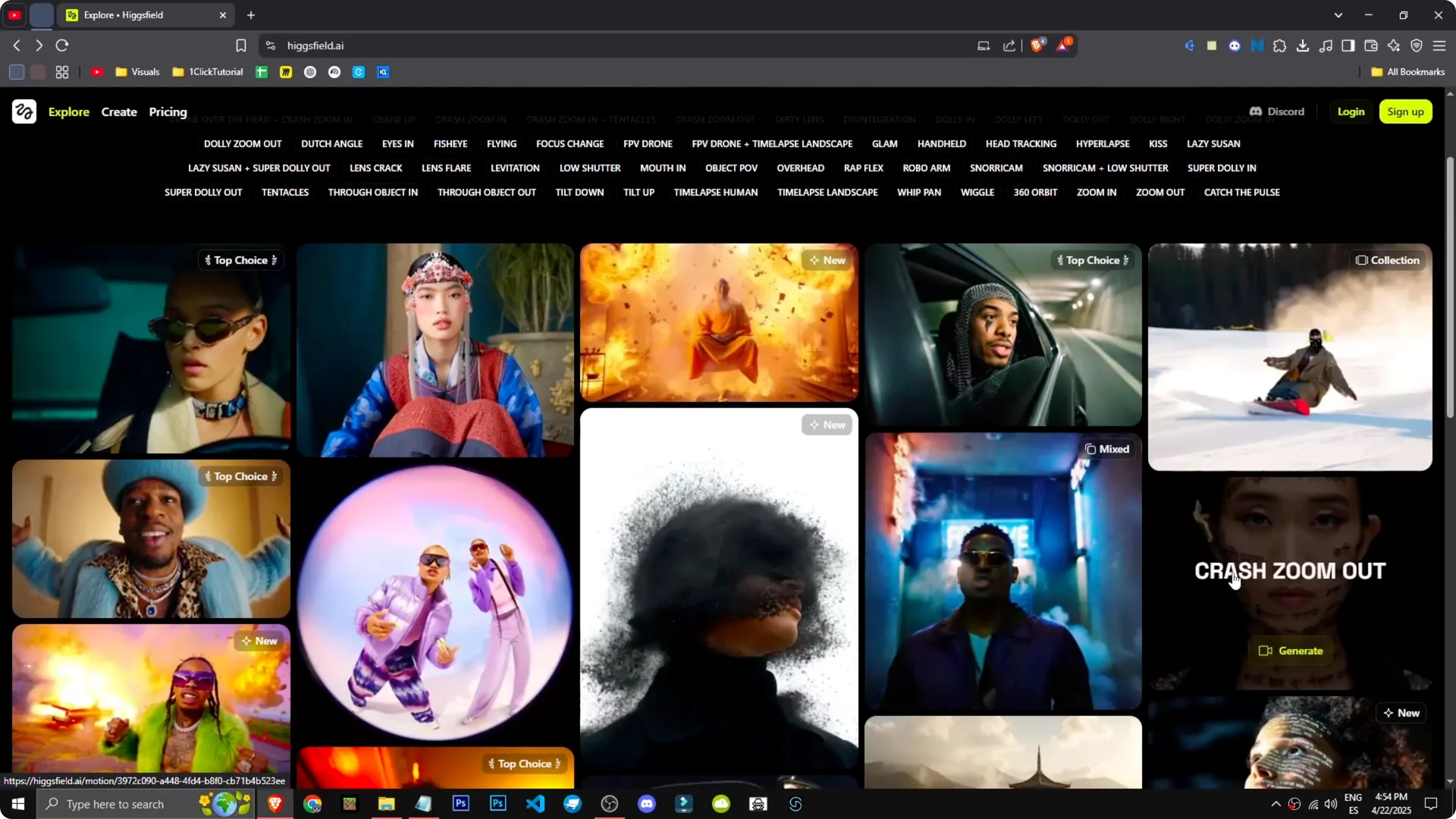
This AI tool allows us to enhance both our image and video creation. You can see various examples with different effects like explosions, cars, rhythms, zoom outs, and zoomins. It is straightforward to get from an image to an animated result.
For planning your visual workflow, see top strategies for visual creators using Higgsfield.
Getting started with Higgsfield AI Image-to-Video
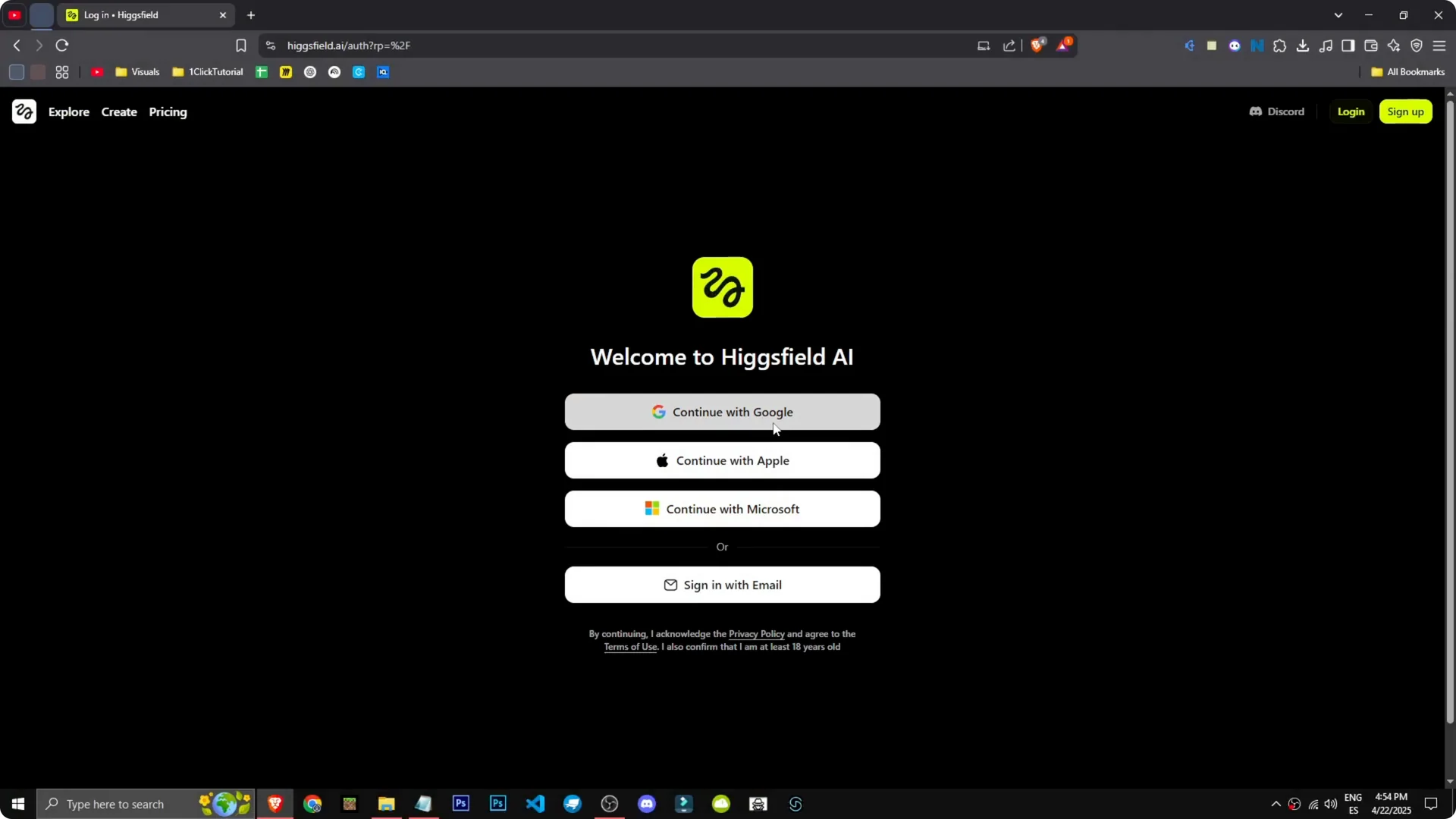
Step 1: Sign up, continue with Google, and you are in. The onboarding is quick and direct.
Step 2: To start creating, go to Create. You will see options to upload an image, convert text to image, or image to video.
Step 3: Pick the mode you need. If your goal is animation, choose Image to video. It is that straightforward.
Generate with Higgsfield AI Image-to-Video
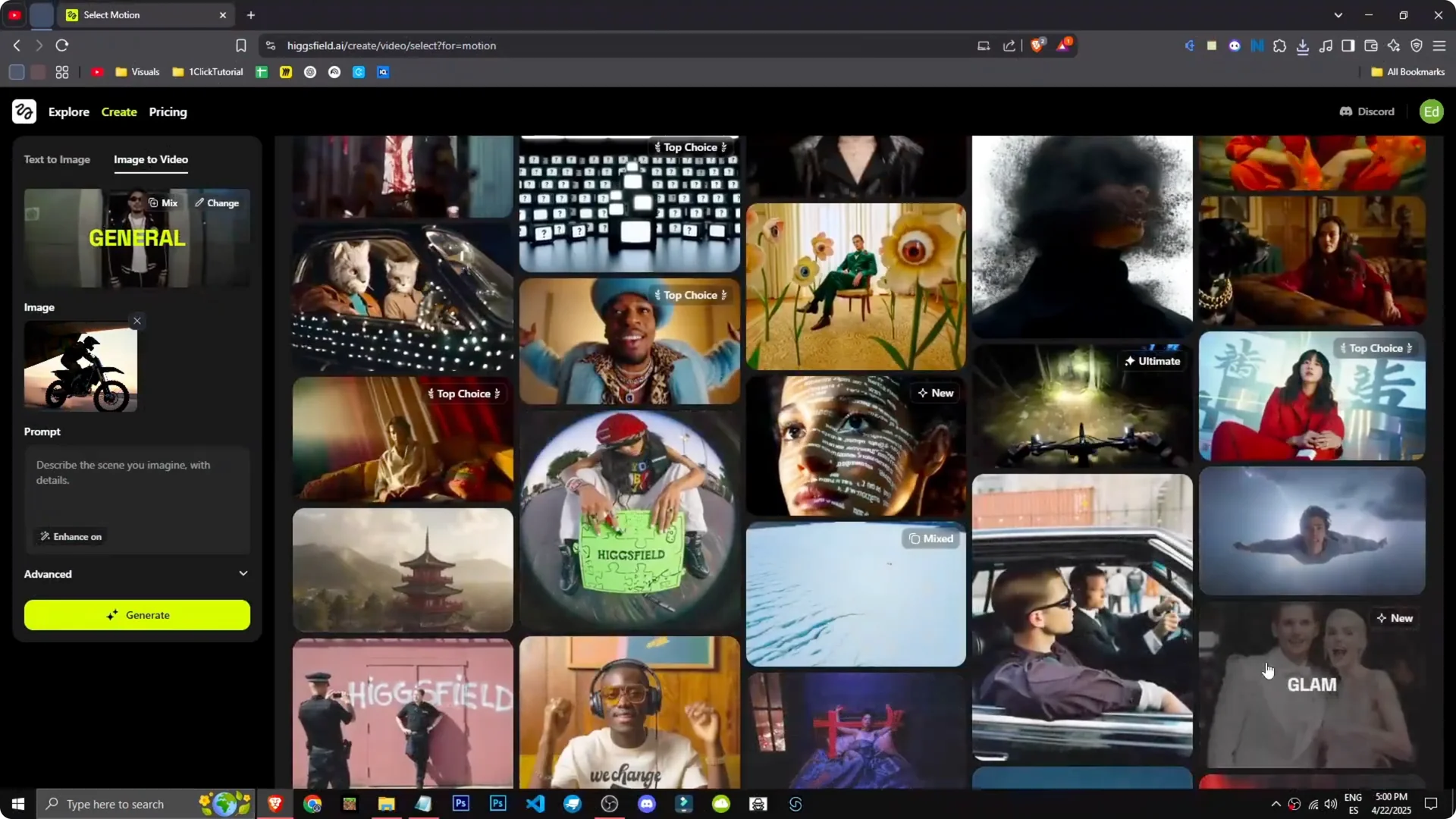
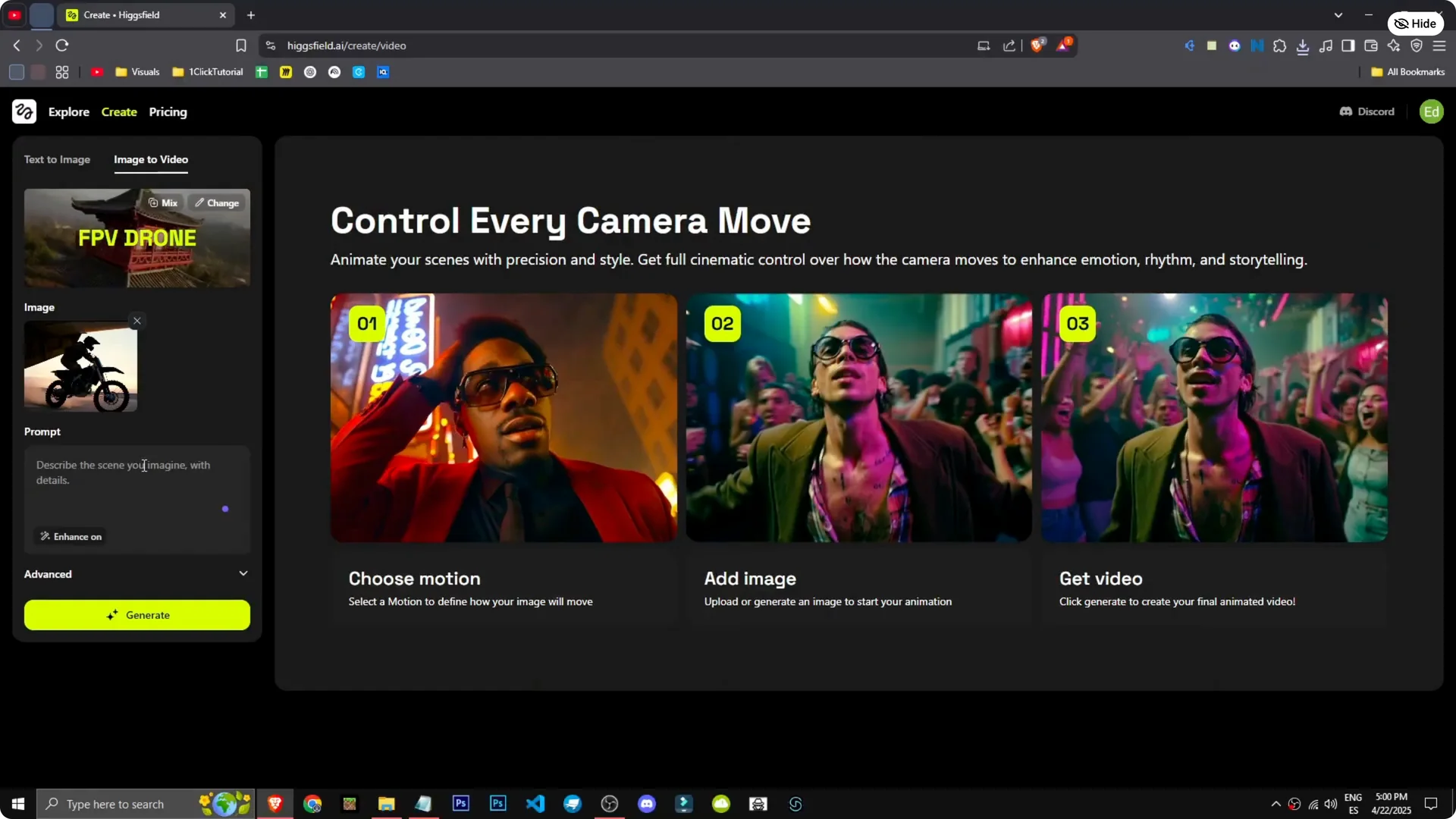
How can we generate videos with Higgsfield? Go to Image to video. I upload an image I made with the tool of a motorcycle coming down an airplane ramp.
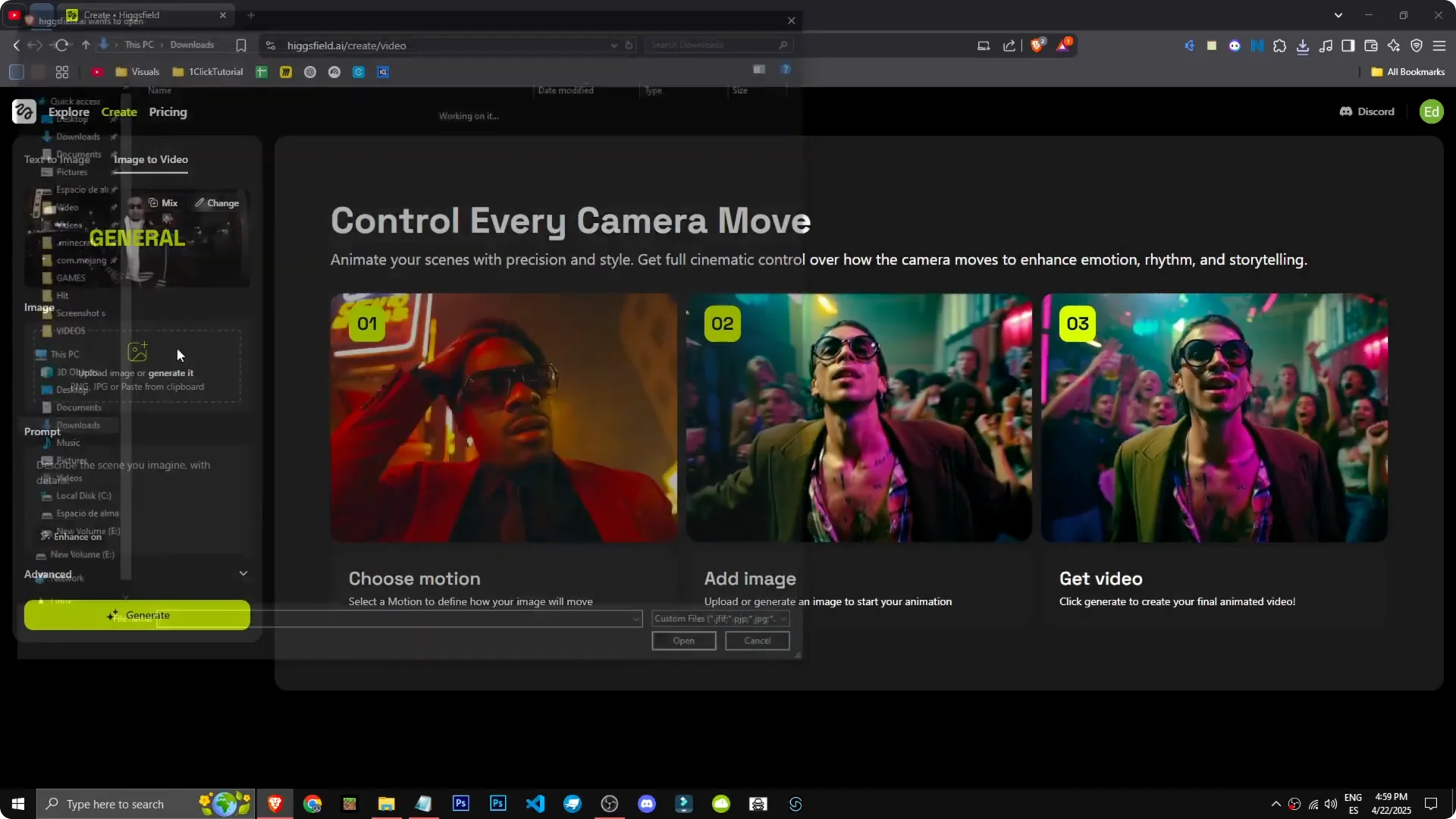
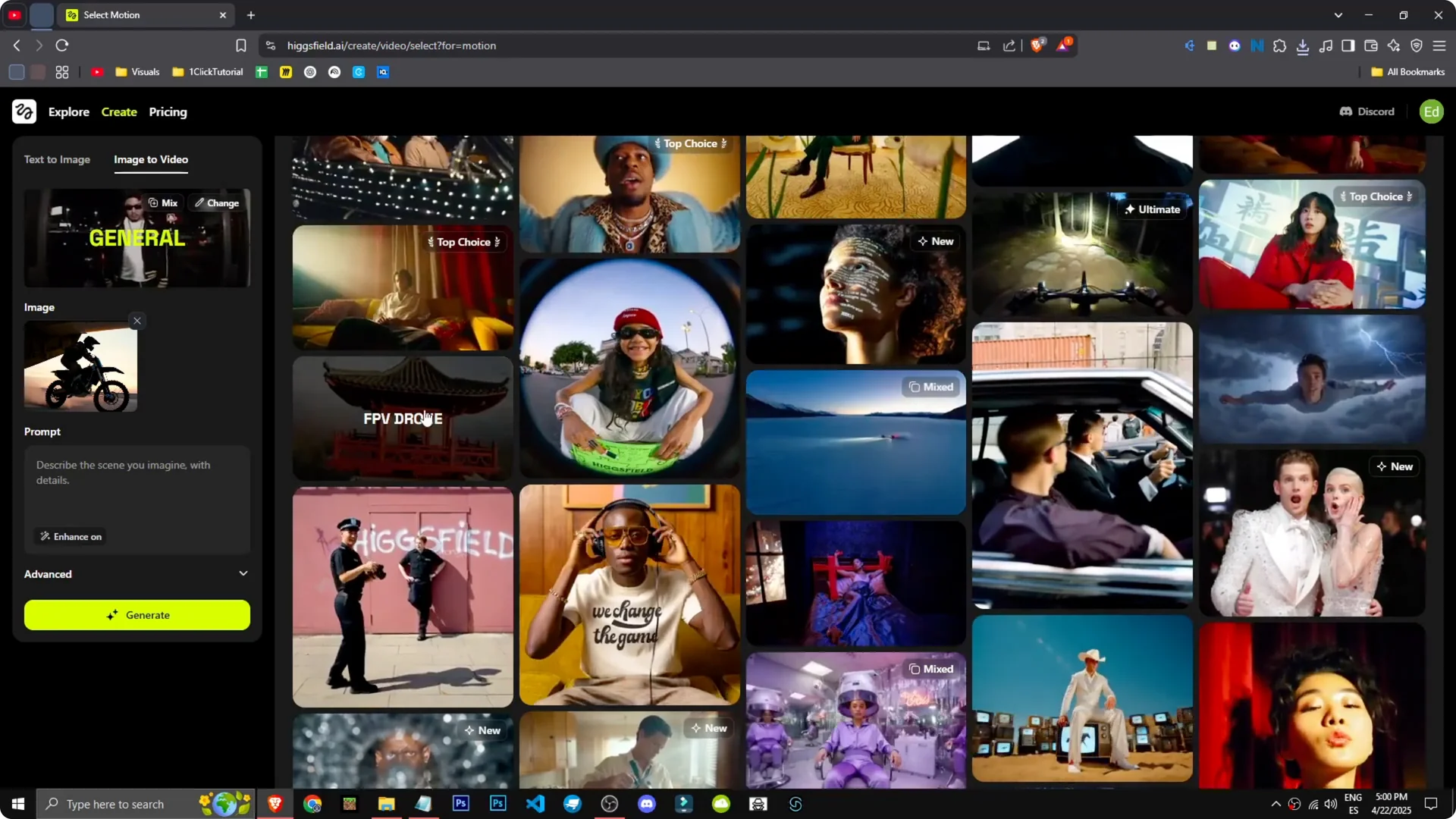
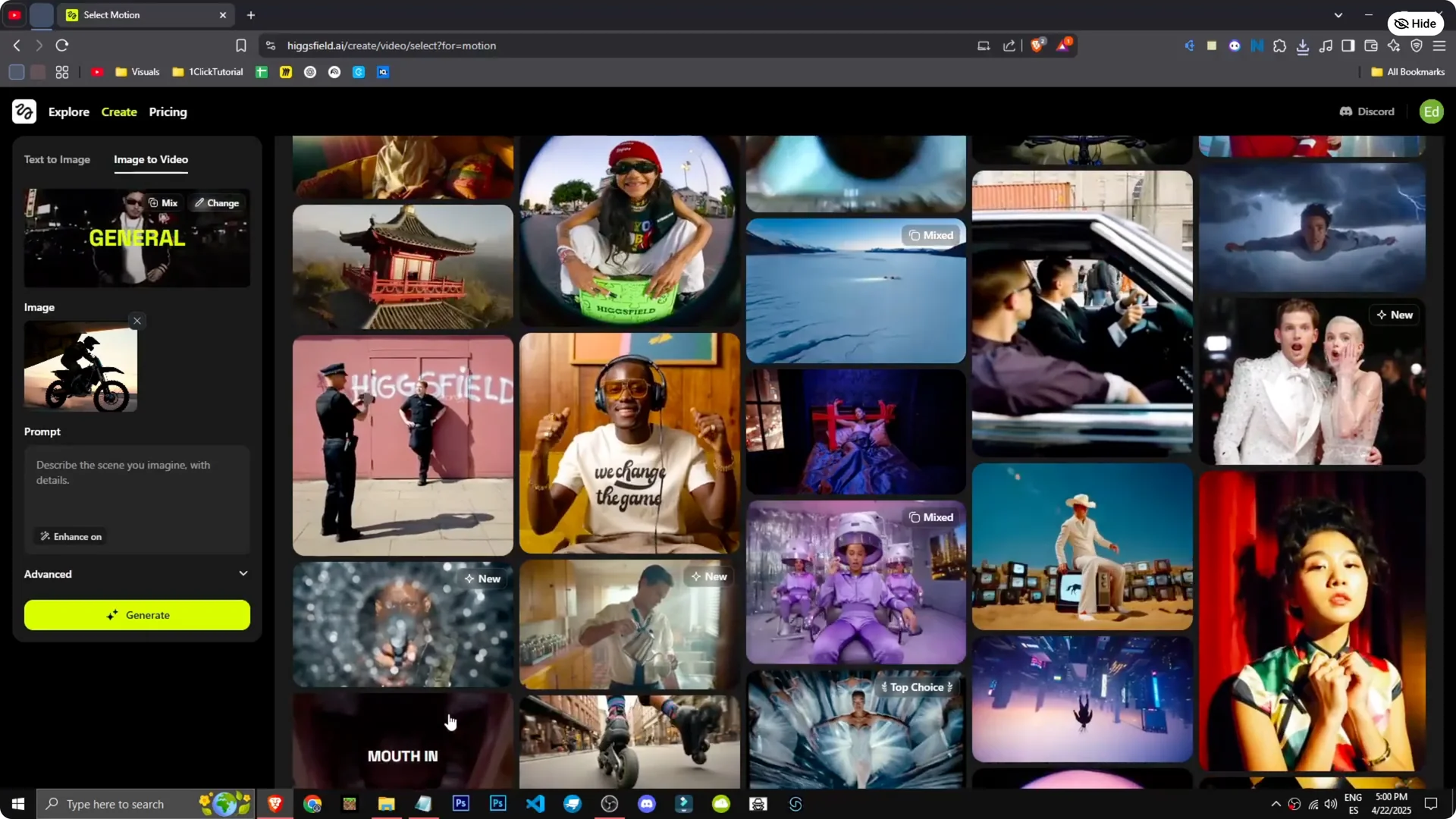
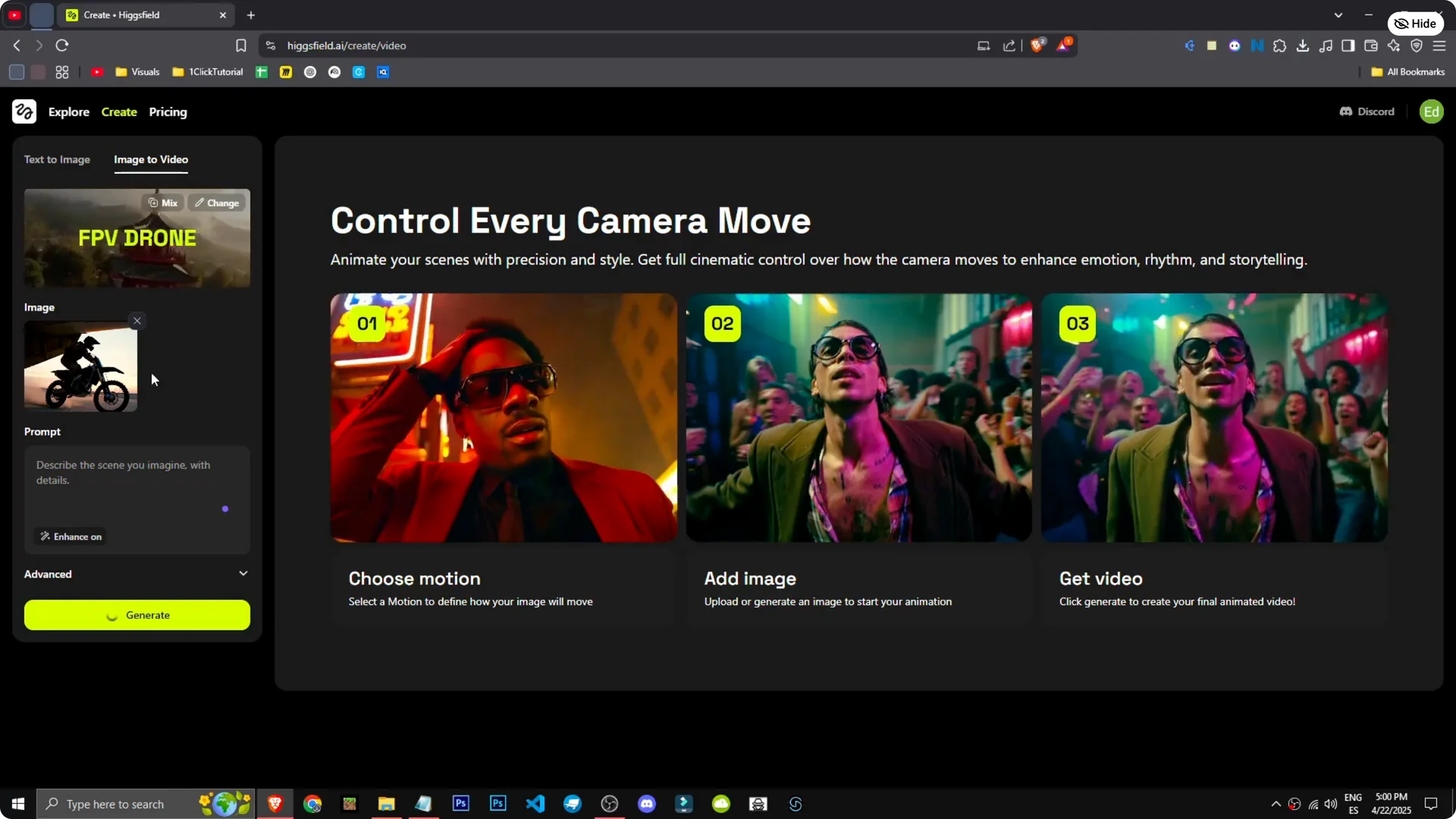
We want to set up one of the effects. In this case, we will pick the FPV drone and see what it does. Select it and choose the image.
What do we want to happen? Honestly, I have no idea. Generate and see what it does.
Simple, direct, no prompt, just pure creativity. You are in the queue now. To speed up generation, you need a paid version.
If you are building sequences where a character must stay consistent across shots, see consistent character creation in Higgsfield.
Results from the FPV drone effect
This is the result. There is the motorcycle coming out of the plane, even skidding. It looks incredible.
The effect is mind-blowing. This AI is not just good, it is phenomenal. The motion feels bold and convincing.
If you are comparing different creation workflows, you can compare Seedream 4.0 and Nano Banana in Higgsfield to refine your approach.
Final Thoughts
Higgsfield AI Image-to-Video makes the path from a still image to an animated clip fast and intuitive. Pick an effect like FPV drone, run a generation, and review the motion it builds from your frame. Simple setup, quick output, and results that impress.