Use these steps to find cool apps you can use to edit your images and videos within Higgsfield AI. You can do a lot of cool stuff here within your videos.
Higgsfield AI App Discovery
Getting started
Step 1: Once you’re on Higgsfield AI and you’re in your account, at the top, look for Apps.
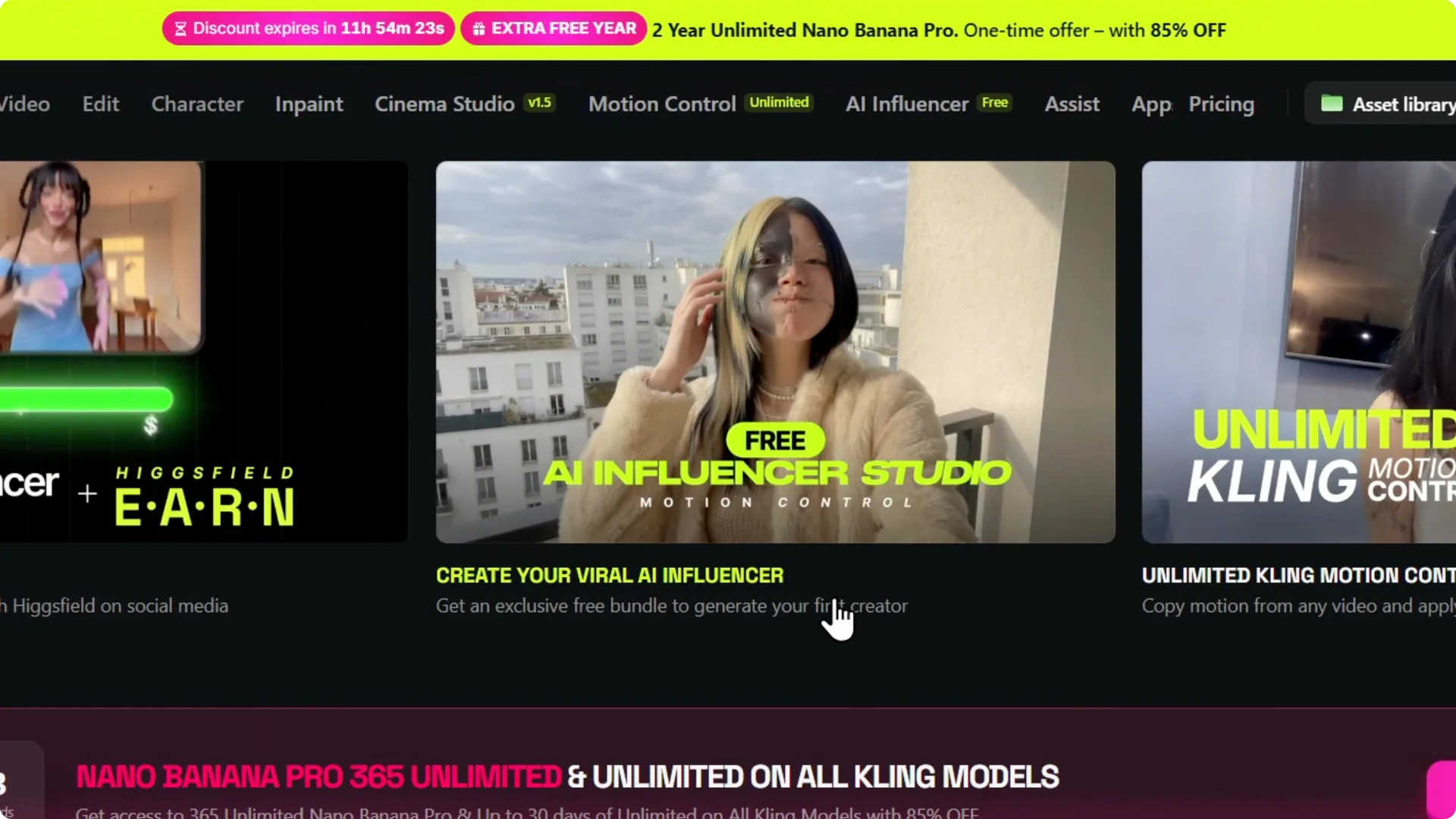
Step 2: Click on any app like “Create your Viral AI Influencer”.
Browse and choose
Step 3: Here are a ton of different apps that you can actually use. If you want consistent AI characters and outfits, see this guide.
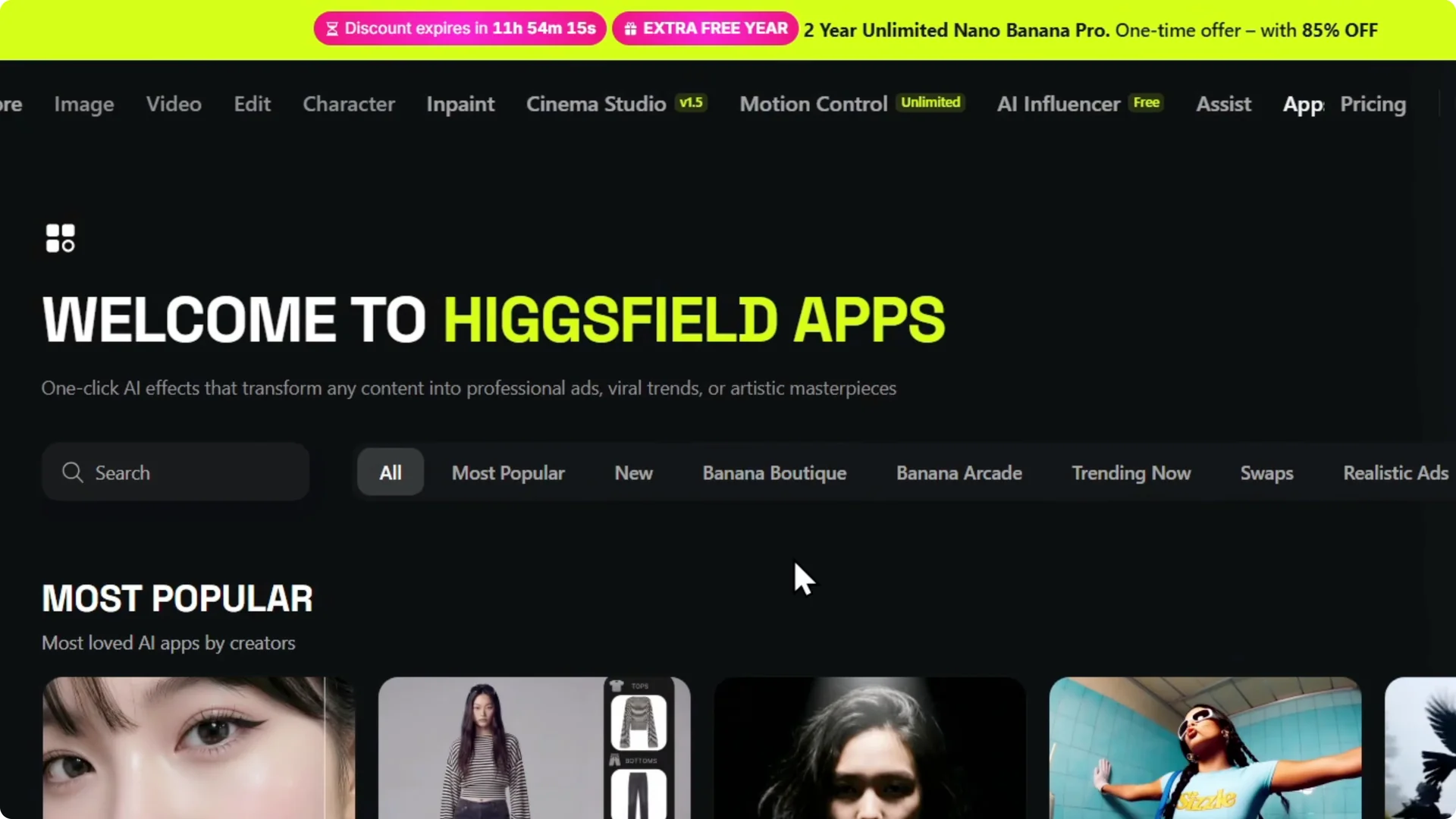
Step 4: You can see All Apps and you can go by categories as well.
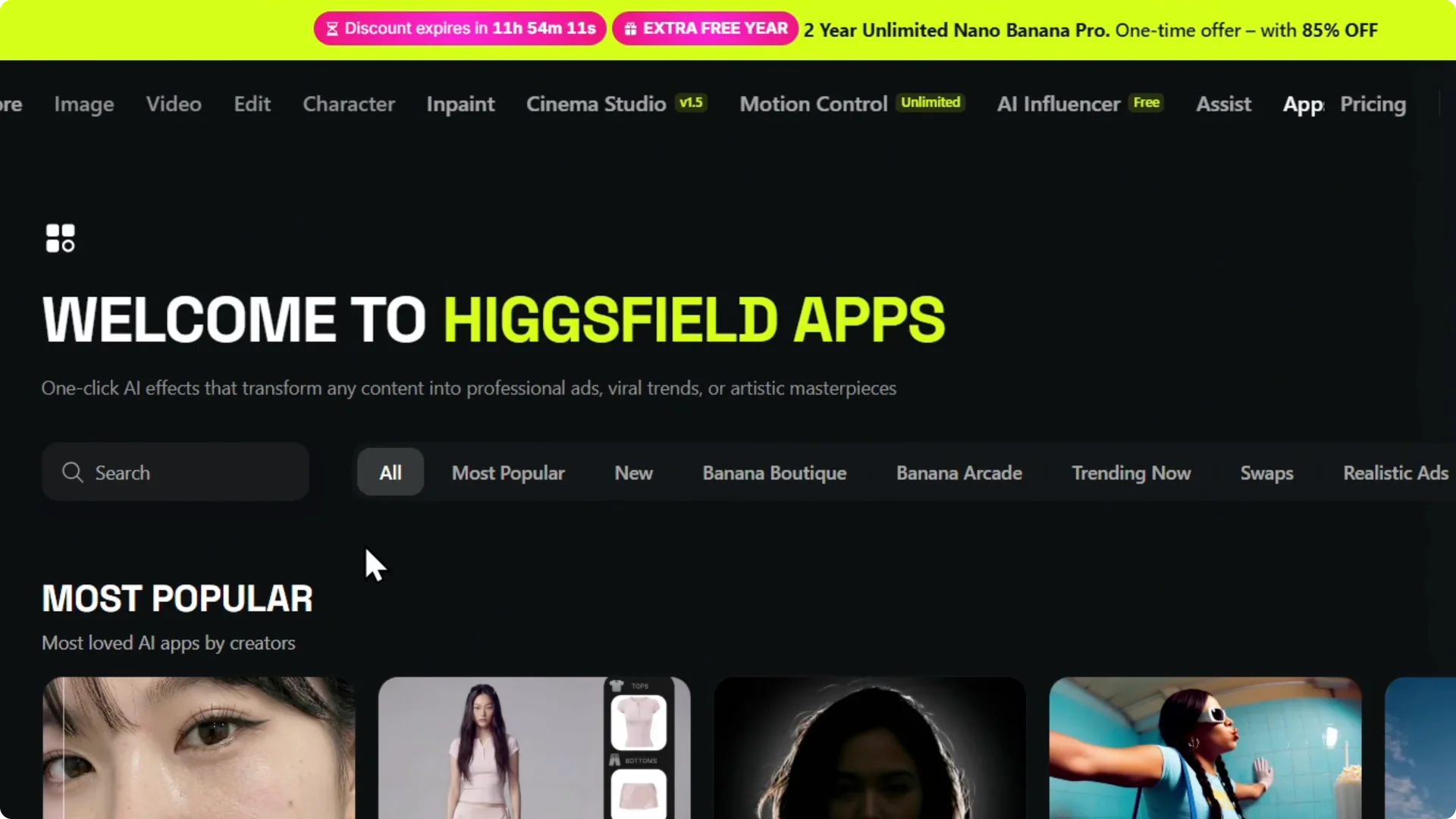
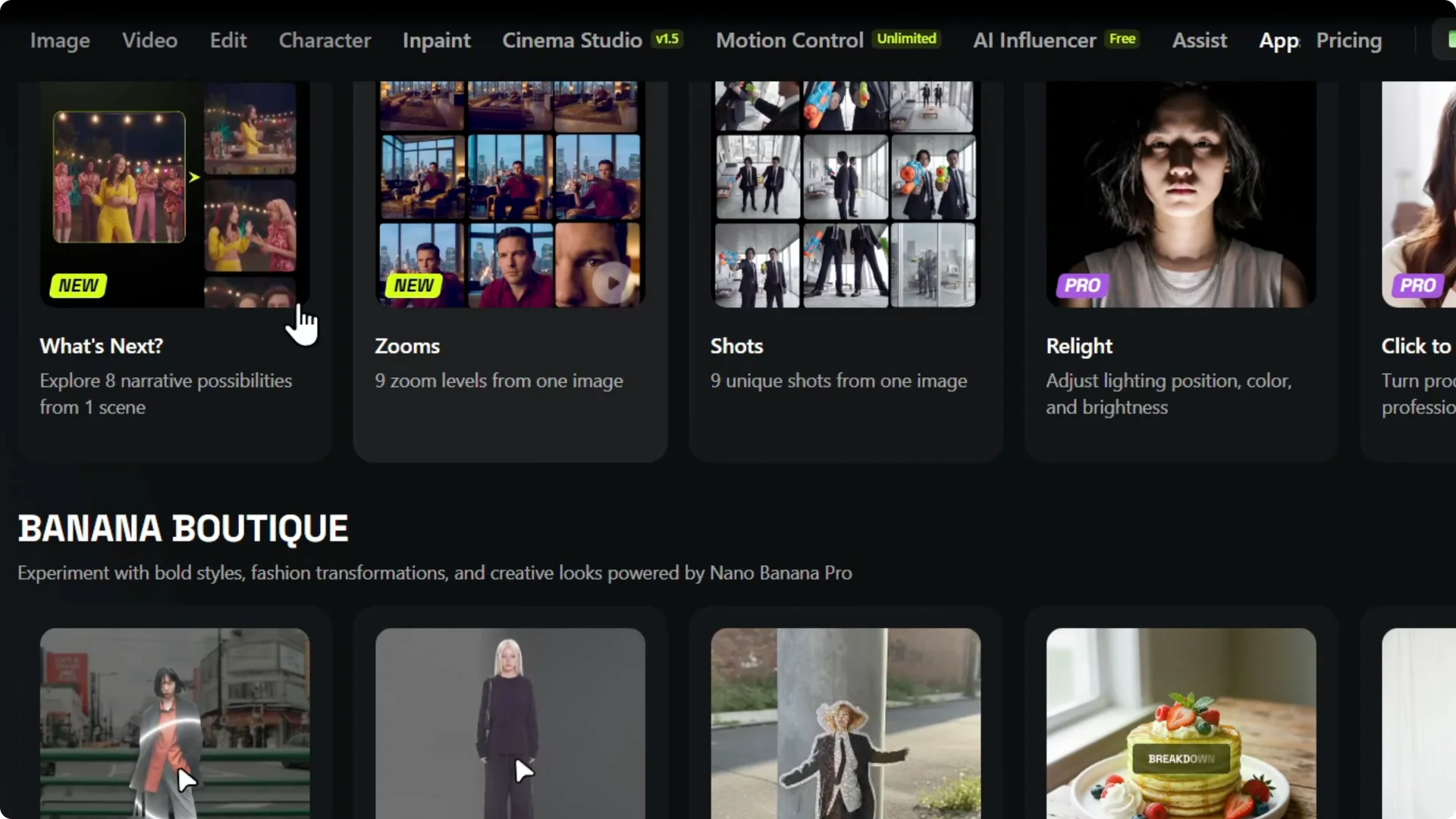
Step 5: Here are some apps. You have the skin enhancer, you have some AI stylus, you have transitions, you have angles, you have shots, you have zooms.
For cinematic effects and motion, check these techniques.
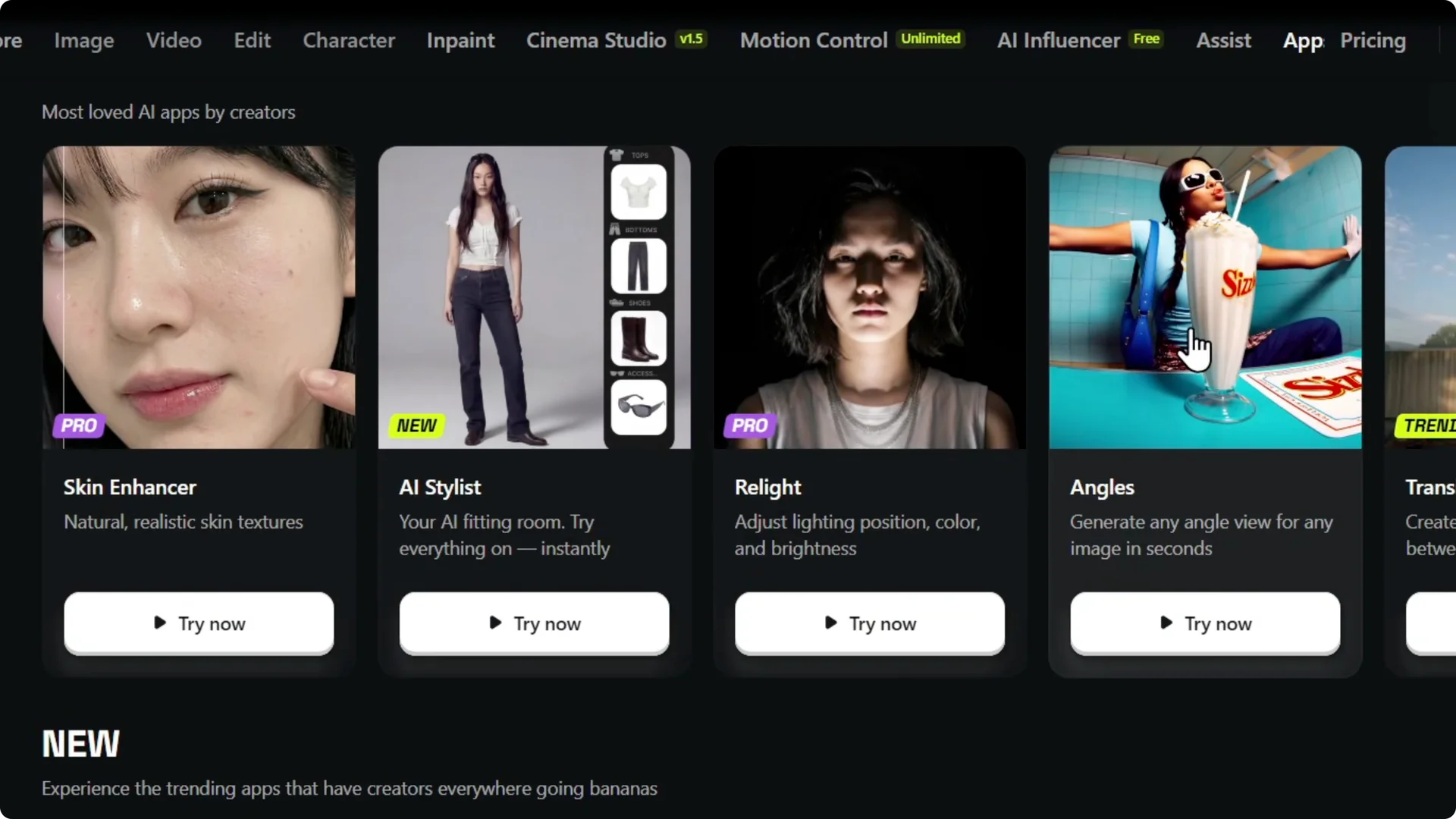
Create with apps
Step 6: If you’re looking for cool things to do with your images or videos, explore these apps because you can do a lot with your videos within Higgsfield.
Final Thoughts
You have so many different things that you can go through, and you can do a lot of cool stuff here within your videos. For ideas that work well for marketing and social content, see viral commercials and UGC tips.