Higgsfield is an AI tool that enhances both image and video creation. You get examples with effects like explosions, cars, rhythms, zoom outs, and zoomins. It feels like part of the editing process, only faster.
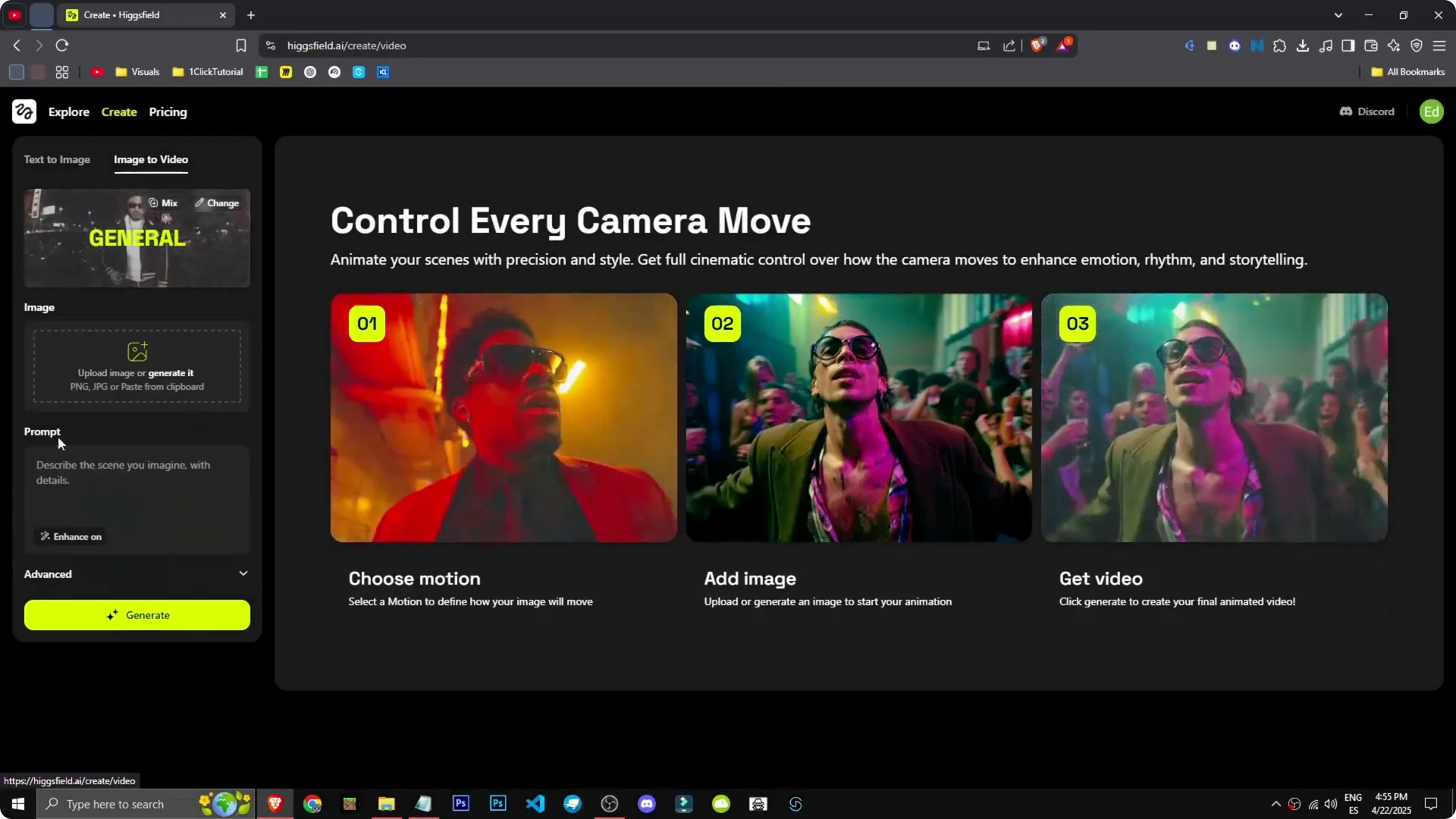
Sign up, continue with Google, and you’re in. To start creating, go to Create. You can upload an image, convert text to image, or image to video.
Higgsfield AI Tutorial: Getting Started
You can jump in fast with a simple flow. The interface makes the core actions clear: generate images, upload visuals, or animate with image-to-video. It’s straightforward once you see the options.
Step 1: Sign up and log in with Google.
Step 2: Click Create to open your workspace.
Step 3: Choose Text to Image, Image Upload, or Image to Video.
Higgsfield AI Tutorial: Image Generation
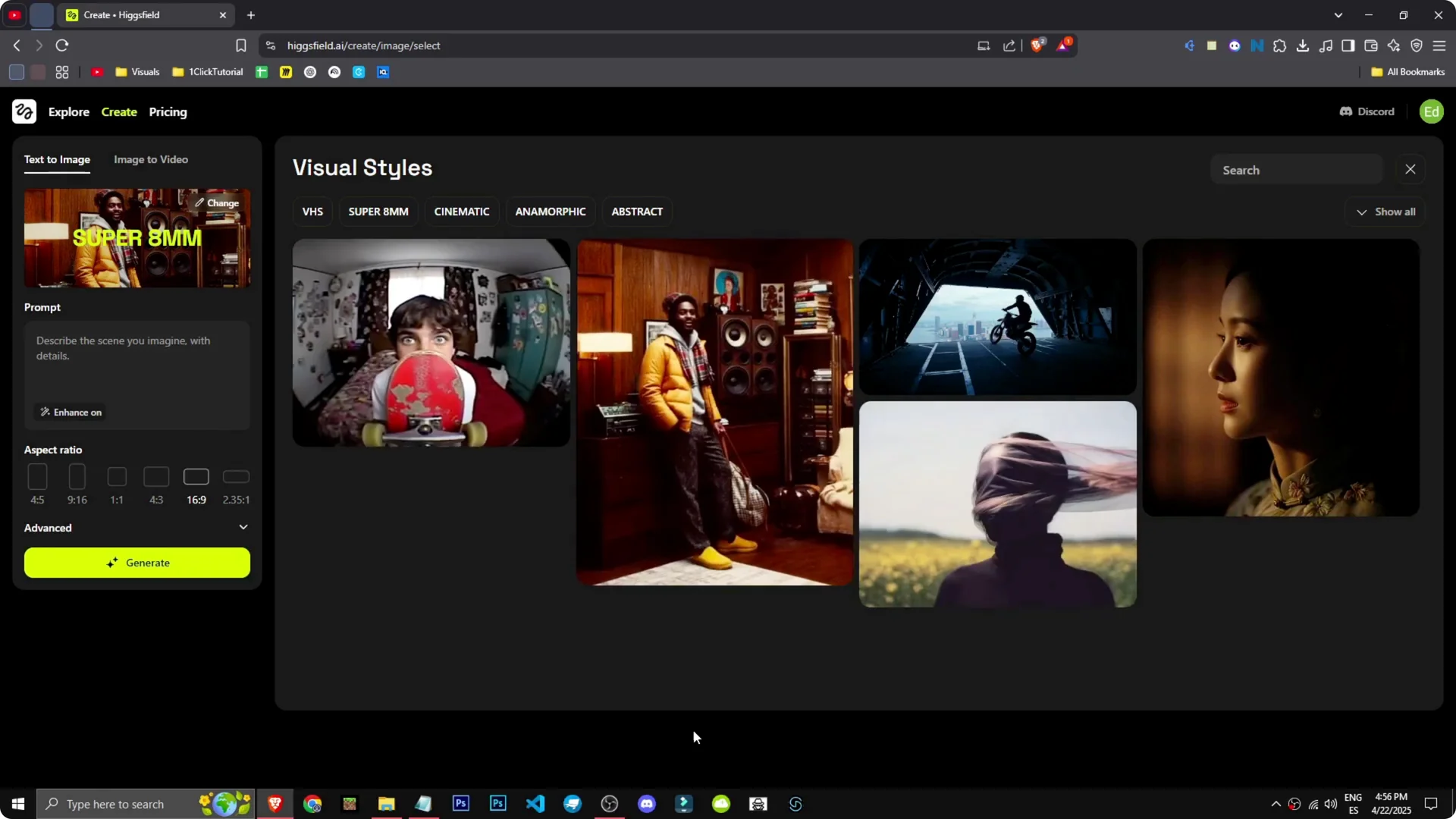
Higgsfield includes styles like VHS, Super 8, MM, cinematic, abstract, and anamorphic. Pick a style and describe the scene you want. I went with cinematic and set a scene of a motorcycle jumping out of a plane.
I refined the prompt with Enhance. I described a military cargo plane with an open ramp and an enduro dirt bike jumping out. Then I generated the image.
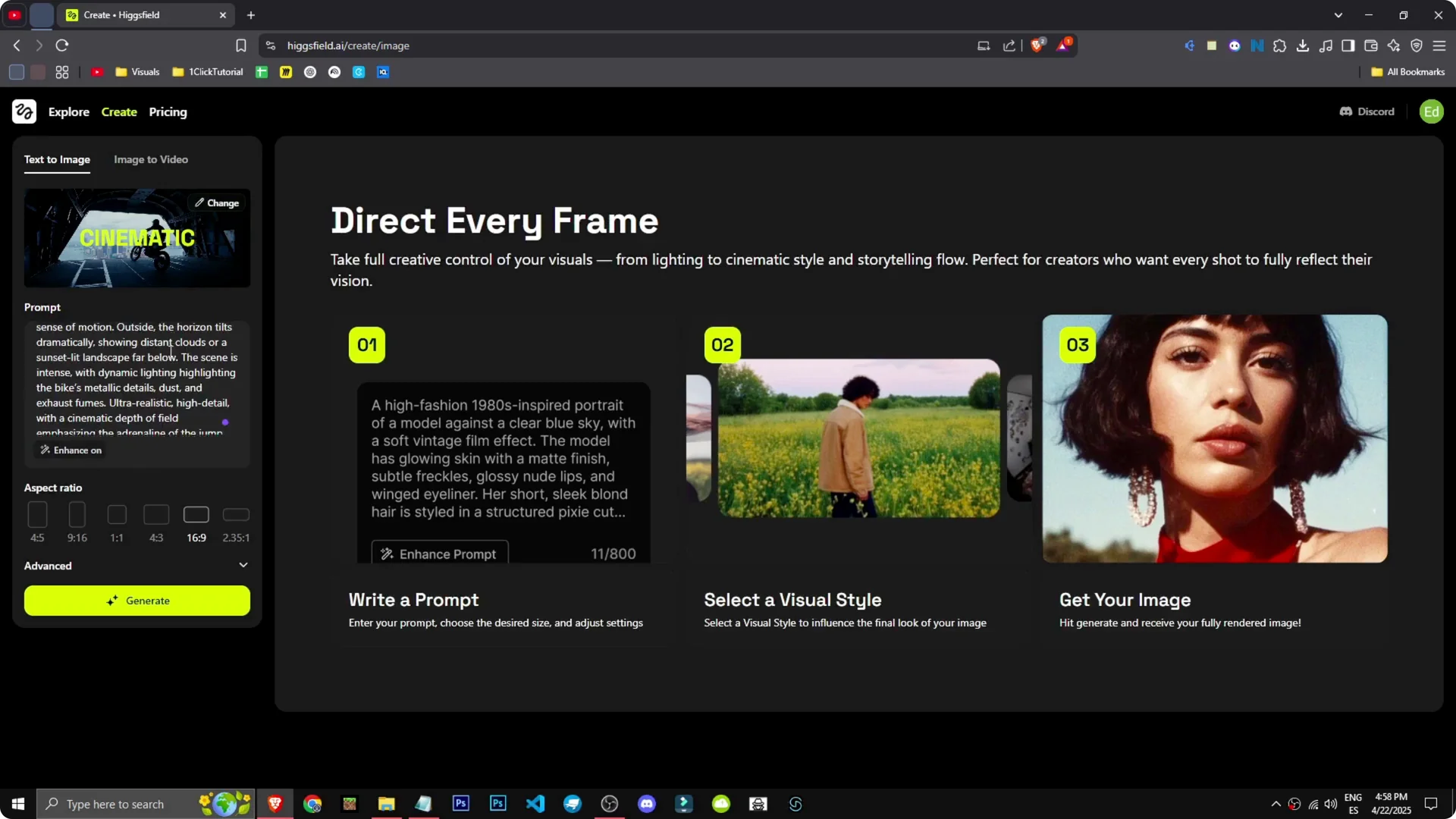
Step 1: Choose a style under the Change section.
Step 2: Write your prompt, then hit Enhance to improve it.
Step 3: Open Advanced to adjust quality steps and other settings, then Generate.
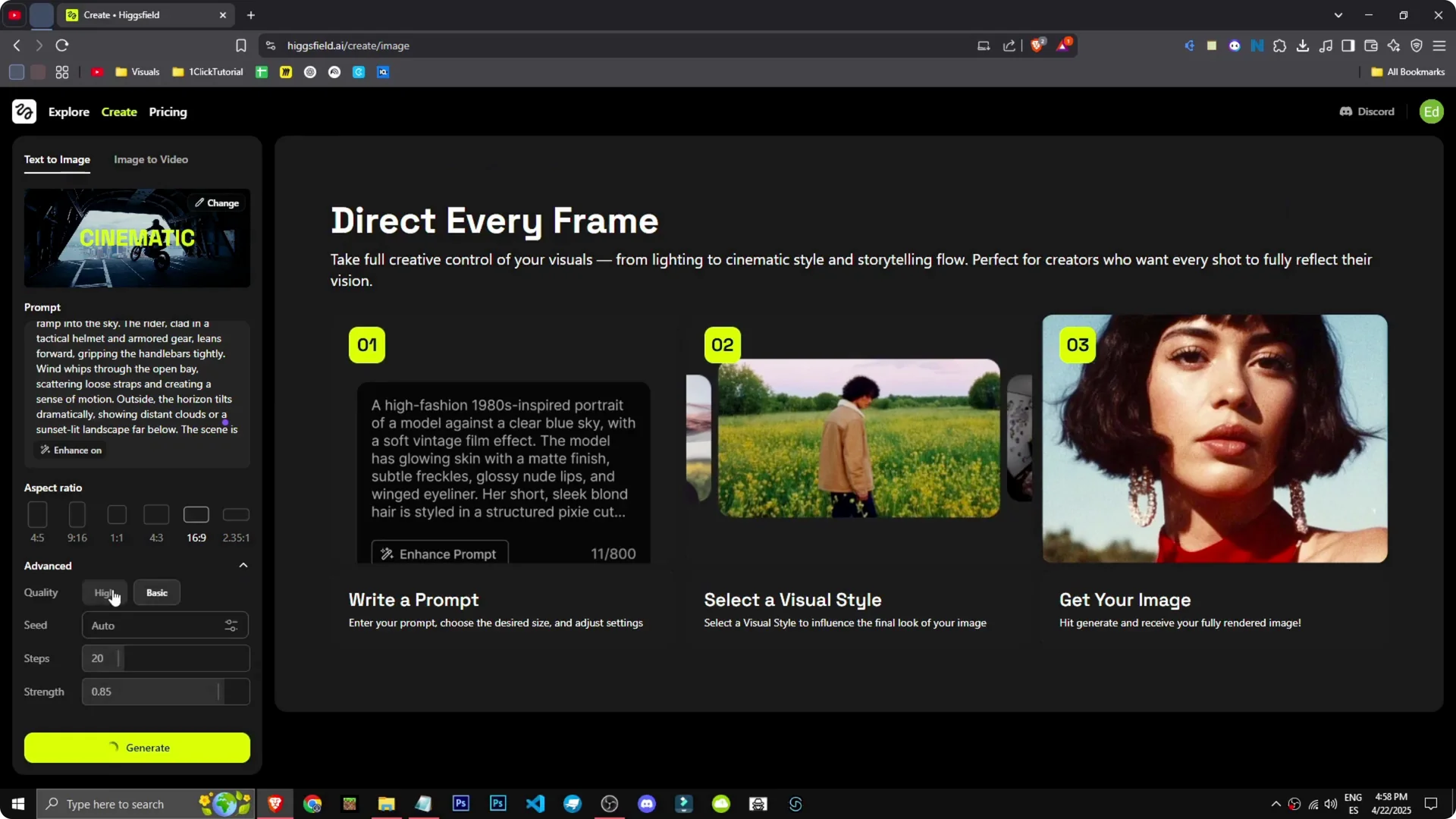
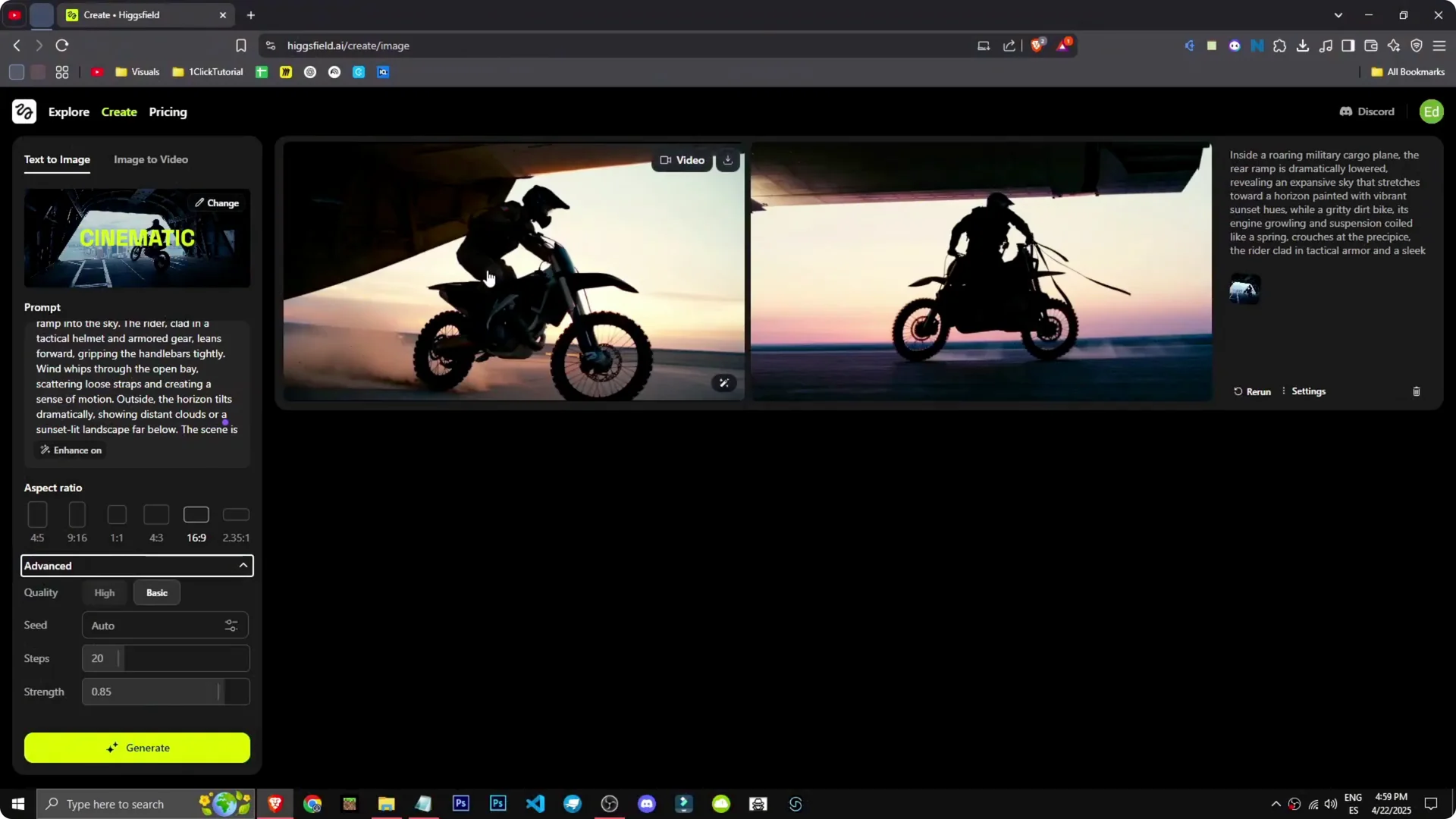
The cinematic style took a moment to process. The result showed a cargo plane at the top, but it looked like it was on the ground because I didn’t specify the plane should be in the air. That detail matters in the prompt to get the exit midair.
If you want a deeper walkthrough on prompts and style control, see our AI text-to-image guide. You can also learn how to upscale images in Higgsfield to boost final quality after generation.
Higgsfield AI Tutorial: Video Generation
To make videos, go to Image to Video. I uploaded an image made in the tool of a motorcycle coming down an airplane ramp. I set up an effect and chose the FPV drone style.
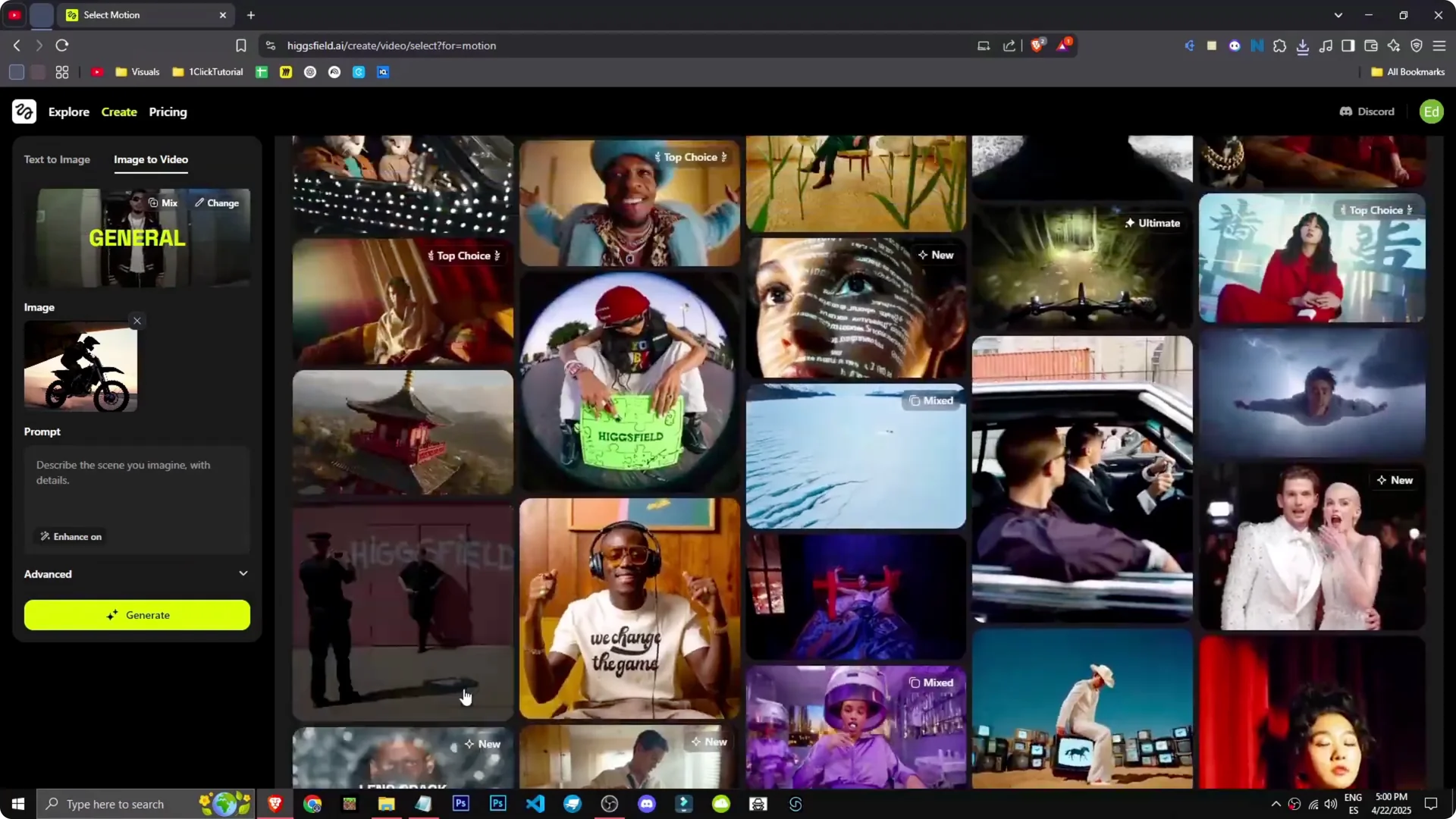
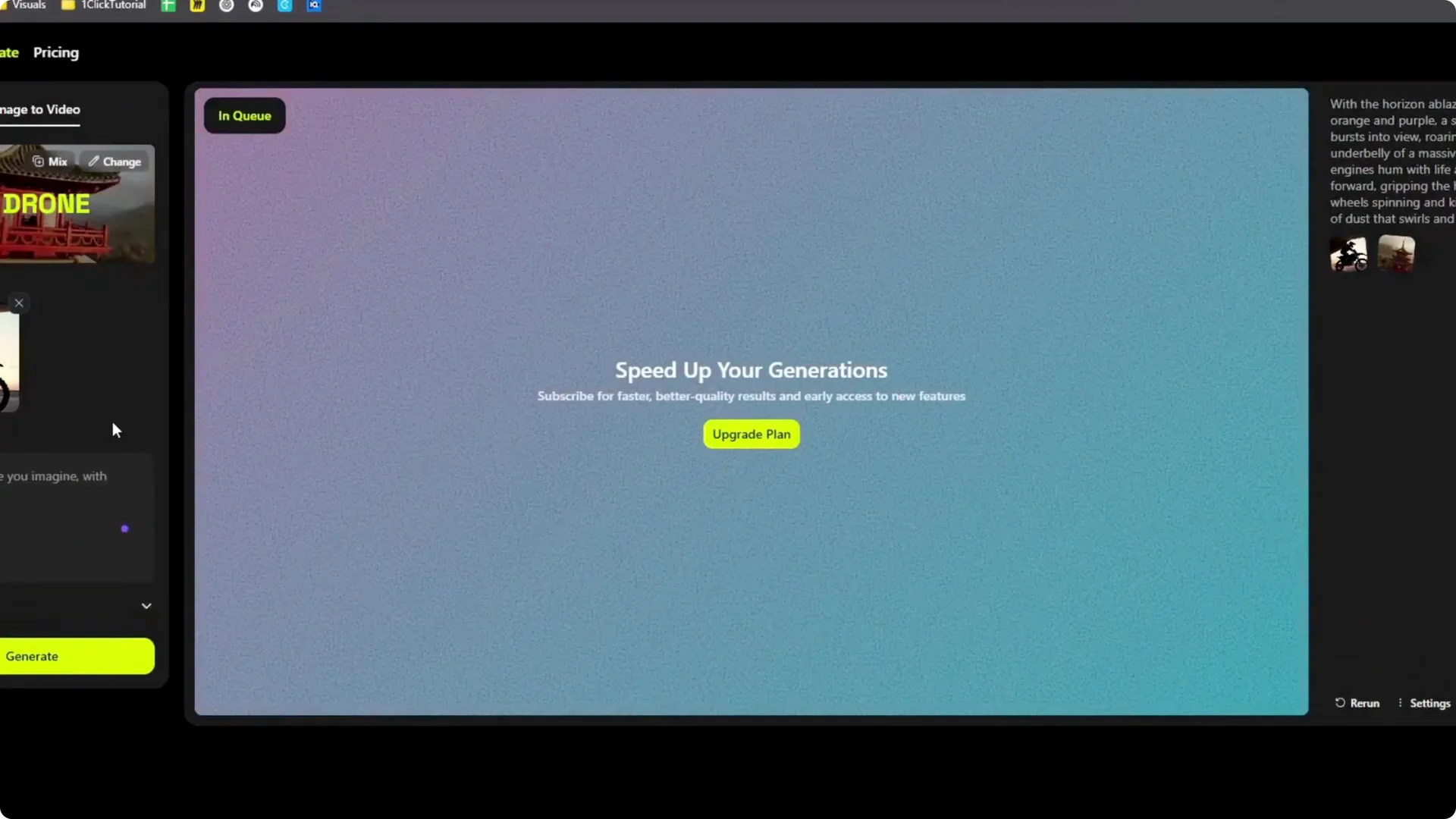
I selected the effect, picked the image, and left it open-ended. I generated without a prompt to see what it would do. It queued the job, and a paid version would speed up generation.
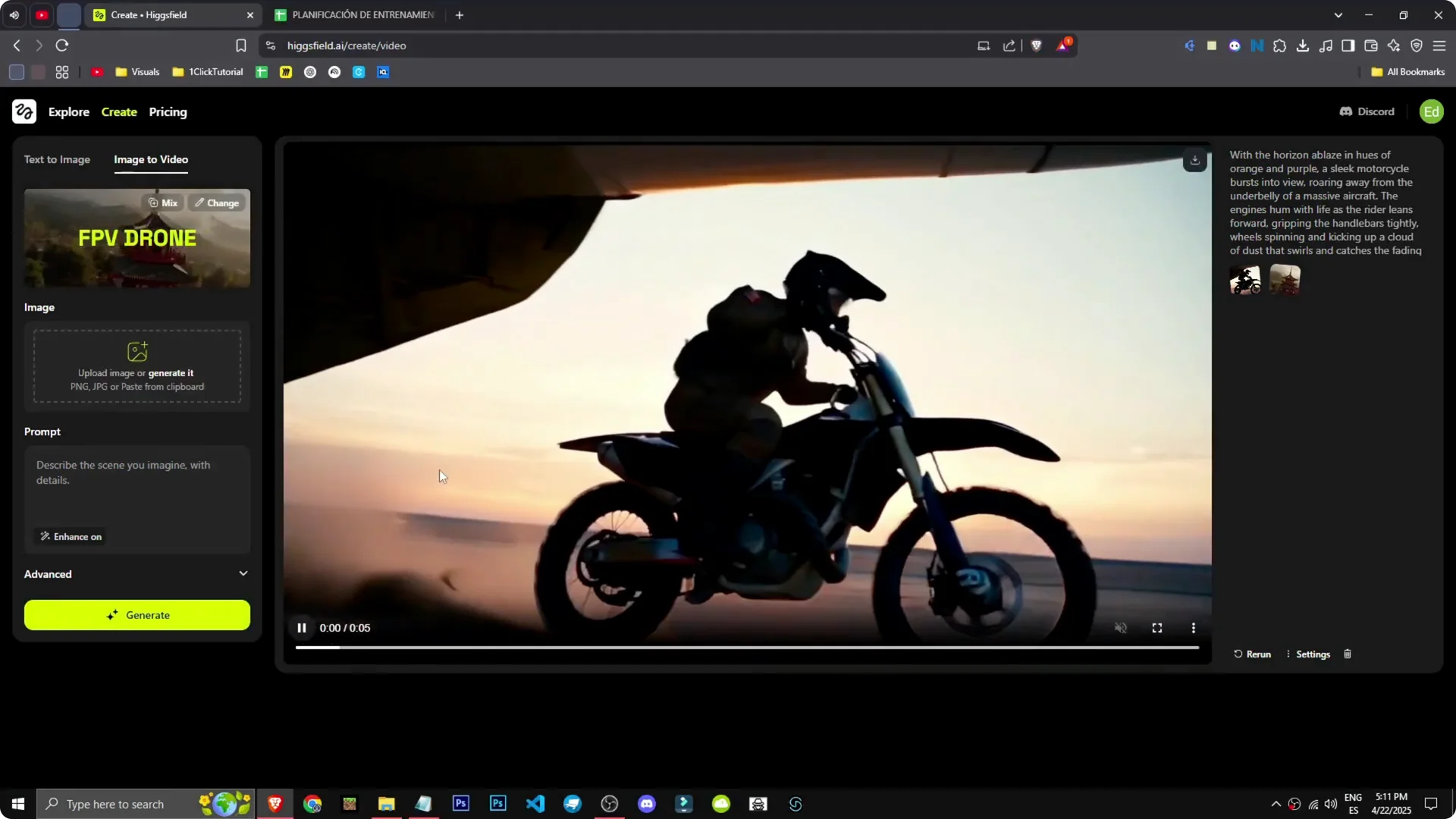
The result showed the motorcycle coming out of the plane, even skidding. It looks incredible, and the effect is mind-blowing. This AI isn’t just good, it’s phenomenal.
If you work on product visuals for online stores, see how Higgsfield improves ecommerce images. Those techniques pair well with the image-to-video effects for dynamic product showcases.
Higgsfield AI Tutorial: Pricing
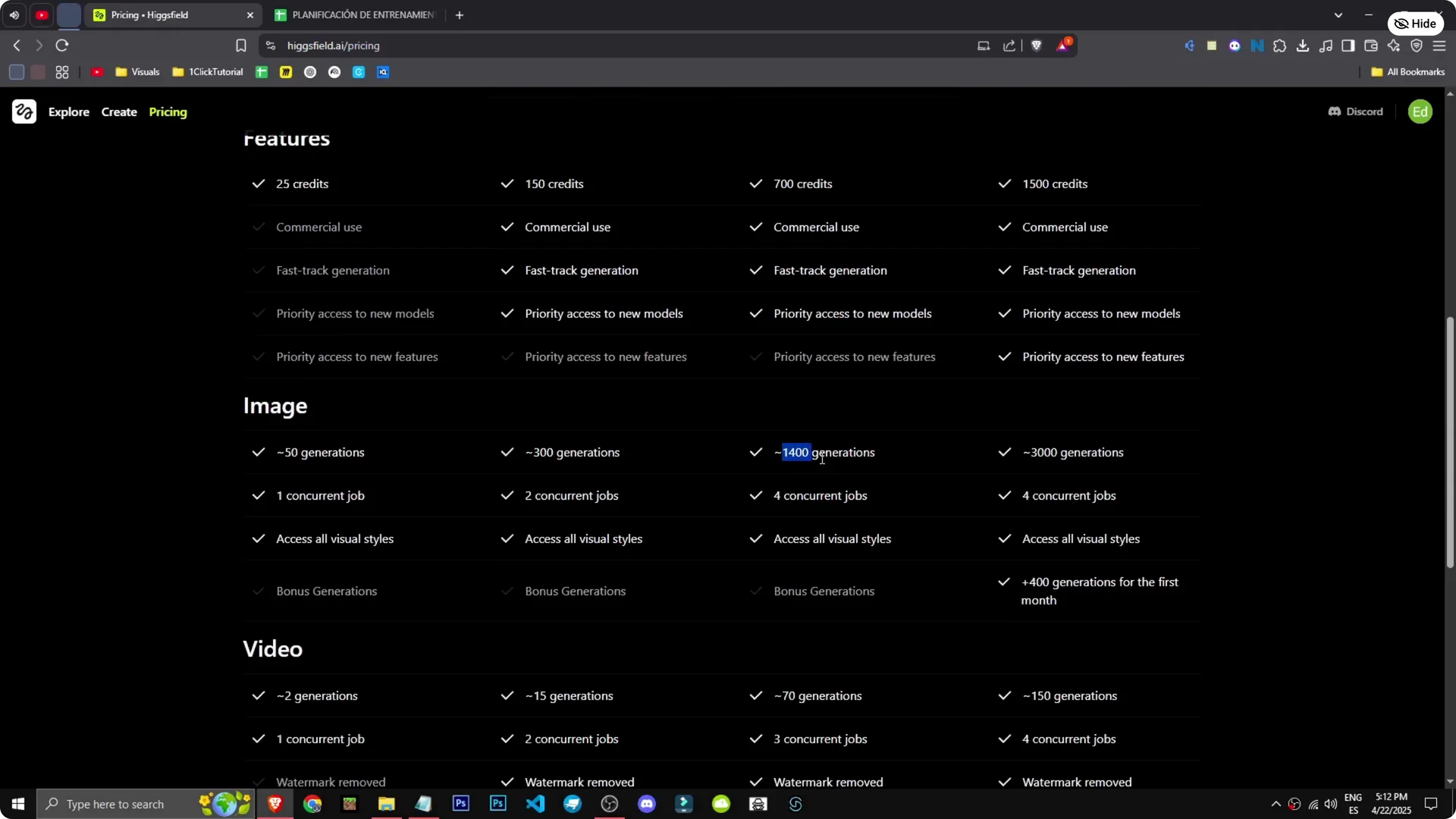
On the pricing page, $6 a month gets you 150 credits with no watermark and commercial use. With 150 credits, you get about 300 image generations and 15 videos. The videos look amazing, so 15 generations feels substantial.
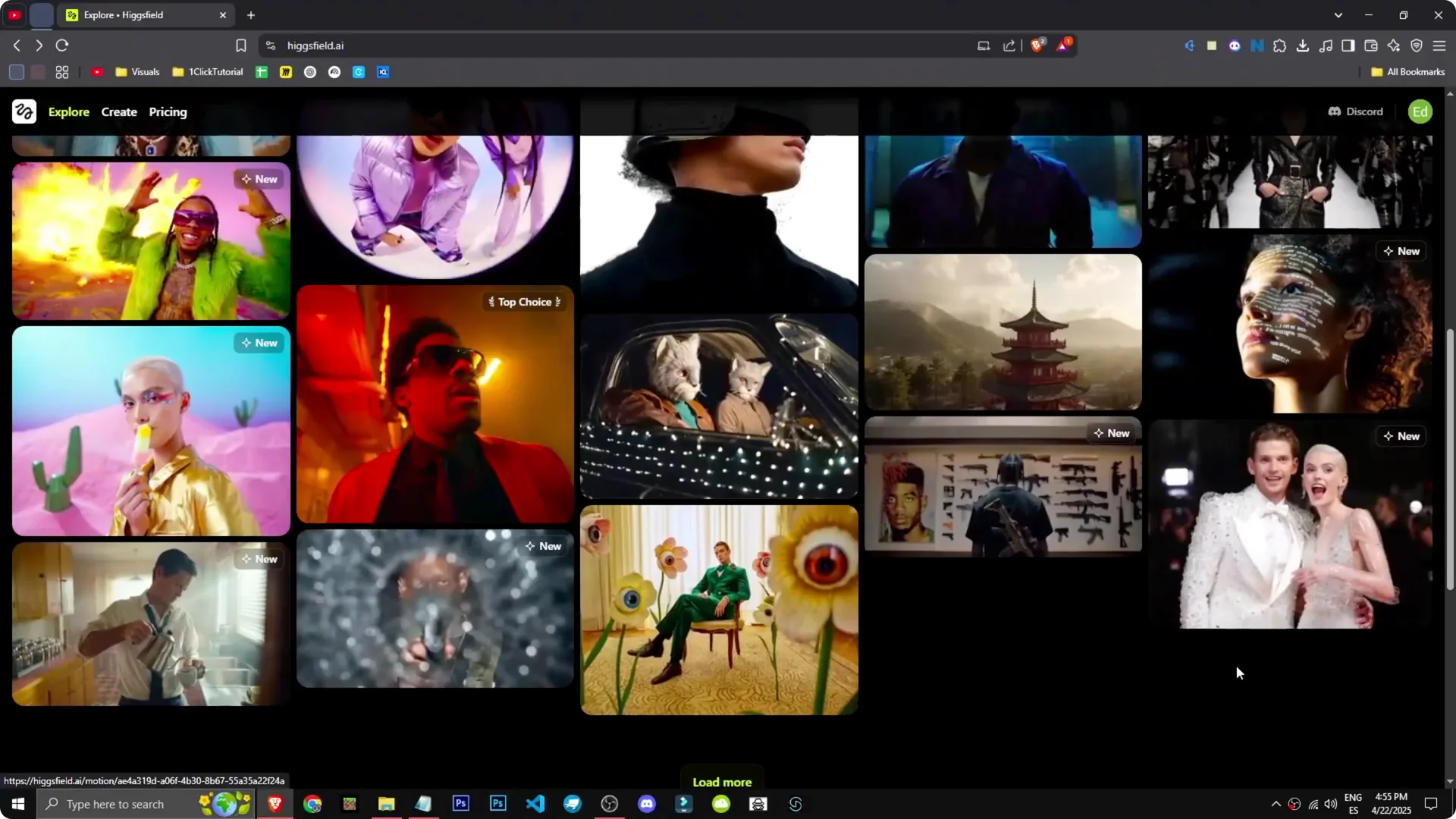
At $27 or $39 per month, you get 1,400 image generations, up to 150 videos, three simultaneous jobs, and extra features. It’s a great tool at those tiers. The Explorer section looks unreal, like stock images, but it’s all AI generated by them.
Final Thoughts
Higgsfield makes it easy to generate styled images and turn them into compelling motion. The key is clear prompts, picking the right styles, and using Advanced settings when you need control. The results are strong, and the pricing gives you room to experiment with both images and videos.