I’ll be making a detailed comparison of Pika AI and Kling AI, two of the big names pushing text-to-video animation in 2026. I’ll walk you through long form overviews, the main features, the pricing, the pros and cons, and finish with a balanced conclusion on which one is the best text-to-video animation this year.
Pika AI vs Kling AI: Overview
| Aspect | Pika AI | Kling AI |
|---|---|---|
| Core Focus | Fast, stylized text-to-video creation | High-fidelity, realistic video generation |
| Target Users | Social media creators, beginners | Quality-focused creators, professionals |
| Content Style | Playful, artistic, short-form | Cinematic, realistic, polished |
| Ease of Use | Very beginner-friendly | Slightly more technical |
| Best Use Case | TikTok, Instagram Reels, YouTube Shorts | Longer, higher-quality video clips |
Pika AI
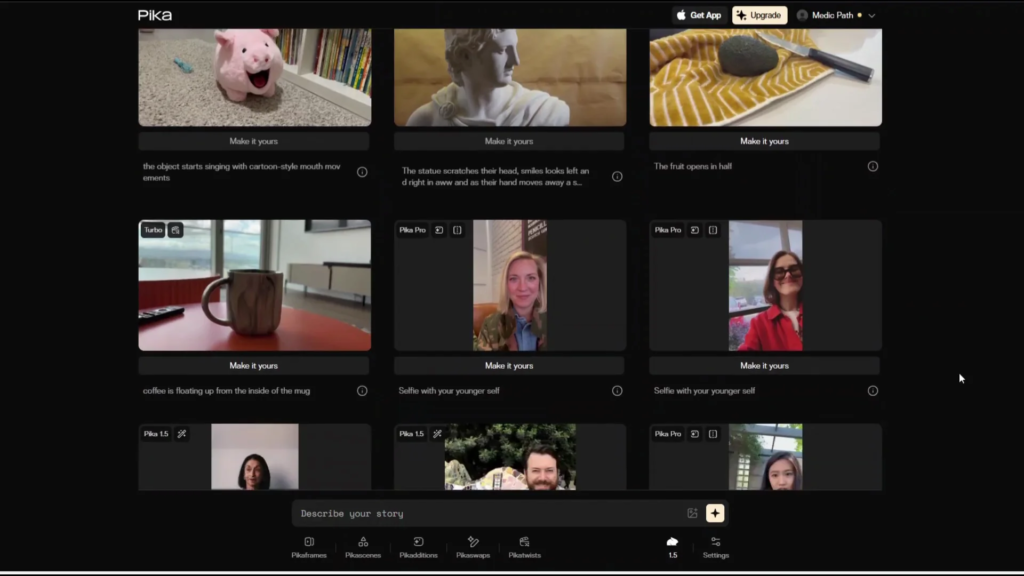
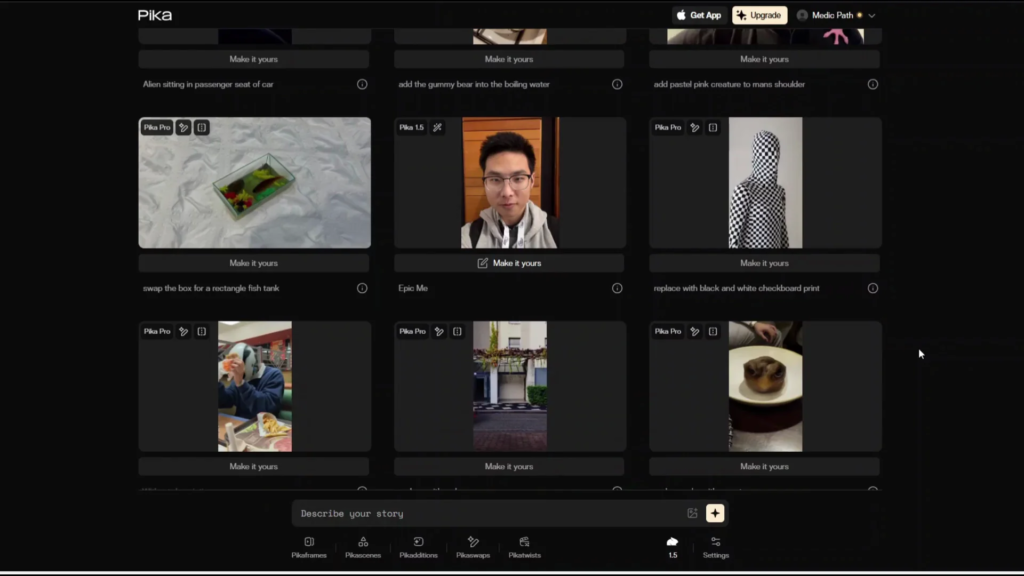
Pika positions itself as a fast, playful idea-to-video platform that’s aimed at creators who want to pick quick, stylized shorts and animations. The product is designed around simplicity. All you need to do is type in a prompt, describe your story, and pick a style or a template, and Pika generates short dynamic clips optimized for social formats.
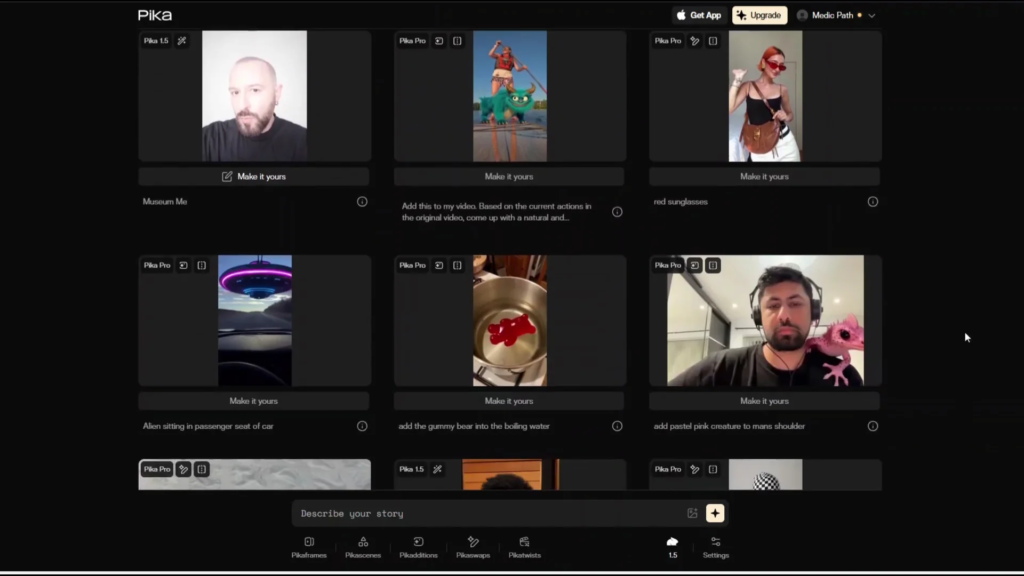
Think of it as a creative playground: quick iteration, lots of presets, and a user-friendly design that is built for non-technical creators.
It’s especially attractive for content creators on TikTok, Instagram, or YouTube Shorts who want to churn out fun videos quickly without worrying about heavy editing.
The focus is on speed and creative variety rather than hyperrealistic movie-style production.
Kling AI
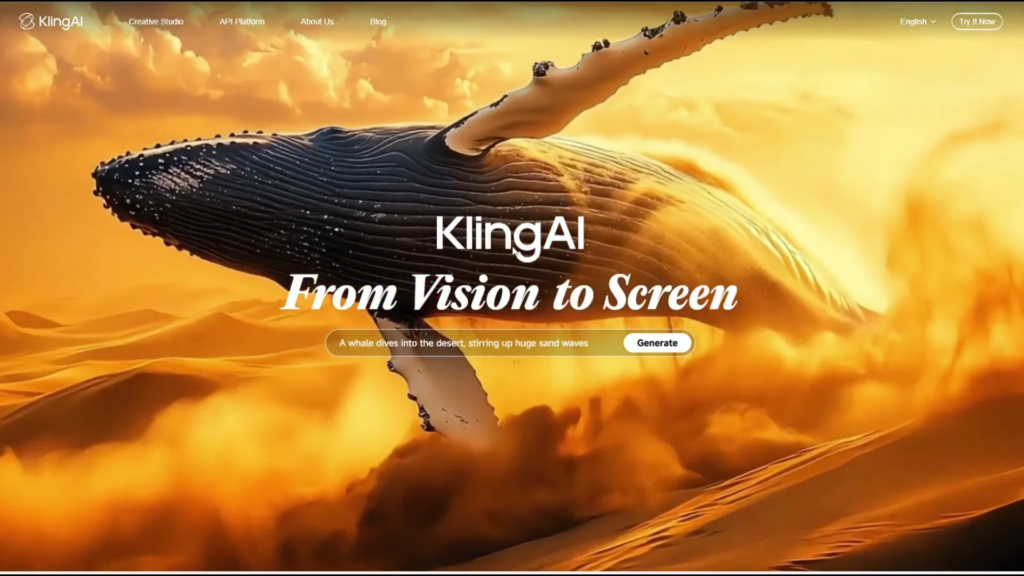
Kling has been evolving rapidly, especially with the 2.0 updates. Unlike Pika, which leans into playful, stylized content, Kling emphasizes high-fidelity video generation.
Its selling point is advanced motion synthesis, smoother, more natural movements, better consistency across frames, and results that edge closer to cinematic realism.
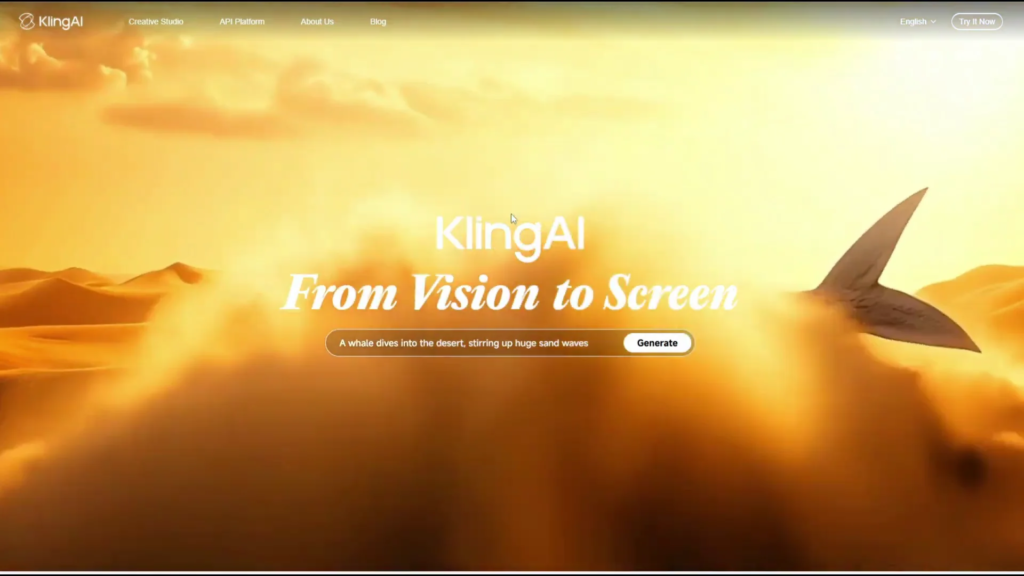
Kling is geared towards creators who want to push quality. The clips feel more polished with stronger continuity in character movement and scene dynamics.
As the platform continues rolling out updates, it’s clear that Kling is investing heavily in realism and longer form video creation.
Pika AI vs Kling AI Main Features:
| Feature | Pika AI | Kling AI |
|---|---|---|
| Text-to-Video | Yes | Yes |
| Image-to-Video | Yes | Yes |
| Templates & Presets | Large library of styles | Limited, more custom-focused |
| Motion Quality | Stylized and creative | Smooth, realistic motion |
| Character Consistency | Moderate | Strong and improving |
| Video Length | Short clips | Longer clips (paid tiers) |
| Resolution | Standard | Higher resolution on paid plans |
| Editing Controls | Simple creative controls | Advanced framing and continuity |
| Output Format | Social-native vertical videos | More cinematic framing |
Pika AI: Text and image to video
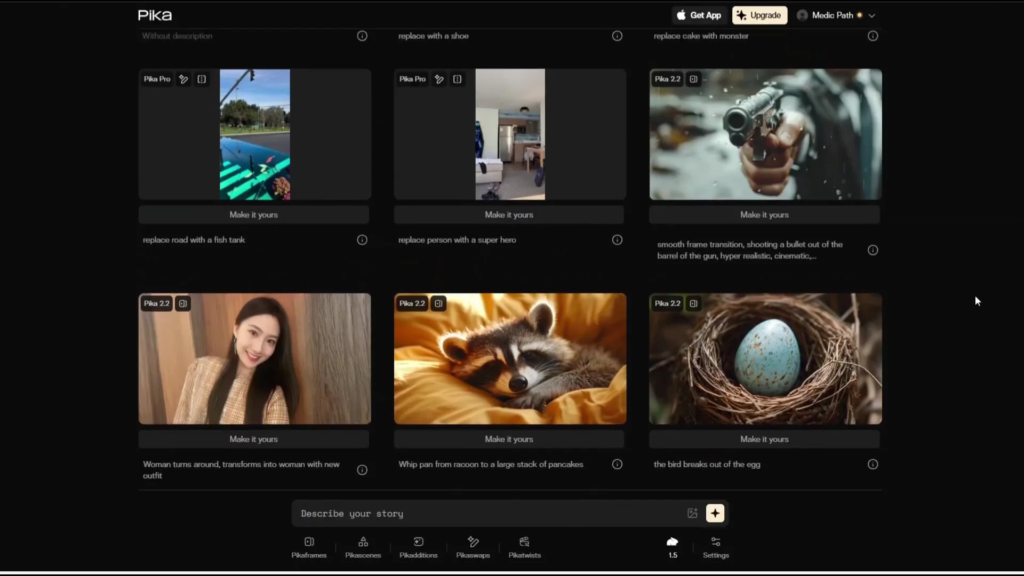
- Type your prompts or upload images to instantly create animated short clips.
- Templates and styles: a large library of artistic presets for quick experimentation.
- Quick iteration: faster render times and free credits for daily use.
- Creative editing tools: options to adjust style, swap visuals, or reprompt scenes.
- Social-native outputs: exports optimized for vertical video and short-form sharing.
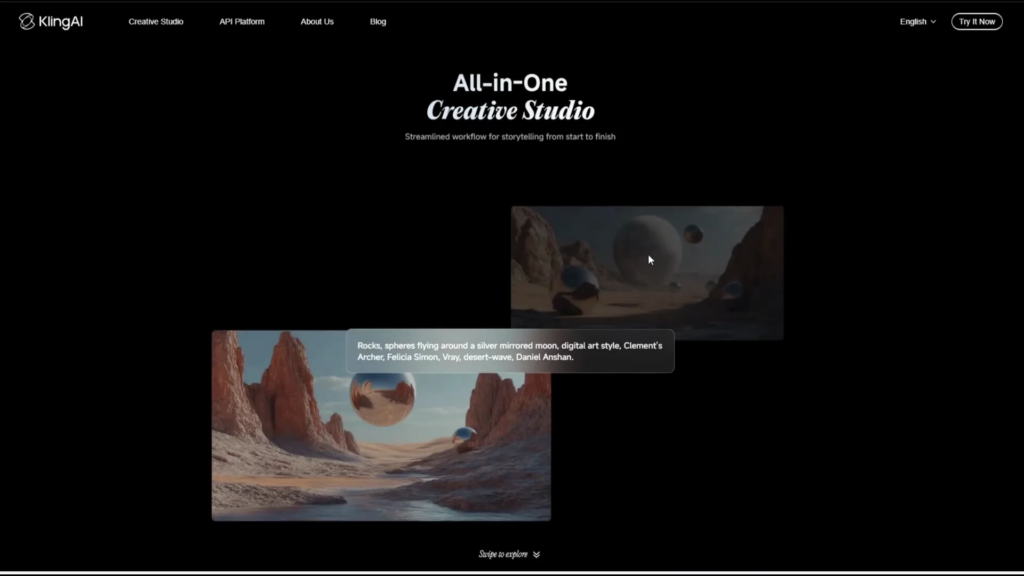
Kling AI: Realistic motion and control
- Strong motion synthesis and character consistency.
- Higher resolution and longer length: paid tiers unlock higher resolutions and longer durations.
- Credit-based system: the number of clips you can make depends on the monthly credits that you have.
- Advanced editing: more control over continuity, framing, and detail.
- Ongoing upgrades: frequent model updates steadily improving quality and speed.
Pika AI vs Kling Pricing
| Pricing Aspect | Pika AI | Kling AI |
|---|---|---|
| Free Plan | Available with limited credits | Limited free credits |
| Paid Structure | Monthly subscription plans | Credit-based system |
| Entry-Level Paid Plan | From $8/month | Credit-based (varies by usage) |
| Higher Tiers | Up to $76/month | Costs increase with resolution & length |
| Cost Predictability | Fixed monthly pricing | Usage-dependent costs |
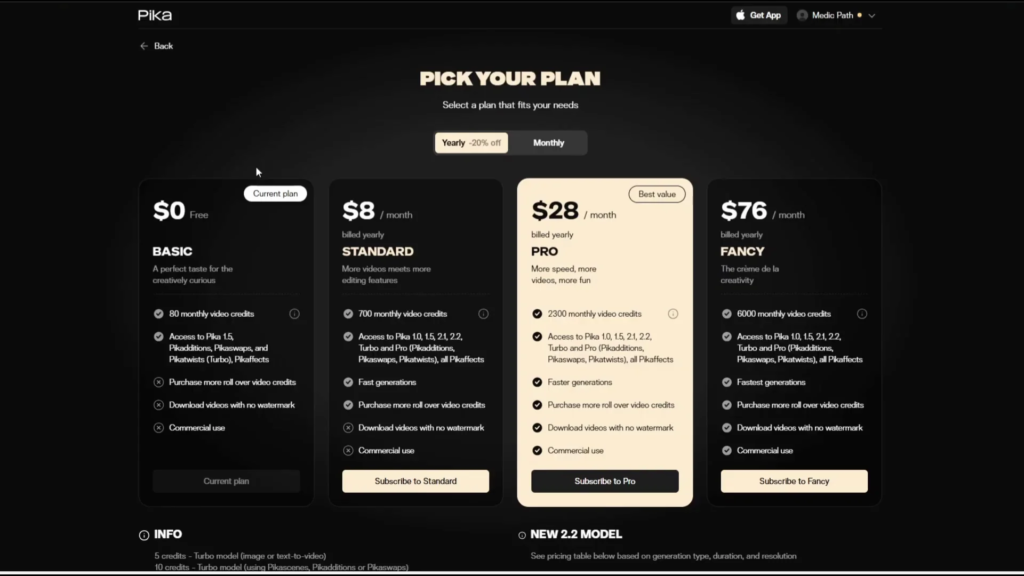
Pika AI pricing
- Free plan: basic, with a limited number of video credits.
- Standard plan: starts from $8 per month.
- Pro plan: starts at $28 per month.
- Fancy plan: $76 per month.
Kling AI pricing
Kling is credit-based. It has a limited free entry point, but paid tiers are structured by credits, resolution, and video length.

Pika AI vs Kling: Pros and Cons
Pika AI pros
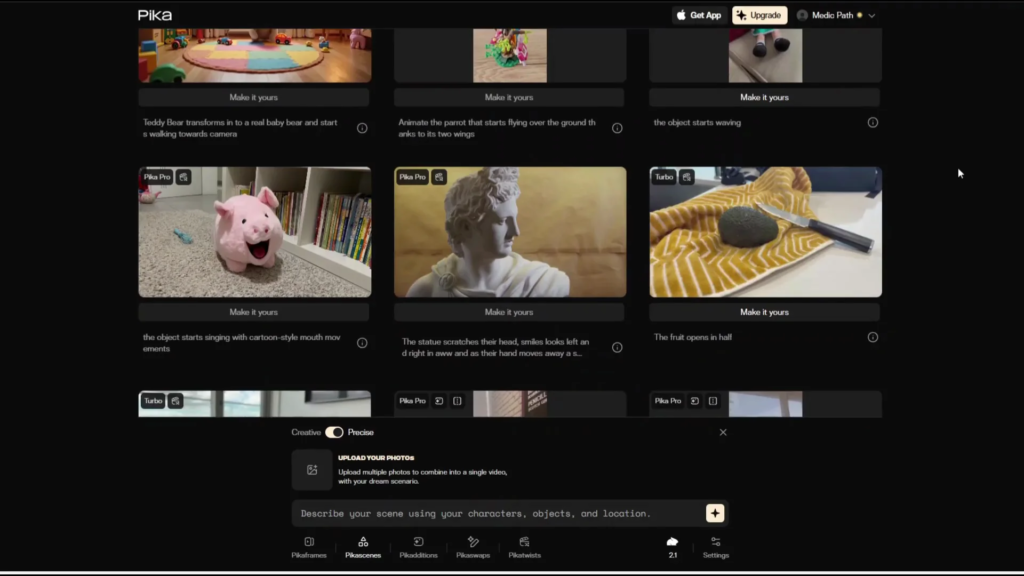
- Very beginner friendly with templates and styles, which makes it easy to use.
- Quick turnaround for short-form content.
- The free plan makes it easy to experiment.
Pika AI cons
- Leans more towards stylized animation, not realism.
- The higher tiers may be for professional use.
| Pros | Cons |
|---|---|
| Beginner-friendly UI | Less realistic visuals |
| Fast rendering for short clips | Limited cinematic depth |
| Large template & style library | Higher tiers may feel expensive |
| Free plan for experimentation | Focused mainly on short-form |
Kling AI pros
- High quality motion and character consistency.
- Paid plans unlock longer clips and higher resolutions.
- Regular upgrades help improve the realism and smoothness of production.
Kling AI cons
- Costs can add up for frequent and professional use.
- Credit-based system requires careful management.
- A slightly more technical learning curve than Pika.
| Pros | Cons |
|---|---|
| High-quality motion realism | Credit costs can add up |
| Strong character consistency | Slight learning curve |
| Longer clips and higher resolution | Requires credit management |
| Frequent model upgrades | Less beginner-focused |
Pika AI vs Kling: Which Should You Choose?
Honestly, here’s my recommendation. If you’re looking for creative experimentation and short social content, you can go with Pika. If you want realism, higher fidelity, and longer animations, then Kling is the better fit.
You can try them side by side on their free tiers to see which output matches your style best. You can also get a feel for the platforms by going through their socials.
Pika AI Alternatives
If you’re looking to try other alternatives, you may explore Runway, Kaiber, and Luma AI.
Pika AI vs Kling AI: Quick Recommendation
| If You Want… | Choose |
|---|---|
| Fast, fun, social-ready videos | Pika AI |
| Realism, polish, longer animations | Kling AI |
| Easy experimentation | Pika AI |
| Professional-quality motion | Kling AI |
Pika AI vs Kling Final Thoughts
Pika AI shines for speed, simplicity, and stylized short-form creation, while Kling AI pushes higher fidelity, motion quality, and longer durations. Your choice comes down to creative variety and fast iteration versus realism and polish. Try the free tiers to see which one aligns with your content goals.