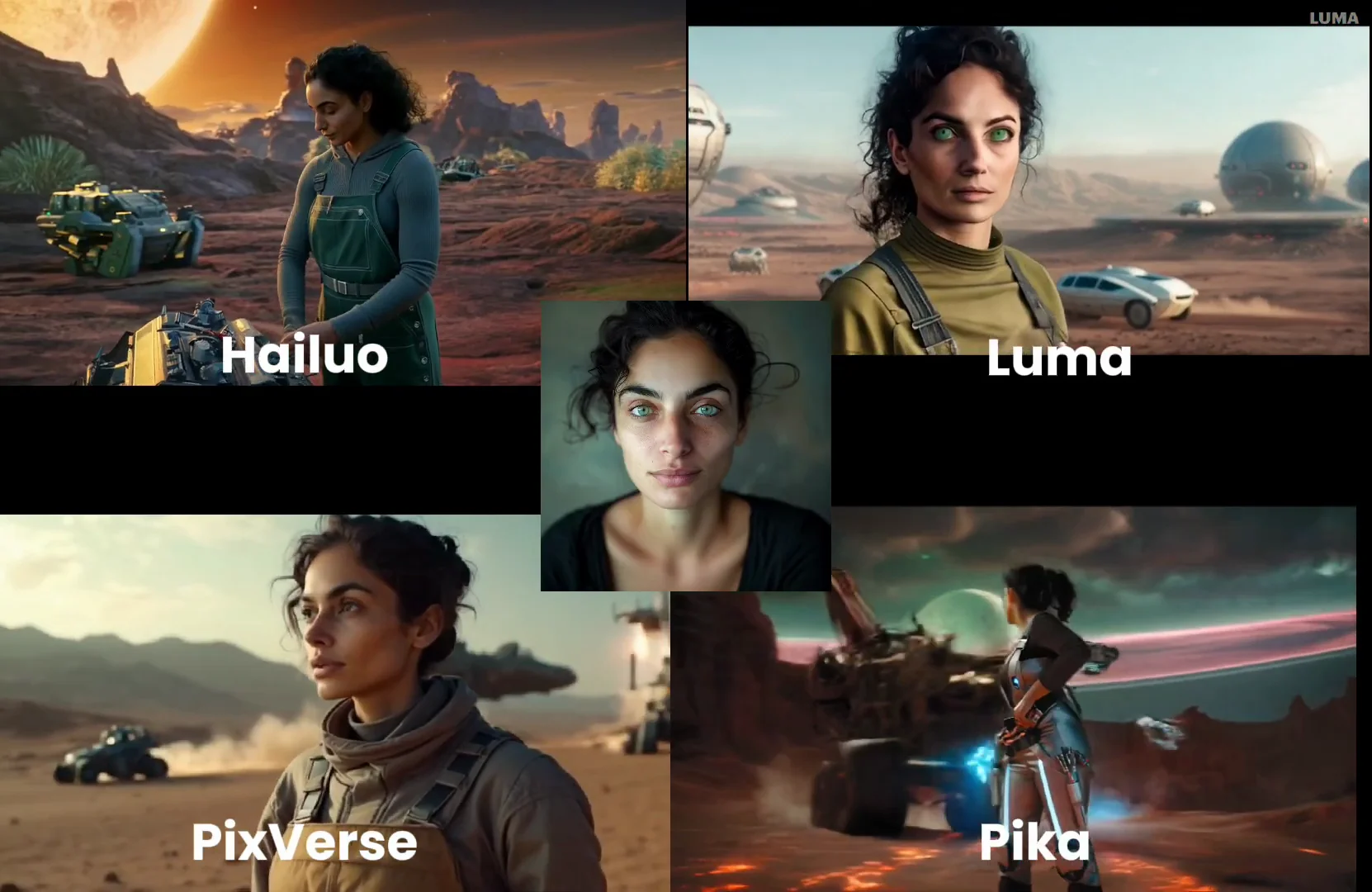
One AI video trend I’m loving right now is character references. This is when you take an image of a character and write a prompt which will then feature that face in the video, sometimes with mixed results.
I’m going to show you how to do character reference videos in Hailuo, Luma Dream Machine, PixVerse, and Pika. I’ll use the same prompts in each of those and compare the results.
If you’re only here to know which one is the best, for me it’s a tossup between Hailuo and Pika.
Pika vs Hailuo vs Pixverse vs Luma Dream Machine
| Aspect | Pika | Hailuo AI | PixVerse | Luma Dream Machine |
|---|---|---|---|---|
| Main Strength | Character consistency + multiple face scenes | Prompt adherence & cinematic visuals | Stable Diffusion–style familiar video | Realistic motion & keyframe control |
| Workflow | Ingredients system for references | Upload reference under Subject Reference | Create character → generate | Prompt → add reference via gear |
| Best For | Mixed creative shots with multiple characters | Overall best character videos | Value + Stable Diffusion fans | Motion & camera movement focus |
| Quality (subjective) | Good face consistency, creative shots | Strong prompt follow-through | Solid, performance mode boosts quality | Variable results in tests |
| Ease of Use | Simple ingredient UI | Straightforward upload + prompt | Standard create character workflow | Slightly clunky image-first flow |
| Unique Notes | Handles multi-face scenes well | Seen as one of the best overall | Familiar Stable Diffusion feel | Generates images first, then video |
| Reviewer Verdict | Best with Pika / Hailuo | Best with Hailuo / Pika | Good value | Mixed results |
| Character Reference | Yes | Yes | Yes | Yes |
Character Reference Showdown: Tools and Setup
Hailuo AI:
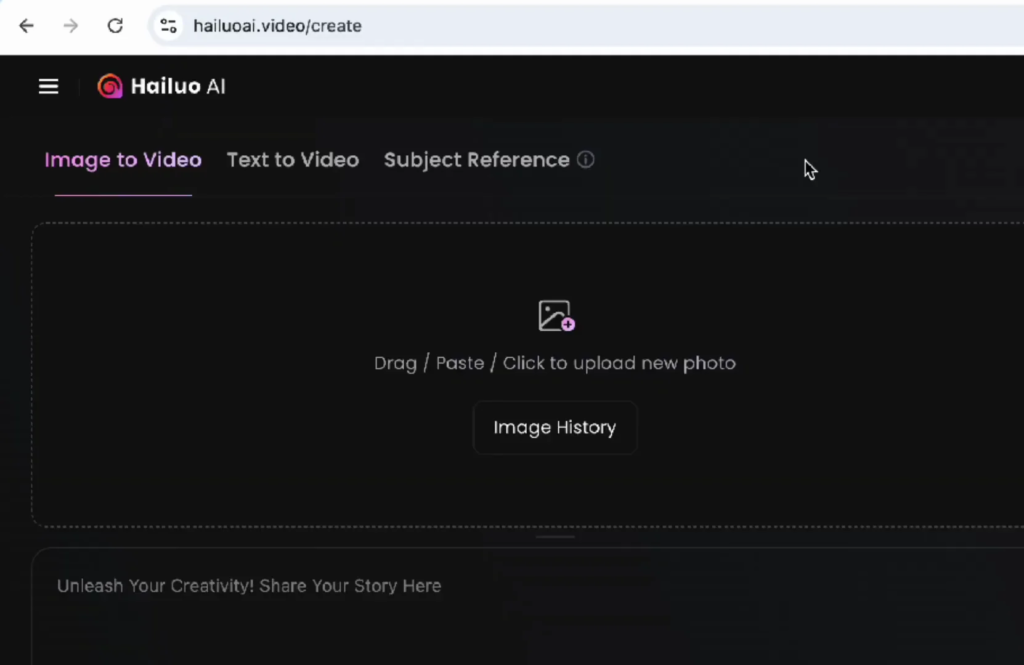
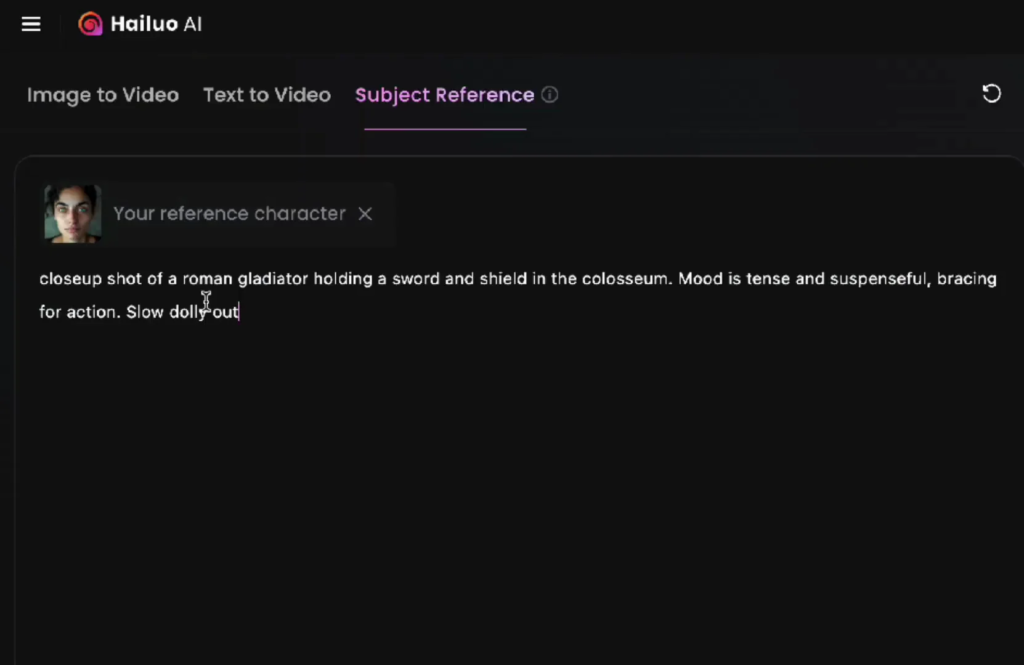
Move over to the Subject Reference tab at the top and click Add Reference Character. If you’ve done previous characters you’ll see them there, otherwise upload a character.
You can do this all with one image. This is a character I generated for a different consistent character video.
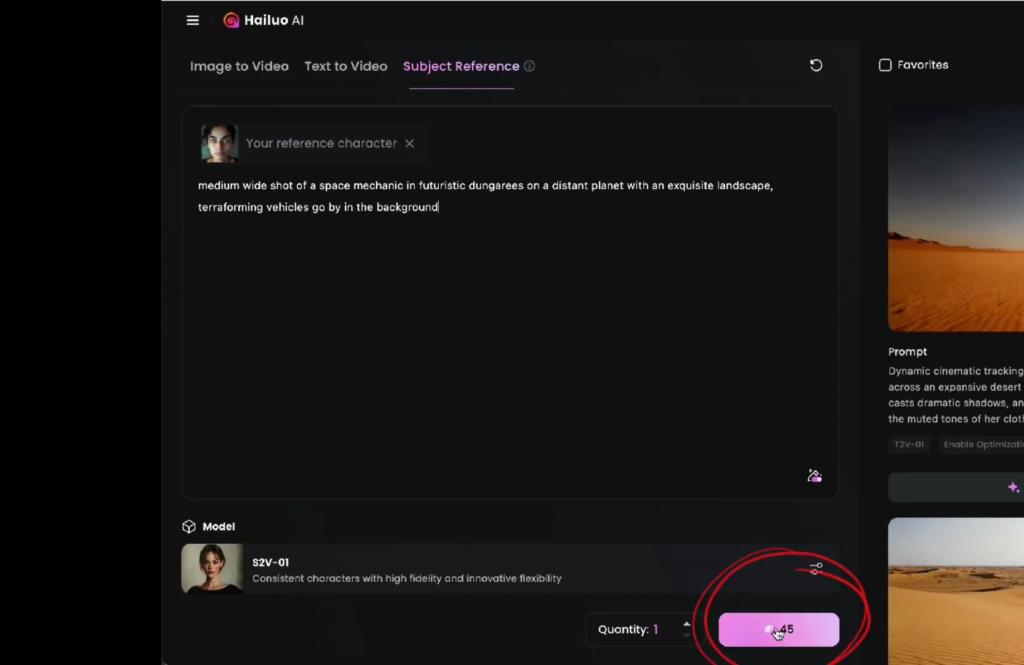
Paste the prompt. This one is about a space mechanic. If you’ll notice, this is 45 credits. If you just do regular text to video it’s 30 with Hailuo, so you are paying more to do character reference. We’ve got our face in there, we’ve got our prompt. Generate.
Luma Dream Machine
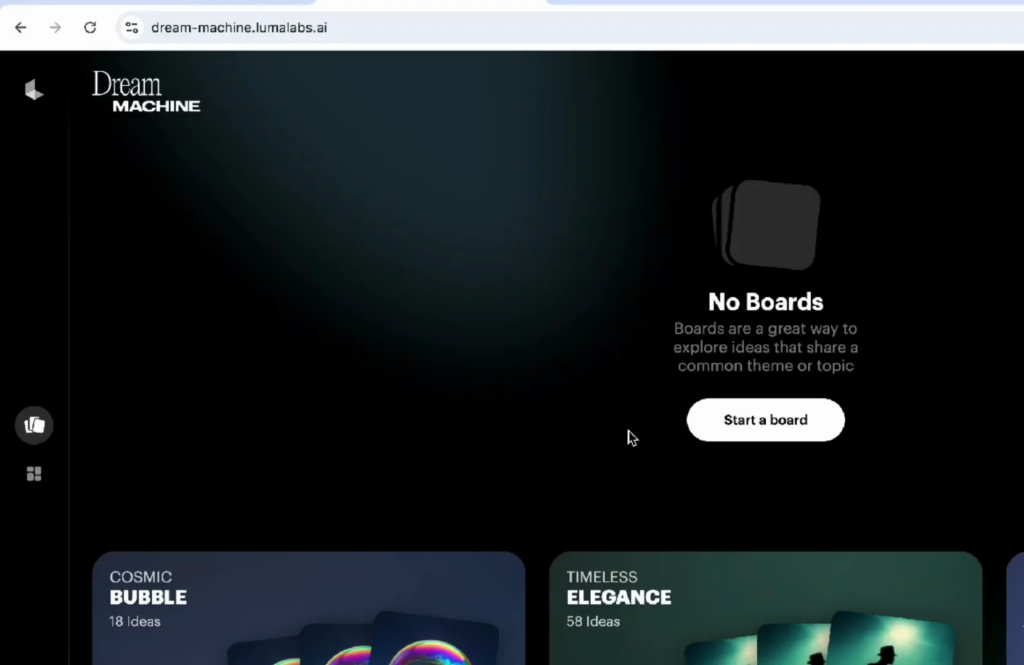
They started using these boards, which I’m not totally a fan of yet. Start one.
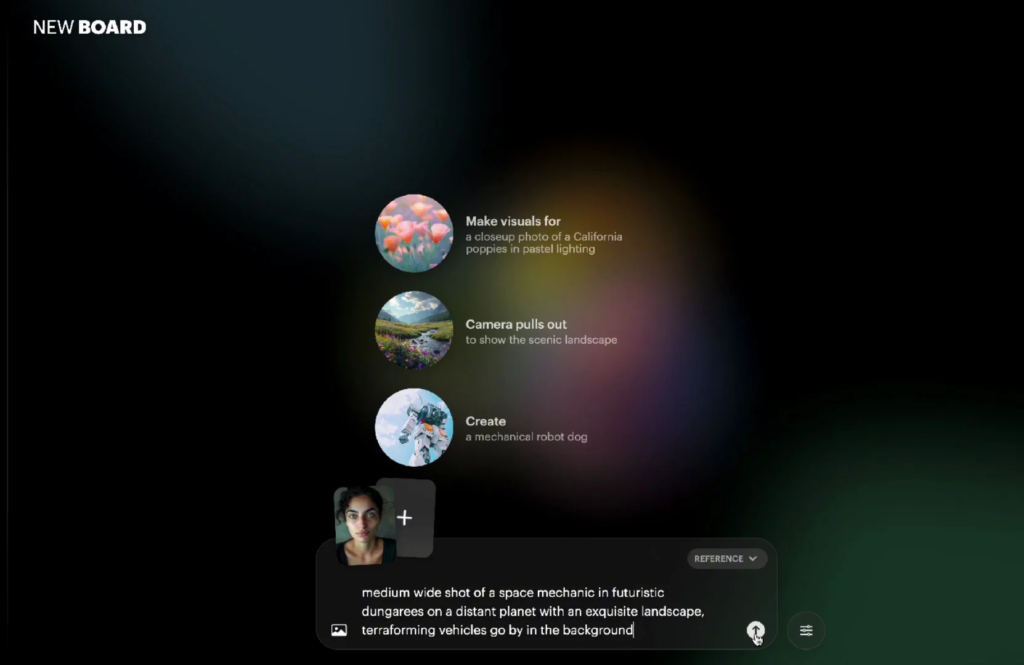
Paste the prompt first, then go to the gear icon and choose Reference from the side. That will pop up an area where you can add the face image.
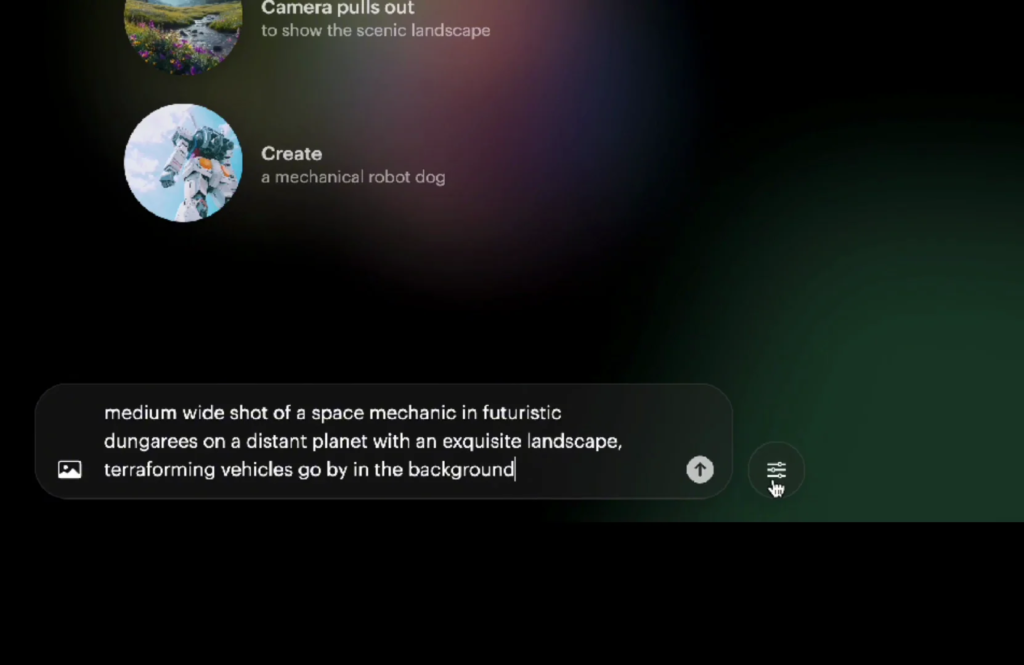
Here’s where Luma is a little bit different. It’s going to generate the images first. It’s not doing text to video with that image right away – it’s going to give you some images first.
On the plus side, you get to choose from different options before you commit to one. When you find one that you like, hit the Start Frame button, enter your prompt, and generate.
PixVerse:
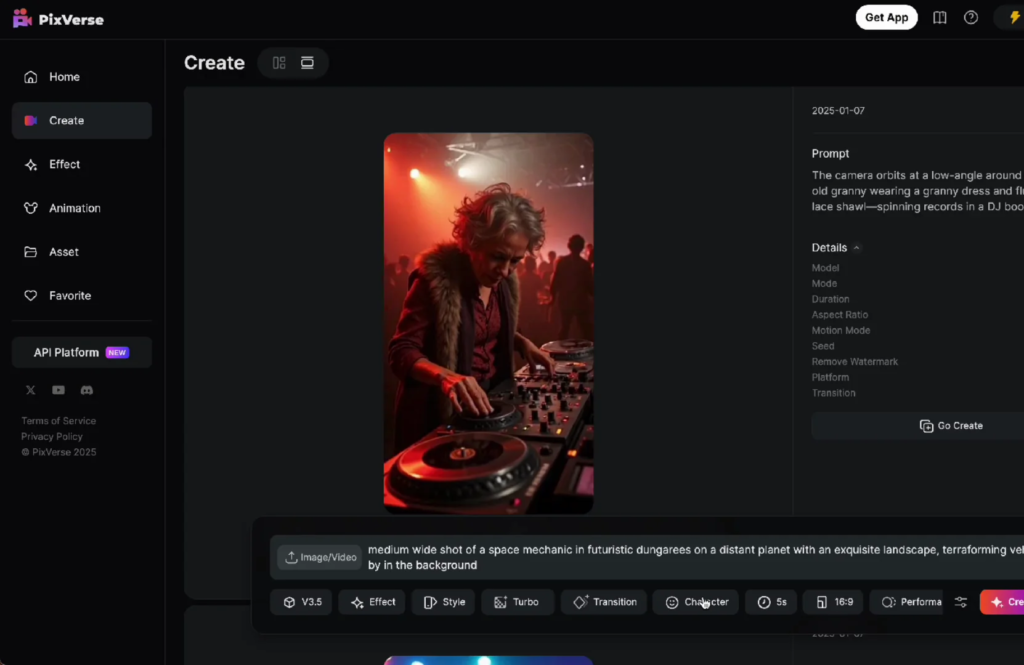
Click Character Create, upload your image, give it a name, and click Create Character. It will say Create Asset Successful. Paste your prompt and generate.
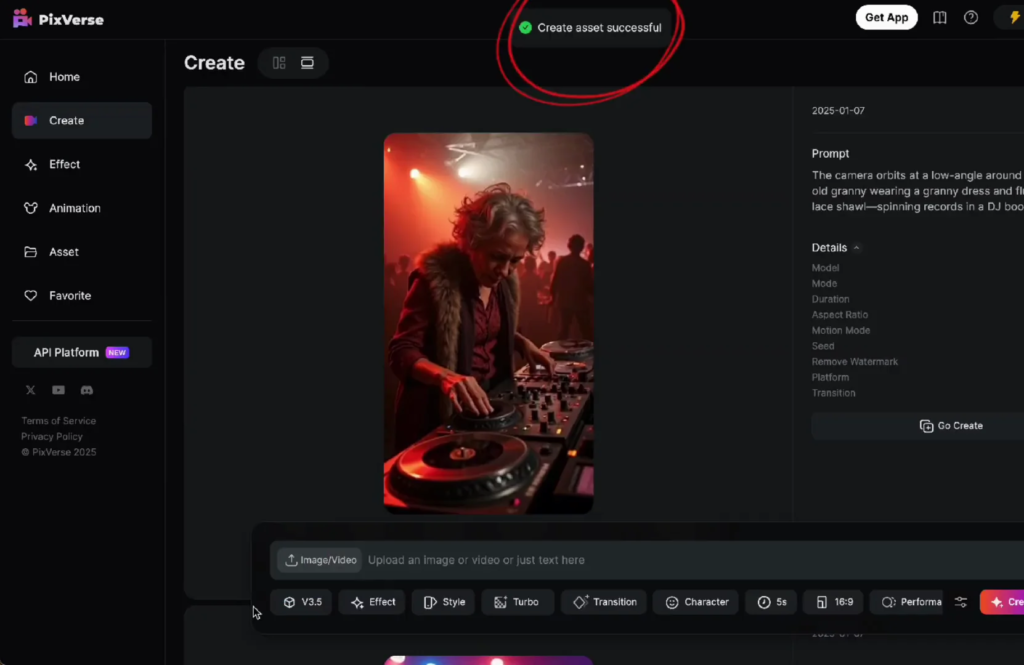
Sometimes after you create the character you might not see the character in the list and you just have to refresh the page.
It is the same number of credits. PixVerse is based on Stable Diffusion, so if you know that Stable Diffusion video style it probably looks familiar.
Pika:
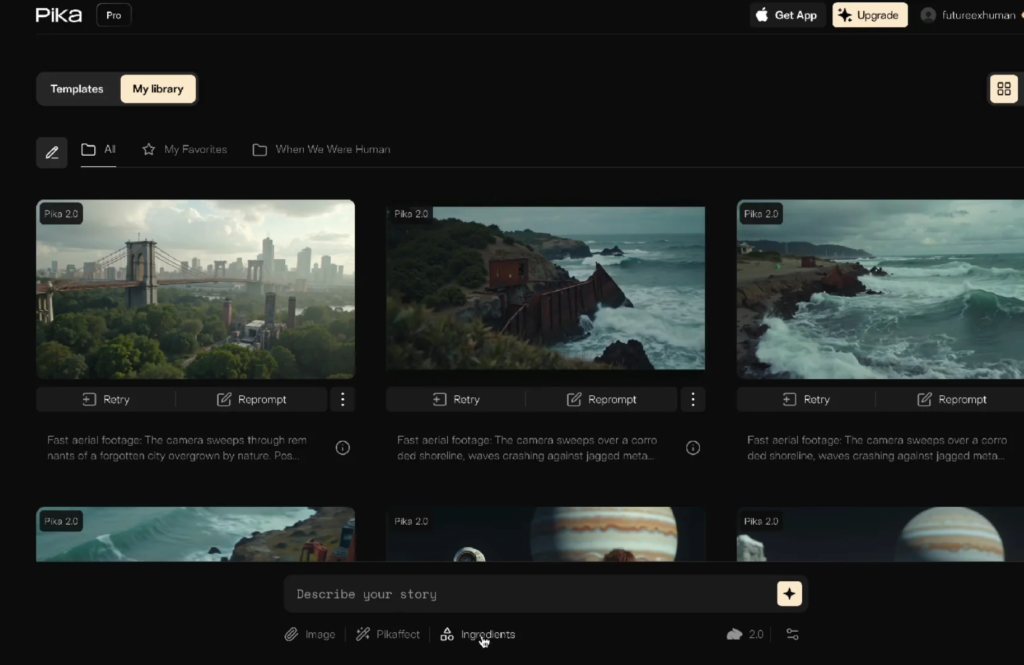
Go to Ingredients, click the button for the reference, add your prompt, and generate. I don’t like the outfit and I don’t like space, but the face is pretty good.
Character Reference Showdown: Prompts and Results
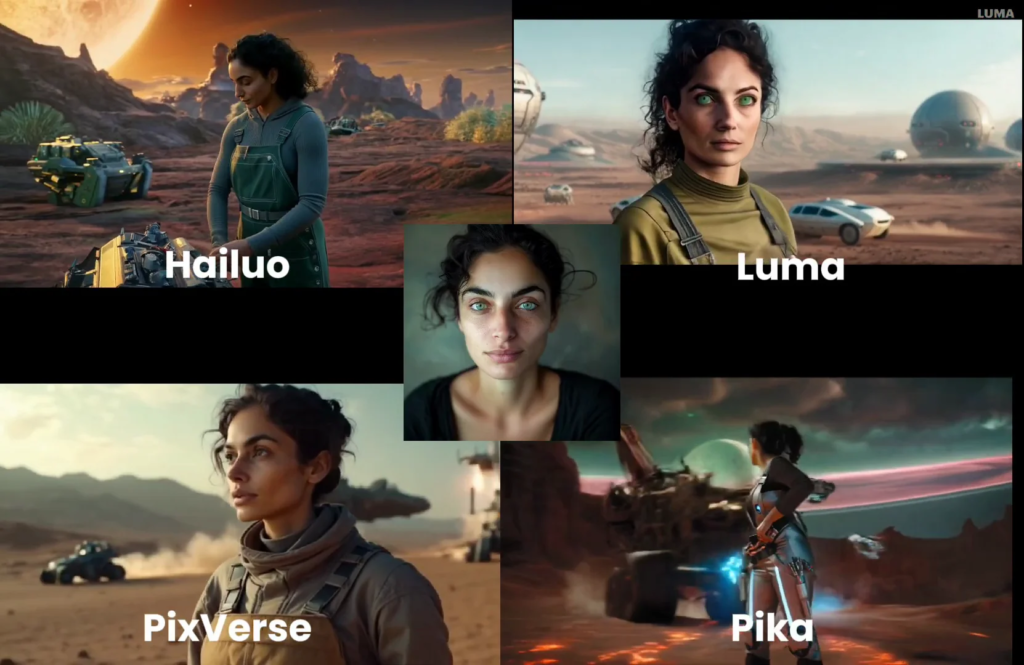
Space Mechanic
For the space ones I like Hailuo and PixVerse the most. Pika’s face was pretty good, but the outfit and the space look weren’t what I wanted.
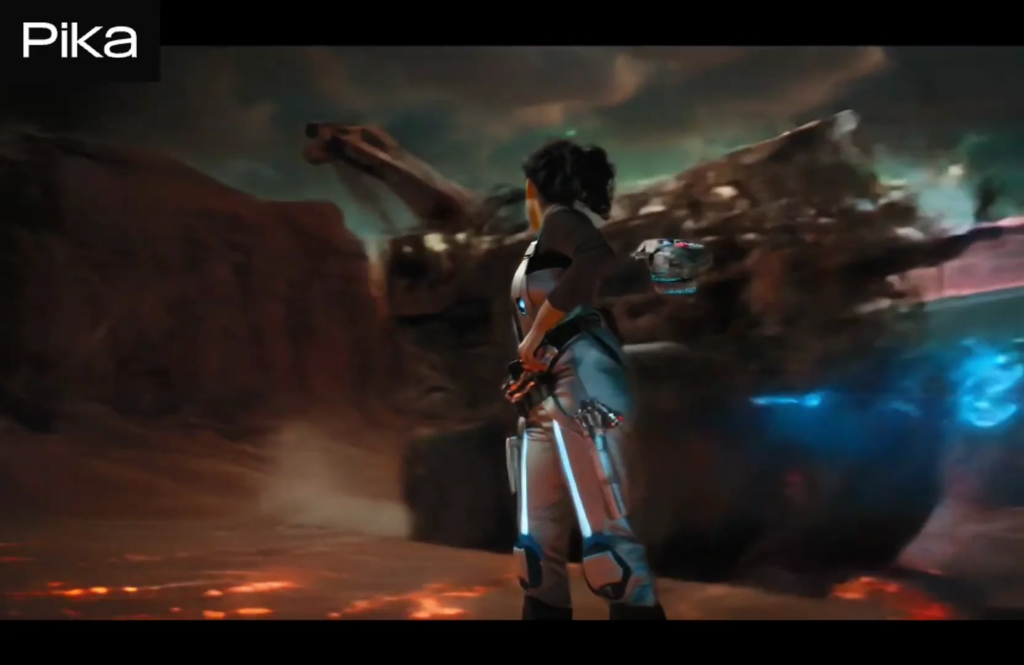
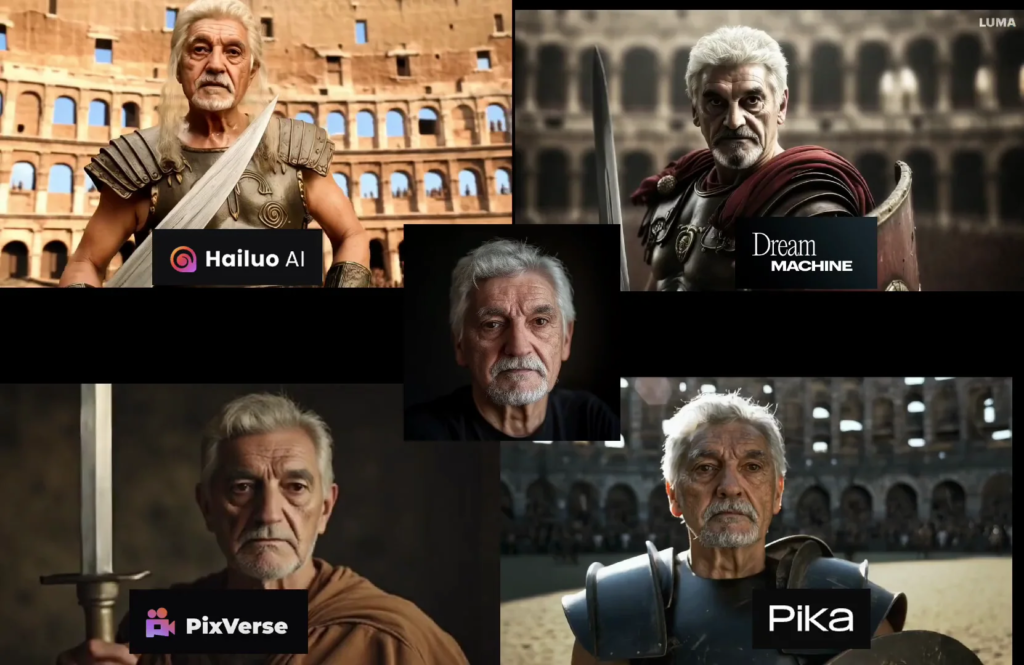
Roman Gladiator
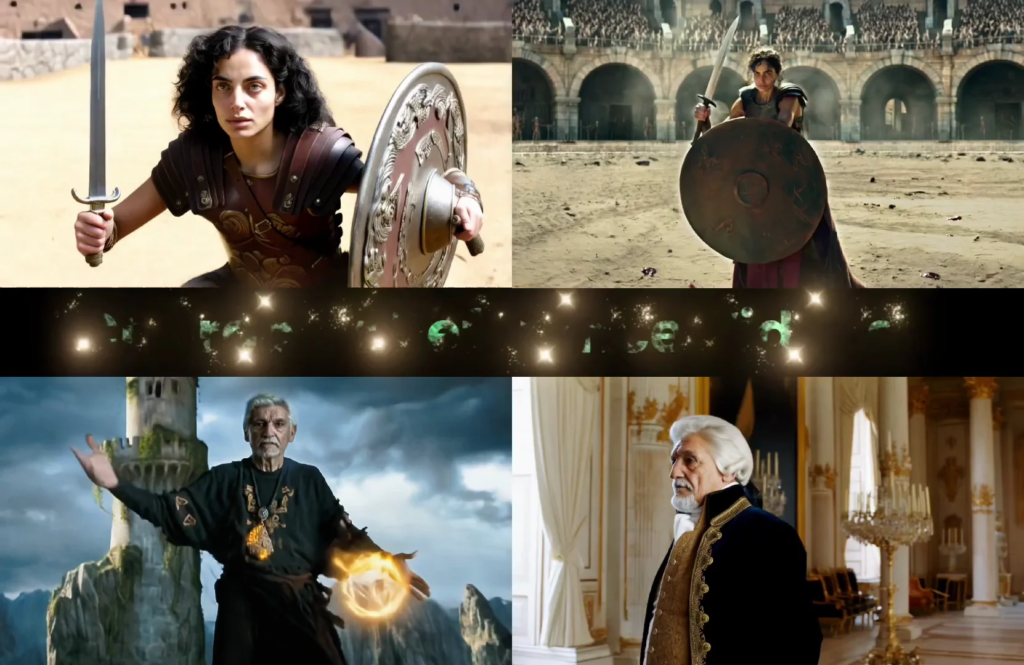
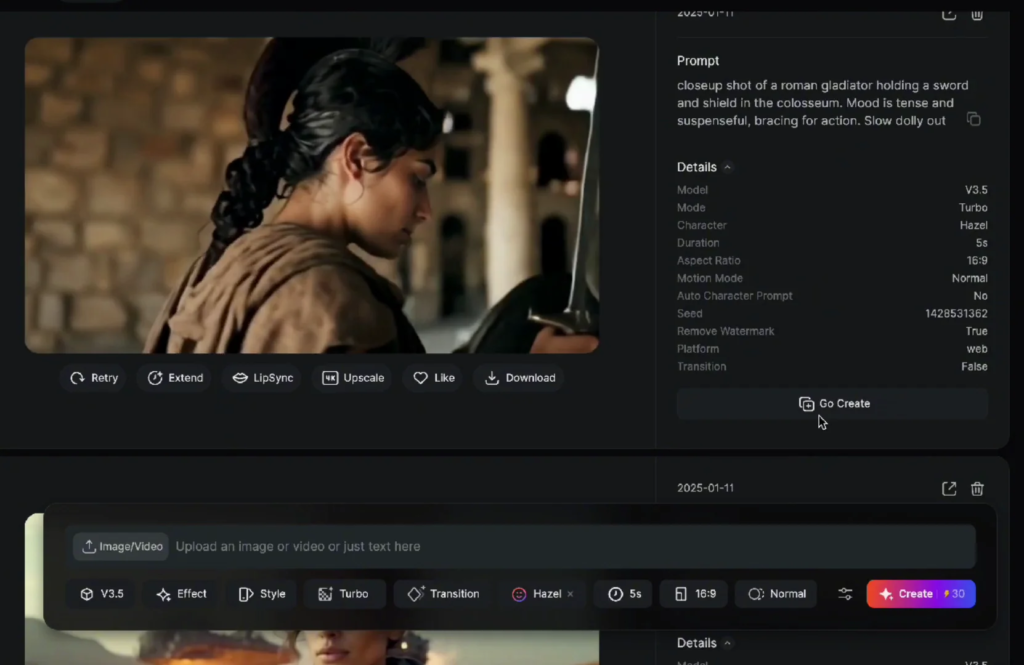
Using the same face, I tried a Roman gladiator prompt. I like the motion on this one a lot and the face is pretty good. I don’t like this at all on one of the outputs.
This one’s interesting – watch the little head thing that shows up and remember that head thing because it comes up later too. That’s Pika. For the gladiators I like Hailuo and Pika the most.
Swapping in an Older Face
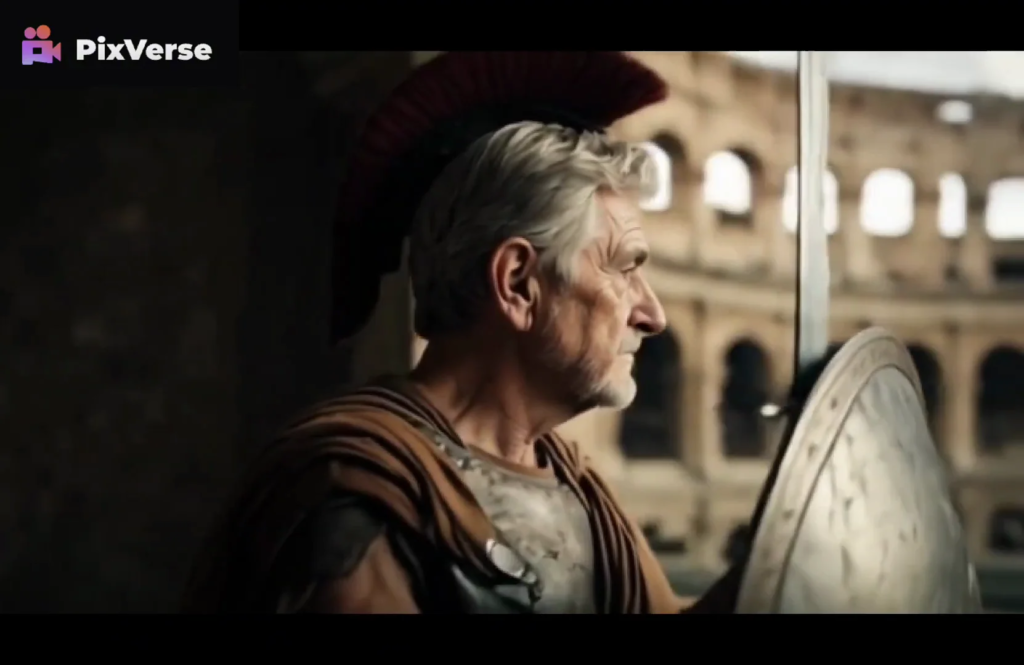
I tried another face to see how the bodies change based on the faces they get. An older guy who kind of looks like an older Pedro Pascal.
Here’s him as the gladiator in Hailuo. PixVerse does the same thing with the hair as the other one. This is Pika. Pika and Hailuo are my favorites in this one. That shield’s a little funny, but still.
Two Faces in One Shot
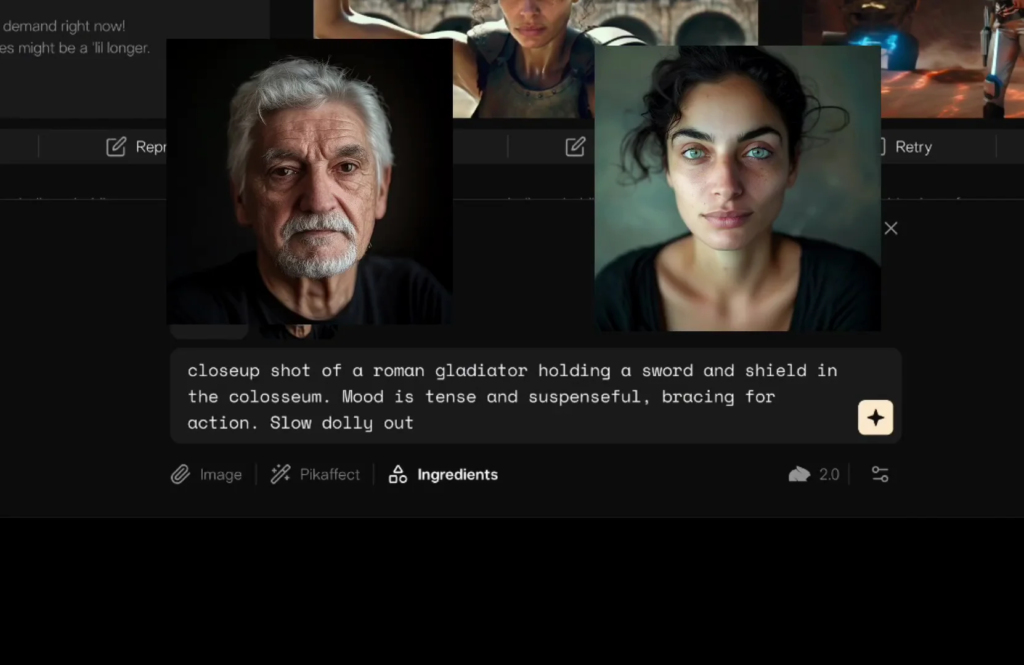
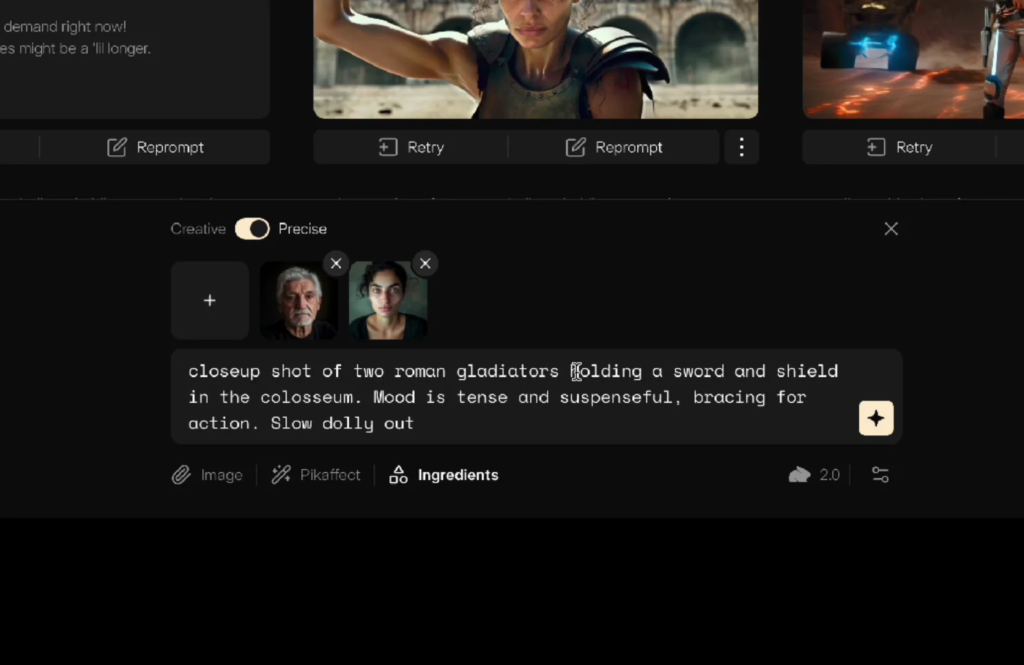
In Pika you can do multiple ingredients, so you can do multiple faces. I added the second face and updated the prompt so it knows there are two of them there, then generated. Not bad. With a better prompt you could make that an interesting scene. You can put two different characters in one scene, which is very cool.
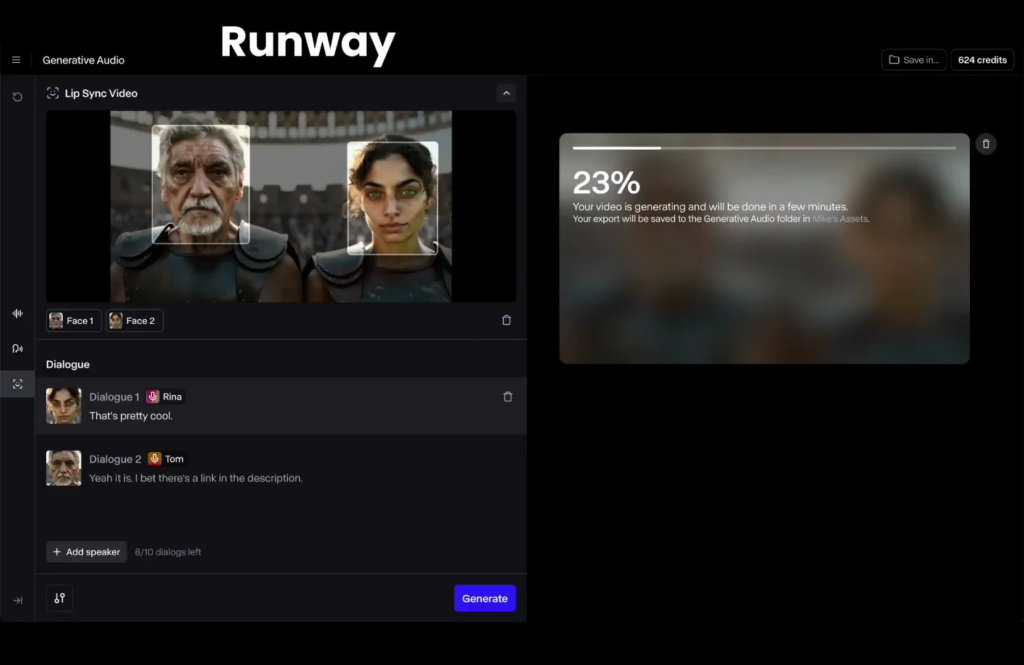
If you’ve seen another video I’ve done on Runway about being able to lip sync two different people, you could generate videos of two different characters and then bring them over to Runway and lip sync them. That’s pretty cool.
PixVerse Motion Modes
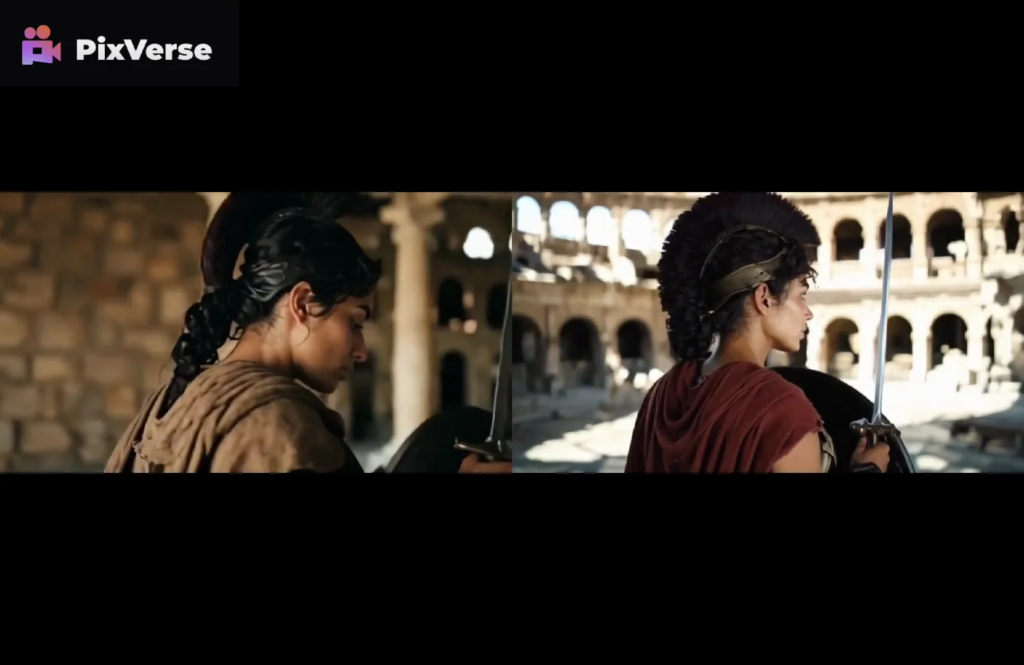
PixVerse has two motion options – Normal and Performance. I ran the gladiator in Performance mode.
It looks much better. It still has that little mohawk thing, but the video quality is much better when you’re doing Performance.
Arcane Sorcerers
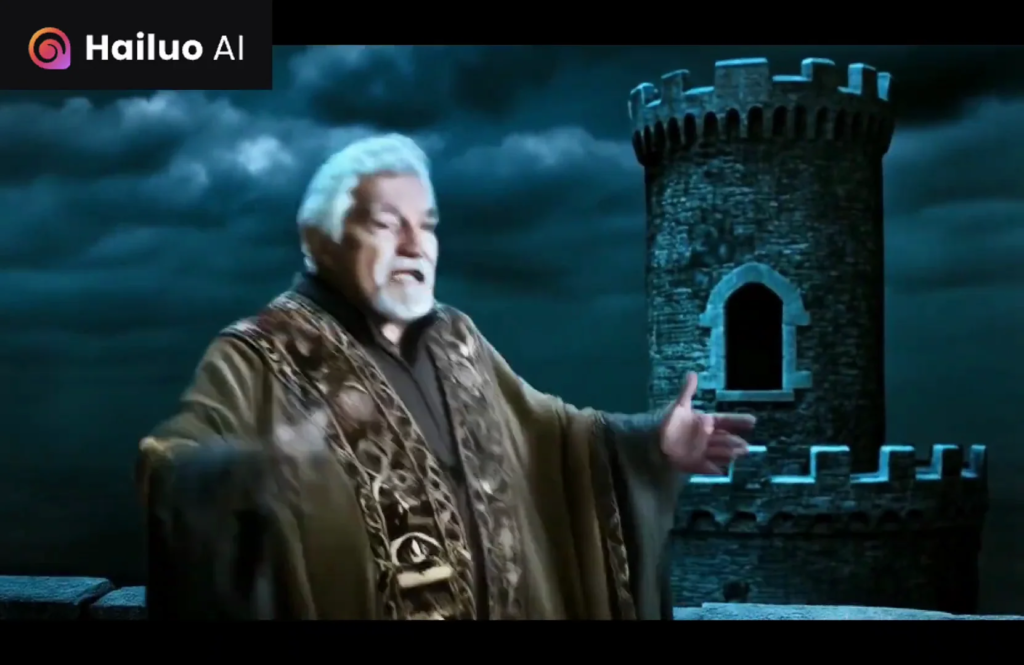
Here are some Arcane Sorcerers in Hailuo. Here they are in Luma – not great in Luma. PixVerse is fine.
In Pika there’s a lot going on, but there are some interesting effects and it does look like a fight when you have both of them together.
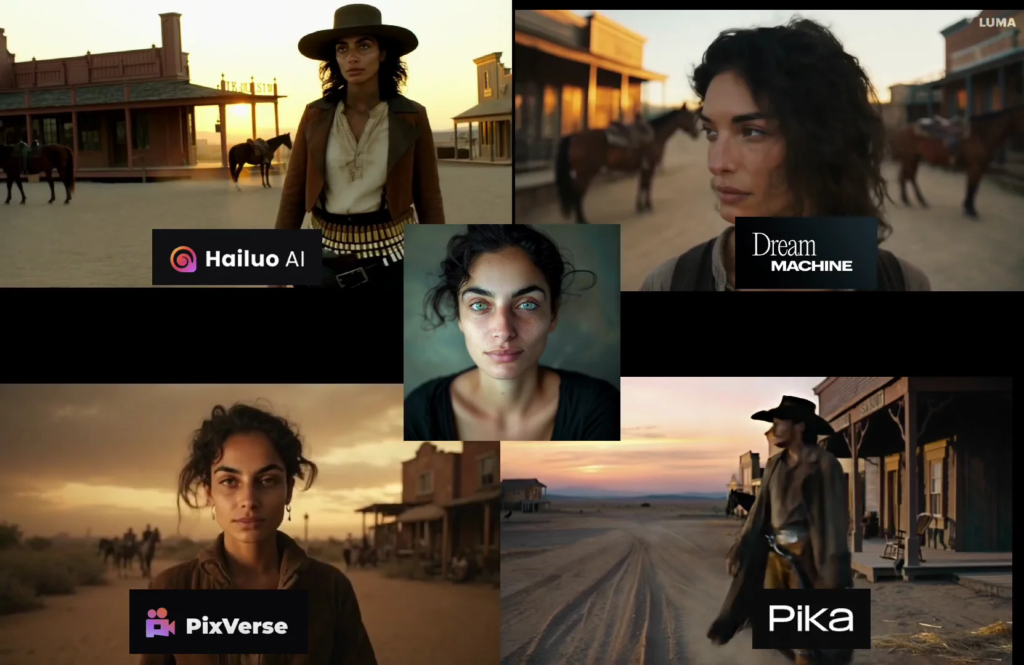
Western
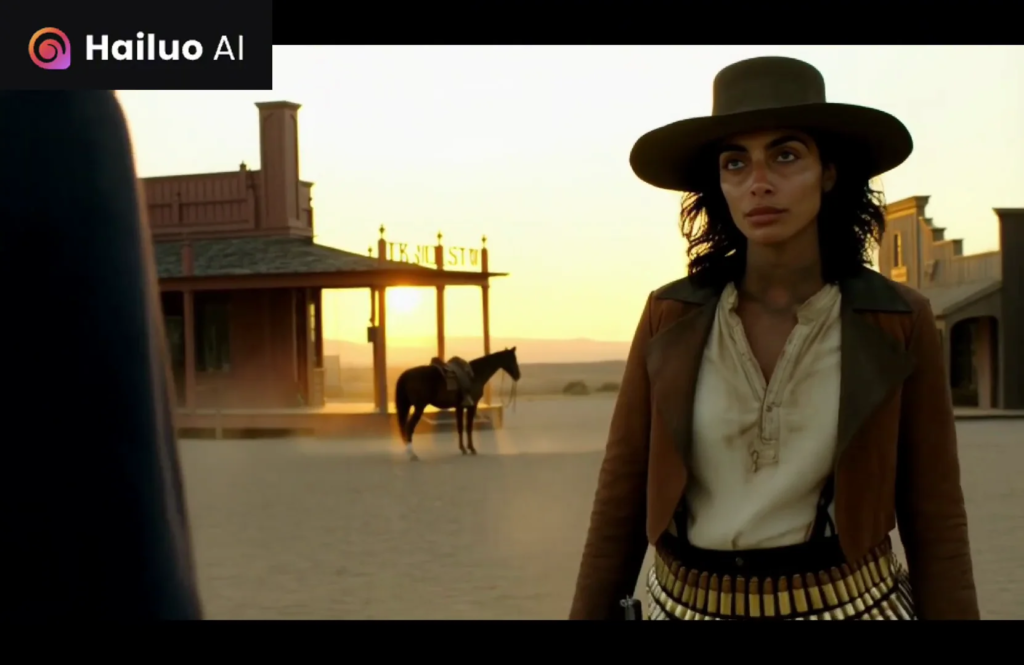
Hailuo: this is a great shot. The bullets look a little bit funny, but this is exactly the prompt for the most part.
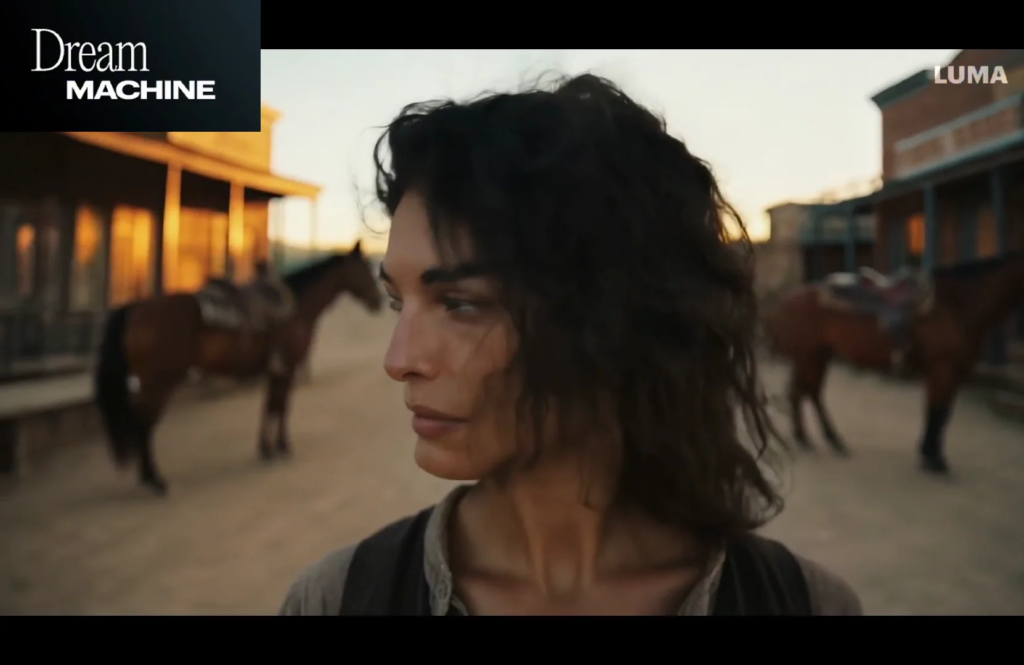
Luma: it doesn’t really look like the character. All she does is turn her head. She’s not walking. Not a fan. Then he just turns the other way.
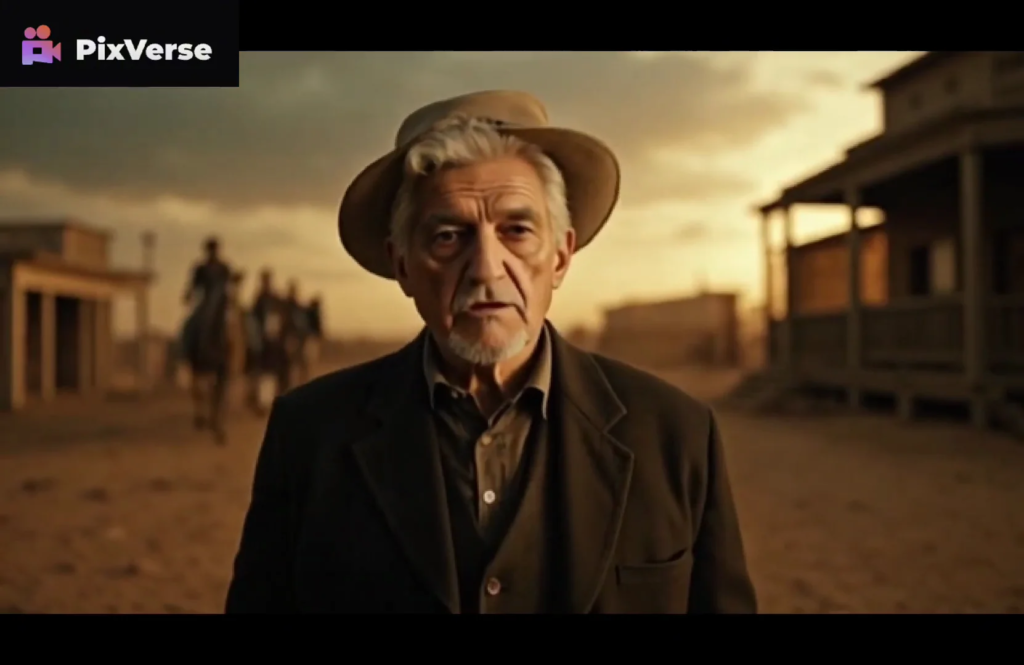
PixVerse: walking, horses in the background. The hat’s a little bit funny, but it looks like the characters.
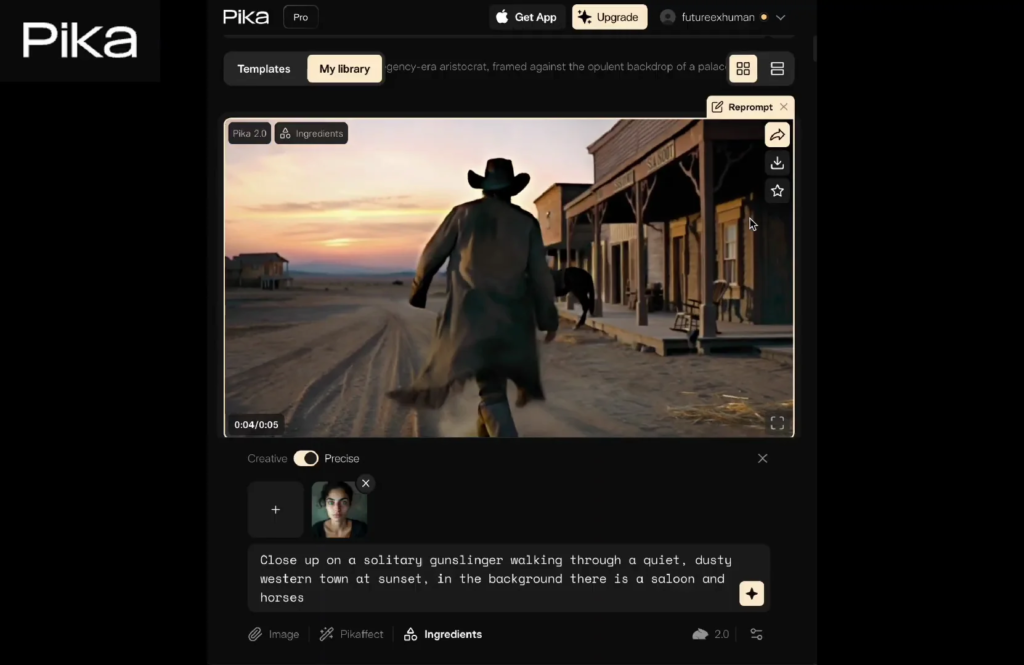
Pika: this is the only one that Pika really messed up on here. It definitely uses the face reference for the woman, but it is not clearly her. The guy barely shows his face.
Regency Period
I did some Regency shots for a different time period. Luma again – I don’t know. PixVerse doesn’t really look of that period, but it looks a little bit better. It could just be someone in a museum.
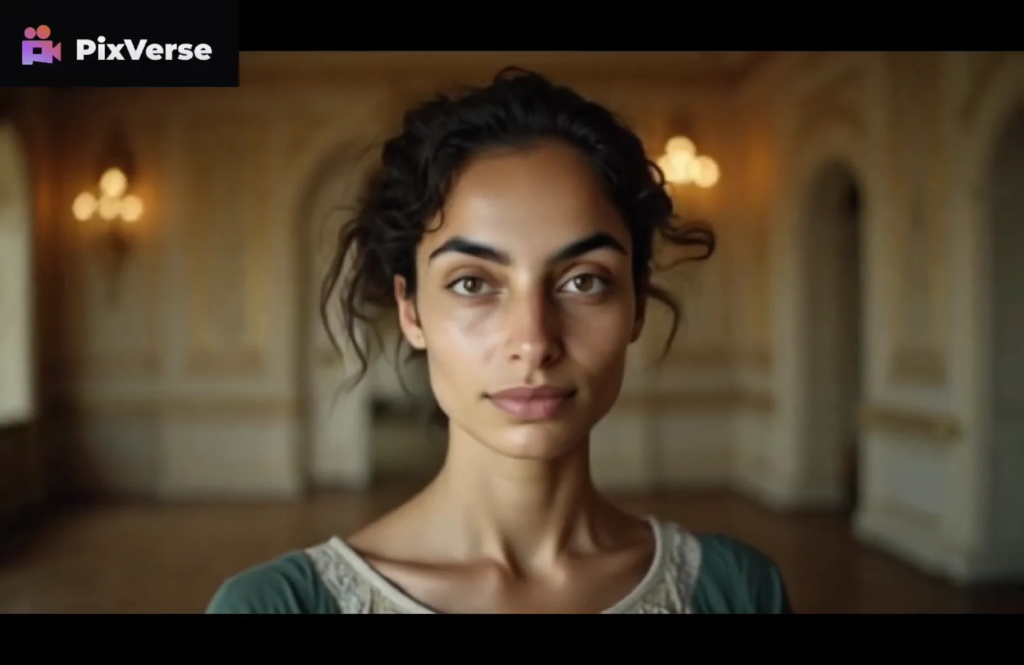
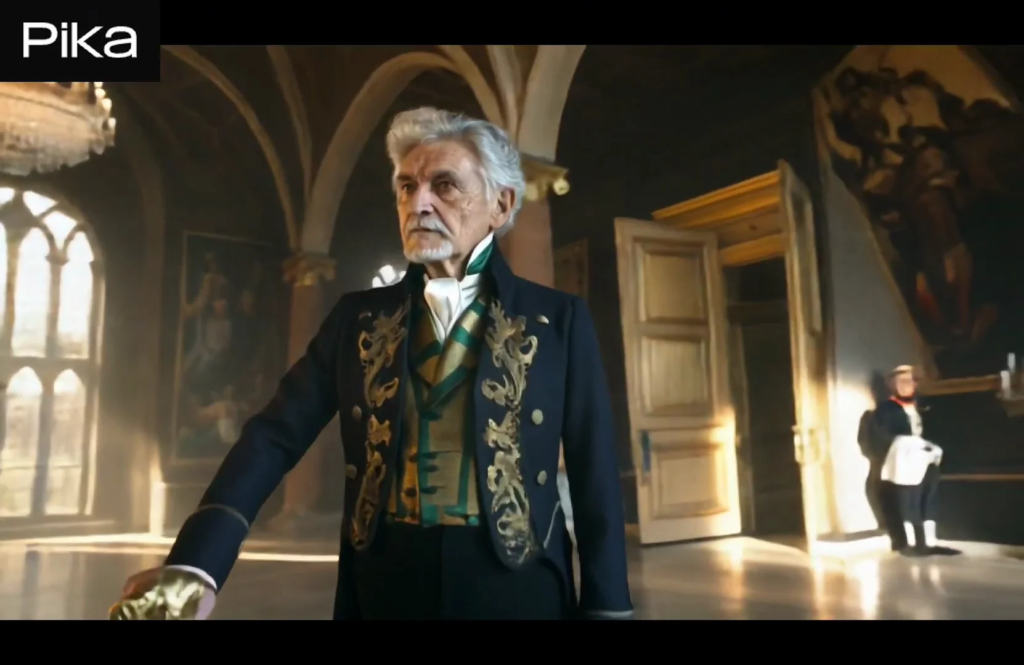
For Pika I had to blur one out because it generated nudity. In terms of the atmosphere, it’s a great shot. Another output here is also good. I love the camera movement. The closer it gets to him, the more he looks like the character.
From farther away not as much, but he starts to turn into the character as we get closer to him. A lot of great lighting on his face.
Character Reference Showdown: Side-by-Side Takeaways
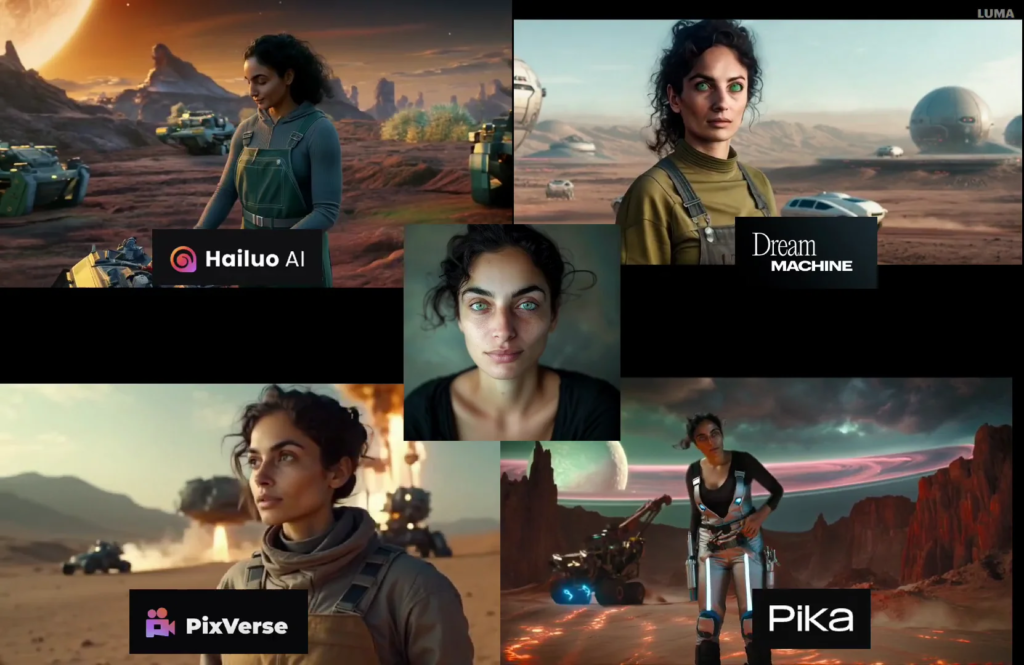
This is a great way to add consistent characters to projects. Hailuo and Pika are the way to go on this. PixVerse can be solid, especially with Performance mode, and it has a recognizable Stable Diffusion feel.
Luma’s start-frame workflow is different and gives you choices up front, but the results on these tests weren’t my favorite.
I’ve been doing videos about consistent characters for almost 2 years and I’m impressed with how much it keeps improving over time. In 2 years from now you’re going to be able to do whatever you want.
Pika vs Hailuo vs Pixverse vs Luma Dream Machine pricing:
| Tool | Pricing Structure | Typical Entry Plan | Mid / Pro Plan | High / Unlimited Plan |
|---|---|---|---|---|
| Pika | Credit system + subscription | ~$8–$10/mo (≈700 credits) | ~$35/mo (≈2,300 credits) | ~$95/mo (≈6,000+ credits) |
| Hailuo AI | Credit + subscription | ~$9.99/mo (≈1,000 credits) | ~$30–$45/mo | ~$94.99/mo (Unlimited) |
| PixVerse | Credit-based | ~$8/mo (entry–varies) | ~$10–$35/mo* | ~$80/mo for high-end credits |
| Luma Dream Machine | Tiered subscription | ~$9.99/mo Lite | ~$29.99/mo Plus | ~$94.99/mo Unlimited |
Final Thoughts
Pika excels at character consistency and multi-face scenes, Hailuo delivers strong prompt fidelity and cinematic quality, PixVerse offers solid Stable Diffusion-style videos with performance mode, and Luma Dream Machine focuses on realistic motion.
- Best overall for me: Hailuo and Pika.
- PixVerse: good value, Performance mode improves quality, and it sticks to that Stable Diffusion look.
- Luma: image selection before video is helpful, but results varied here.
- Pika: can handle multiple faces in one scene, which opens up more complex shots.
- Extra note: Runway lip sync pairs well if you want characters talking in separate shots.