
I’ll show you how to use a Higgsfield promo code. Follow these steps to apply your code and confirm it.
Read More: Change Higgsfield Password Securely
Higgsfield Promo Code Redemption
Access account settings

Step 1: Sign in to your account. Go to the top right where you can see your profile icon.

Step 2: Open Manage Account.

Find the promo code section
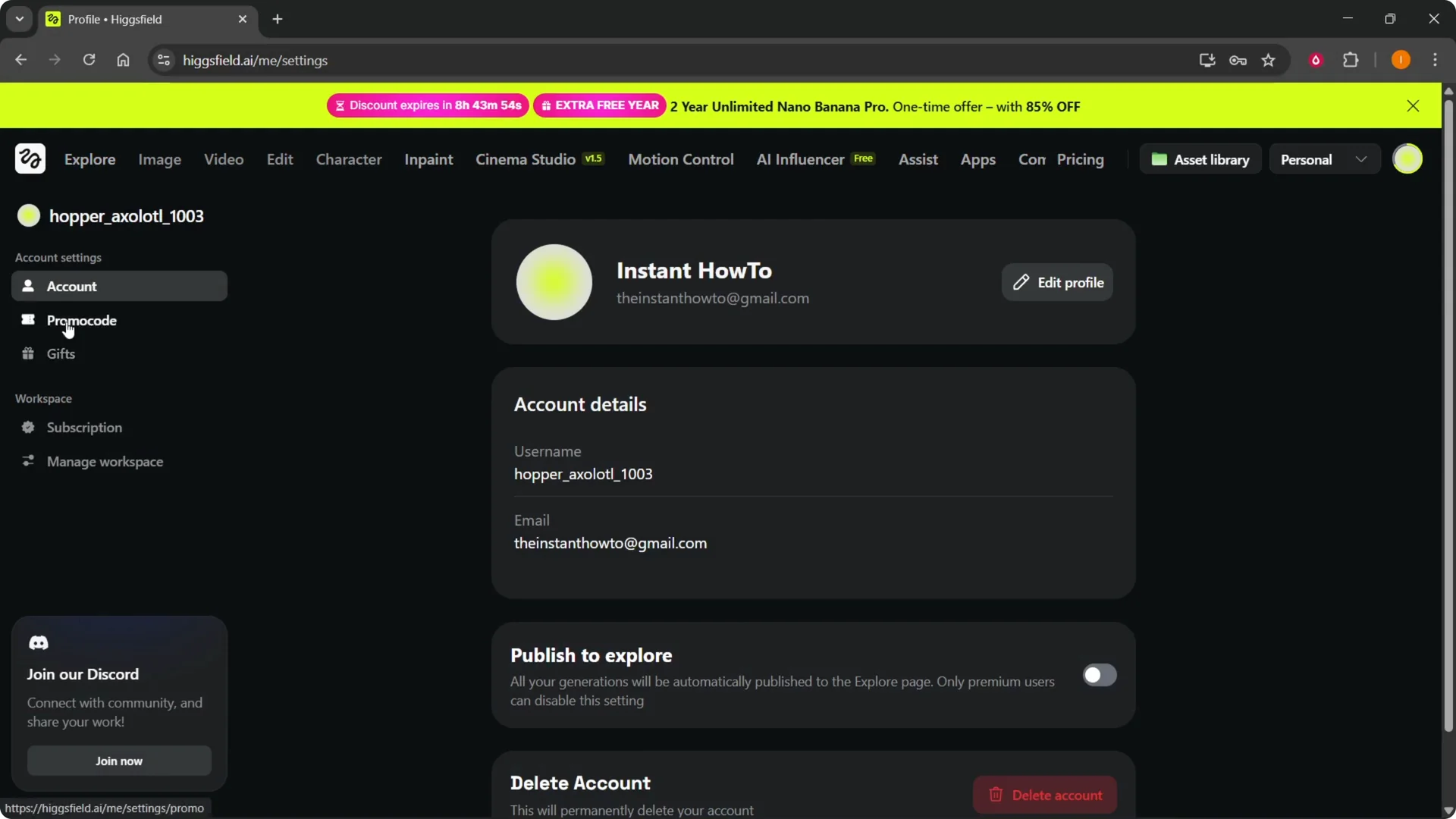
Step 3: Select Promo Code under Account Settings. You’ll see Promo Code on the left under Account Settings.
Read More: Check Credits Higgsfield
Enter and confirm
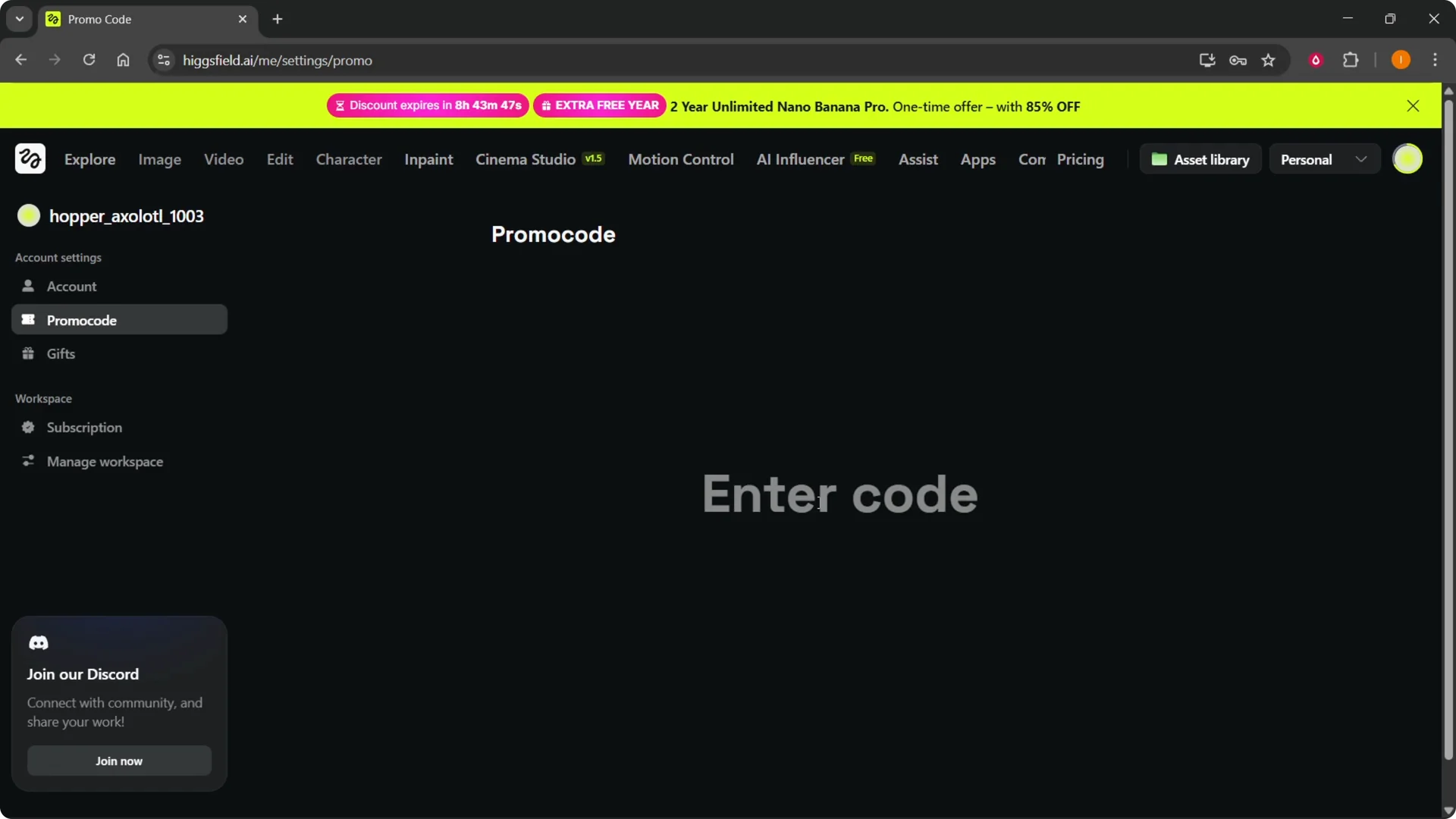
Step 4: Enter the promo code you received.
Step 5: Confirm the code. If the code is valid, you’ll get the benefits of that promo code.
Read More: Contact Higgsfield Ai
Final Thoughts
Sign in, head to Manage Account, open Promo Code, enter your code, and confirm. If the code is valid, the benefits will be applied to your account.