I am going to teach you how to pick a subscription plan for Kling AI. We will walk through the plans inside the app, explain how credits translate to real output, and help you match a plan to your workflow for testing the tool or producing at scale.
Kling AI Subscription Plans: Getting Started
Step 1: Go to the Kling AI app and sign into your account. Make sure you can see your workspace and projects.
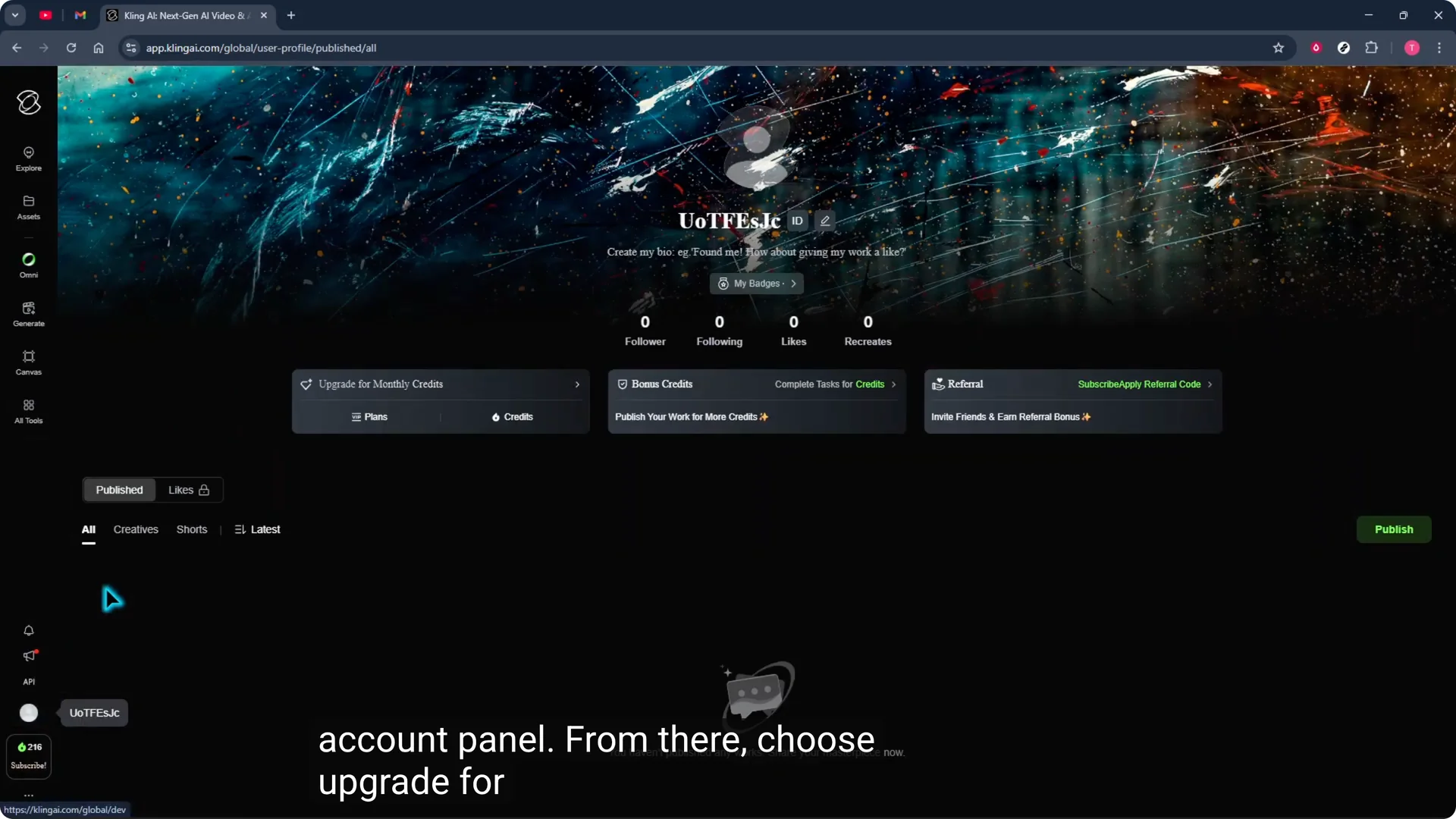
Step 2: Click the profile icon at the bottom left to open your account panel. This is where you manage billing and plan settings.
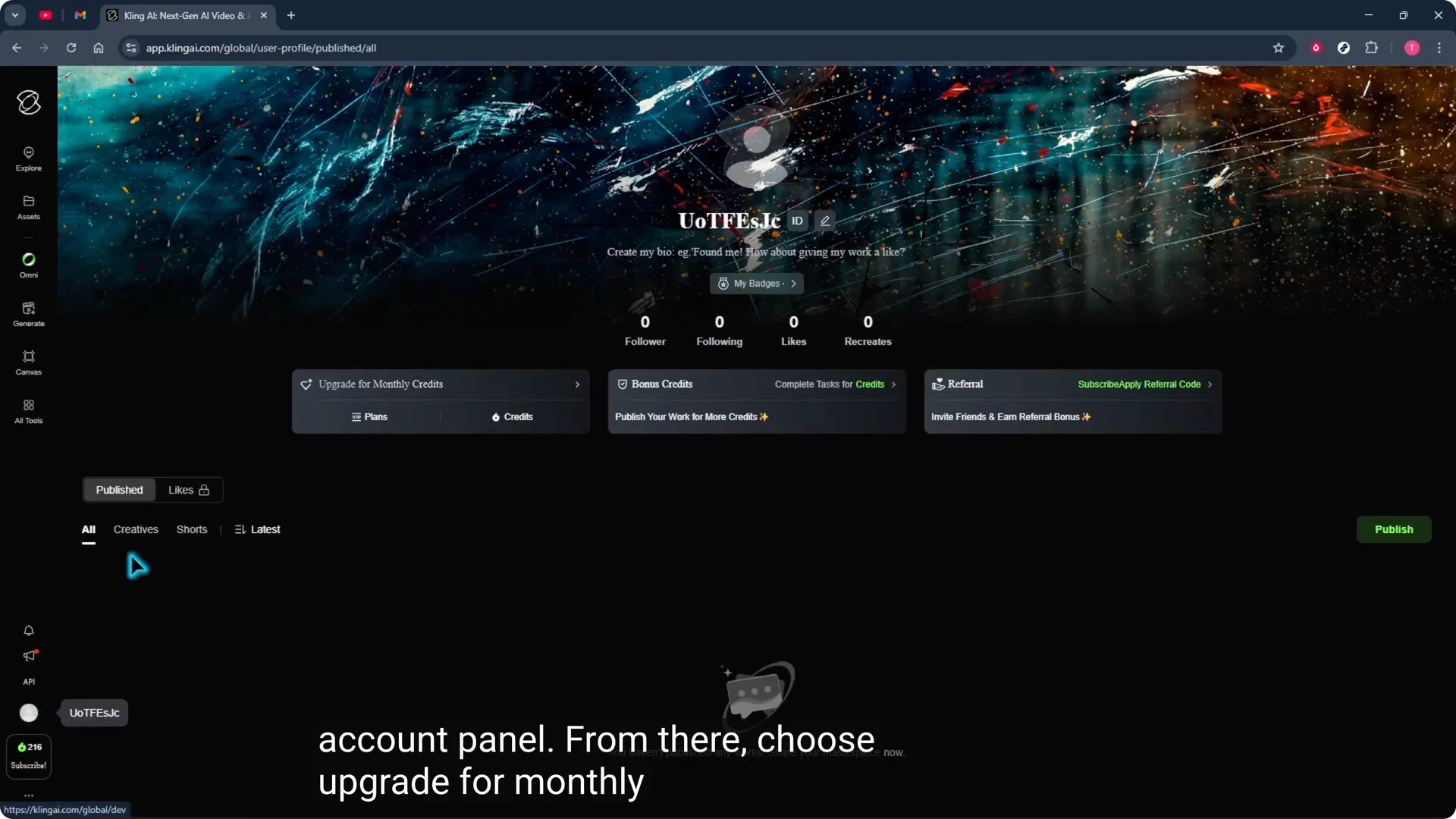
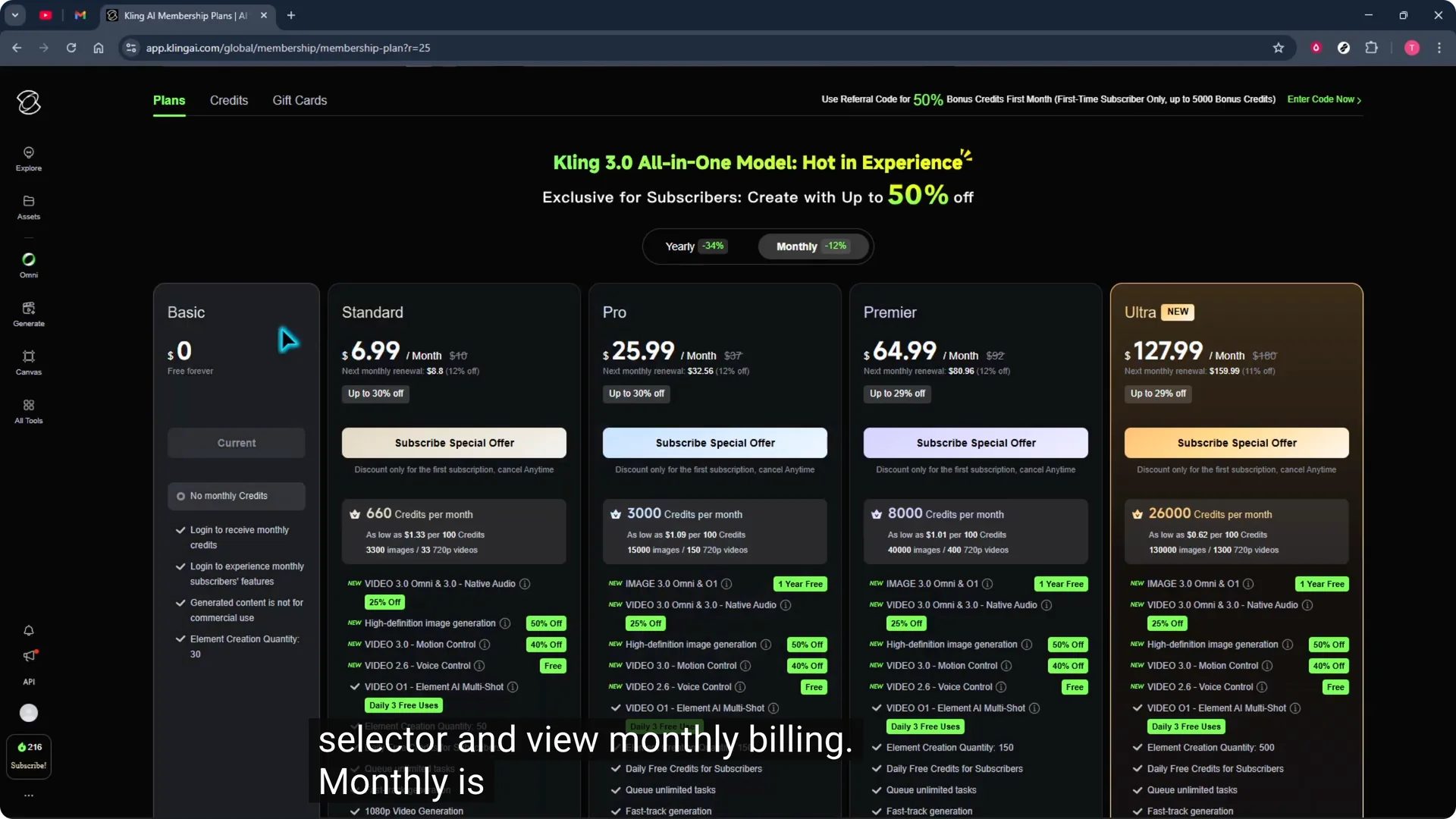
Step 3: Choose Upgrade for monthly credits, open the plan selector, and view monthly billing. You will compare tiers from here.
Kling AI Subscription Plans: Credits Explained
Each AI video generation typically uses around 150 to 400 credits depending on the resolution, duration, and model.
Short, simple clips can land near 150 credits, while higher quality 1080p or longer clips often run 300 to 400.
Keep that range in mind as you estimate how many videos you plan to create each month. If you want a point of comparison for time based models in other tools, see this helpful plan seconds explainer.
Kling AI Subscription Plans: Billing Options
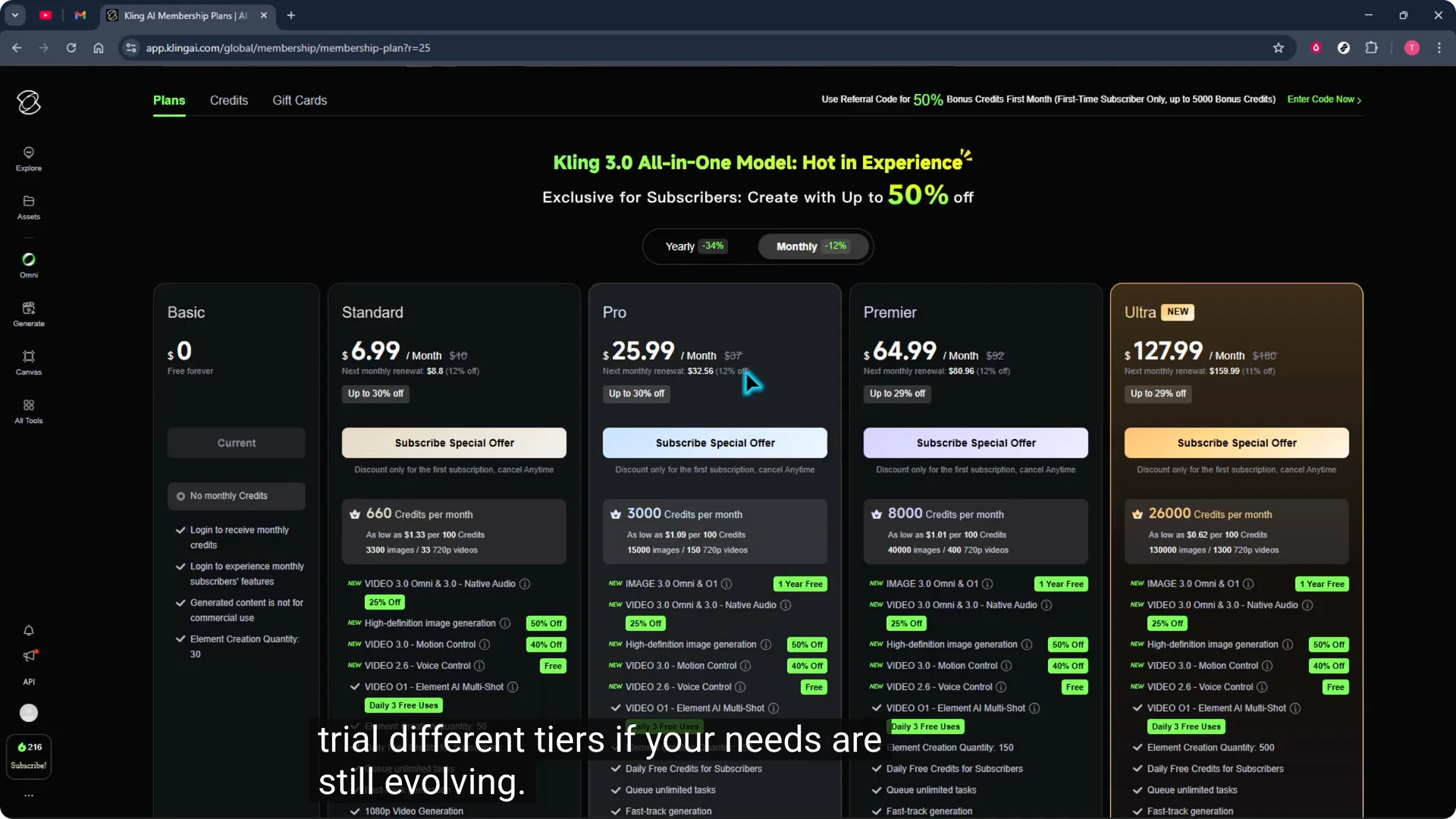
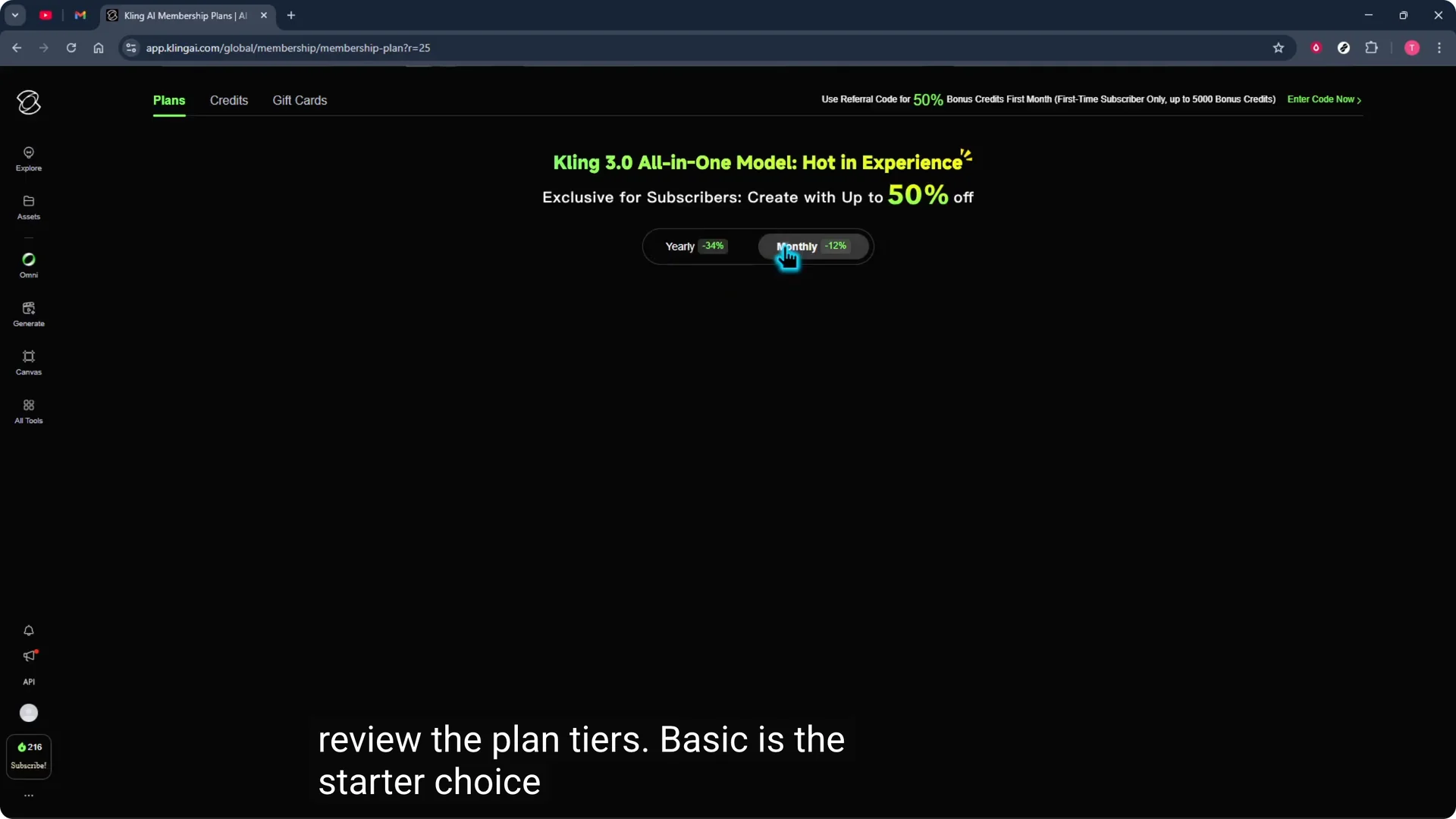
Open the plan selector and view monthly billing. Monthly is flexible and a great way to trial different tiers if your needs are still evolving.
Then check the yearly option.
If you are committed for the long haul, yearly billing usually offers a lower effective price, which is helpful when you have predictable output.
Kling AI Subscription Plans: Tier Breakdown
Basic
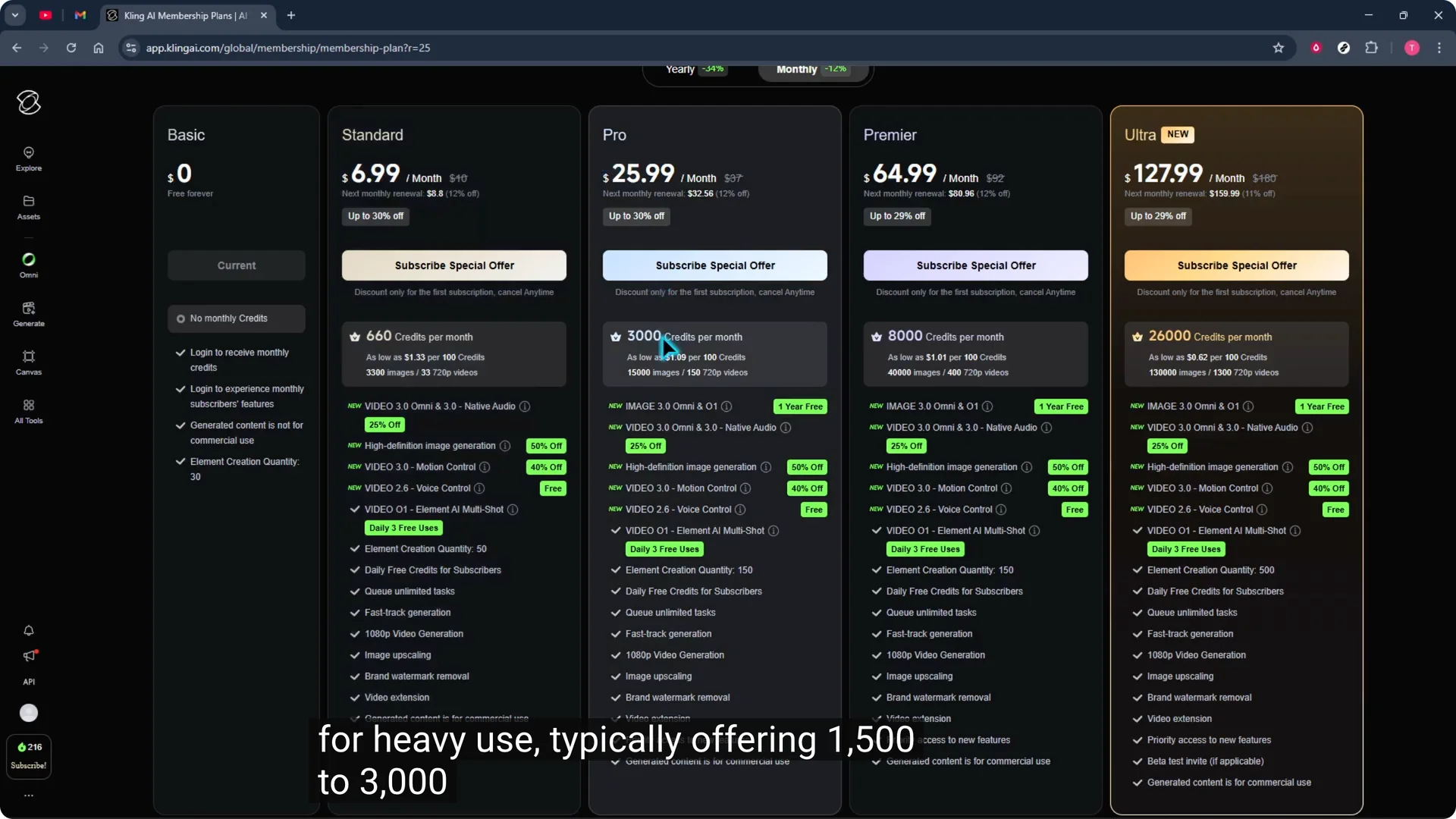
Basic is the starter choice with roughly 100 to 200 credits, 720p output, short videos around 10 to 12 seconds, and a standard queue. It is best if you only make a few videos per month or want to test workflows without a big commitment.
If short clips feel tight, see how to extend video length in Kling.
Standard
Standard steps things up to about 1,000 credits per month, supports 1080p, removes the watermark, and comfortably covers multiple generations each month. This is ideal for regular creators producing several videos a week for shorts or social channels.
Pro
Pro is built for heavy use, typically offering 1,500 to 3,000 or more credits per month, 1080p cinematic output, faster generation, priority queuing, and commercial use rights. Choose this when you run client projects or publish frequently and need predictable throughput.
Premiere
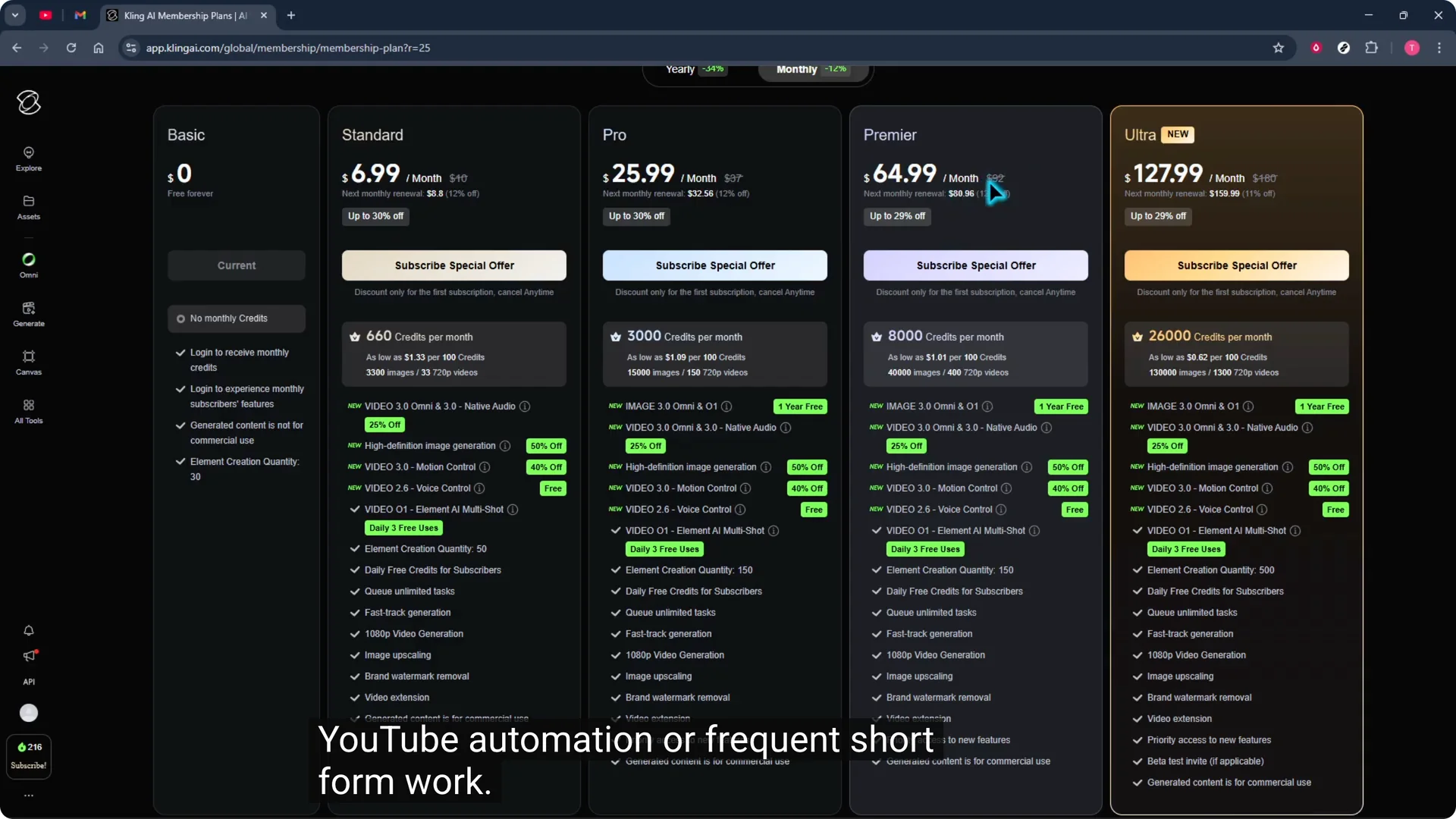
Premiere serves serious creators with 8,000 monthly credits, up to 1080p generation, priority processing, native audio support, and access to advanced models. Expect around 35 to 65 high quality videos monthly depending on settings, which fits steady YouTube automation or frequent short form work.
Ultra
Ultra is the top tier with 26,000 credits, the fastest priority, early access to new features, enterprise level production, and 1080p output. It is designed for daily production across multiple channels and the lowest cost per video at scale.
Kling AI Subscription Plans: Choose Your Fit
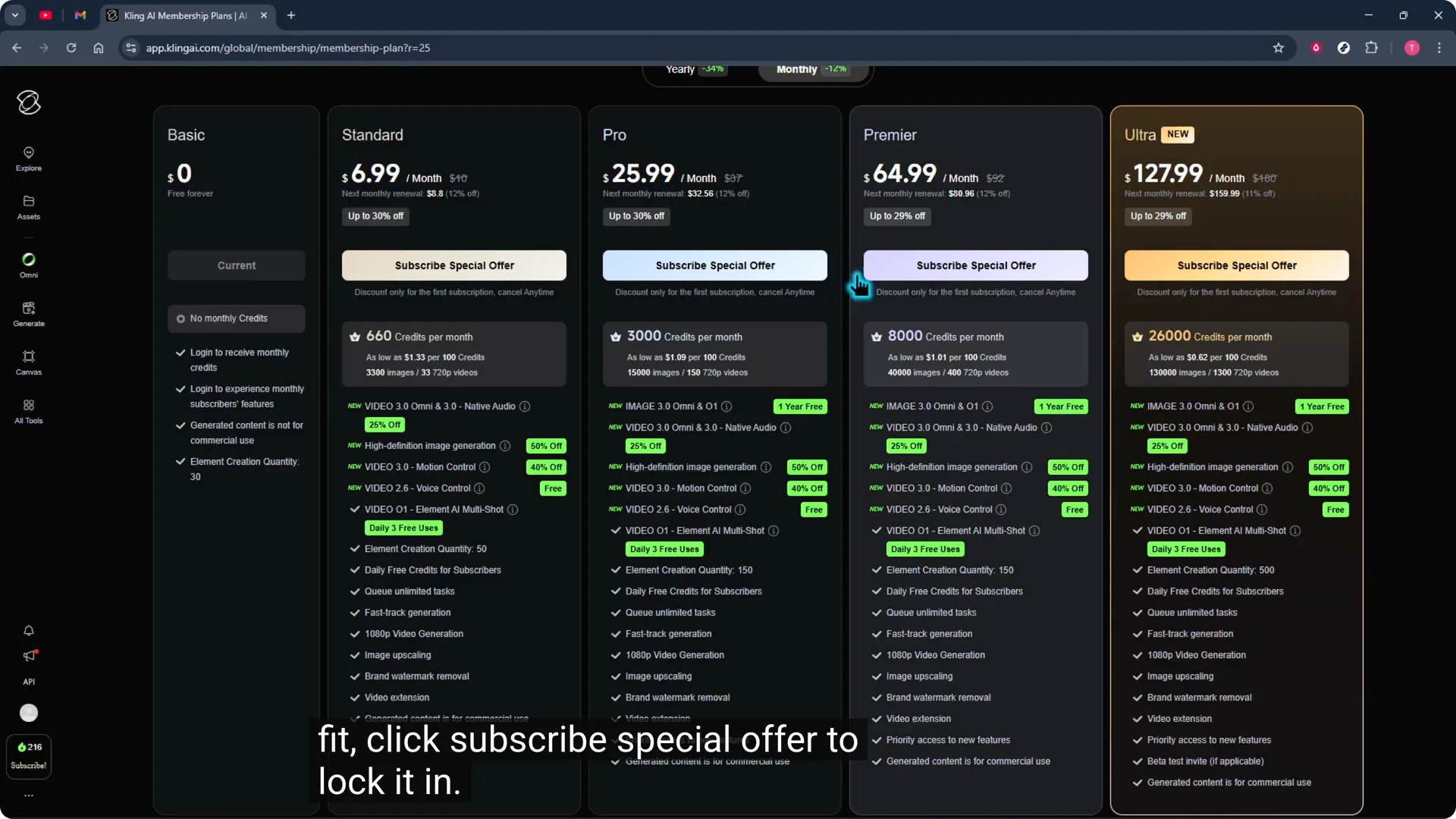
When you find your fit, click Subscribe special offer to lock it in. Review the details, confirm, and you are ready to create with confidence.
If you manage subscriptions across tools and want a reference for cancellations, see how to cancel a plan in Higgsfield. It is a helpful checklist for what to expect if you need to change tiers or pause a plan.
Kling AI Subscription Plans: Final Thoughts
Estimate your monthly output using the 150 to 400 credits guideline, then match a tier to your resolution needs and production pace. Use monthly to trial tiers or switch, and move to yearly when your output is predictable. Lock in your choice, confirm the details, and create with confidence.