If you’ve ever wanted to create a bunch of different images using Nano Banana in a matter of seconds, here’s how I do it and then turn them into short videos. I’m continuing my series about Heisfield because there are a bunch of different tools to unpack. Heisfield is an AI powered tool where you can create videos and images using prompts.
In previous projects, I did face swaps, created characters, and made short videos about Christmas. I am using one of the paid plans. The newest tool I’m using here is the Nano Banana Pro tool powered by Google.
Getting started with Nano Banana Pro Image Generation
Go to Image on the top left, then open the Nano Banana Pro tool. You can write prompts to create images or upload images and edit them using prompts. I’m going to create 25 different images and then take some of those images to make a short video.
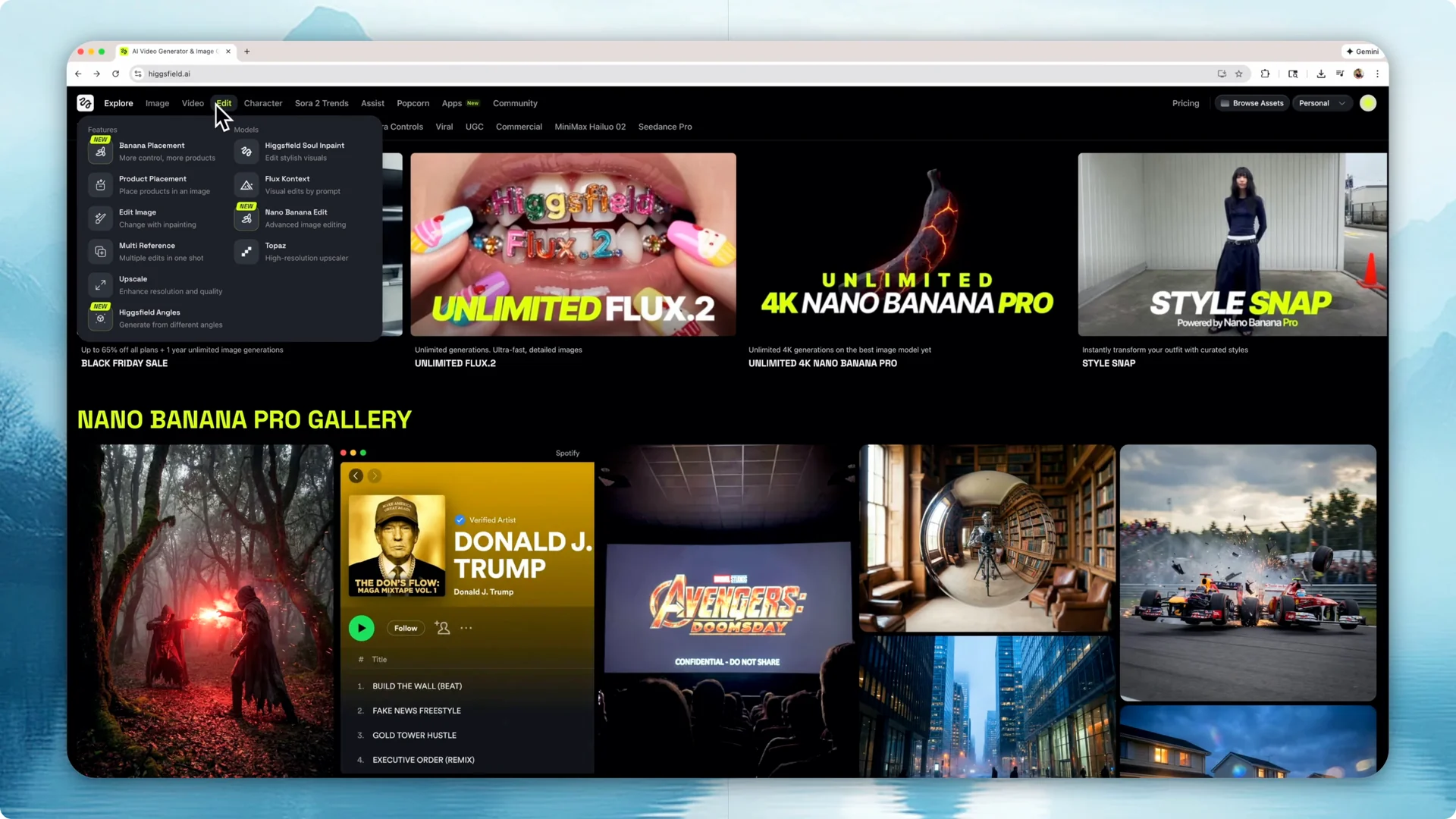
I start by picking Nano Banana Pro as the model and describing what I want the software to create. I write the prompt: a cat riding a dragon, and generate. The first image shows it understood the prompt.
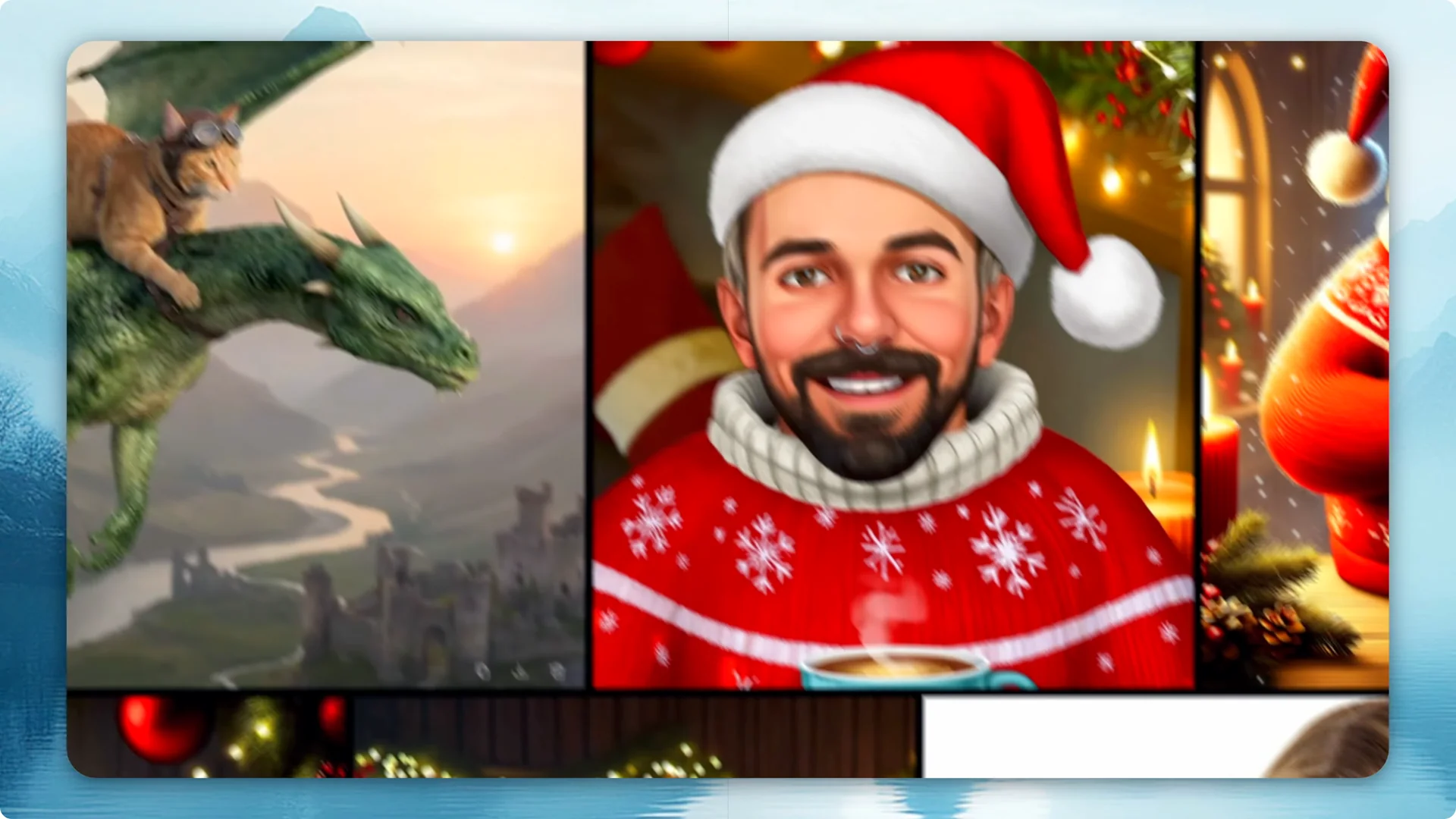
Step 1: Create an initial image.
Write a clear prompt and generate. Download the image using the three dots.
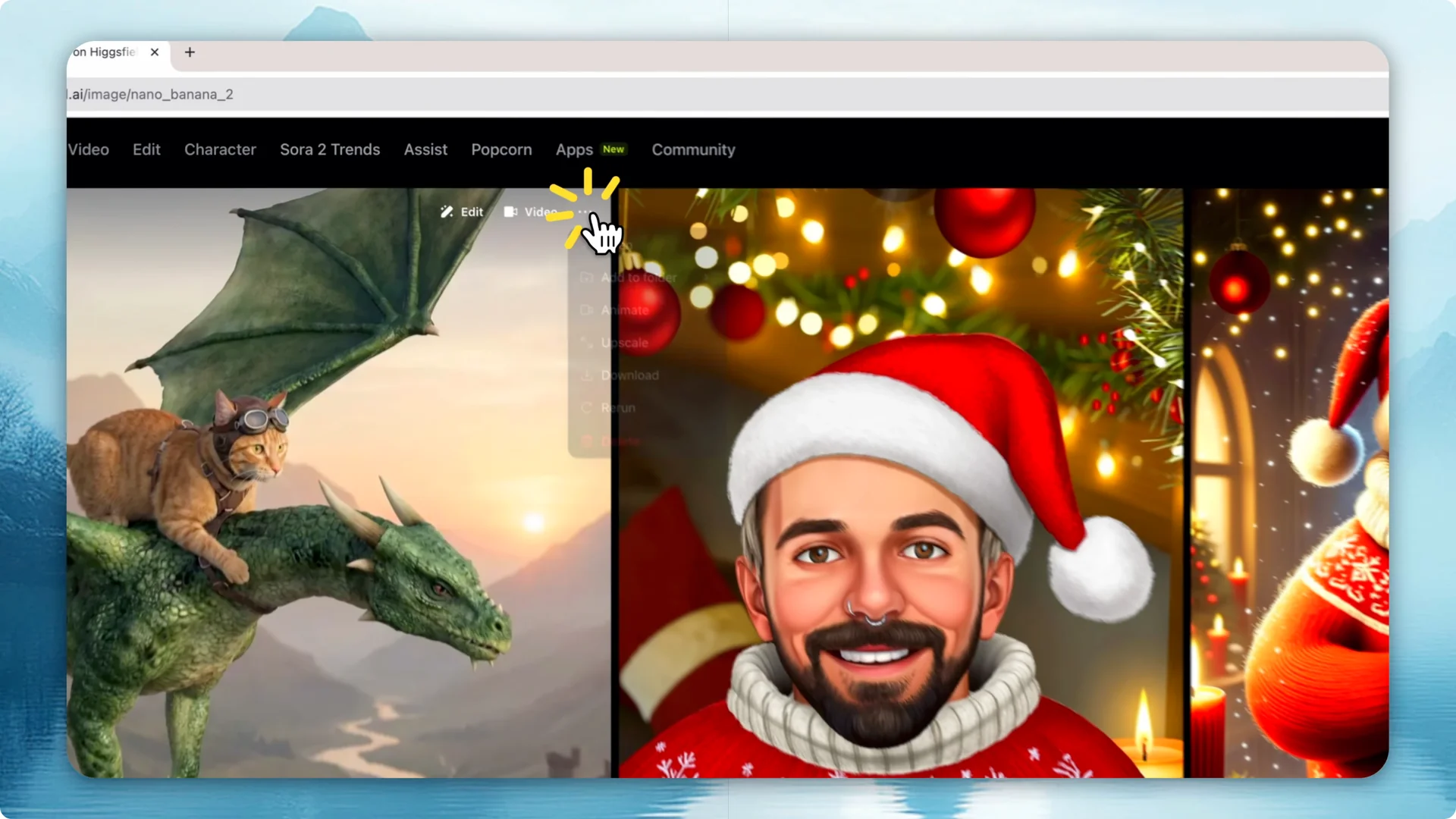
Step 2: Re-upload and edit with prompts.
Upload the image you downloaded. Make changes on top of that image with a new prompt.
Step 3: Iterate with focused changes.
Prompt: change the dragon to a metal one. Generate, then download again.
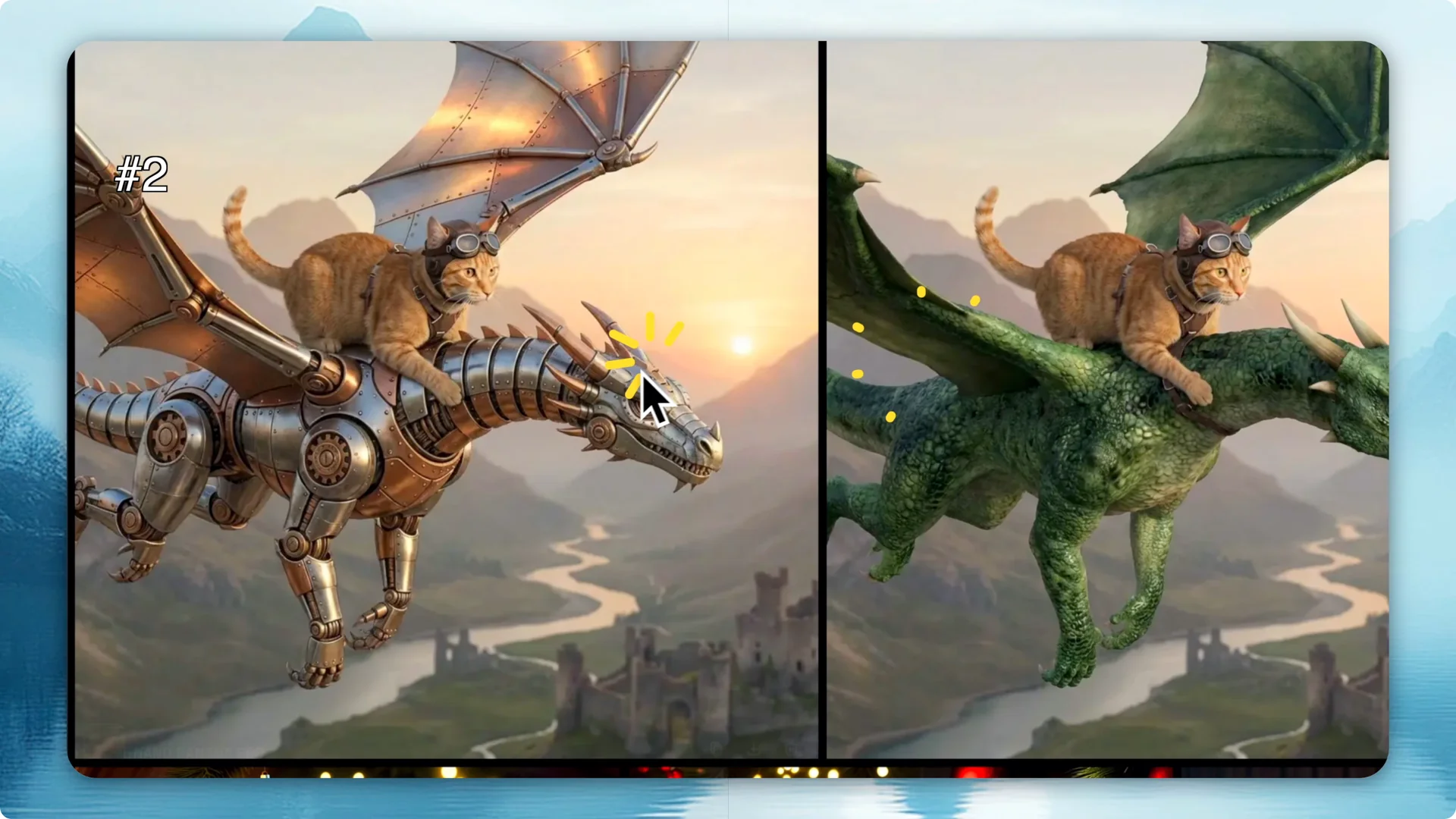
Step 4: Evolve the scene.
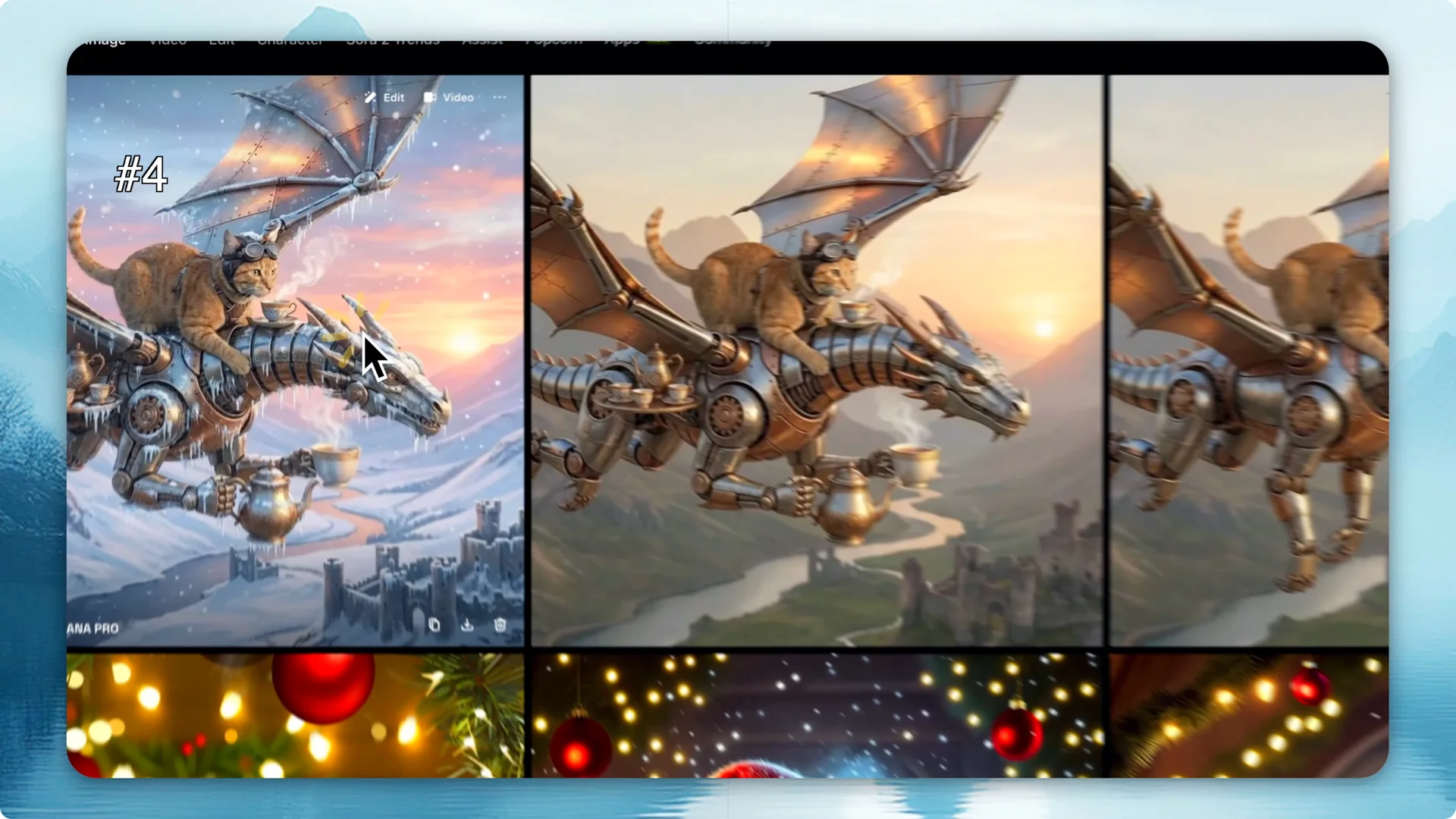
Prompt: the cat and the dragon are now drinking tea. Generate and review.
Step 5: Change the setting.
Prompt: switch the scene to a winter one. Generate to see the winter scene.
Read More: Higgsfield Ai Video Image Creation
Prompt sequence example
I wanted to change the characters drastically. I prompted for a seal and a boy. The software created the new characters, a seal and a boy.
I changed the camera angle to get a different view. Then I uploaded the image and said this image is a painting inside an apartment. The original image looked like a painting and then it was added to a more realistic scene.
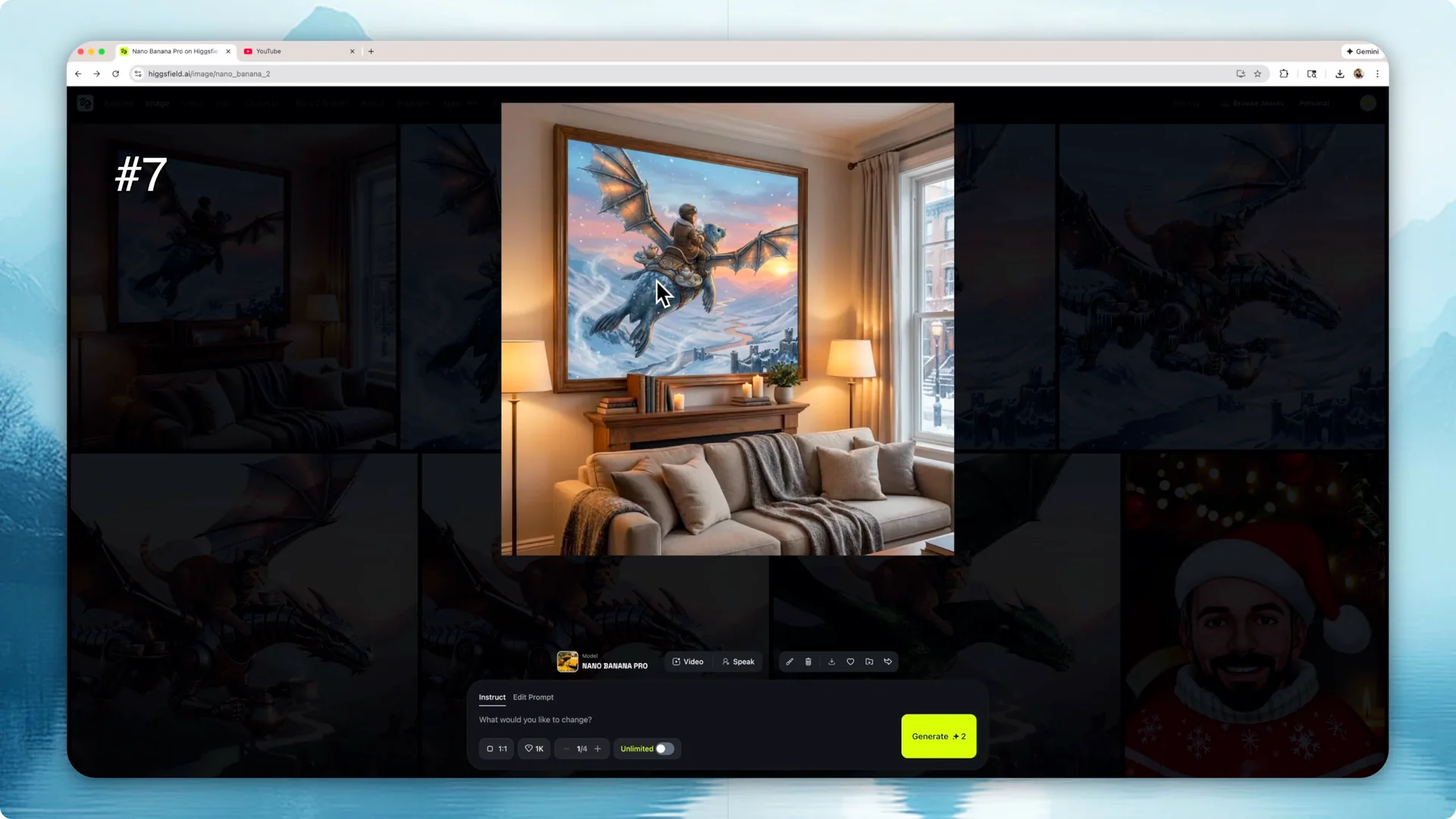
I kept going by adding people to the apartment. I made the room larger and added a table with a banquet. Then I added a band, and it placed a medieval band in the scene.
Scene and style shifts
After a few minutes, I created 25 different images. I had shown up to picture 10 and then kept going. I changed the night sky a bit, changed the table to a more modern one, and made it a night sky.
I added small elements to the pictures and made the moon bigger. I added a dragon, a rock band, and made the dragon the president. I changed the style to an anime one.
I added more scenes and made them night and day. I changed the whole scene to a daytime setting and then back to night to make it more dynamic. I changed to different angles.
I made it into a Vangok style. At the end, I made the image sit inside a TV in an office building. The changes from the starting image to the final image were a lot.
Read More: Creative Potential Higgsfield Ai
Animating with Nano Banana Pro Image Generation
Step 1: Open animation options.
From an image, click the three dots. Choose video.
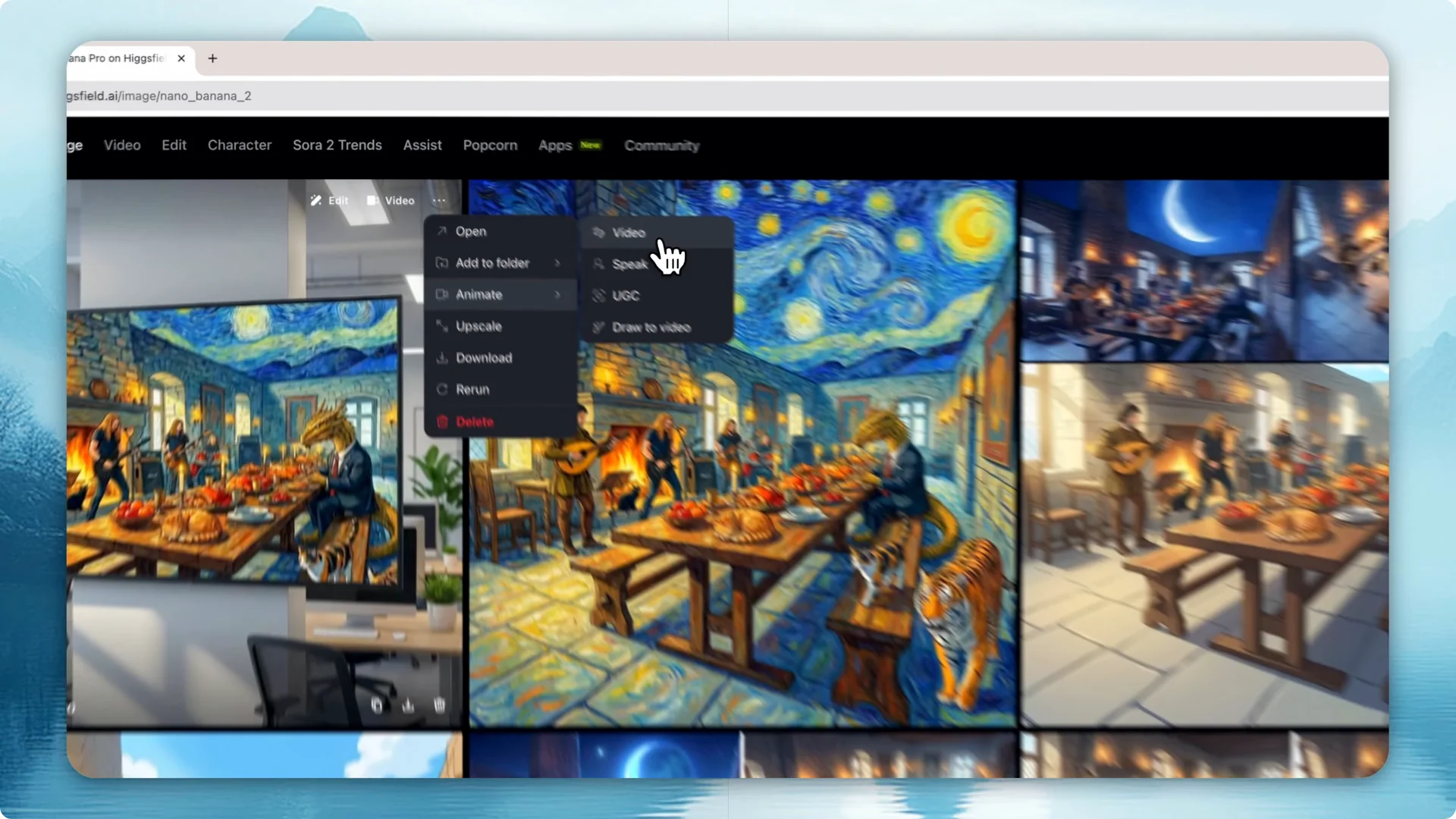
Step 2: Describe the motion.
Write a prompt for the scene. I wrote: people move around the office and look at the TV.
Step 3: Pick model and settings.
Select the model, duration, and aspect ratio. Right now, it’s using Sora 2.
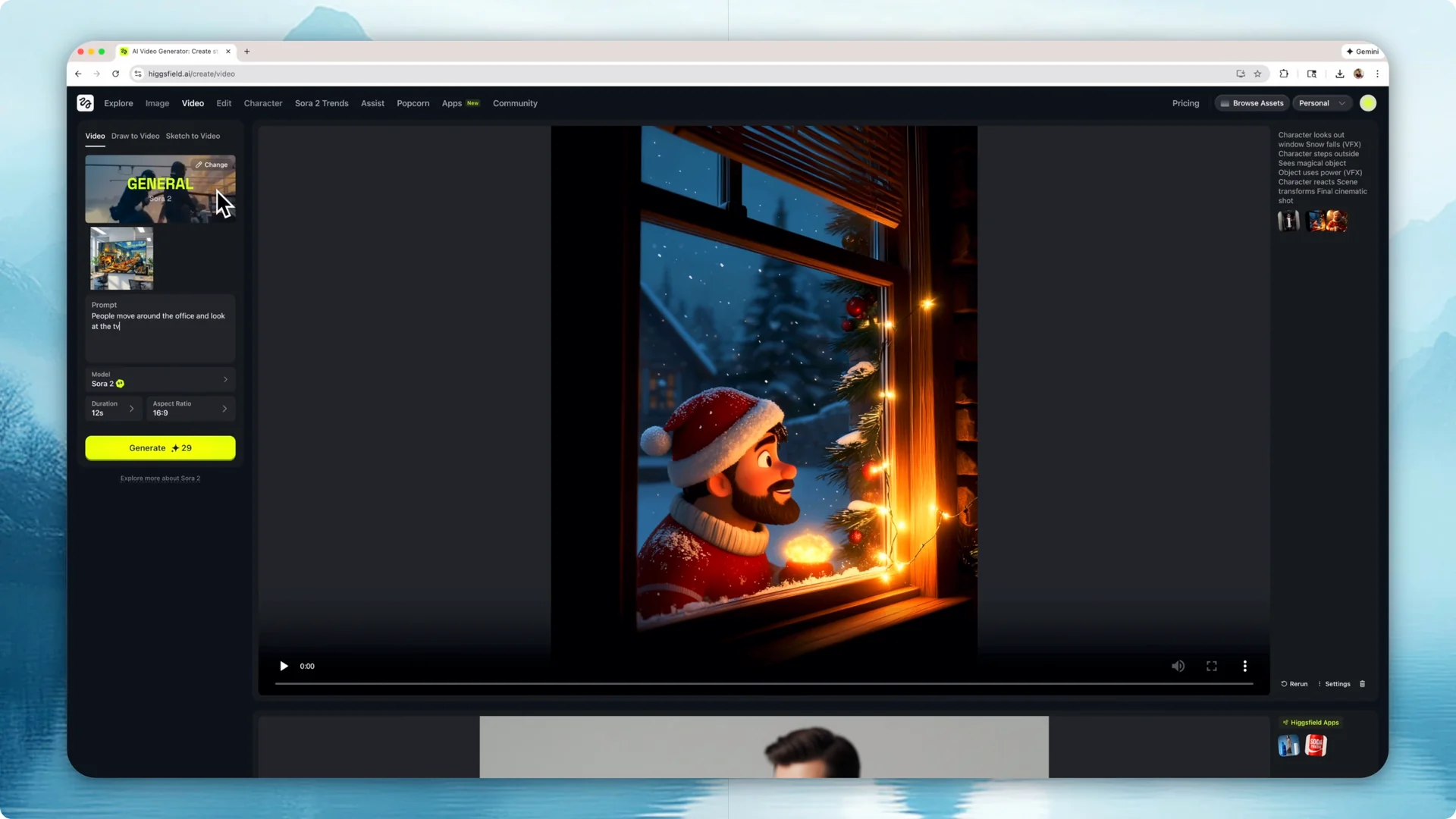
Step 4: Generate and review.
The scene included people speaking, music, and text that connected with the image. It matched the setting I had created.
I went back to my assets, picked a different image, and animated it as well. I prompted that the characters are having a great time making jokes and eating. The second video animated the scene in line with the Vango style, this time with no music or speech.
Read More: Higgsfield Ai Top Strategy Visual Creators
Final thoughts
Using the new Nano Banana Pro model in Heisfield is easy. You can create a bunch of different cases and images, then turn them into videos with prompts. The process is fast and flexible for building scenes, styles, and short animations.