Do you have an image on your computer or phone that you want to upscale?
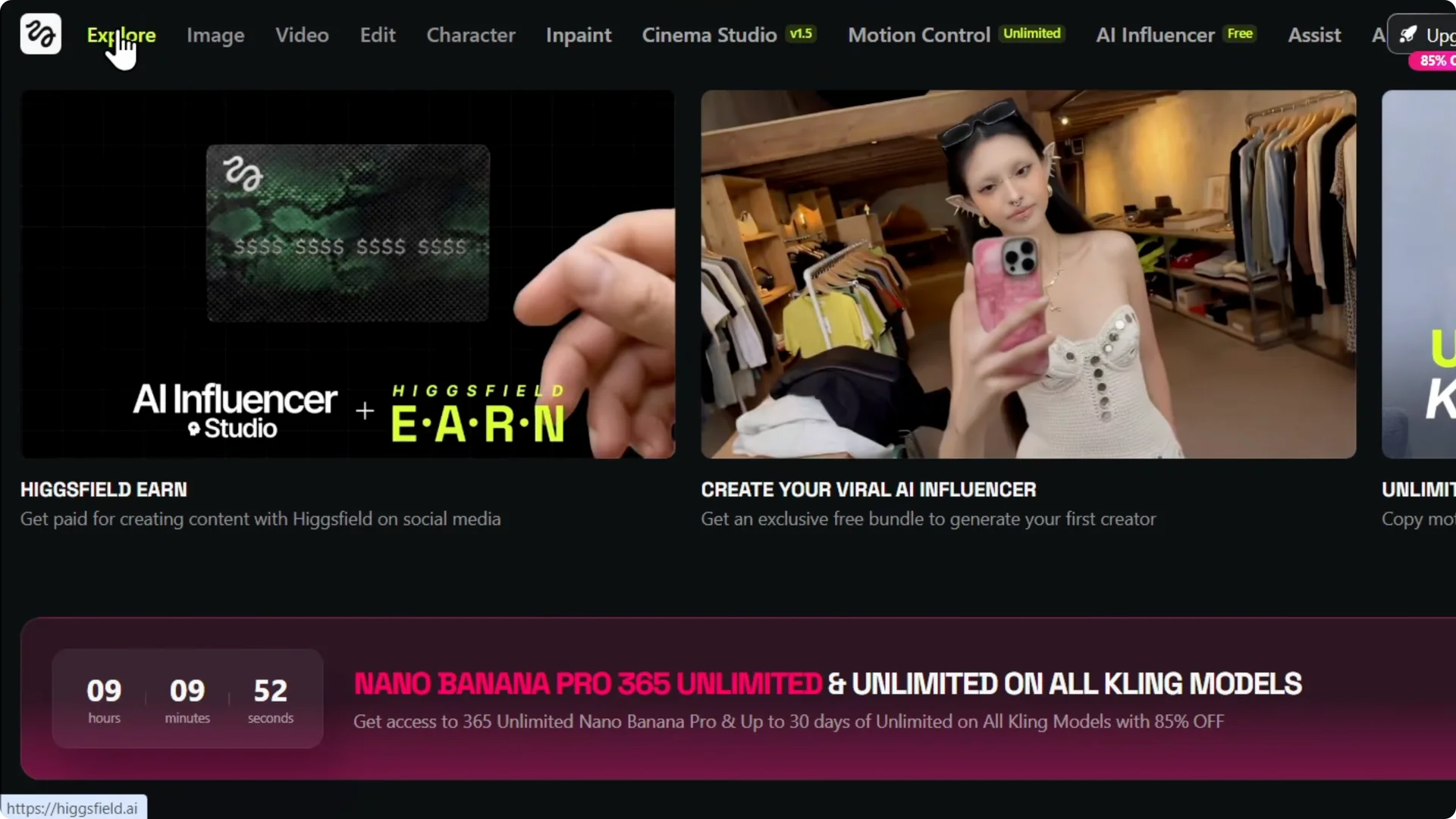
Get that image onto your PC and head to Higgsfield AI.
If you have a Higgsfield AI account, you can quickly upscale your images to massive quality with this platform.
I use it to take low quality photos and turn them into sharper, larger versions.
It works well for regular images too. If you also create content on the platform, see how to create images and videos with Higgsfield AI.
Getting Started With AI Image Upscaling
Upload and Settings for AI Image Upscaling
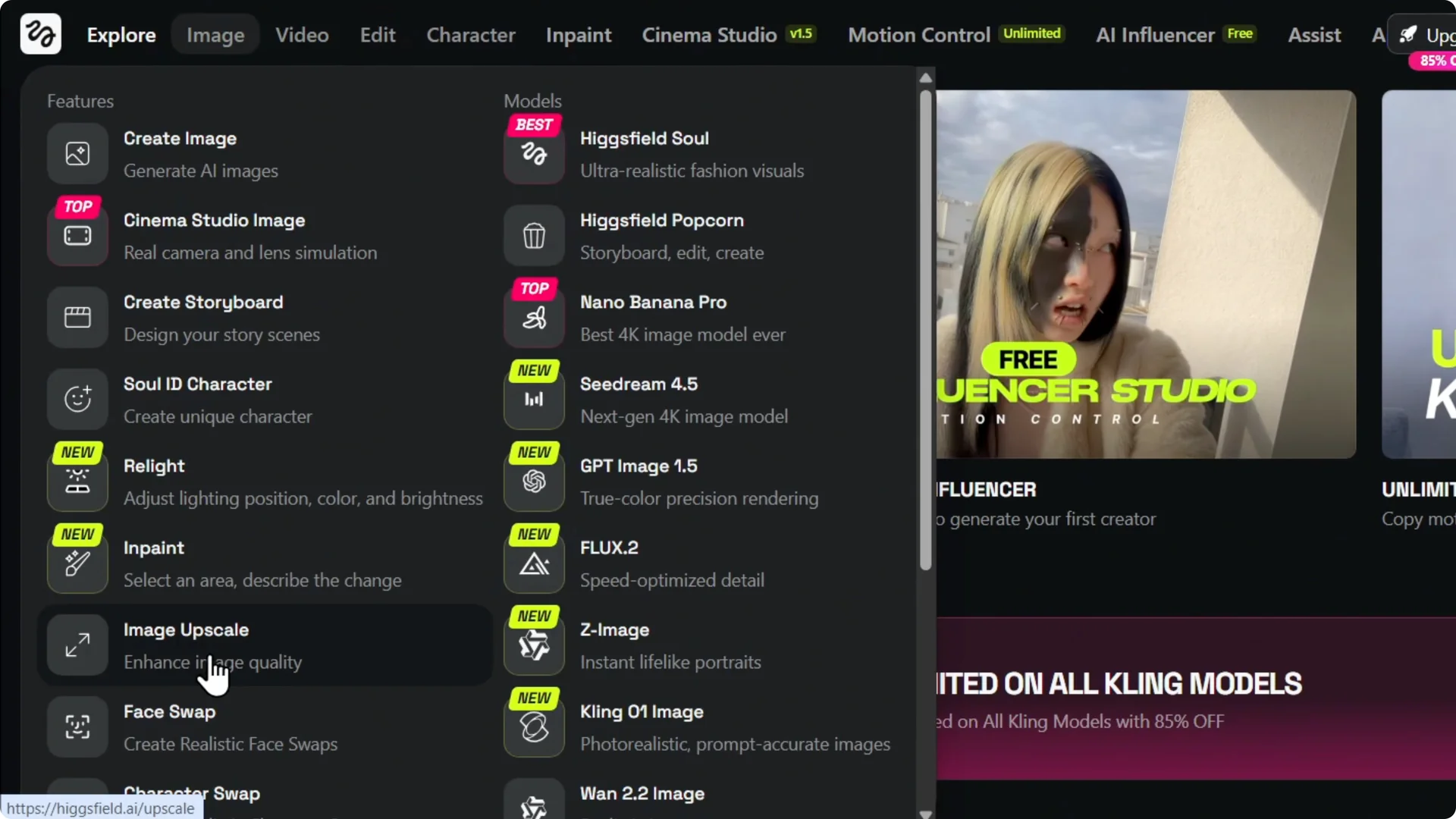
Step 1 – Open the Image Upscale tool.
Hover over Image on the upper left and select Image Upscale. This is where you can upload and enlarge your files.
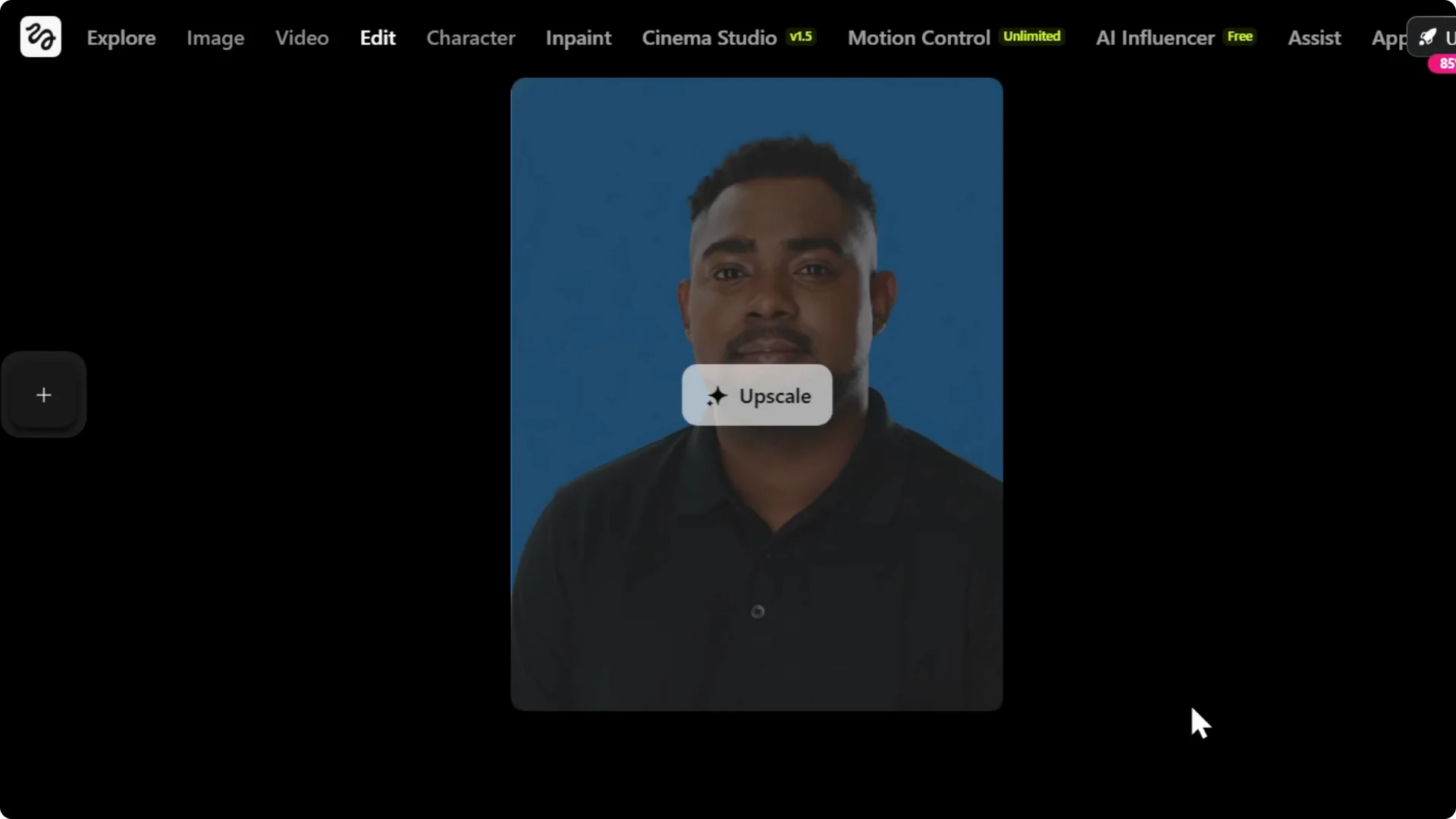
Step 2 – Upload your image.
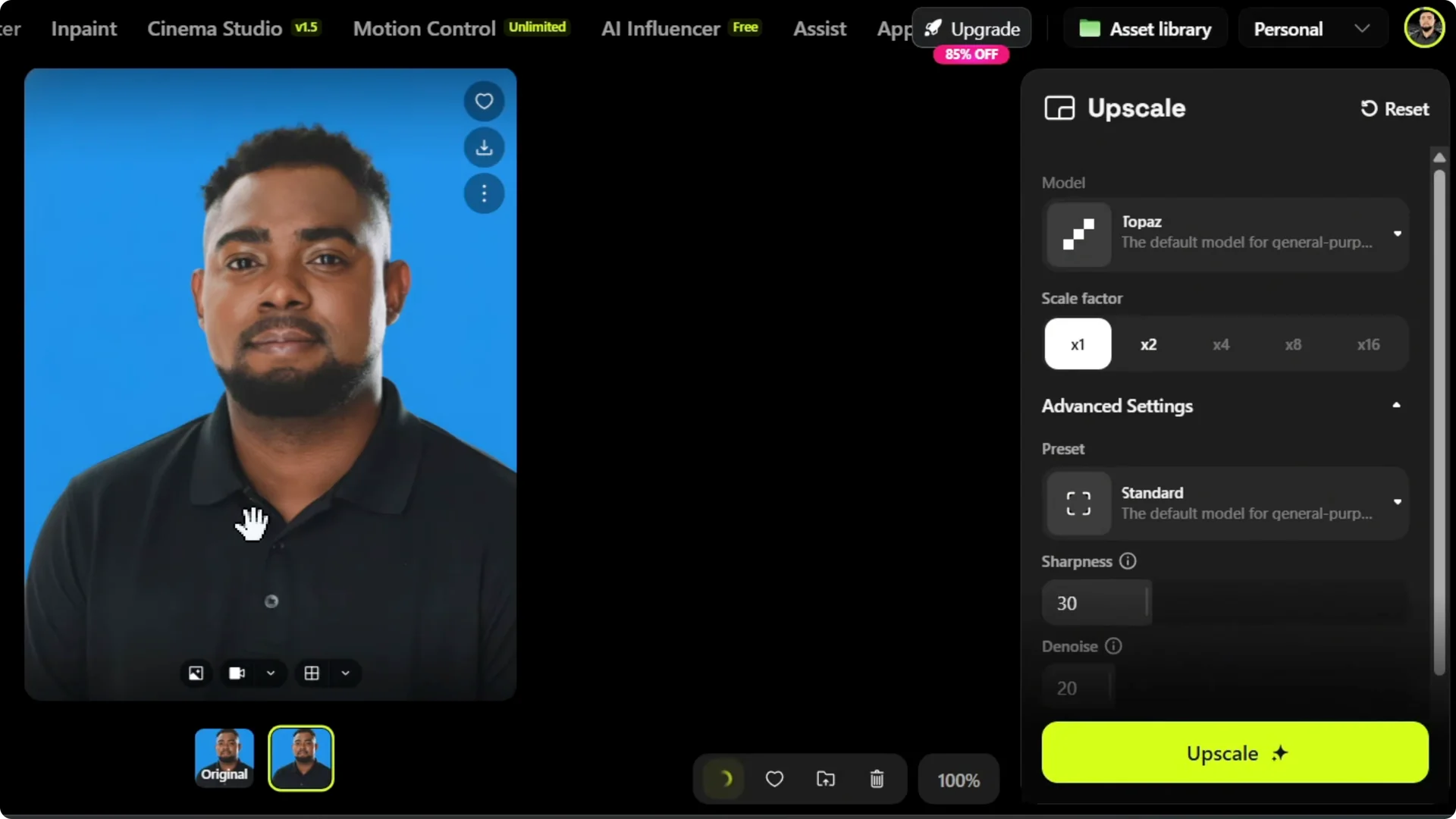
Click Upload Media and select the image you want to upscale. Once it loads, you will see it in the workspace.
Step 3 – Choose an upscale factor.
Pick 1x, 2x, 4x, 8x, or 16x. I often choose 4x for a big jump in size while keeping strong detail.
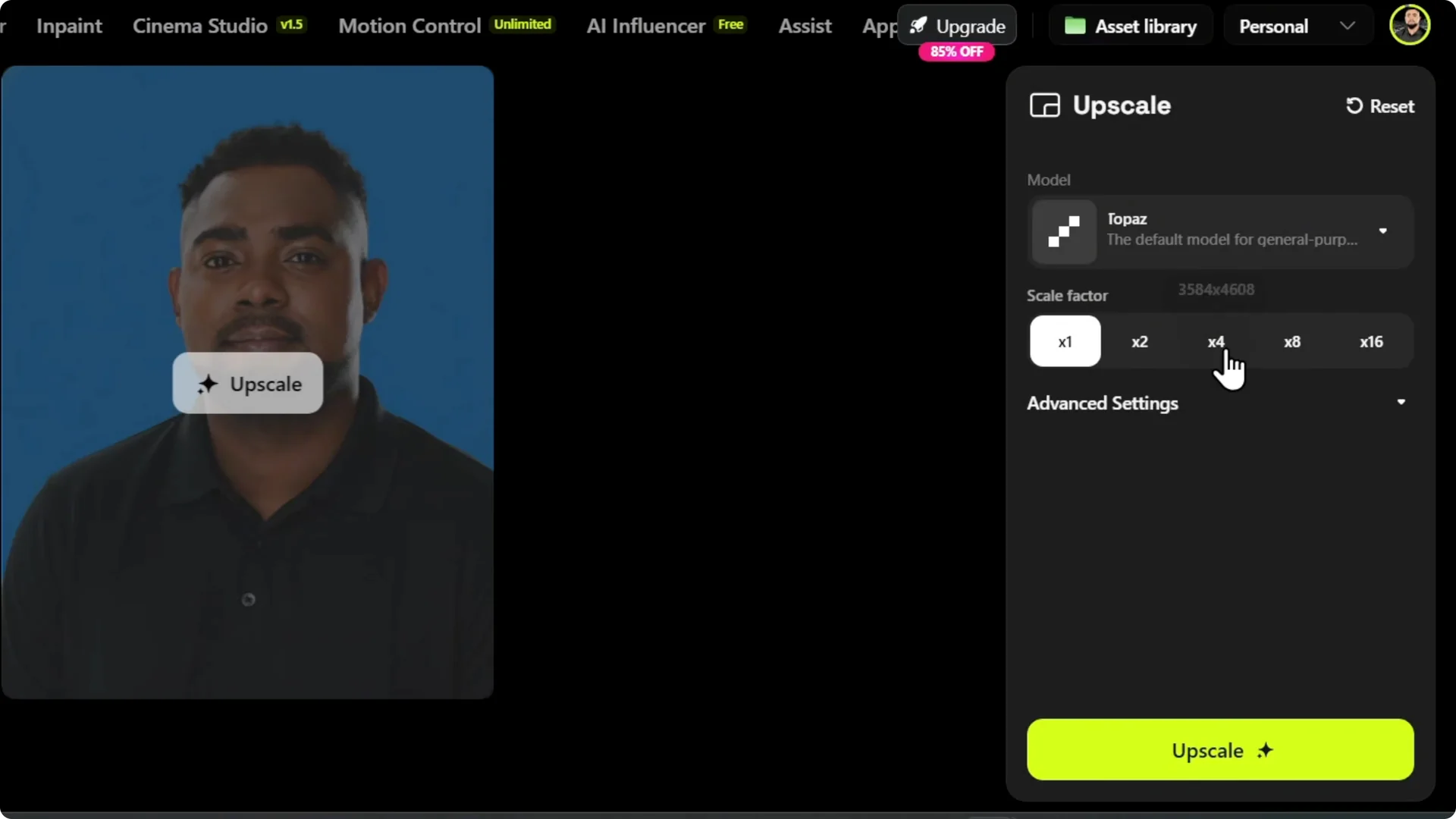
Step 4 – Explore advanced options.
Open Advanced Options to adjust sharpness or enable Face Enhancement. These controls let you fine-tune clarity and facial details.
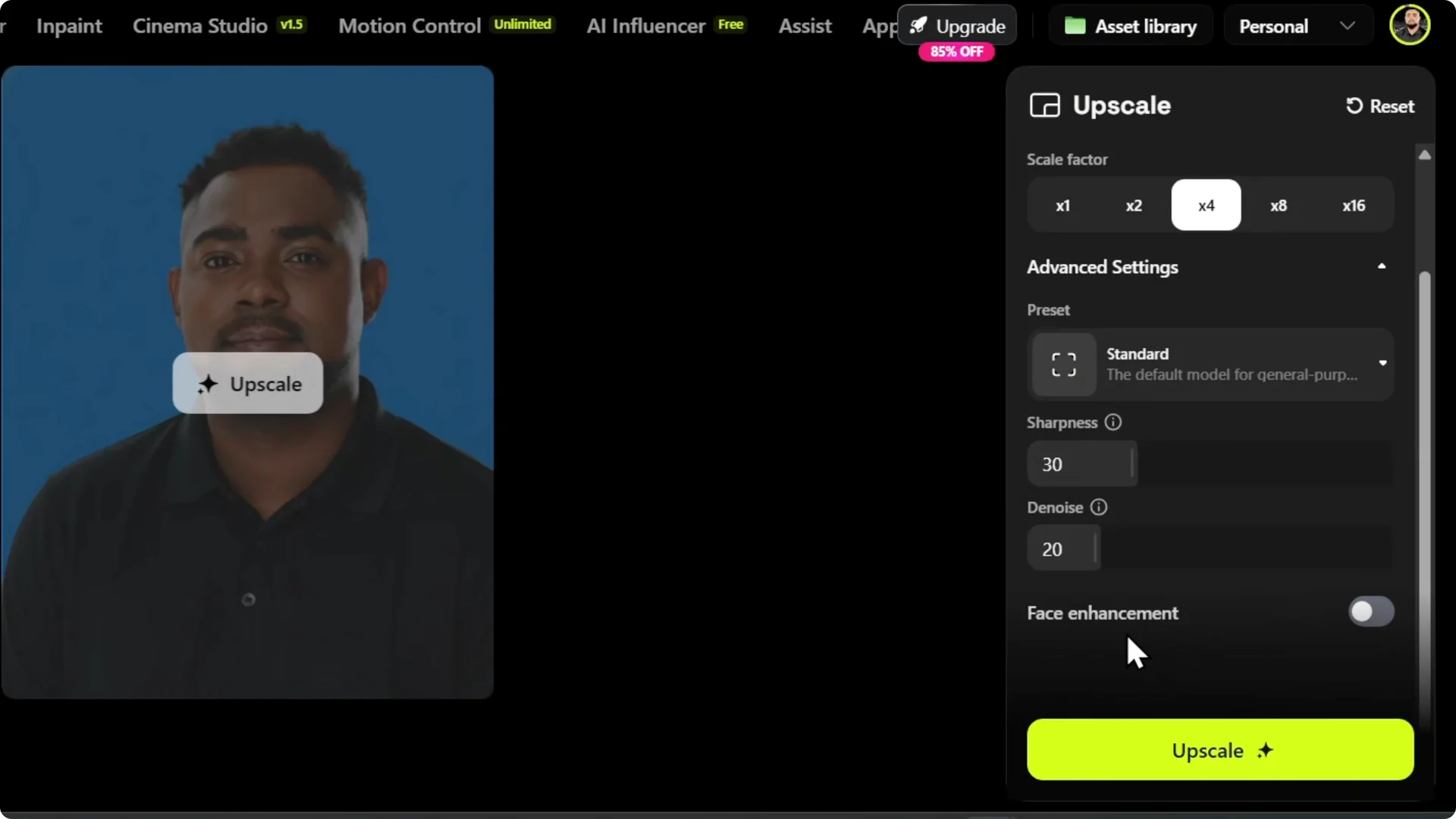
For portraits, Face Enhancement helps a lot. If you want smoother, clearer skin on close-ups, check these tips to improve skin quality in Higgsfield AI. I usually start basic, then tweak sharpness if needed.
Run and Review Your AI Image Upscaling
Step 5 – Start the upscale.
Click Upscale to begin processing. The features you choose on the right determine the final quality and feel of the upscaled image.
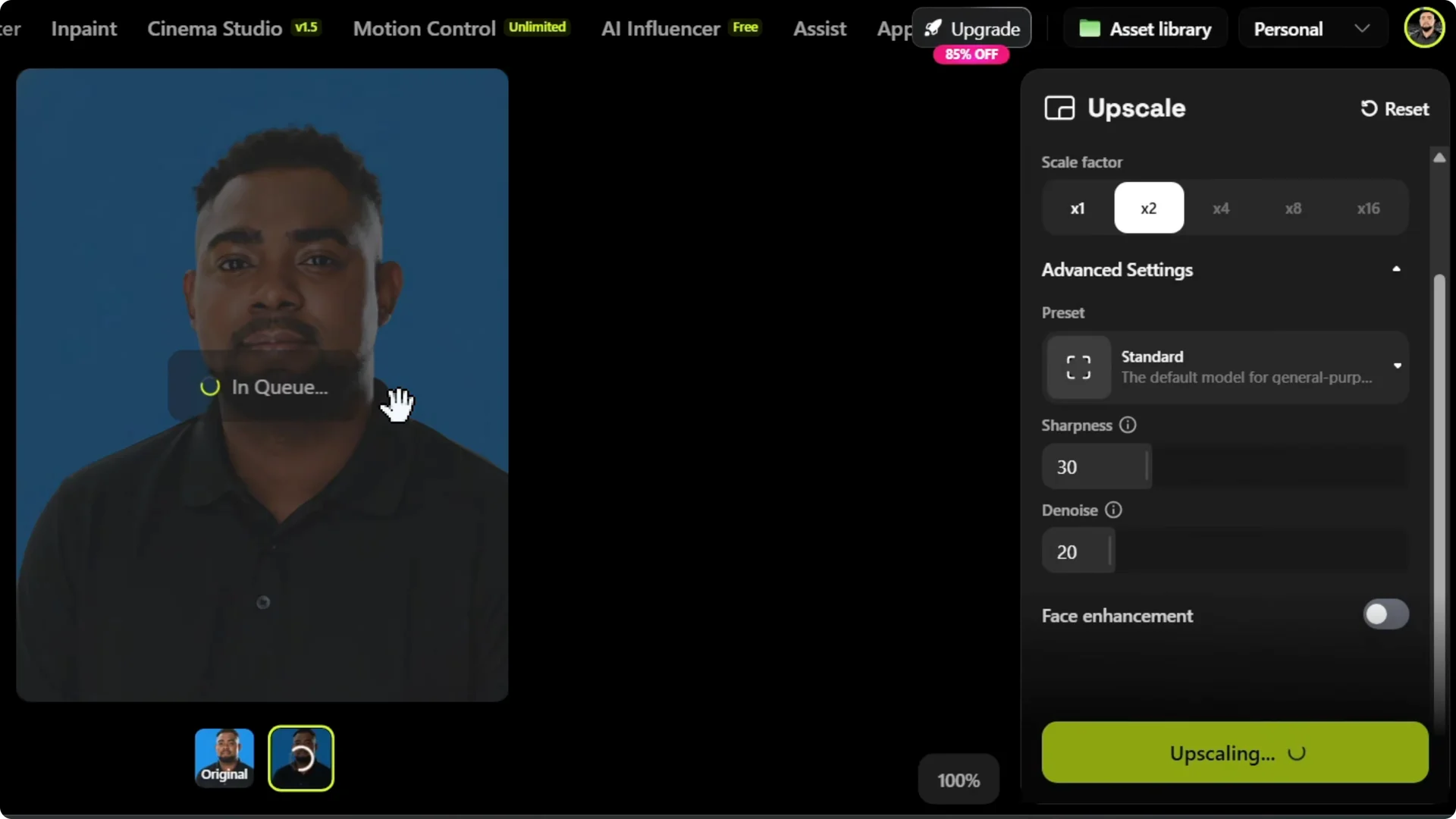
Step 6 – Compare results.
You will see the original and the upscaled version side by side. Make the preview larger to check details.
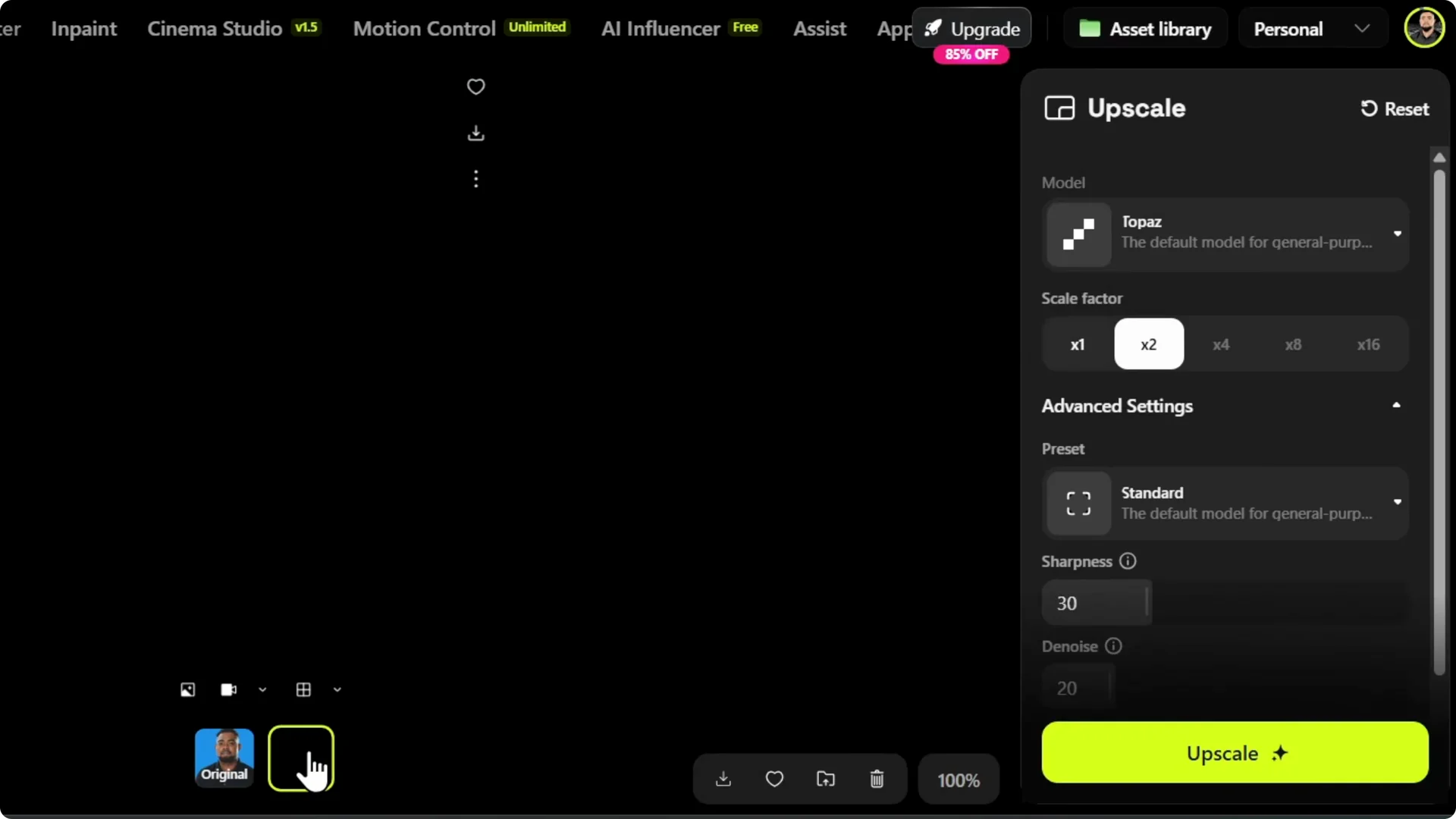
Step 7 – Download your image.
Click Download to save the upscaled version to your PC. I like to zoom in afterward to inspect texture and edges, and the quality holds up well.
If you need to clean up your workspace later, you can delete images from your account in just a few steps. Keeping your library tidy makes it easier to find your best results.
Final Thoughts
Higgsfield AI makes AI Image Upscaling fast and effective. Upload, pick your scale, tune sharpness or face enhancement if needed, and download a much cleaner, larger image. I find the results impressive, especially when I zoom in and see how much detail is preserved.