When you create a Higgsfield AI account, it gives you a random username you probably won’t remember. You can change it in a few quick steps.
Higgsfield AI Username Change
You can update your username from your account settings. Here is exactly how I do it.
Open account settings
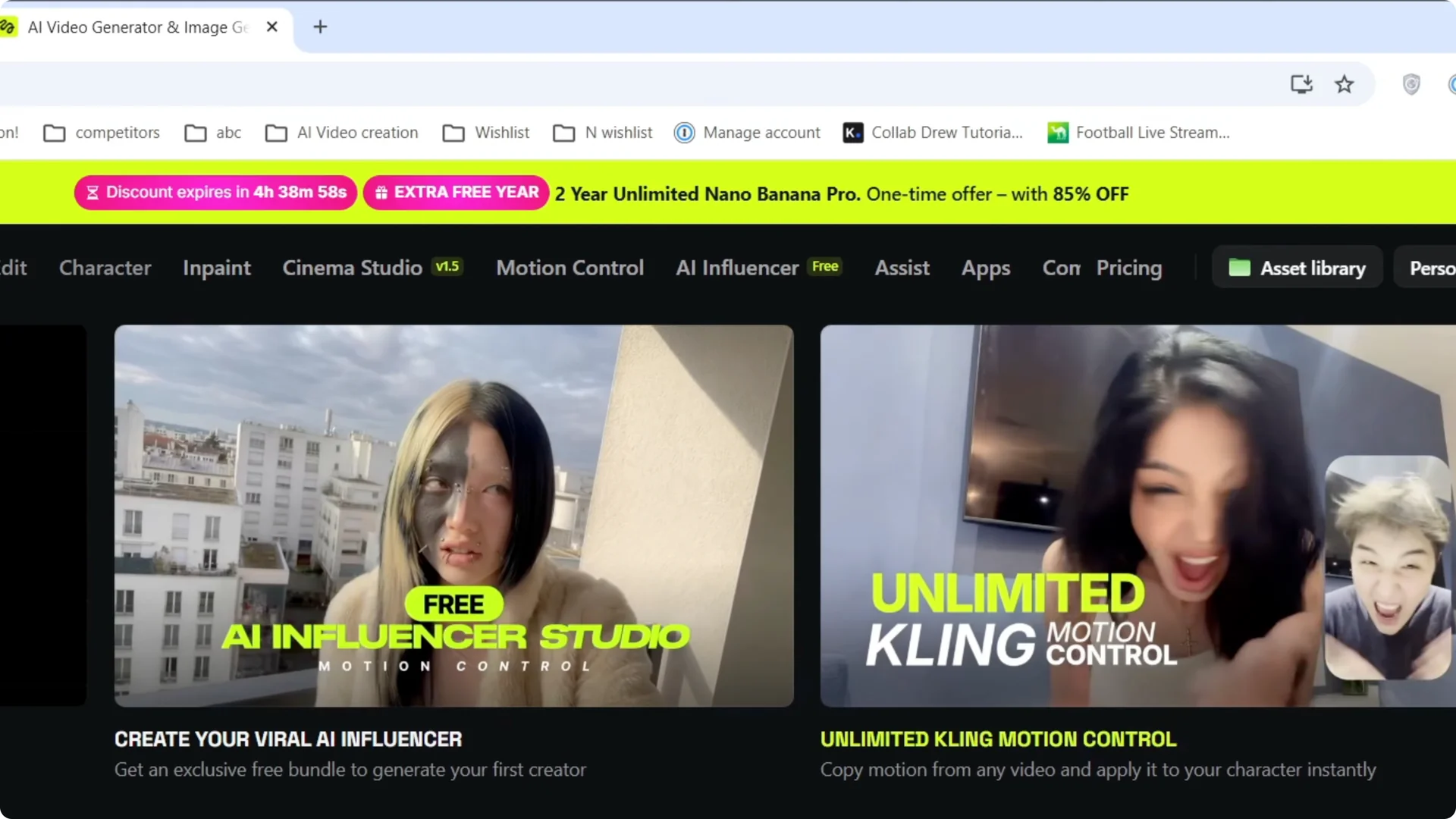
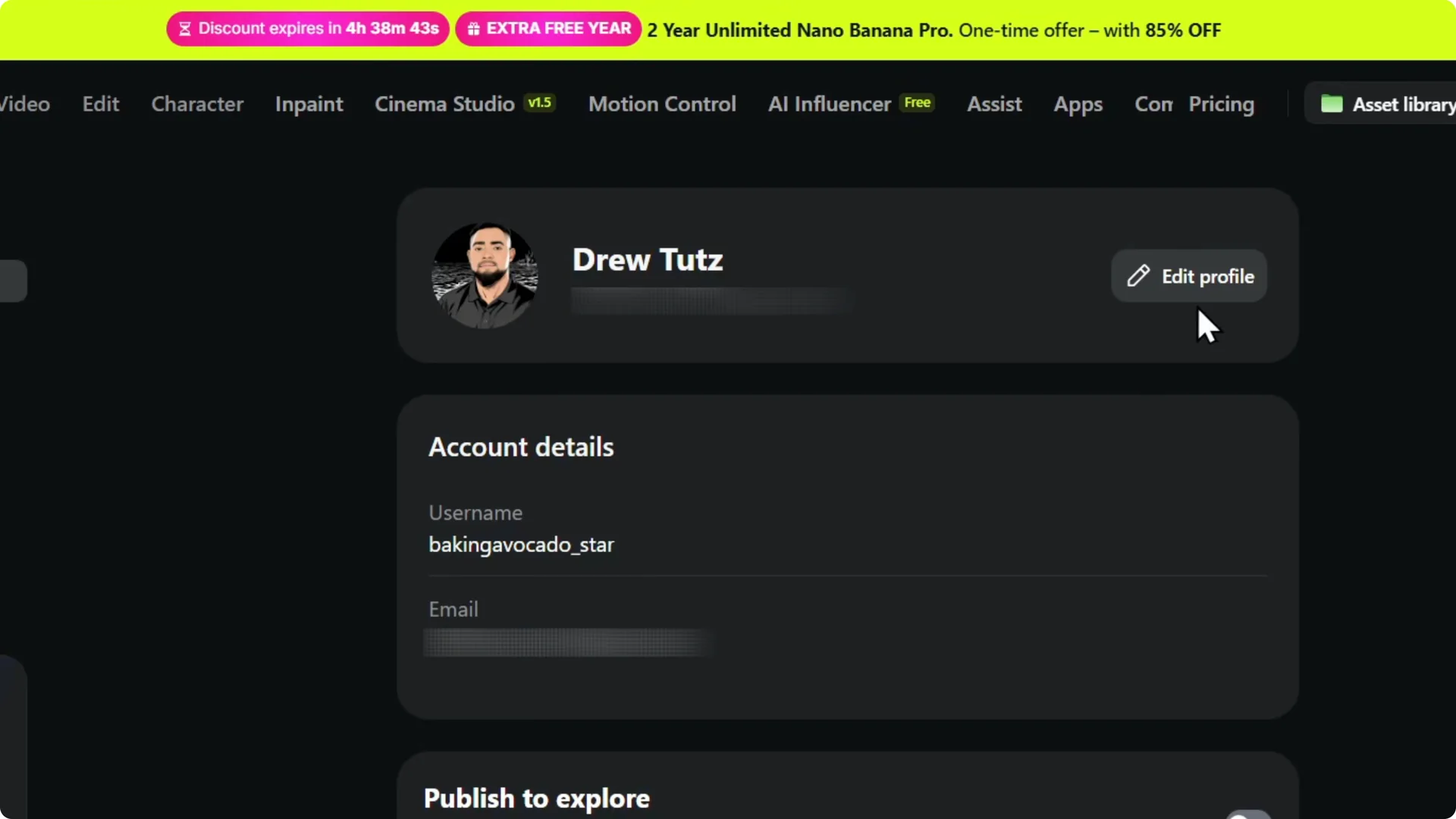
Step 1: Hover over your account on the upper right and click Manage account.
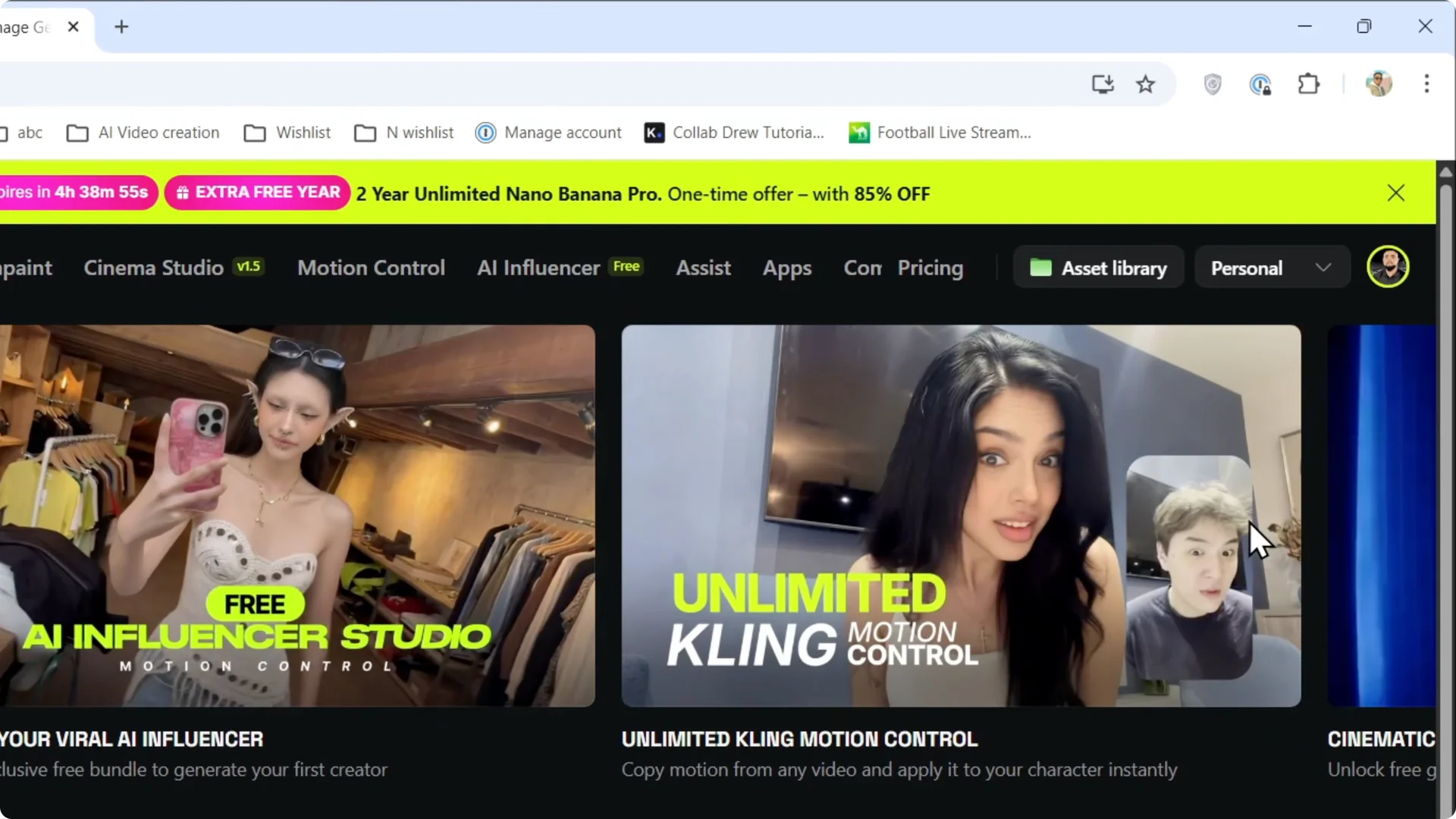
Step 2: Locate your username in the account panel. Mine was baking avocado_star.
If you’re updating visuals in your projects too, see how to change backgrounds in Higgsfield AI.
Edit profile
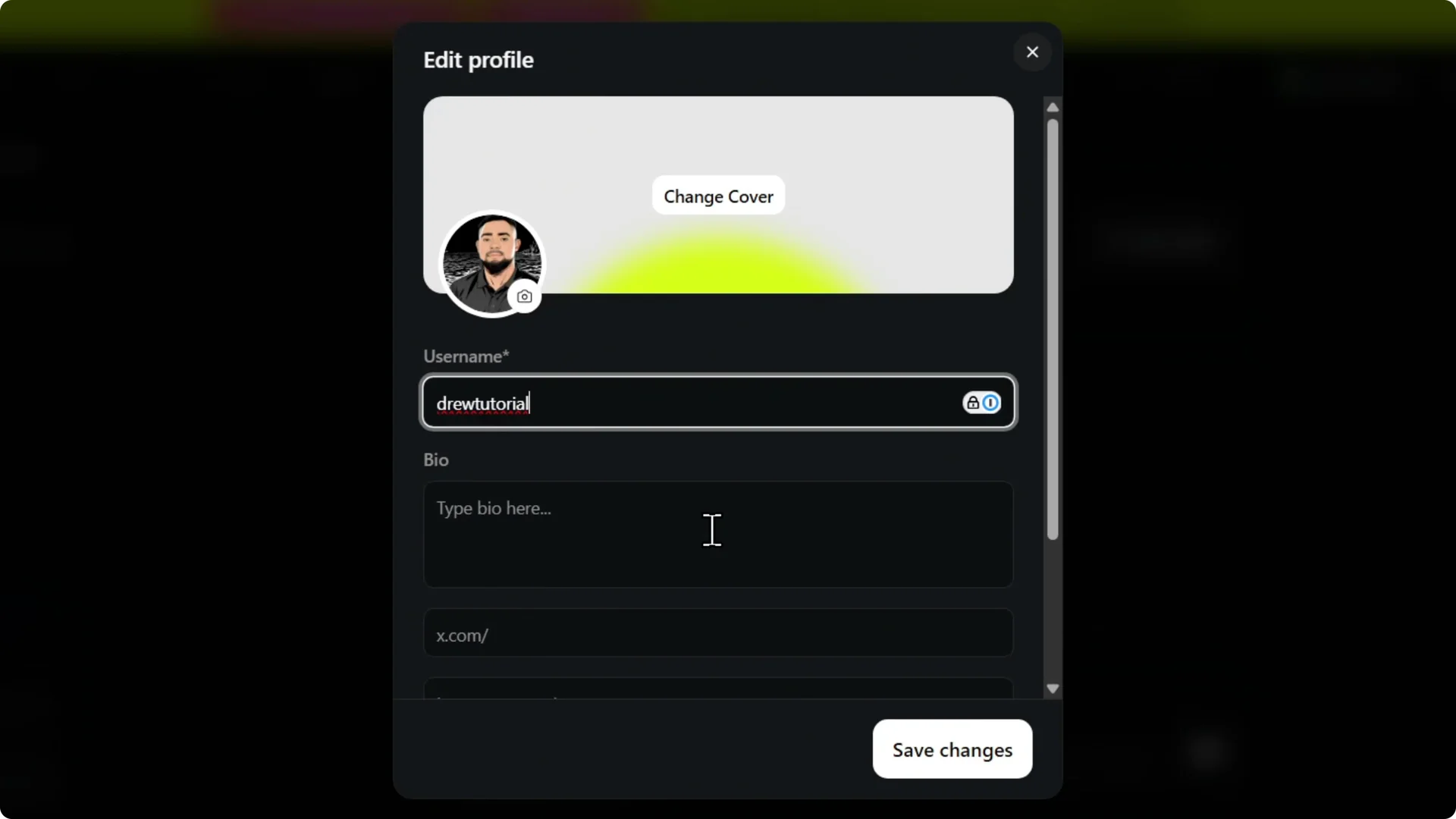
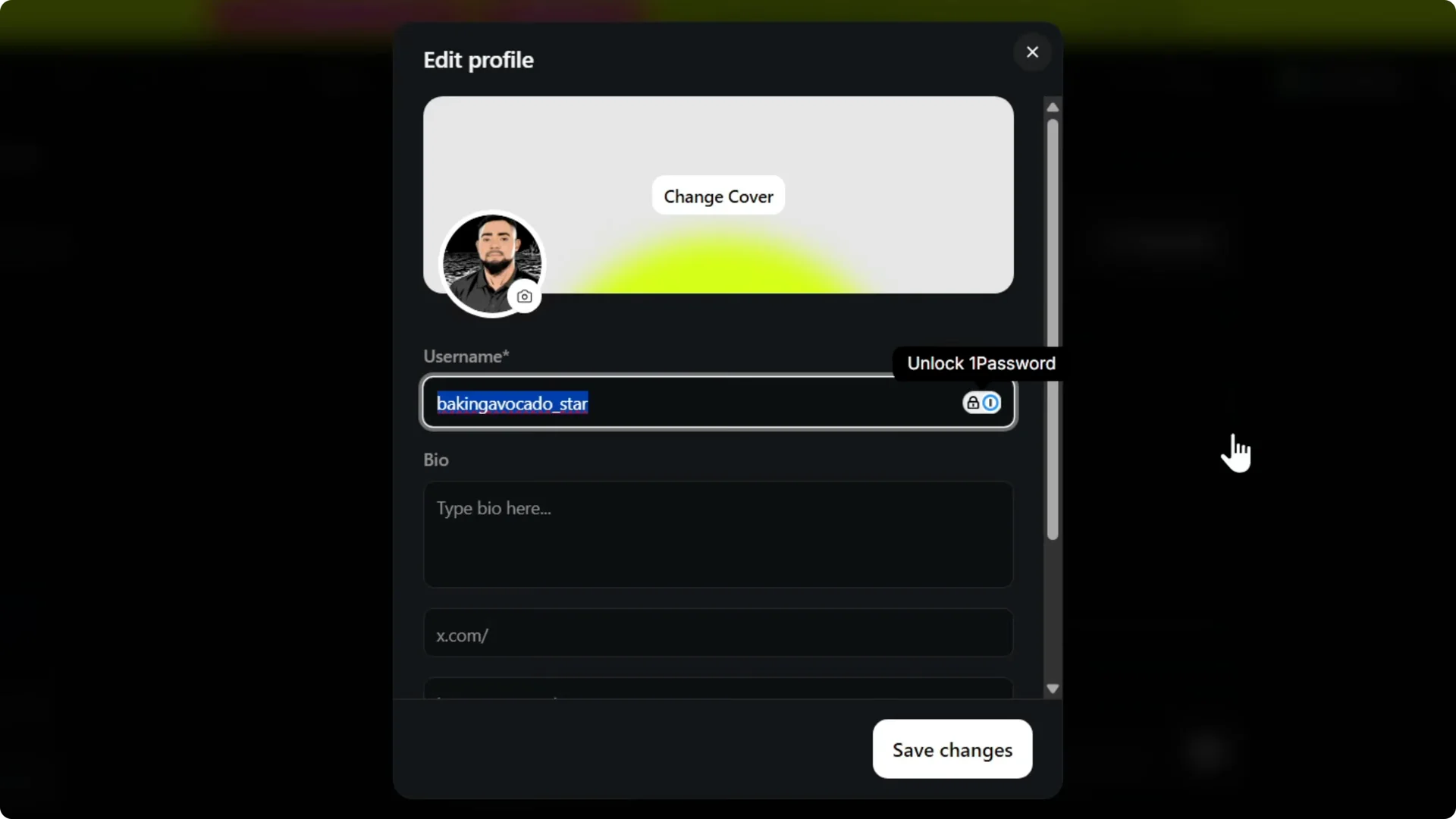
Step 3: Click Edit profile to make your username editable. You will see the field ready for changes. I used Drew tutorial as an example.
Planning to upgrade or manage billing? Here’s how to add a payment method in Higgsfield AI.
Save and confirm
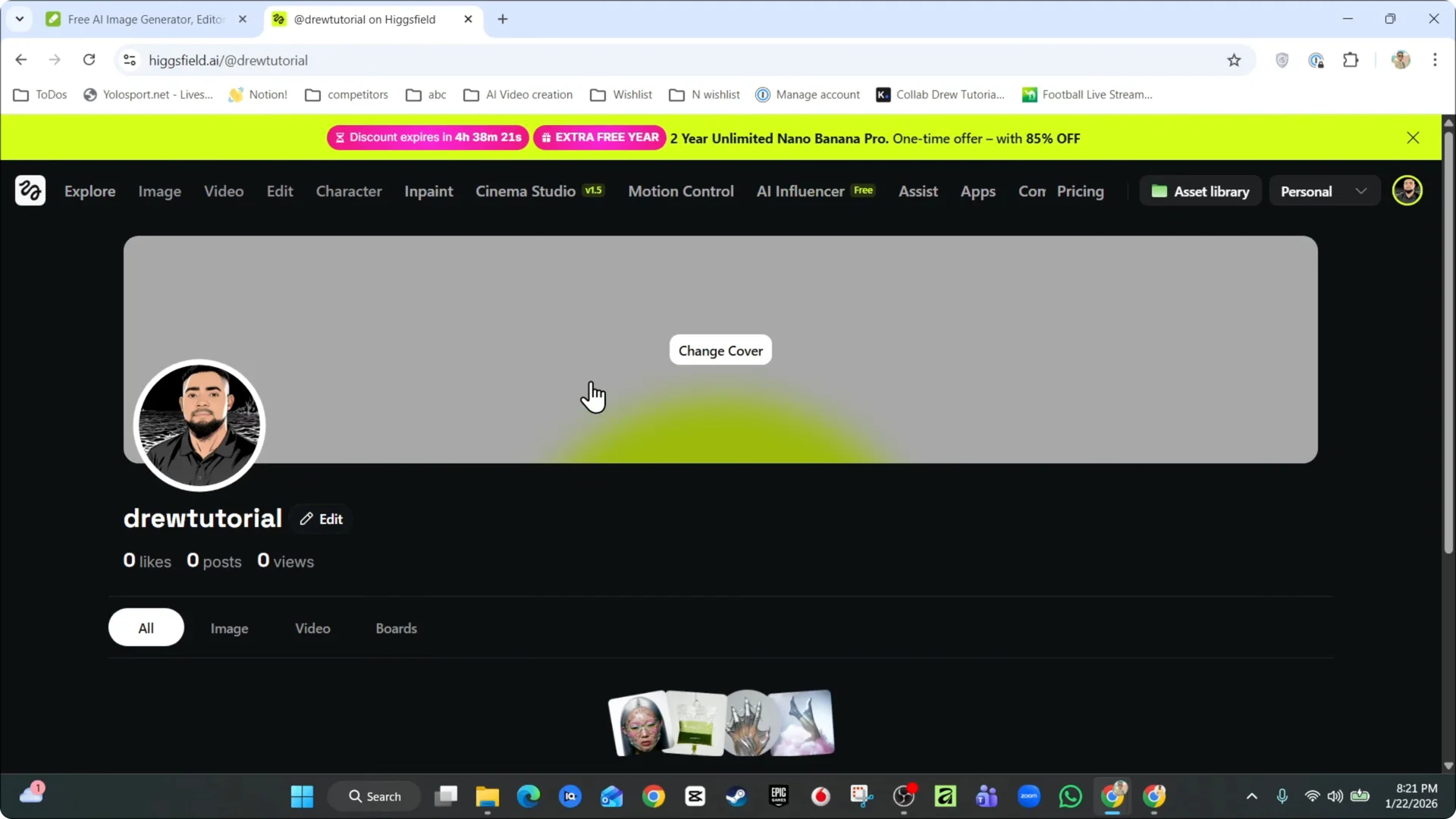
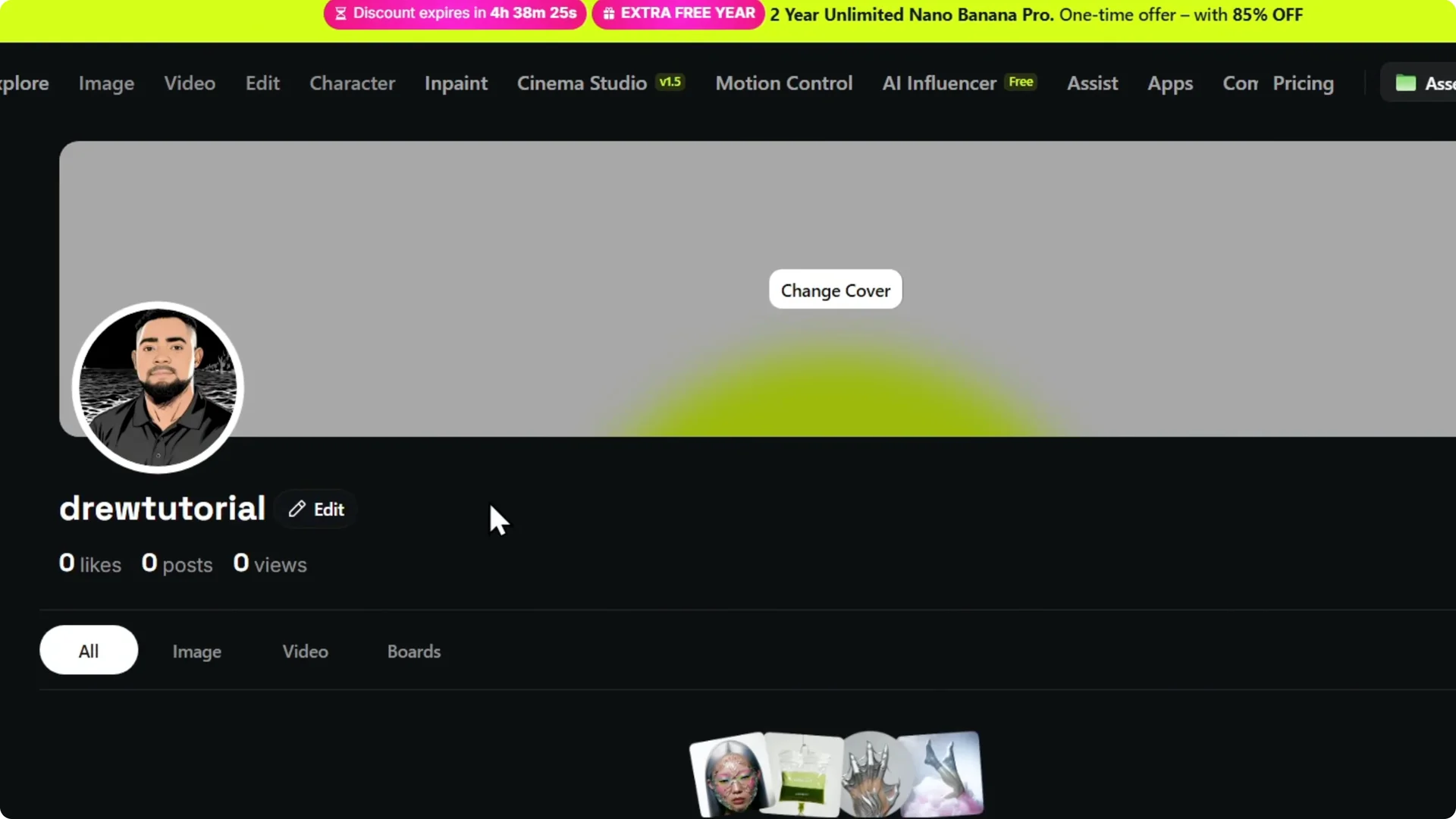
Step 4: Click Save changes to apply your new username. It updates right away and takes you to your profile page.
For image quality improvements in your projects, learn to upscale images without losing quality in Higgsfield AI.
Final Thoughts
Higgsfield AI starts you off with a random handle, but you can change it in seconds from Manage account. Edit your profile, enter the name you want, save, and you are done.