Here is how to connect your YouTube channel to Higgsfield AI.
Higgsfield AI YouTube Integration
Quick setup
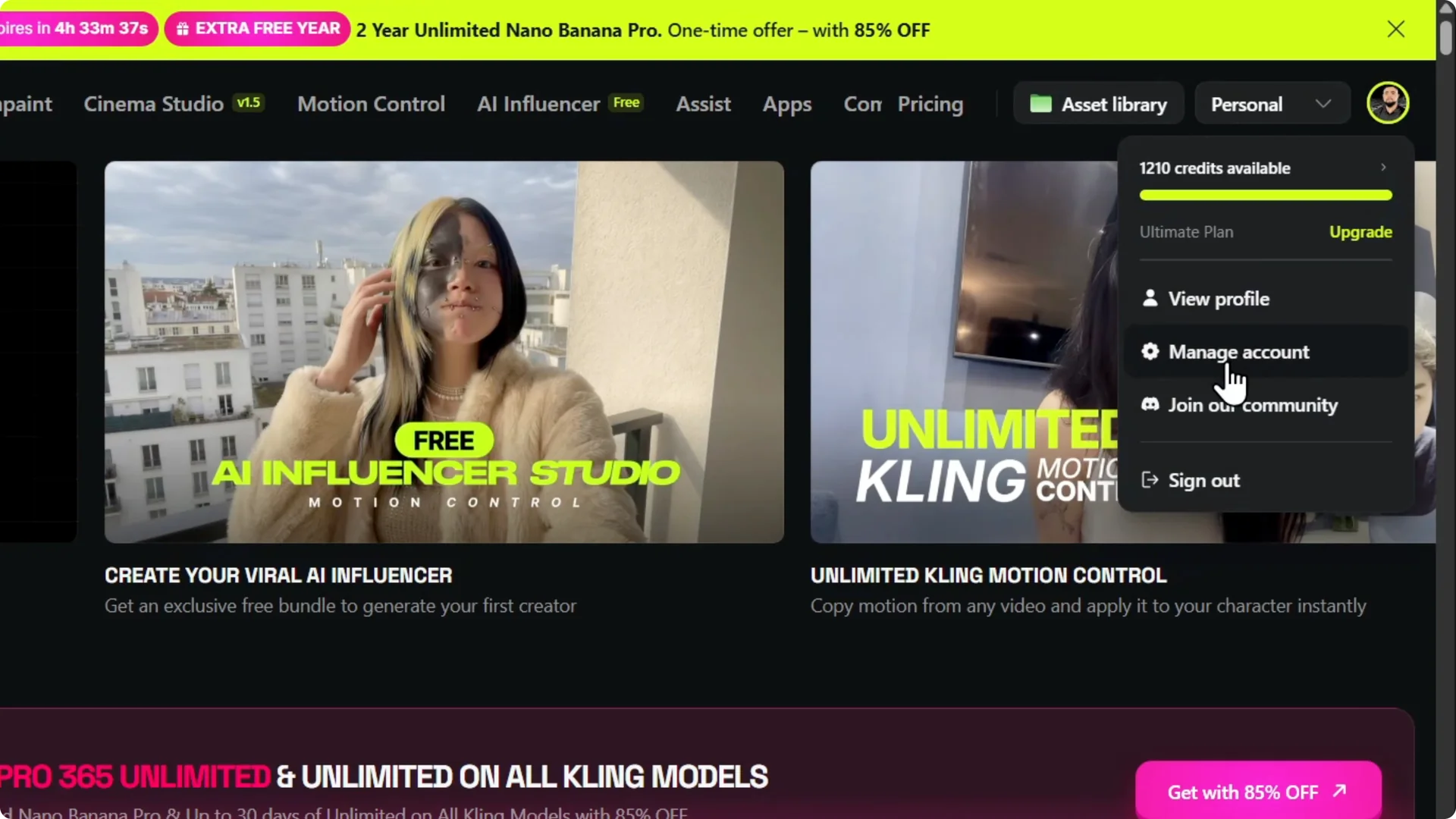
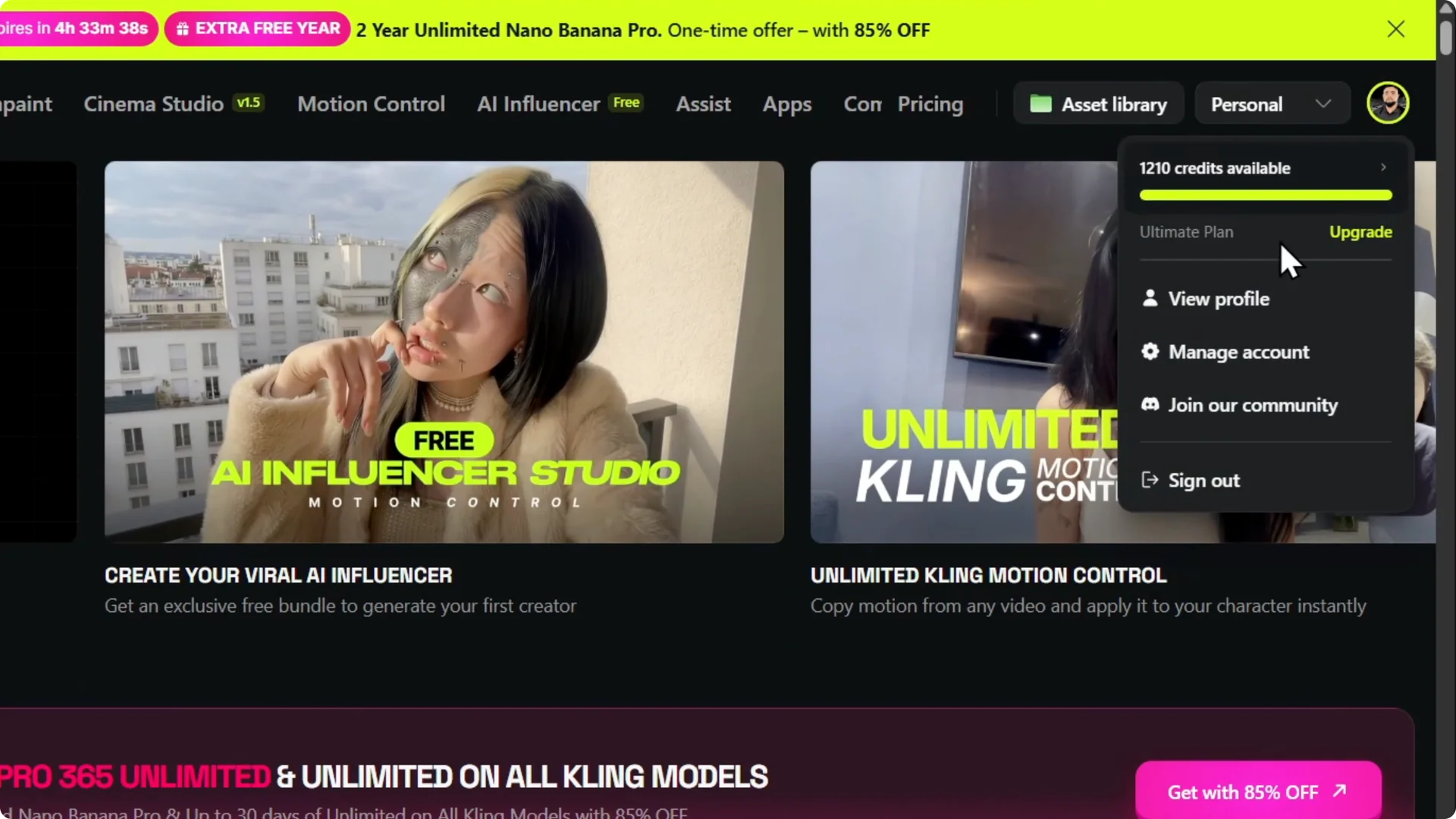
Go into your Higgsfield AI account. Hover over your profile at the top right and click Manage account.
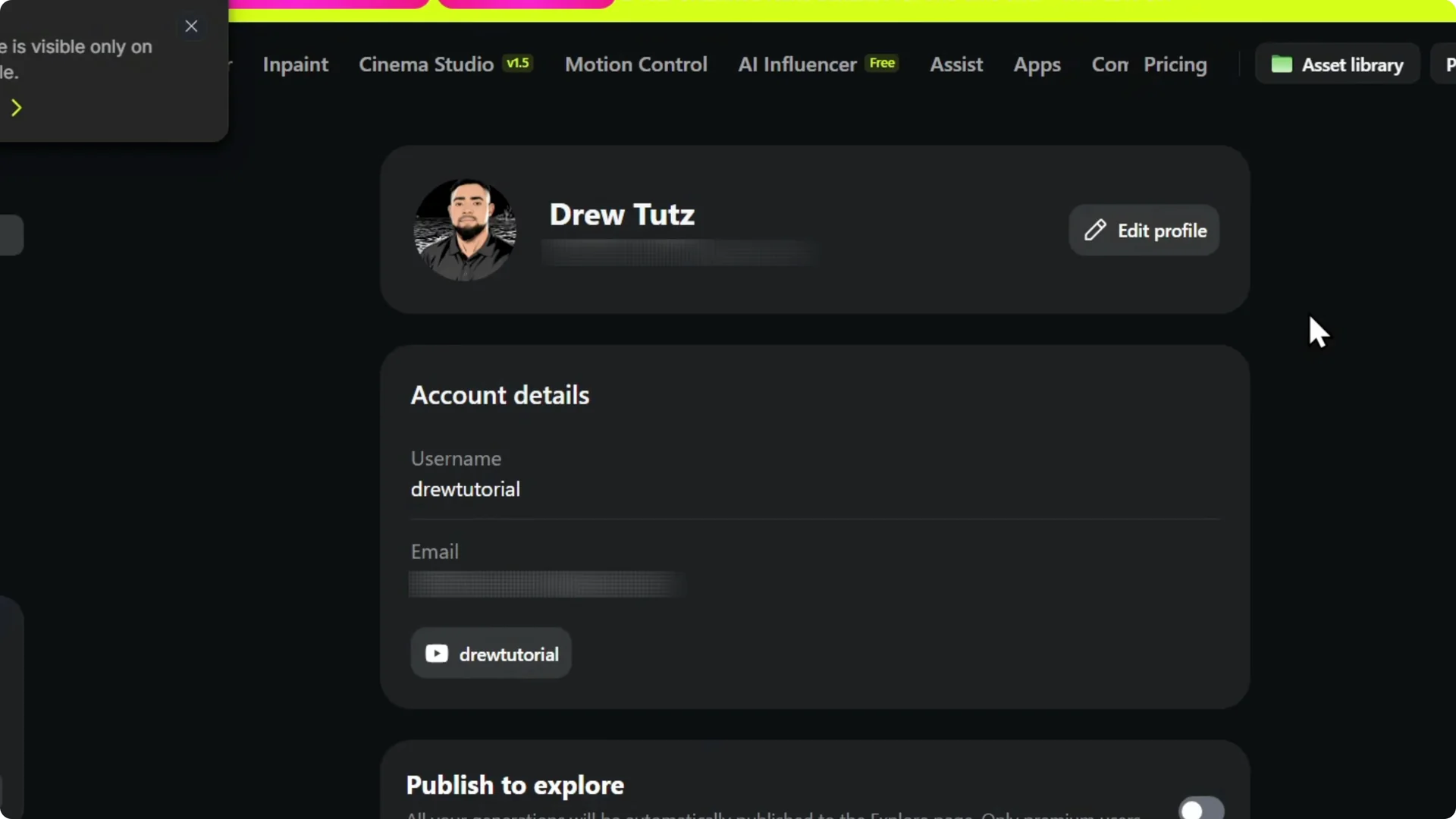
Click Edit profile. Scroll down and you will find YouTube.
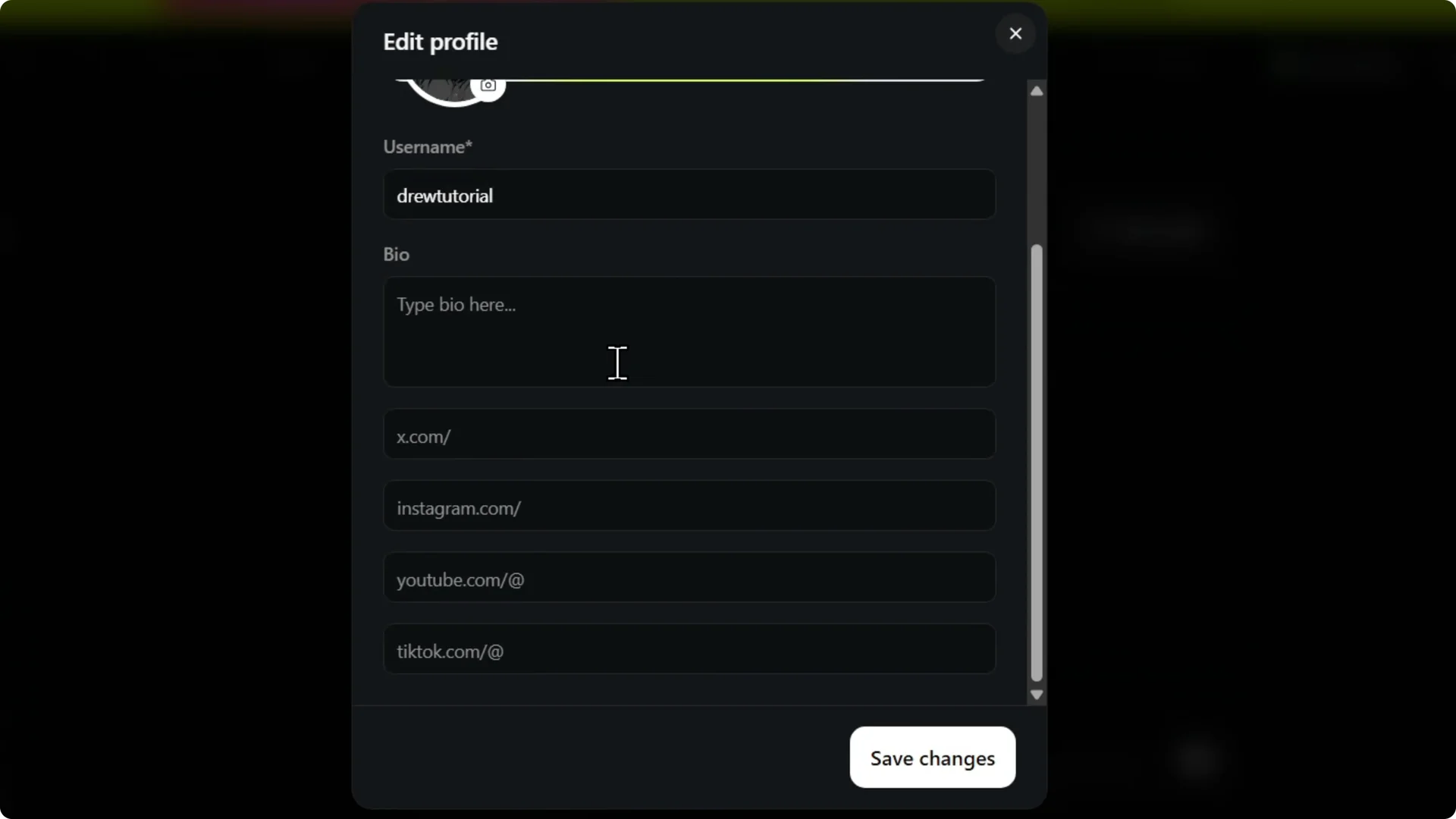
Enter your YouTube channel name. Click Save.
Read More: Link Youtube Channel Higgsfield Ai
Verify connection
It is now on your account. You can see it in your profile settings.
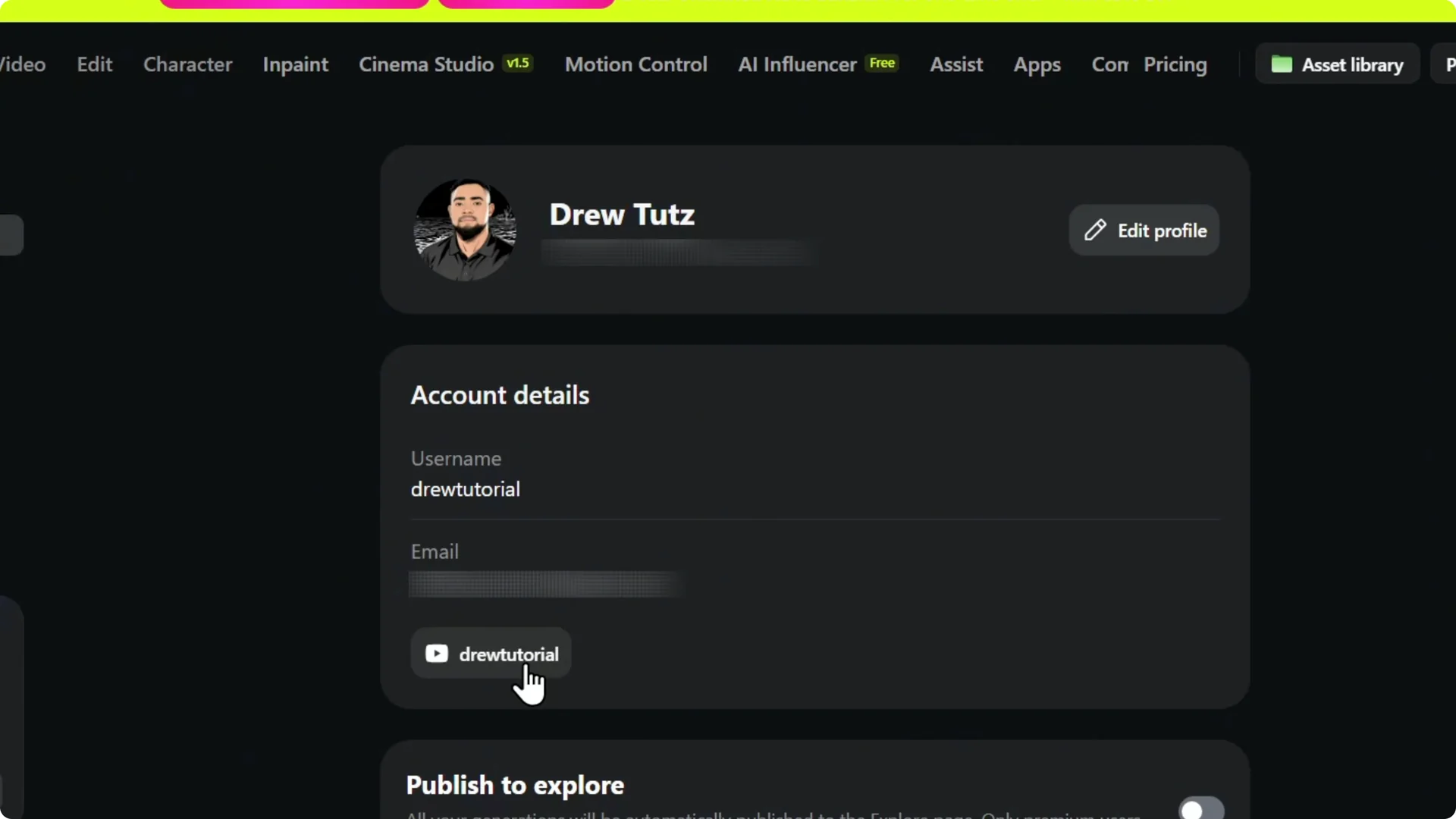
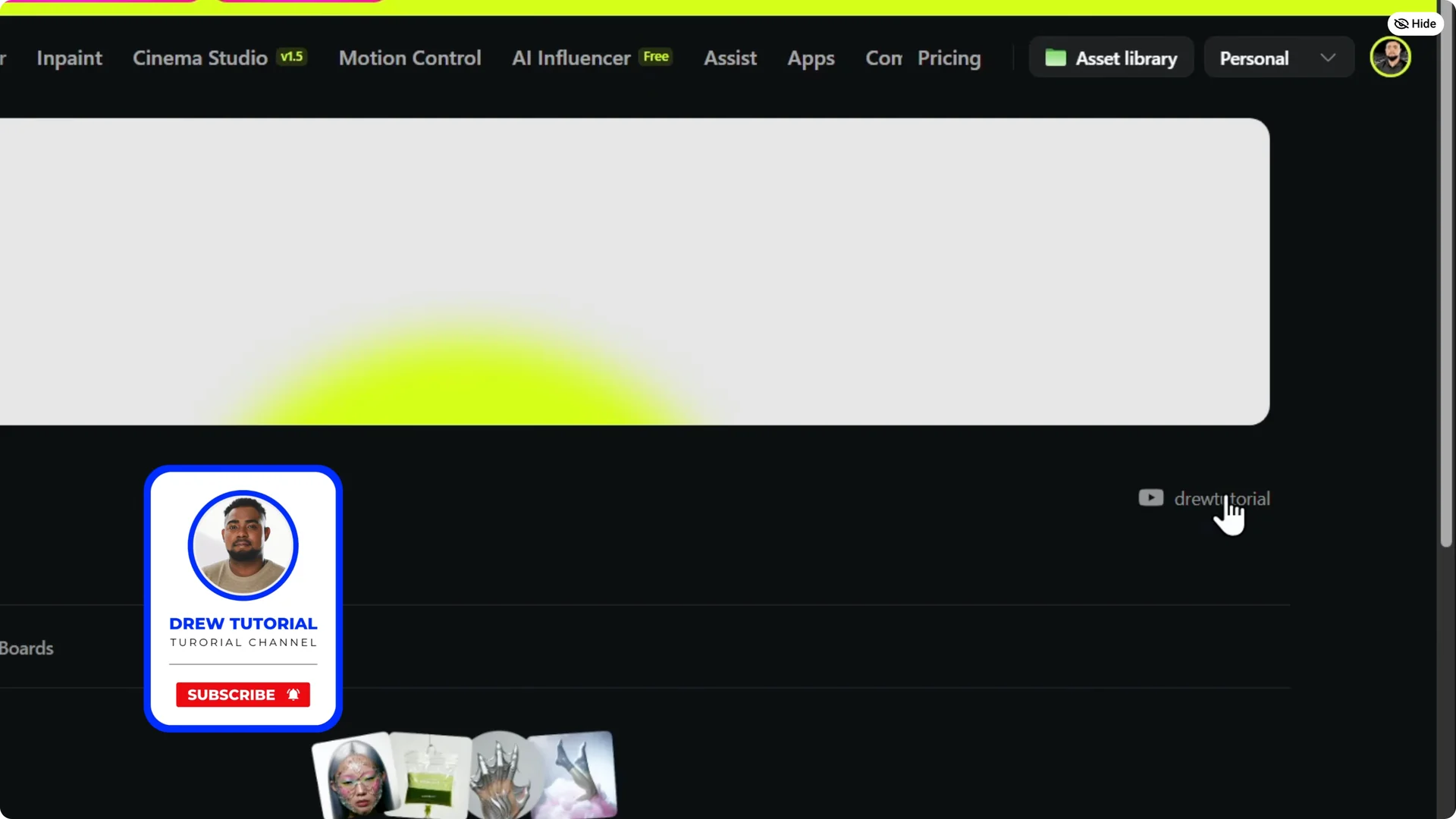
Click View profile. You will be able to view your profile with the channel name showing there in your profile.
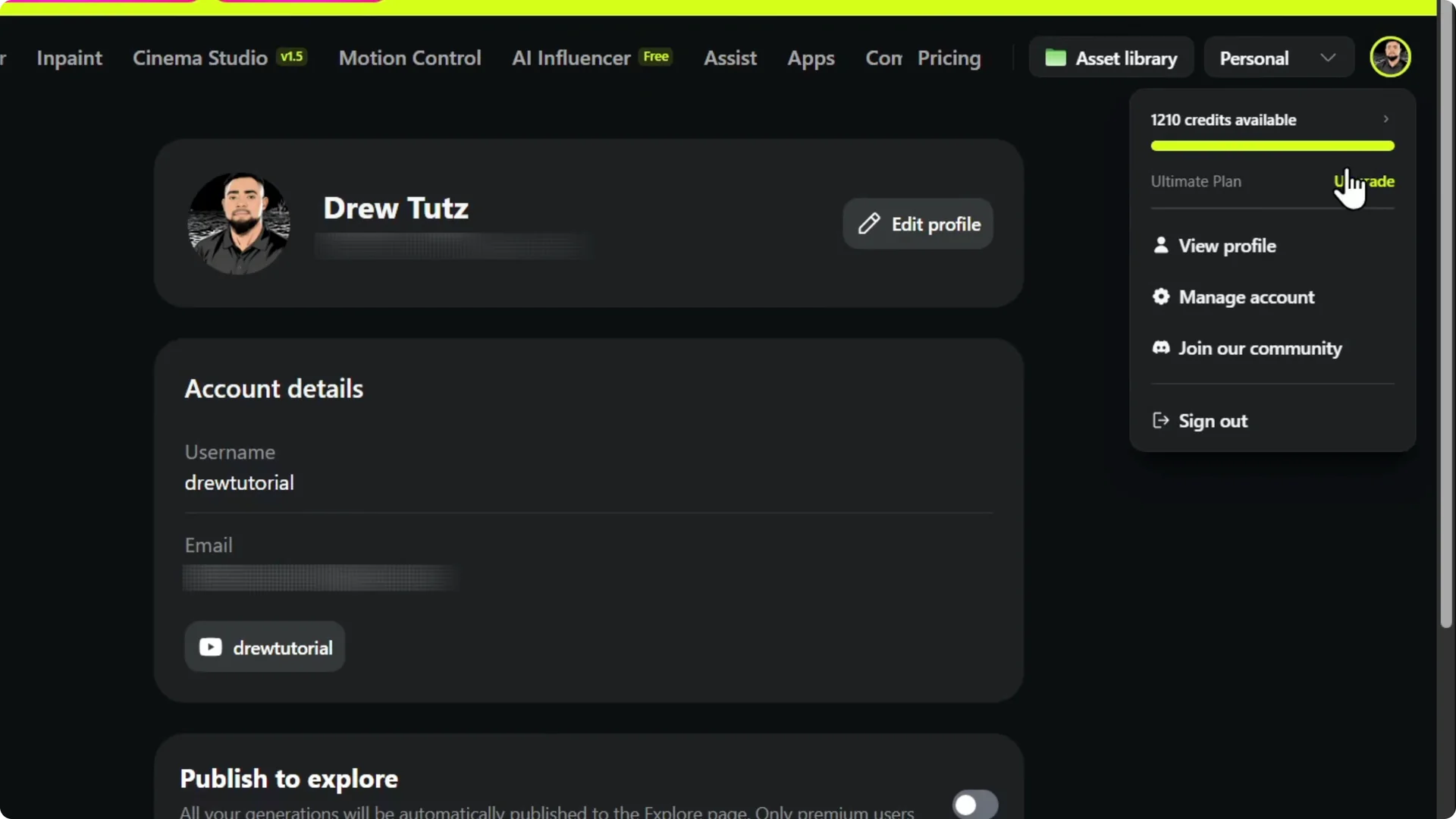
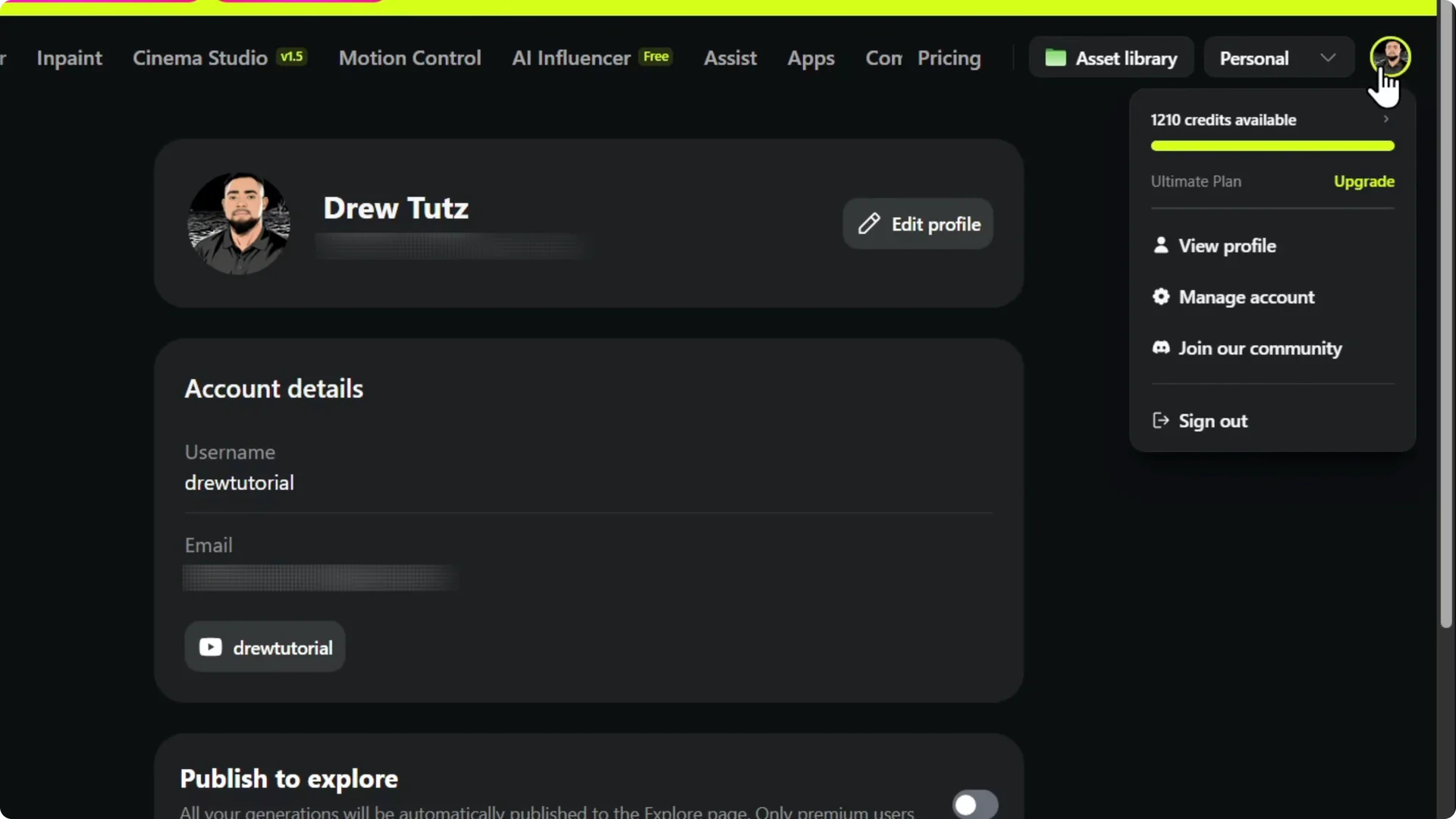
You can see that it is also here on the right. That confirms the connection.
Read More: Youtube Thumbnails Higgsfield Ai
Final Thoughts
Connecting your YouTube channel to Higgsfield AI takes a few clicks. Enter your channel name, save, and confirm it on your profile view.
Read More: How To Make A Faceless Ai Automated Youtube Channel