This is how you can record your own voice in Filmora and make it sound better with the AI voice enhancer. I recommend a simple setup that works well and keeps things clean.
Filmora Voiceover AI Enhancement – Record Your Voice
Go to the File menu, click Record Media, then click Record Voiceover.
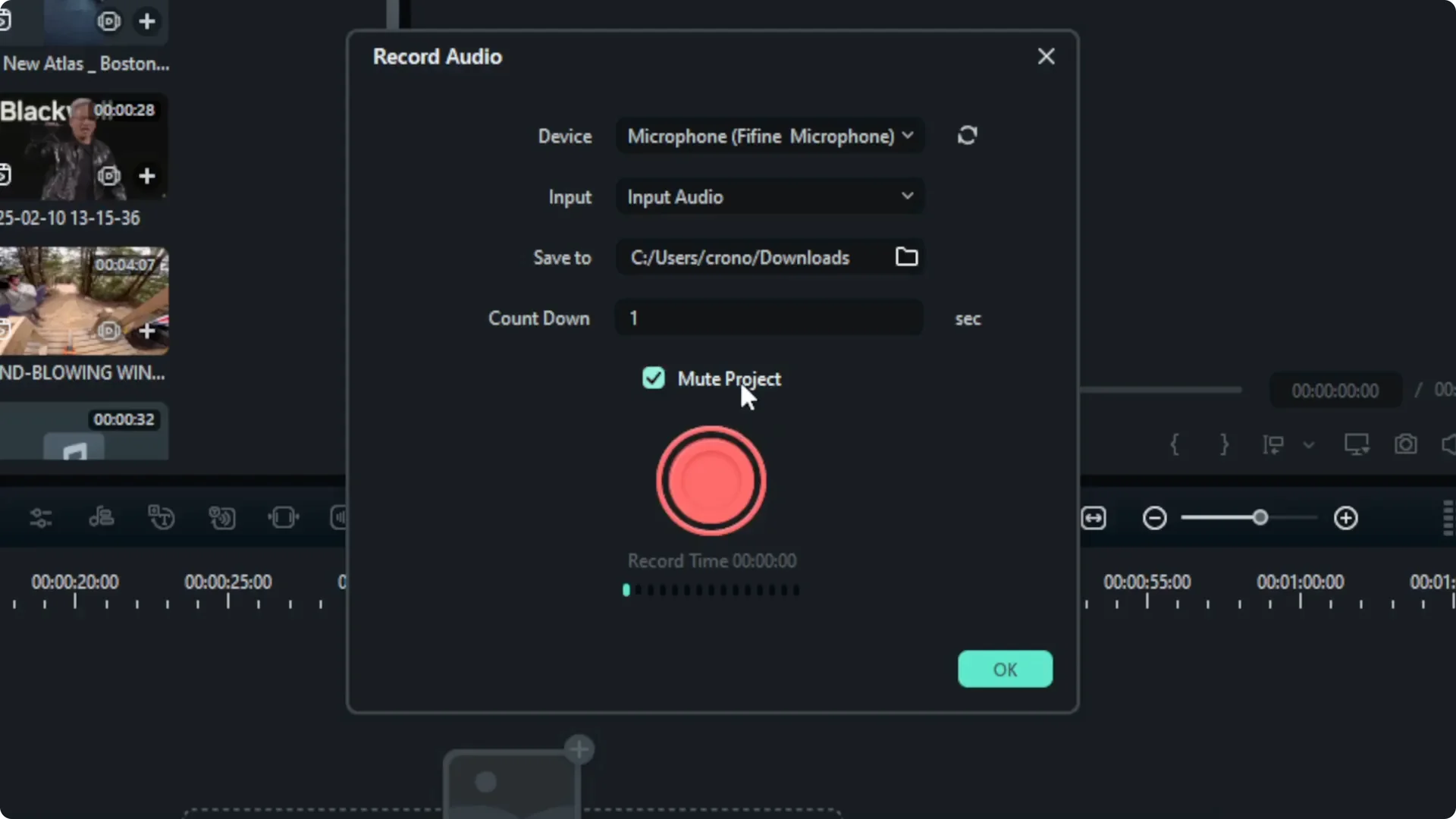
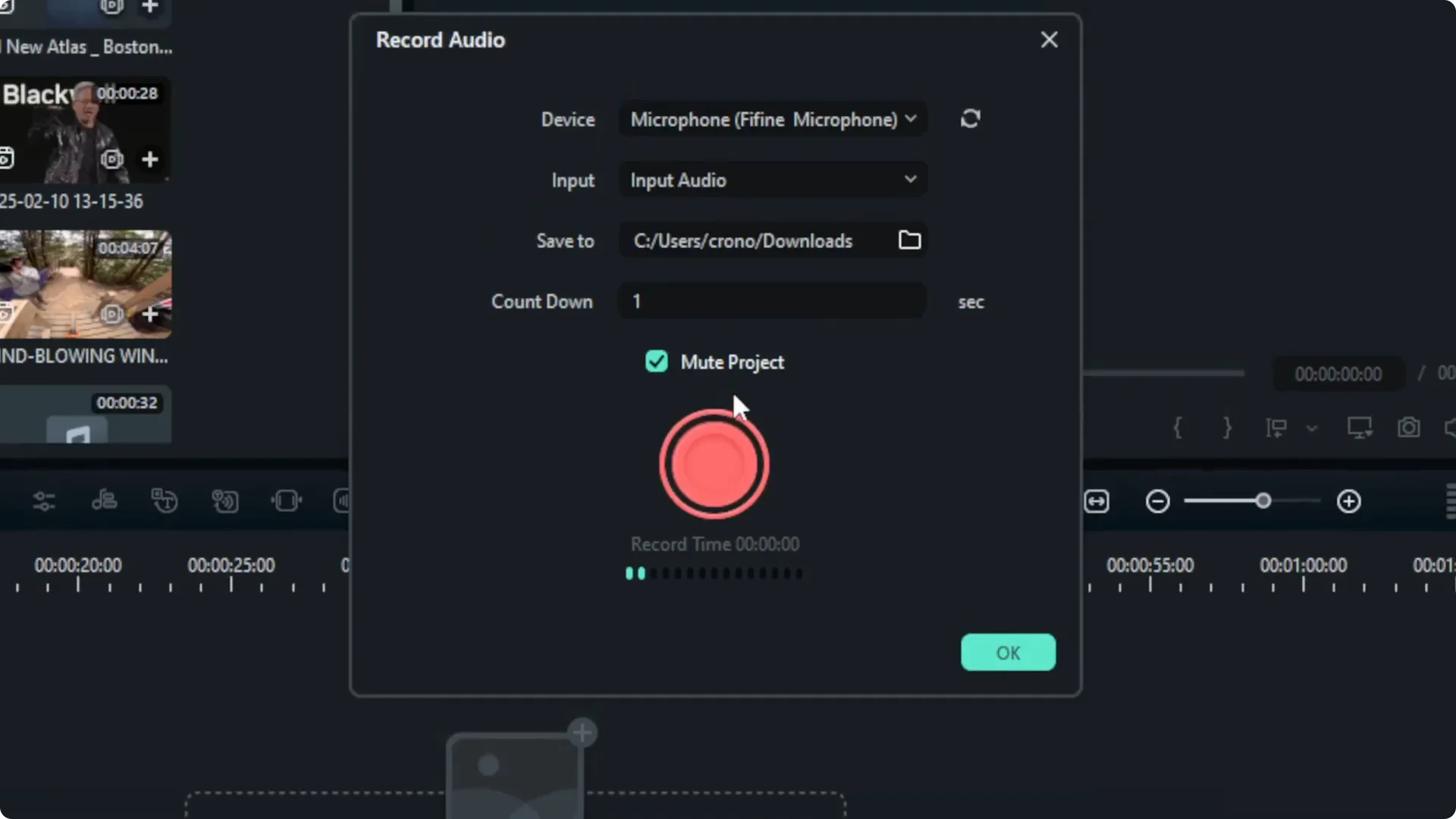
The Record Audio tool will appear. Select which audio device or microphone you want to use to record your voice. There could be multiple microphones on your computer, so pick the one that has the best quality and the one you actually want to use.
Input audio setting is usually just the default Input Audio. There’s nothing else you have to change.
Select where the audio file should be stored after you finish recording. I’m storing it in my Downloads folder.
Set the countdown timer. This is the delay after you click the red button before recording starts. You can set it to 3 seconds, 5 seconds, or 10 seconds. I’m setting it to 1 second.
I recommend muting the project, because there’s no point recording while playing your project at the same time unless you really want to.
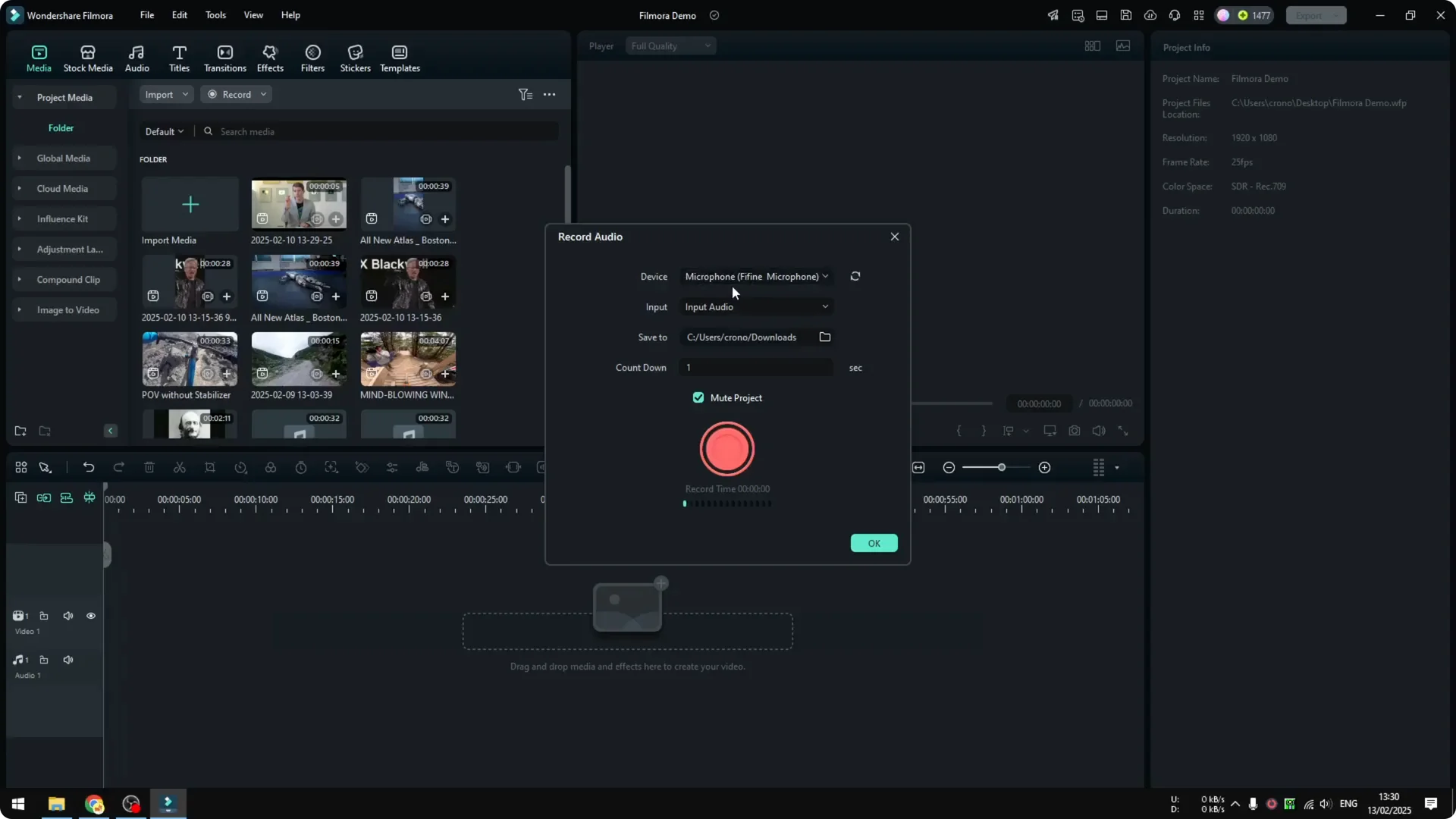
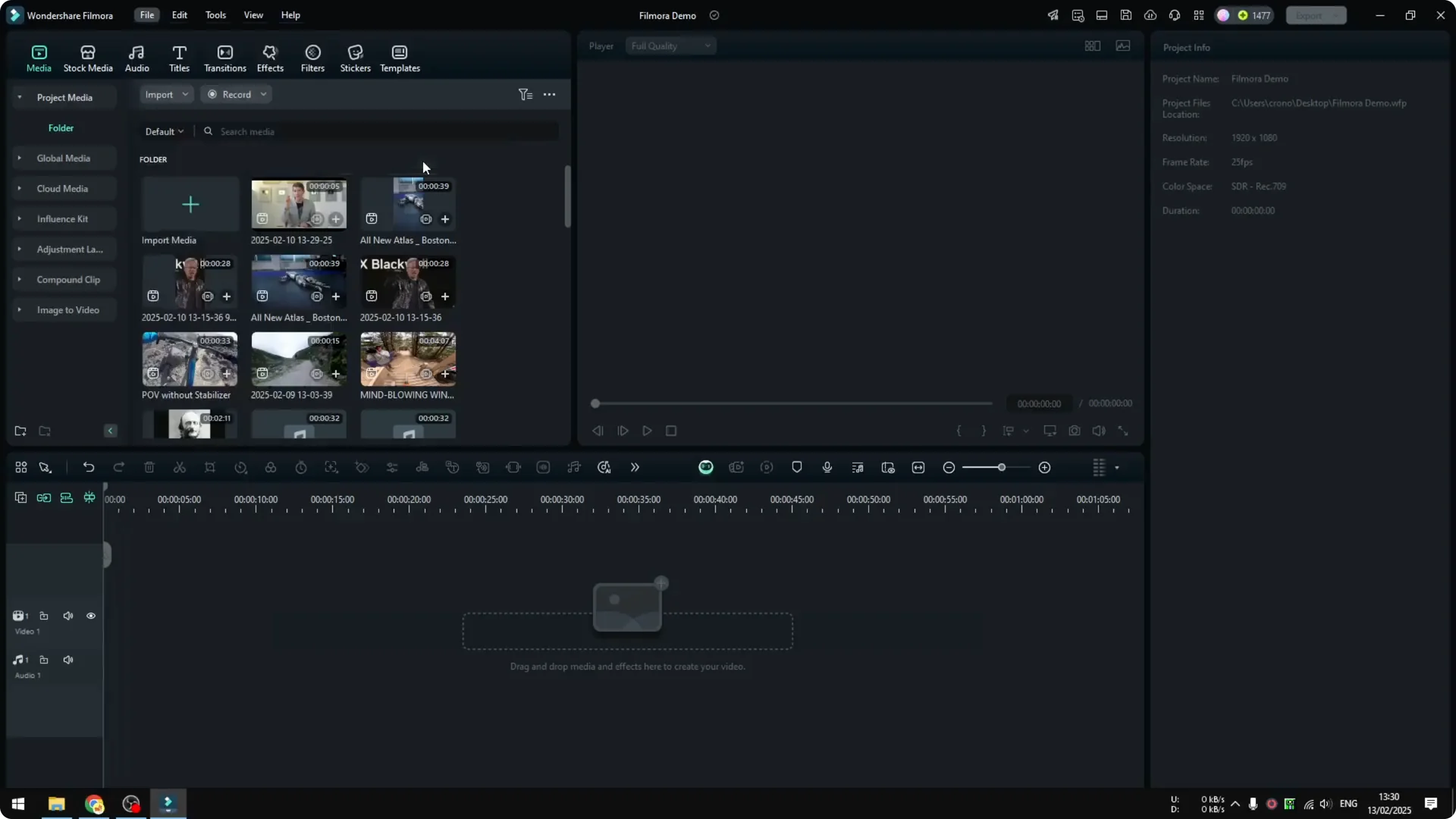
Click the red button to start recording. Click OK when you are done. The file is automatically inserted into the project and placed on the video timeline.
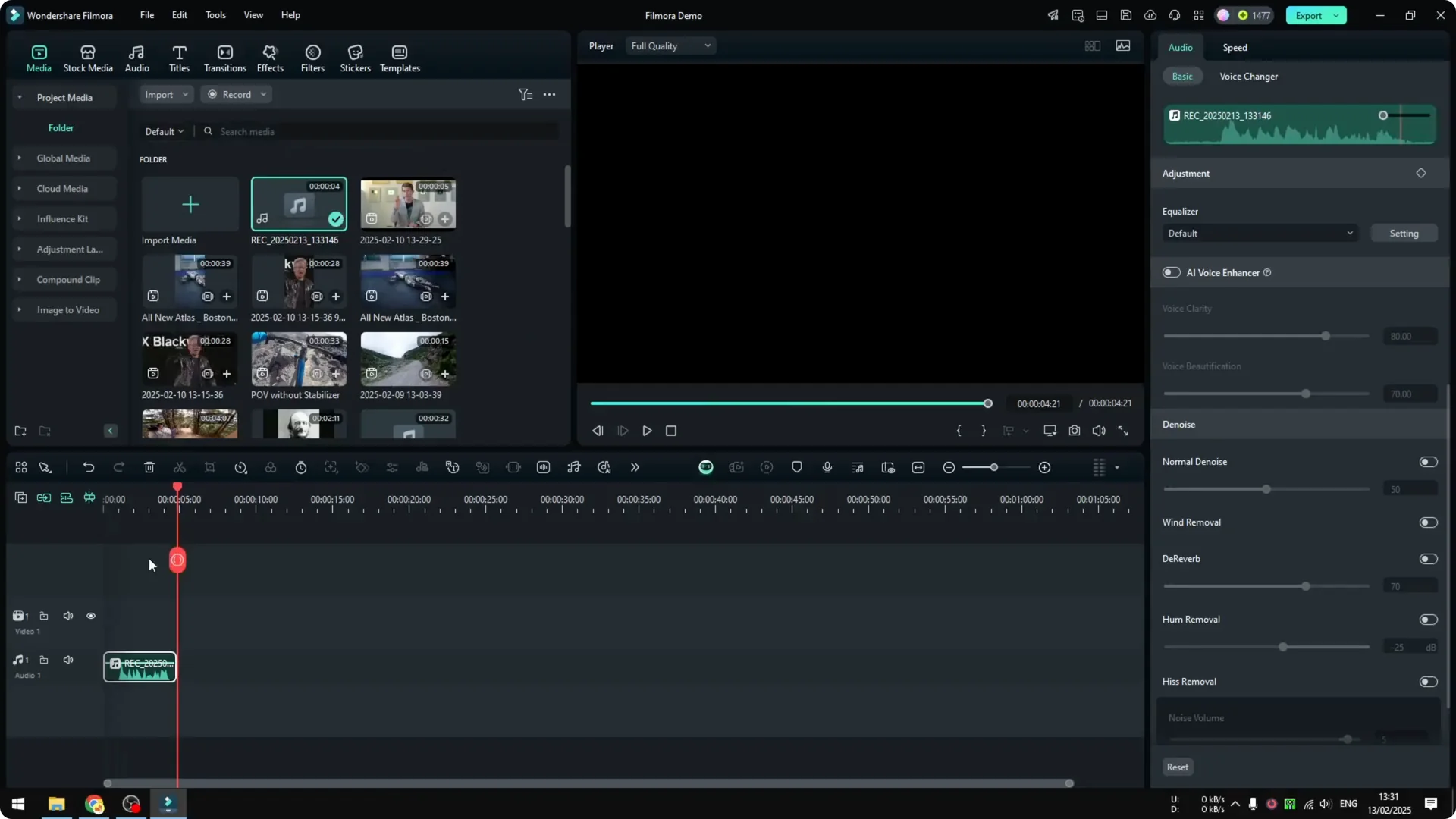
Filmora Voiceover AI Enhancement – Make Your Voice Sound Better
I’m going to show you how to make the audio sound a bit better using Filmora’s AI features.
Set up a before and after
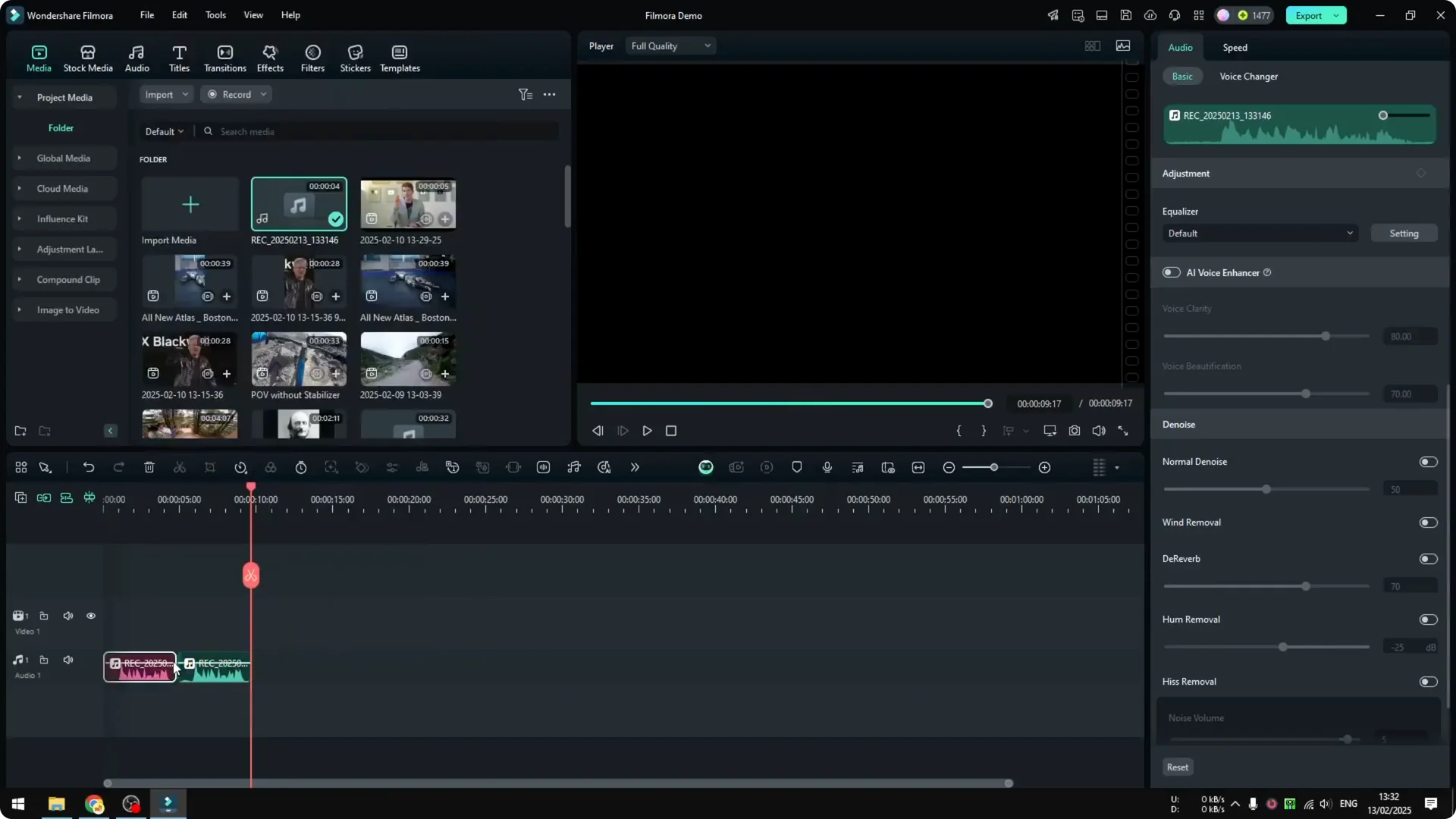
Duplicate the audio clip so you can compare. I mark the original as before and the processed one as after.
Enable AI Voice Enhancer
Click the clip, go to Audio – Basic, and enable AI Voice Enhancer.
There are two options here: Voice Clarity and Voice Beautification. I’m using the default setting to show how simple it is to make the voice sound more professional in Filmora.
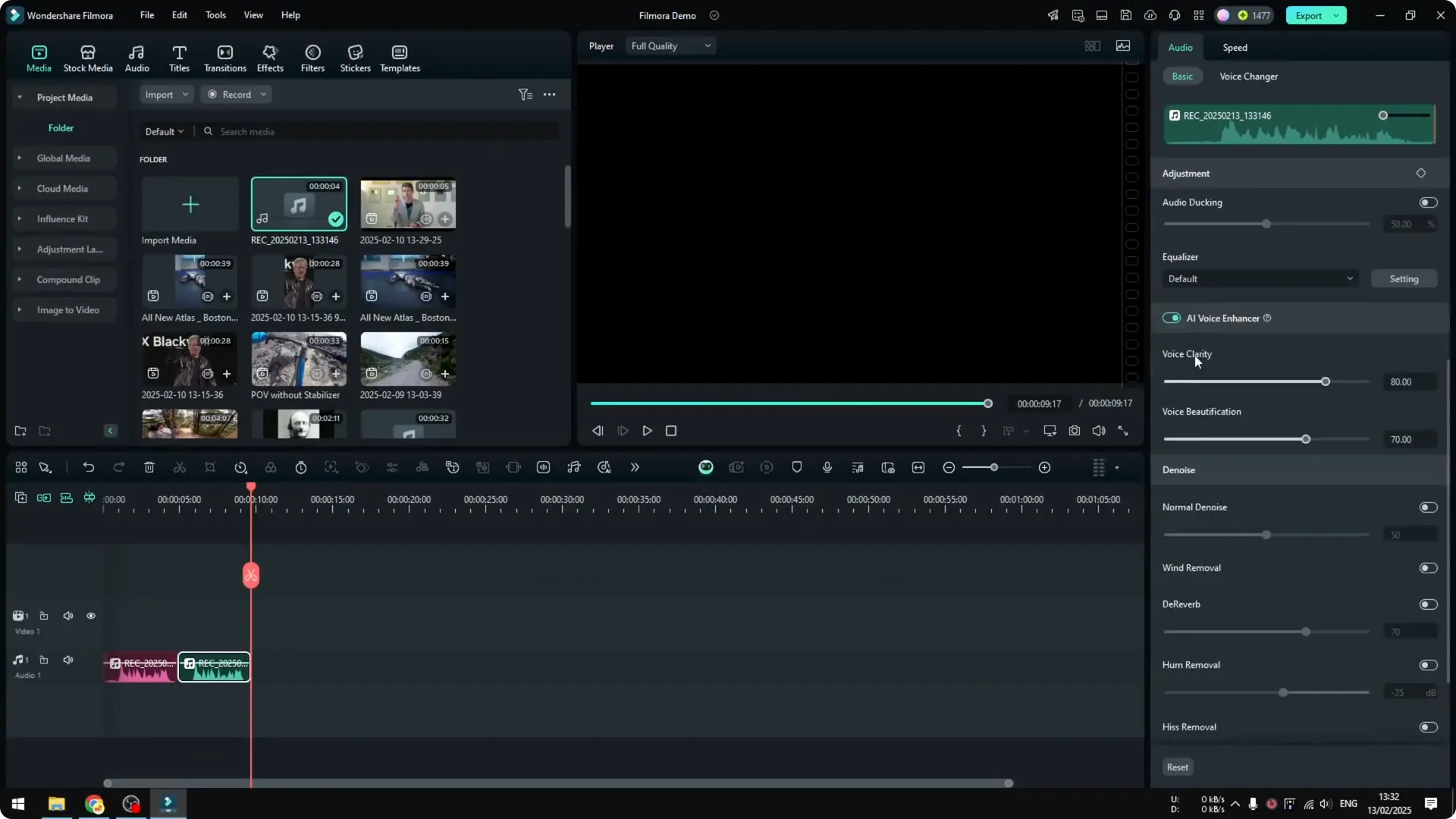
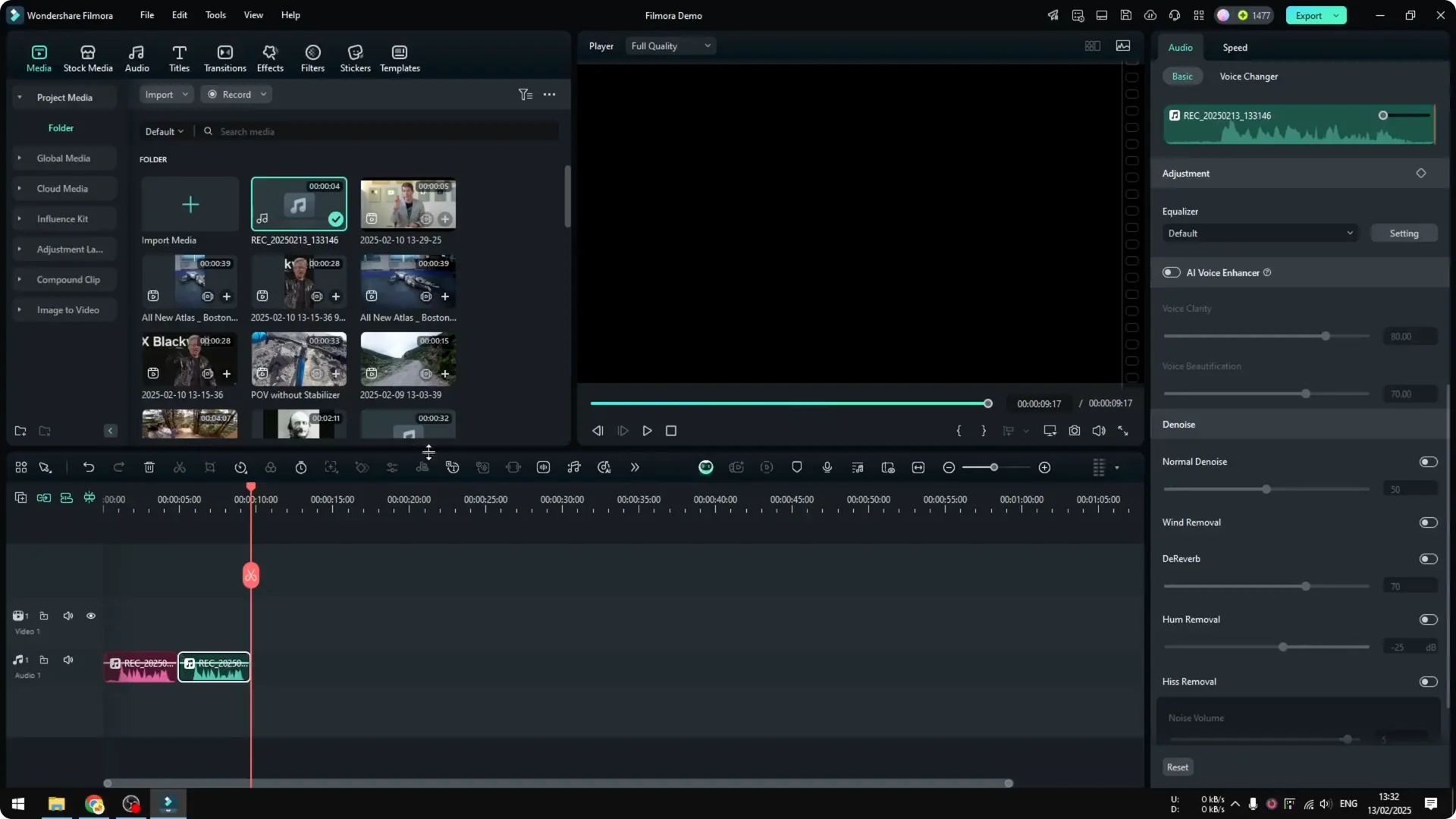
I think after applying the AI Voice Enhancer, the audio sounds a lot better. It can be subjective, but you can always modify the setting and see which one fits your voice profile best.
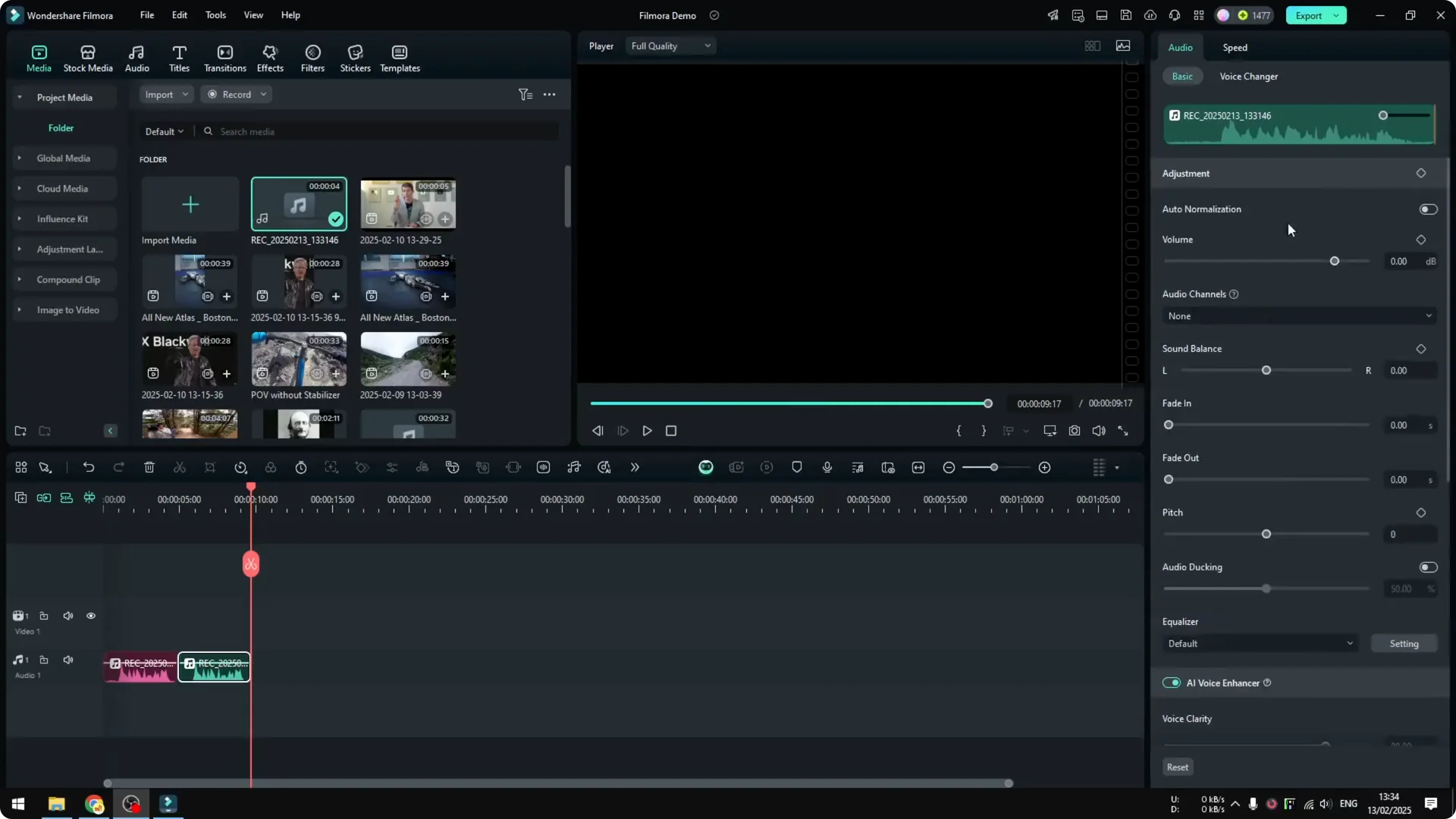
You can also adjust other settings manually to improve your audio without AI.
Final Thoughts
Recording voiceover in Filmora is straightforward, and the AI Voice Enhancer makes it easy to improve the sound quickly. Pick the right microphone, set a short countdown, mute the project while recording, and use the enhancer’s default or tweak the options to suit your voice.