I’m going to show you how to delete your Higgsfield AI account. It’s actually very simple.
Higgsfield AI Account Deletion
Access your account
Step 1: First, you have to sign into your account.
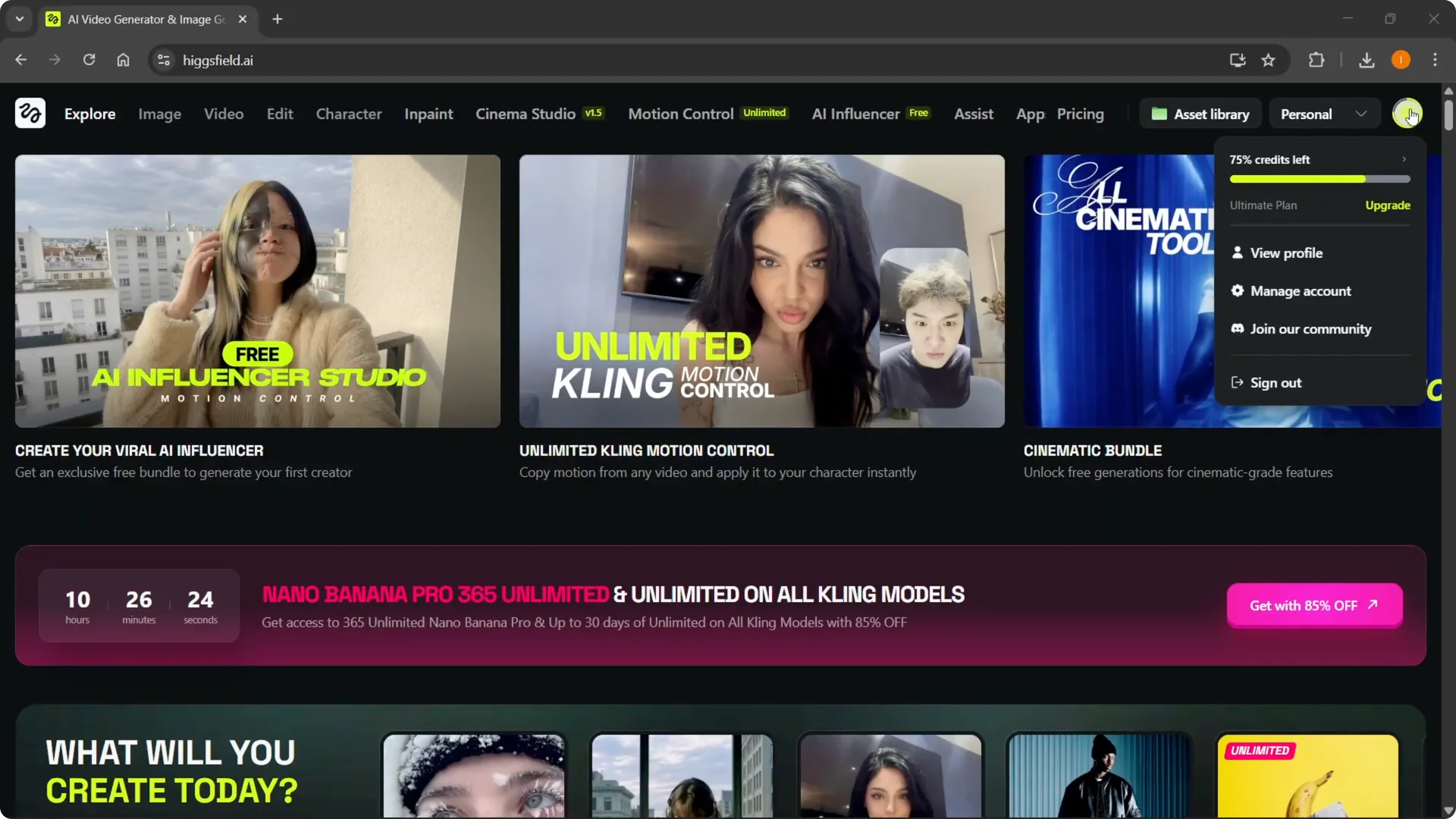
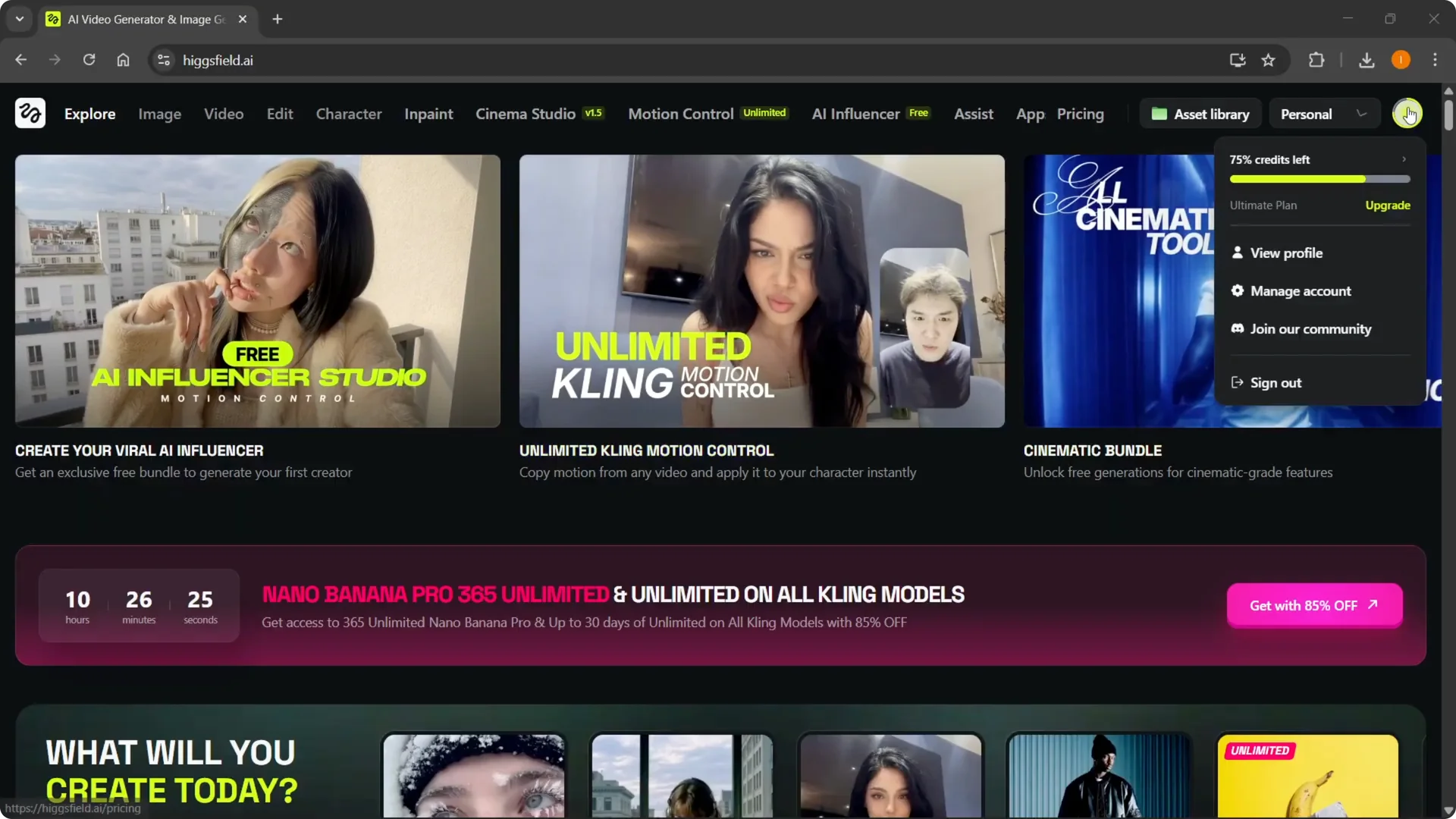
Step 2: Go to the top right and hover over where your account profile icon is.
Read More: Higgsfield Ai Zoom Out
Open settings
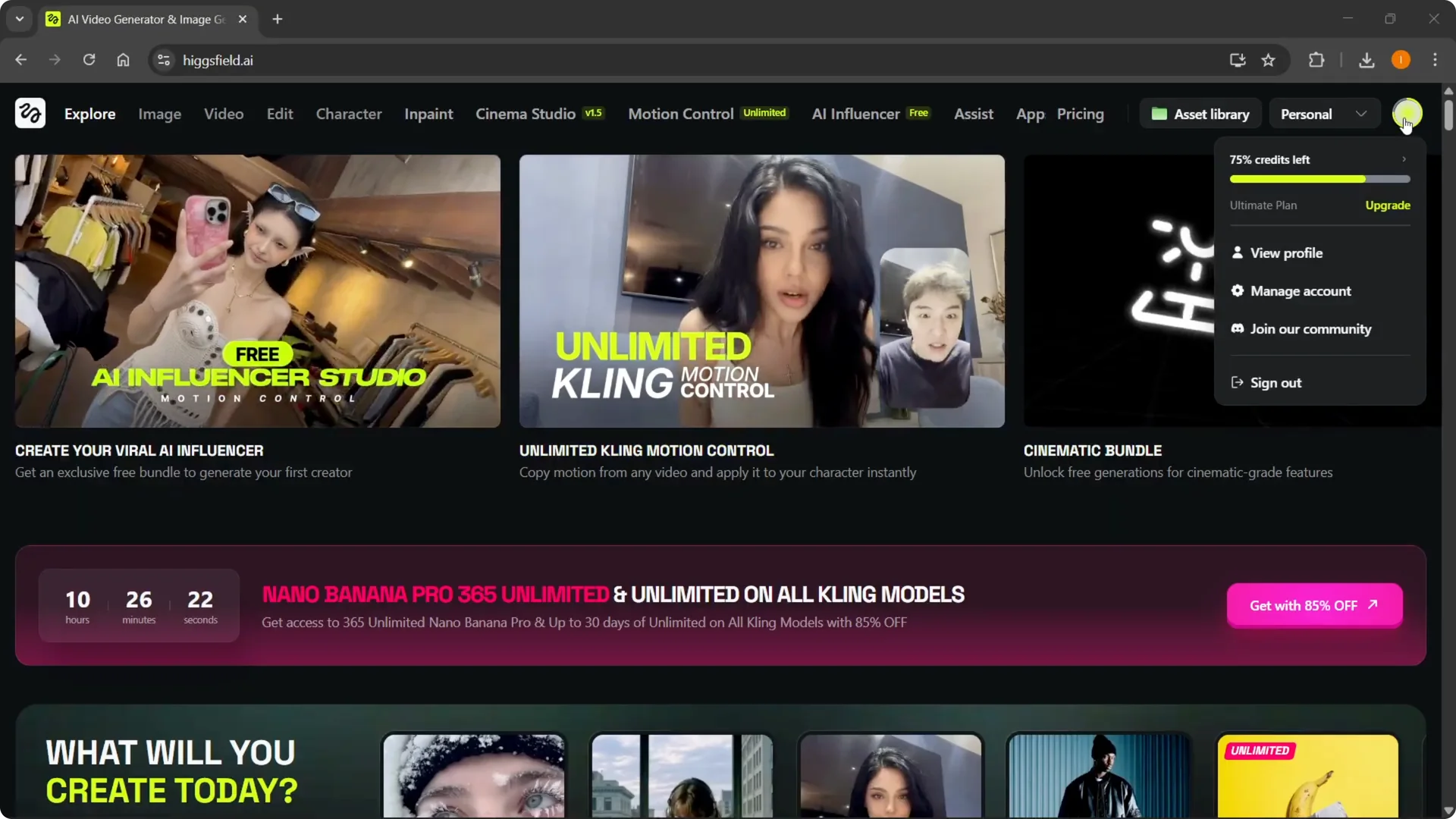
Step 3: Go into Manage account from here.
Read More: Upscale Video Quality Higgsfield
Start deletion
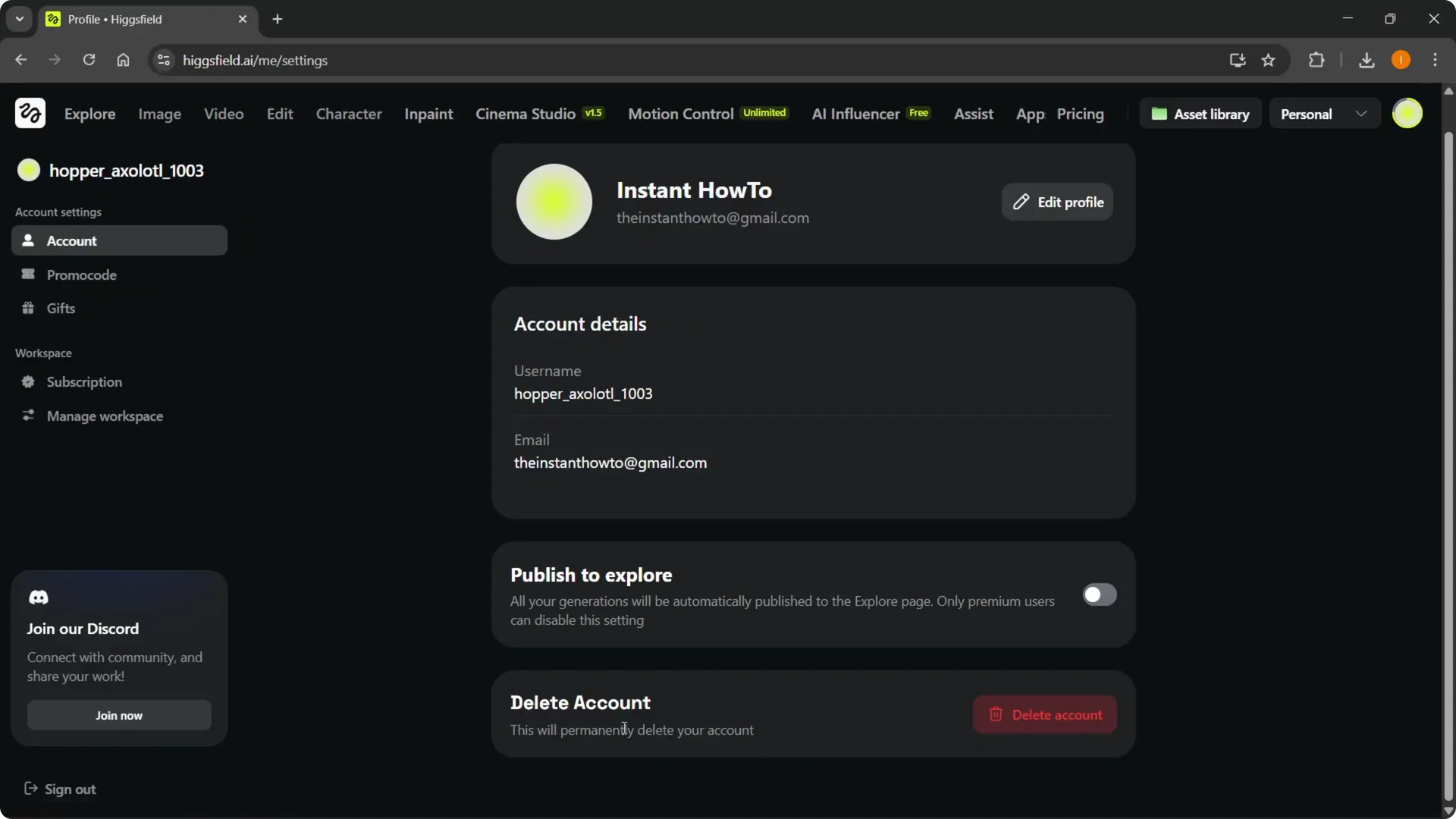
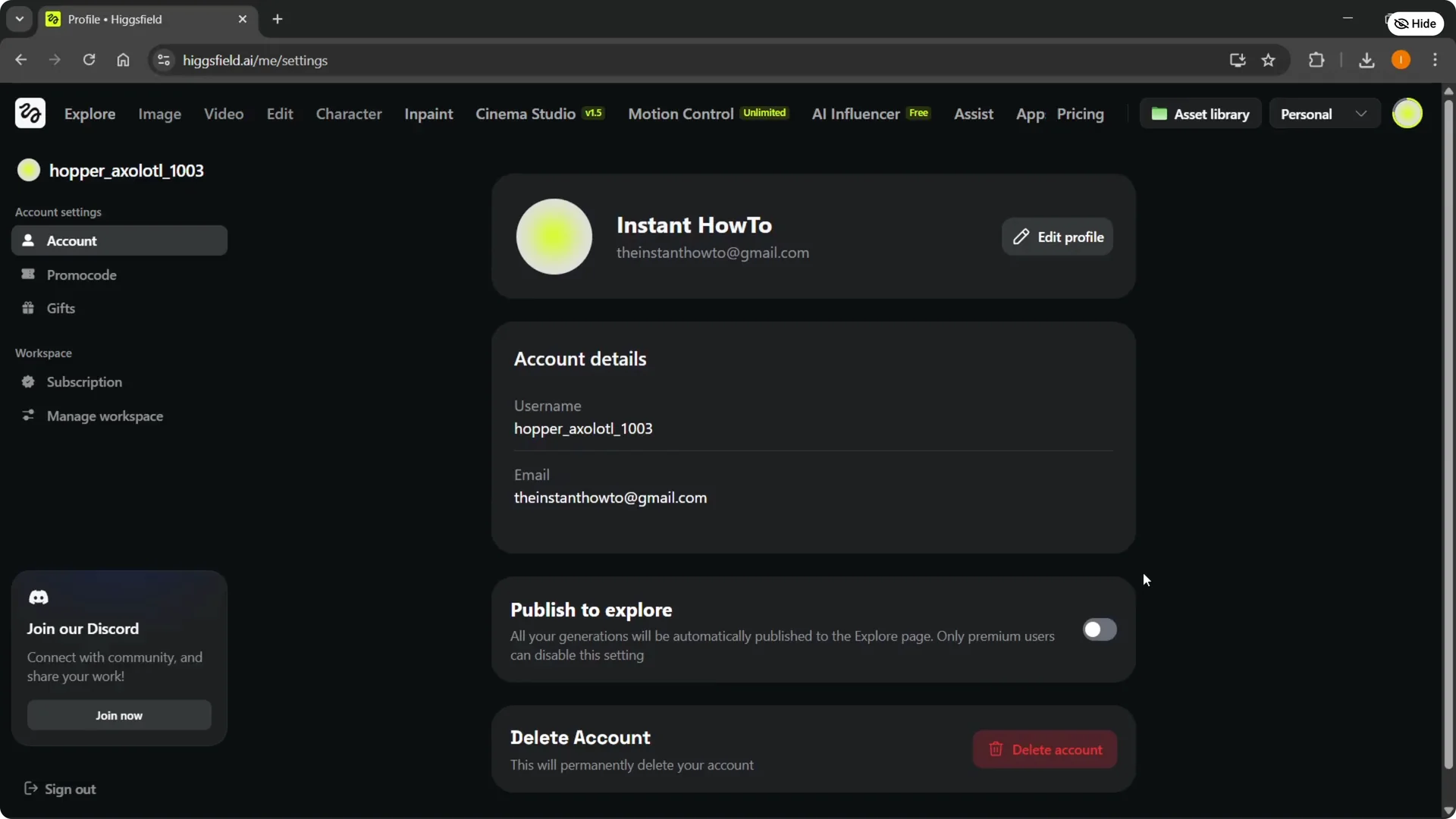
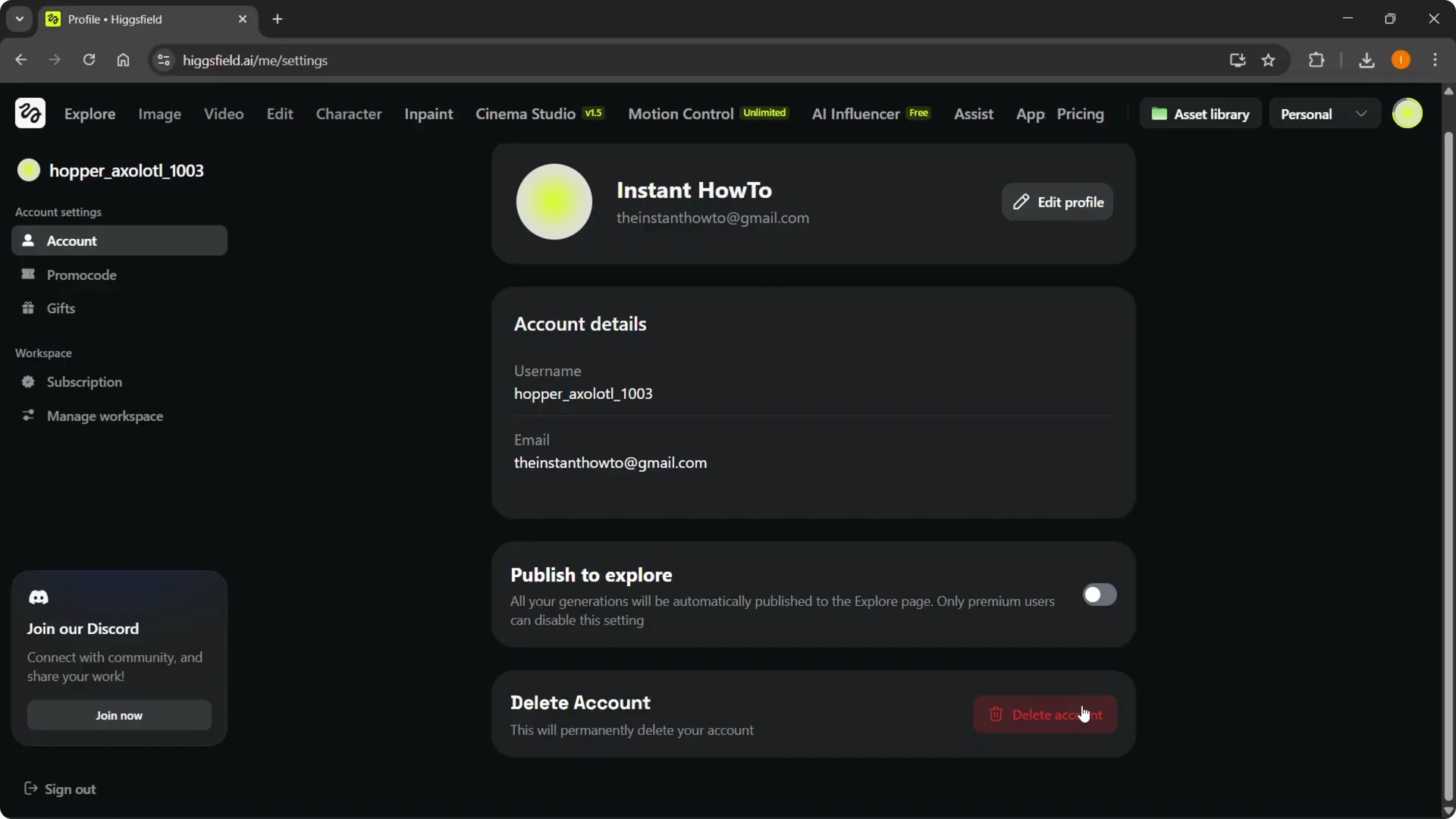
Step 4: At the bottom under Account, you’ll be able to see it says Delete account.
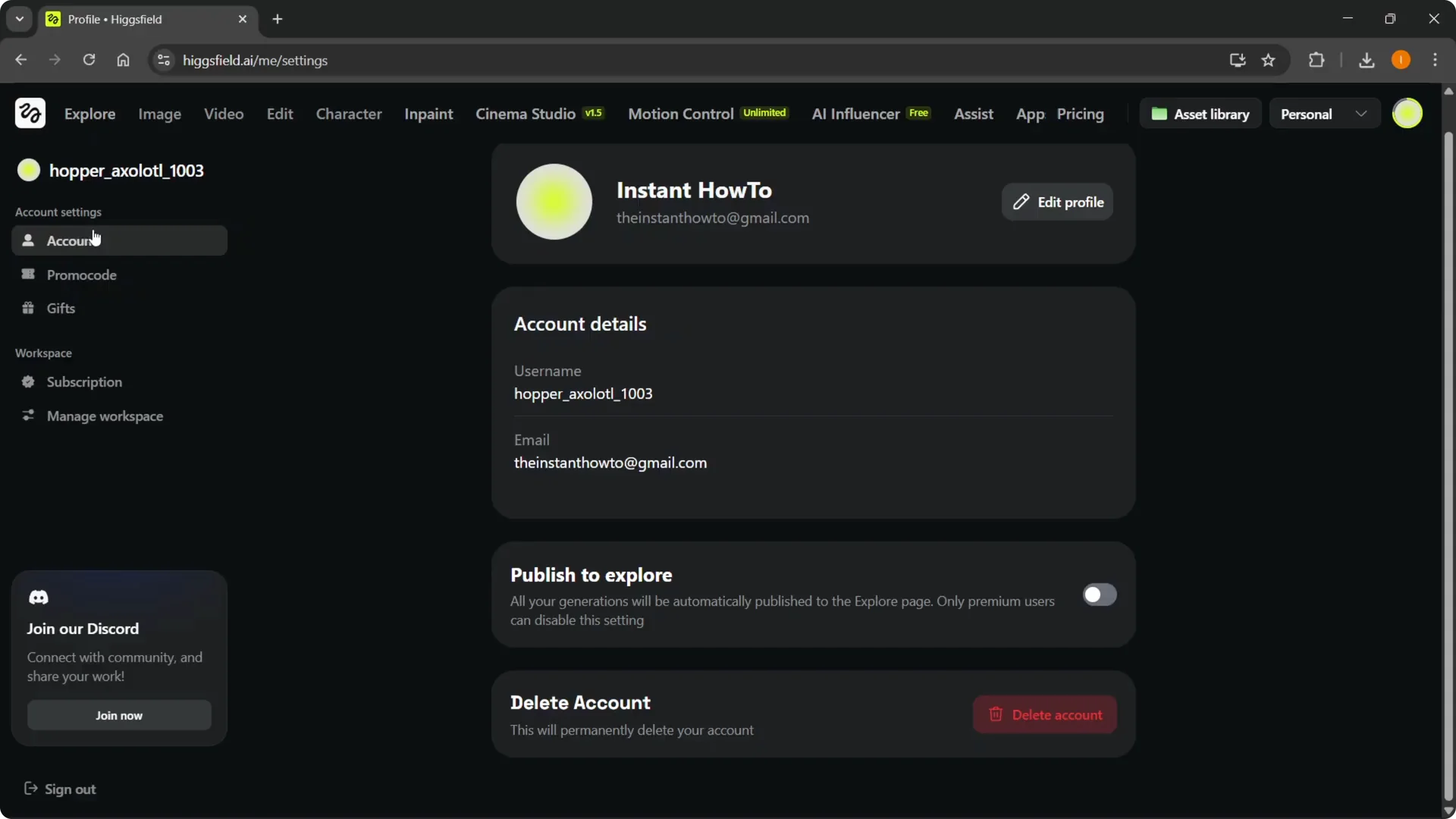
Step 5: This will permanently delete your account. Simply click on Delete account over here.
Confirm and finish
Step 6: You’ll have to confirm everything. After you do that, your account will be deleted.
Read More: Nano Banana Pro Higgsfield