I’m going to show you how to change your clothes using Higgsfield AI.
You are able to upload your image and change your clothes. It is very easy and very simple.
Higgsfield AI Stylist Tutorial: Getting Started
Access the AI Stylist
Step 1: Once you’re in your account, look to the top and you’ll find Apps right next to Pricing. Click on that and choose AI Stylist.
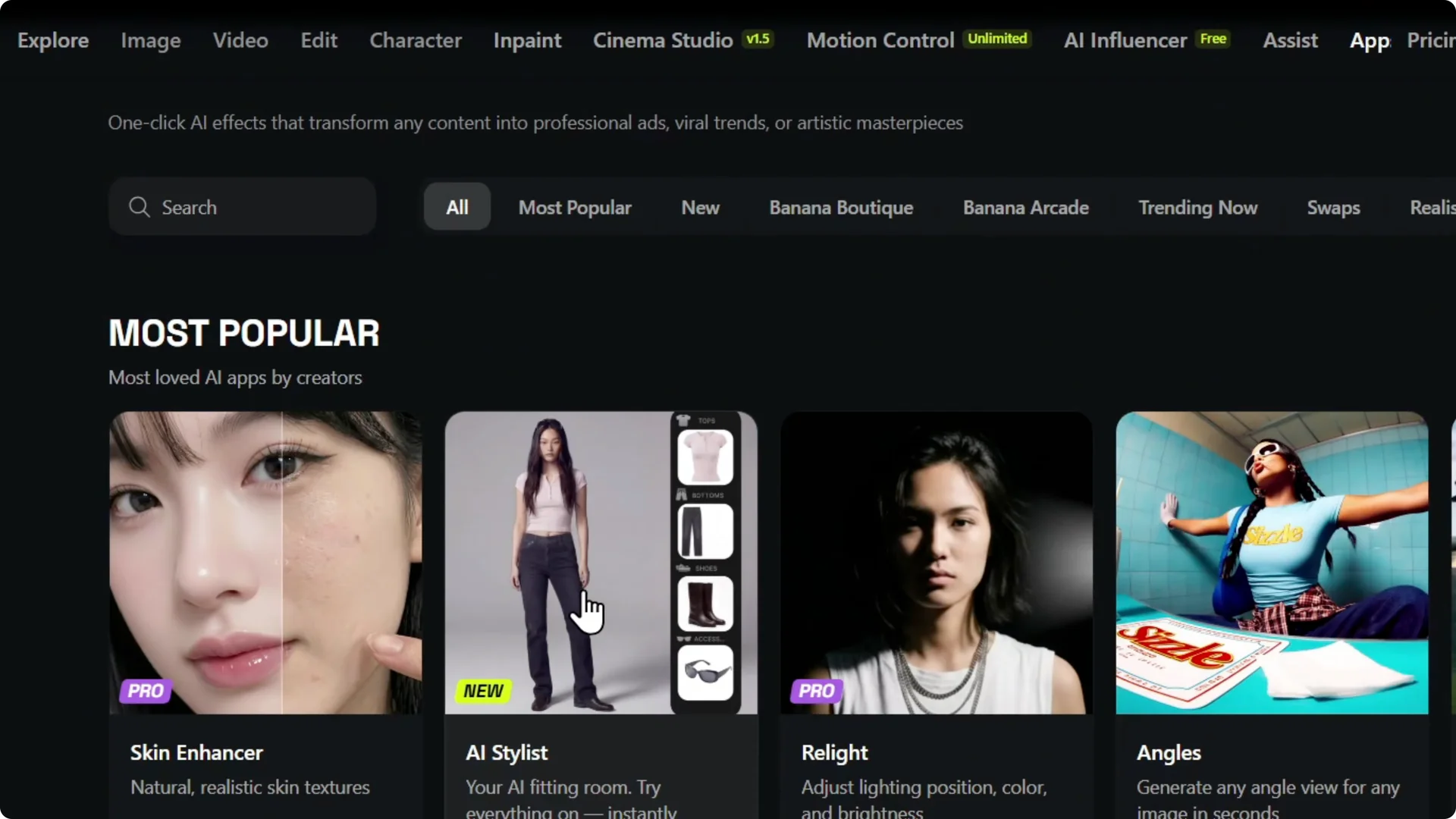
If you want to see other options too, check out other cool apps from Higgsfield AI.
Upload your image
Step 2: Click and upload your image. I’m going to use this picture right here, and here is my image.
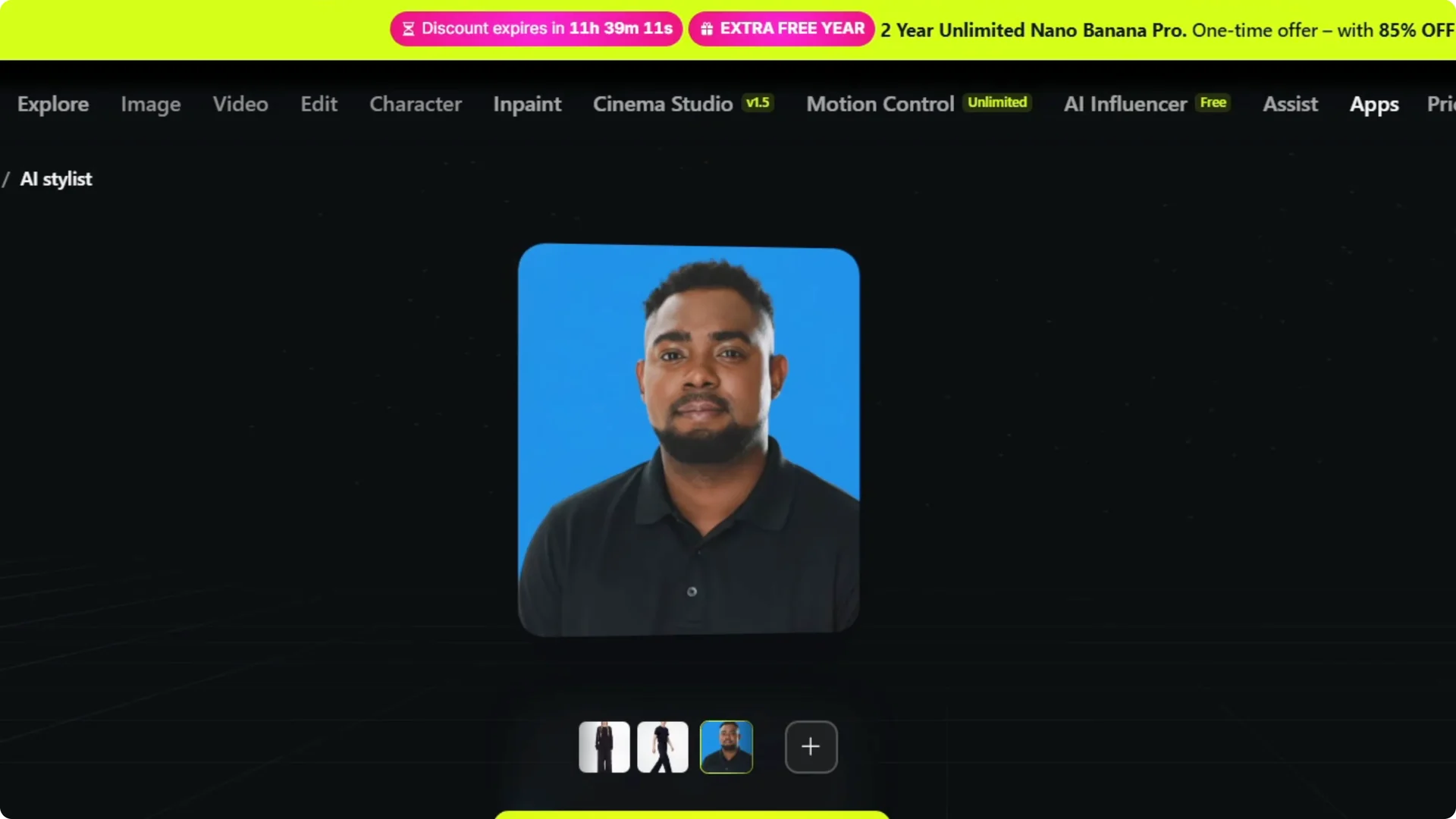
Choose clothing categories
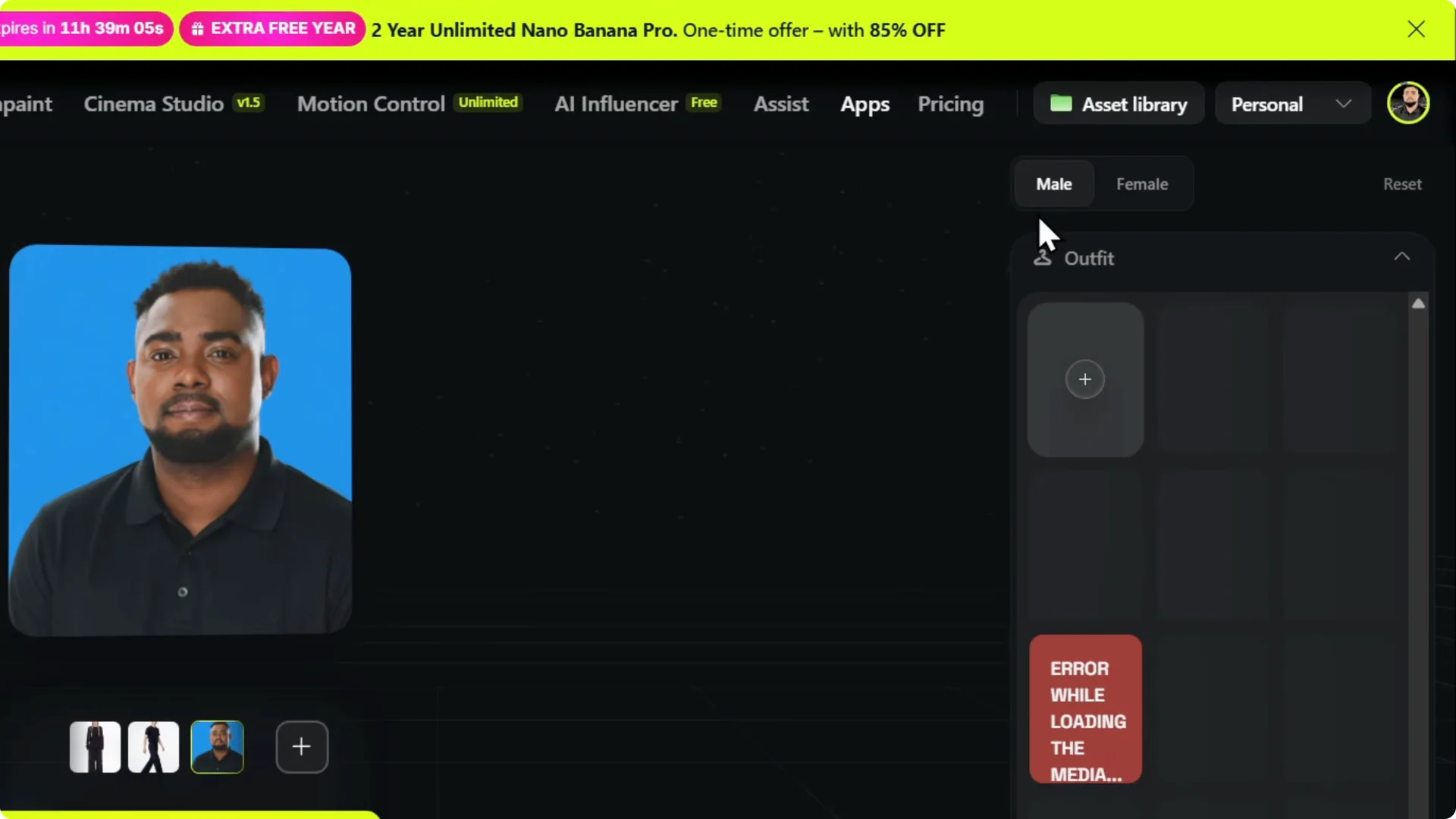
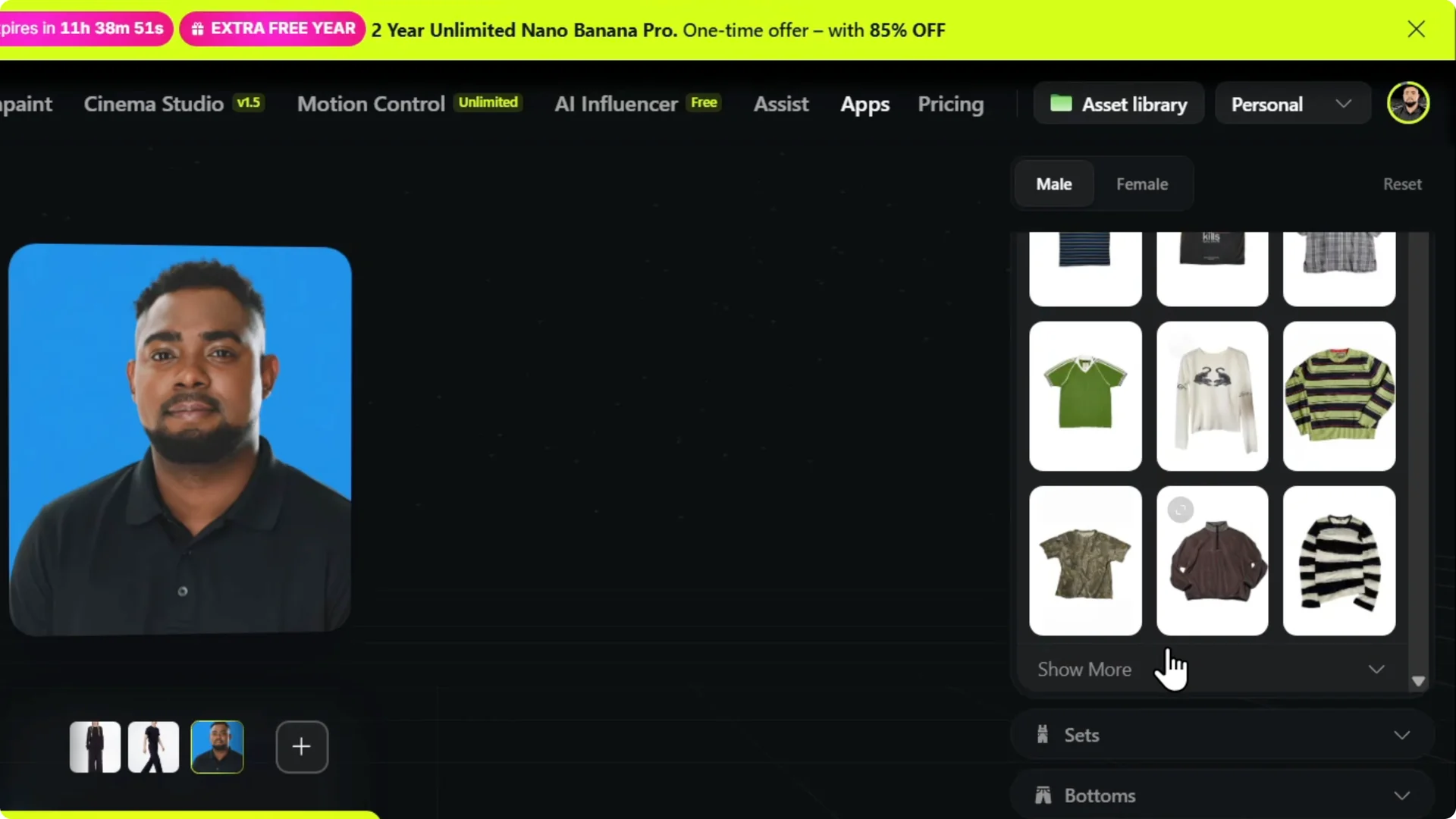
Step 3: Ensure that you switch from female to male clothing if needed. You’ll be able to see all the male clothing right here.
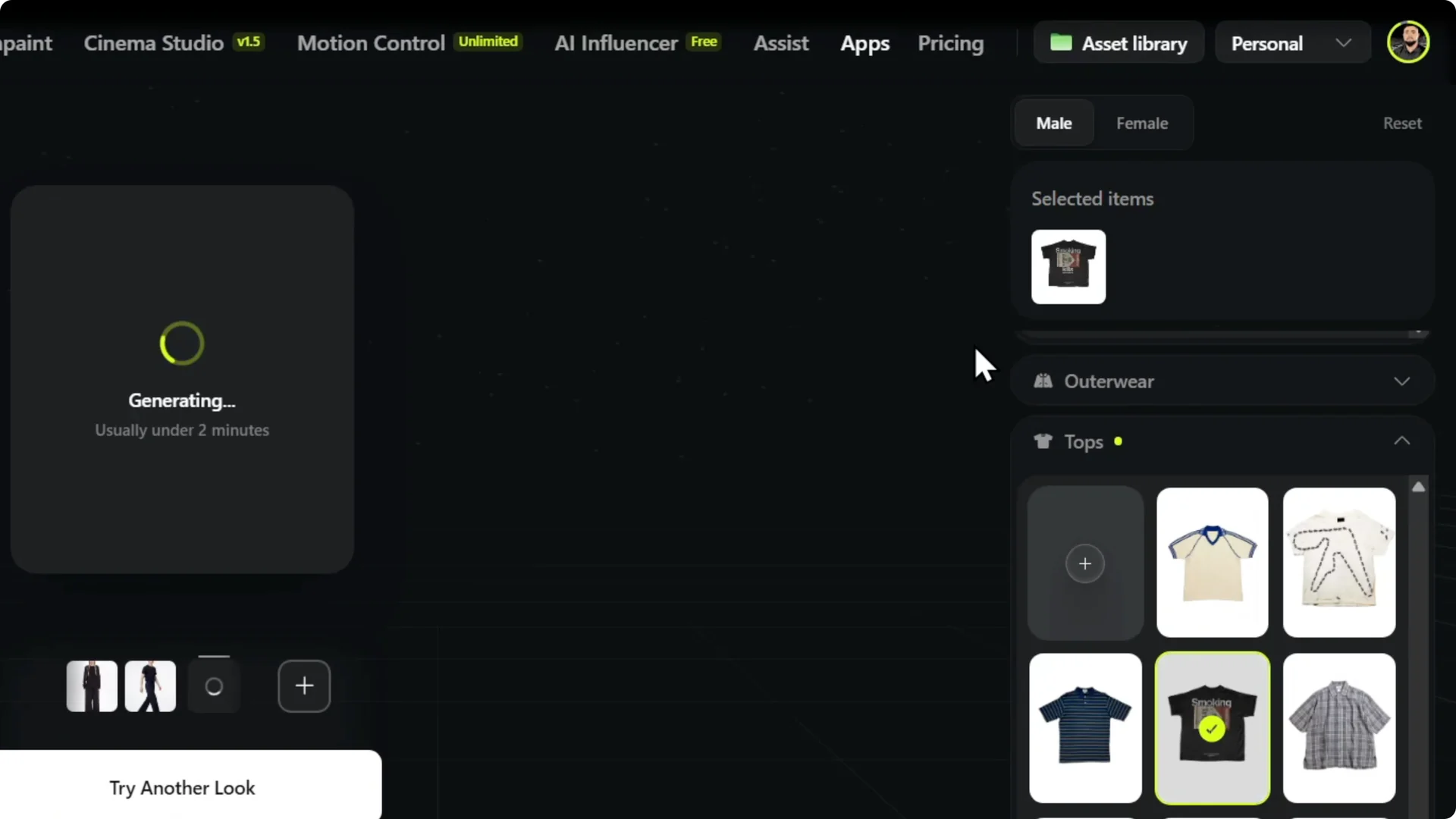
Step 4: You have clothes such as tops. In this case, I will need tops, so I can look to see what they offer.
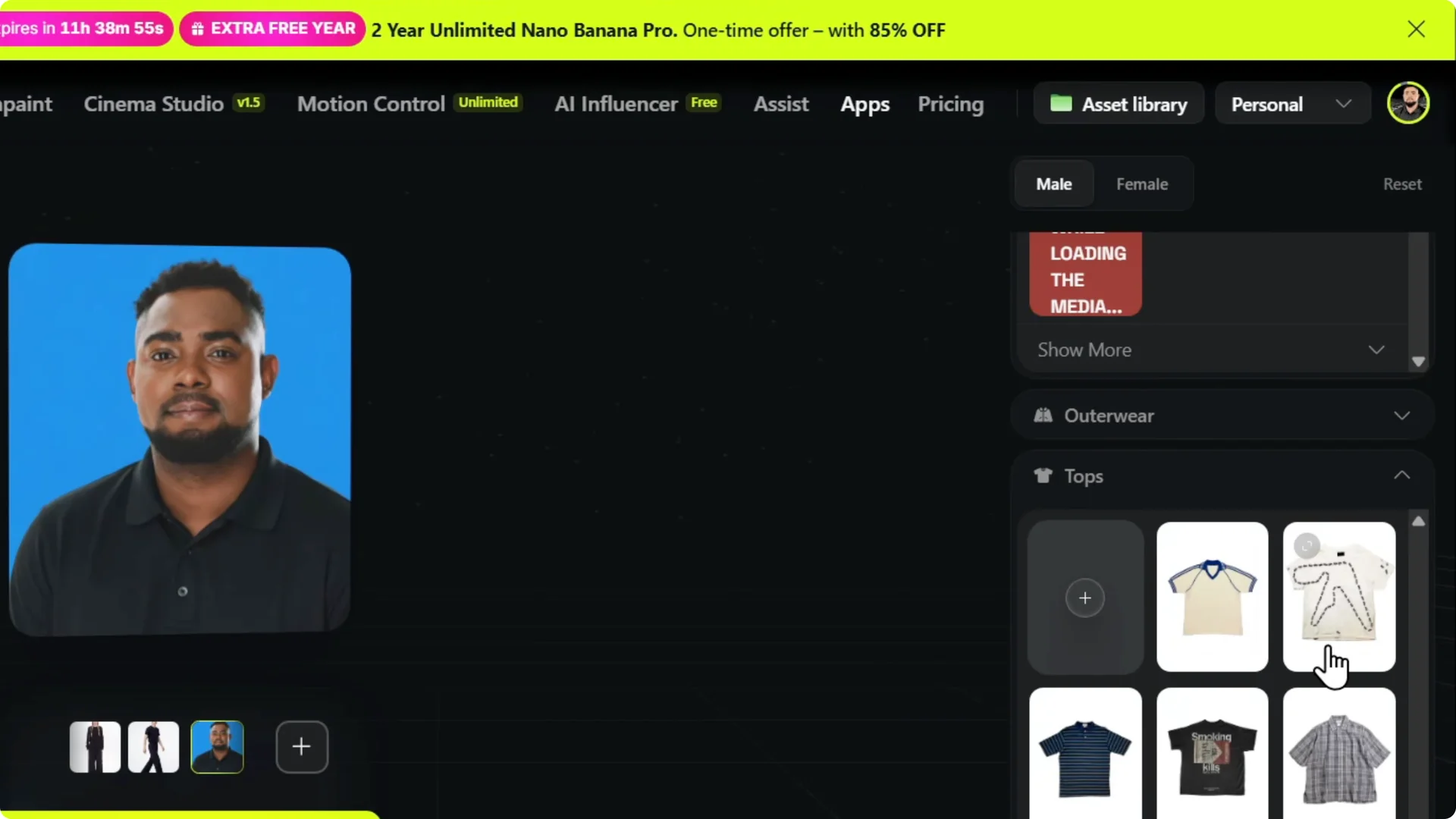
Step 5: There are a bunch of shirts and stuff that I can choose from. Let’s say I want to use this one.
Generate the outfit
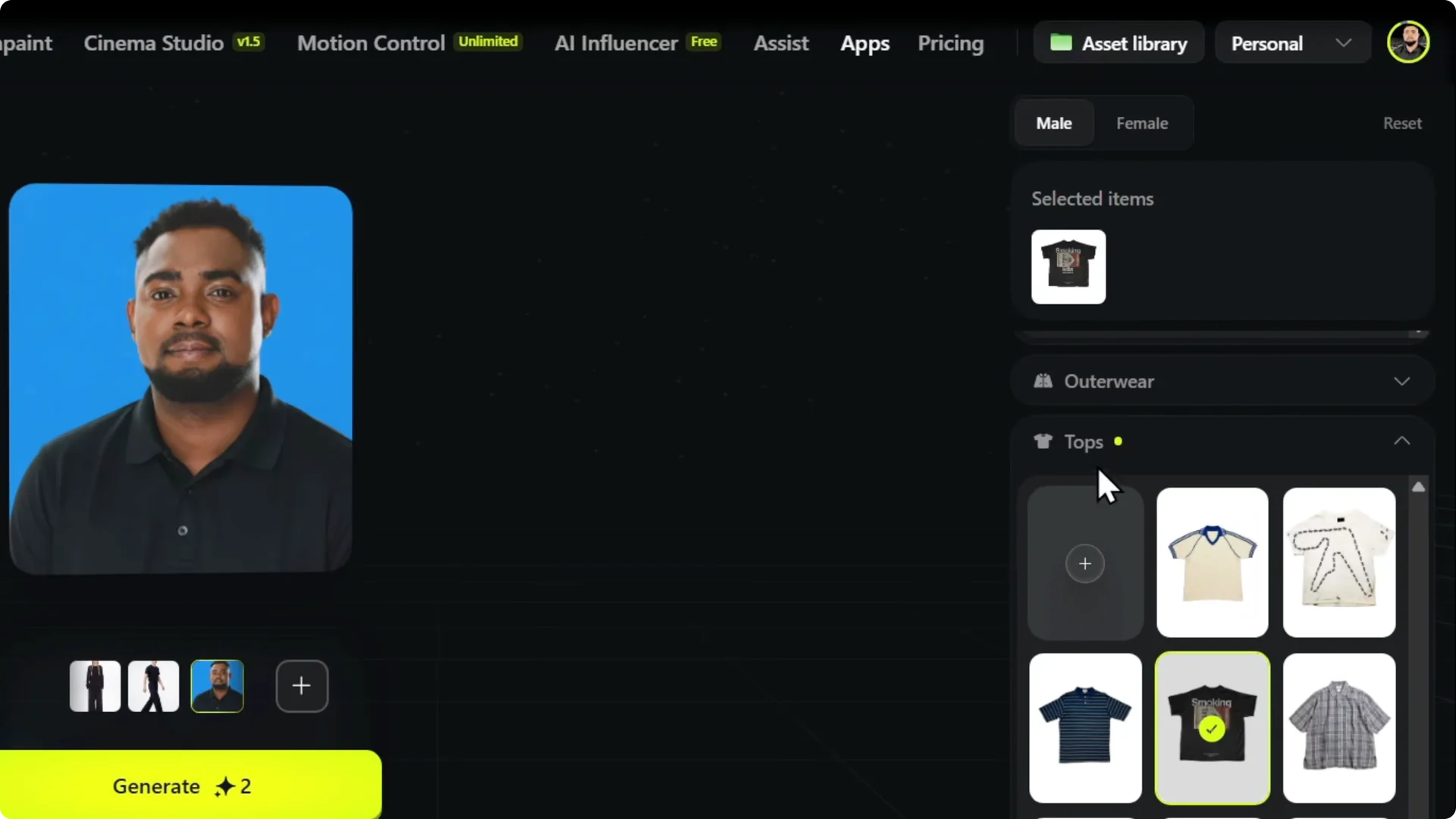
Step 6: Click on the shirt you like. You can see that I select the shirt and I can just click Generate.
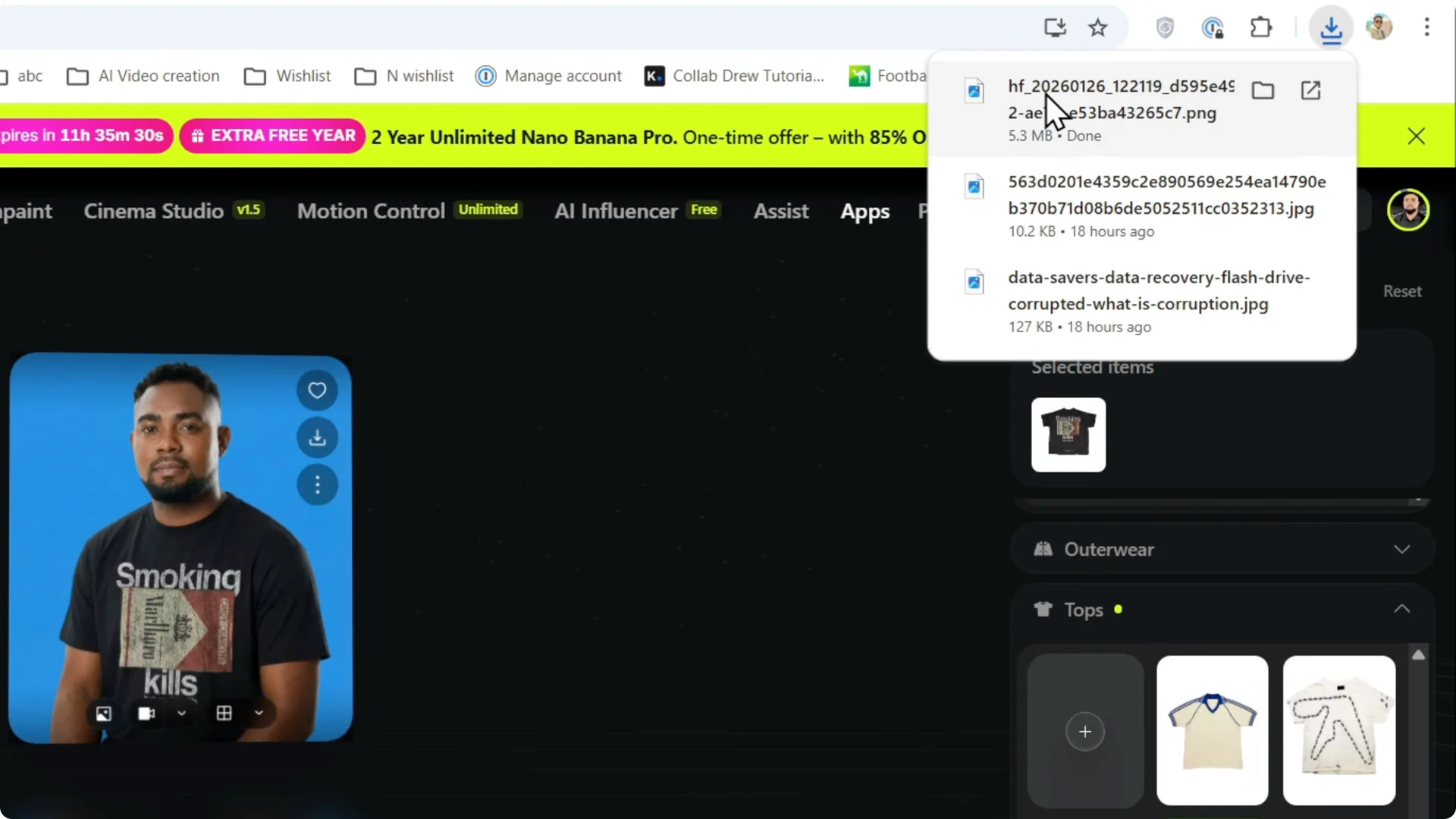
Step 7: It will generate me in this shirt. If you like what you get, you can click on Download and download the image.
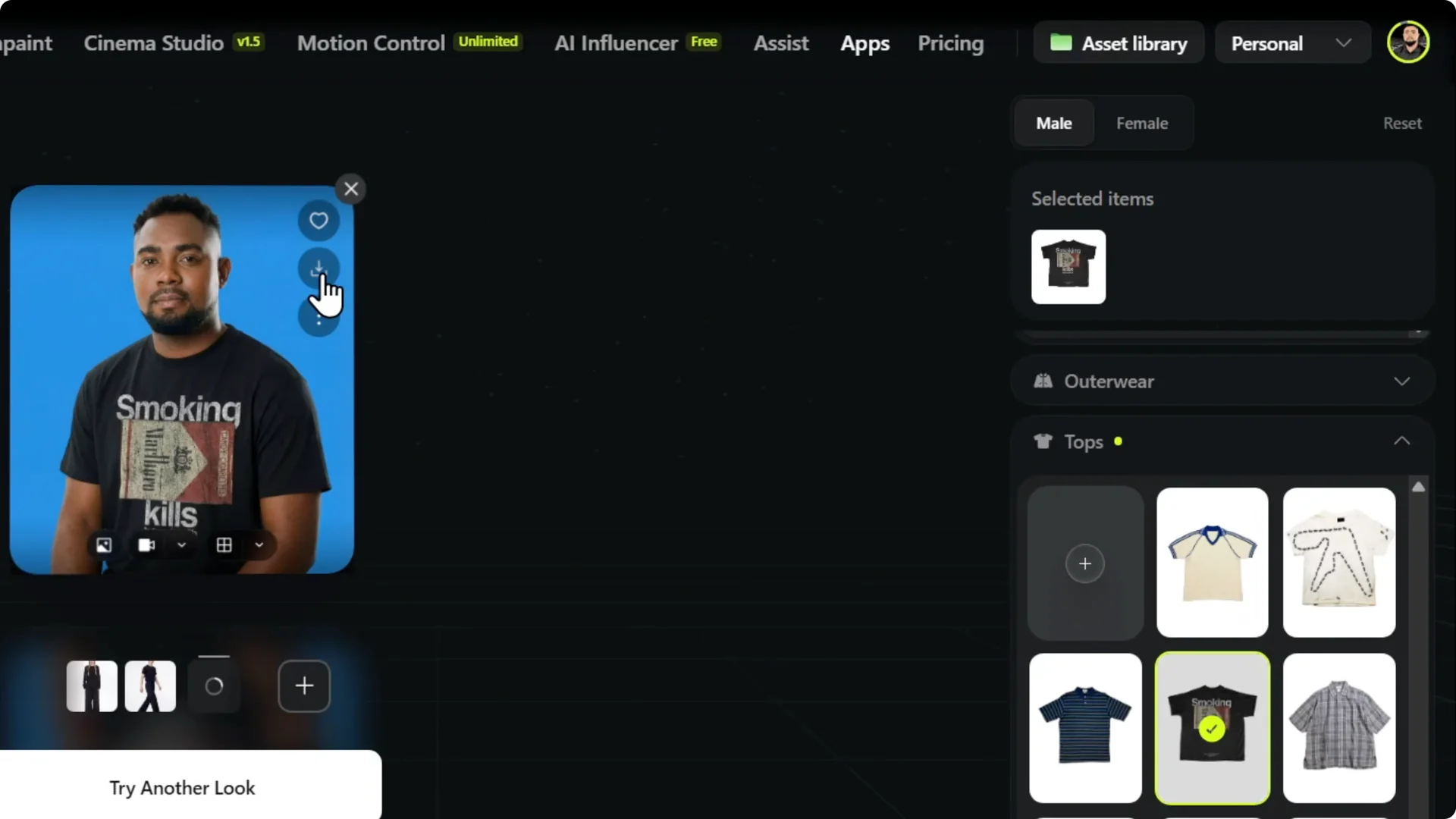
Step 8: You can see that the AI will improve your image, even give you much better style. I must say that I love it.
If you’re working with product photos, see how AI can transform ecommerce images for a cleaner look.
Alternative approach
Step 9: If you don’t like this approach or you think this is limited, you can upload your image, edit your image, and easily use AI to change your clothes. This is limited to what you can put yourself in in terms of the categories, but it is something.
Read More: consistent characters and storyboards
Final Thoughts – Higgsfield AI Stylist Tutorial
That’s how you can use the AI Stylist to change your clothes in Higgsfield. Pick what you like, generate the result, and download the image.