I am going to show you how to link your Instagram account to your Higgsfield account. This takes just a moment and keeps everything simple.
If you still need to create your account first, follow this quick guide to create a Higgsfield account.
Higgsfield Instagram Integration
Start
Step 1: Hover over your account on the upper right and click on Manage Account. This opens your account settings.
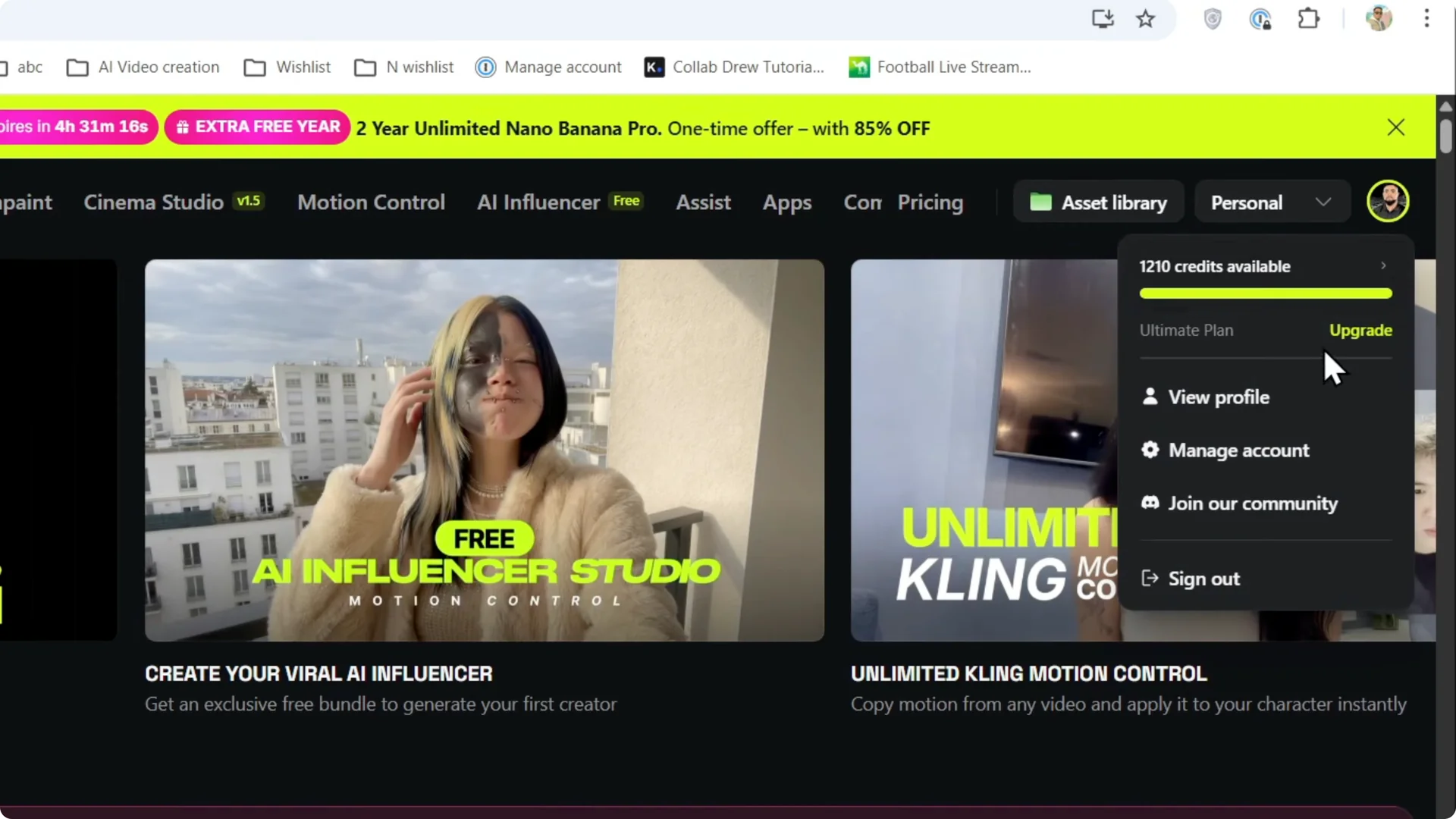
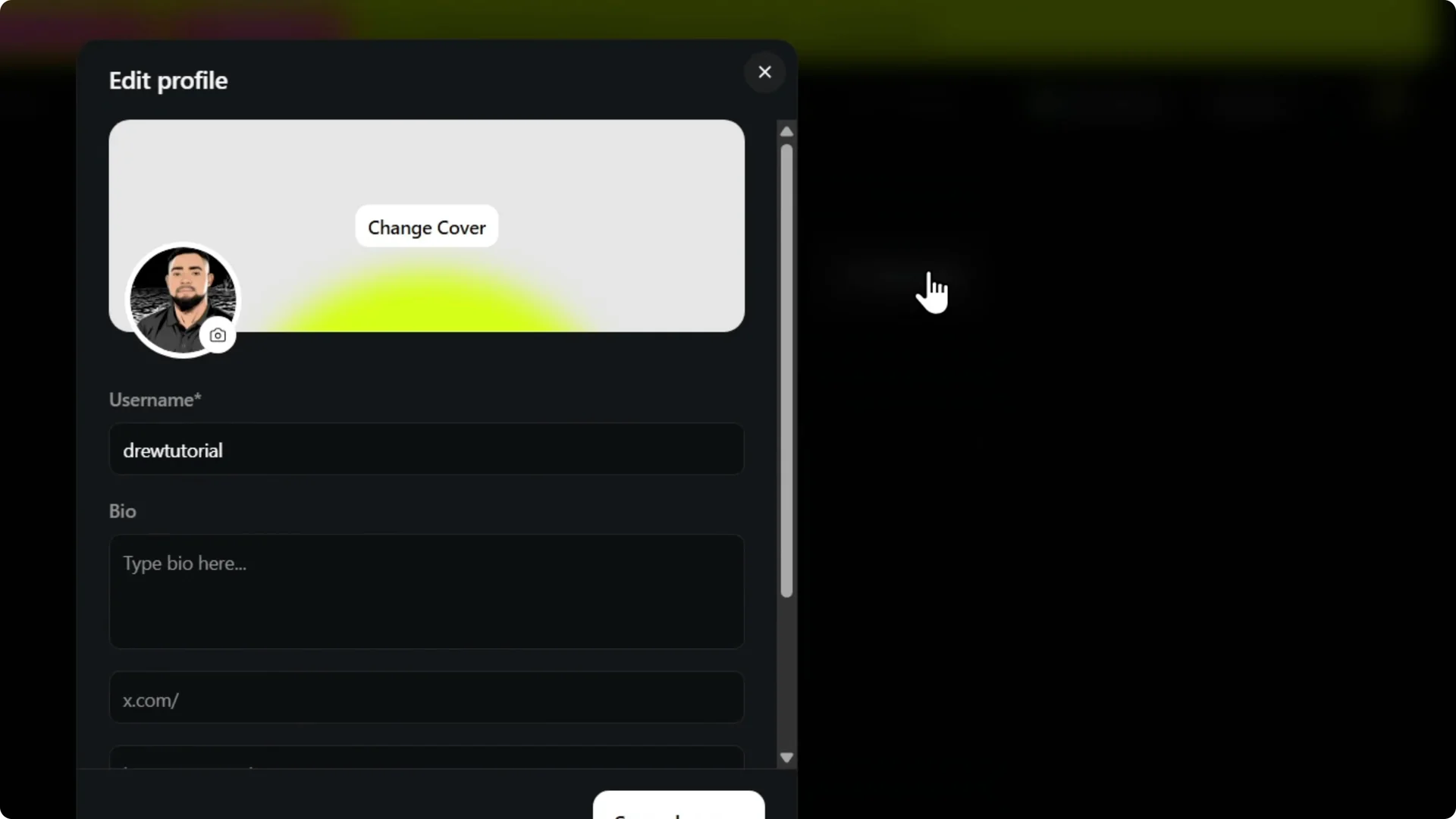
Step 2: Click on Edit Profile. This is where you can update connected profiles.
If you plan to collaborate with others, you can also set up a team in Higgsfield so everyone stays organized.
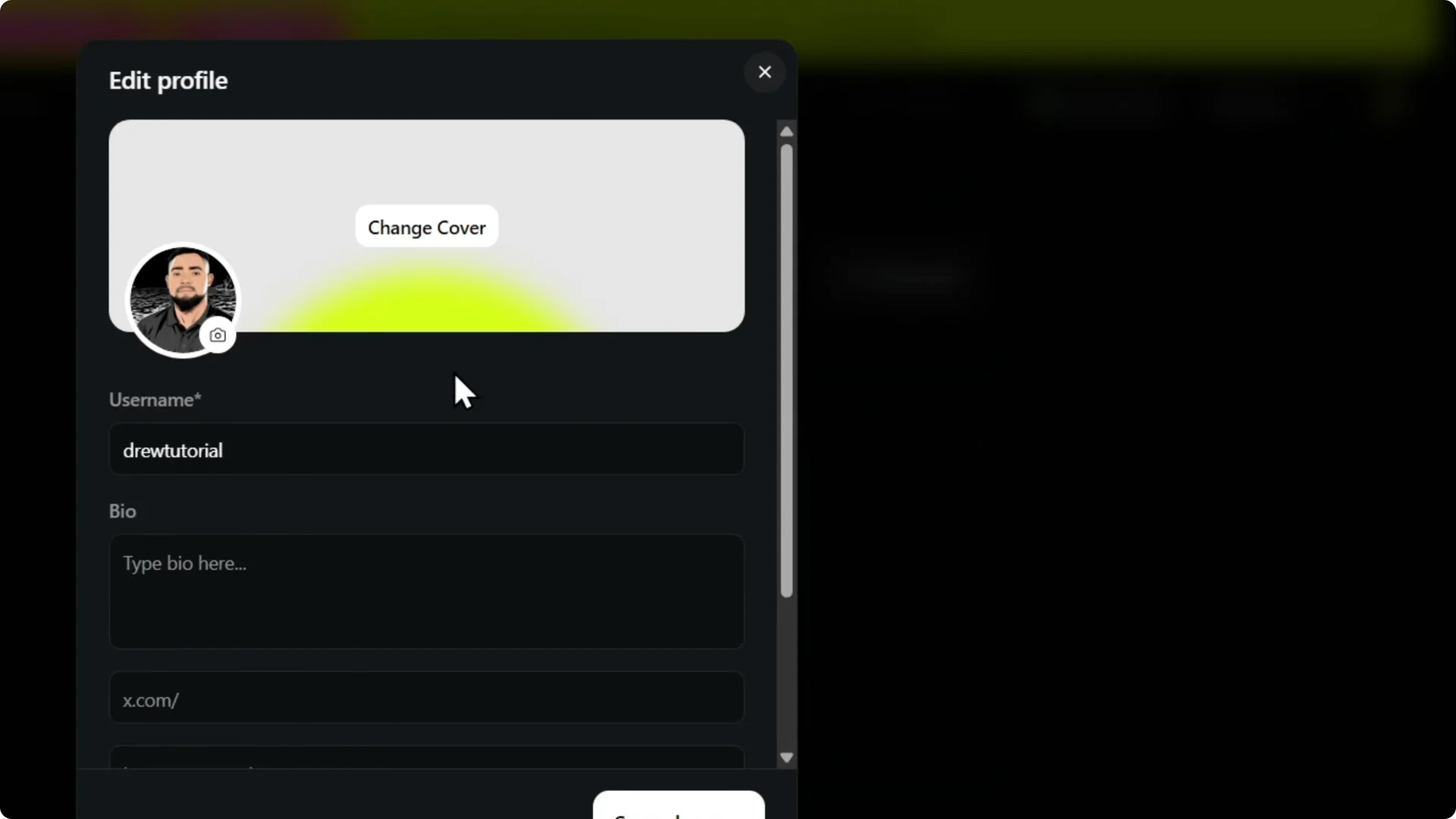
Step 3: Scroll down and you will find the option for Instagram. It sits in the social section of your profile.
Finish
Step 4: Add your Instagram username and click on Save Changes. Make sure the username matches your Instagram handle.
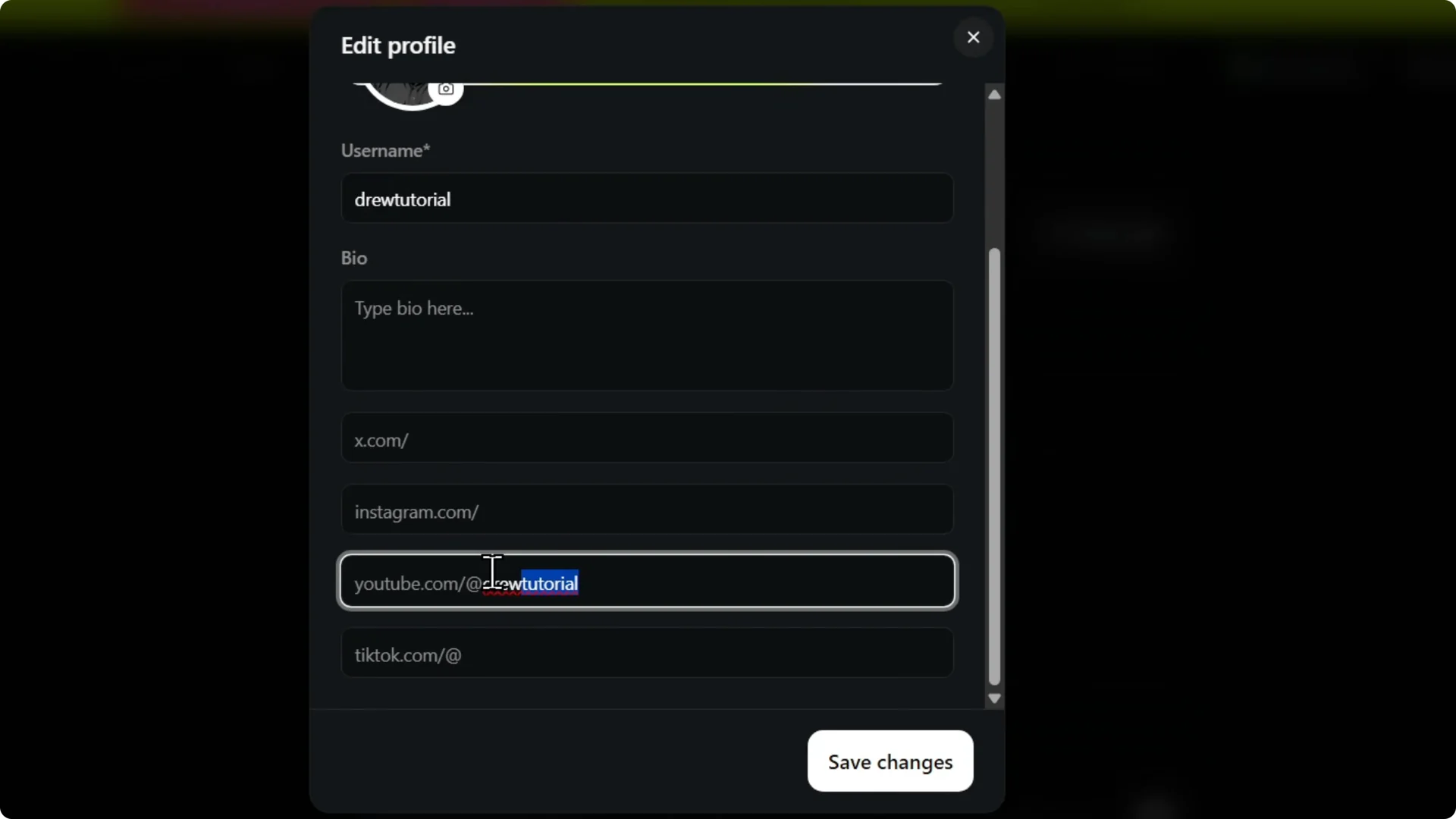
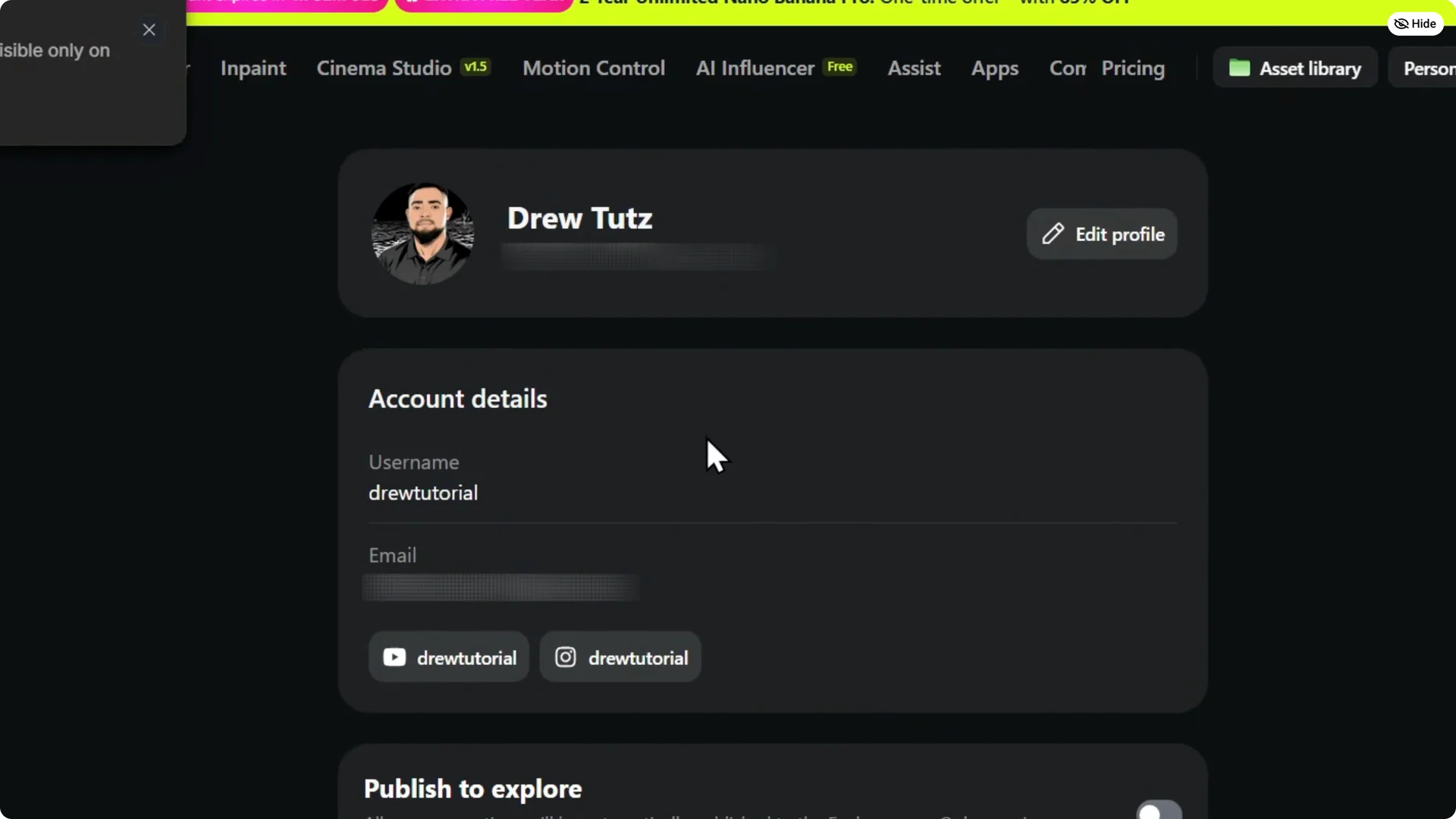
Step 5: That is it. Your Instagram will now be linked to Higgsfield. Very easy and very simple.
If you work on videos inside Higgsfield, here is a helpful guide to make smoother videos once you are set up.
Final Thoughts
You can link Instagram to Higgsfield in a few clicks. Go to Manage Account, open Edit Profile, find Instagram, add your username, and save. That is all you need.