I am going to show you how to create a Higgsfield AI account. It is very easy and only takes a few minutes.
You can follow along with the same choices I make or pick the options that fit your use case.
Higgsfield AI Account Setup: Sign up
Step 1: Head over to higgsfield.ai.
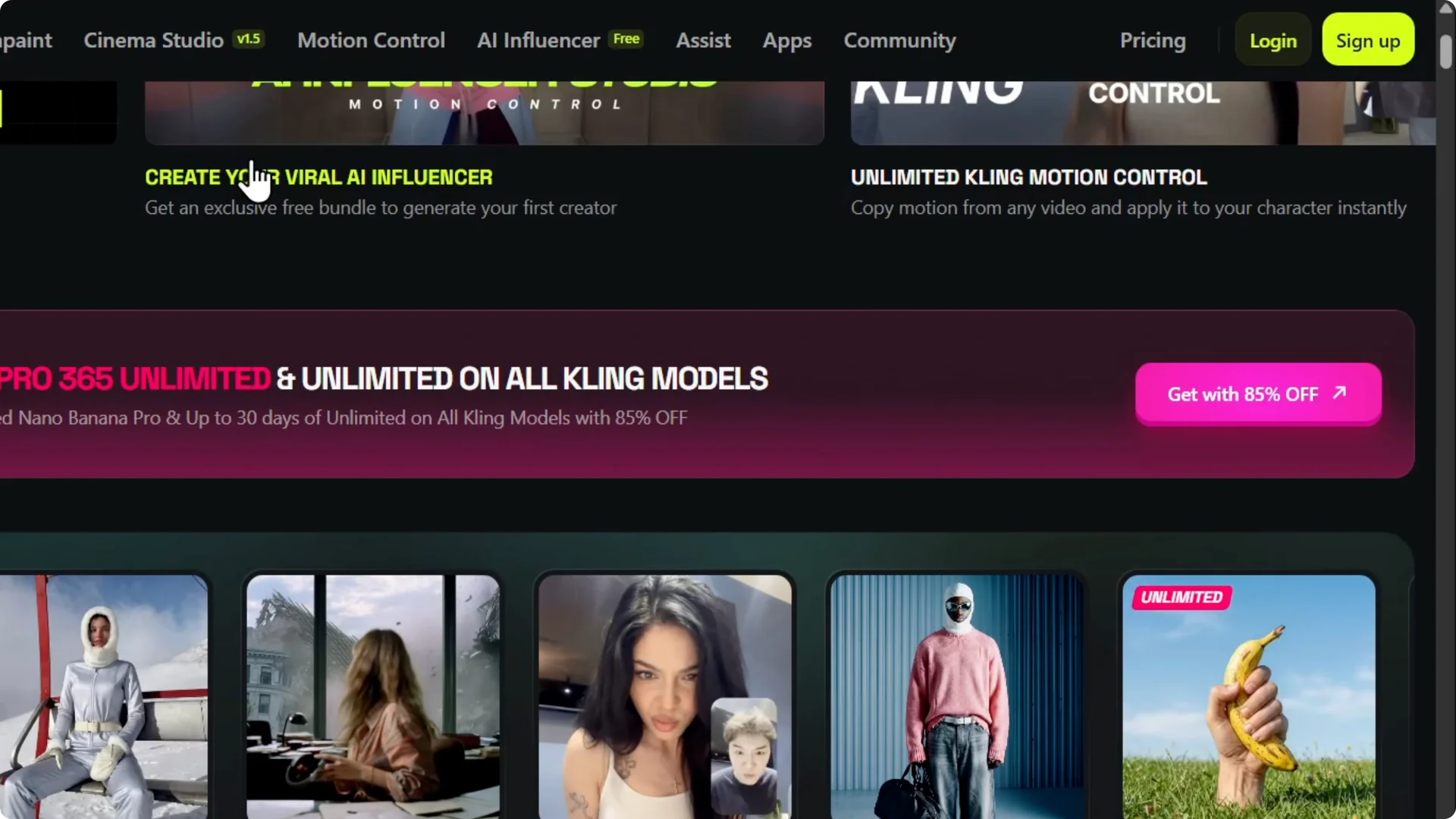
Step 2: Click Sign up on the upper right.
Step 3: Choose a sign in method. You can continue with Google, Apple, or Microsoft.
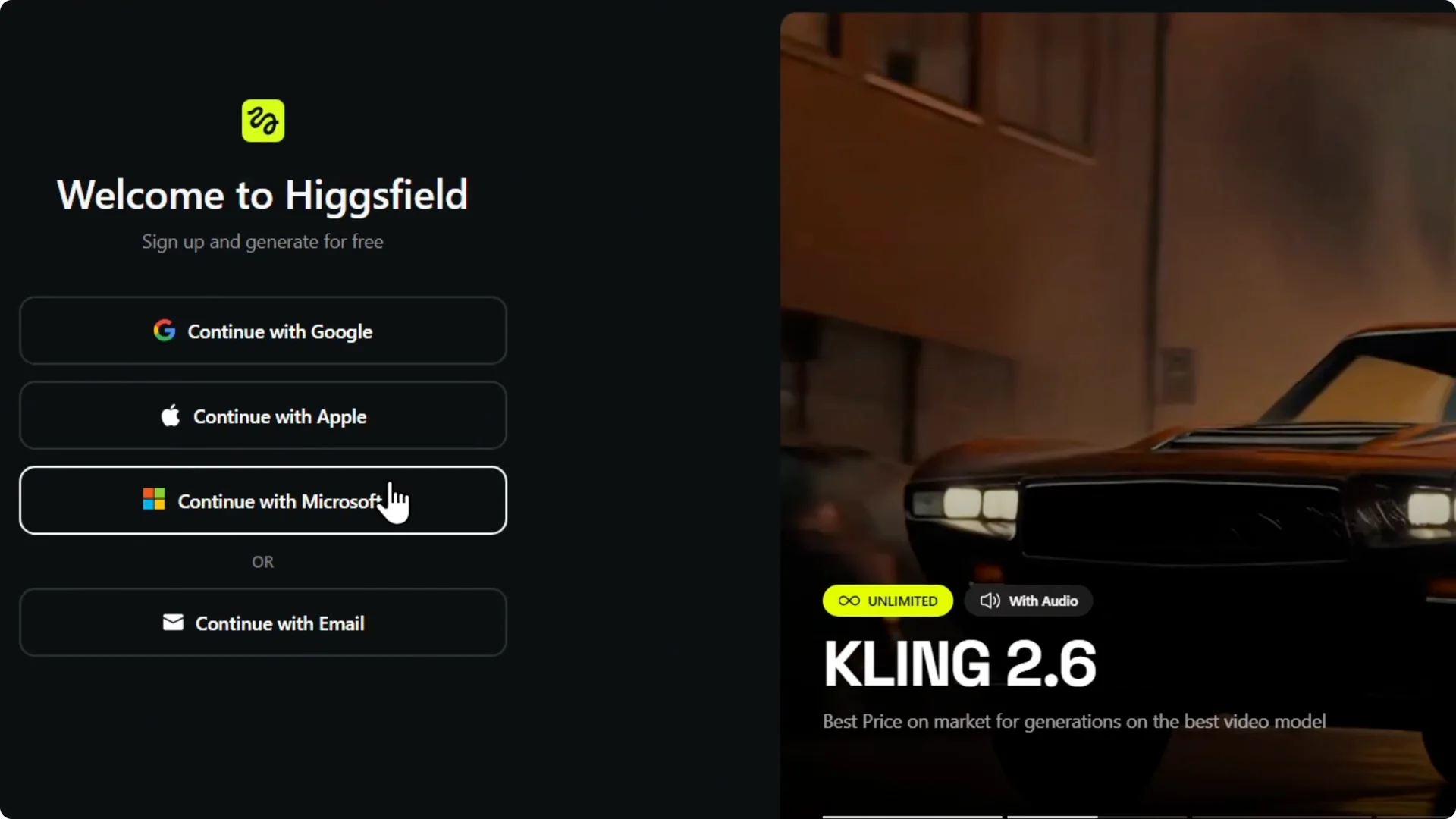
Step 4: You can also continue with email. Enter your work email or any other email address.
Step 5: I use my Google account here. Select your email and click Continue.
Step 6: You may see a short wait message. Verify your email if it asks you to.
When you are ready to create visuals, check out this guide to create stunning images in Higgsfield.
Higgsfield AI Account Setup: Onboarding
Step 1: Answer how you plan to use Higgsfield. I choose education and learning.
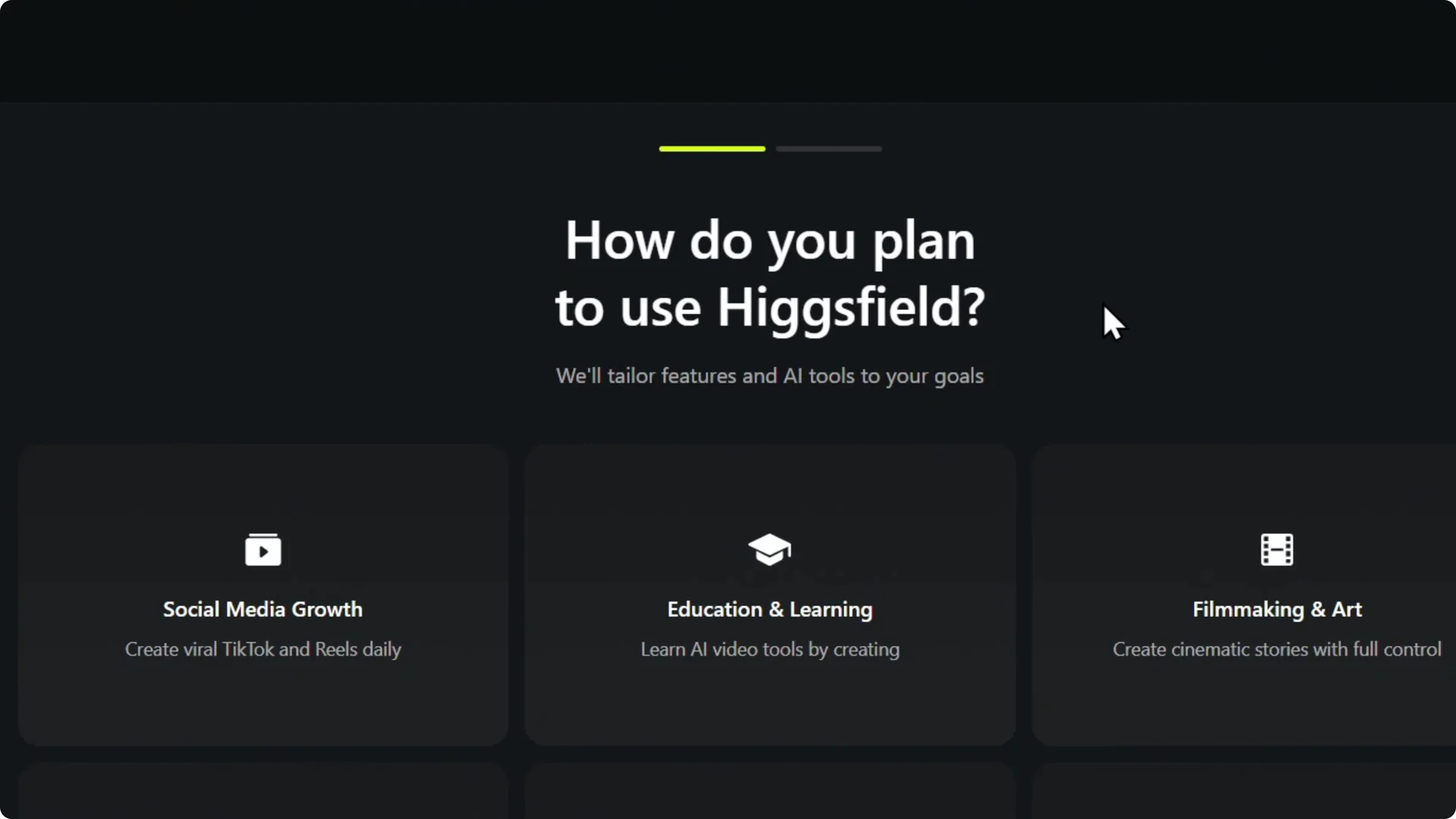
Step 2: Share your experience level with AI generation. I select intermediate.
Step 3: Indicate your company size. I choose solo creator.
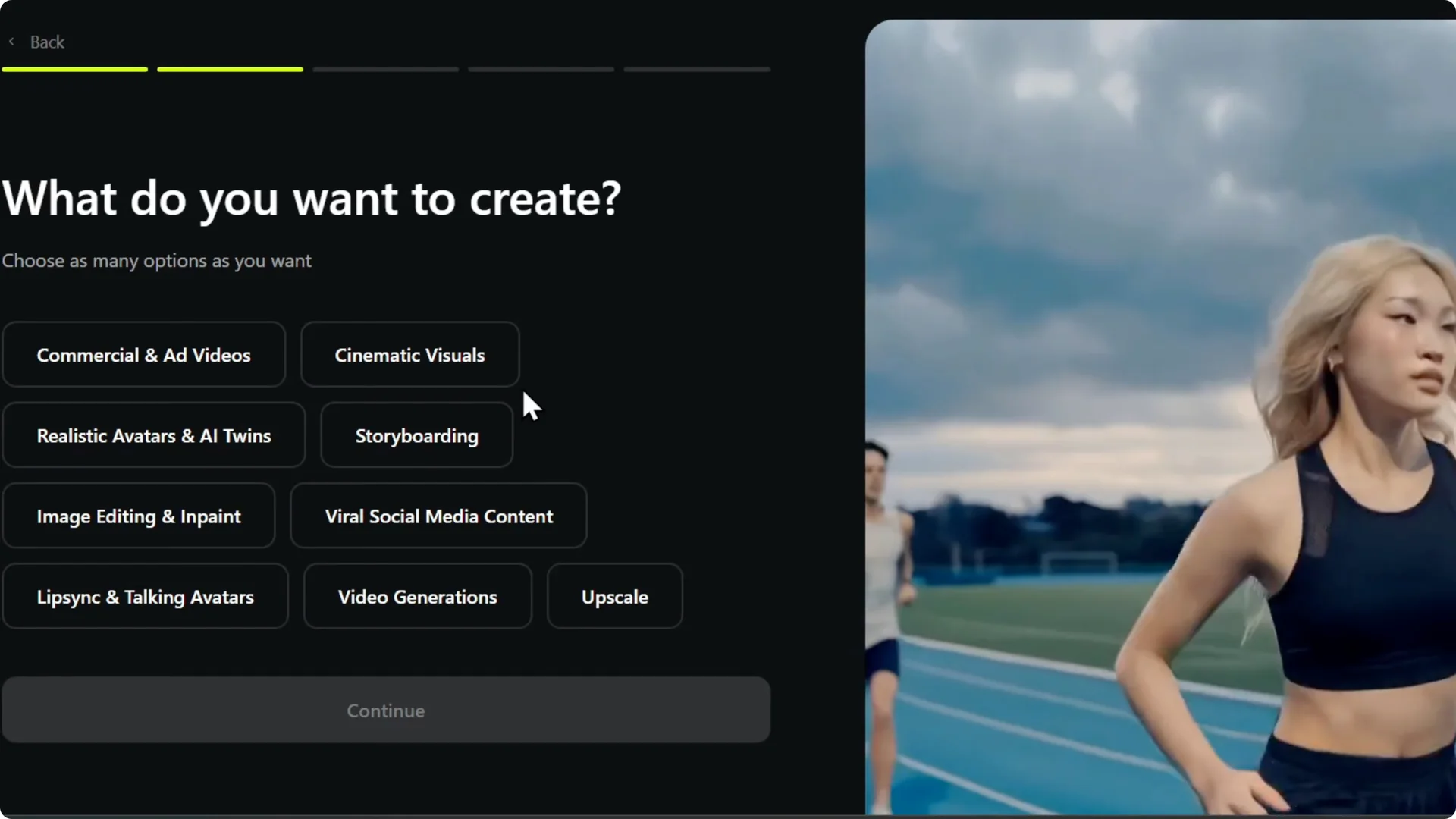
Step 4: Pick what you want to create. I choose cinematic visuals and click Continue.
Step 5: Answer how you heard about the platform. I say Google search.
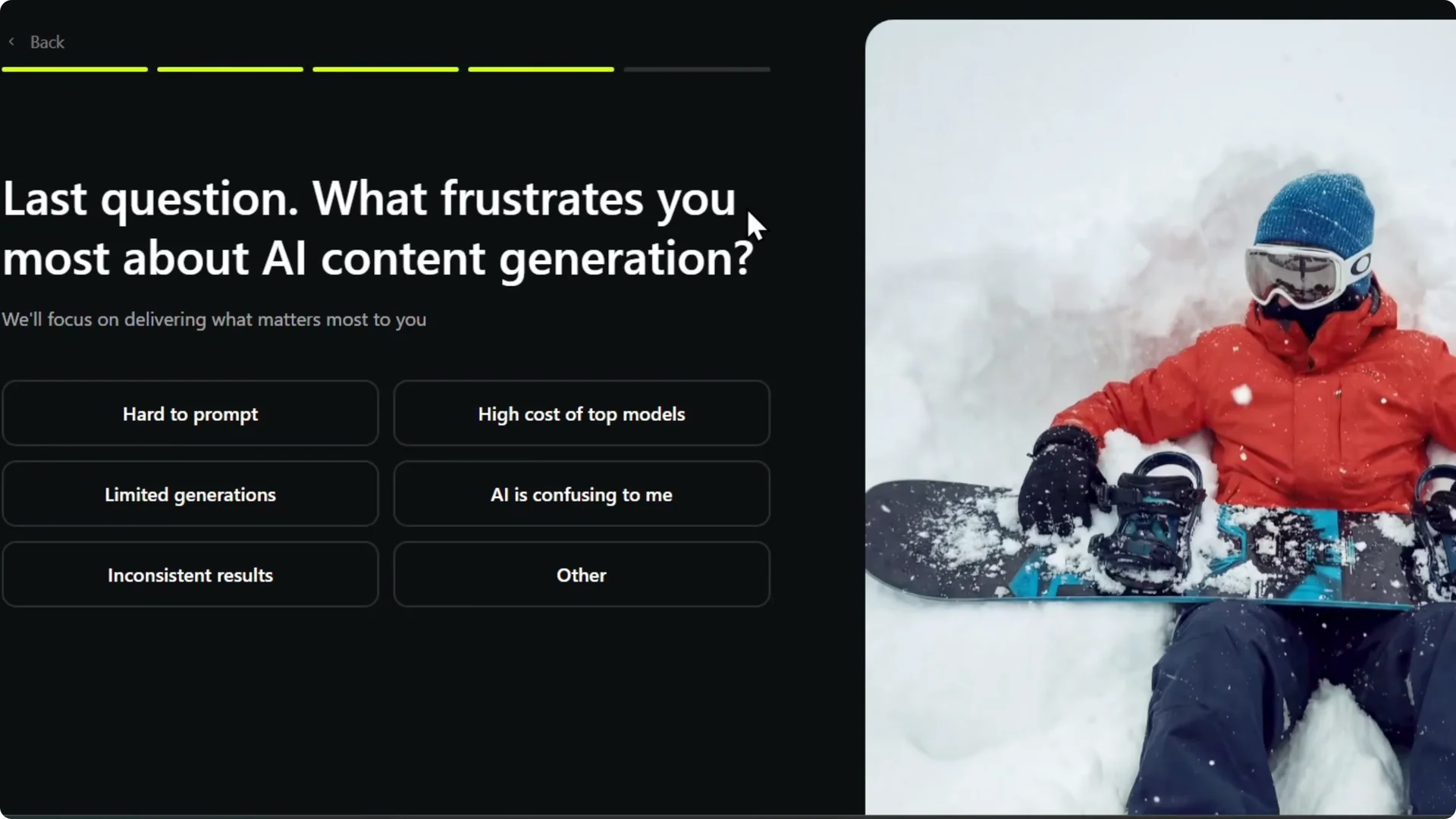
Step 6: Share what frustrates you the most. I choose inconsistent results or limited generation.
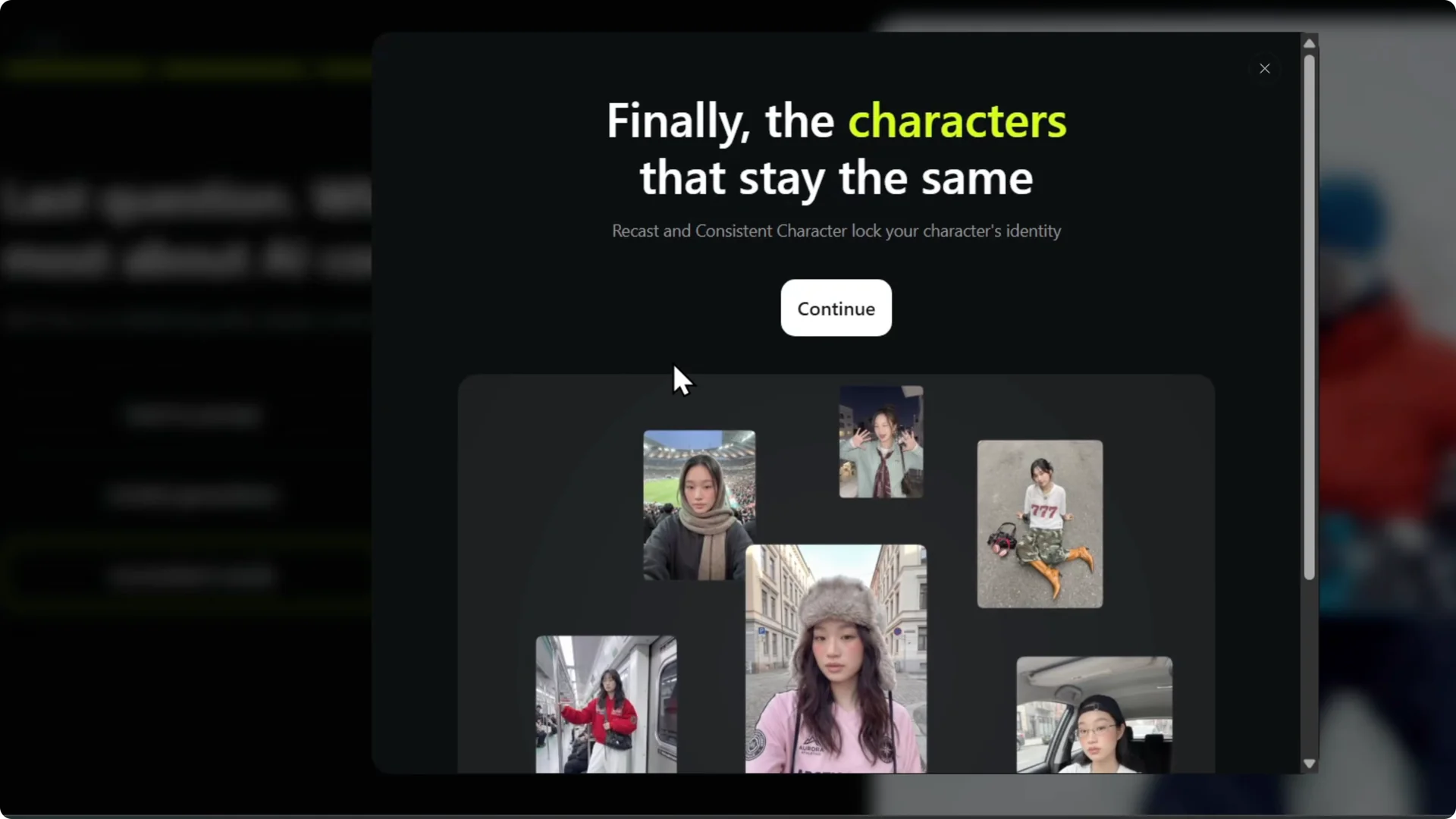
Step 7: When it says the characters stay with you, click Continue to move on.
After you land in your workspace, you can organize your assets into folders to keep projects tidy.
Higgsfield AI Account Setup: Choose a plan
Step 1: Pick a plan. There is a creator plan and there is an unlimited plan.
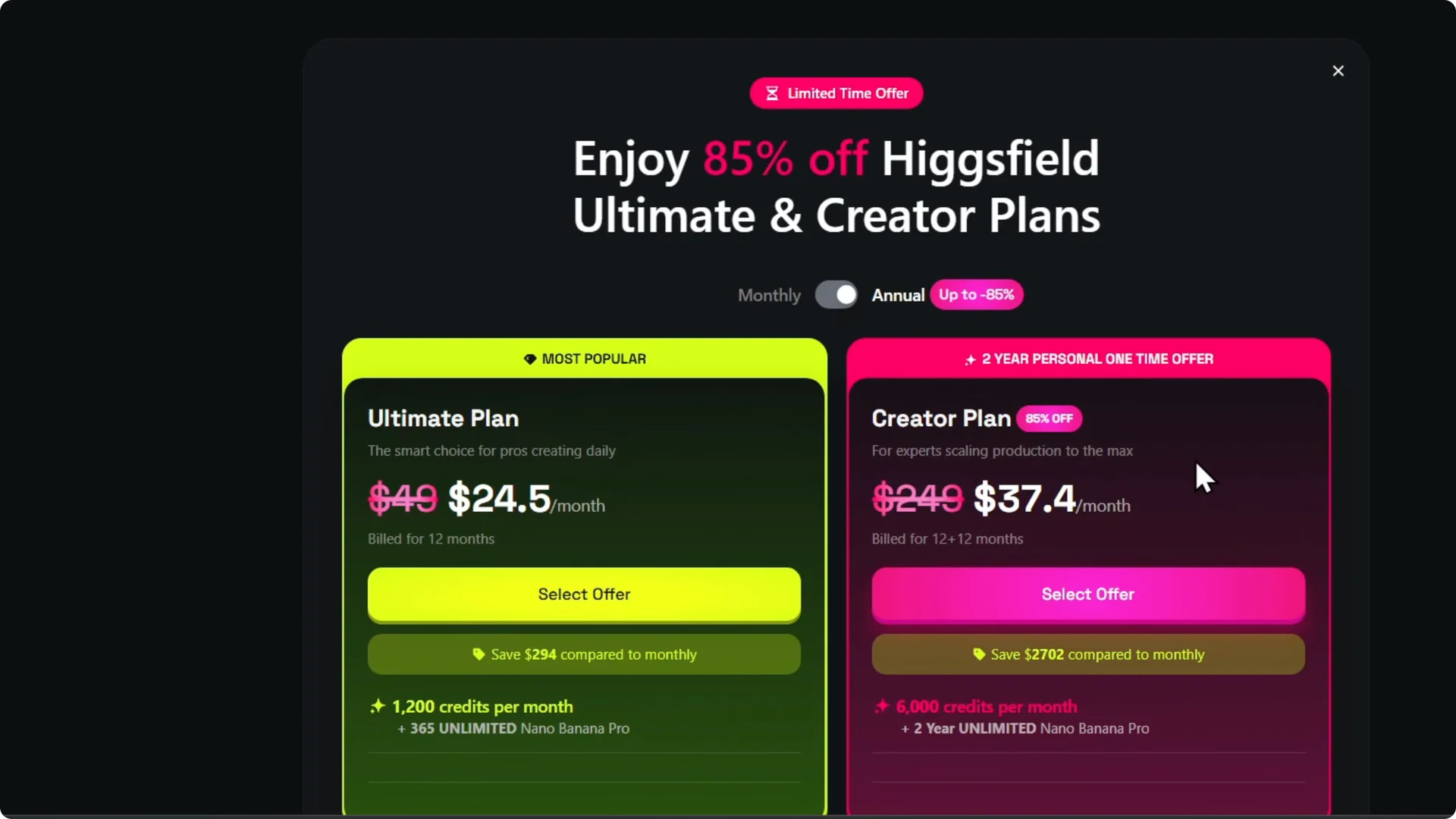
Step 2: I want to pay monthly to test it out. For this tutorial I go with the ultimate plan.
Step 3: I do not need the creators plan for 89. I select the option that gives me the access I want.
Step 4: I skip the first time offer for now. You can upgrade later, and I upgrade to get full access.
That is how you create your account. It is very easy and very simple.
Higgsfield AI Account Setup: Final thoughts
Account creation is quick. Sign up, answer the onboarding questions, choose a plan, and you are in.
If you need to free up space as you work, here is how to delete images from your Higgsfield AI account.