Skip to content

Pika Labs AI

  • Home
  • Text To Video
  • Pika Prompt Generator
  • Pika 2.5
  • Pikaffects
  • Discord

Higgsfield

How to Quickly Delete Your Higgsfield Account with Ease

21 March 202620 March 2026 by pikalabsai.org
How to Quickly Delete Your Higgsfield Account with Ease - Featured Image

I’m going to show you how to delete your Higgsfield AI account. It’s actually very simple. Higgsfield AI Account Deletion Access your account Step 1: First, you have to sign into your account. Step 2: Go to the top right and hover over where your account profile icon is. Read More: Higgsfield Ai Zoom Out … Read more

Categories Higgsfield Leave a comment

How to Quickly Upscale Video Quality in Higgsfield

20 March 202620 March 2026 by pikalabsai.org
How to Quickly Upscale Video Quality in Higgsfield - Featured Image

Here is how I upscale video quality in Higsfield AI. Start by getting to the right place and uploading your video, then pick the model and scale you want, and run the upscale. When it finishes, the quality looks much better and the video is upscaled. Higgsfield Video Upscaling setup Step 1: Under Website, go … Read more

Categories Higgsfield Leave a comment

Using Nano Banana Pro with Higgsfield: A Quick Guide

20 March 2026 by pikalabsai.org
Using Nano Banana Pro with Higgsfield: A Quick Guide - Featured Image

I’m going to show you how to use Nano Banana Pro with Higgsfield AI. The first thing you want to do once you’re on the website is hover over Image at the top. Go to Models, click Nano Banana Pro, and it will open right away. You can start creating the way I’m going to … Read more

Categories Higgsfield Leave a comment

How to Use Higgsfield AI Zoom Out Quickly and Easily

19 March 2026 by pikalabsai.org
How to Use Higgsfield AI Zoom Out Quickly and Easily - Featured Image

I’m going to show you how to use the Higgsfield Earth Zoom Out to create a clean zoom from a single image. This effect pulls back from your first frame and builds out the scene automatically. If you’re just getting set up and need to apply a discount, see this quick guide on applying a … Read more

Categories Higgsfield Leave a comment

Higgsfield Draw to Video: A Quick & Easy Guide

19 March 202619 March 2026 by pikalabsai.org
Master Higgsfield Draw to Video: A Quick & Easy Guide screenshot 7

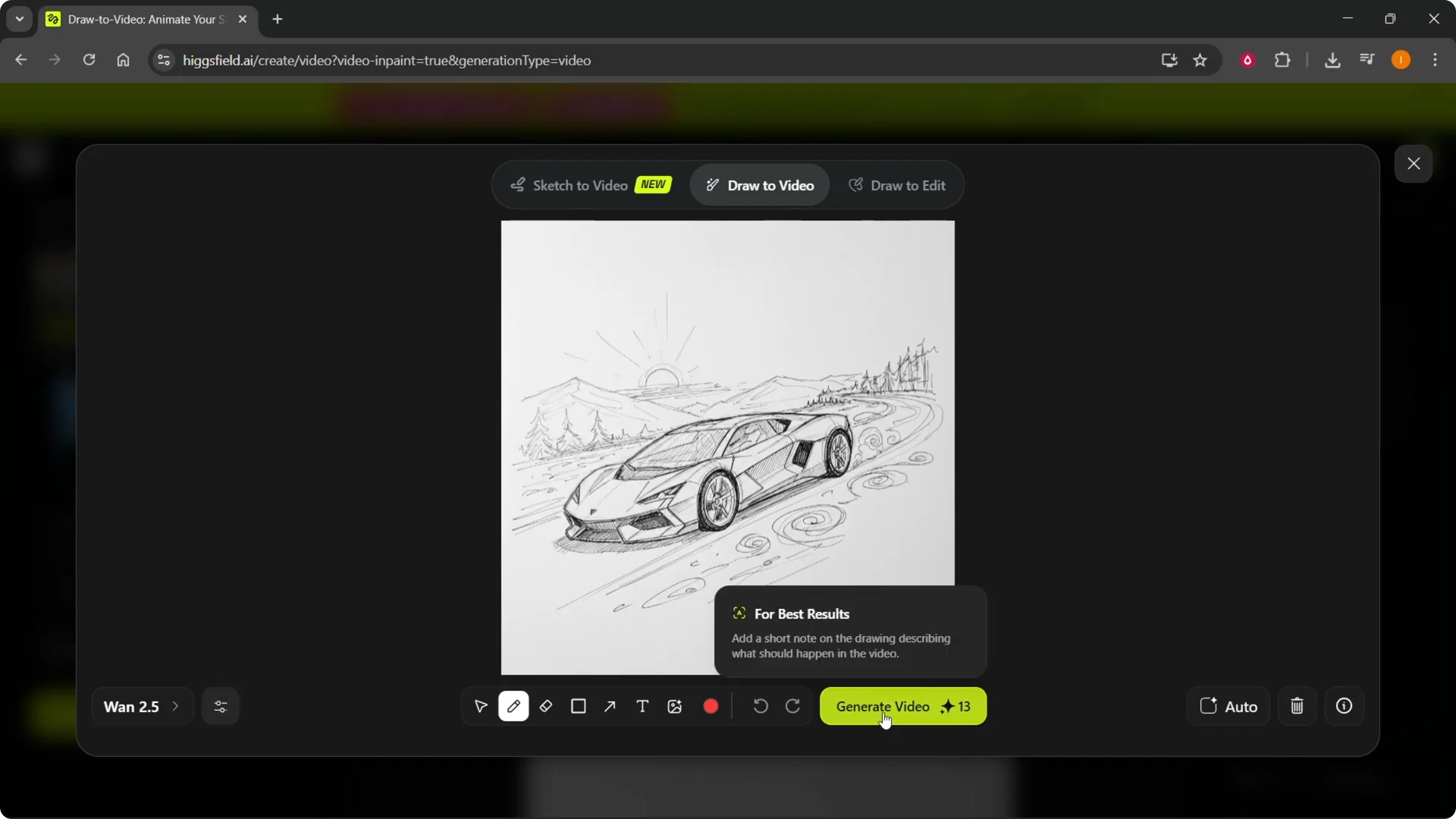
I’m going to show you how to use Higgsfield Draw to Video. Here you can turn a sketch into a video in a second. No prompt needed. Getting started with Higgsfield Draw to Video Step 1: On the website, hover over Video at the top. At the bottom left, you’ll see Draw Video. Click that … Read more

Categories Higgsfield Leave a comment

Using Higgsfield Promo Code: A Quick and Easy Guide

19 March 202619 March 2026 by pikalabsai.org
Using Higgsfield Promo Code: A Quick and Easy Guide - Featured Image

I’ll show you how to use a Higgsfield promo code. Follow these steps to apply your code and confirm it. Read More: Change Higgsfield Password Securely Higgsfield Promo Code Redemption Access account settings Step 1: Sign in to your account. Go to the top right where you can see your profile icon. Step 2: Open … Read more

Categories Higgsfield Leave a comment

How to Quickly Check Credits on Higgsfield Made Easy?

18 March 202618 March 2026 by pikalabsai.org
How to Quickly Check Credits on Higgsfield Made Easy screenshot 3

Here’s how to check credits on Higgsfield. Follow these quick steps to see your plan details and current balance. Check Higgsfield Credit Balance Step 1: Sign in to your account and go to the top right. That is where the credit indicator sits. Make sure you’re logged in first. Step 2: Hover your profile icon … Read more

Categories Higgsfield Leave a comment

How to Quickly and Securely Change Your Higgsfield Password?

18 March 202618 March 2026 by pikalabsai.org
How to Quickly and Securely Change Your Higgsfield Password screenshot 7

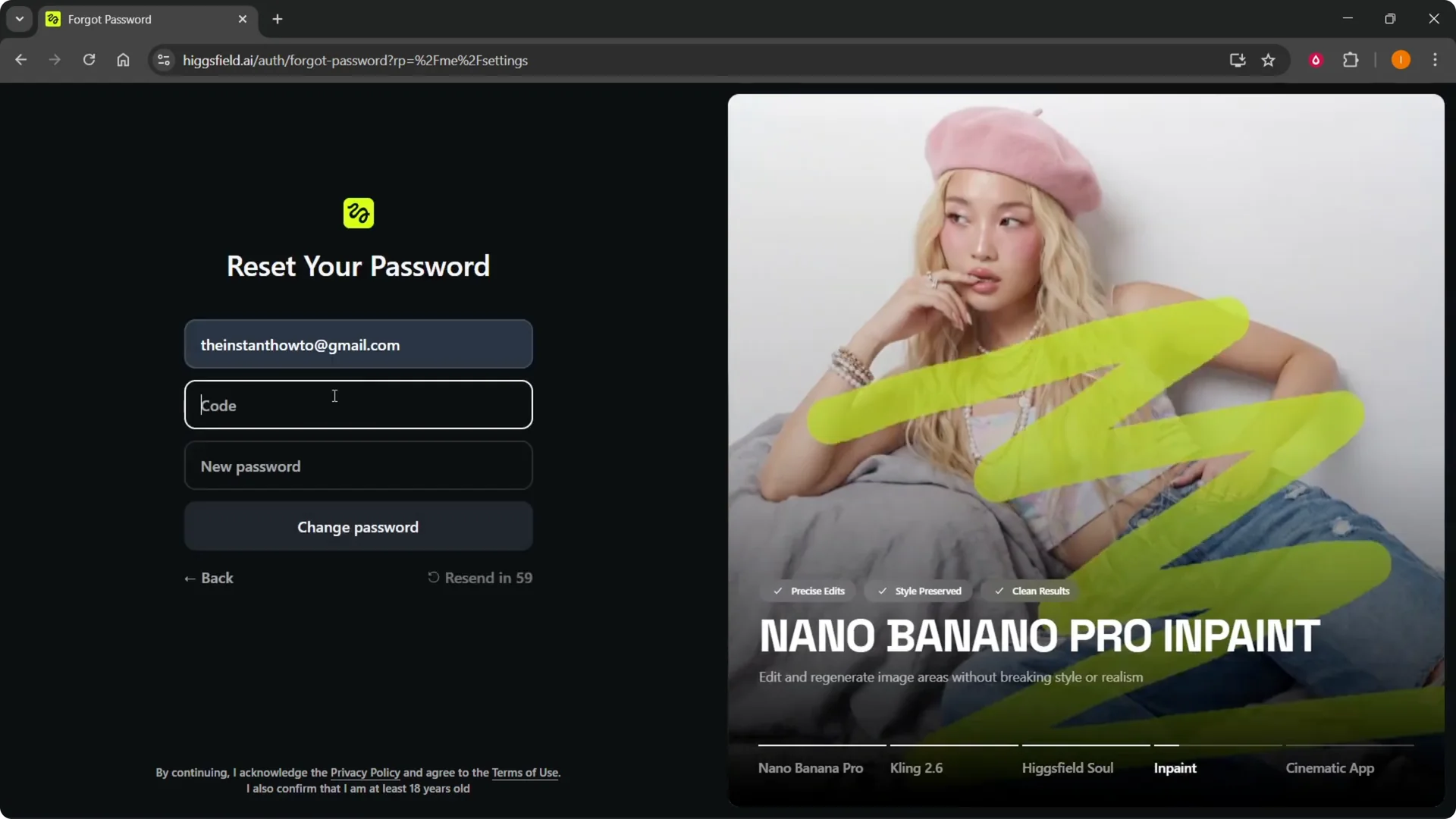
I wasn’t able to find a password reset button inside the settings on Higgsfield. If you hover over the top right profile icon and go into Manage Account, there’s no button to do this. You have to use an alternative method. Higgsfield Password Reset: Step-by-Step Sign out and open login Step 1: Hover over the … Read more

Categories Higgsfield Leave a comment

How to Quickly and Easily Contact Higgsfield AI?

18 March 2026 by pikalabsai.org
How to Quickly and Easily Contact Higgsfield AI screenshot 4

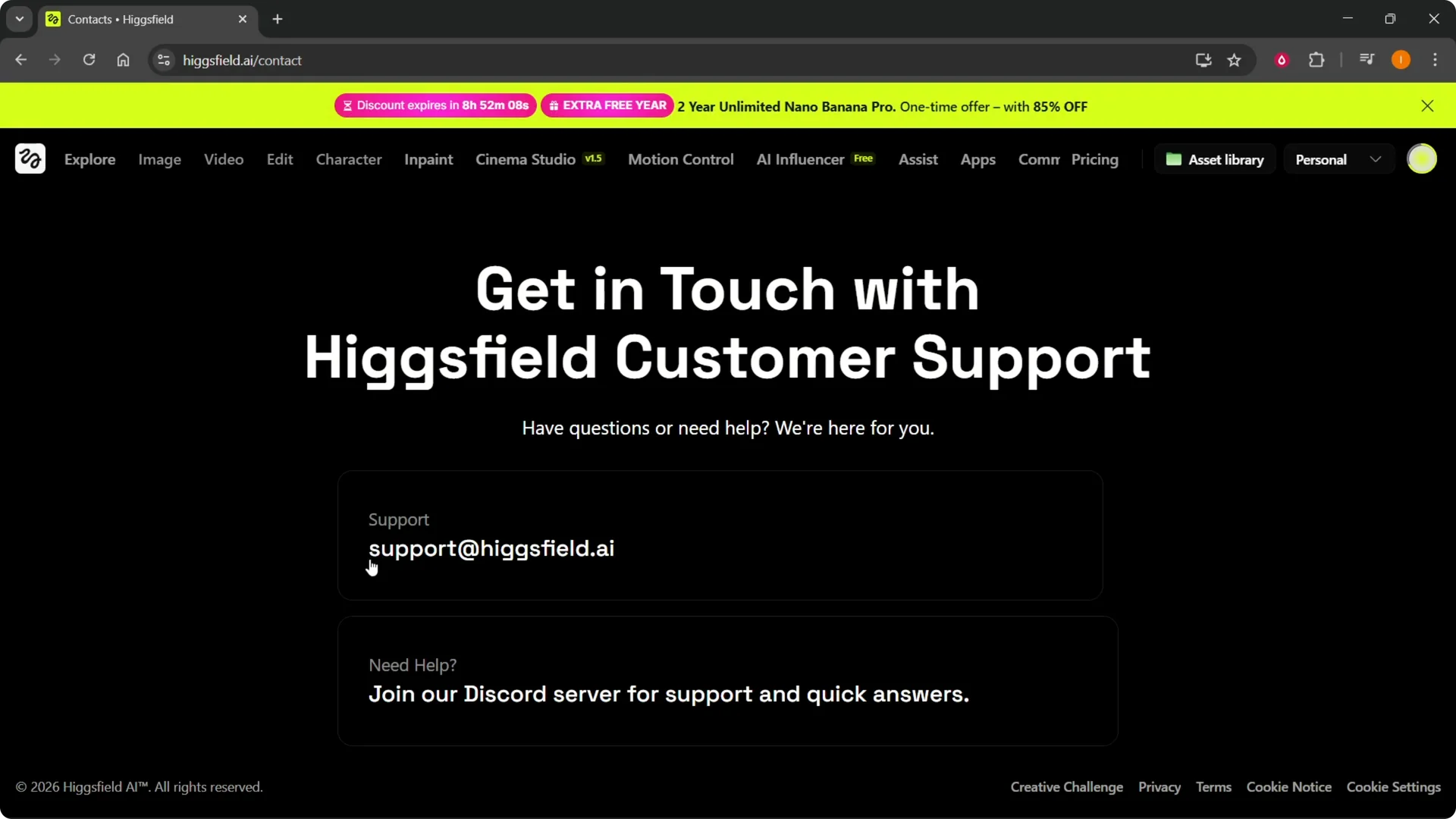
Here is how to contact Higsfield AI. You can reach their team by email or join their Discord server for quick answers. Higgsfield AI Contact Methods Go to higgsfield.ai website. Scroll to the very bottom, where you will see a section labeled Higsfield AI with several options. Read More: Hailuo Ai Higgsfield AI Contact Methods: … Read more

Categories Higgsfield Leave a comment
Newer posts
← Previous Page1 … Page9 Page10
  • How to Color Grading in Filmora Using AI - Featured Image
    How to Color Grading in Filmora Using AI
  • How to Create Audio Crossfade Effect in Filmora - Featured Image
    How to Create Audio Crossfade Effect in Filmora
  • How to Update FIlmora to The Latest Version - Featured Image
    How to Update FIlmora to The Latest Version
  • How to Use AI Voice Enhancer in Filmora - Featured Image
    How to Use AI Voice Enhancer in Filmora
  • How to AI Translate Video in Filmora - Featured Image
    How to AI Translate Video in Filmora
  • Home
  • Text To Video
  • Pikaffects
  • PikaFrames
  • Pikadditions
  • Pikamemes
  • PikaTwists
  • Pika Social App

Latest Posts:

  • How to Color Grading in Filmora Using AI
  • How to Create Audio Crossfade Effect in Filmora
  • How to Update FIlmora to The Latest Version
  • How to Use AI Voice Enhancer in Filmora

Pika Labs Model

  • Pika 1.0
  • Pika 1.5
  • Pika 2.0
  • Pika 2.1
  • Pika 2.2
  • Pika 2.5
  • Official Discord
  • Privacy Policy
Disclaimer: Pikalabsai.org is an unofficial educational blog. We're not affiliated with Pika.art, don't request any payments, and give full copyright credit to Pika.art. Our goal is to promote and share information only. | 7789 Broadway #202, San Francisco, CA 94111, United States