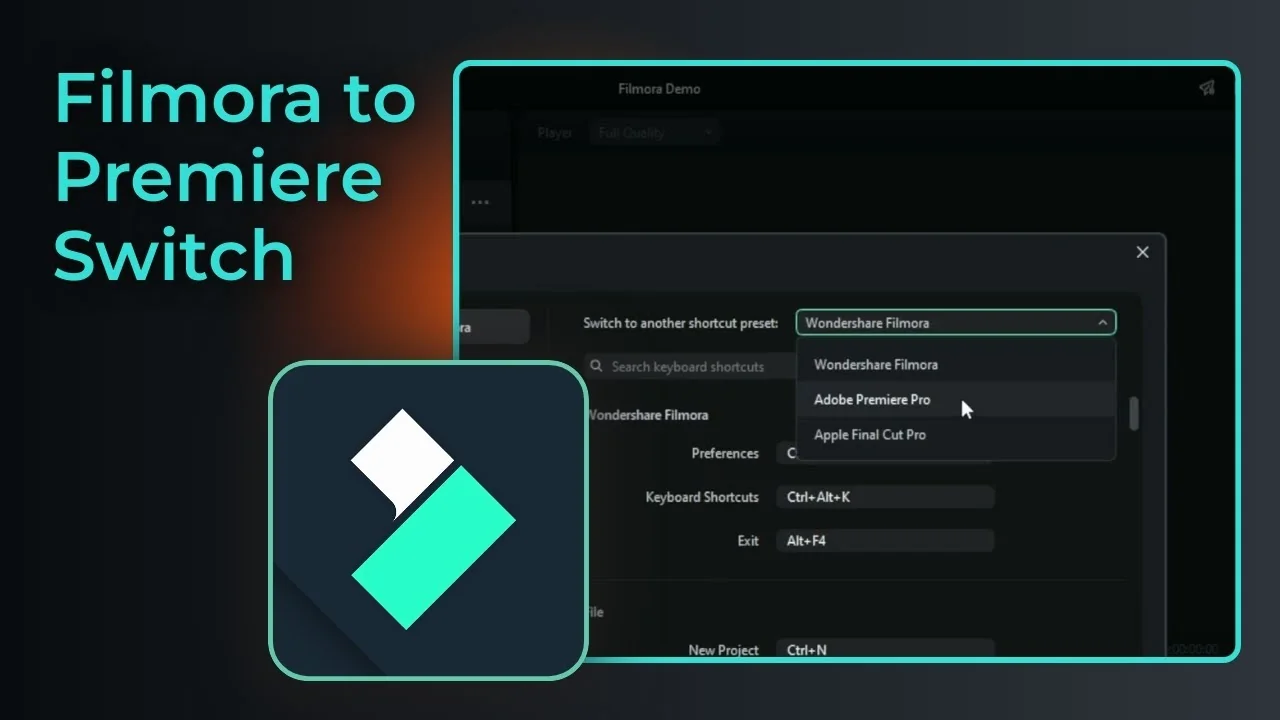
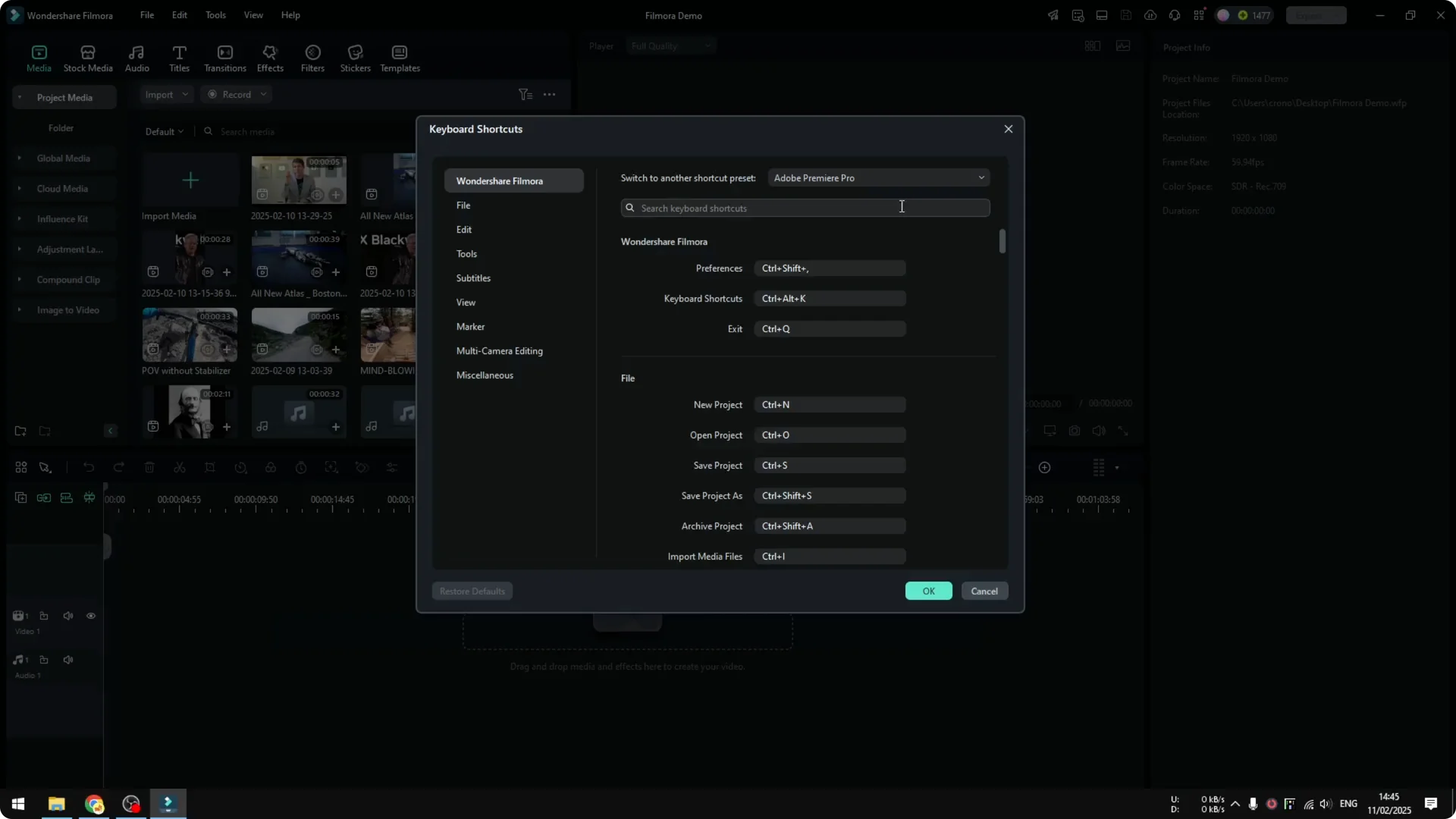
Here is how you can easily change the keyboard presets in Filmora if you’re coming from other software like Adobe Premiere Pro or Apple Final Cut Pro. You can make the shortcuts in Filmora behave the same way as in those programs.
Premiere Pro Shortcuts in Filmora
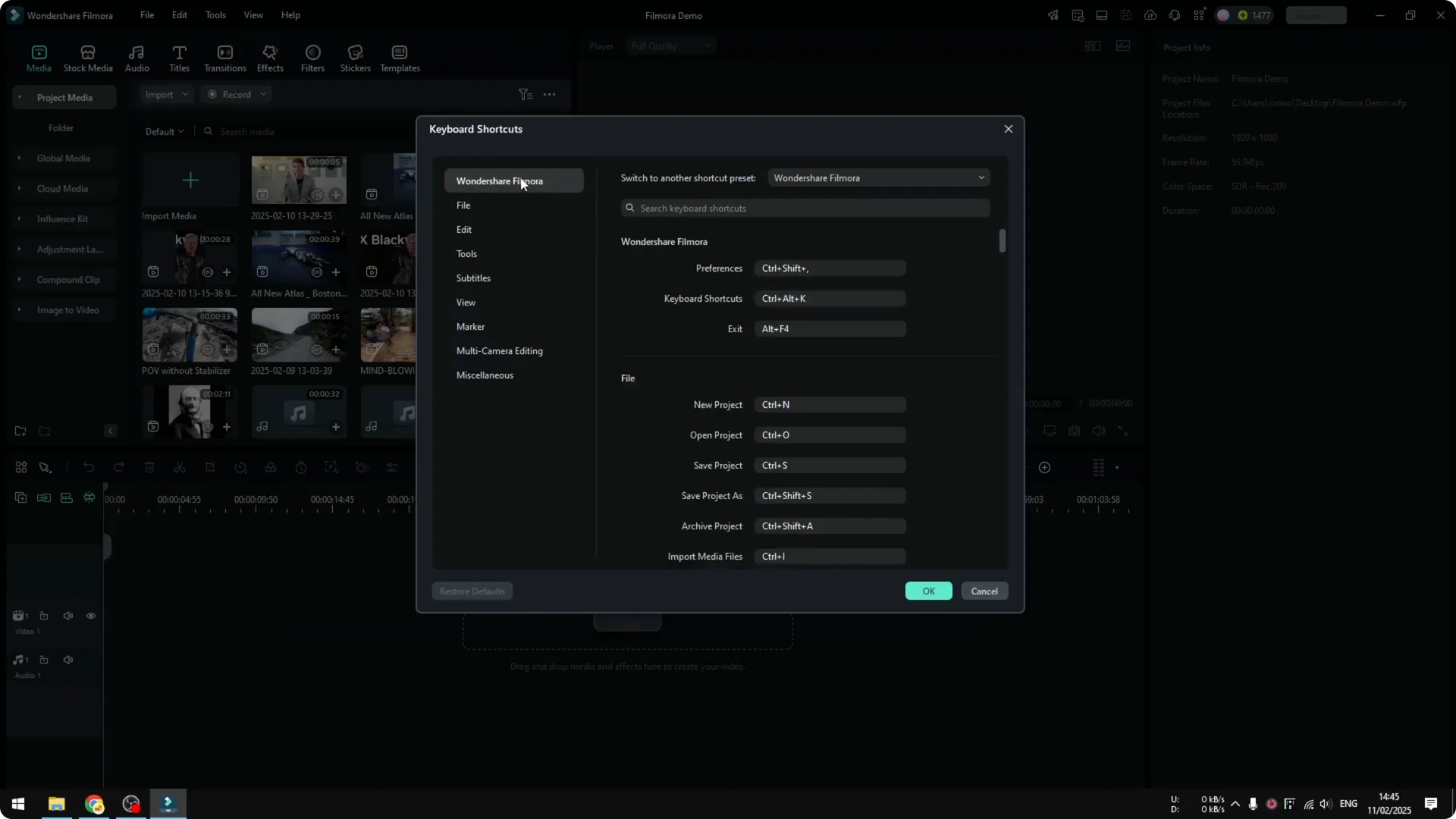
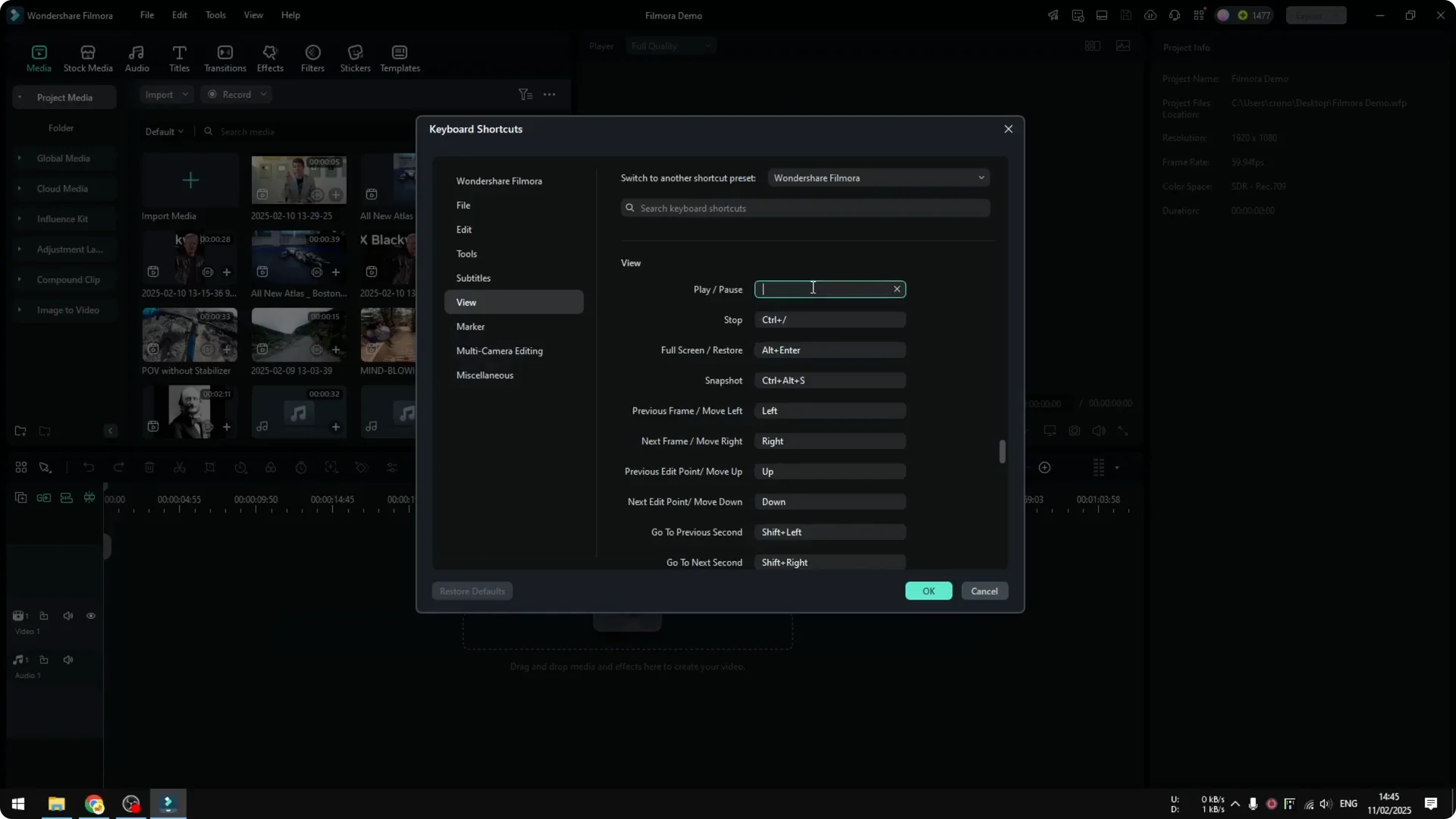
There are many shortcuts available in Filmora, and you can customize any shortcut to a new one you prefer. If you want to switch to a different preset, you can do that in a couple of clicks.
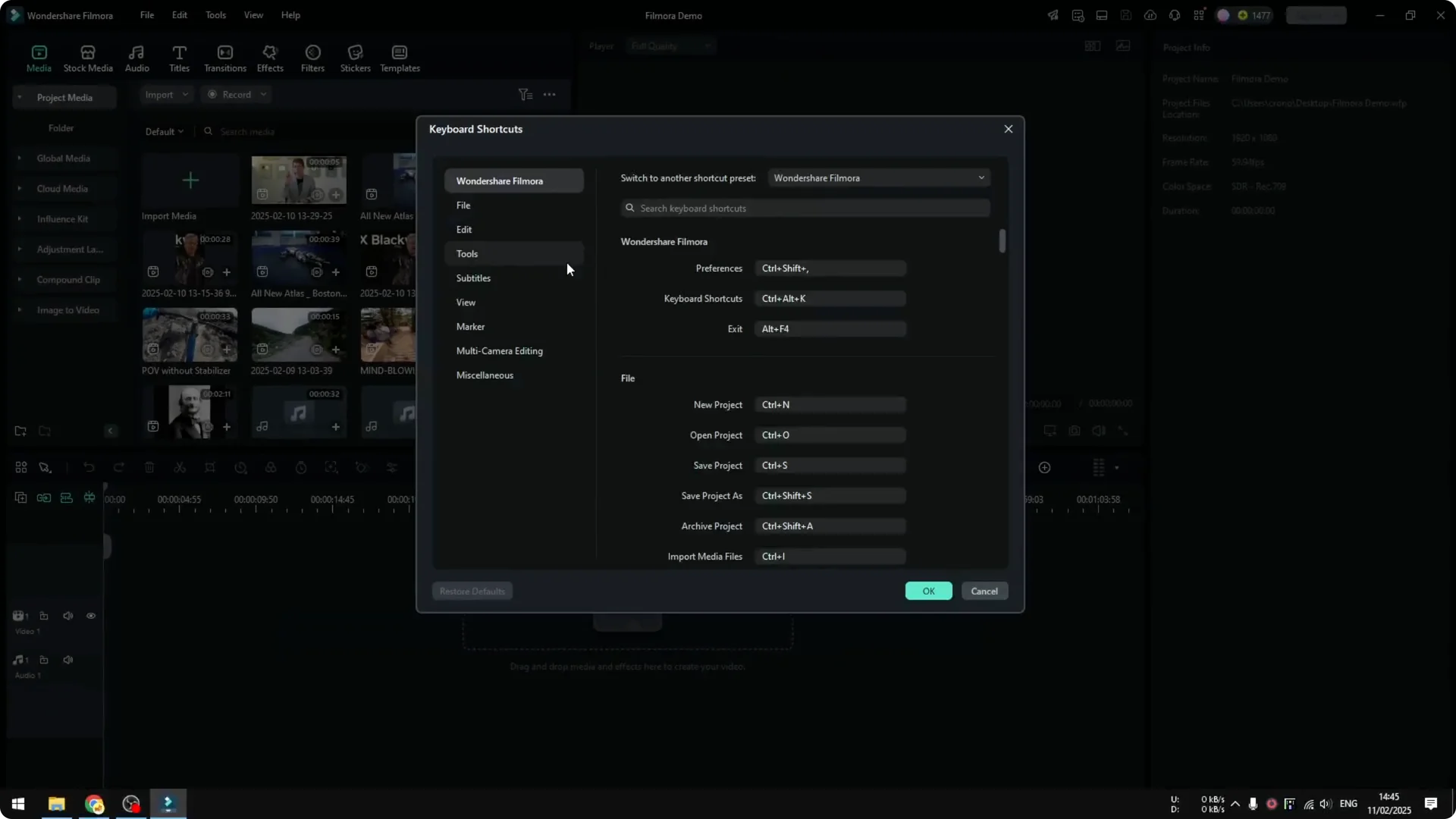
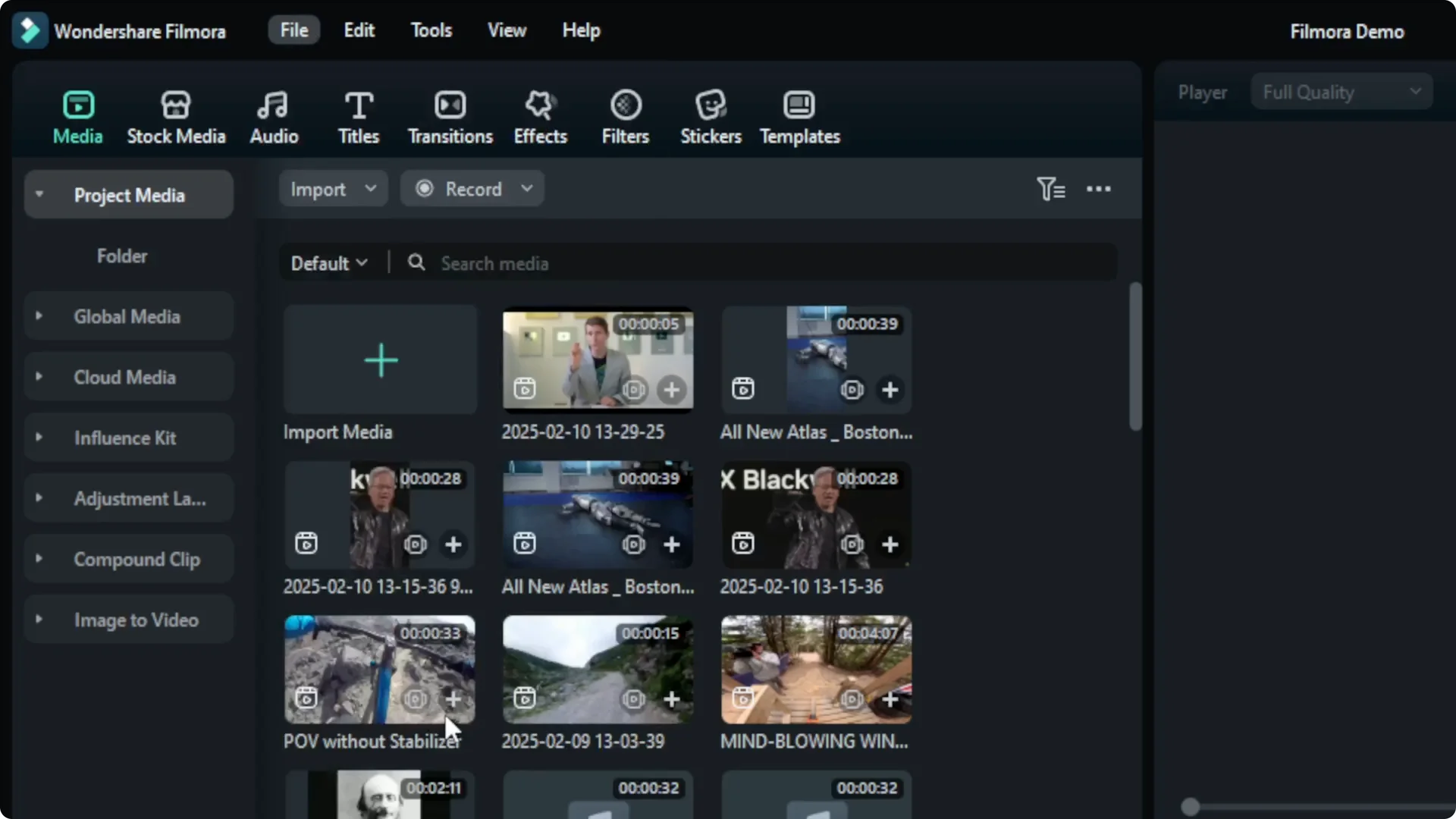
Step-by-step: Set Premiere Pro Shortcuts in Filmora
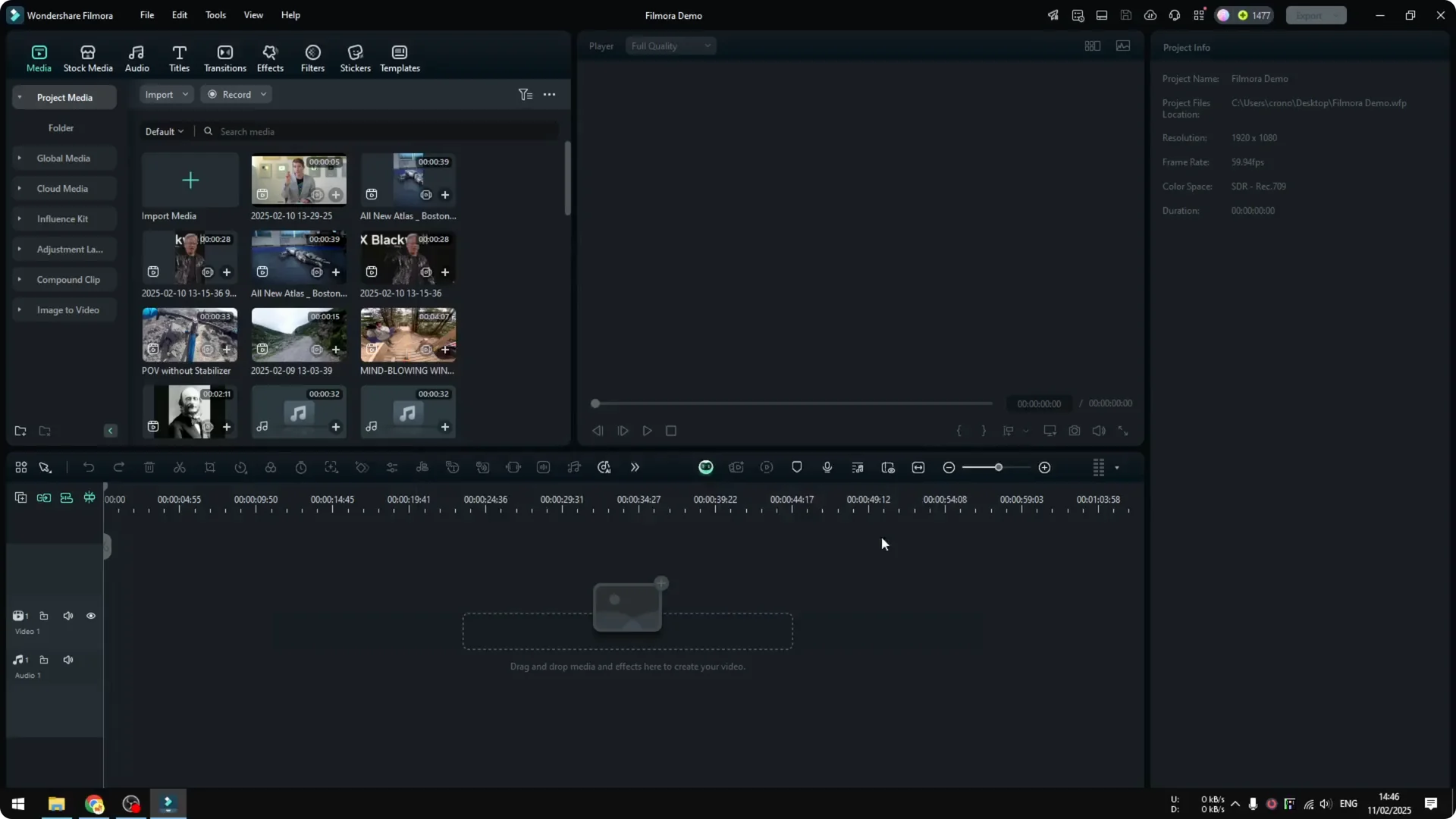
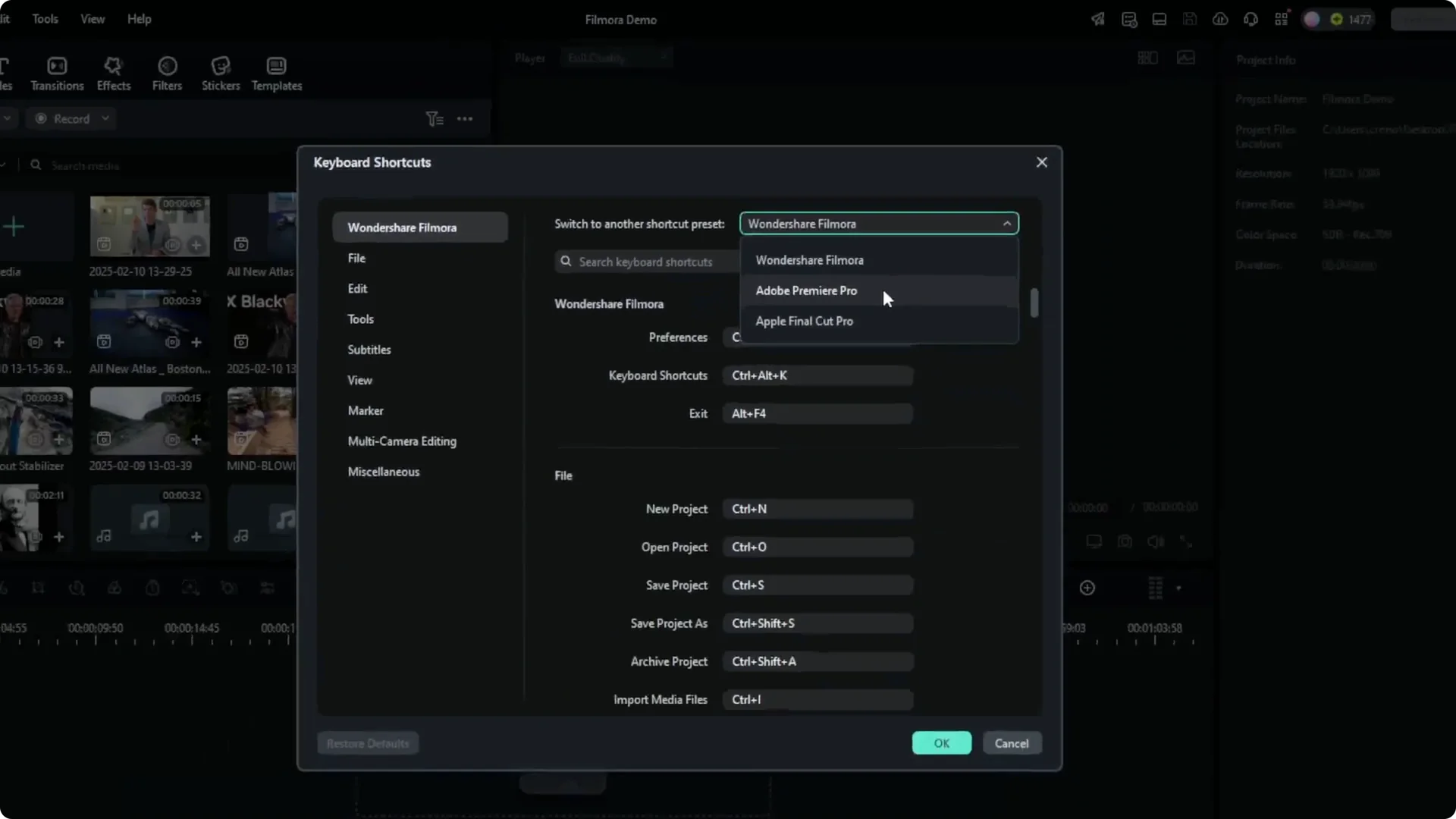
Switch to the Final Cut Pro preset
Customize or revert anytime
Final Thoughts
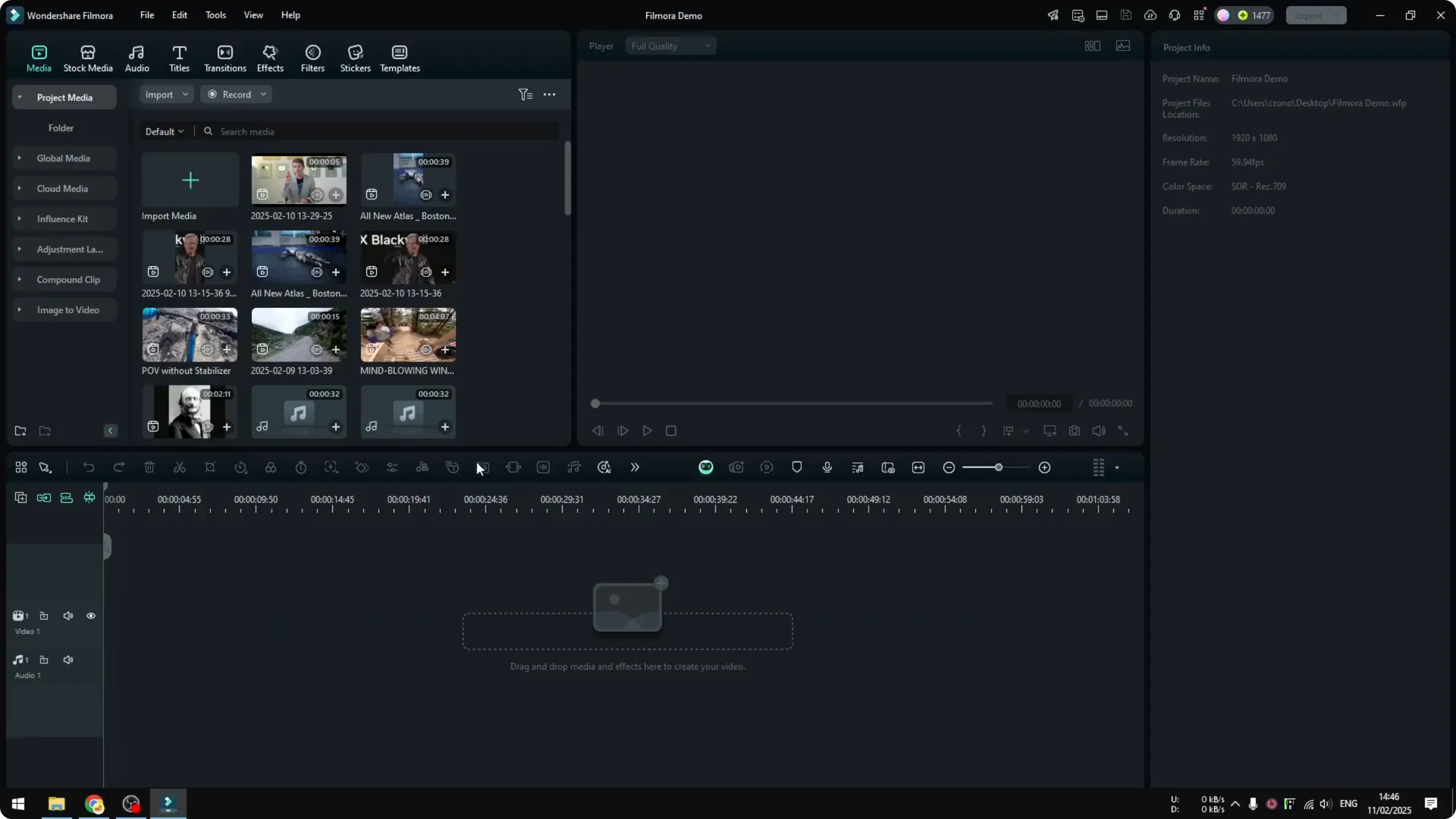
Filmora lets you match its keyboard layout to Adobe Premiere Pro or Apple Final Cut Pro with instant preset switching, no restart required. Use the Keyboard Shortcuts panel to pick a preset or customize keys to your exact preference.