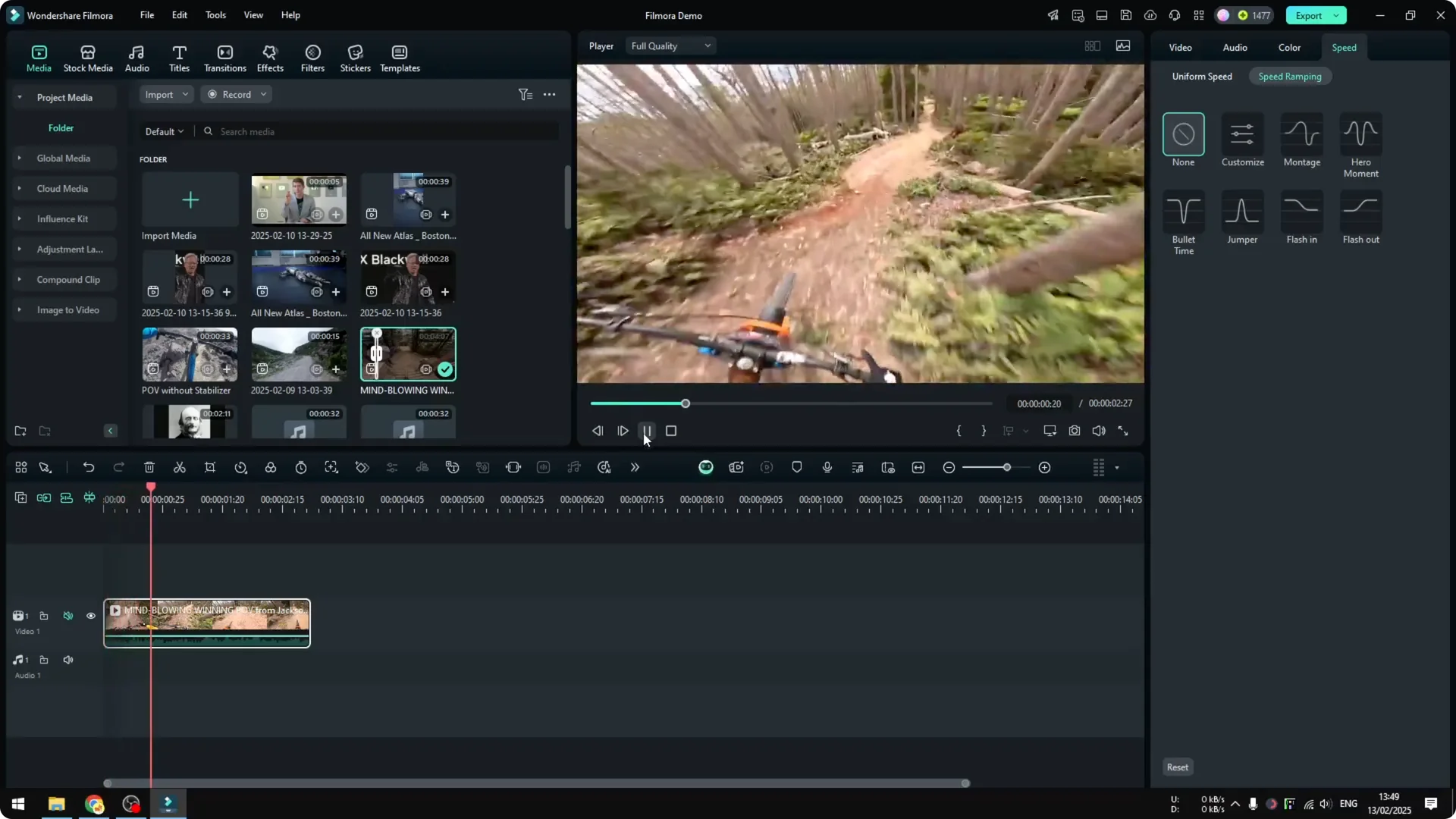
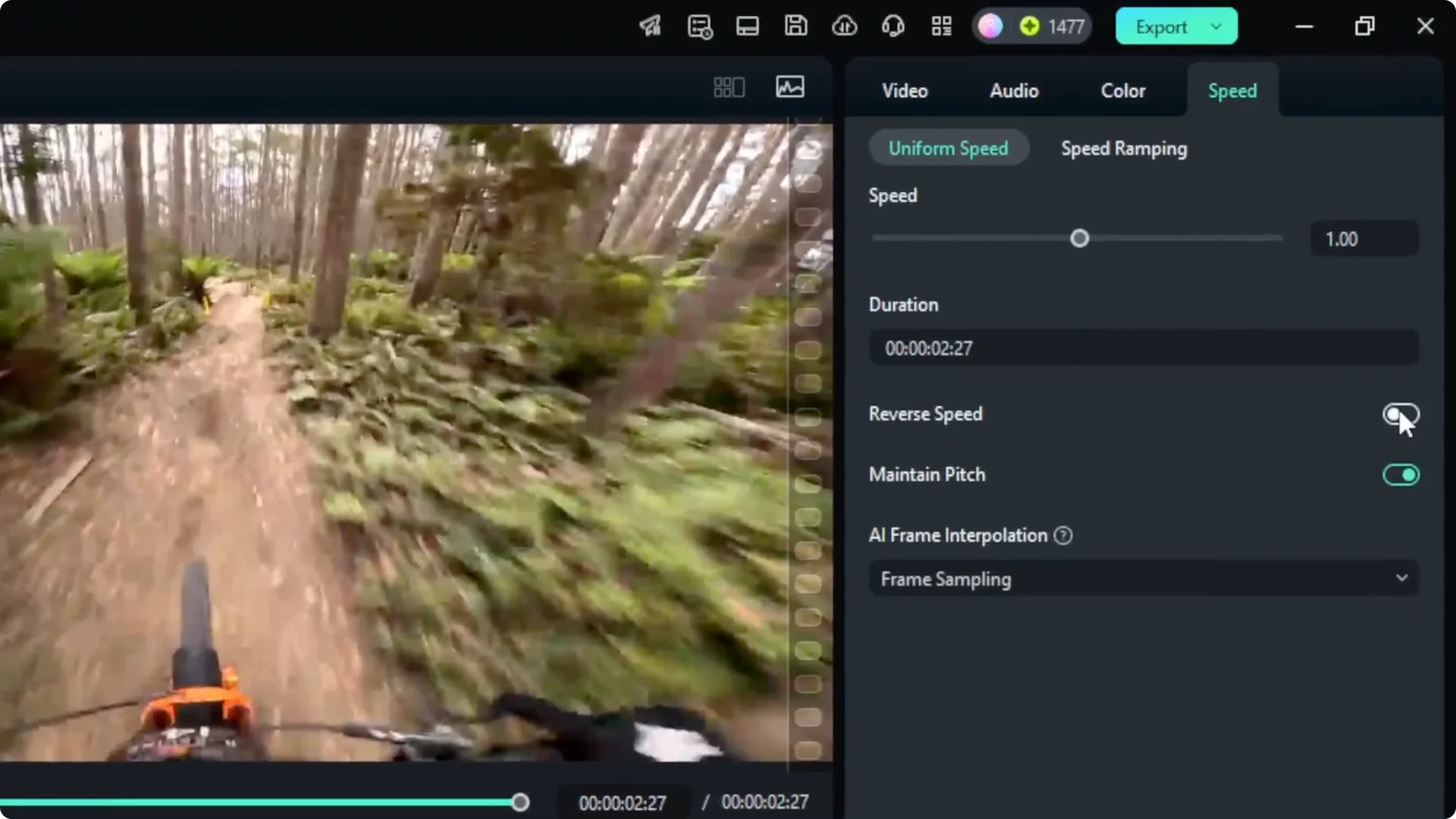
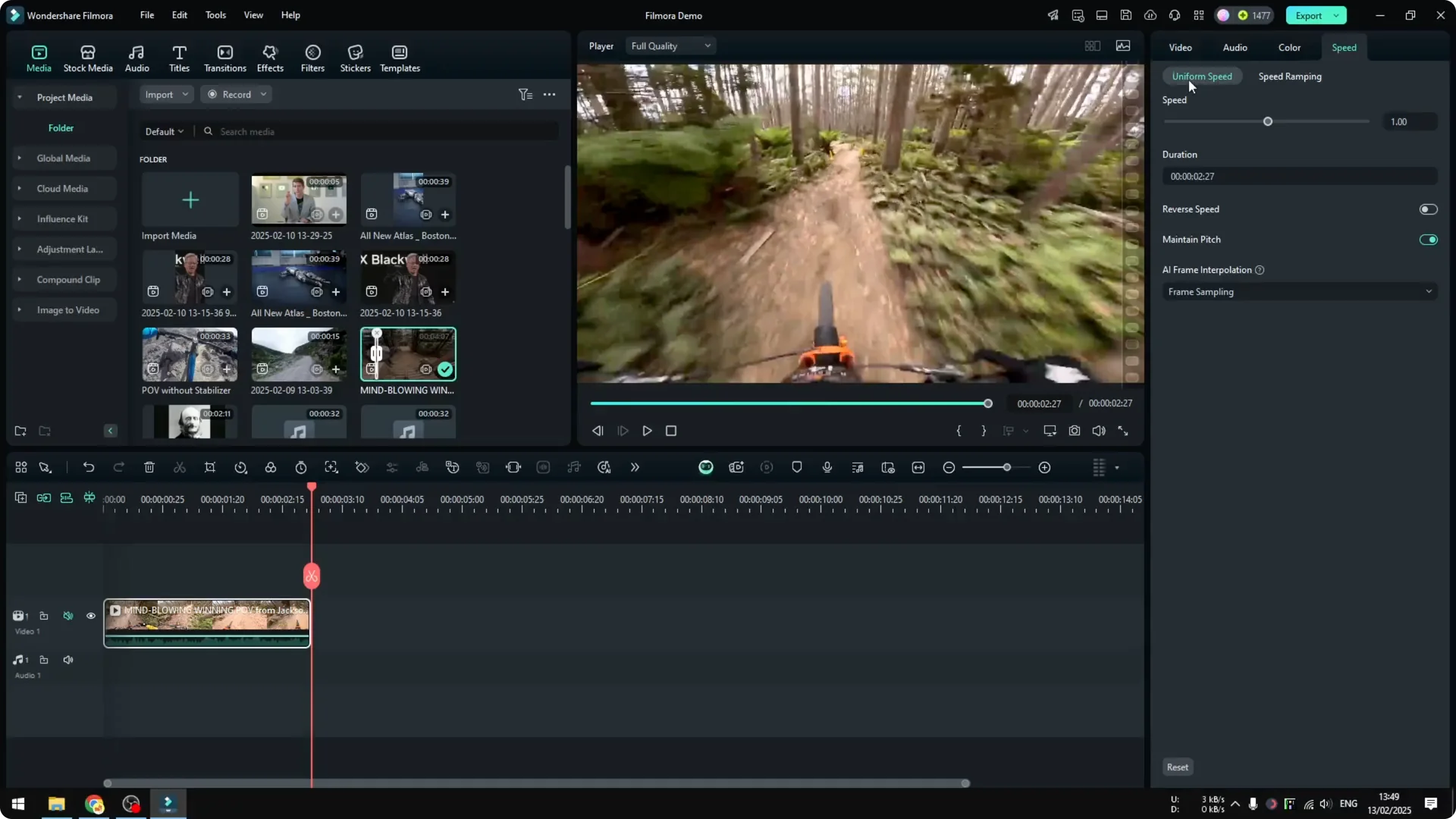
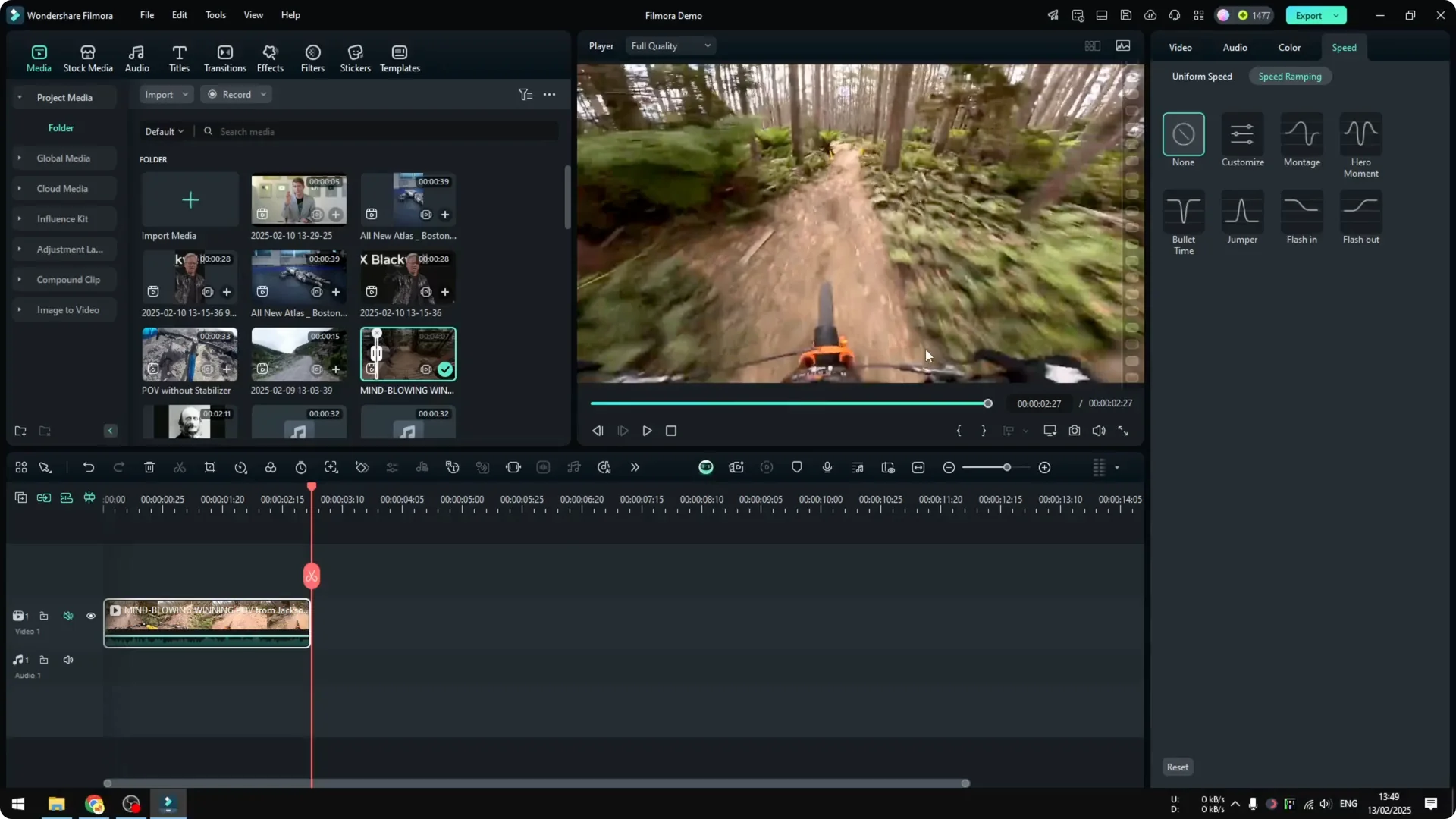
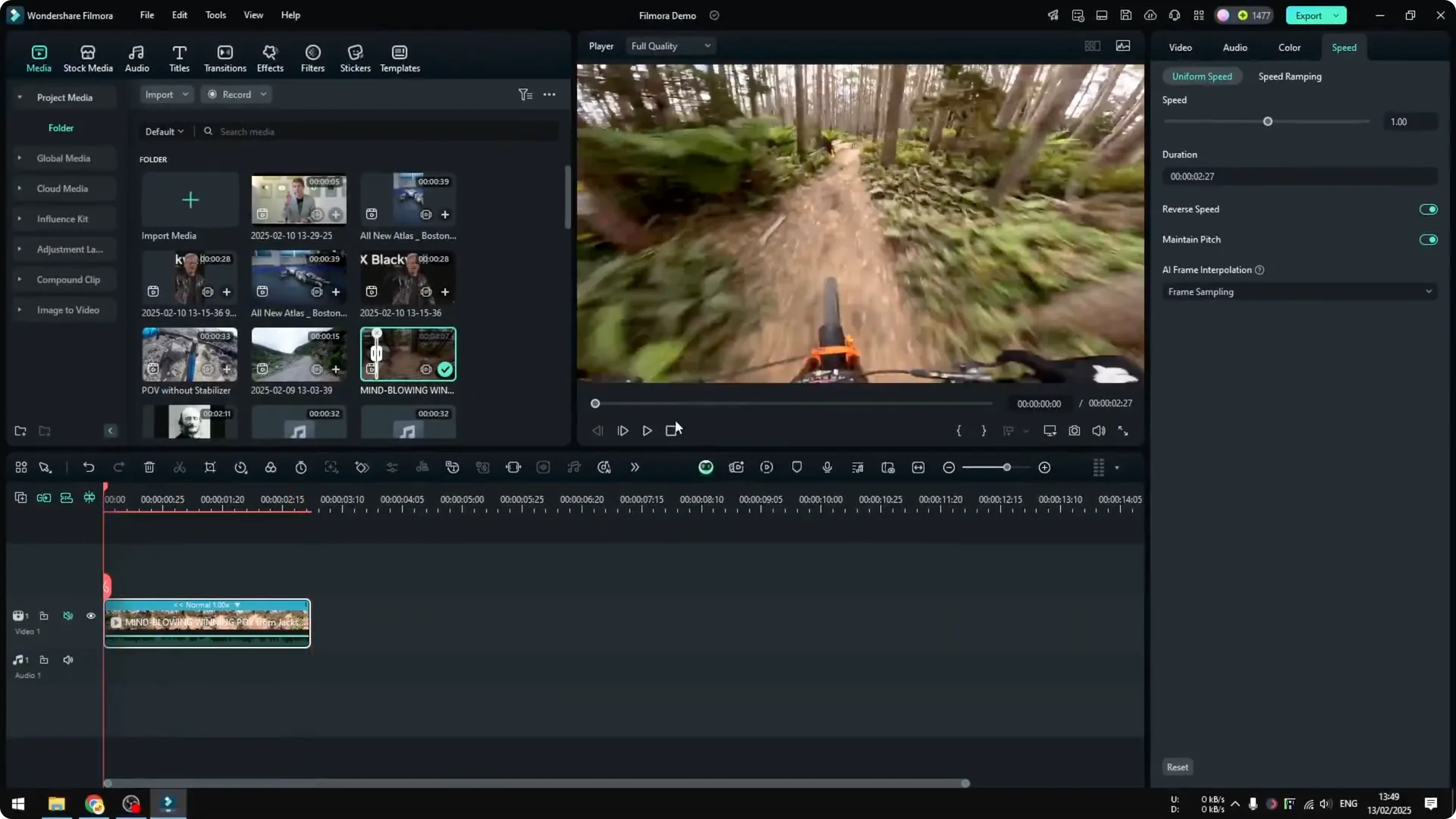
This is how you can reverse a video in Filmora. I start by inserting the video into the project timeline and play a bit so you can see how it looks before reversing – in my example it’s someone riding a bicycle. Then I reverse it so it goes backward in time.
Reverse Video in Filmora
Insert your clip
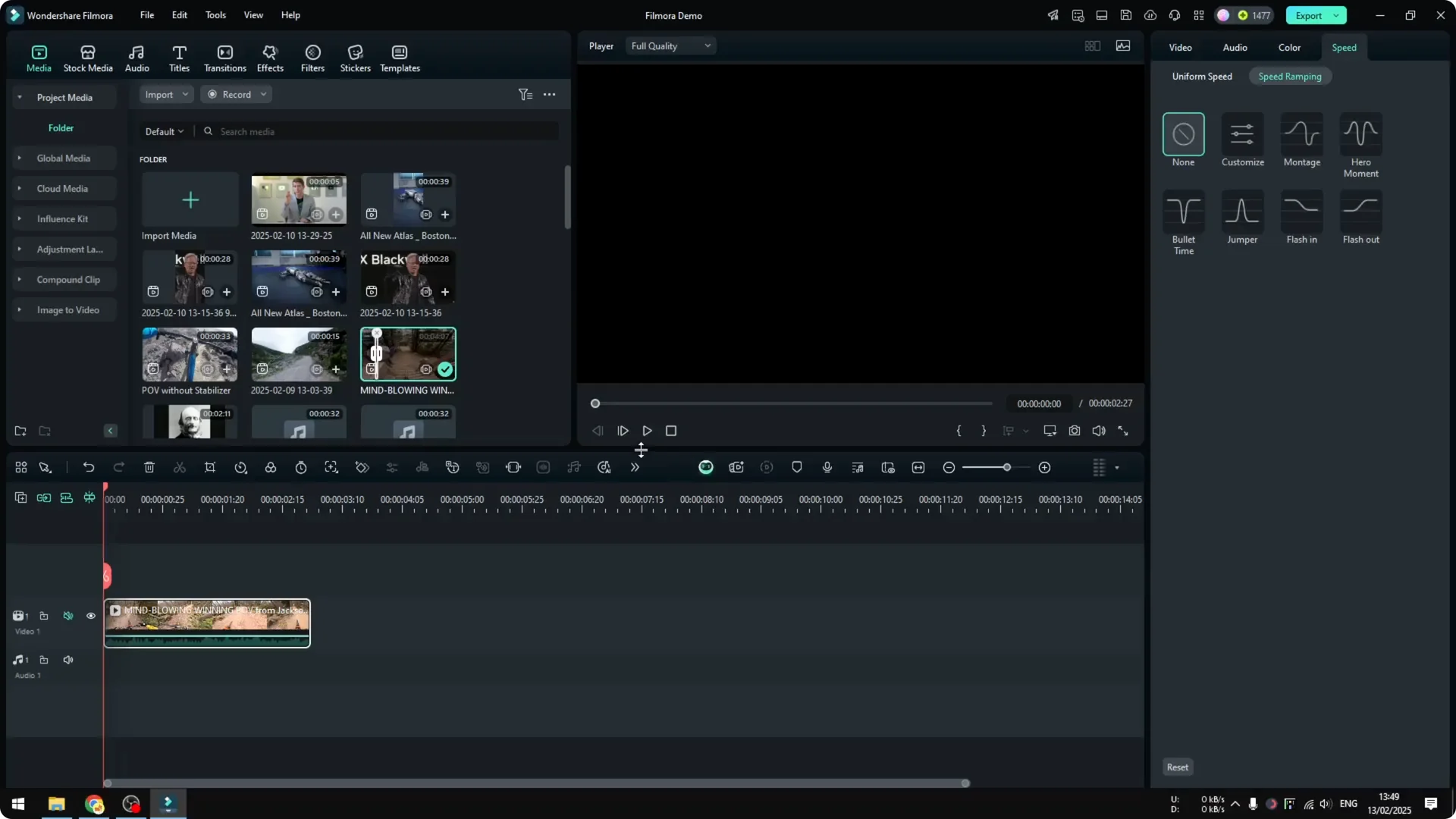
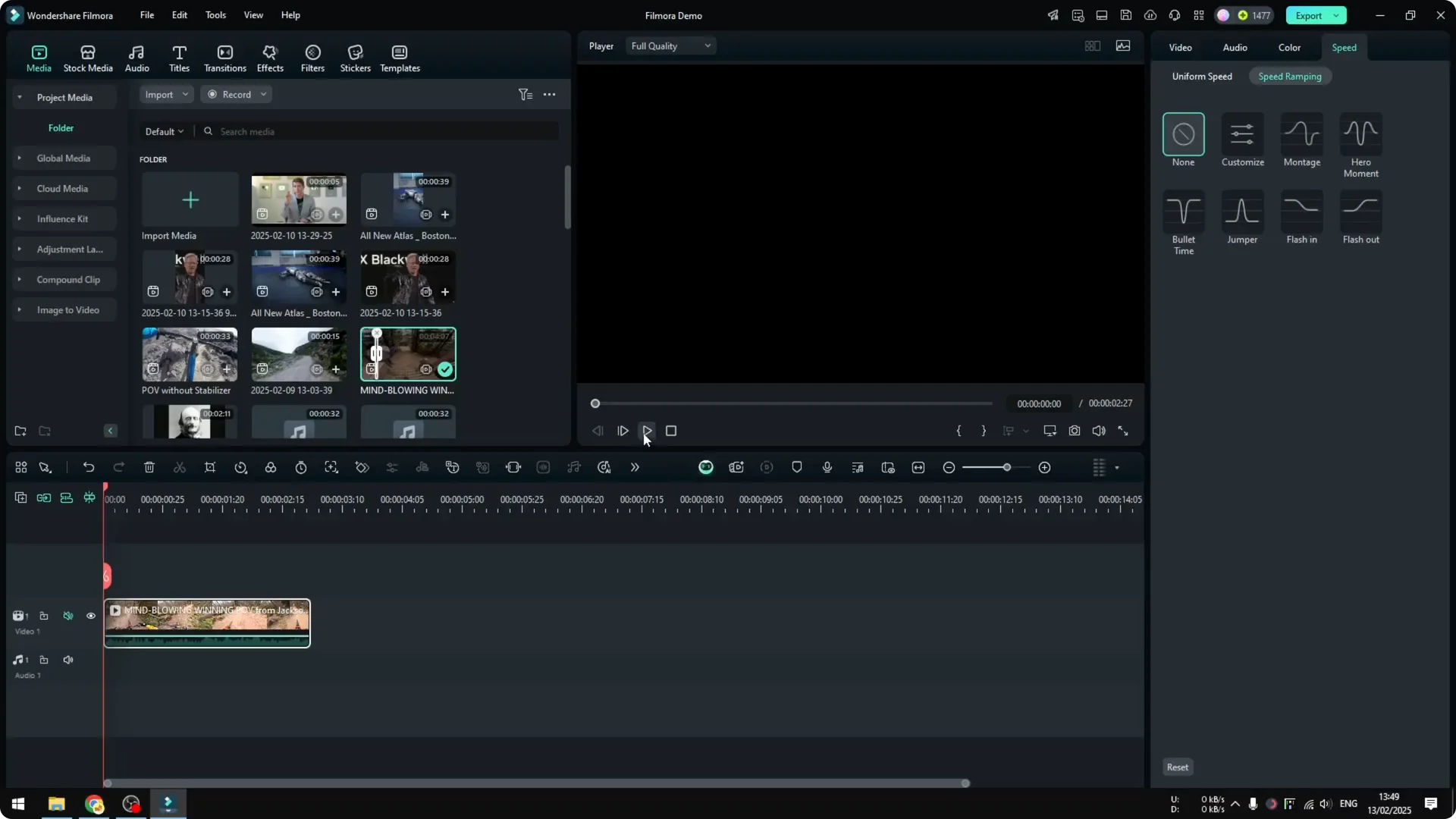
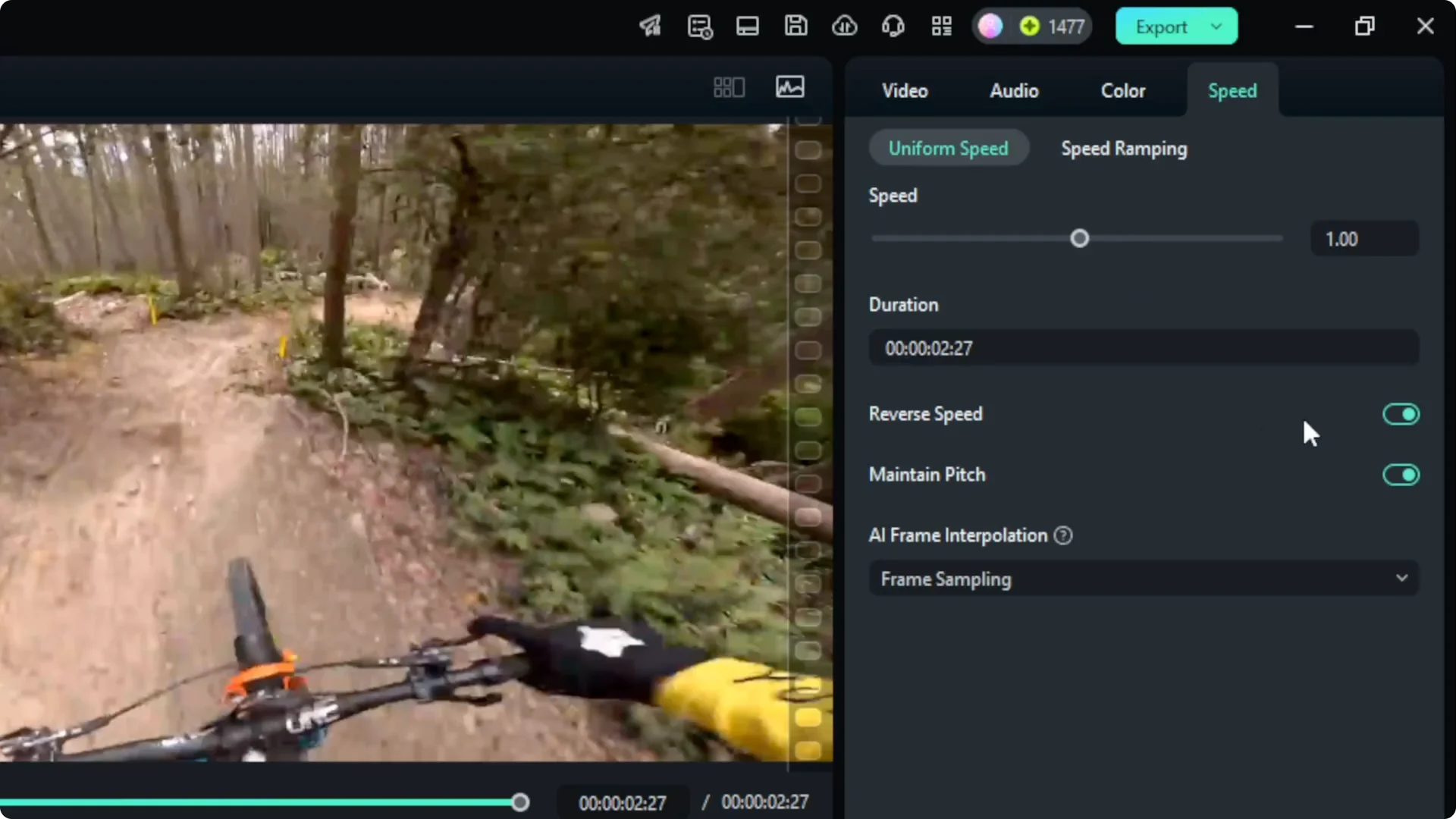
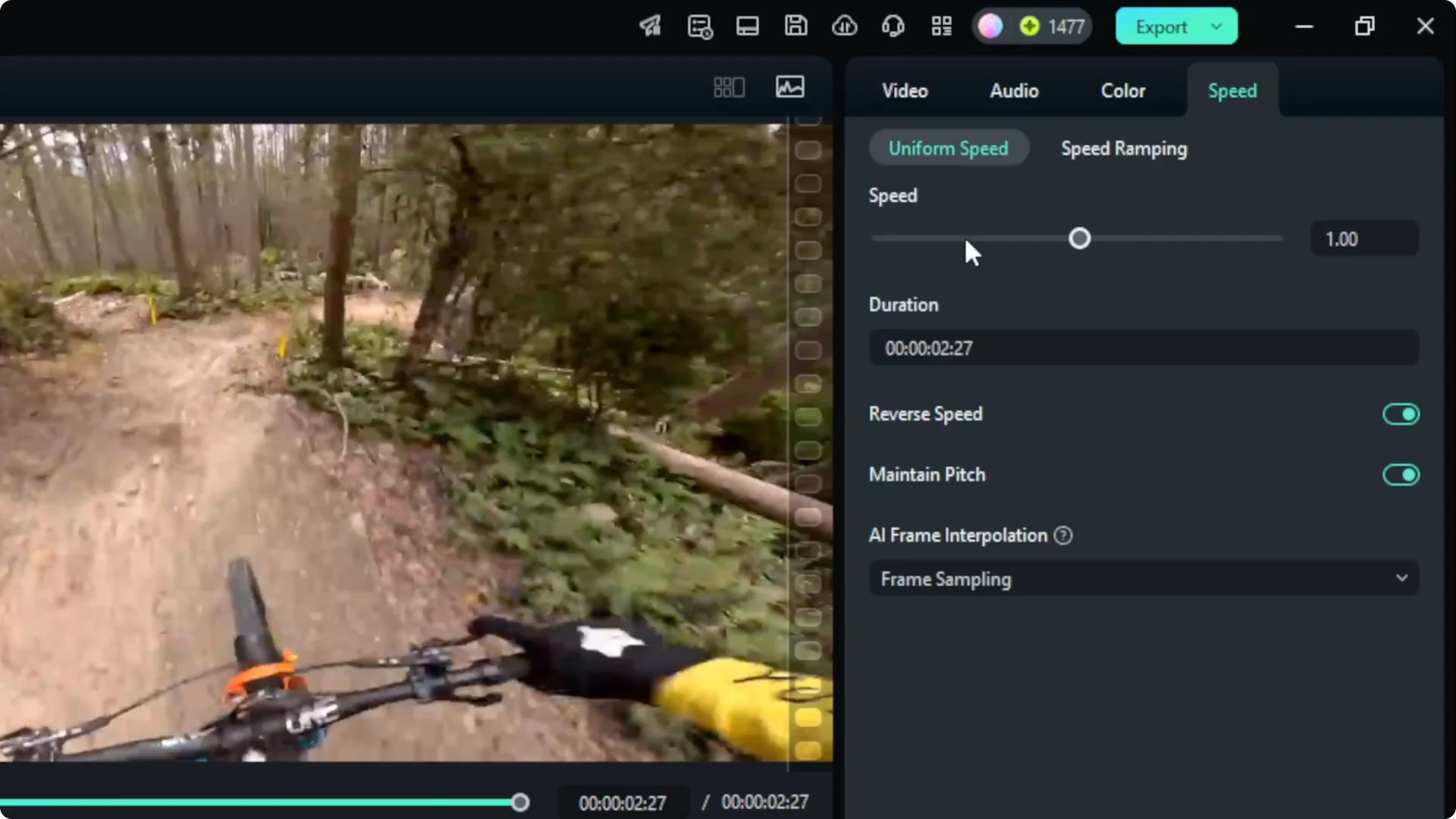
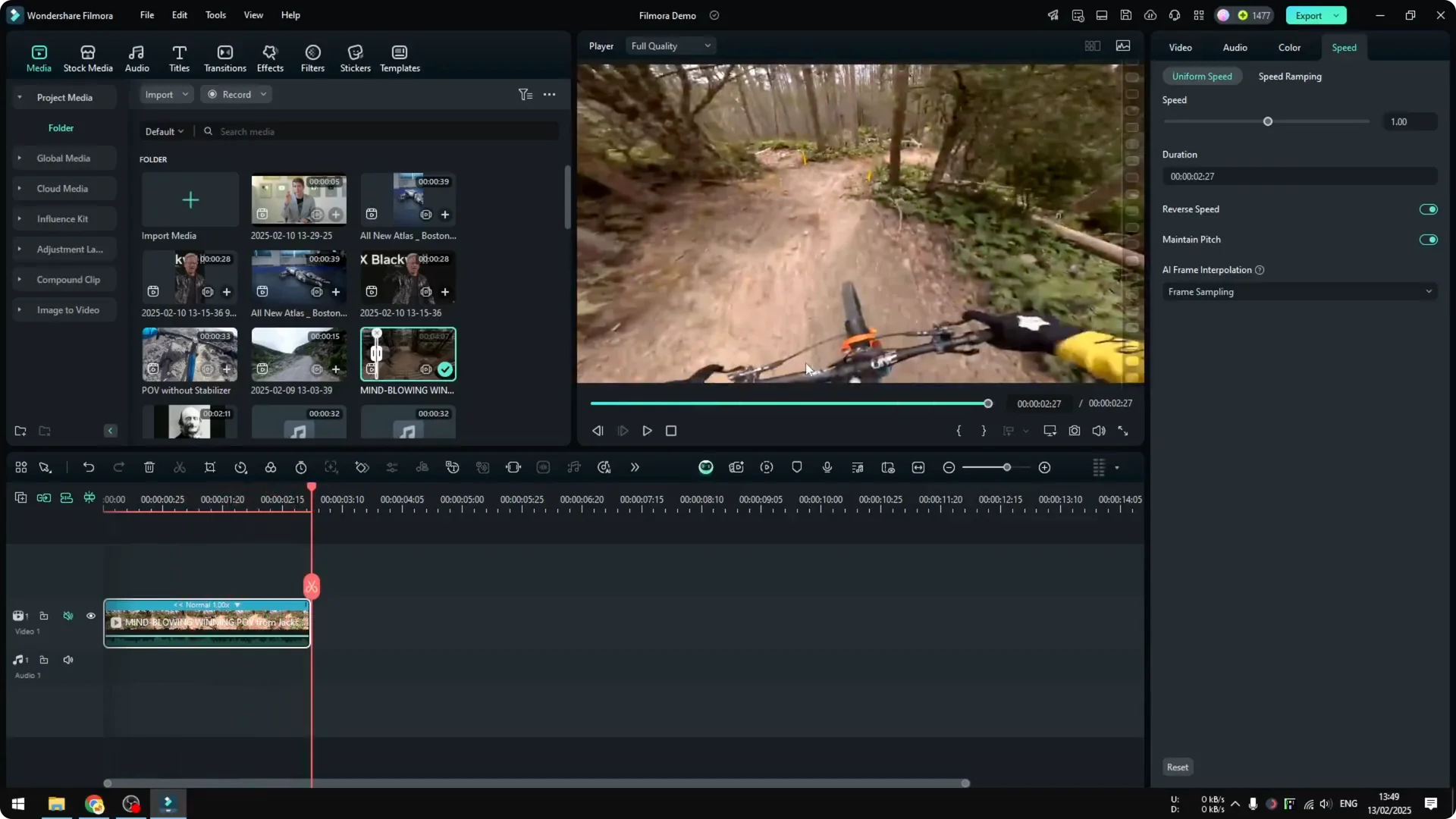
Enable Reverse Speed
Preview the result
Final Thoughts
Reversing a clip in Filmora is straightforward: add your clip, open Uniform Speed, enable Reverse Speed, and keep the speed unchanged. That’s all you need to make a video play backward.