If you want to download your invoice on Higgsfield AI, here is how to find and download it. Follow these quick steps and you will have your file saved in moments.
Read More: Create Higgsfield Ai Account
Higgsfield AI Invoice Download: Quick guide
Higgsfield AI Invoice Download: Open account settings
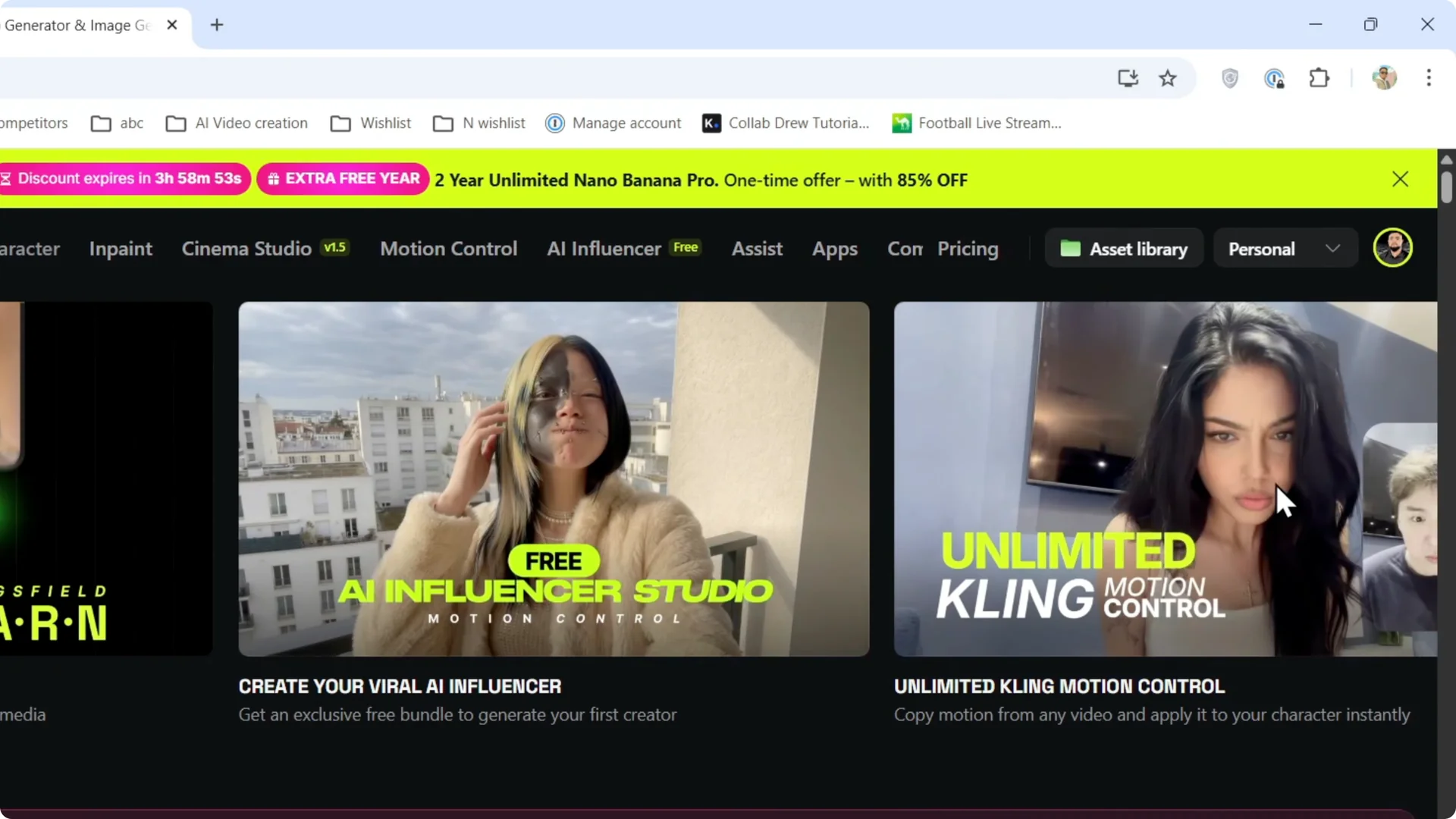
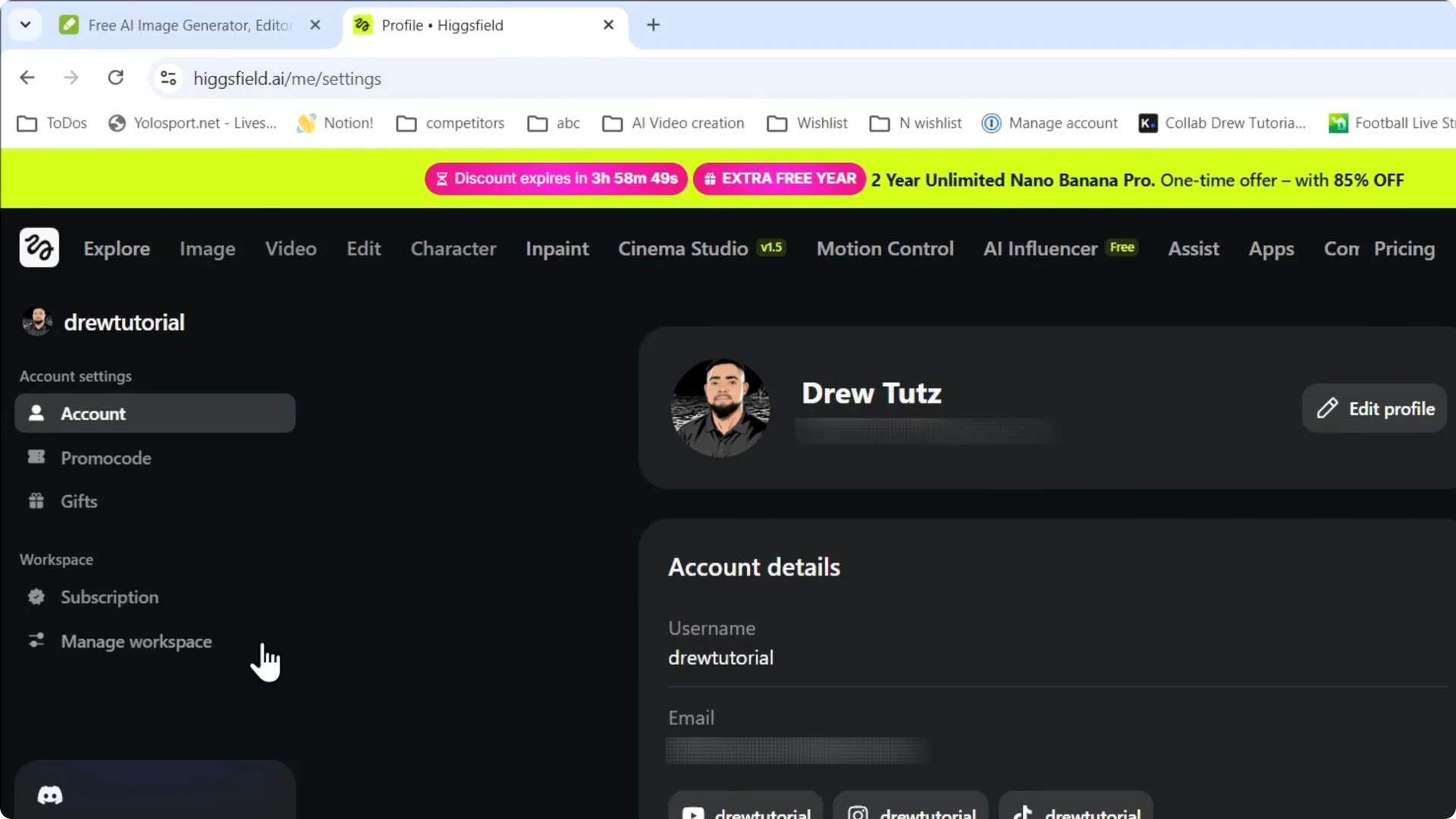
Hover over your account on the upper right and open Account. Click Manage Account.
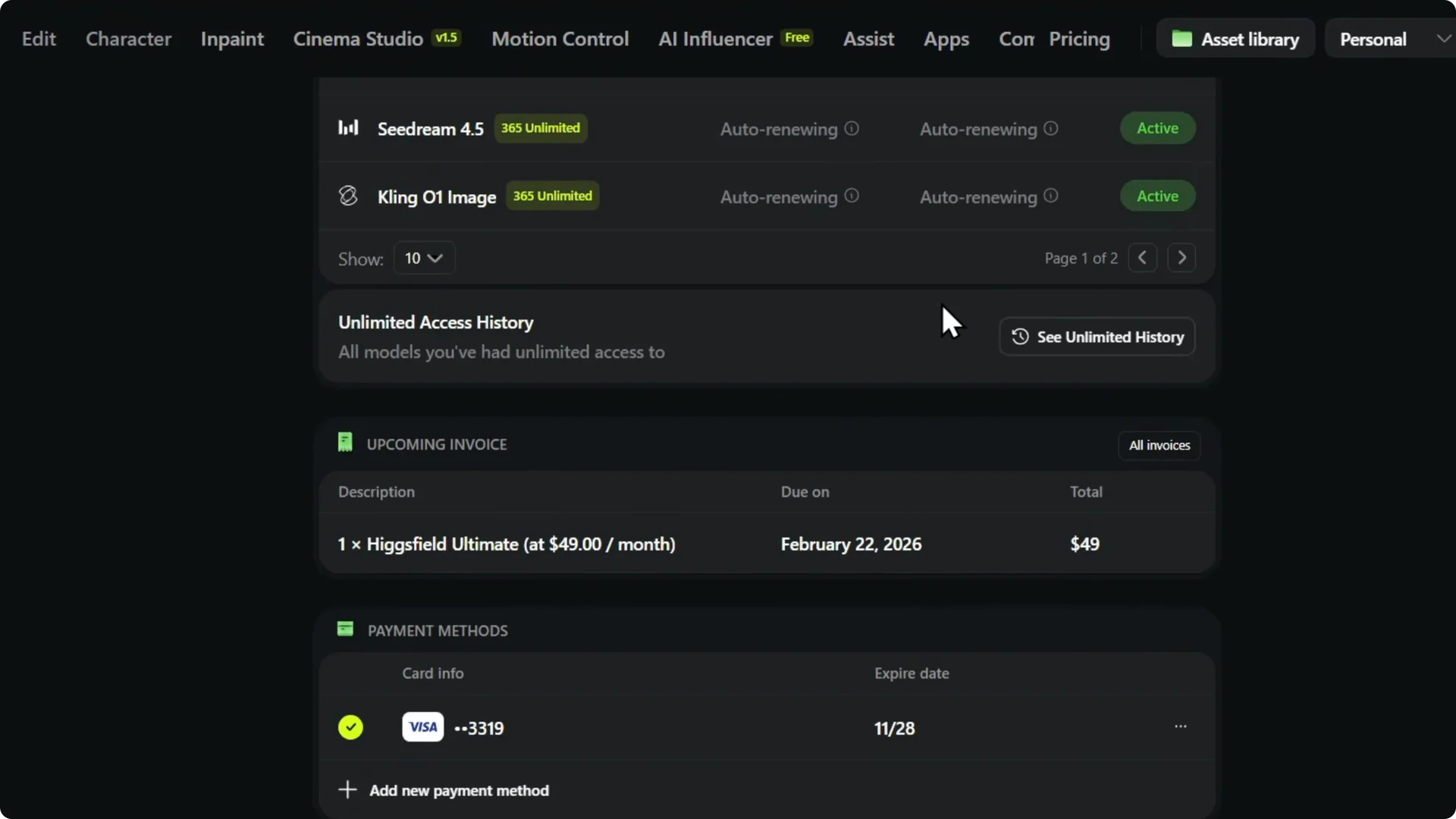
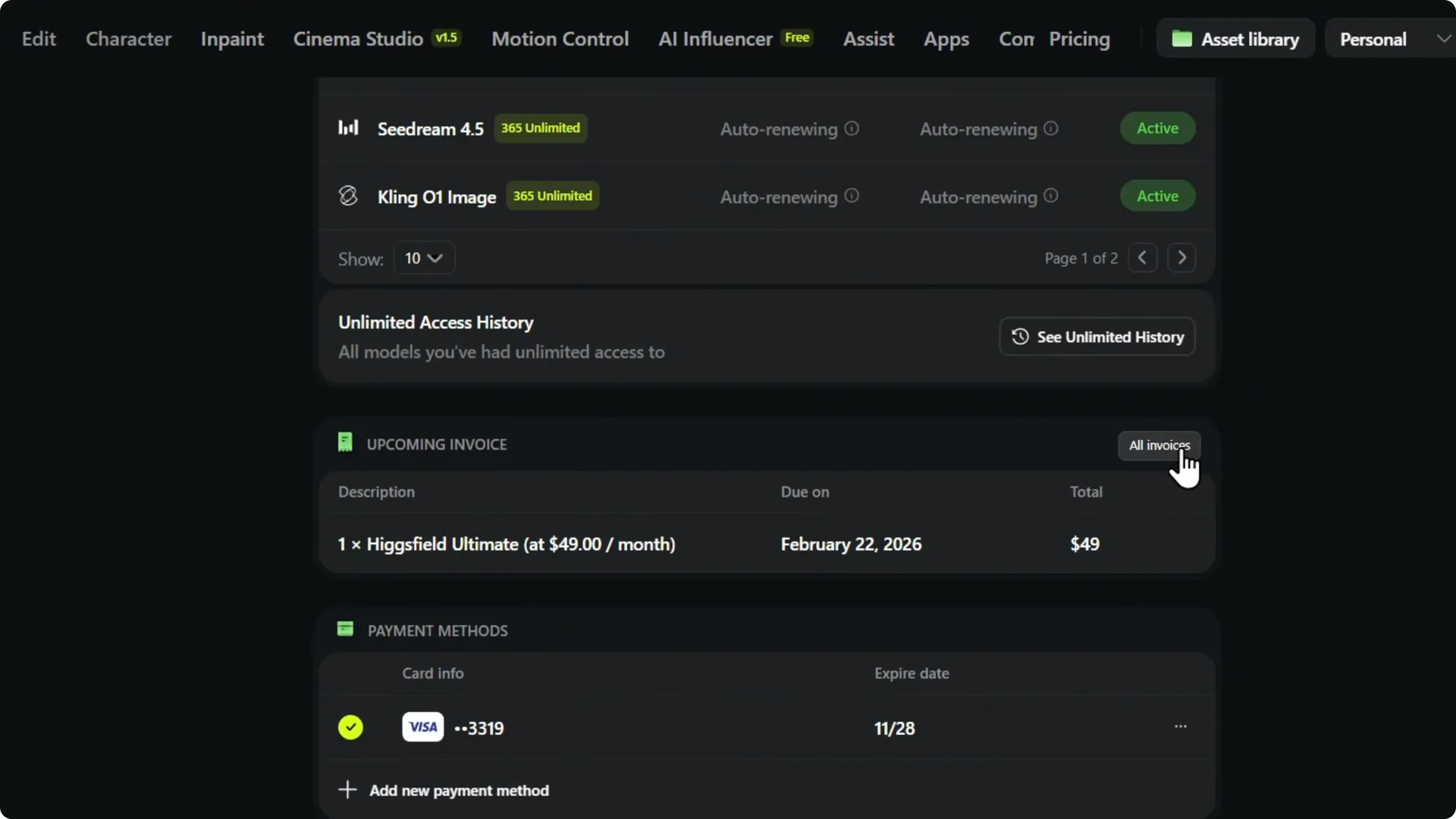
On the left, click Subscription and scroll down. You will see a section for your upcoming invoices.
Read More: Smooth Videos Higgsfield Ai
Higgsfield AI Invoice Download: Find and download
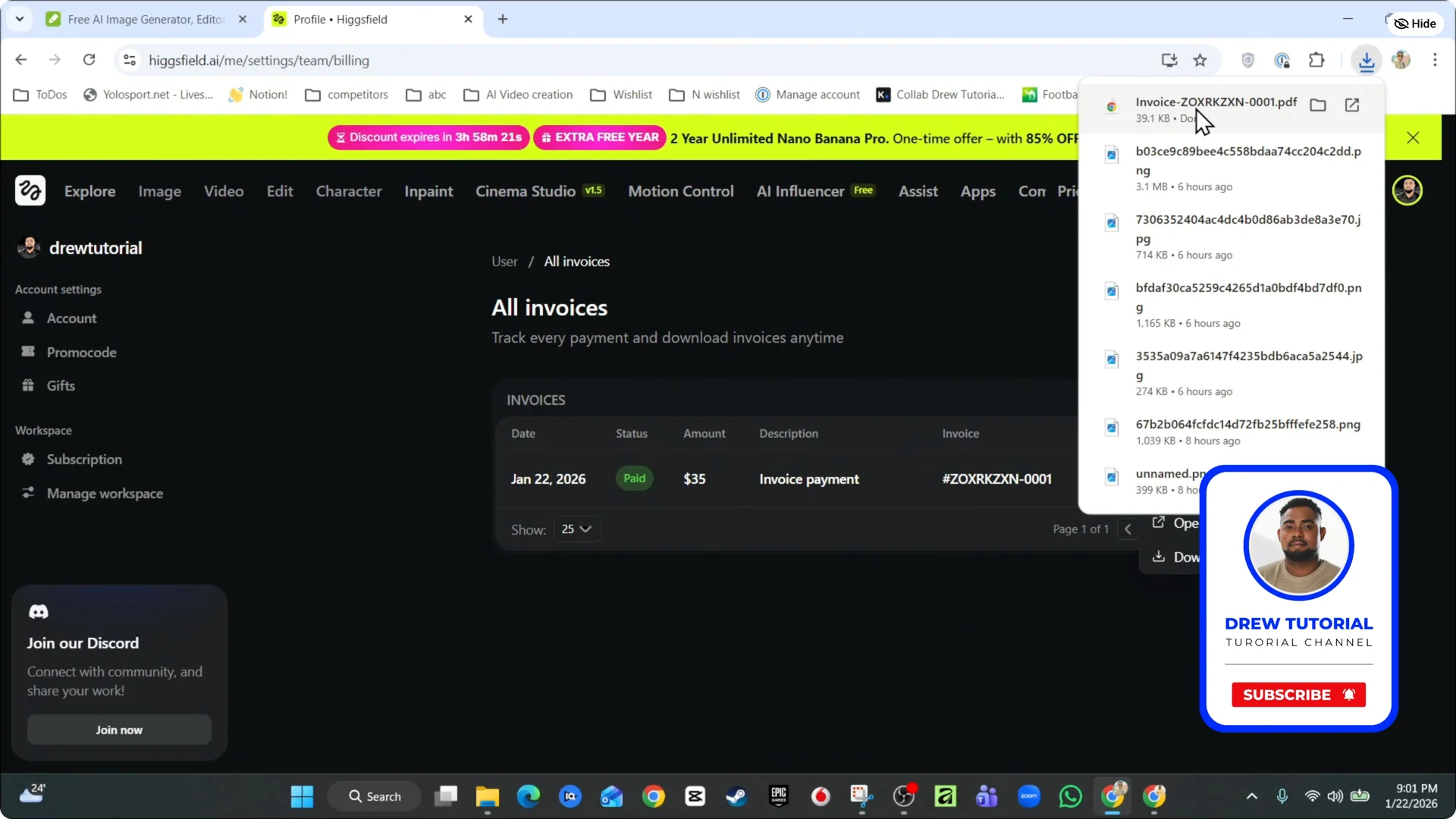
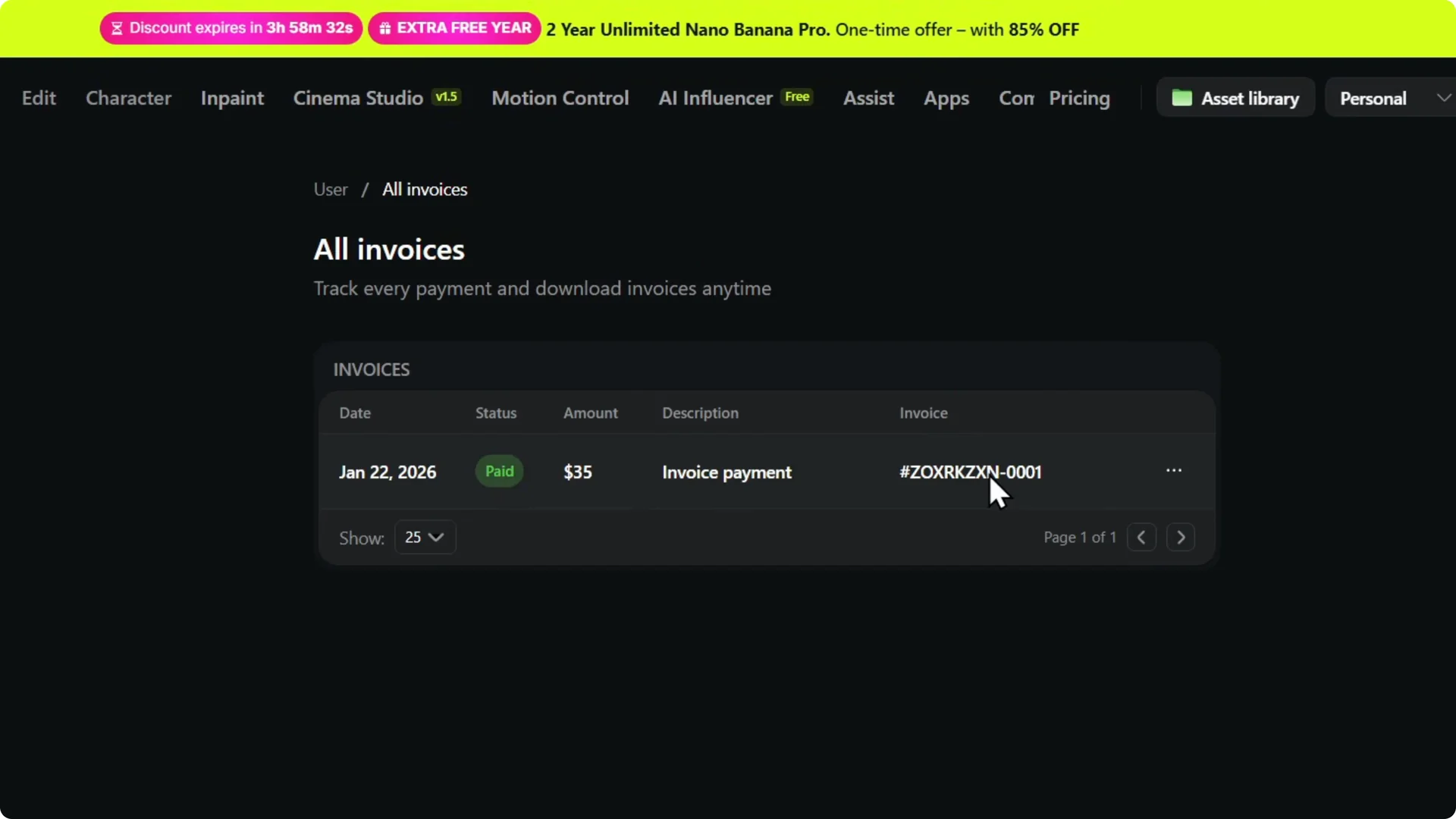
Click All invoices on the right. You will land on the invoices page.
Click the three dots next to an invoice and select Download. Your invoice will download to your device.
Read More: Create Team Higgsfield Ai
Higgsfield AI Invoice Download: Final thoughts
That is the full path to get your invoices from your account. Open Account, go to Subscription, select All invoices, then use the three dots to download. Your file will be ready right away.