I will show you how to delete your Higgsfield AI account. Follow these steps and make sure you are ready for the final confirmation.
Higgsfield AI Account Deletion steps
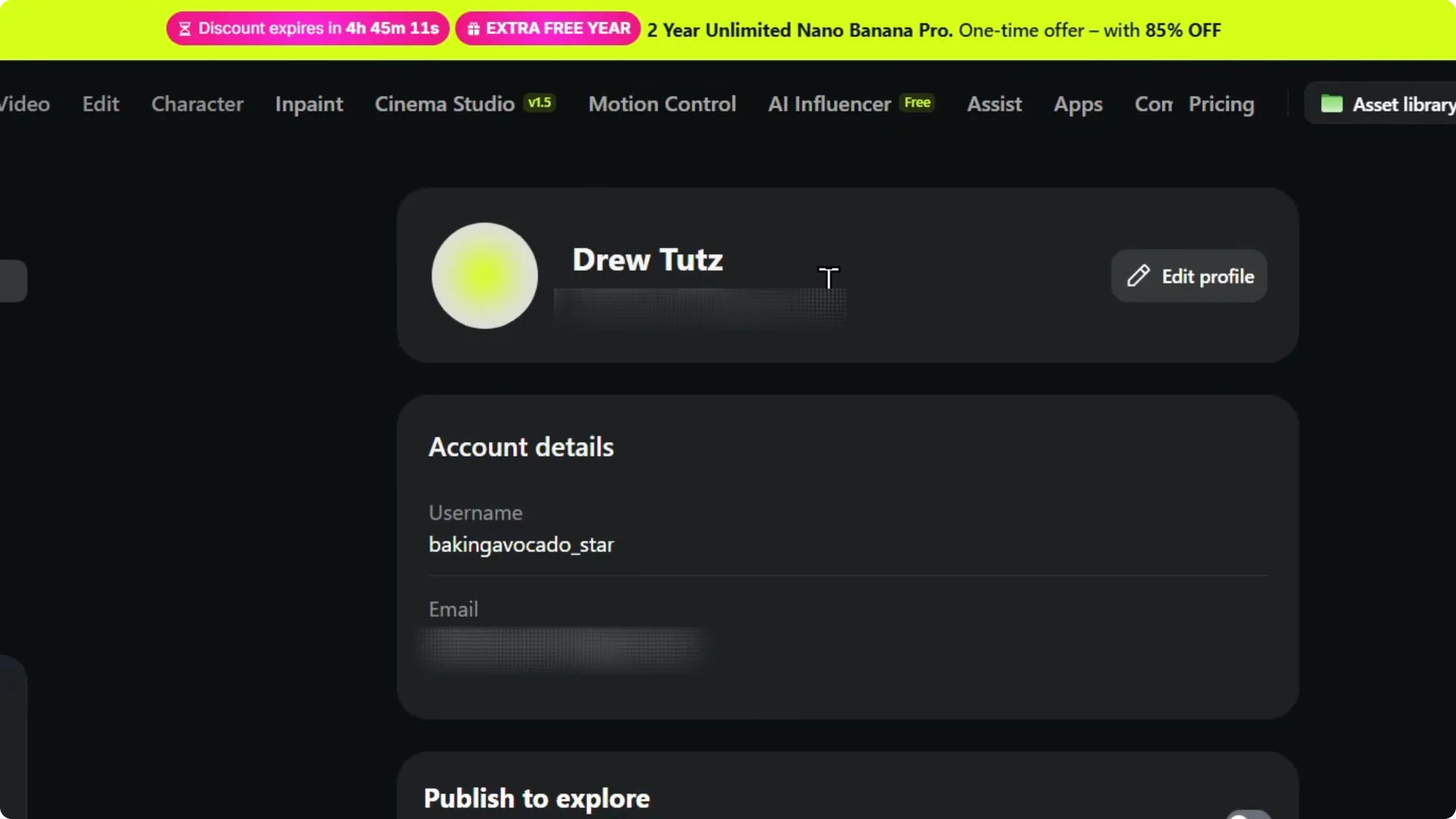
Step 1: Hover over your account in the upper right. Click Manage account.

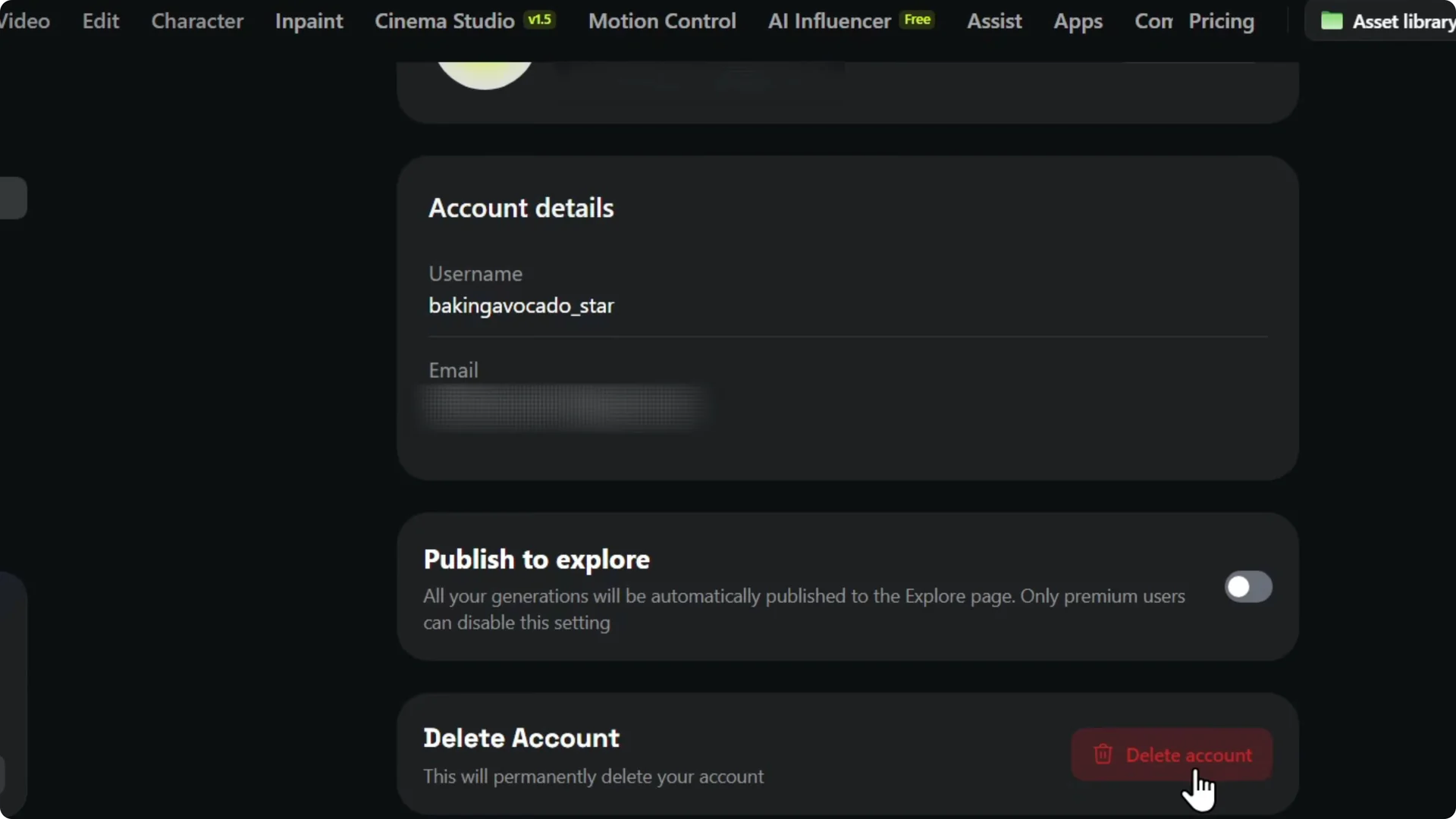
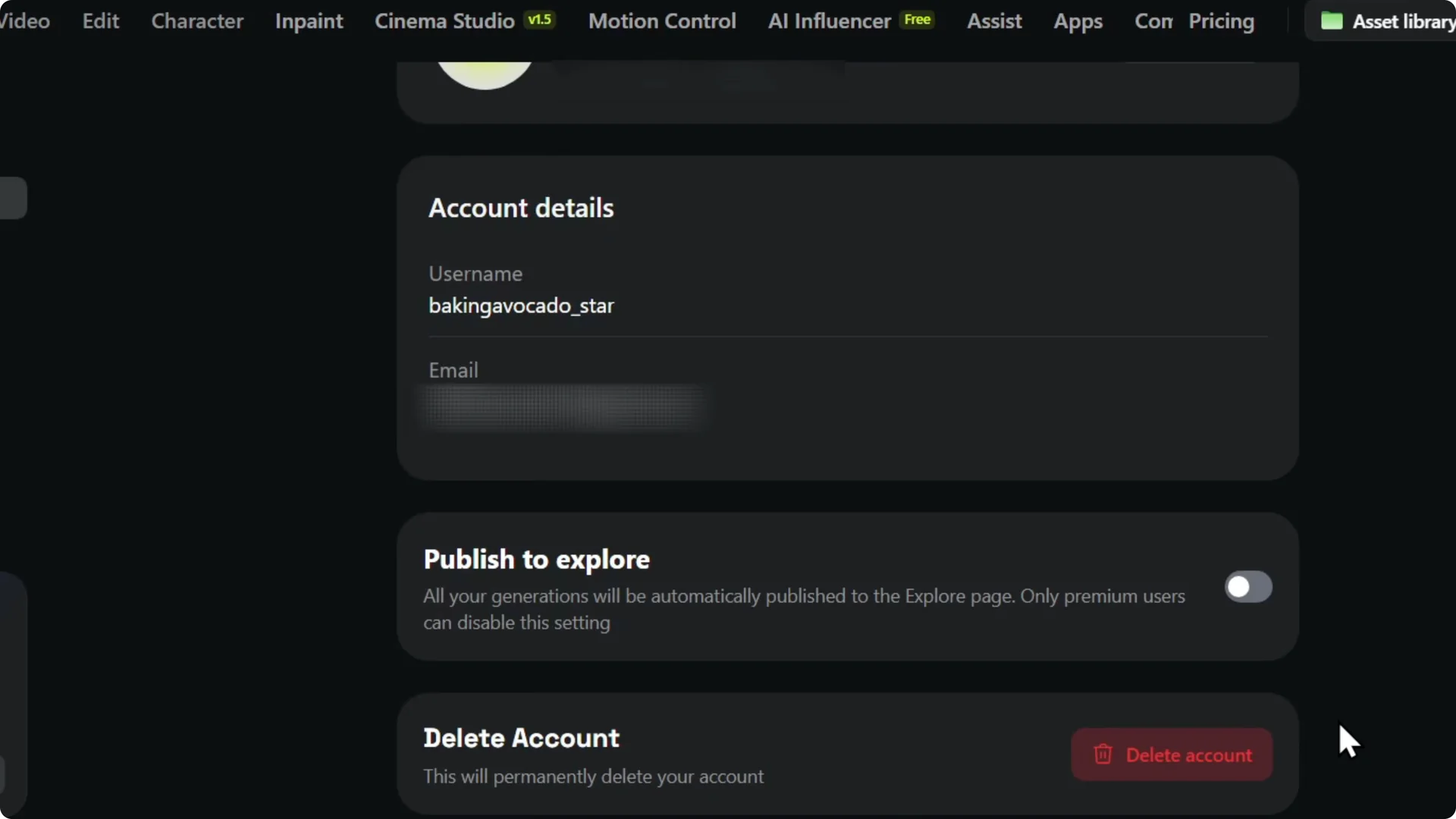
Step 2: Scroll down the account page. You will see Delete account at the bottom.
If you only need to remove images, see this delete images guide instead. It can clean up content without removing your entire profile.
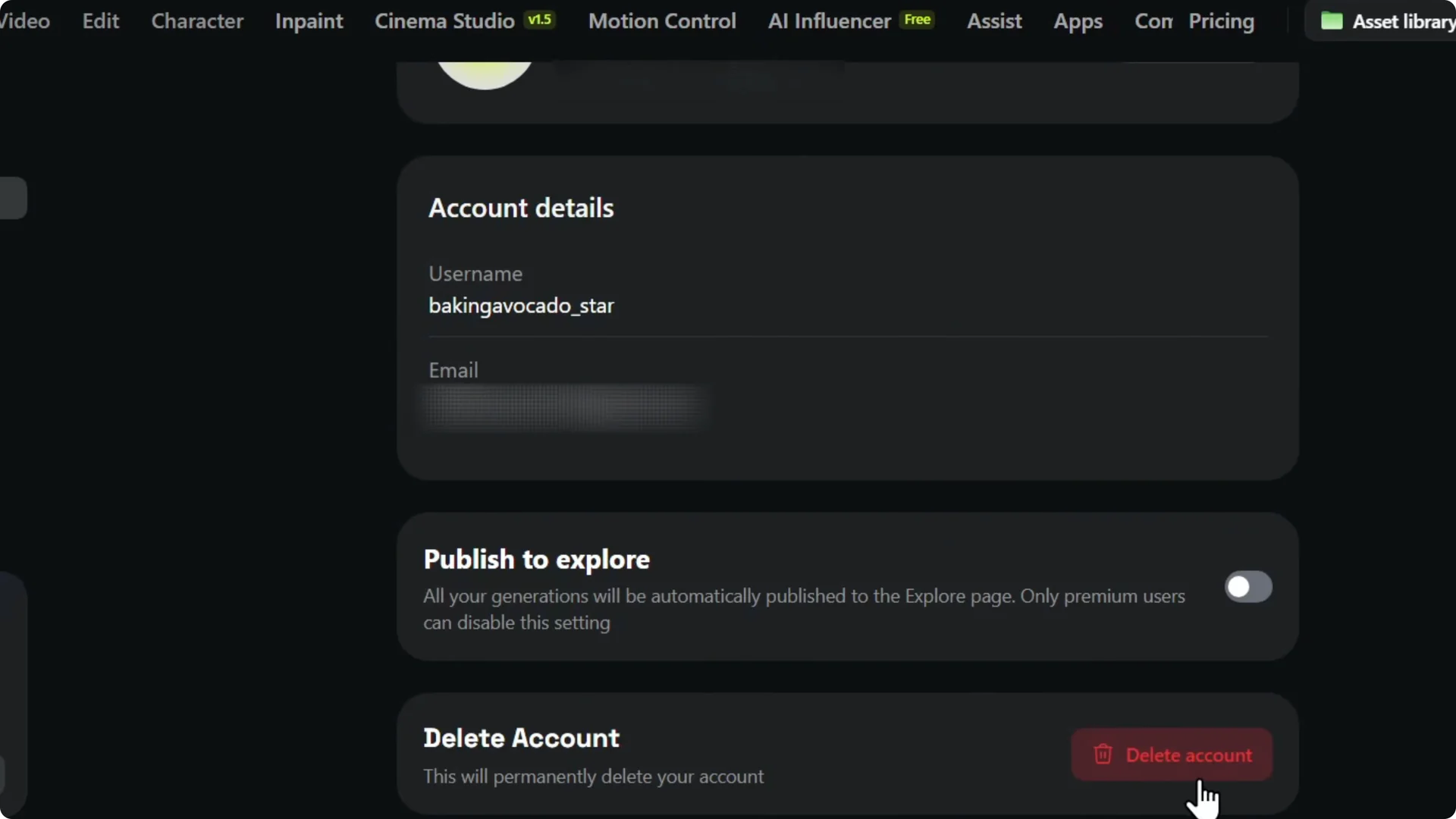
Step 3: Click the red Delete account button to proceed. This starts the removal process.
Higgsfield AI Account Deletion caution
Once you delete your account, it permanently deletes your account. You will not be able to get it back. Make the decision if you really want to delete the account.
Need help on a phone. Read More: Delete Higgsfield Ai Account Mobile.
Final Thoughts
The deletion option sits at the bottom of your account settings, and the red button completes the process. If you decide to start fresh later, you can create a new Higgsfield AI account anytime.