Skip to content

Pika Labs AI

  • Home
  • Text To Video
  • Pika Prompt Generator
  • Pika 2.5
  • Pikaffects
  • Discord

InVideo

InVideo AI V3 is now available to create text to videos
1 January 2025 by pikalabsai.org
Invideo v3

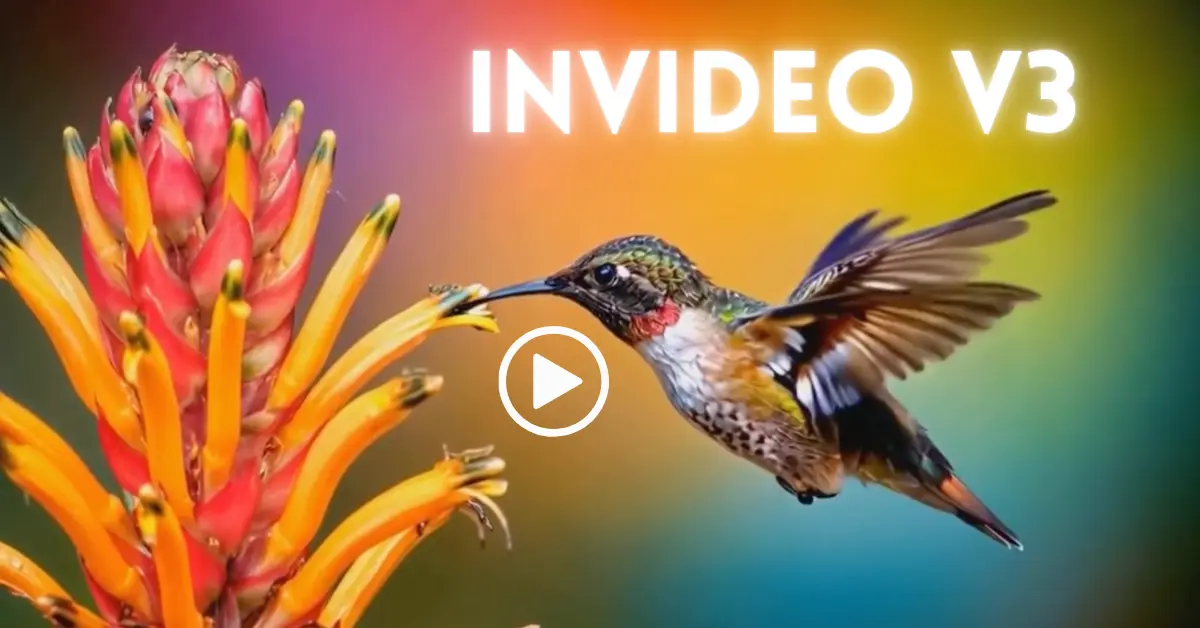
InVideo AI has just introduced a significant upgrade, Version 3, for text-to-video AI generation. With this version, you can create an entire AI-generated video using just one text prompt. Let me walk you through how this works, step-by-step, and explore its features in detail. To demonstrate, I created a 30-second video ad with a single-sentence … Read more

Categories Blog, InVideo Leave a comment
  • How to Create Auto Caption in Filmora - Featured Image
    How to Create Auto Caption in Filmora
  • How to Add Cool Glitch Transition Effect in Filmora - Featured Image
    How to Add Cool Glitch Transition Effect in Filmora?
  • How to Remove Vocal from Song in Filmora Using AI - Featured Image
    How to Remove Vocal from Song in Filmora Using AI?
  • How to Add Animations to Text in Filmora - Featured Image
    How to Add Animations to Text in Filmora
  • How to Use Speech to Text in Filmora - Featured Image
    How to Use Speech to Text in Filmora?
  • Home
  • Text To Video
  • Pikaffects
  • PikaFrames
  • Pikadditions
  • Pikamemes
  • PikaTwists
  • Pika Social App

Latest Posts:

  • How to Create Auto Caption in Filmora
  • How to Add Cool Glitch Transition Effect in Filmora?
  • How to Remove Vocal from Song in Filmora Using AI?
  • How to Add Animations to Text in Filmora

Pika Labs Model

  • Pika 1.0
  • Pika 1.5
  • Pika 2.0
  • Pika 2.1
  • Pika 2.2
  • Pika 2.5
  • Official Discord
  • Privacy Policy
Disclaimer: Pikalabsai.org is an unofficial educational blog. We're not affiliated with Pika.art, don't request any payments, and give full copyright credit to Pika.art. Our goal is to promote and share information only. | 7789 Broadway #202, San Francisco, CA 94111, United States