
You have your pictures that you want to turn into amazing videos. Let me show you how you can achieve that with Eggfield AI.
To turn your images into videos, hover over Video at the top and click Create Video. Instead of using a prompt first, upload the image you wish to turn into a video.
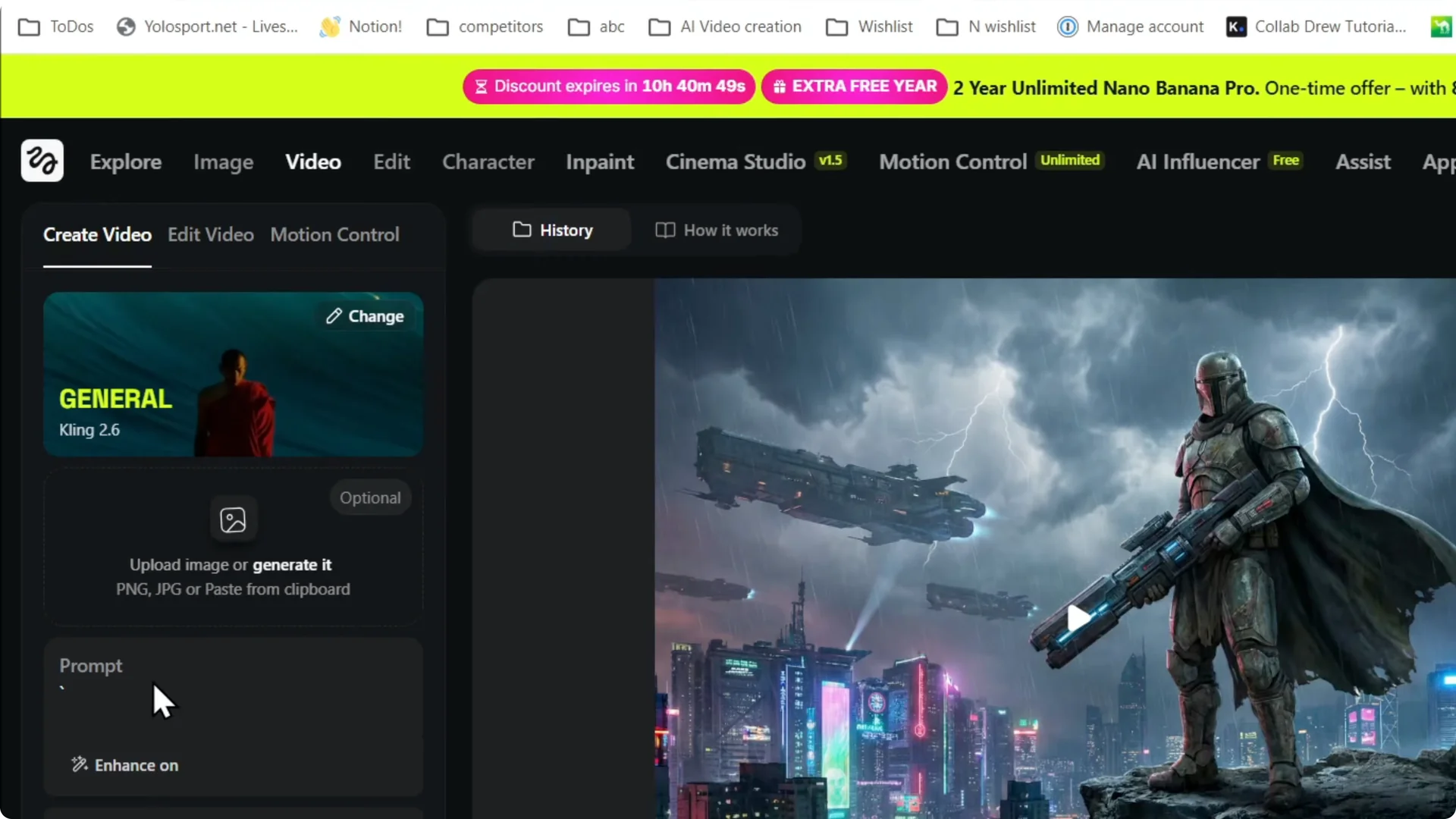
Getting Started with Image-to-Video Generation
Upload and Prompt for Image-to-Video Generation
Step 1: Upload the image you wish to turn into a video, then click Open. It will upload the image.
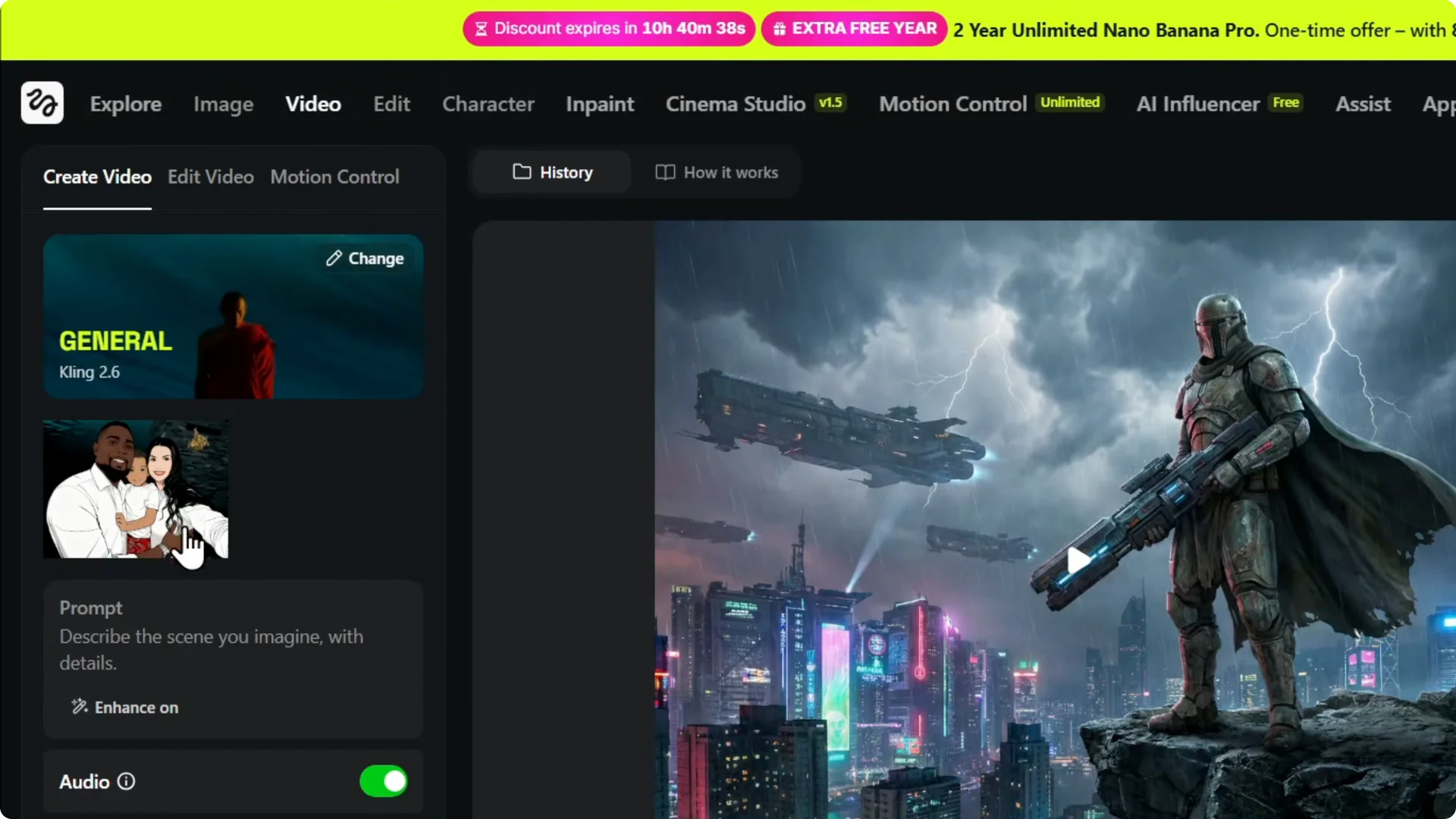
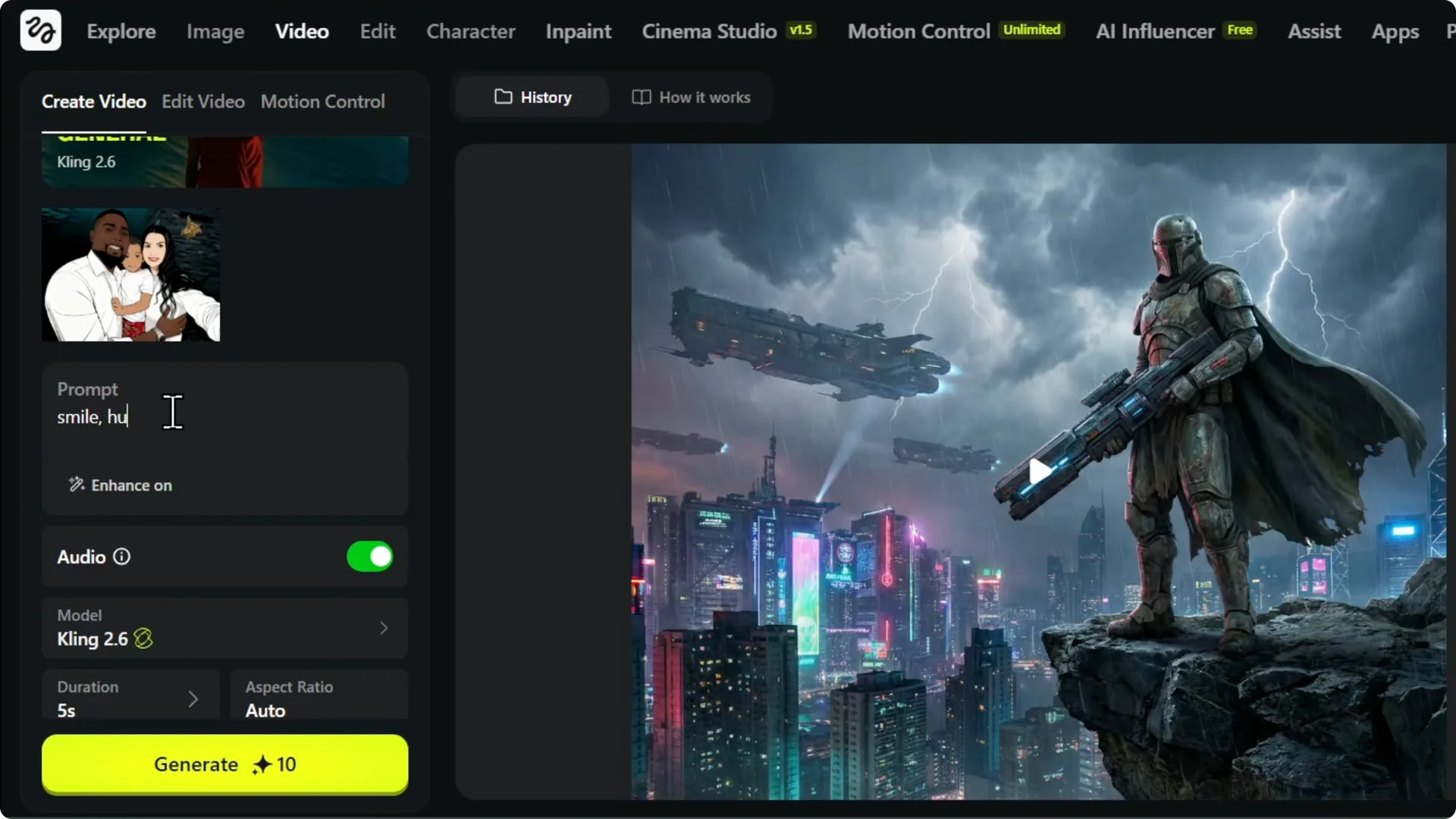
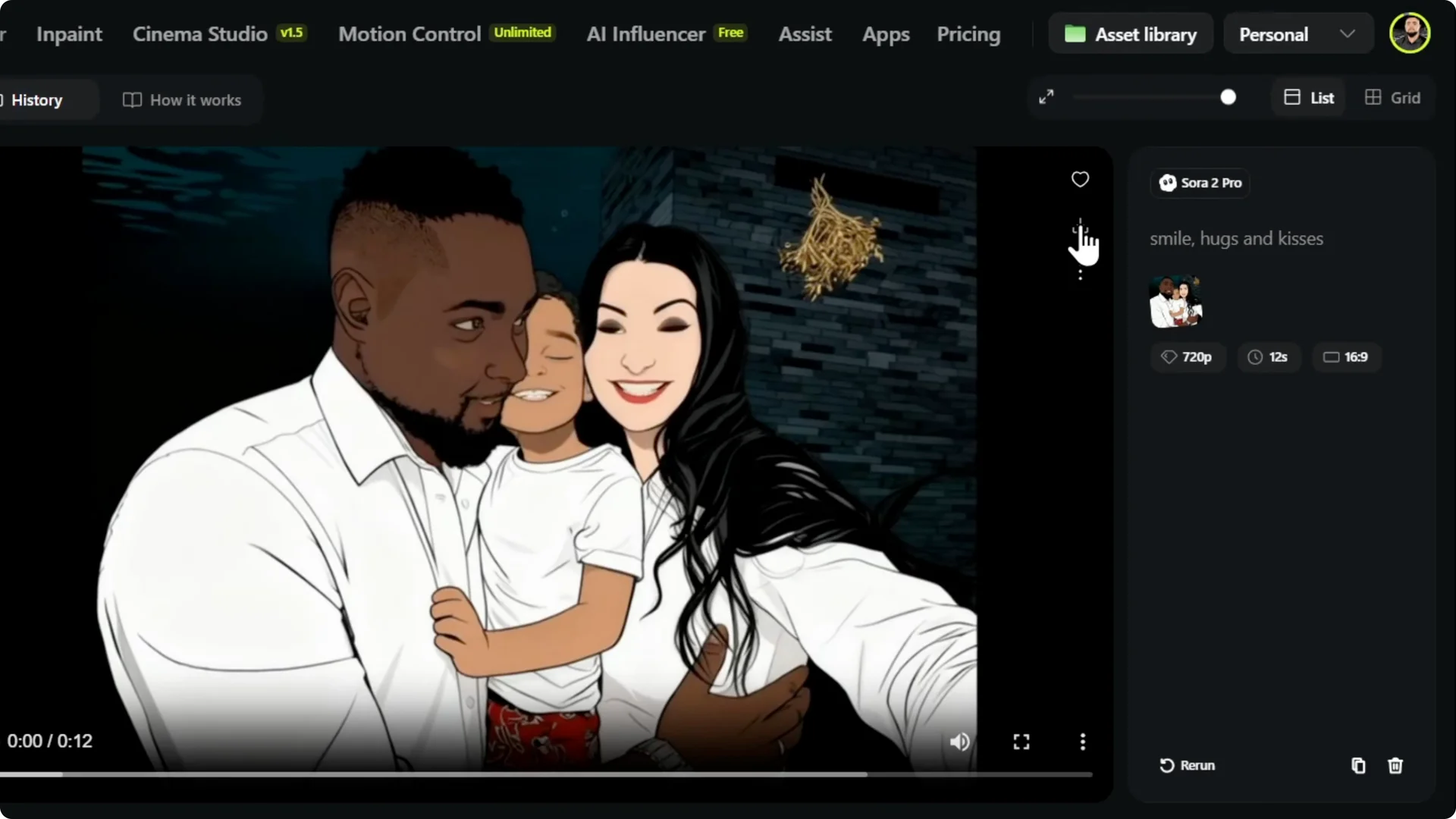
Step 2: Enter the prompt. I kept it pretty simple: “Smile, hugs, and kisses.” You can choose if you want audio too.
For more on image-to-video workflows, check out this Higgsfield AI tutorial.
Choose a Model for Image-to-Video Generation
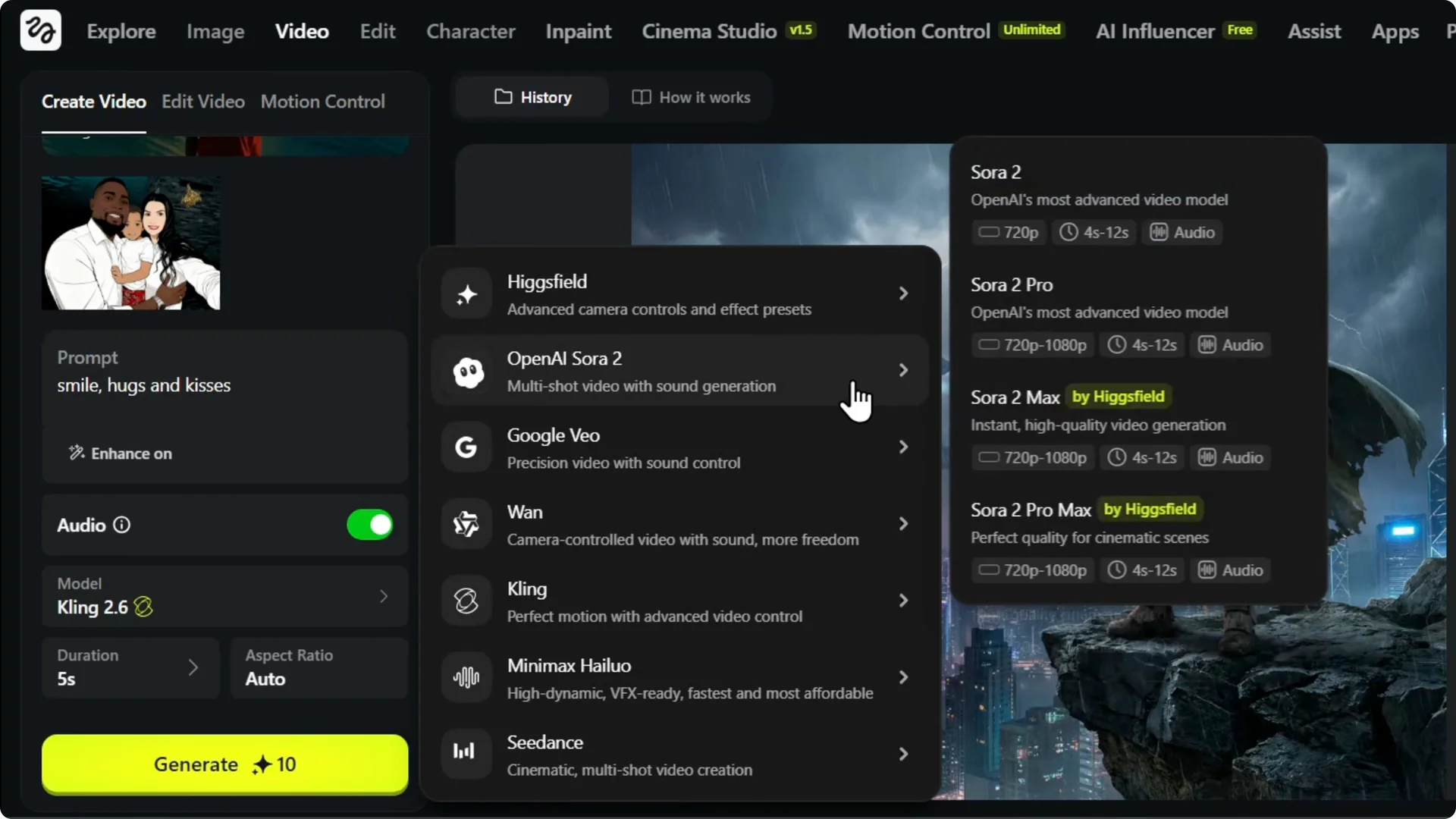
Step 3: Choose the model you want. It could be Kling, Sora, Sora 2, or Sora Pro.
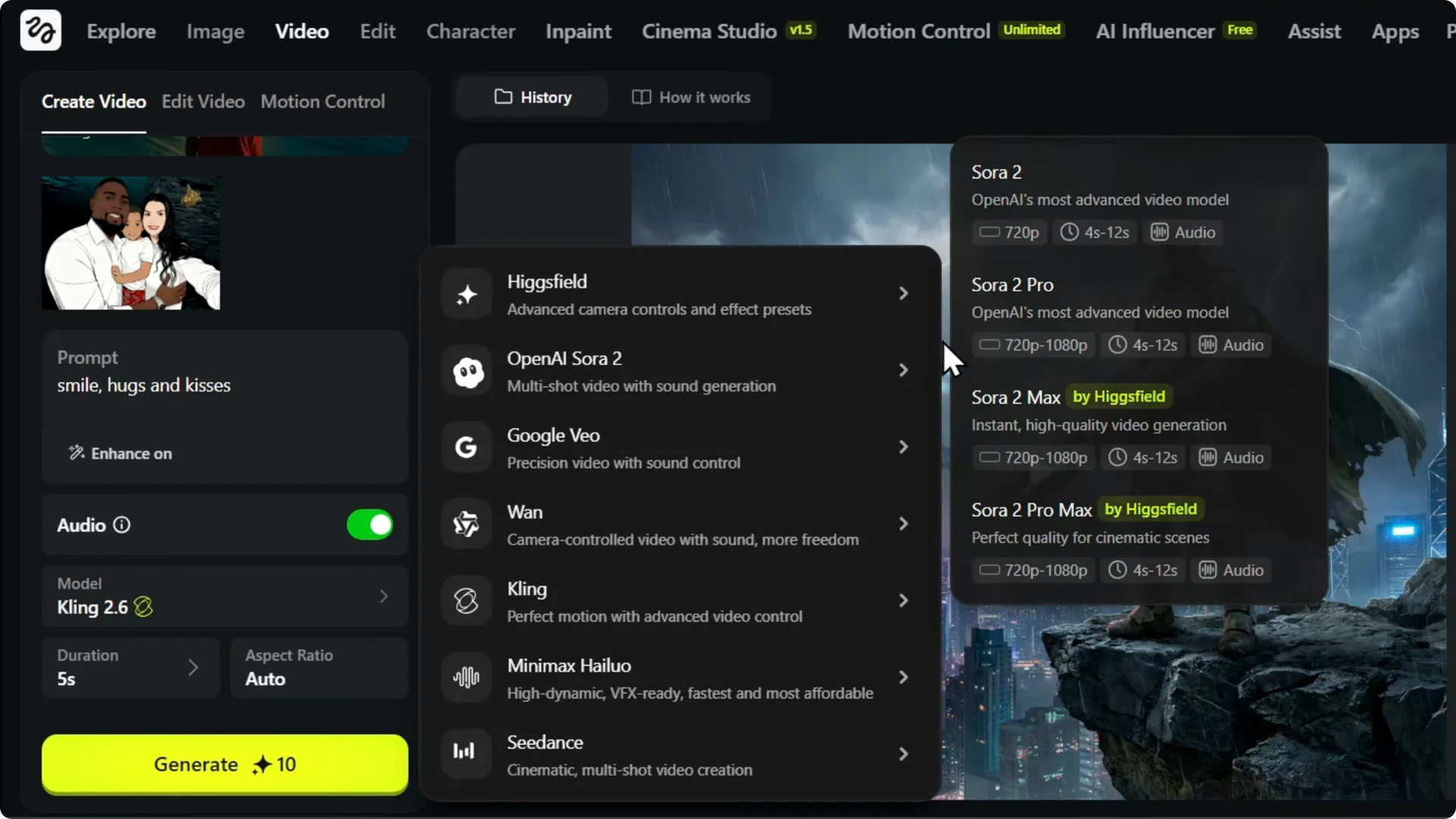
Step 4: Pick how you want to generate it with whichever model you prefer. I’m choosing Sora 2 as an example.
If you also work inside Higgsfield, here’s how to update a Higgsfield AI cover image.
Credits and Generate in Image-to-Video Generation
Step 5: Check the credits required for the model. Mine shows 89 credits.
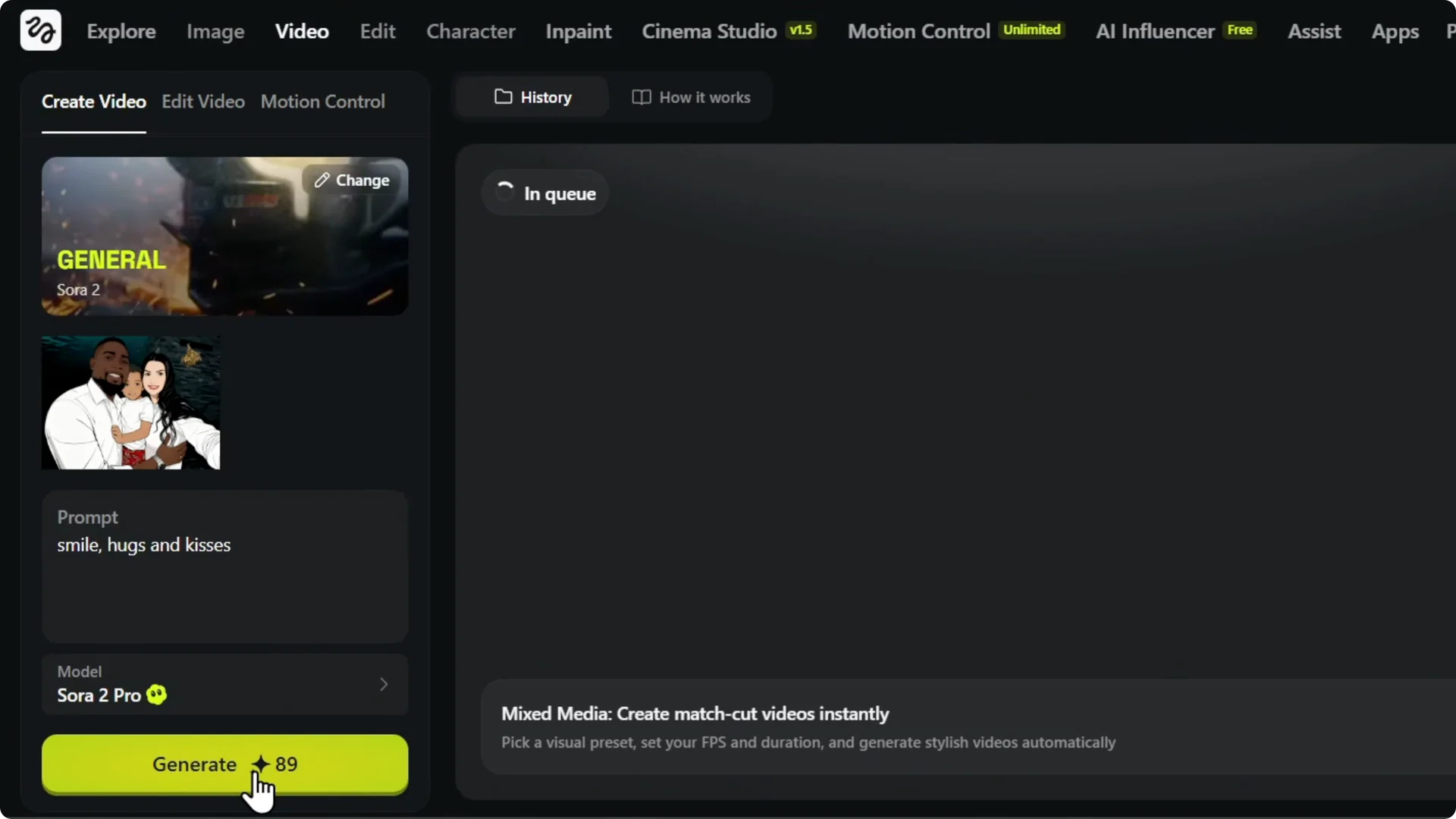
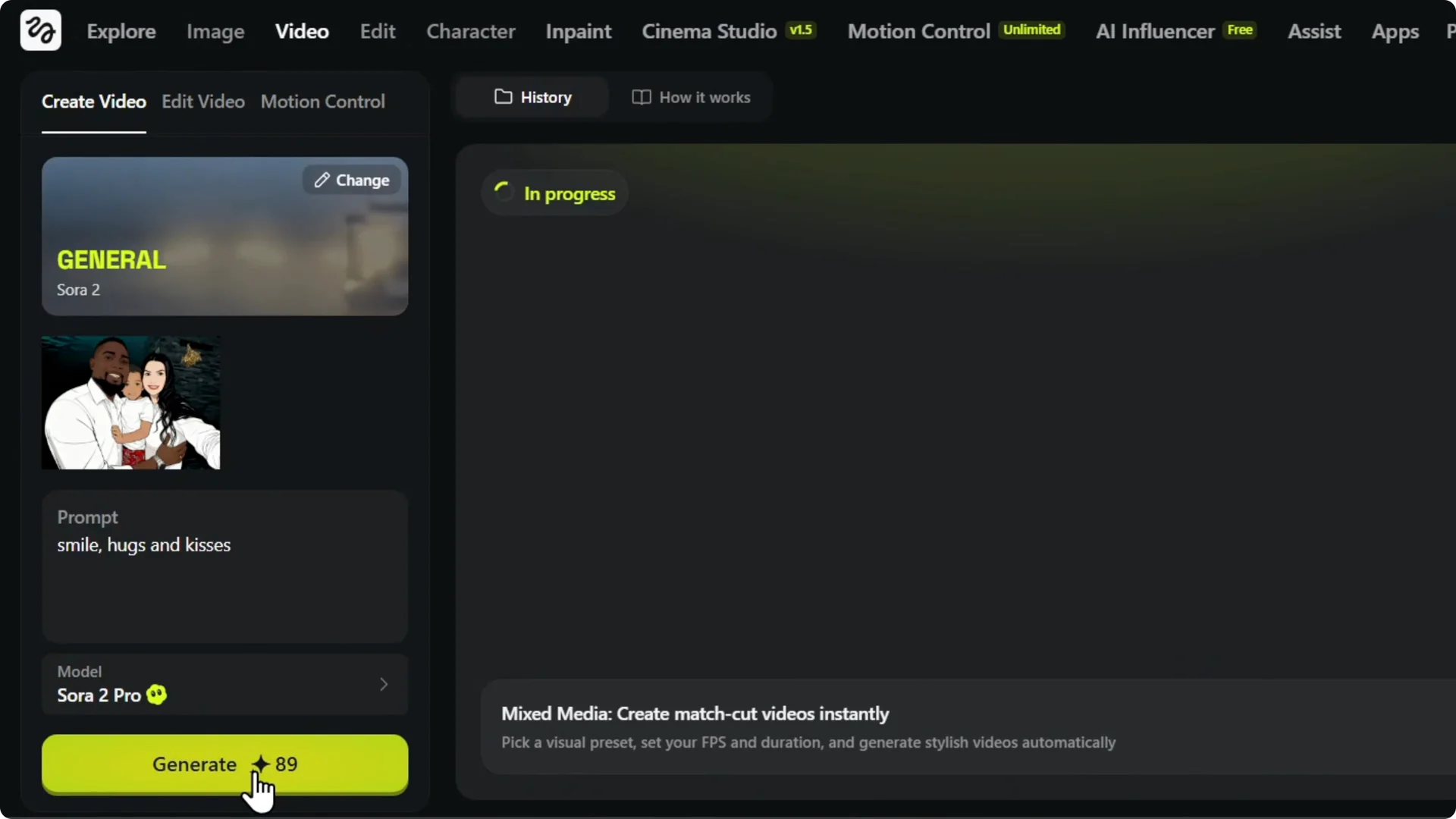
Step 6: Depending on the model you use, it will take a certain amount of credits because different AI models have different capabilities. Click Generate to bring the image to life as a video and see what it creates.
Results and Download in Image-to-Video Generation
Preview the Output
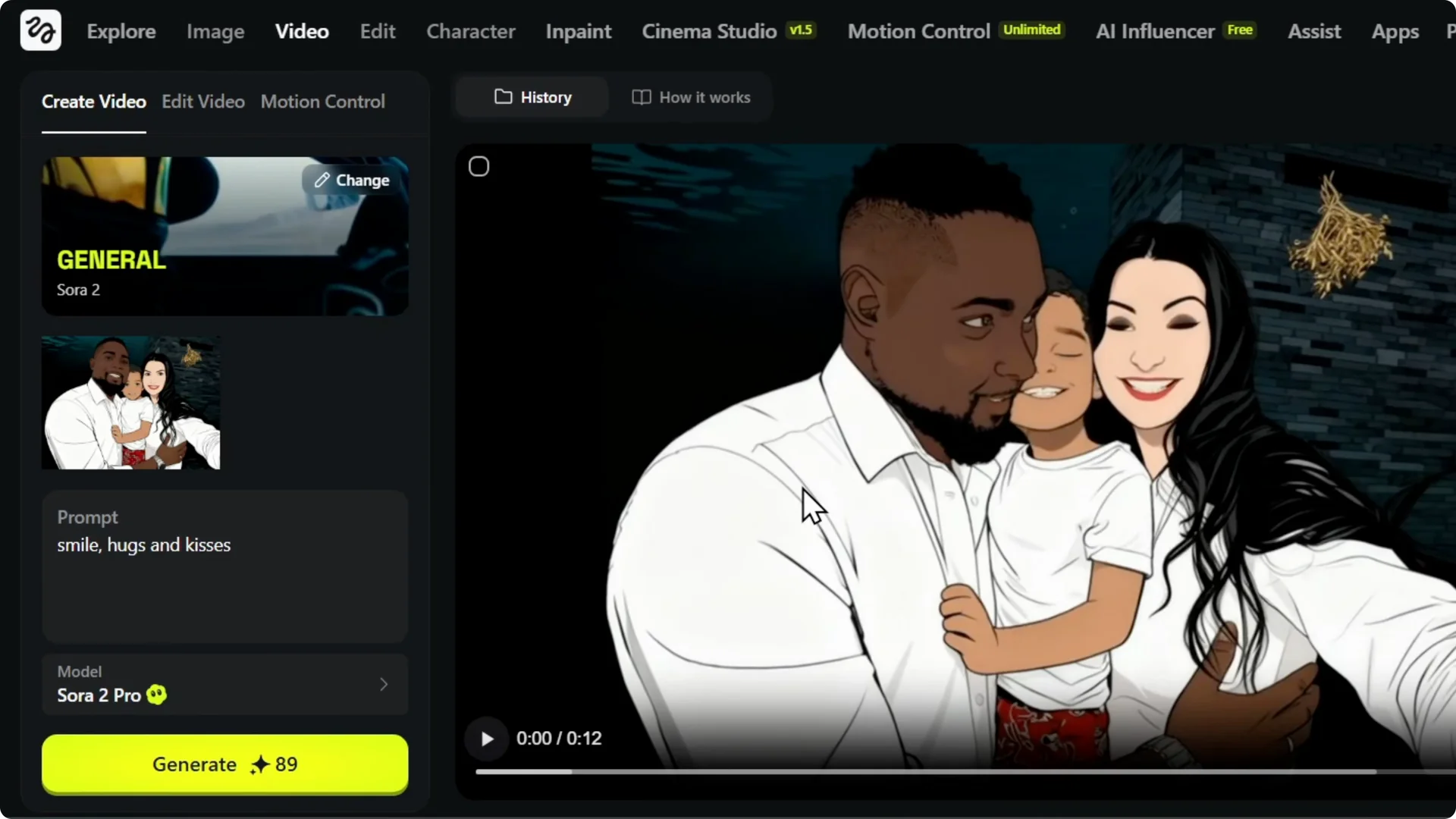
The video finished generating and I hit play to see what was created. That’s crazy. It’s literally scary, not going to lie.
Of course, I don’t sound like that, but what it was able to generate from that image with the whole story using just four words is wild. That’s insane.
Save Your Video
Step 7: When you’re ready to download your video, look to the upper right. You’ll see a heart and a download button. Click Download and it will save to your PC.
If you want to add a smooth slow-motion touch afterward, try slow-motion editing with Filmora AI.
Final Thoughts on Image-to-Video Generation
Upload your image, add a short prompt, choose your model, confirm credits, and generate. The results can be surprising even with just a few words. Download your video and refine it further if you want.