Here is how to find your images and videos that you generate in Higgsfield AI.
Higgsfield AI Asset Library
Find your content
Step 1: Once you are in Higgsfield AI, click Library on the upper right. It is labeled Asset Library.
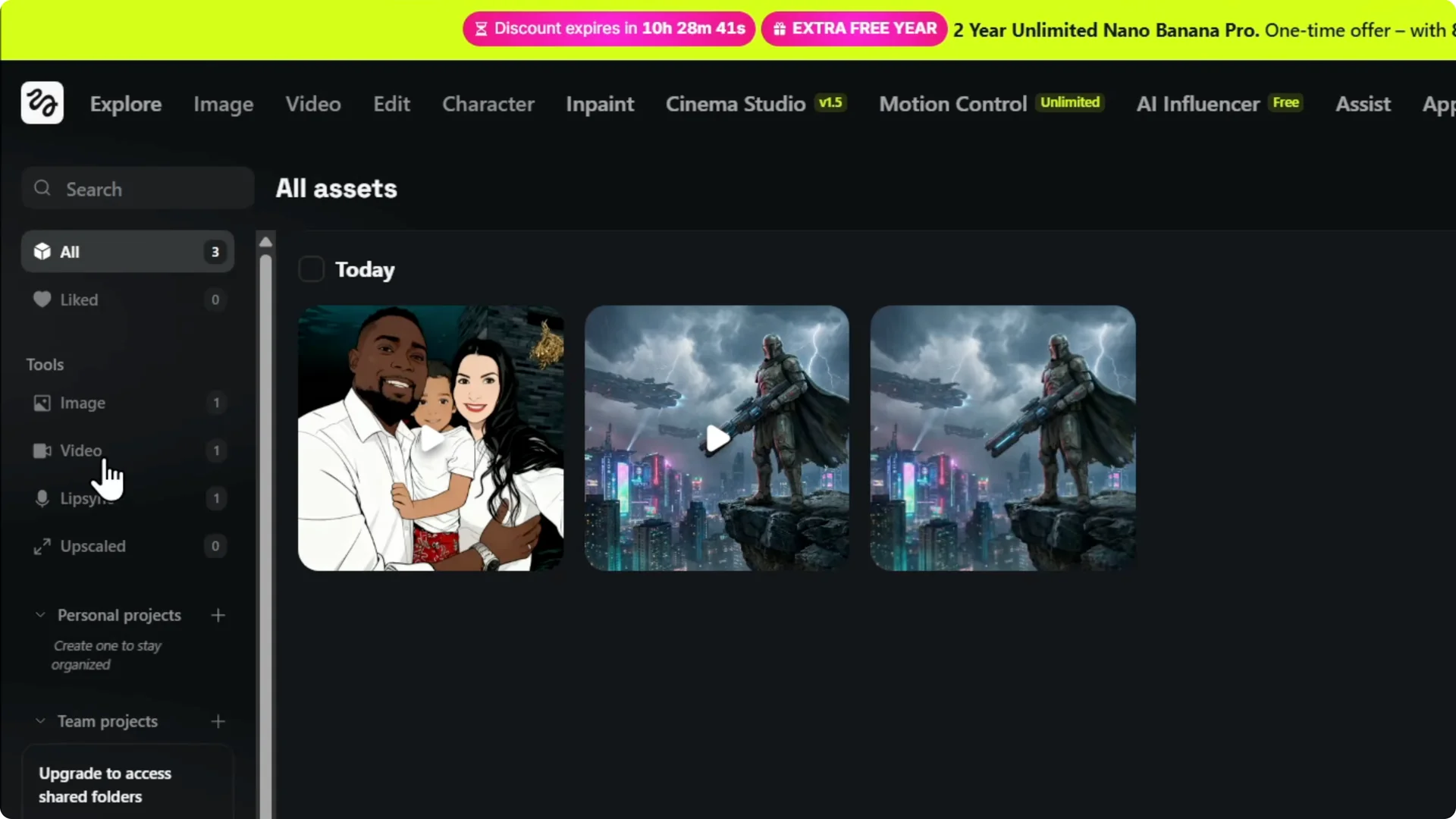
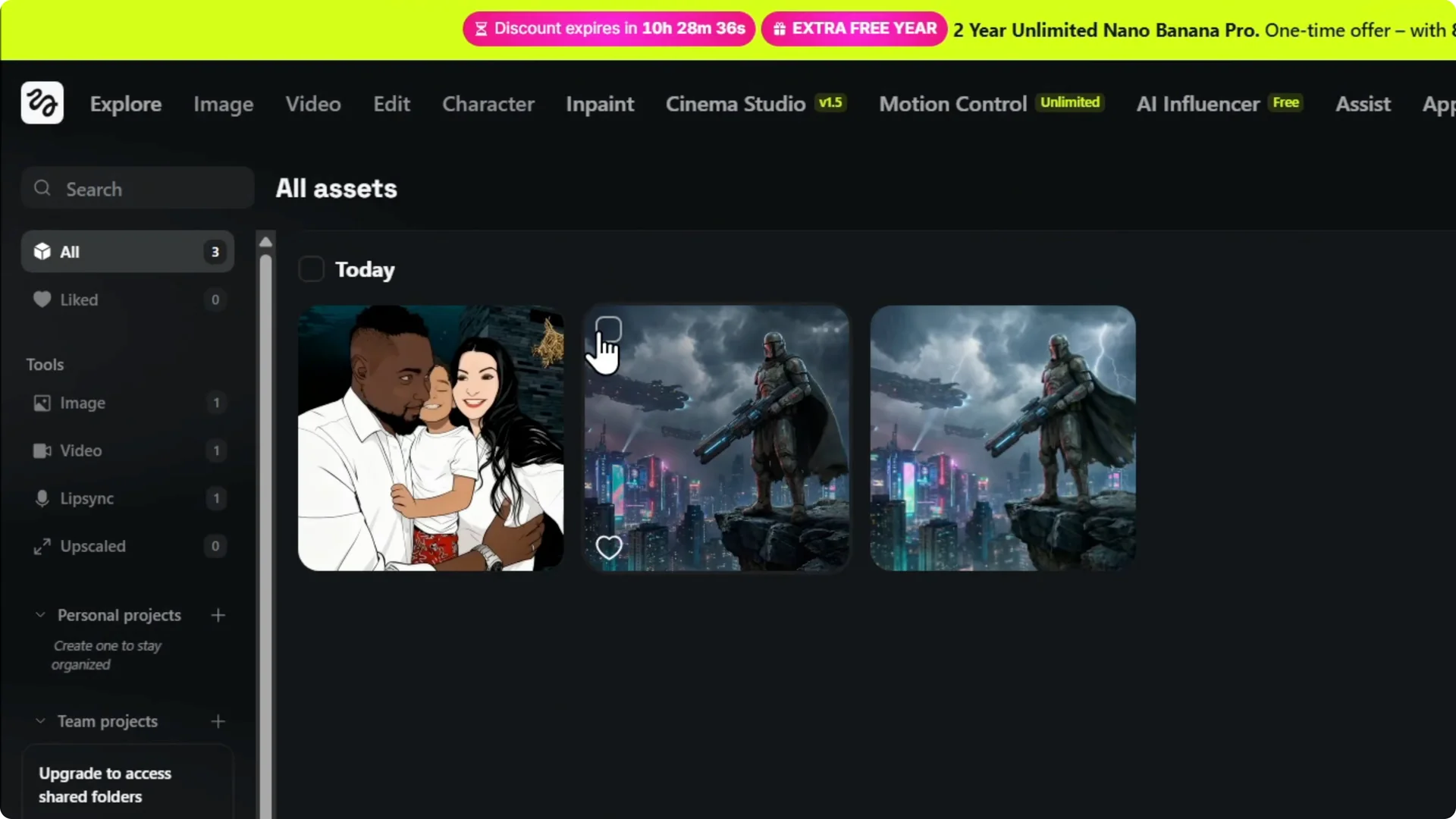
Step 2: Click Asset Library to open it. Your generated images and videos appear in this section, and you can view, download, or delete them.
Read More: Images and videos in Higgsfield AI
Manage your assets
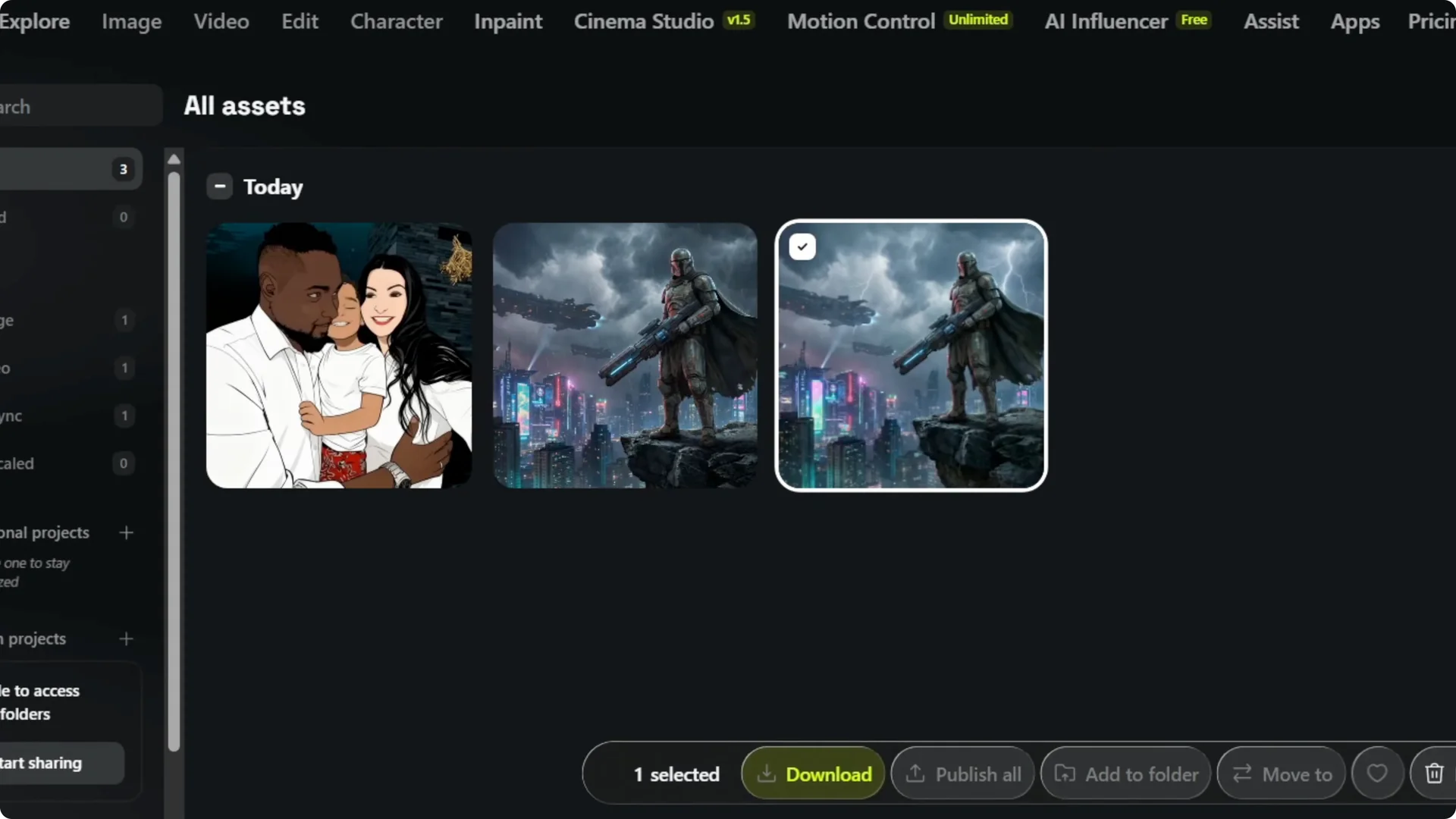
Step 3: Select items to delete or move, or create folders to organize them. You can manage these assets or generations however you prefer.
Read More: Create stunning AI images
Final Thoughts
The Higgsfield AI Asset Library is the place to find and manage everything you generate. Click Library on the upper right, open Asset Library, and you can view, download, delete, move, and organize your files into folders.
Read More: Upscaling images without quality loss