Here is how to delete your Higgsfield AI account on your phone. It takes just a few taps.
If you want to tidy up first, you can organize assets into folders before removing the account.
Higgsfield AI Account Deletion
Phone steps
Step 1: Tap your profile in the upper right.
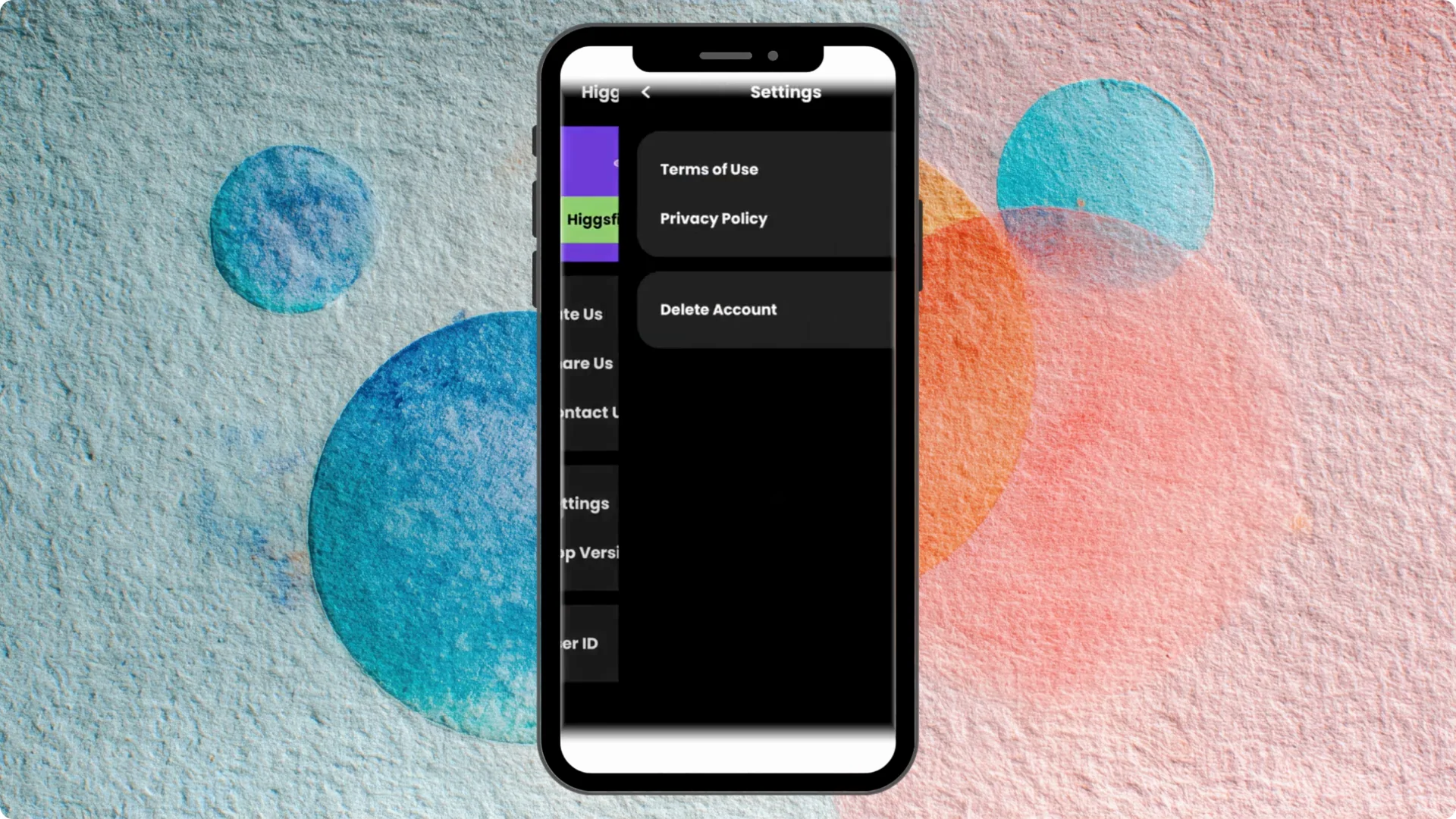
Step 2: Open Settings.
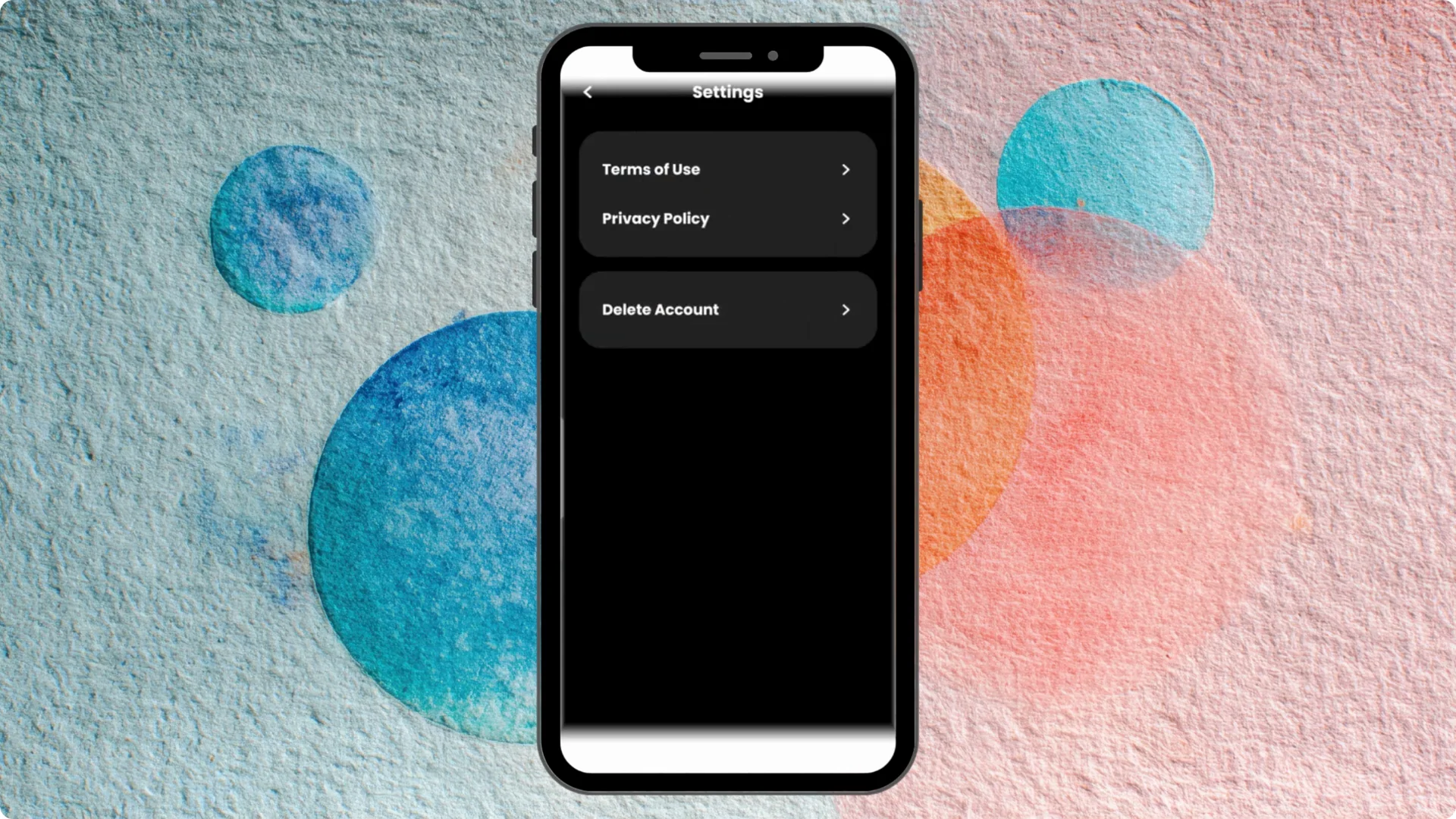
Step 3: Choose Delete account. You will see this option on the settings screen.
If you only need to remove content, you can delete images from your Higgsfield account instead.
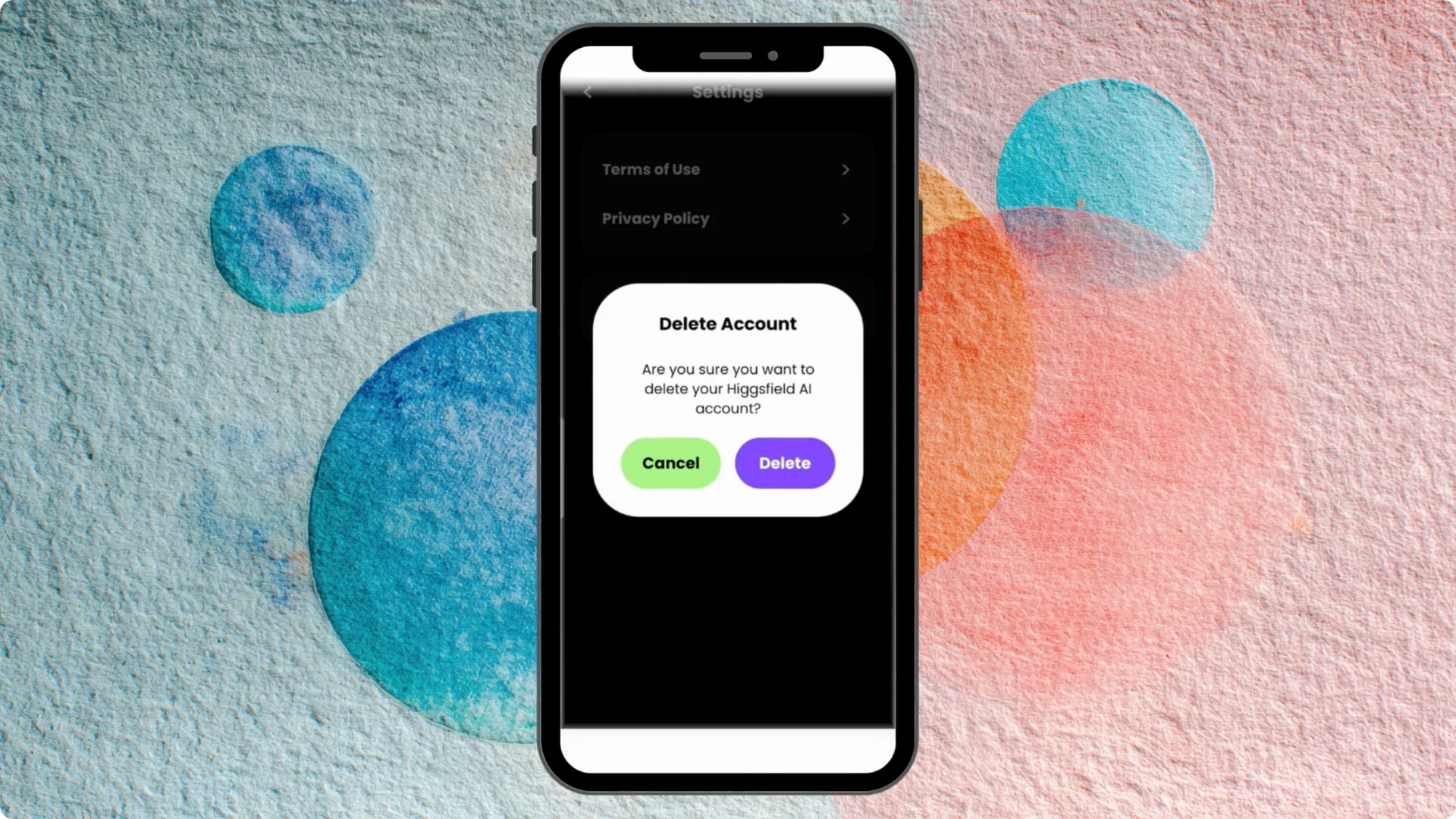
Step 4: Tap Delete to confirm. That is it.
For a condensed walkthrough, see this quick deletion guide.
Final thoughts on Higgsfield AI Account Deletion
The process is straightforward on a phone and finishes in a few steps. Follow the steps in order and confirm when prompted.