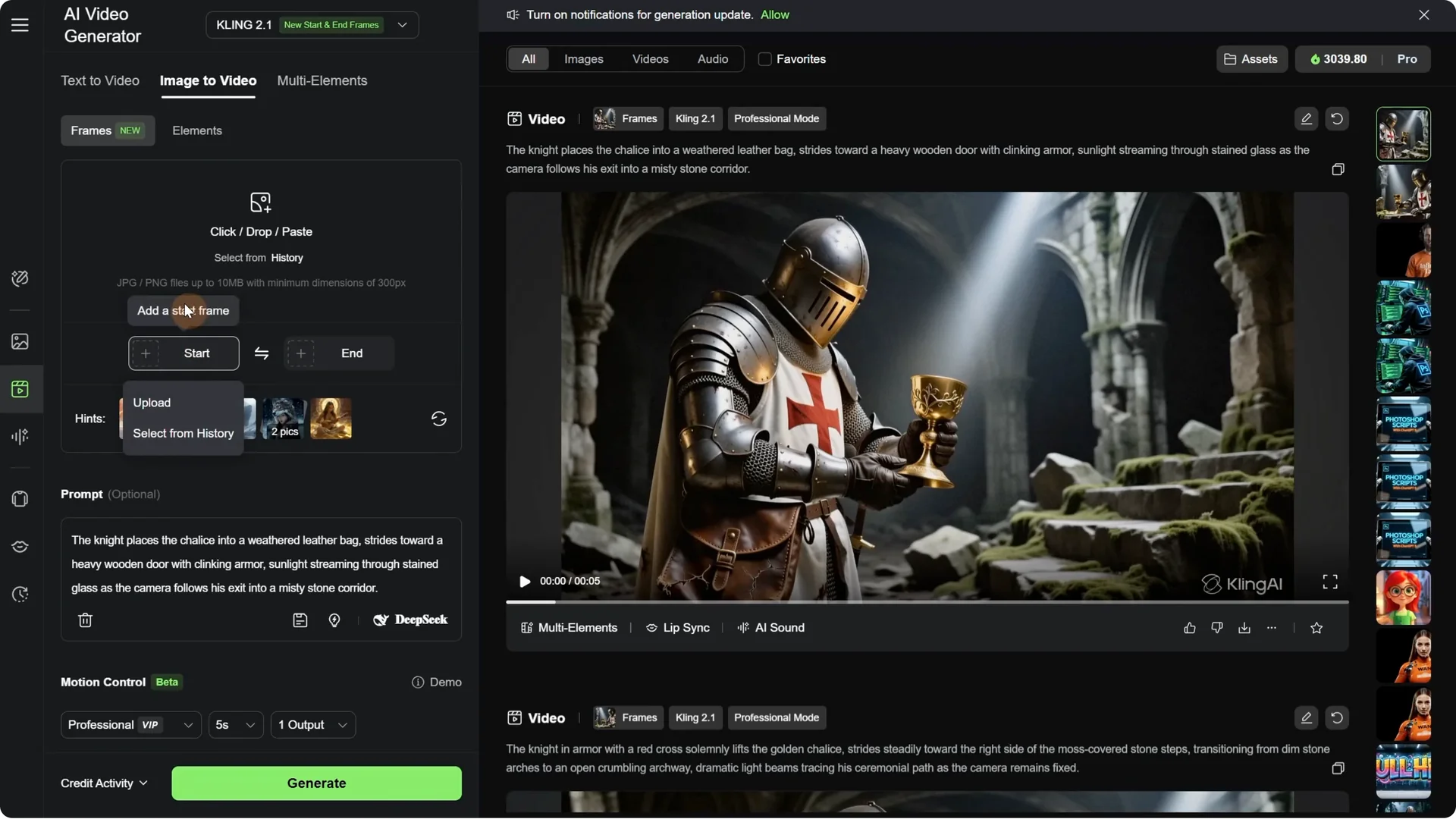
How to extend video in Kling AI?

How to extend video in Kling AI? screenshot 8

Before opening Kling AI, here is why the new start and end frame function is so useful. Before, we could only use a single image and the video started with that image, then the AI decided based on the prompt in what direction to move the camera. With the option to add the last frame, … Read more

Kling AI Elements Guide: Swap Clothes, Objects, Face in minutes

Kling AI Elements Guide: Swap Clothes, Objects, Face in minutes screenshot 14

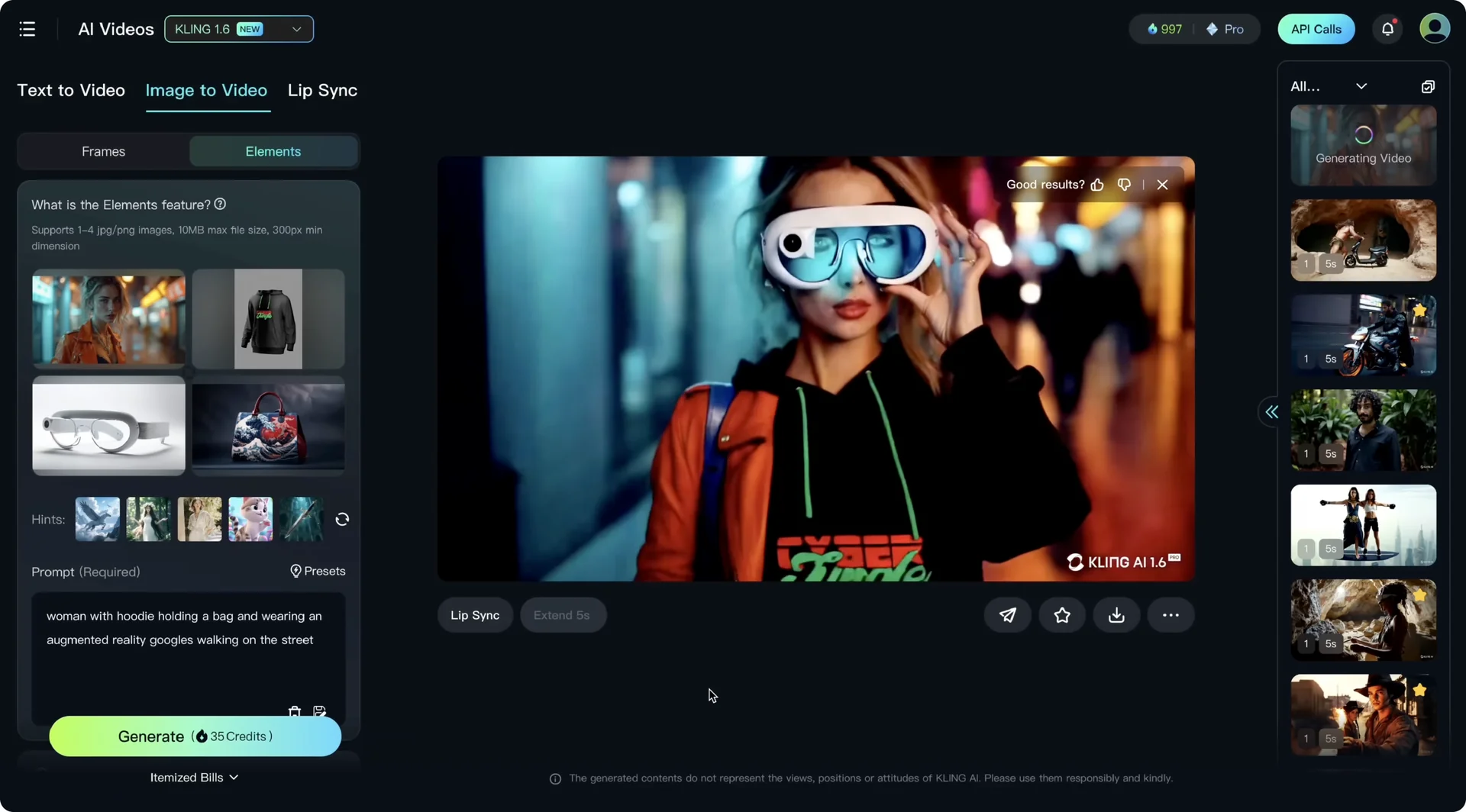
Kling AI just dropped its new Elements feature and it is mindblowing. With Elements you can create AI video scenes with multiple consistent characters and keep everything consistent from objects and garments to environments, matching perfectly. You can even create AI ads featuring products with consistent branding. The age of consistent everything has begun for … Read more

How to use Kling AI Multi-Elements?

How to use Kling AI Multi-Elements? - Featured Image

Kling AI allows you to create exceptionally hyperrealistic videos as well as images. It can take any of your pre-existing images and include elements such as your subject, your backgrounds, and more. Log in to your Kling AI account. On the bottom left, you will find your subscription as well as the number of credits … Read more

How to Find Kling AI Promo Codes?

How to Find Kling AI Promo Codes? - Featured Image

I’m going to be showing you guys how you can get free promo codes for Kling AI. Kling AI provides you with free credits before you get started with the website. Once your free credits run out, then you’ll have to purchase their plan. If you don’t want to do that, then you should enter … Read more