I am going to show you how to download and install Higgsfield AI on your mobile. I am using an Android phone for this walkthrough. Follow these quick steps to get set up and signed in.
Higgsfield AI Android Installation
Download on Android
Step 1: Open the Play Store on your Android phone. Use the search bar.
Step 2: Type in Higgsfield and look for Higgsfield AI in the results. Tap it.
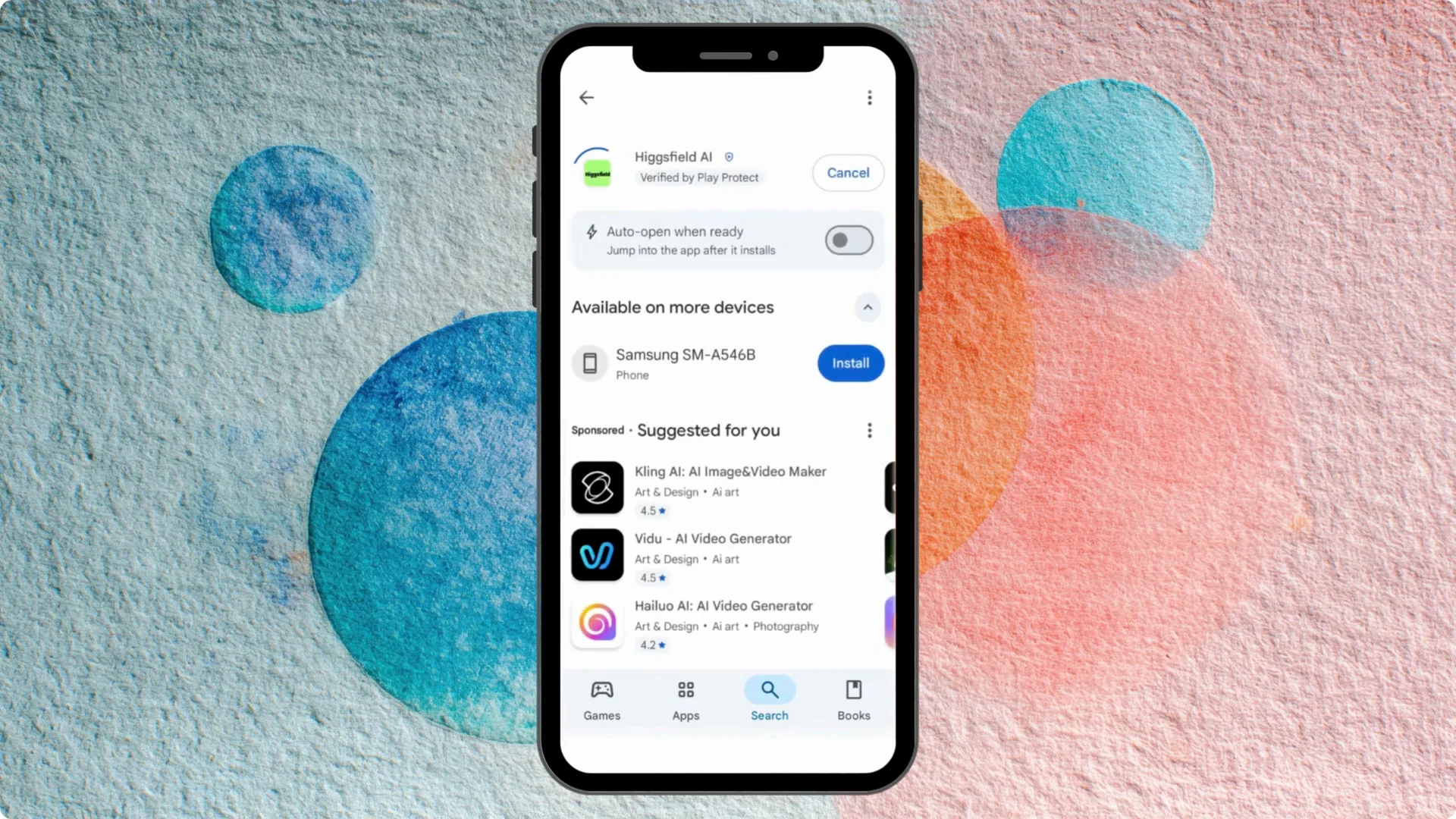
Step 3: Tap Install. The download is fast, and you will see it install right away.
Step 4: Tap Open to launch the app. You are ready to sign in with your account.
If you need to create a new profile first, see how to create a Higgsfield AI account. That guide walks through setup from scratch.
Sign in and verify Pro
Step 5: Sign in with your account. Tap your profile in the upper right.
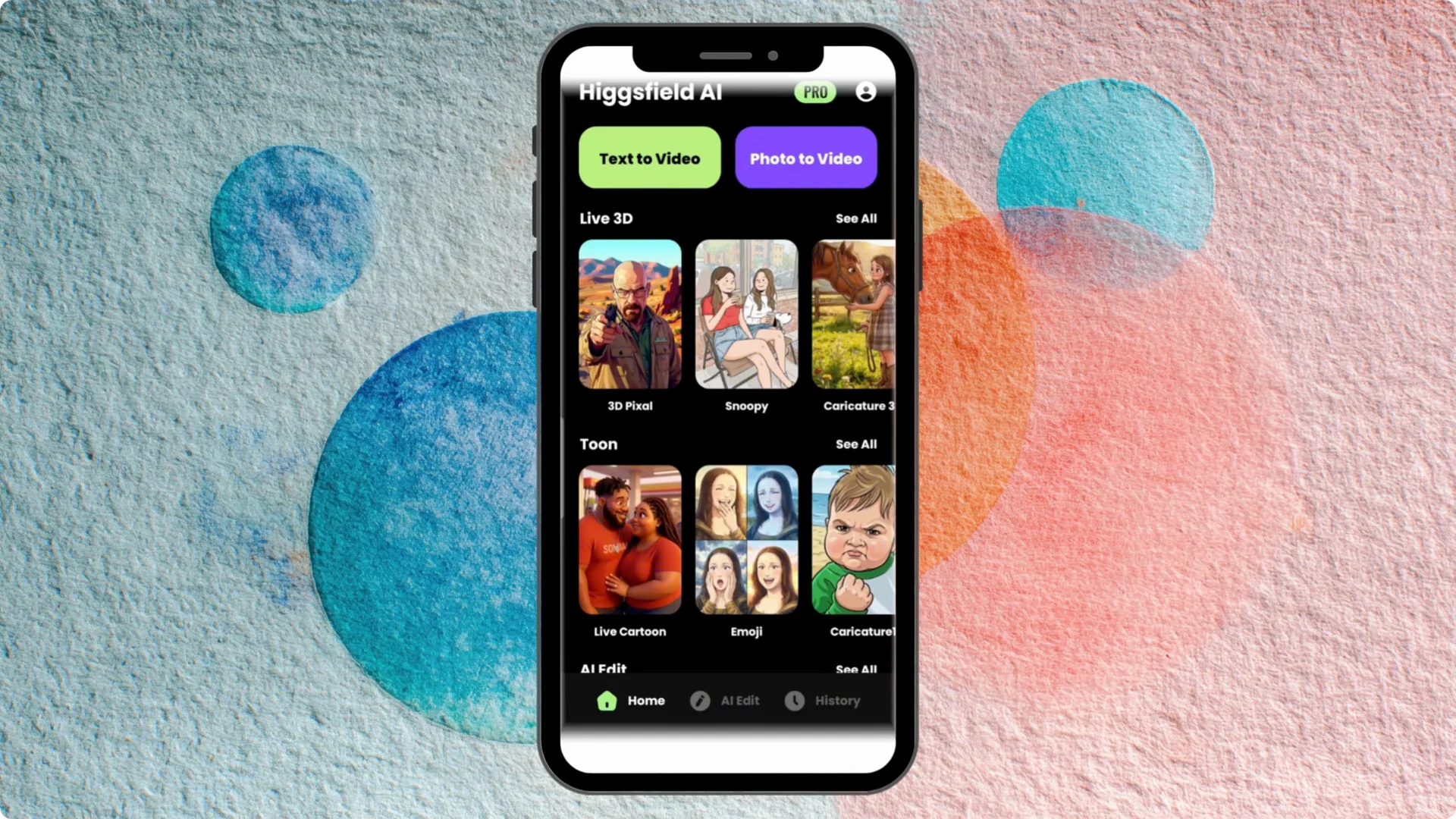
Step 6: Tap Settings. Choose Continue with Google.
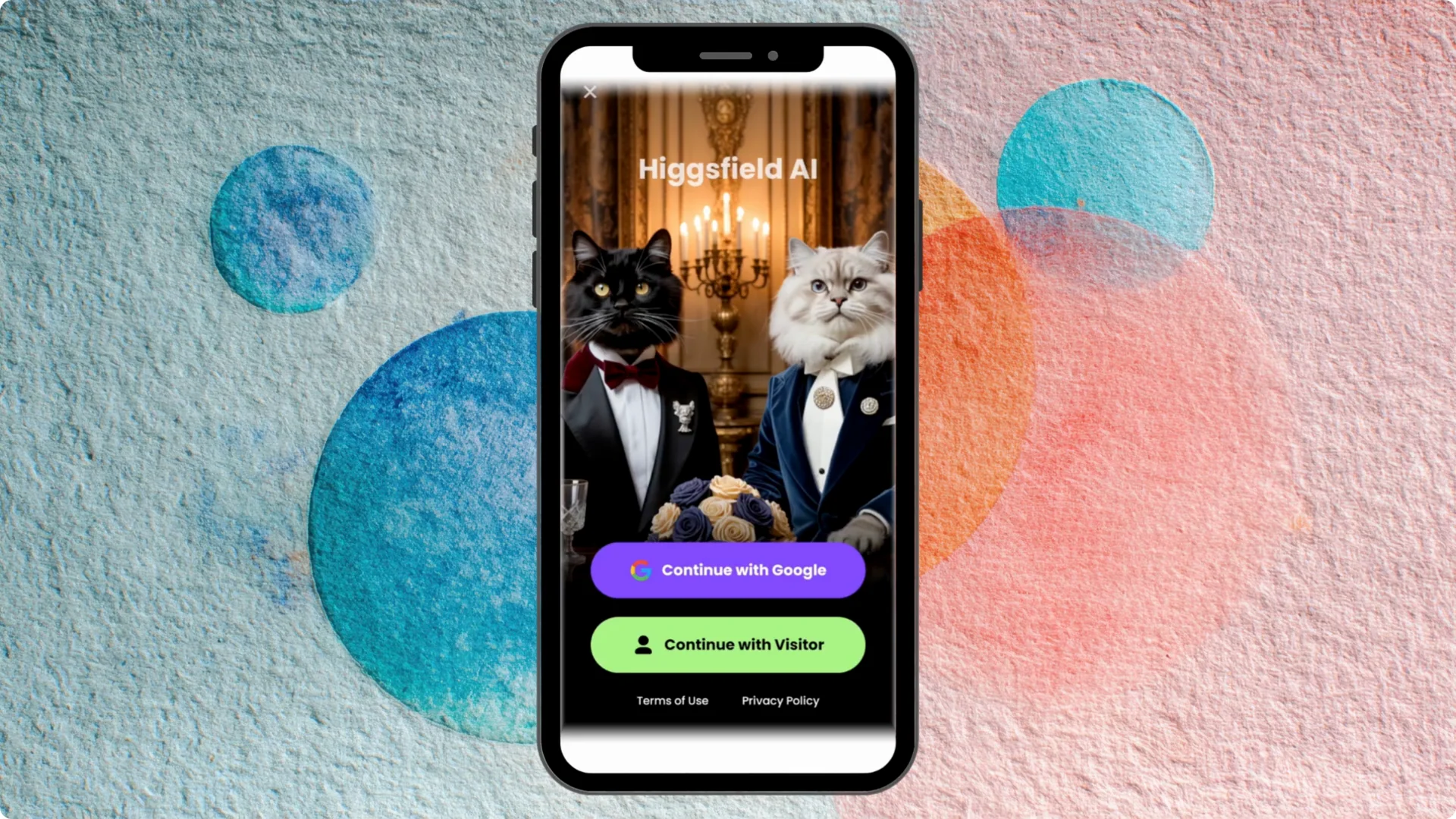
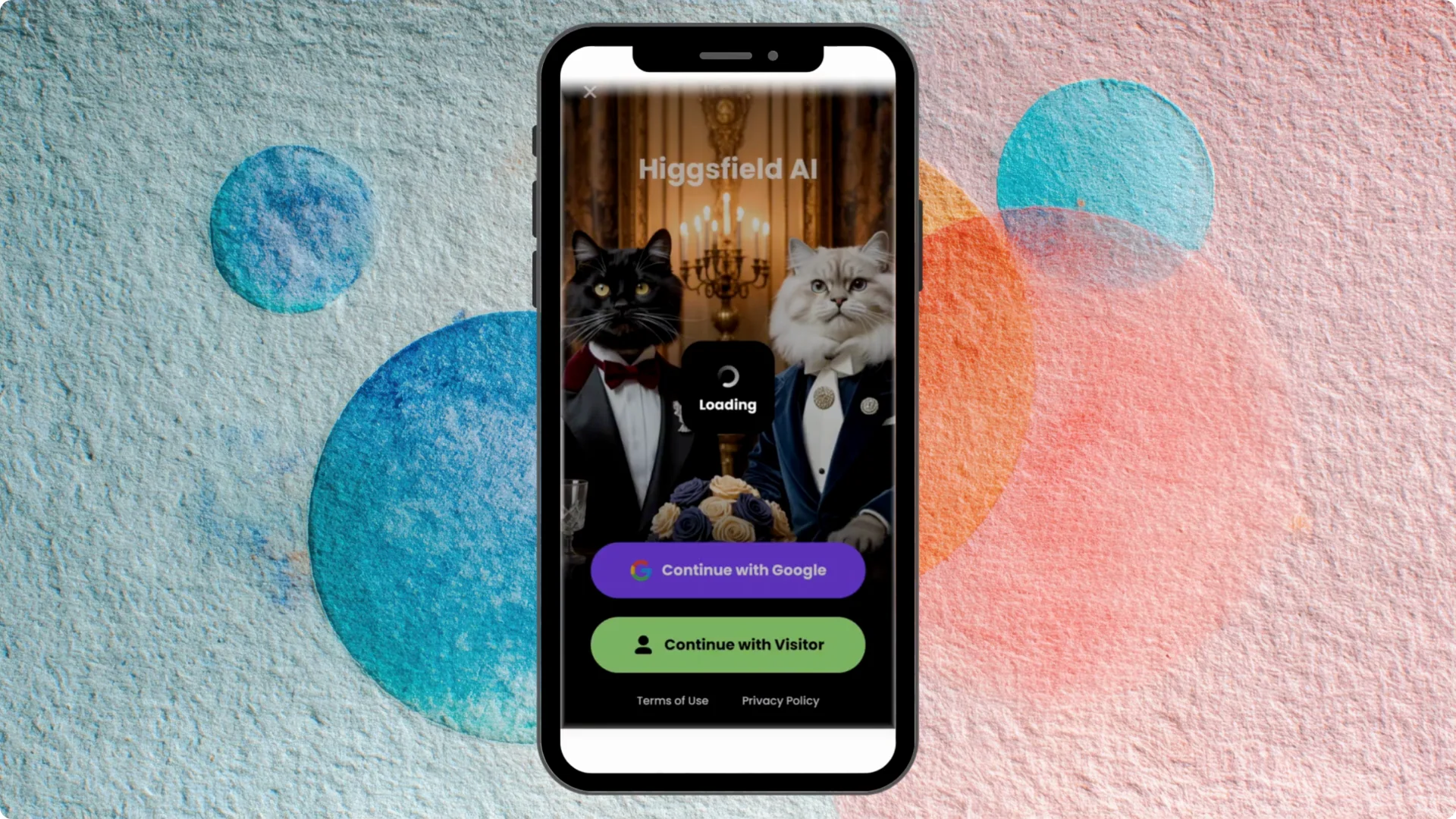
Step 7: Select the current Google account you use for your profile. I scroll to the account that has my unlimited plan and choose it.
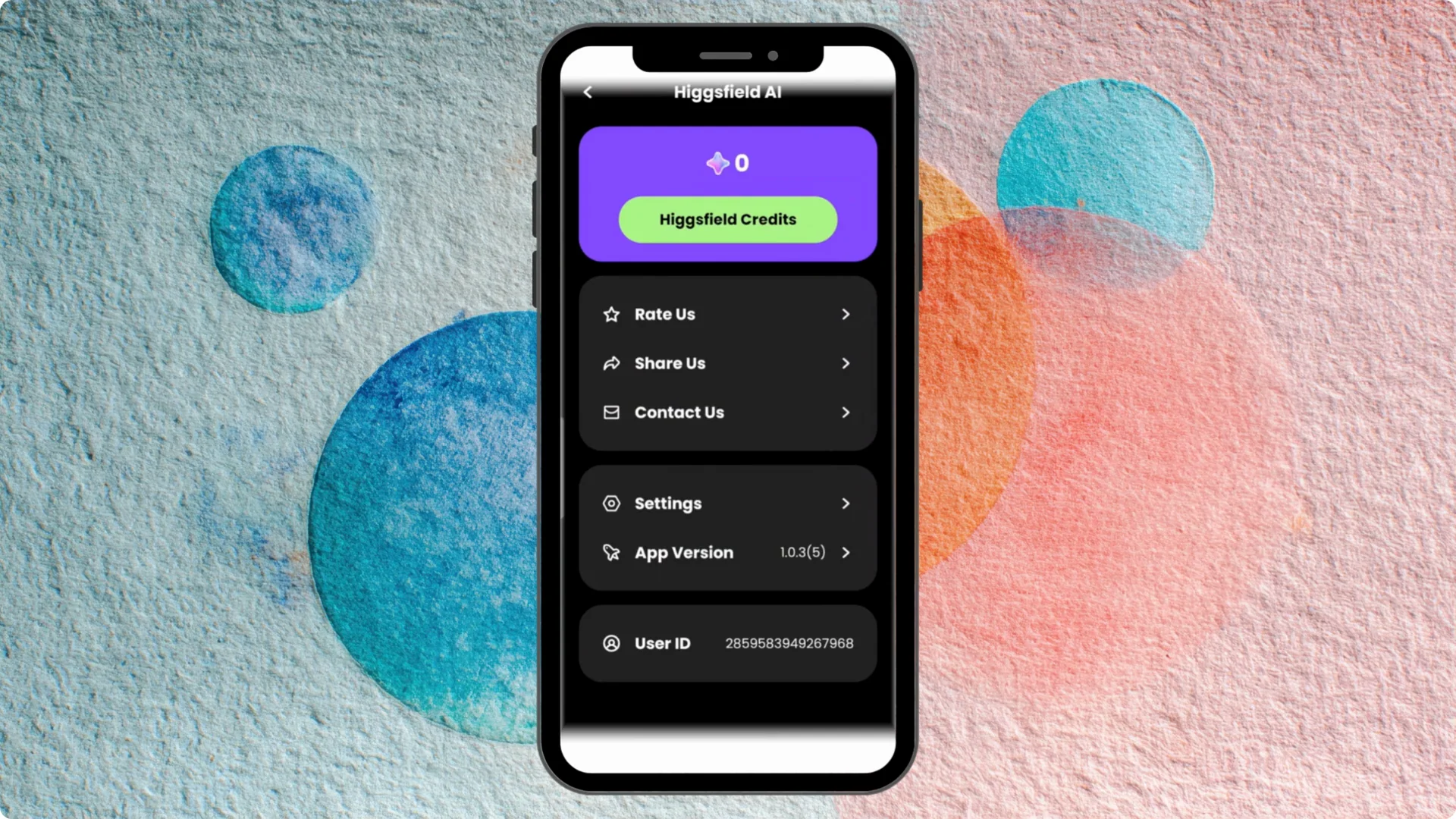
Step 8: You will see your user ID appear. I am in my account and I am in Pro.
Step 9: Check the top right for the Pro label. That confirms you are signed in and your plan is active.
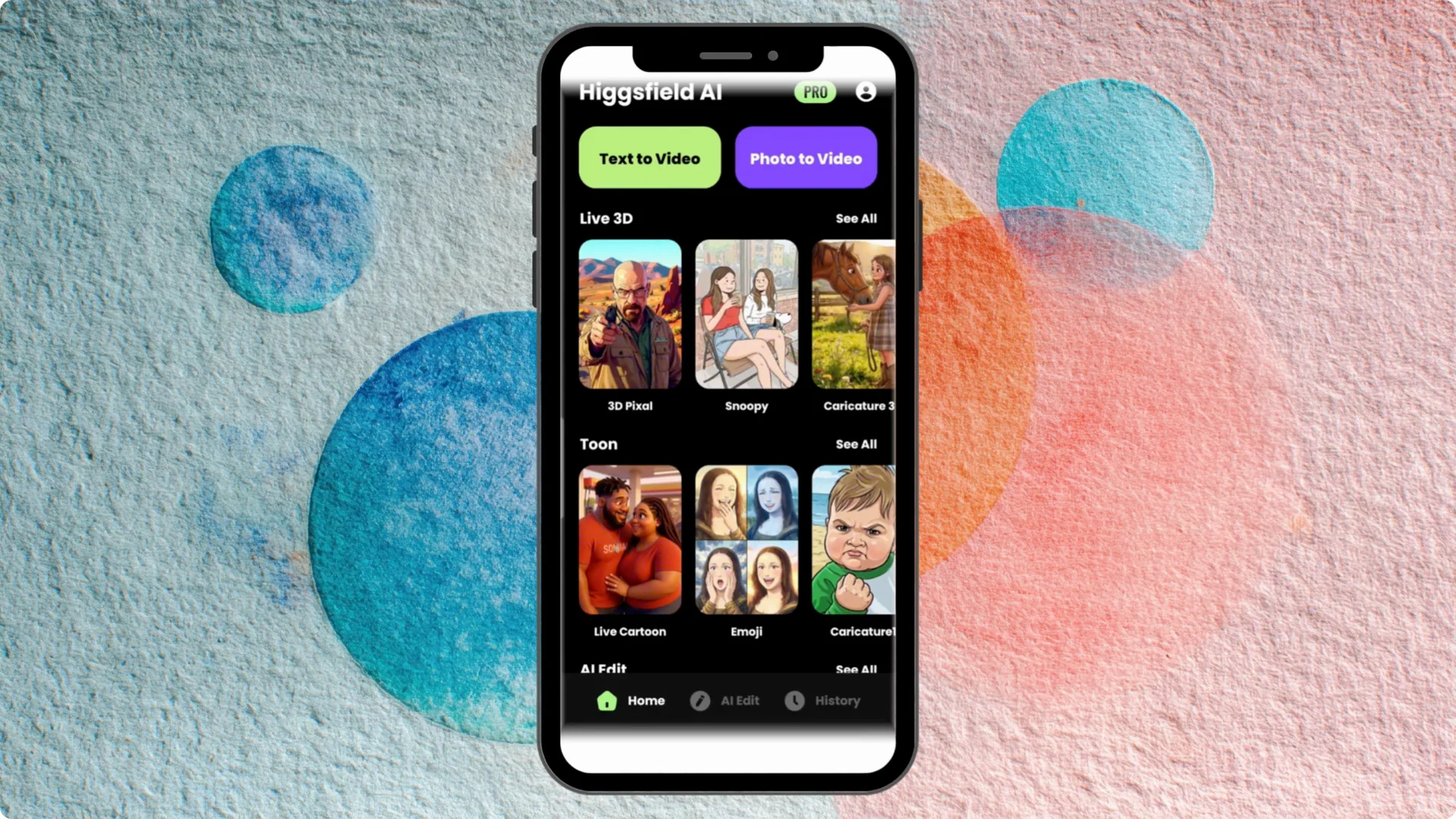
From here, you can start creating. If you want better motion and fewer artifacts, learn how to make smoother videos with Higgsfield AI.
Final Thoughts
Installation on Android is quick, and sign in with Google takes only a moment. Choose the account with your plan, confirm the Pro badge, and you are set.
If you ever need to remove your profile, follow this guide to delete your Higgsfield AI account on mobile.