You are making amazing generations with Higgsfield AI and you want to make them public. Here is how to publish them on the Higgsfield Explore page where people can see what others are generating.
Getting started with Higgsfield AI Explore Publishing
The Explore page shows creations from users across the platform. Publishing your work there lets others see what you are generating.
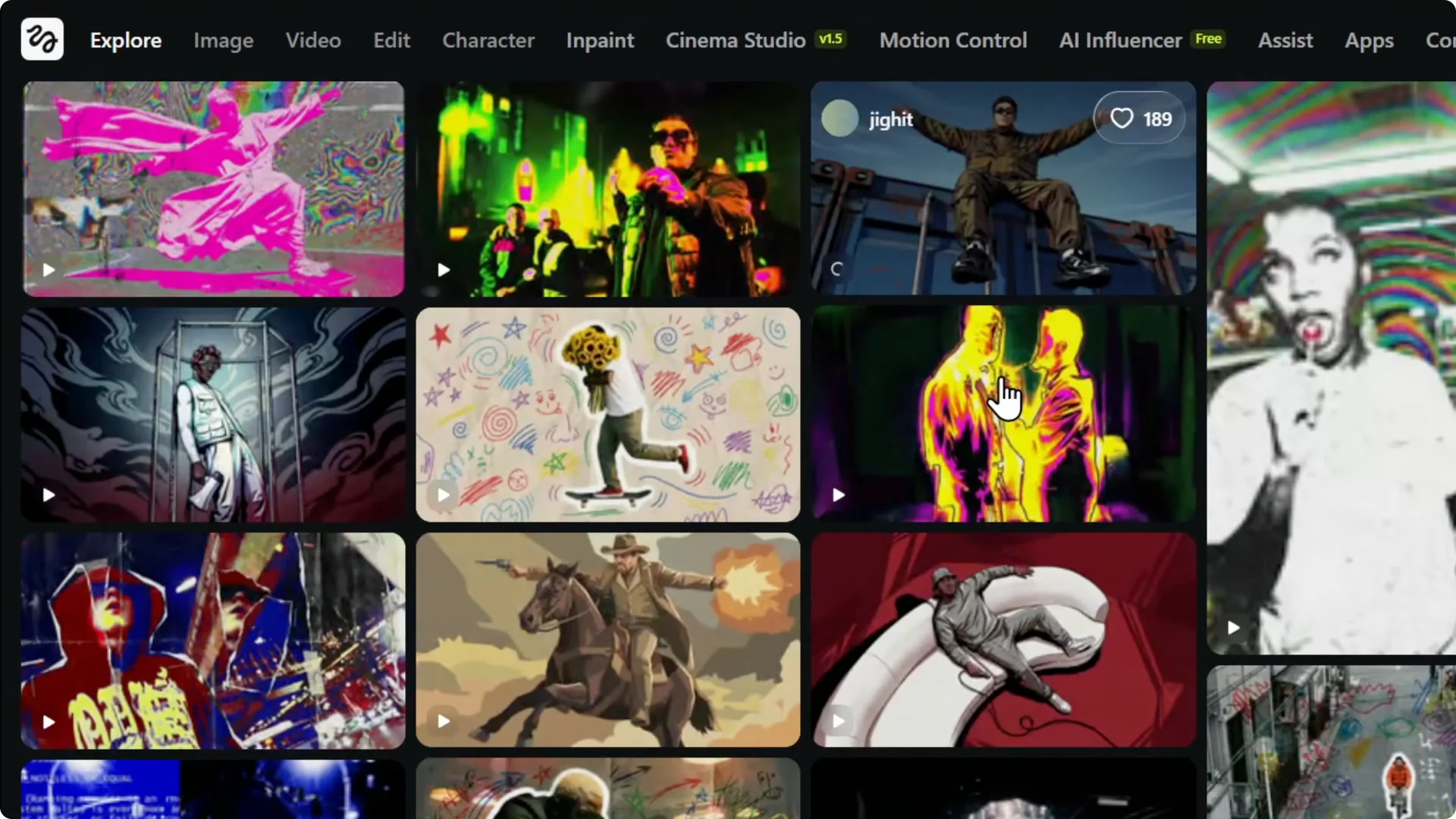
Requirements for Higgsfield AI Explore Publishing
You have to have a premium user account. You need to upgrade to the premium plan to enable publishing.
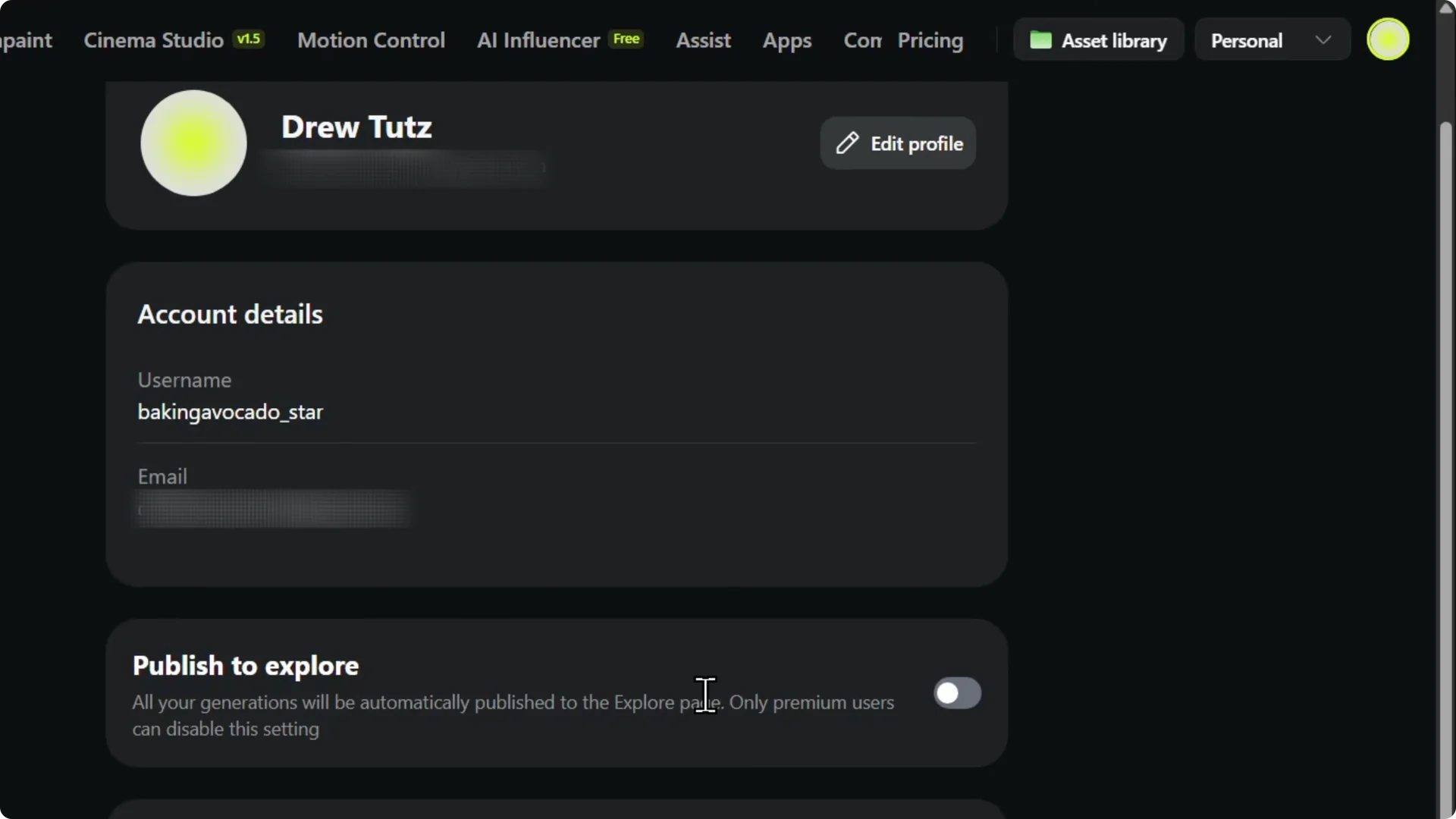
I have the unlimited plan, so it works for me. If you are on a free plan, it will not work and you will not have the options.
Read More: Create Higgsfield Ai Account
Steps to enable Higgsfield AI Explore Publishing
Step 1: Hover over your profile on the upper right and click Manage account.
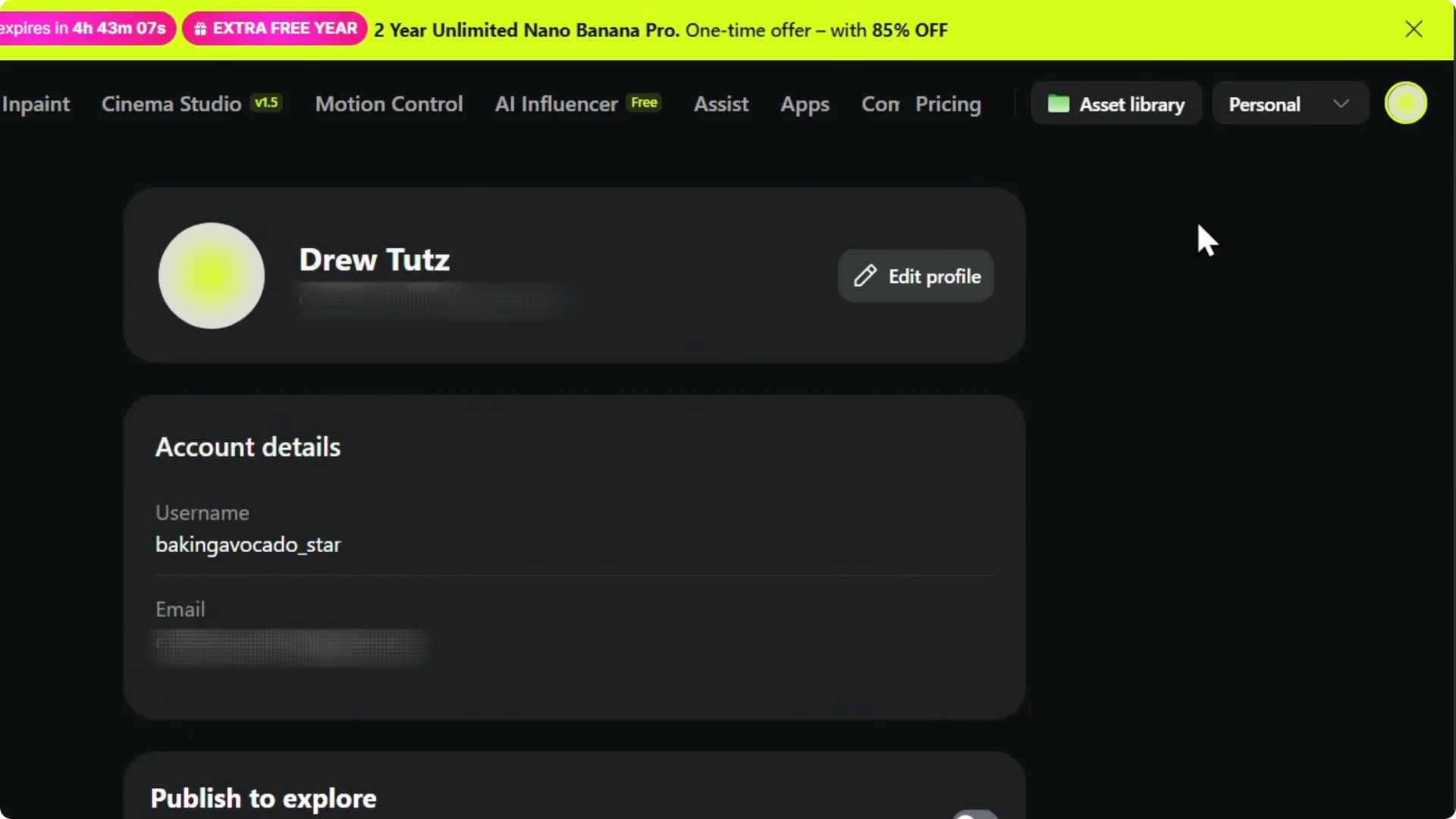
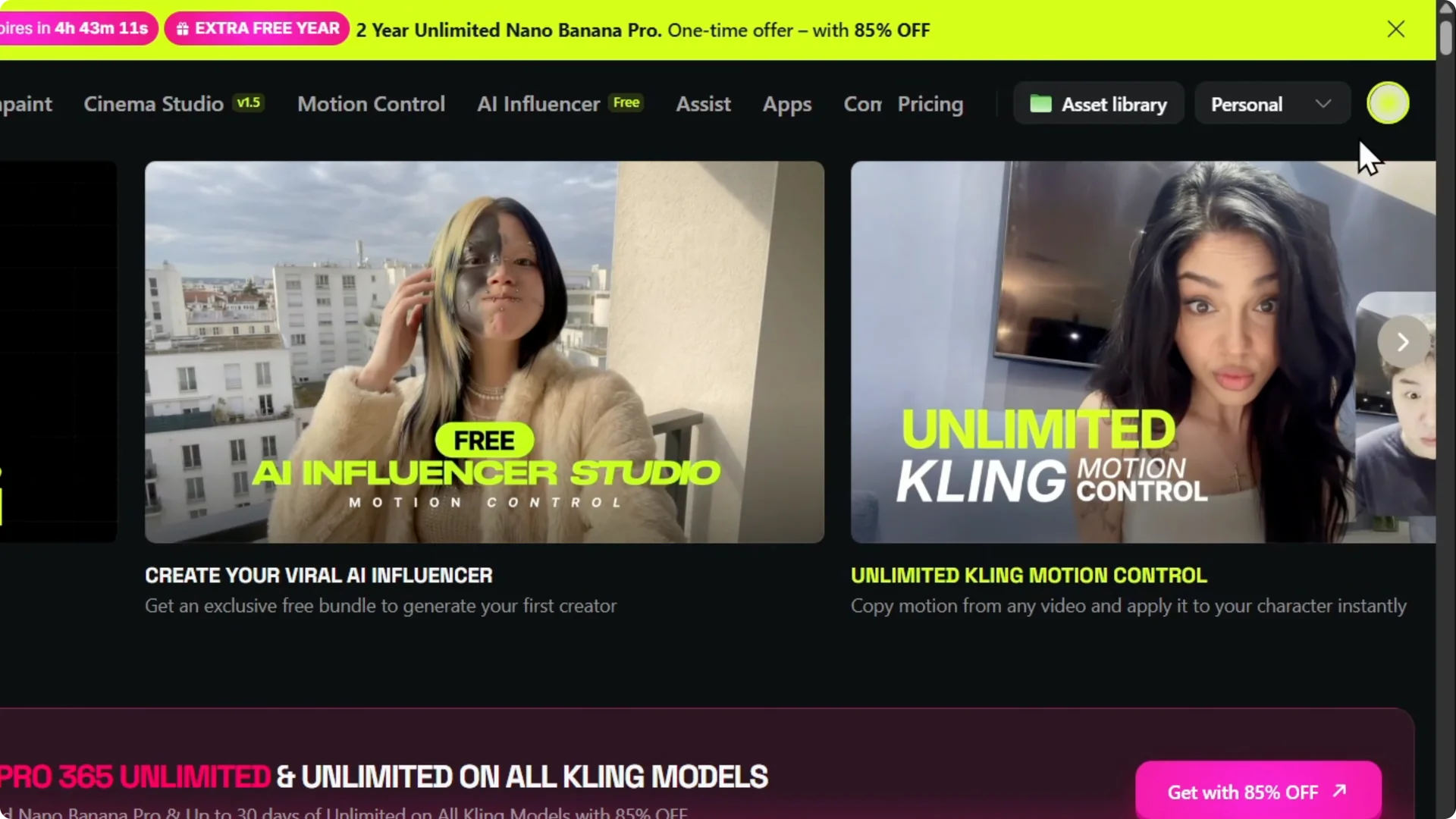
Step 2: Scroll down a bit and find Publish to Explore.
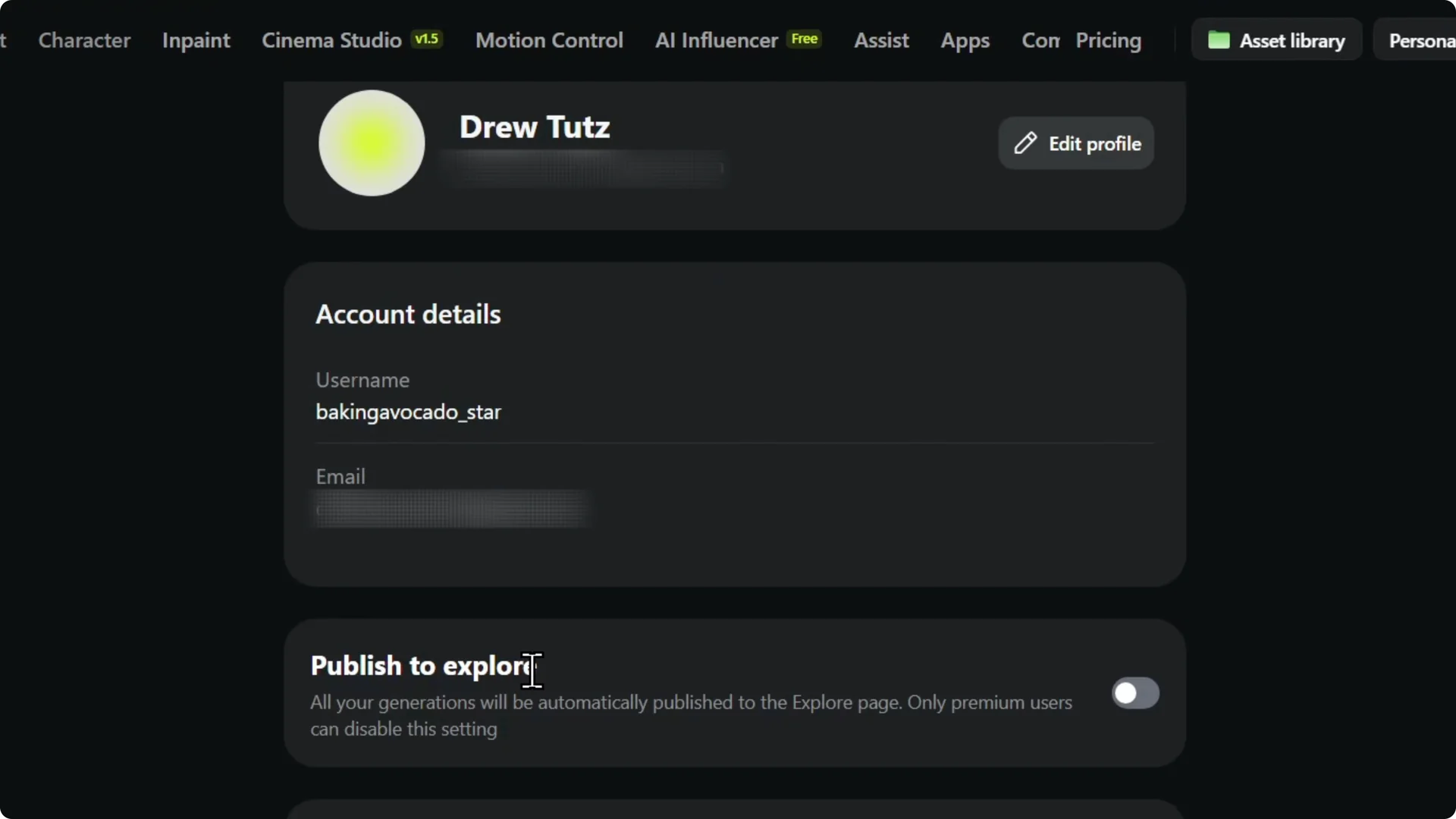
Step 3: Make sure your account is on a premium plan before you proceed.
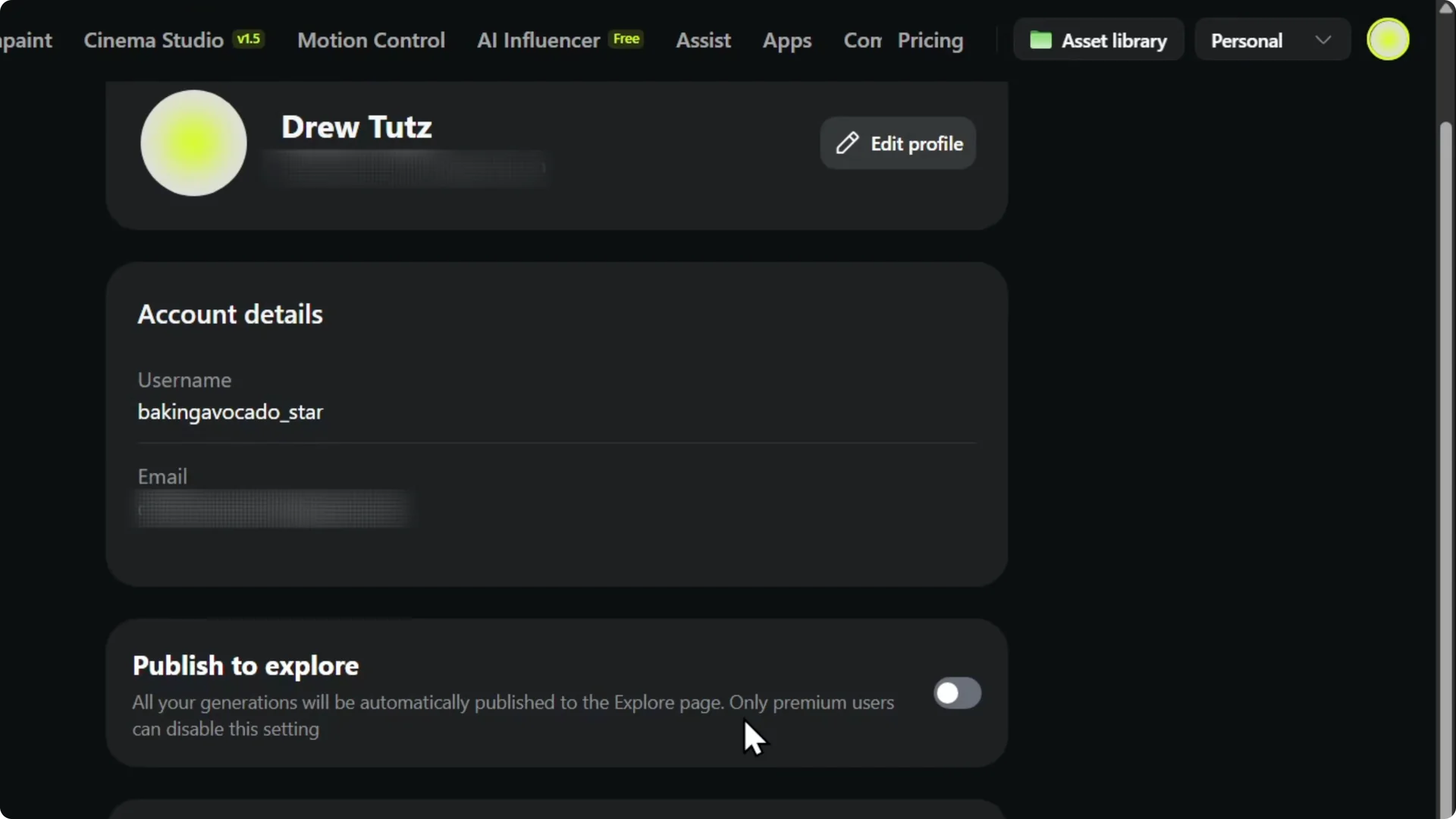
Step 4: Toggle Publish to Explore on. All your generations will be automatically published on the Explore page.
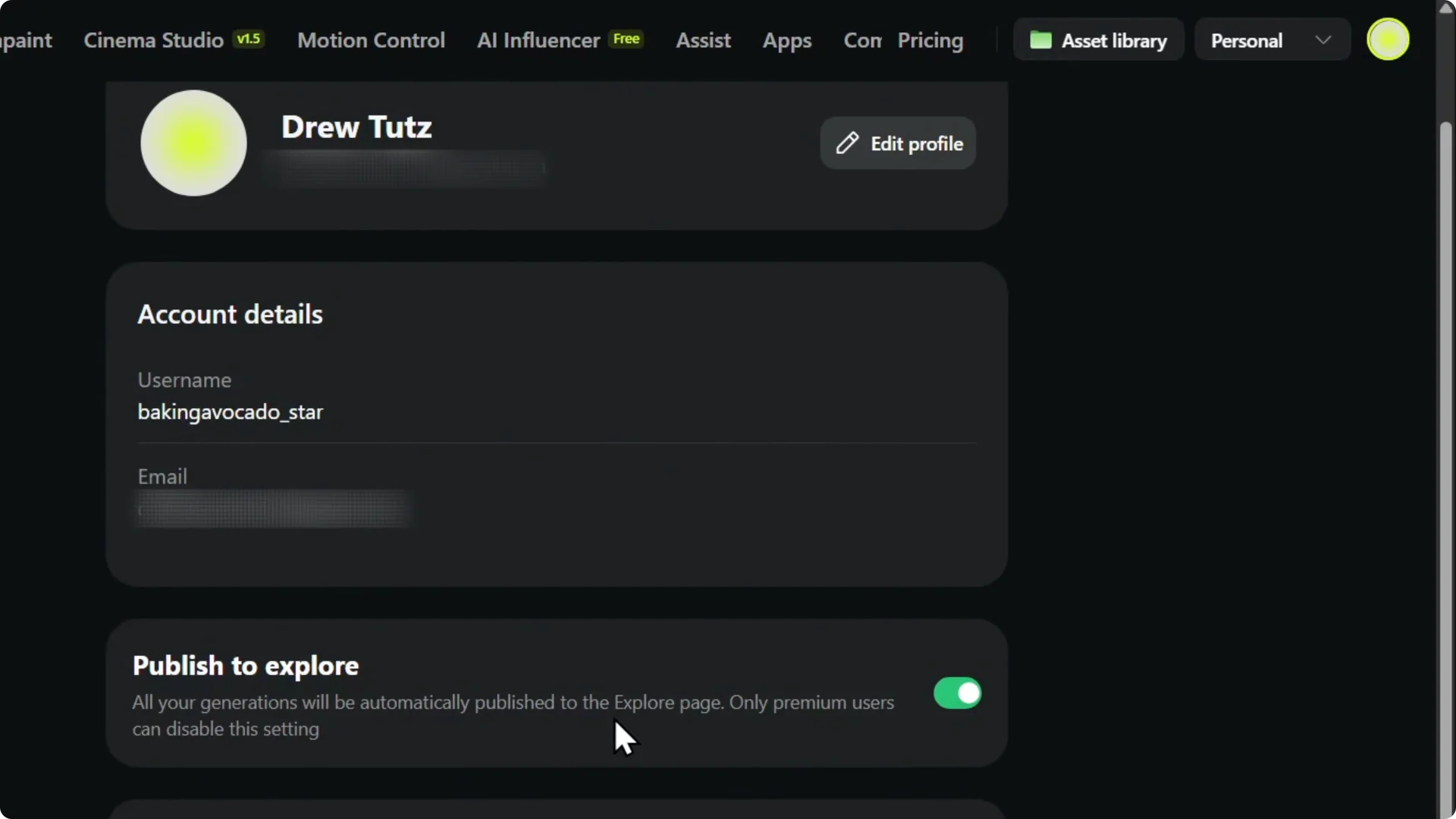
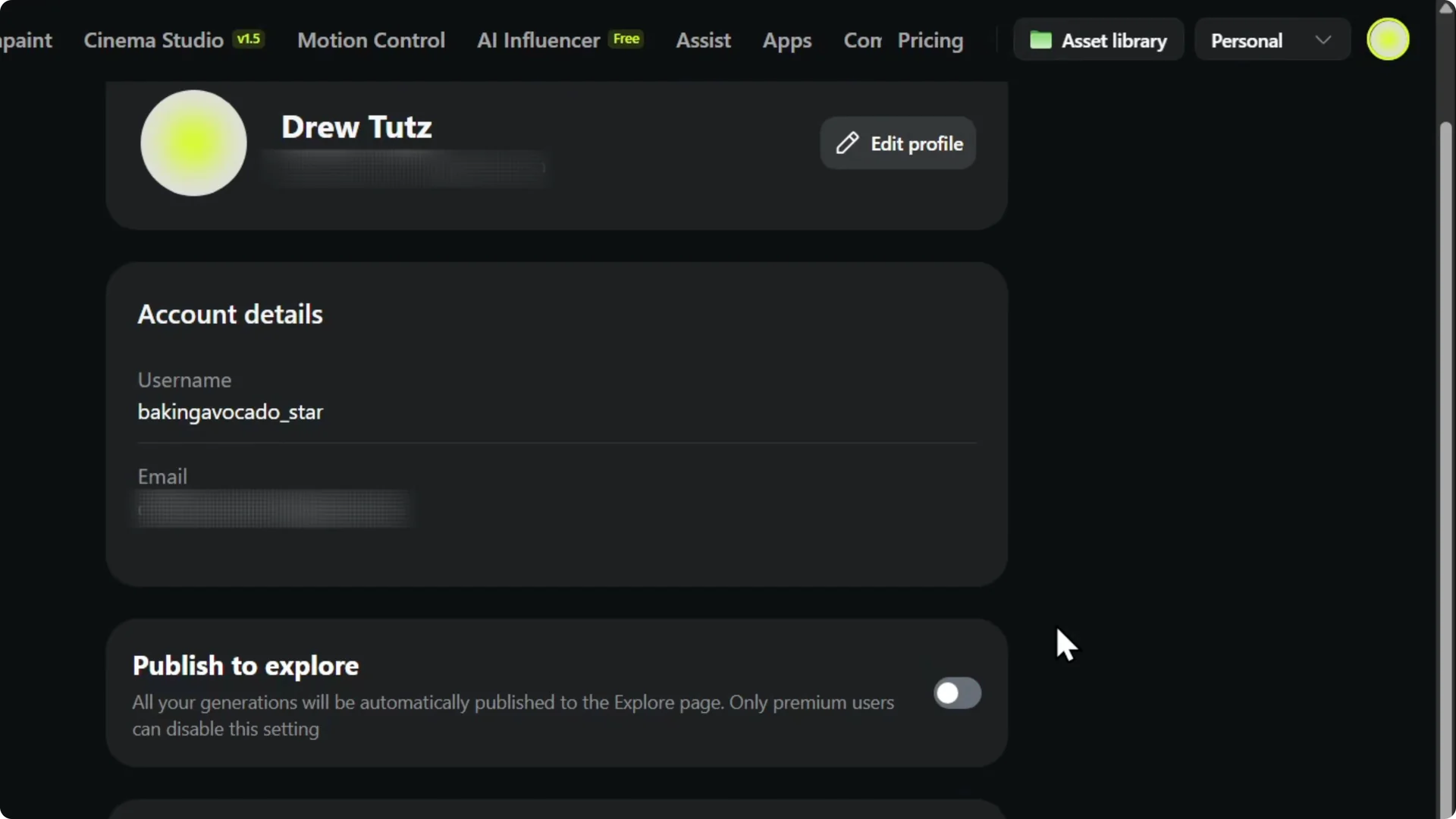
Step 5: You can disable it afterwards if you do not want your new outputs to appear there.
Read More: Smooth Videos Higgsfield Ai
Sharing and control in Higgsfield AI Explore Publishing
Publishing to Explore is optional. If you want to share your skills, go ahead and share your generations on the Explore page.
I think you will find it useful.
Read More: Create Team Higgsfield Ai
Final thoughts
Turn on Publish to Explore from your account settings, and your creations will appear on the Explore page. You need a premium plan for this to work. You can switch it off anytime.