
I will show you how to easily enter a promo code you receive on Higgsfield. Follow these steps to add a code to your account and claim credits or discounts. For extra tips on applying codes correctly, see this promo code guide.
Higgsfield AI Promo Code Redemption
Step 1: Click your account at the upper right.
Hover over it and go to Manage Account.

Step 2: On the left side, click Promo Code.

Enter your code in the field.
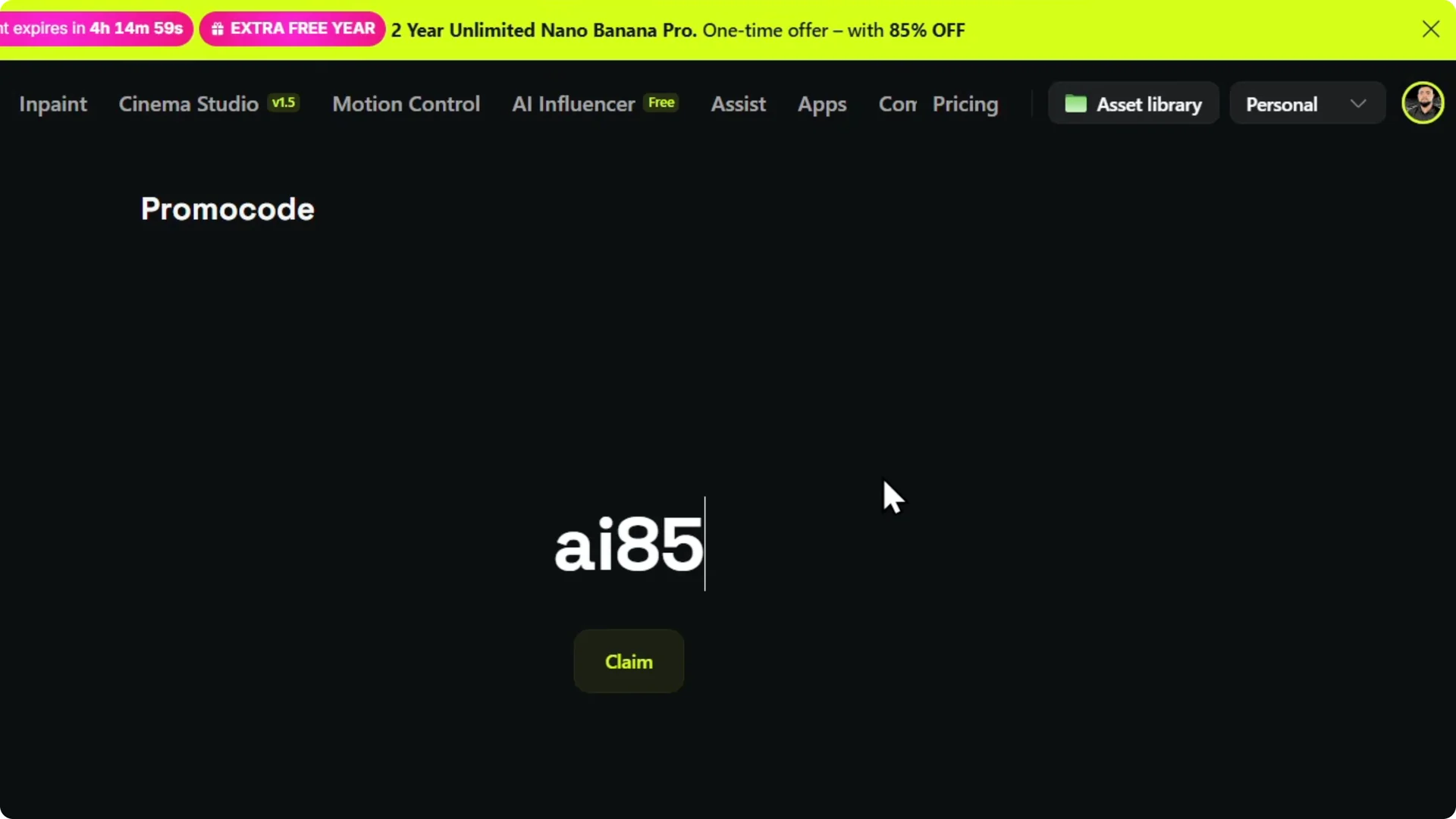
Step 3: Click Claim.
Once it is valid, you can claim credits or discounts and use it directly here.
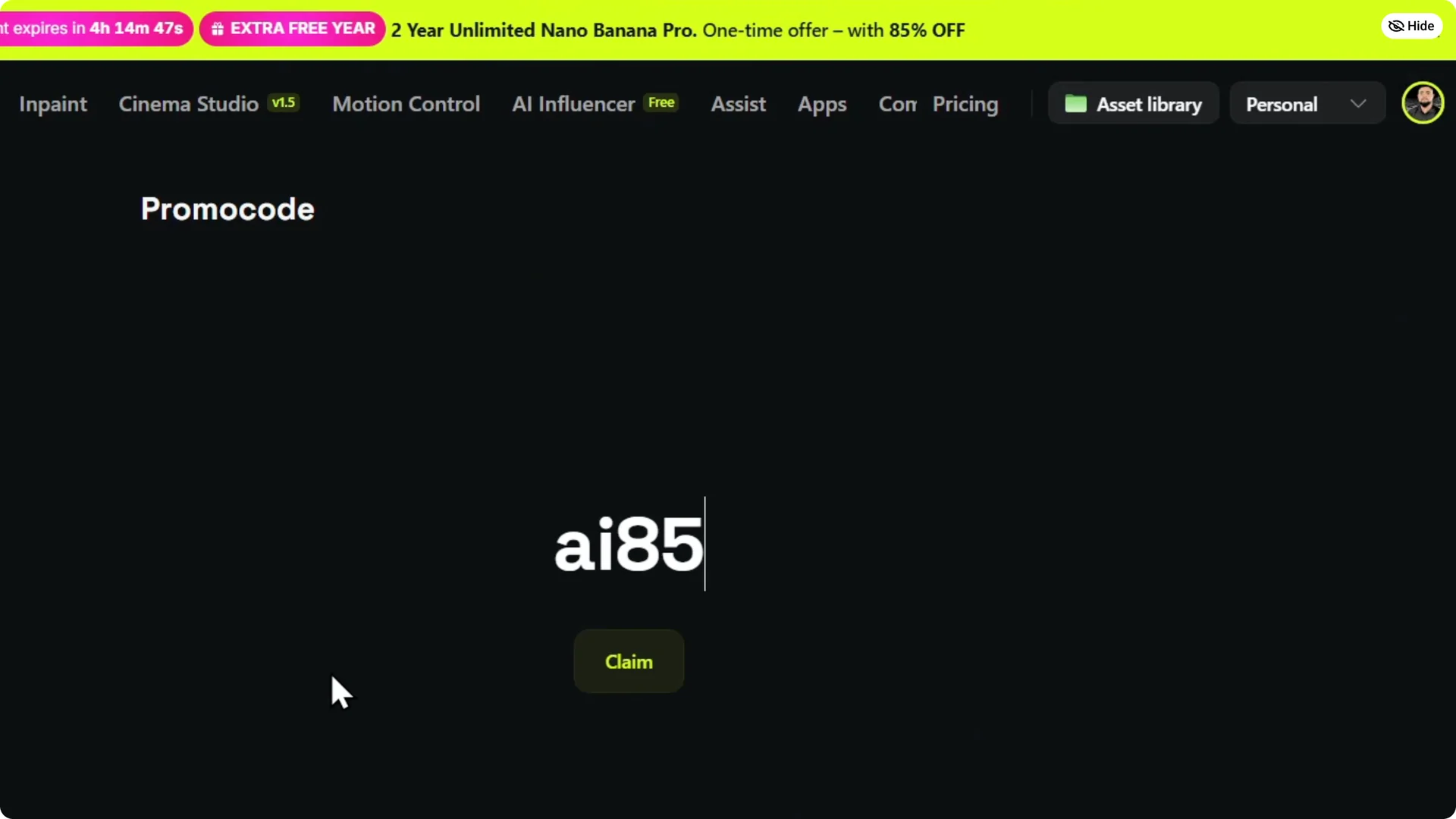
After you redeem a code, you may want to explore additional features available to your account. Learn how to unlock advanced features to make the most of your setup.
Final Thoughts on Higgsfield AI Promo Code Redemption
Entering a promo code on Higgsfield is quick: open Manage Account, go to Promo Code, enter the code, and click Claim. A valid code applies instantly for credits or discounts.
Ready to share your results with others on the platform? See how to publish your generations for broader visibility.