Want to connect your TikTok account to Higgsfield AI? Let me show you how.
Higgsfield AI TikTok Integration
If you also publish to X, check our guide to adding X content creation in Higgsfield.
Higgsfield AI TikTok Integration – open settings
Step 1: Hover over your account and click Manage Account.
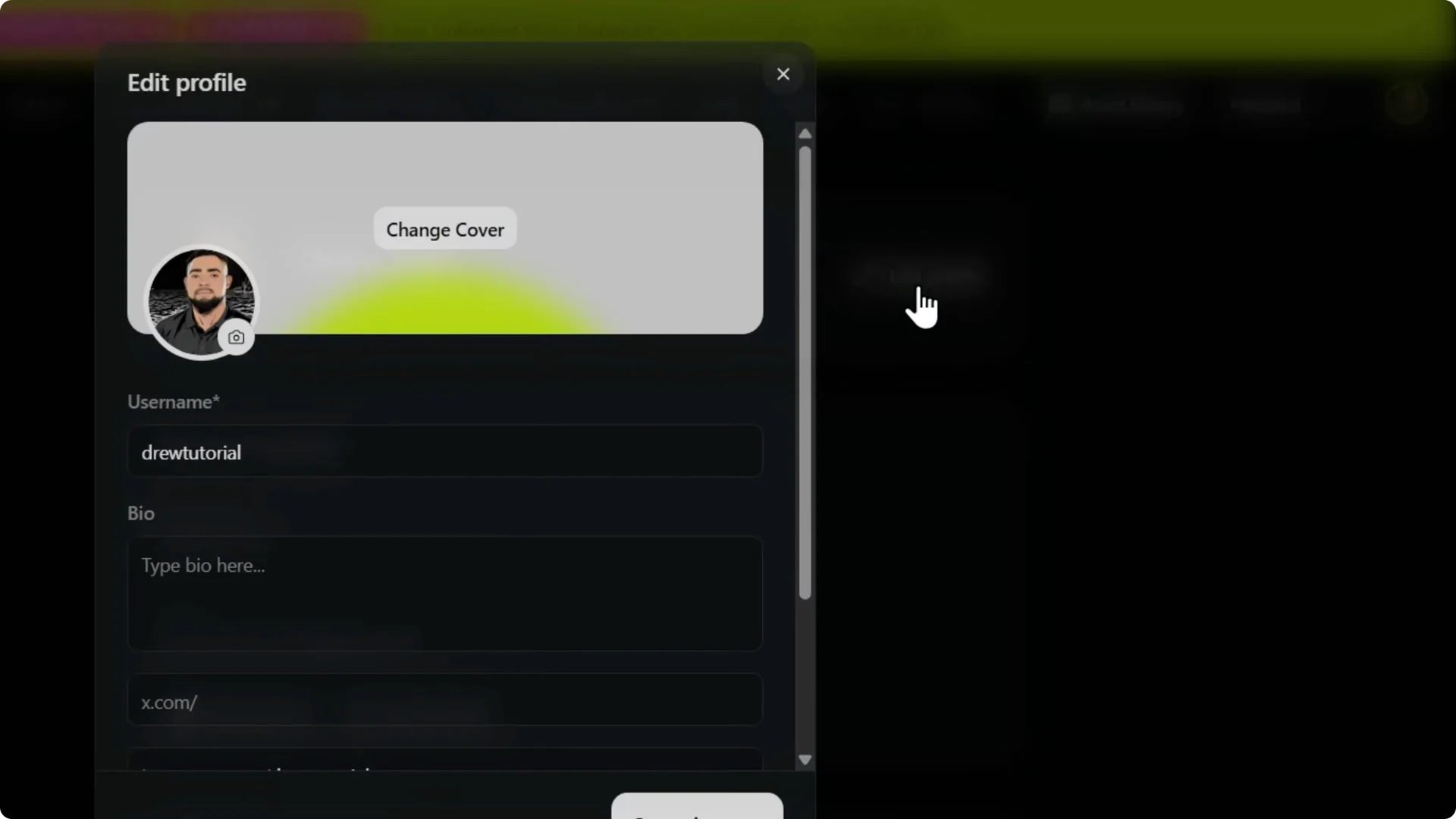
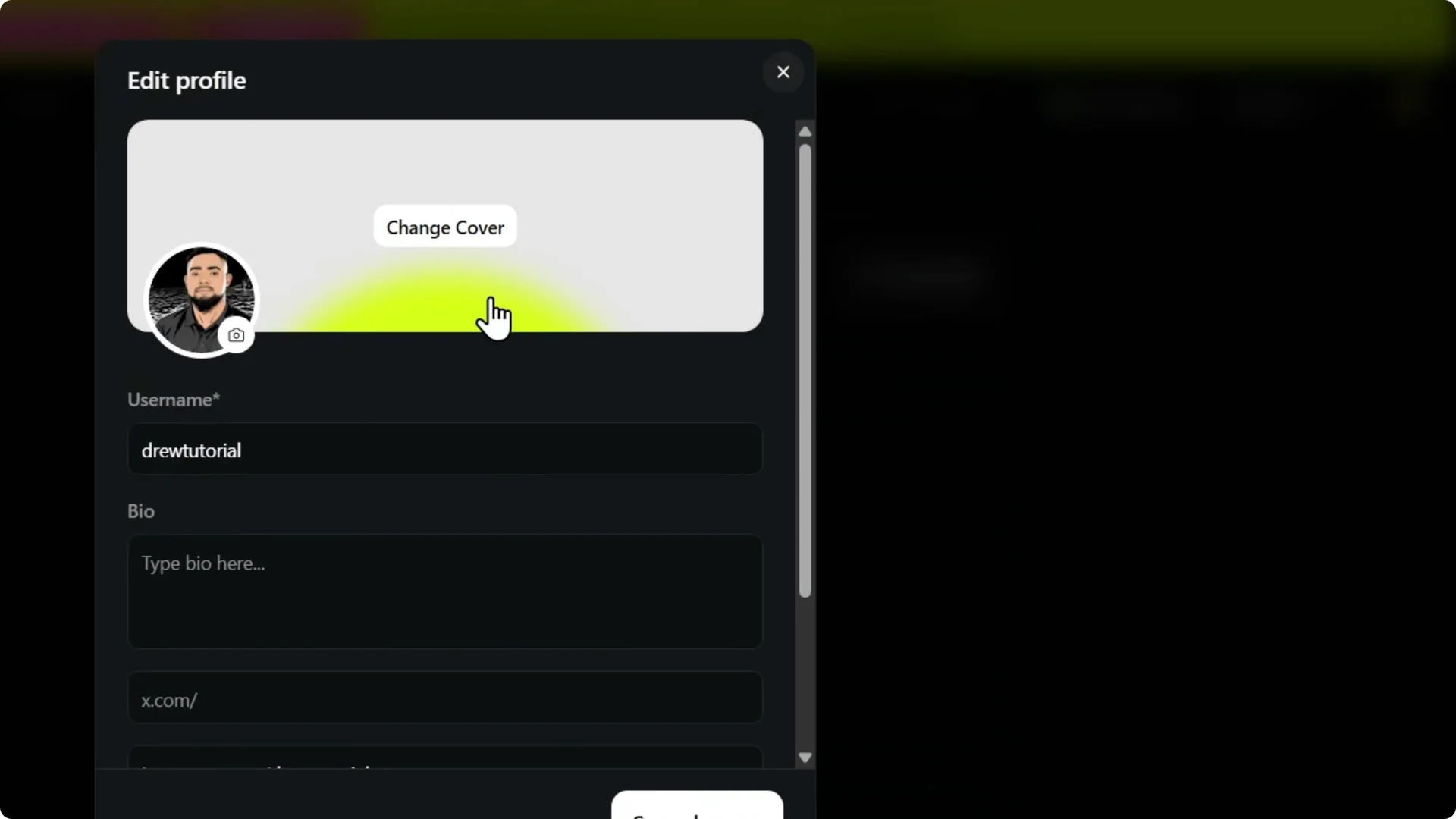
Step 2: Click Edit Profile.
For creating content once you connect accounts, see this walkthrough on Higgsfield AI video and image creation.
Higgsfield AI TikTok Integration – add TikTok
Step 3: Scroll down and find TikTok.
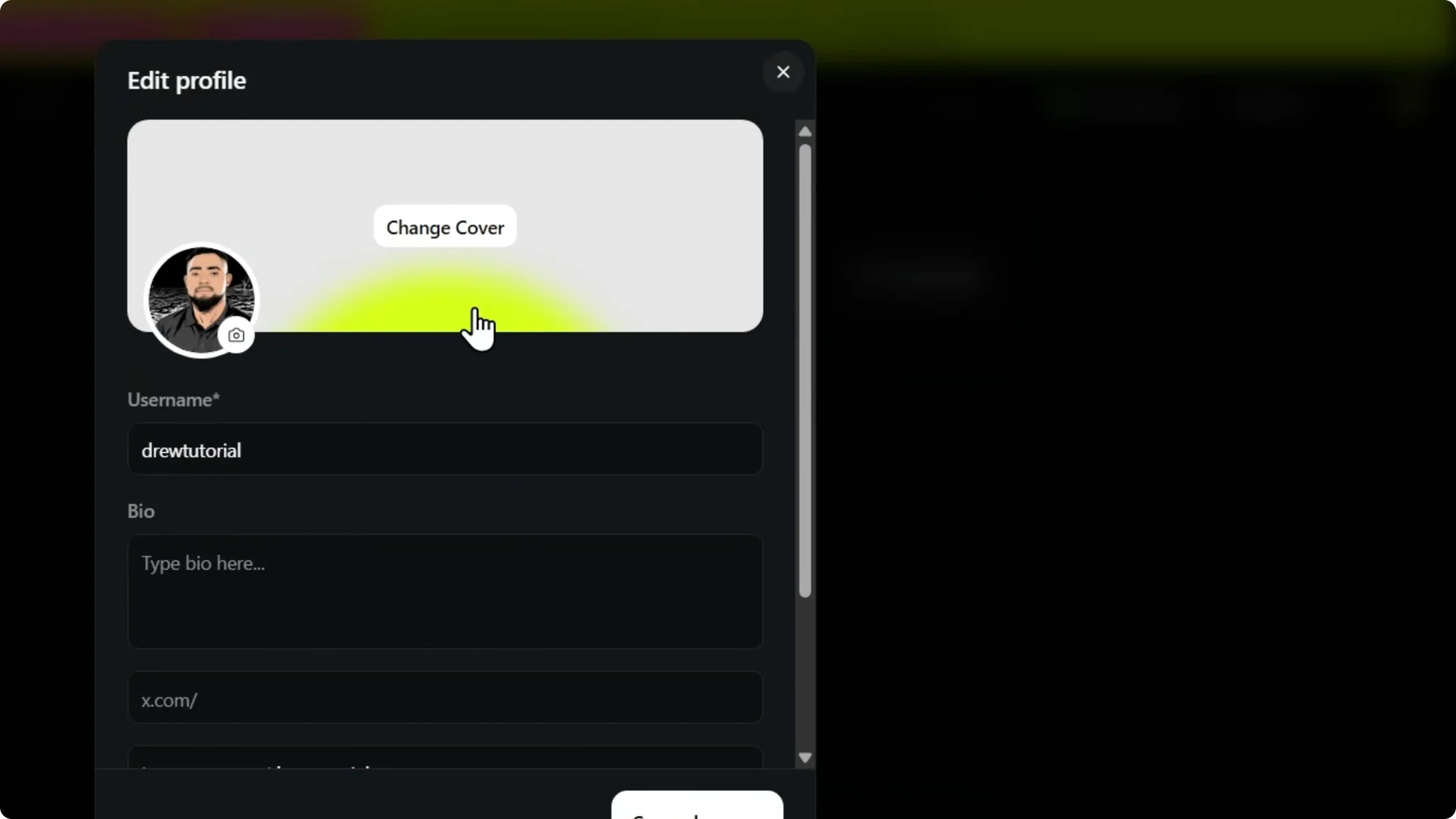
Step 4: Enter your TikTok username.
Step 5: Click Save Changes.
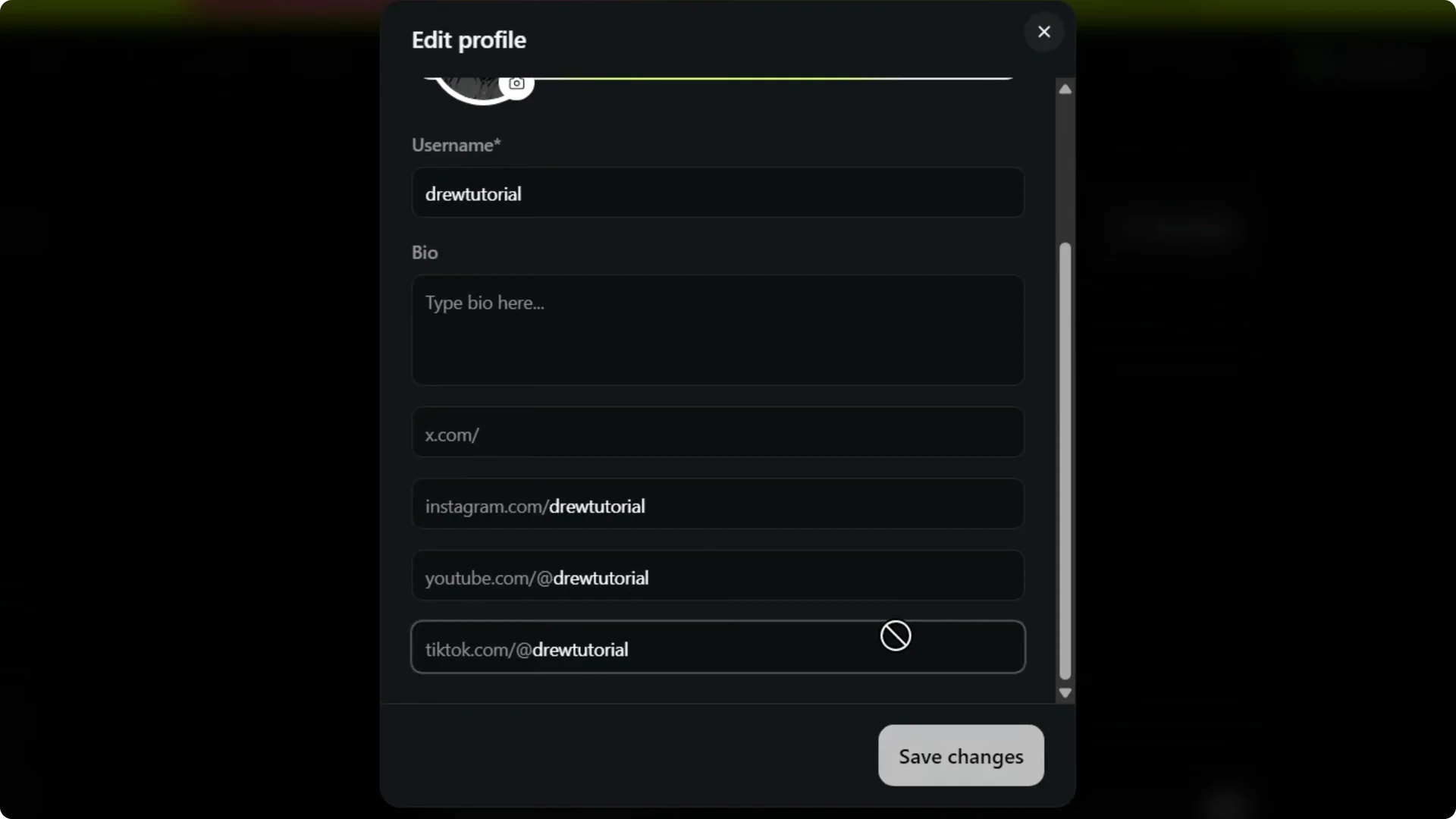
That’s how you add your TikTok account to your Higgsfield account. Very easy and very simple.
Higgsfield AI TikTok Integration – final thoughts
These quick steps connect your TikTok profile to Higgsfield AI in moments. Keep your credentials handy and confirm the saved changes before leaving the page. For creative inspiration after setup, explore building scenes with this guide to Higgsfield AI cinematic scene creation.