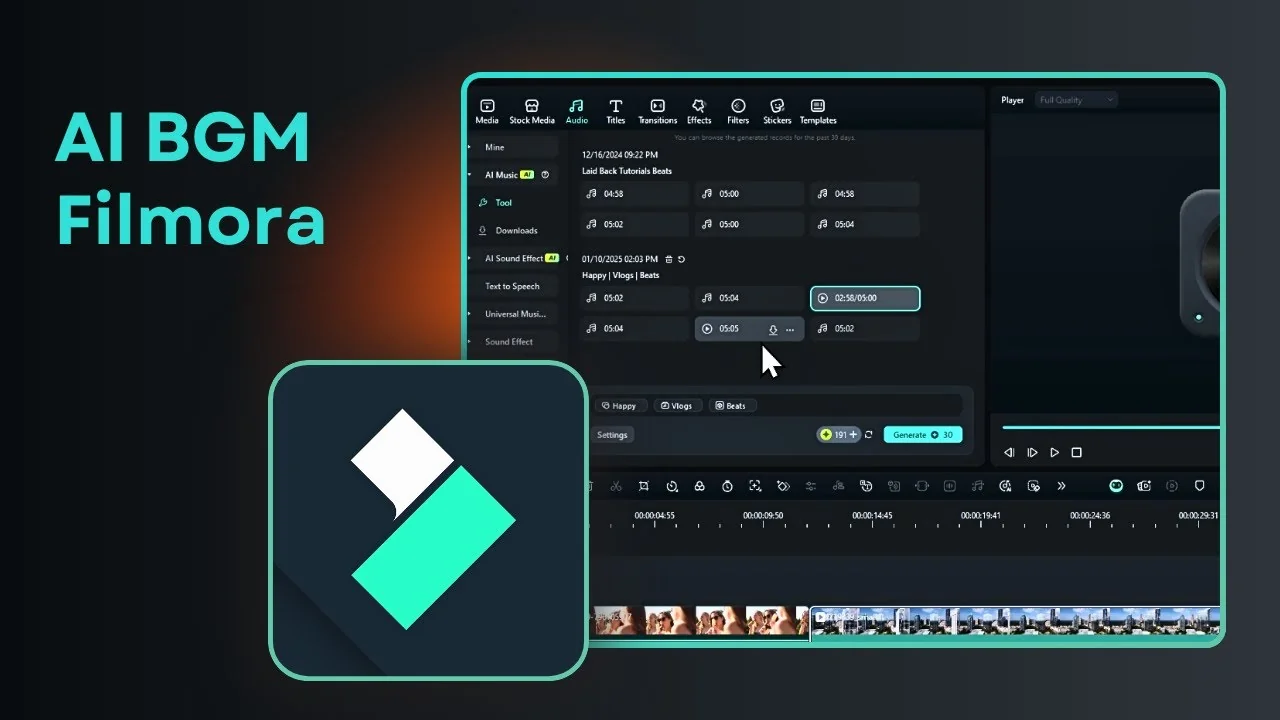
I am going to show you how you can easily create AI music for background music using Filmora. There used to be an AI feature that creates music based on genre and mood. Today there is a new Filmora AI Music Generator that understands your video and generates background music based on context.
I will start with the traditional method, then try the new smart background music generation. Both tools are useful, and you can pick what fits your workflow.
Traditional Filmora AI Music Generator
Setup
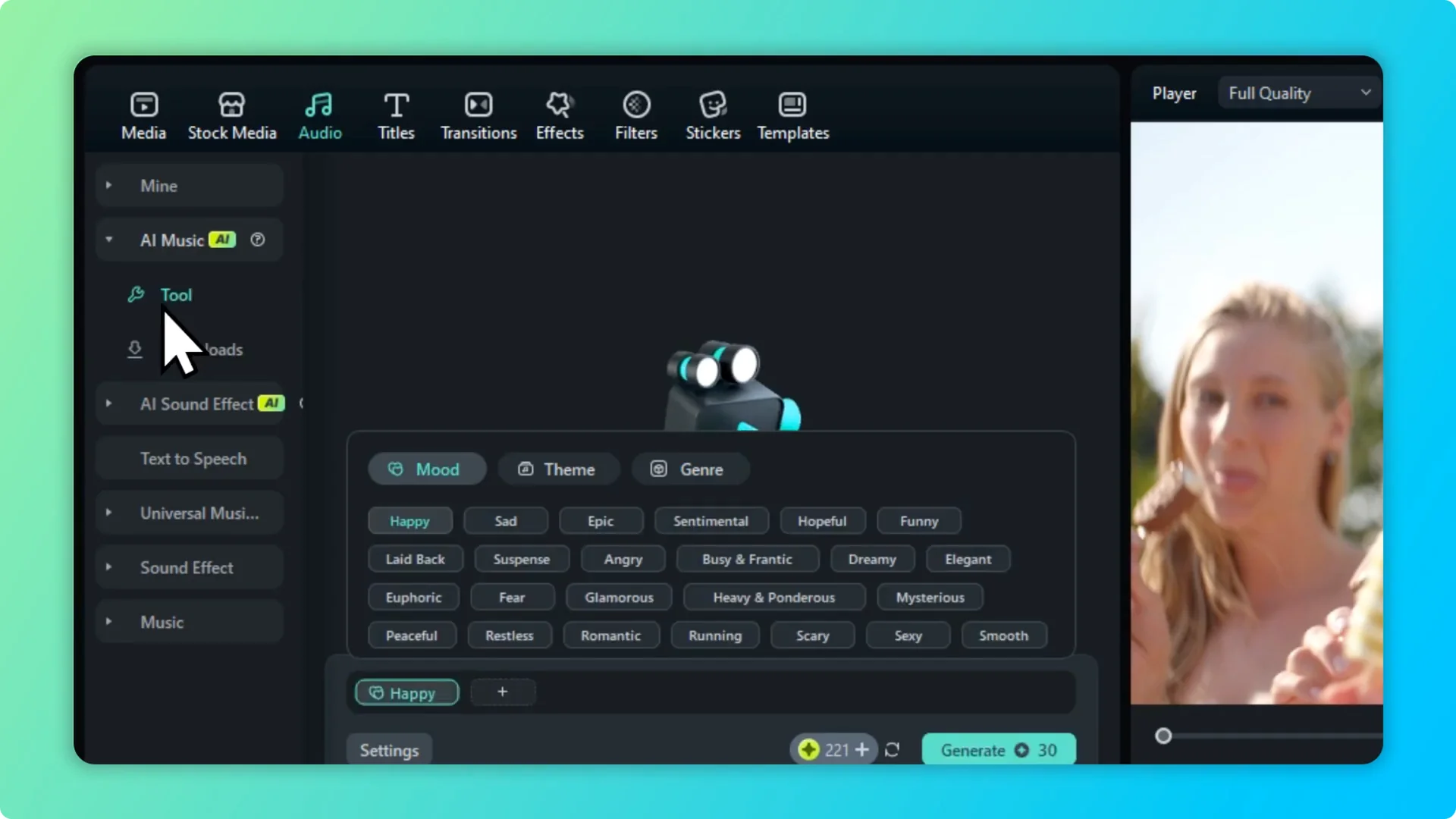
Navigate to the Audio section and open the AI Music tool. Choose the mood, for example Happy, set a theme, and pick a genre like Beats. You can add more info to guide the result.
Credits and settings
The tool shows the credit cost, for me it is 30 credits. Go to Settings if you want a longer track, and you can adjust the tempo. I set it to generate six tracks instead of three, and it still consumes the same credit.
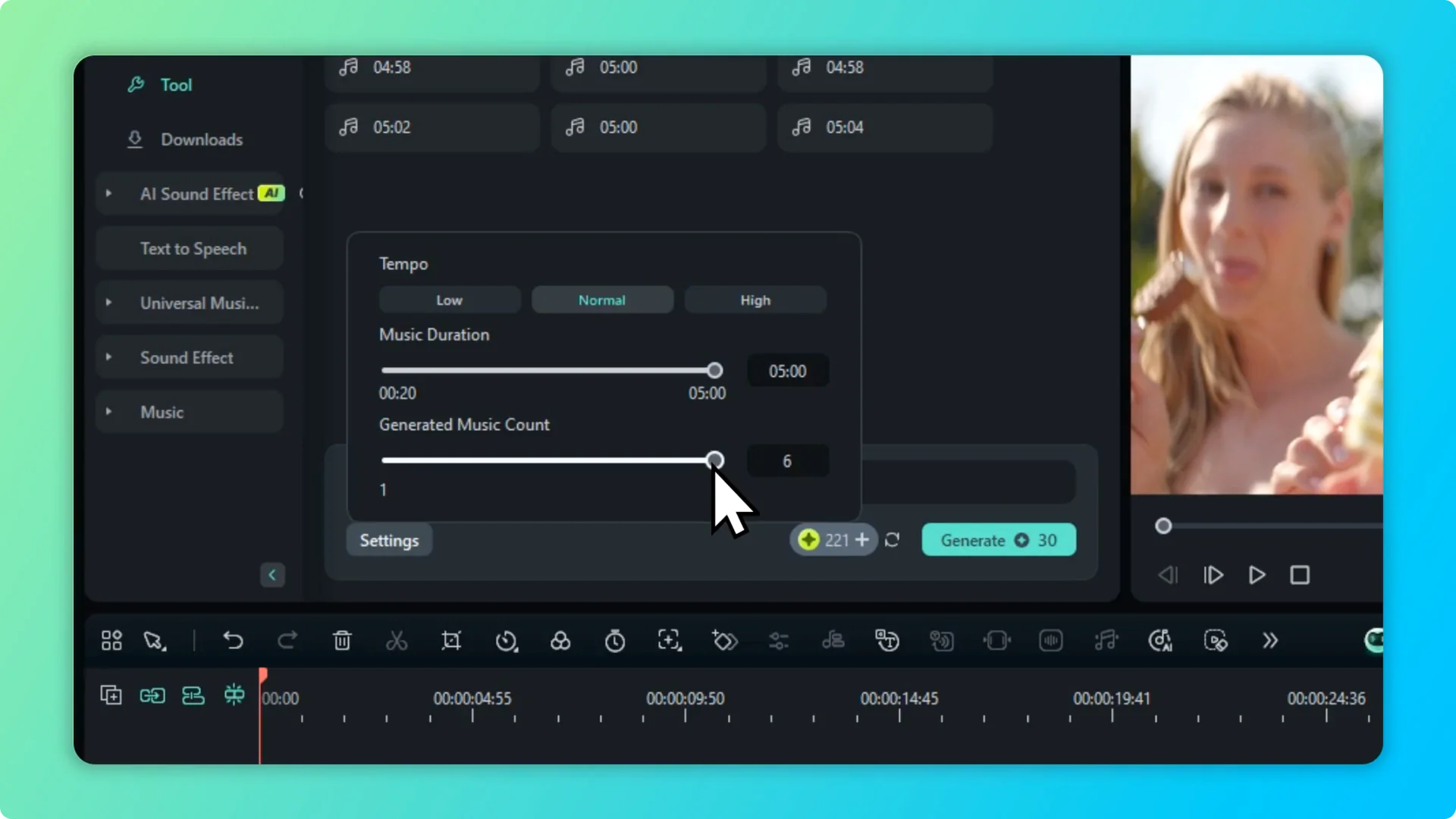
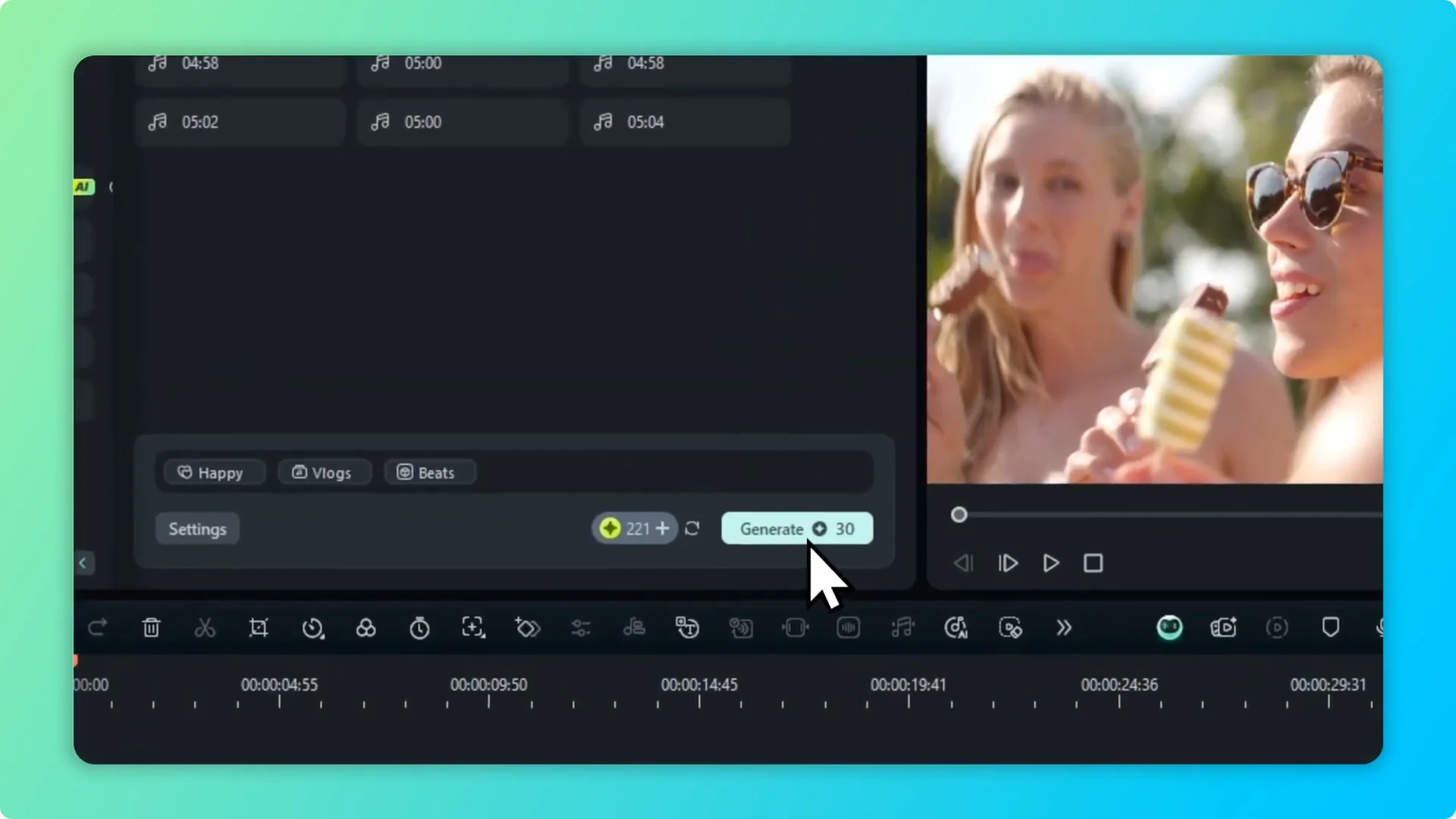
Max it out to six tracks per generation to get more choices at the same cost. Click Generate and wait while Filmora creates the music based on your settings. It usually takes less than a minute for short pieces.
Generate and download
When it is done, you will see the new pieces of music. Click Download to save them to your computer, and they will be available in your Filmora library for reuse. You can use them later for future projects.
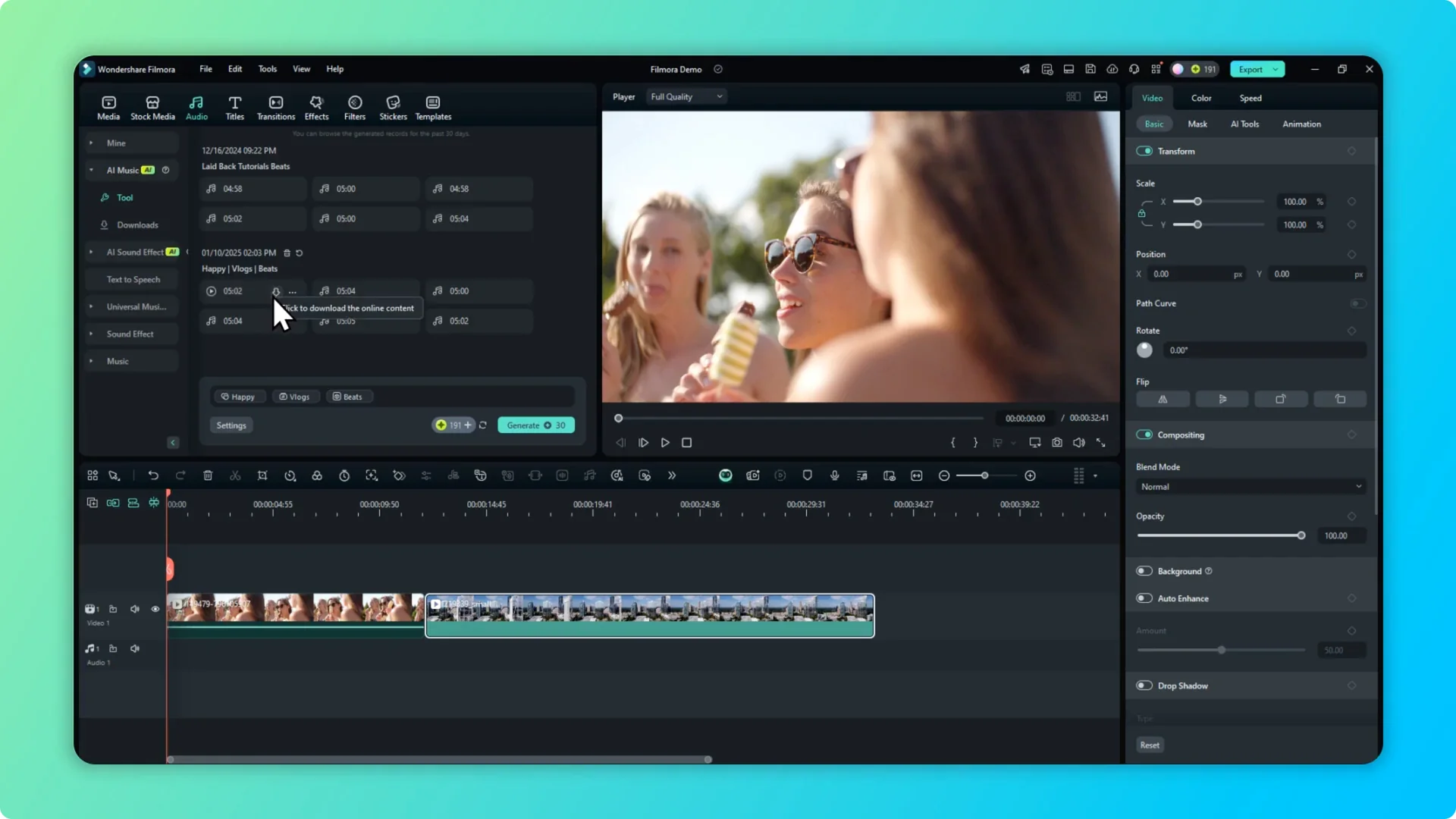
If your audio needs cleanup after you pick a track, see how to remove background noise in Filmora using AI. A quick cleanup can make the background music sit better under dialog.
Add to timeline
Select the music you want and drag it to the timeline. If it is still downloading, wait until the download finishes, then place it under your footage. Now you have background music for the project.
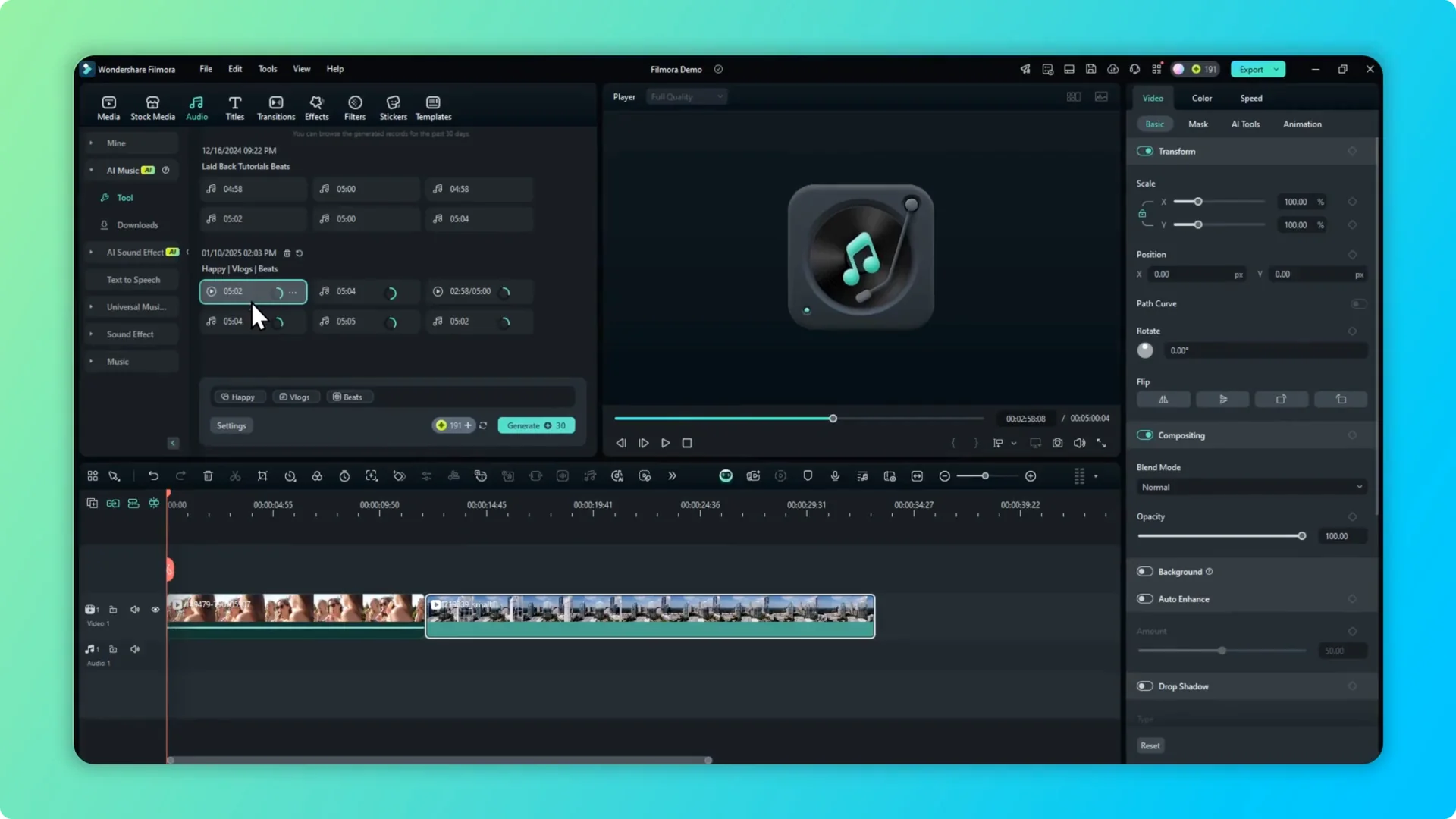
I use this feature a lot and it is very useful. For most use cases, the music quality is solid and ready to go.
Notes on variation
After using it for a while, I noticed that many tracks can feel similar. The compositions differ, but after generating enough, you can tell they sometimes share the same structure. For most projects that is fine and still very helpful.
If you need an instrumental version of a song for editing, you can remove the vocal from a track in Filmora using AI and pair it with your generated music.
Smart background music in Filmora AI Music Generator
Prepare your clip
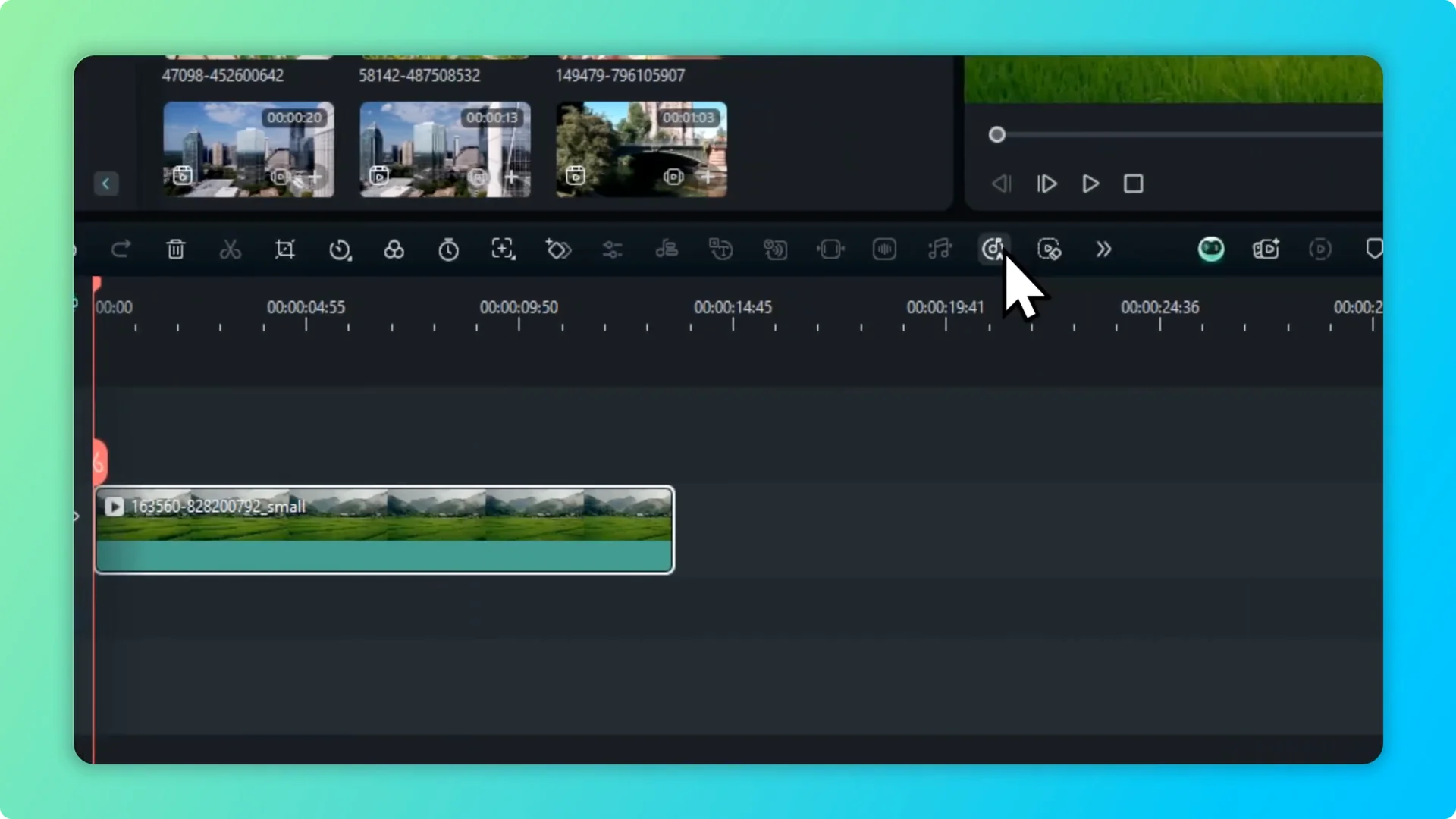
There is a new feature called Smart Background Music Generation. It analyzes the content of your media and generates background music for you based on the context. To get a better result, keep the clip focused on one subject.
I removed a mixed set of clips because one was people eating ice cream and the other was a drone shot of buildings. With a cleaner input, the analysis works better. The more consistent the footage, the better the musical match.
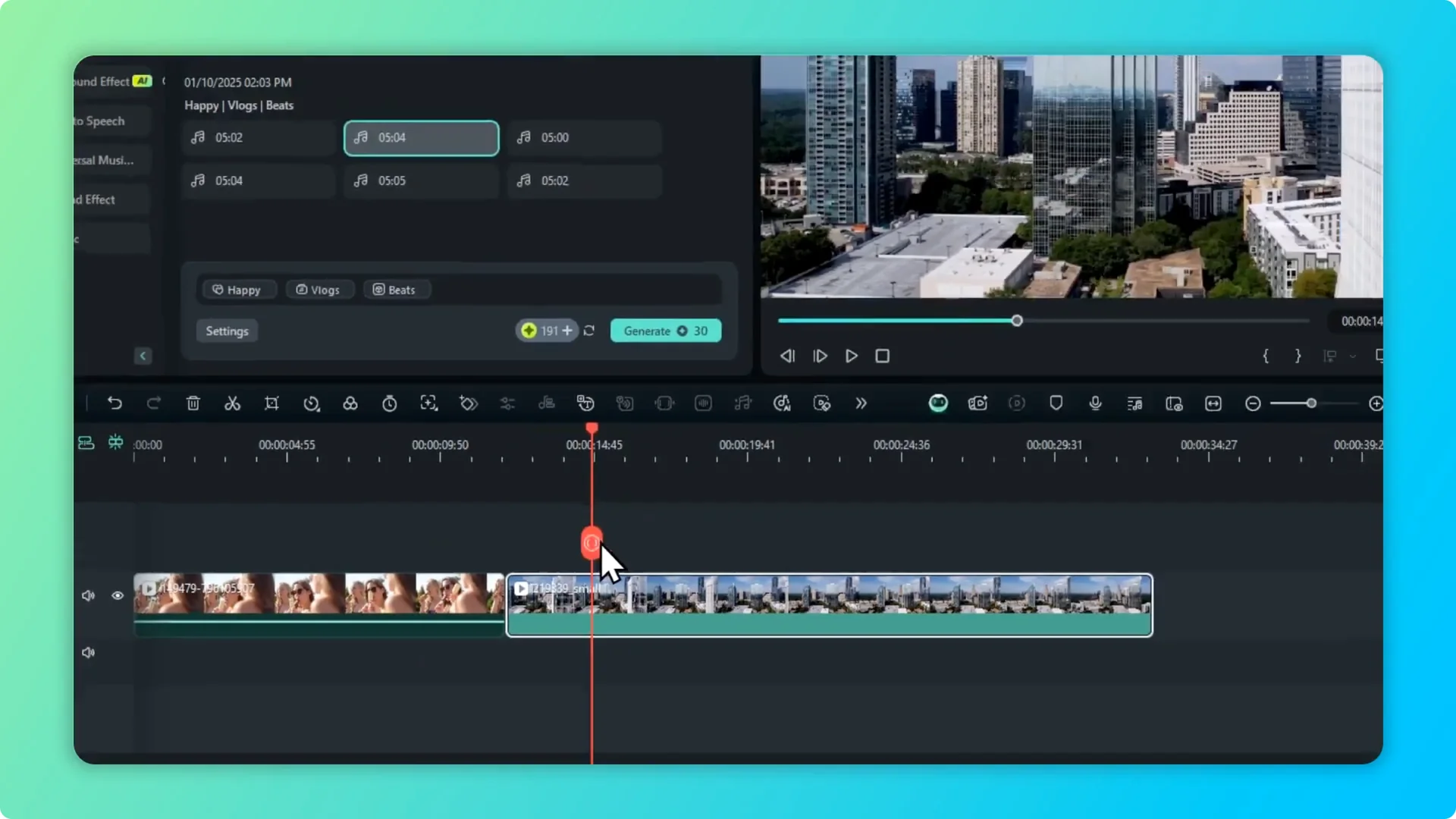
Start generation
Open Smart Background Music Generation and start. It consumes two credits, and once generation is complete the result will be automatically placed on the timeline. You can hide or close the window while it works.
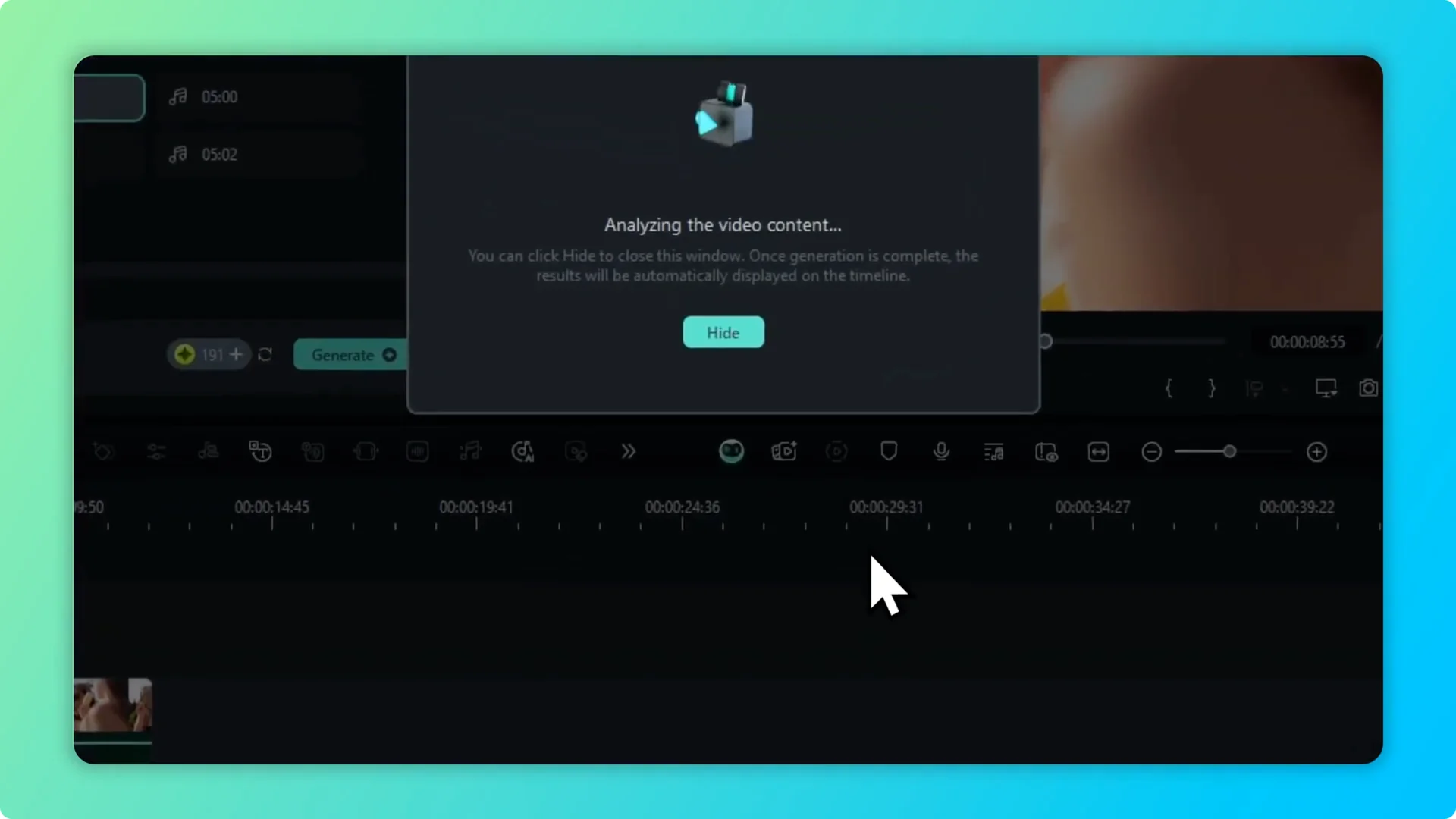
I played the first result and it was good. I wanted to try a different clip, so I picked a rice field video and ran the tool again. Then I waited for the new track to finish.
If your footage needs visual polish before adding music, you can improve the video quality in Filmora with AI and then generate a soundtrack that fits the look.
Time and credits
Previously it took about one minute to generate music for a ten second clip. I could imagine it takes longer for longer videos. At the very least, it removes the task of deciding the mood and theme, because Filmora will do it for you.
Second test and result
When the second attempt finished, I played the result. I have to say it is really good, and I probably would never find music like that by searching for keywords. This can save a lot of time, but remember it costs credits.
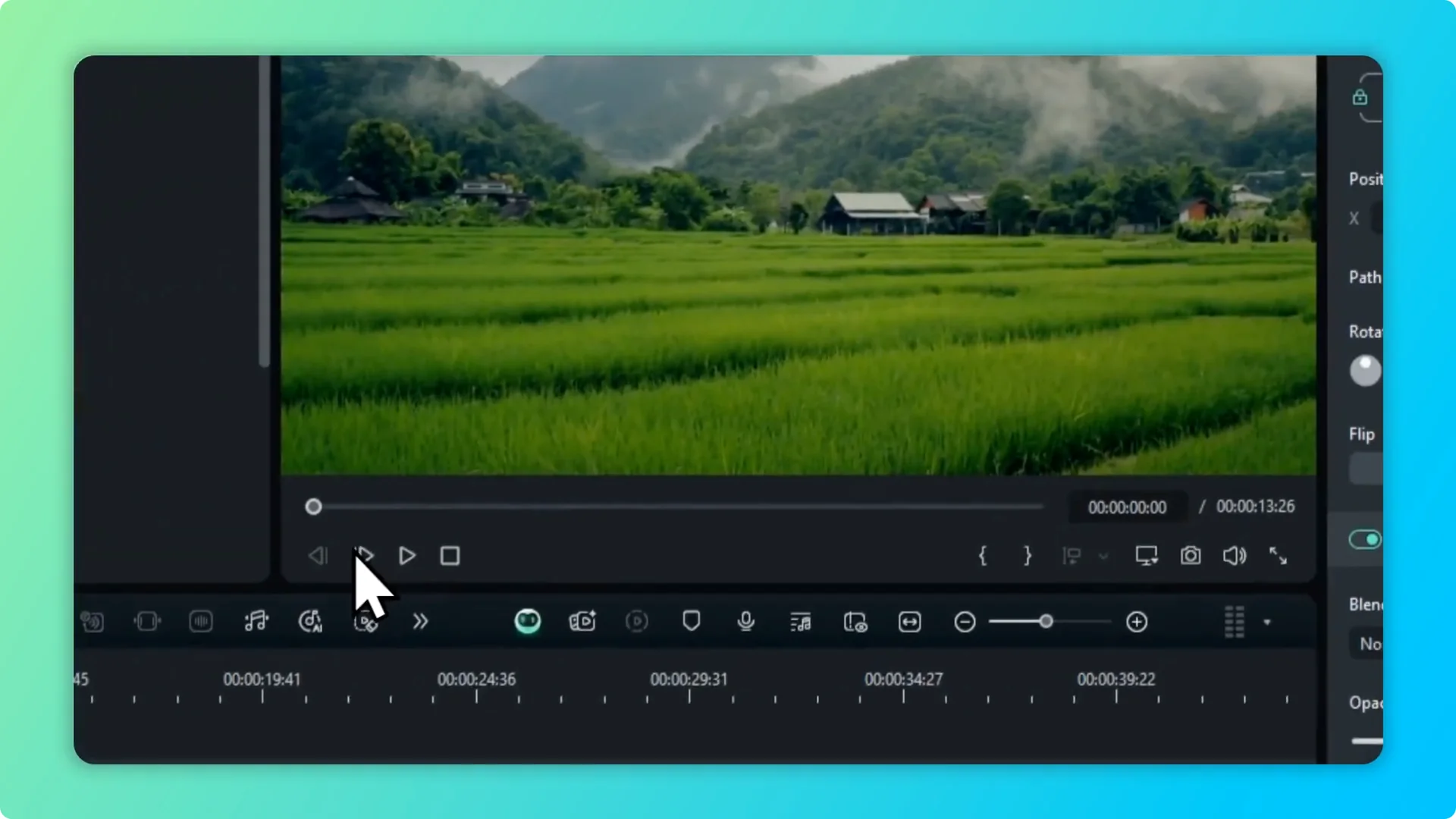
I think this is a clever move by Filmora and also very useful for creators and video editors. The traditional AI tool and the new smart generation both work well. Pick the one that matches how you like to build your soundtrack.
Final thoughts
Filmora AI Music Generator makes it simple to create background music by mood, theme, and genre. The smart background music generation goes further by analyzing your clip and producing music that fits the context. Use the traditional method when you want control, and use the smart mode when you want quick, context aware results.