Skip to content

Pika Labs AI

  • Home
  • MCP
  • Pika API Club
  • Pika Prompt Generator
  • Pika 2.5
  • Discord

pikalabsai.org

How to Easily Delete Your Higgsfield AI Account on Mobile

18 April 2026 by pikalabsai.org
How to Easily Delete Your Higgsfield AI Account on Mobile - Featured Image

Here is how to delete your Higgsfield AI account on your phone. It takes just a few taps. If you want to tidy up first, you can organize assets into folders before removing the account. Higgsfield AI Account Deletion Phone steps Step 1: Tap your profile in the upper right. Step 2: Open Settings. Step … Read more

Categories Higgsfield Leave a comment

How to Instantly Turn Any Image into a Video with Higgsfield

16 April 2026 by pikalabsai.org
How to Instantly Turn Any Image into a Video with Higgsfield - Featured Image

You have your pictures that you want to turn into amazing videos. Let me show you how you can achieve that with Eggfield AI. To turn your images into videos, hover over Video at the top and click Create Video. Instead of using a prompt first, upload the image you wish to turn into a … Read more

Categories Higgsfield Leave a comment

How Higgsfield AI Securely Stores Your Images & Videos

15 April 2026 by pikalabsai.org
How Higgsfield AI Securely Stores Your Images & Videos - Featured Image

Here is how to find your images and videos that you generate in Higgsfield AI. Higgsfield AI Asset Library Find your content Step 1: Once you are in Higgsfield AI, click Library on the upper right. It is labeled Asset Library. Step 2: Click Asset Library to open it. Your generated images and videos appear … Read more

Categories Higgsfield Leave a comment

How to Properly Delete Images, Videos & Files in Higgsfield AI

15 April 2026 by pikalabsai.org
How to Properly Delete Images, Videos & Files in Higgsfield AI - Featured Image

I’m going to show you how to delete images and videos you generate in Higgsfield AI. That’s super easy to do. For a broader context on managing both formats, see this overview of images and videos in Higgsfield AI. Higgsfield AI Asset Deletion Quick steps for Higgsfield AI Asset Deletion Step 1: Log into your … Read more

Categories Higgsfield Leave a comment

How TikTok Boosts Content Creation with Higgsfield AI

15 April 2026 by pikalabsai.org
How TikTok Boosts Content Creation with Higgsfield AI - Featured Image

Want to connect your TikTok account to Higgsfield AI? Let me show you how. Higgsfield AI TikTok Integration If you also publish to X, check our guide to adding X content creation in Higgsfield. Higgsfield AI TikTok Integration – open settings Step 1: Hover over your account and click Manage Account. Step 2: Click Edit … Read more

Categories Higgsfield Leave a comment

How to Quickly Organize Assets in Higgsfield AI with Folders?

14 April 2026 by pikalabsai.org
How to Quickly Organize Assets in Higgsfield AI with Folders - Featured Image

If you are using Higgsfield AI and want to organize your assets, here is how you can create folders and keep everything tidy. The steps below show how I create, rename, and fill folders with images or videos. Follow along and you will have a clean library in a minute. Higgsfield AI Asset Organization: Open … Read more

Categories Higgsfield Leave a comment

How to Create Stunning AI Images with Higgsfield AI?

14 April 202614 April 2026 by pikalabsai.org
How to Create Stunning AI Images with Higgsfield AI: A Beginner’s Guide screenshot 8

I’m going to show you how to generate images using eggs AI. Once you have an account, you can test it and start creating images right away. You can enter a prompt, pick a model, set the aspect ratio, select quality, and generate. I’ll share the exact steps I use, along with animation and download … Read more

Categories Higgsfield Leave a comment

How to Quickly Change Aspect Ratio in Higgsfield AI

14 April 2026 by pikalabsai.org
How to Quickly Change Aspect Ratio in Higgsfield AI - Featured Image

Here is how to change the aspect ratio in Higgsfield AI. I’m going to generate an image. I hover over Image, click Create an image, and it takes me to where I can enter my prompt. If you also need to adjust account info before you start, you can change your username in a few … Read more

Categories Higgsfield Leave a comment

How to Earn Money with Pika AI Agent: The Complete Step-by-Step Guide

13 April 2026 by pikalabsai.org
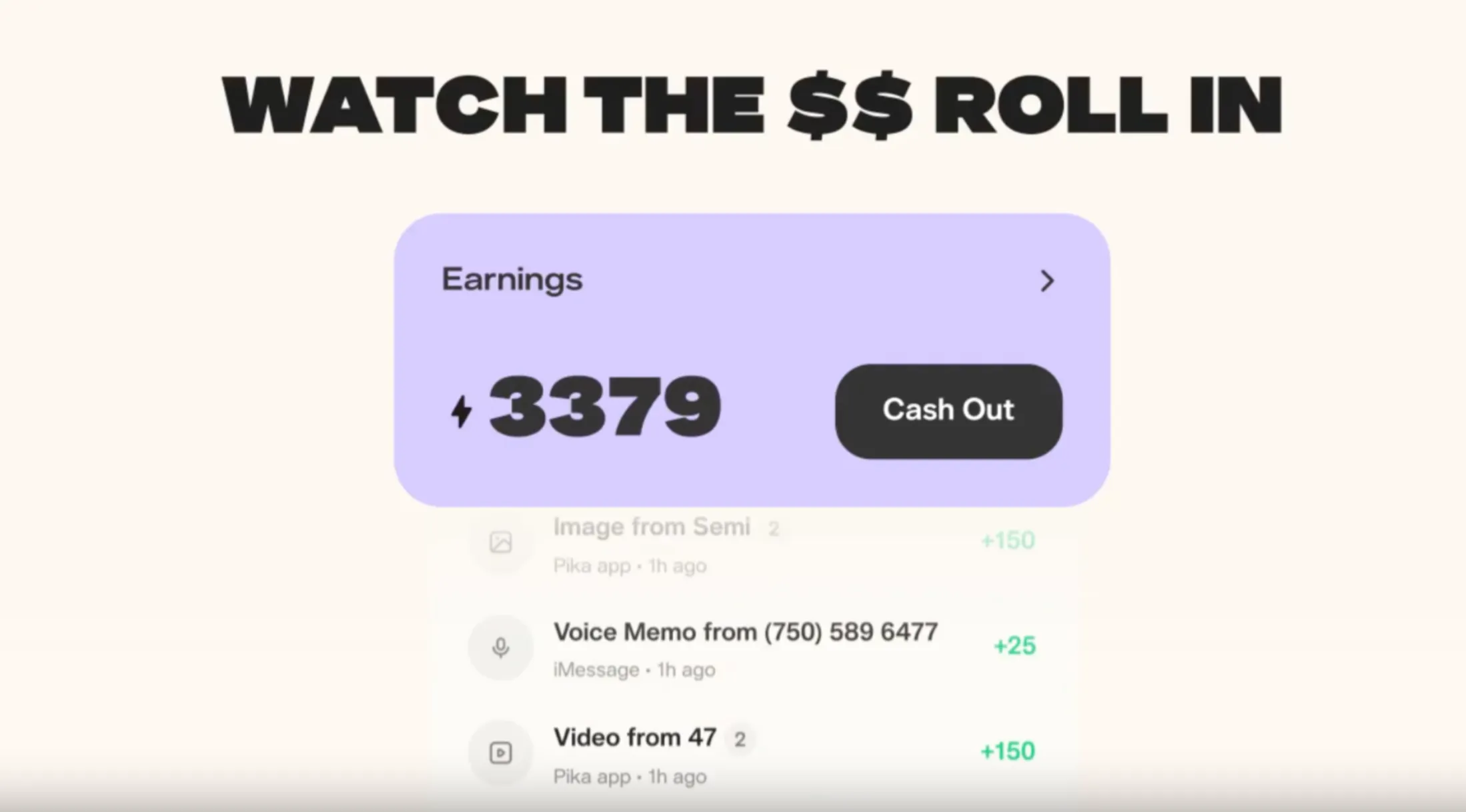
pika-earn-wallet

If you have been looking for a way to put your AI agent to work and actually get paid for it, Pika Labs has made that possible. The Pika AI Self is no longer just a personal assistant or a novelty. It is a monetizable digital representative that earns real tokens redeemable for cash every … Read more

Categories Pika Agent Leave a comment

Discover Your Higgsfield AI Plan in Just Seconds

13 April 2026 by pikalabsai.org
Discover Your Higgsfield AI Plan in Just Seconds - Featured Image

I’m going to show you how to check your current plan in Xfale AI. The steps below let you confirm your plan, credits, and the models included. This takes just a moment and gives you everything you need to know about what you get with your plan. Here is the quick path. Viewing Subscription Details … Read more

Categories Higgsfield Leave a comment
Older posts
Newer posts
← Previous Page1 … Page7 Page8 Page9 … Page25 Next →
  • Pika API Club: All Gen AI Models at one place
  • How to Make a Faceless AI Automated YouTube Channel?
  • How To Pick A Subscription Plan For Kling AI?
  • Kling Avatar 2.0: Make Your Own AI Avatar in Minutes
  • Kling Avatar 2.0 Full Beginner Tutorial – Image to Avatar - Featured Image
    Kling Avatar 2.0 Full Beginner Tutorial – Image to Avatar
  • Home
  • Text To Video
  • Pikaffects
  • PikaFrames
  • Pikadditions
  • Pikamemes
  • PikaTwists
  • Pika Social App

Latest Posts:

  • Pika API Club: All Gen AI Models at one place
  • How to Make a Faceless AI Automated YouTube Channel?
  • How To Pick A Subscription Plan For Kling AI?
  • Kling Avatar 2.0: Make Your Own AI Avatar in Minutes

Pika Labs Model

  • Pika 1.0
  • Pika 1.5
  • Pika 2.0
  • Pika 2.1
  • Pika 2.2
  • Pika 2.5
  • Official Discord
  • Privacy Policy
Disclaimer: Pikalabsai.org is an unofficial educational blog. We're not affiliated with Pika.art, don't request any payments, and give full copyright credit to Pika.art. Our goal is to promote and share information only. | 7789 Broadway #202, San Francisco, CA 94111, United States