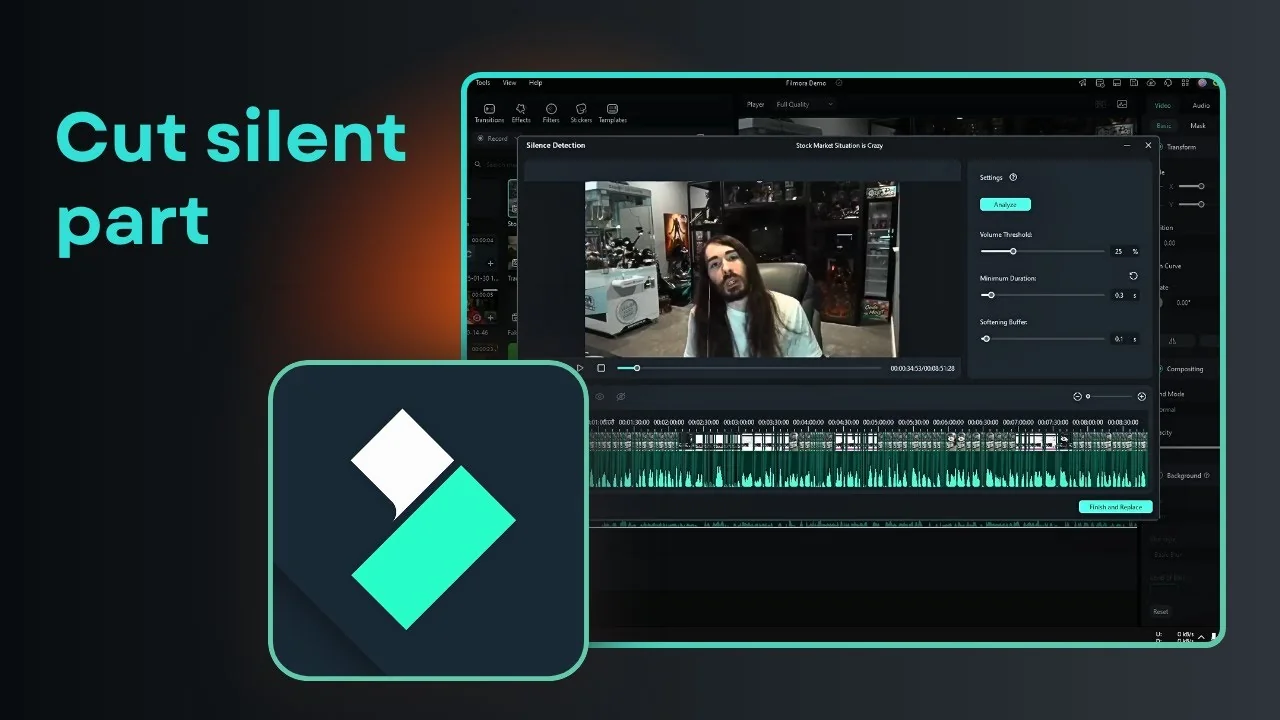
The goal of Filmora AI Silence Detection is to remove any awkward silence in a video so the edit feels more compact. If you have a long video and there are a lot of awkward silences in a dialogue, you can remove them with this AI tool. I will show you how I do it.
I select the clip that I want to edit and use the tool to analyze the audio. It finds silent parts and turns them into cuts that I can apply with one click.
What Filmora AI Silence Detection Does
This feature looks for gaps in speech and marks them for removal. It keeps the flow of the video while cleaning up pauses that do not add value.
You get a faster watch time without manually hunting for every pause. It is simple to set up and quick to apply once the analysis is done.
Getting Started with Filmora AI Silence Detection
Select the clip
Select the clip that you want to edit on the timeline. Make sure the correct clip is highlighted before you move to the next step.
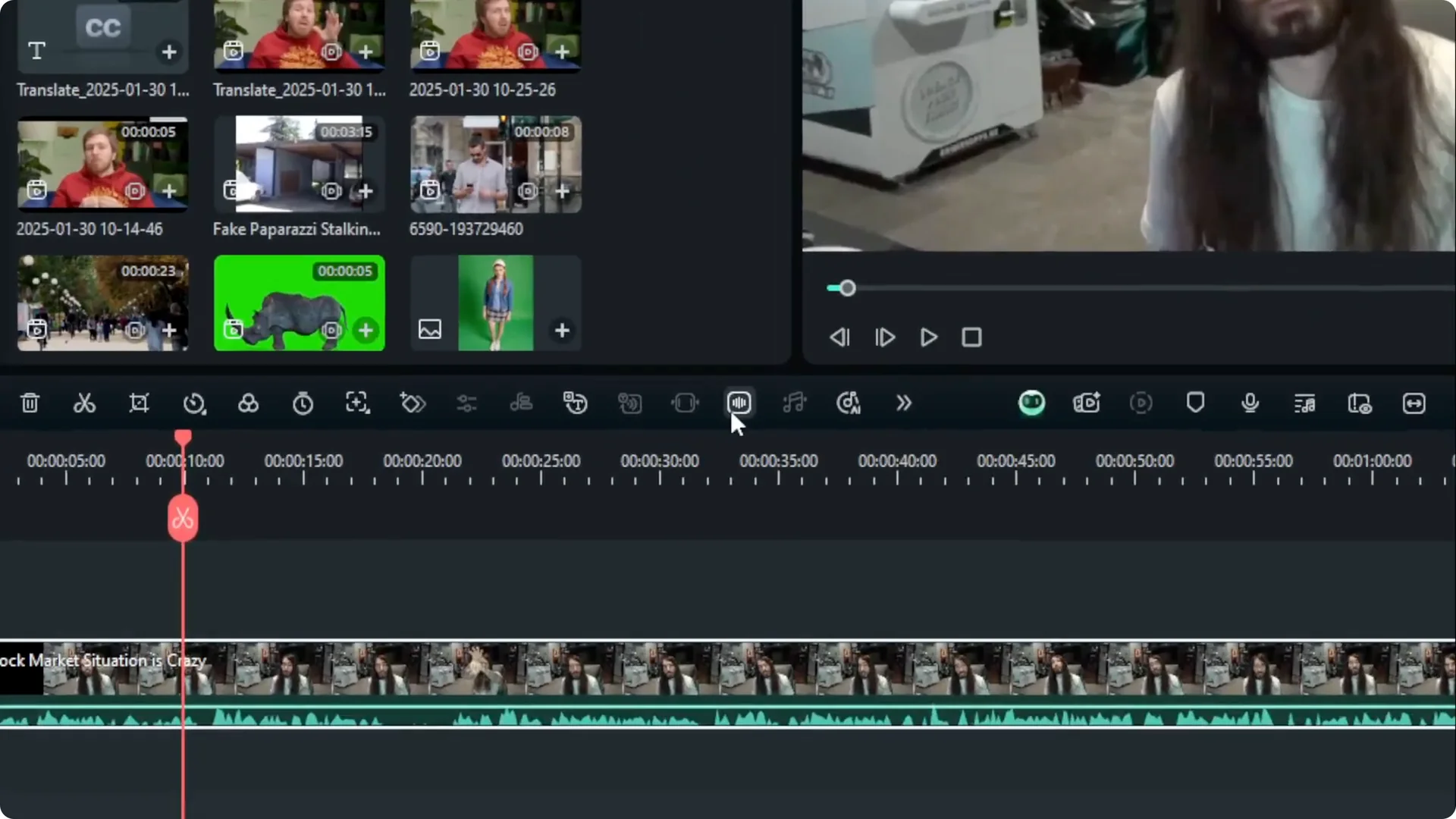
Open Silence Detection
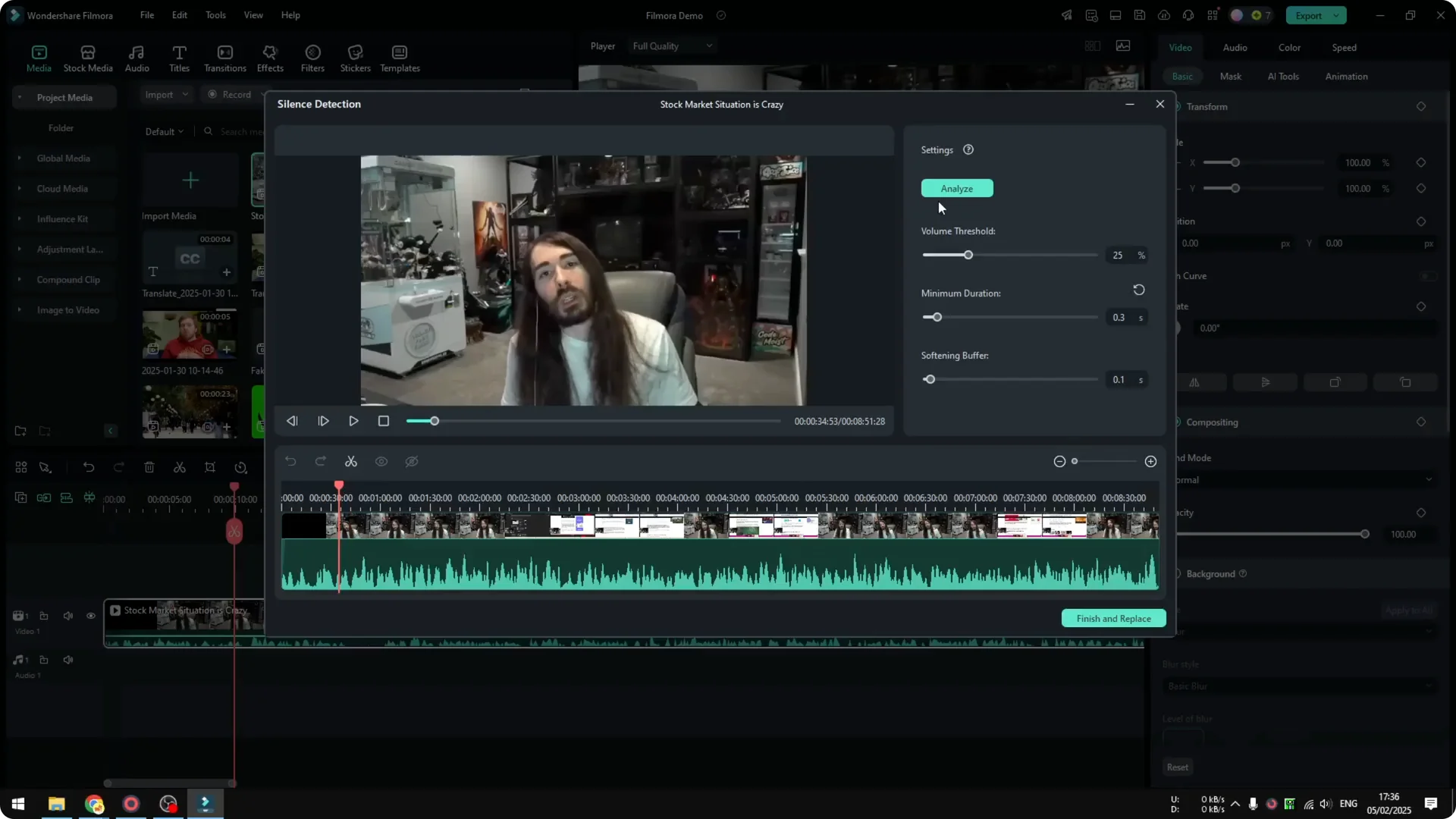
Click on the tool called Silence Detection. This opens a panel with options for analysis.
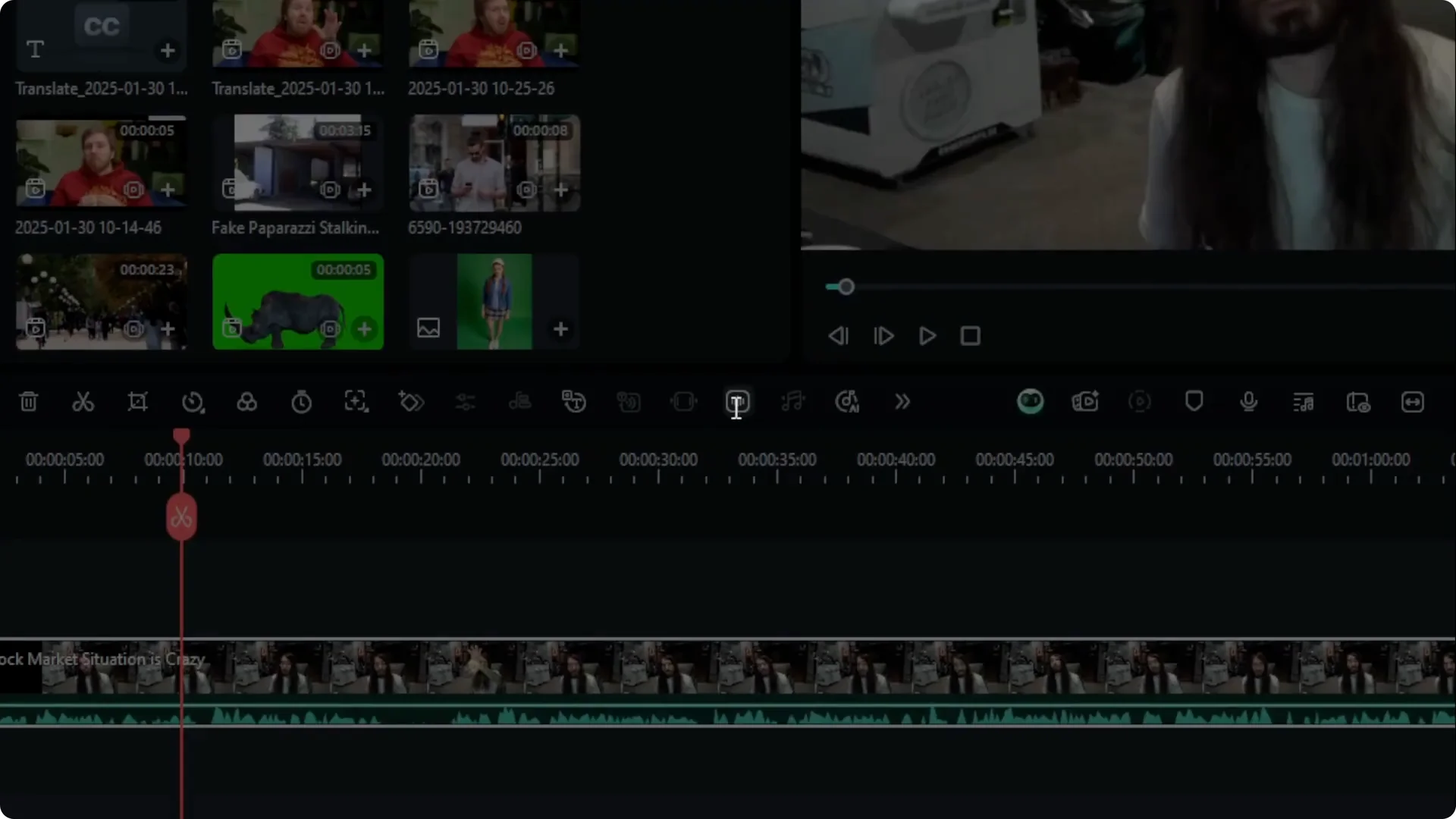
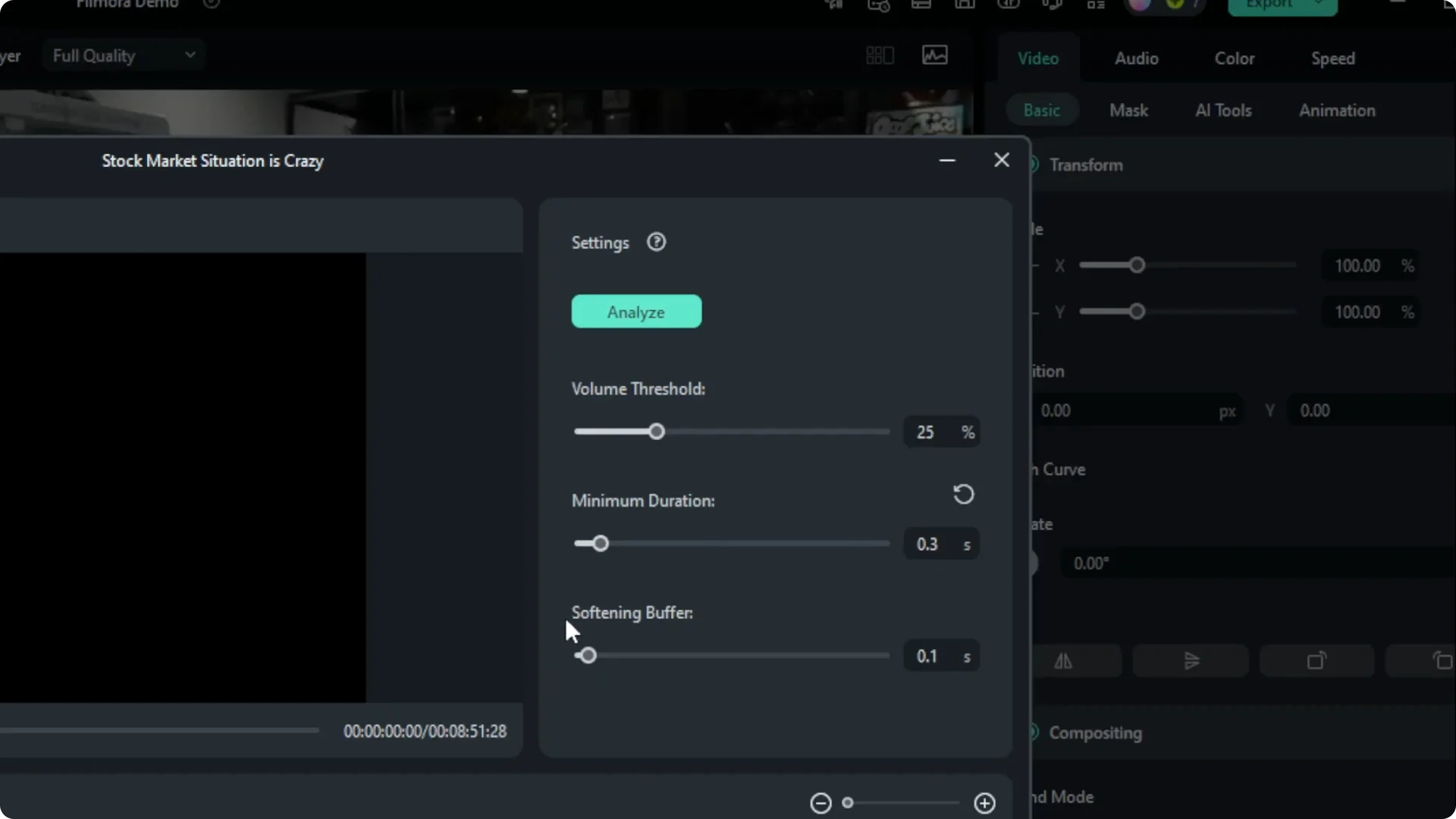
Tweak settings
You have the option to adjust the setting. I think the default works best for me, but you can play around with Duration Threshold, Volume, and Softening.
Read More: How To Stabilize Shaky Video Using Ai In Filmora
Analyze
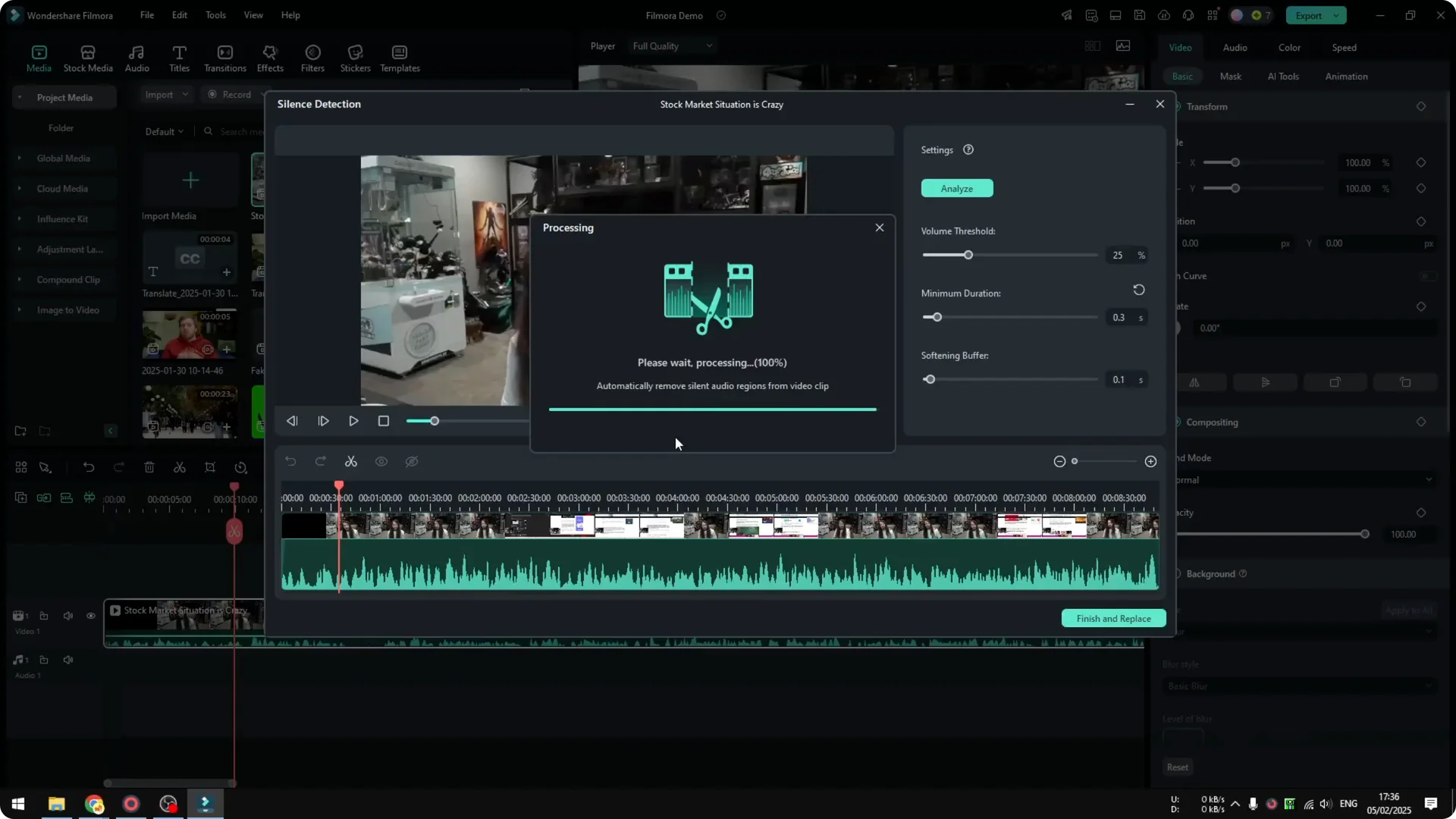
Once you are done, click Analyze and wait until it finishes. This process can take quite some time depending on the length of the video.
You will see a progress indicator while it runs. Let it complete before you move on.
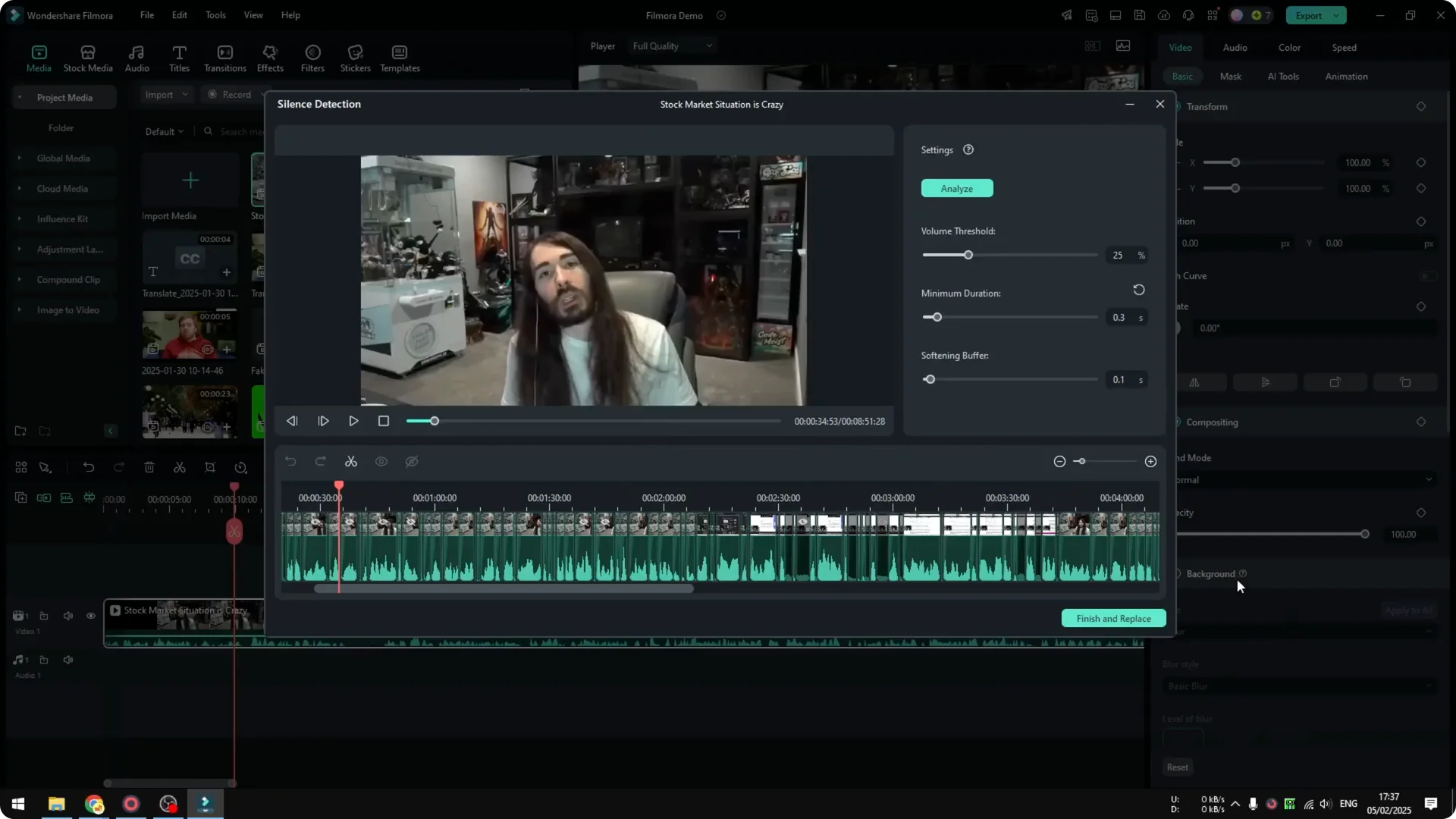
Review and apply
When it is finished, you will see all the cuts that are going to be applied to the video. If you are happy with the result, click Finish and Replace.
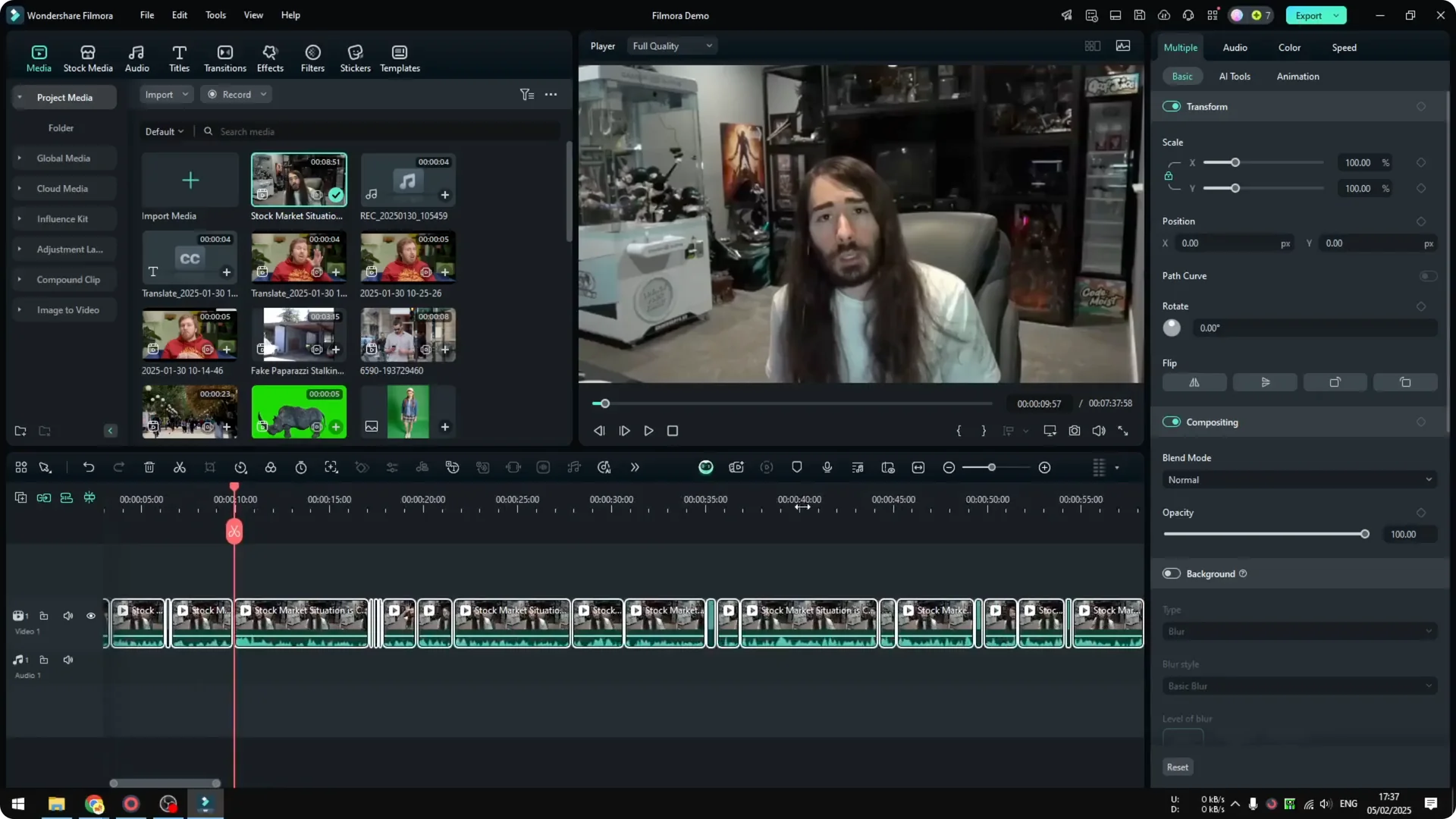
This applies the edits to your clip. You can preview the result on the timeline.
Read More: How To Track Moving Object In Filmora Using Ai
Filmora AI Silence Detection Results
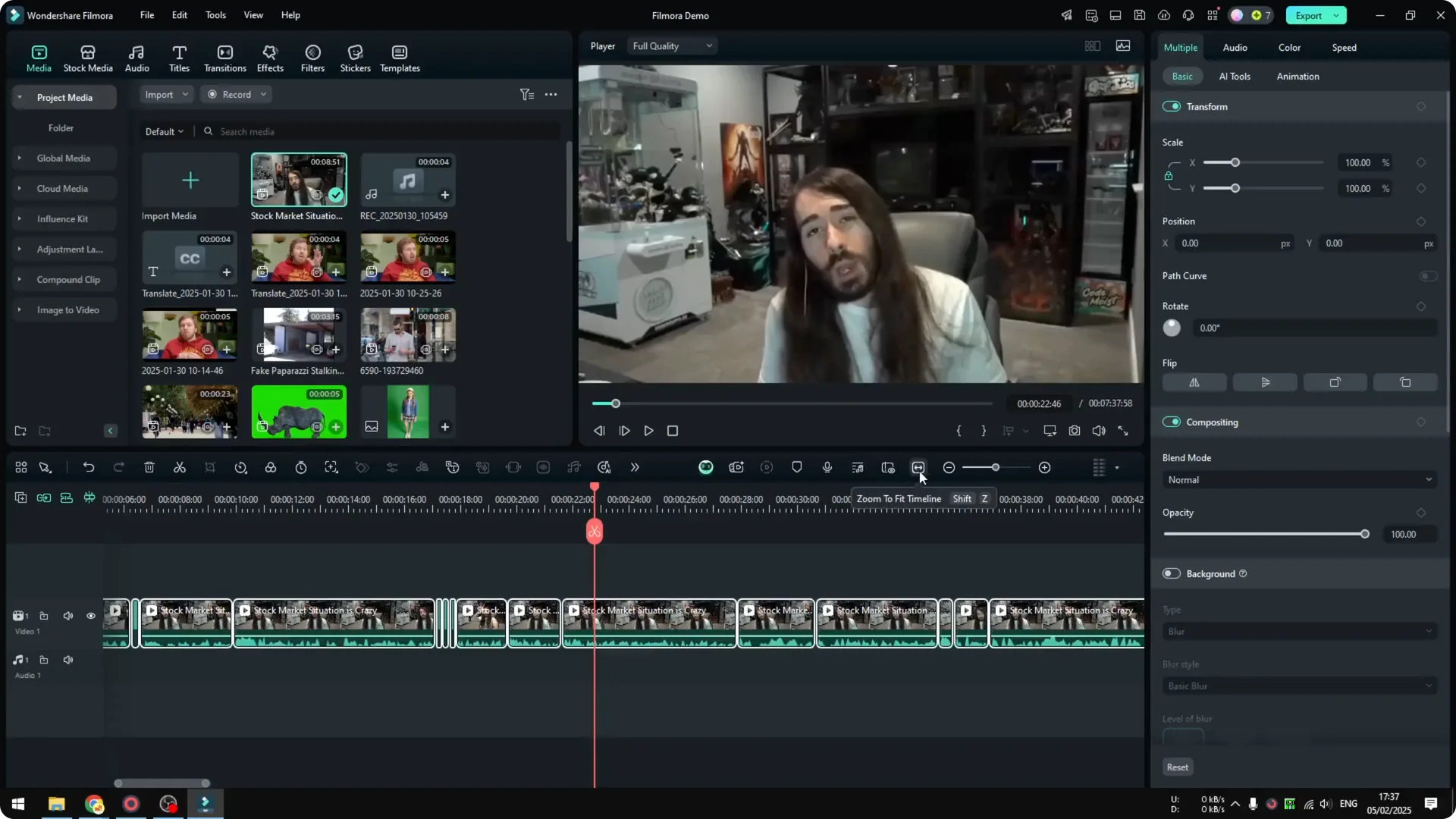
There are a lot of cuts in the video after analysis. You can see them placed along the track where the silences used to be.
The final duration of the video is less than 8 minutes. The original video was 8 minutes and 51 seconds, so there is a substantial reduction in the total duration.
Final Thoughts
That is how you can use Filmora AI Silence Detection to clean up awkward pauses and make a long video feel tighter. The default settings work well for me, and the process is quick once the analysis is complete.
Apply the cuts, check the flow, and you are done.